djoness
-
Posts
10 -
Joined
-
Last visited
-
@Mayuyu, Here is the download link for the MiniArch-20231112-6.6.2-board-h313.x96_q-SD-Image.img file. It will remain available for 7 days: https://www.transfernow.net/dl/20251204LnfNp5iz
-
Hi @Mayuyu, I burned the image "Armbian-unofficial_25.05.0-trunk_X96q-ddr3_bookworm_edge_6.12.11_server.img.xz" using Balena Etcher onto an SD card, then inserted it into the box and booted normally. Before that, I had tested the MiniArch-20231112-6.6.2-board-h313.x96_q-SD-Image.img image, and I found that it resolved my boot issue after performing an update.
-
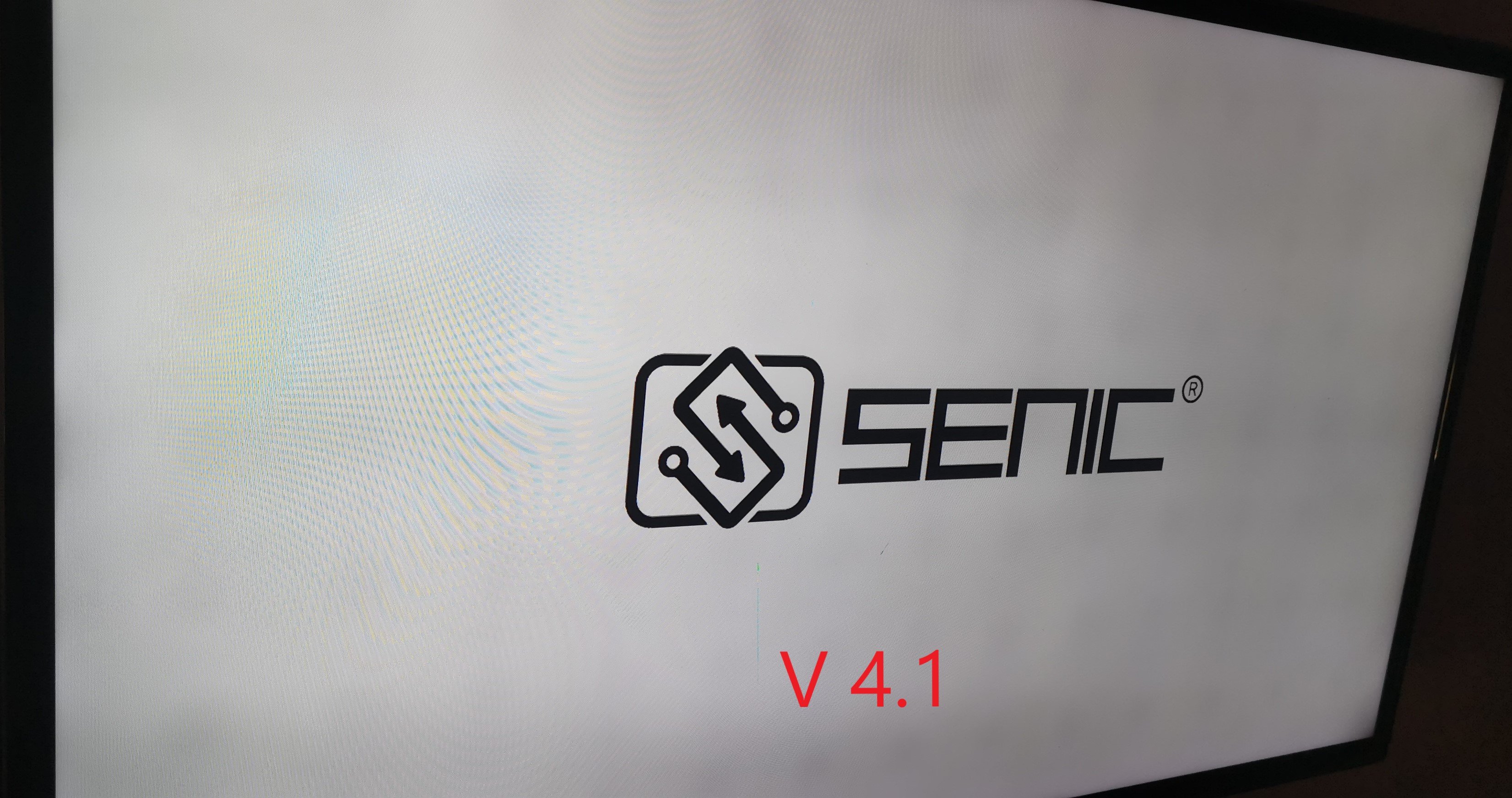
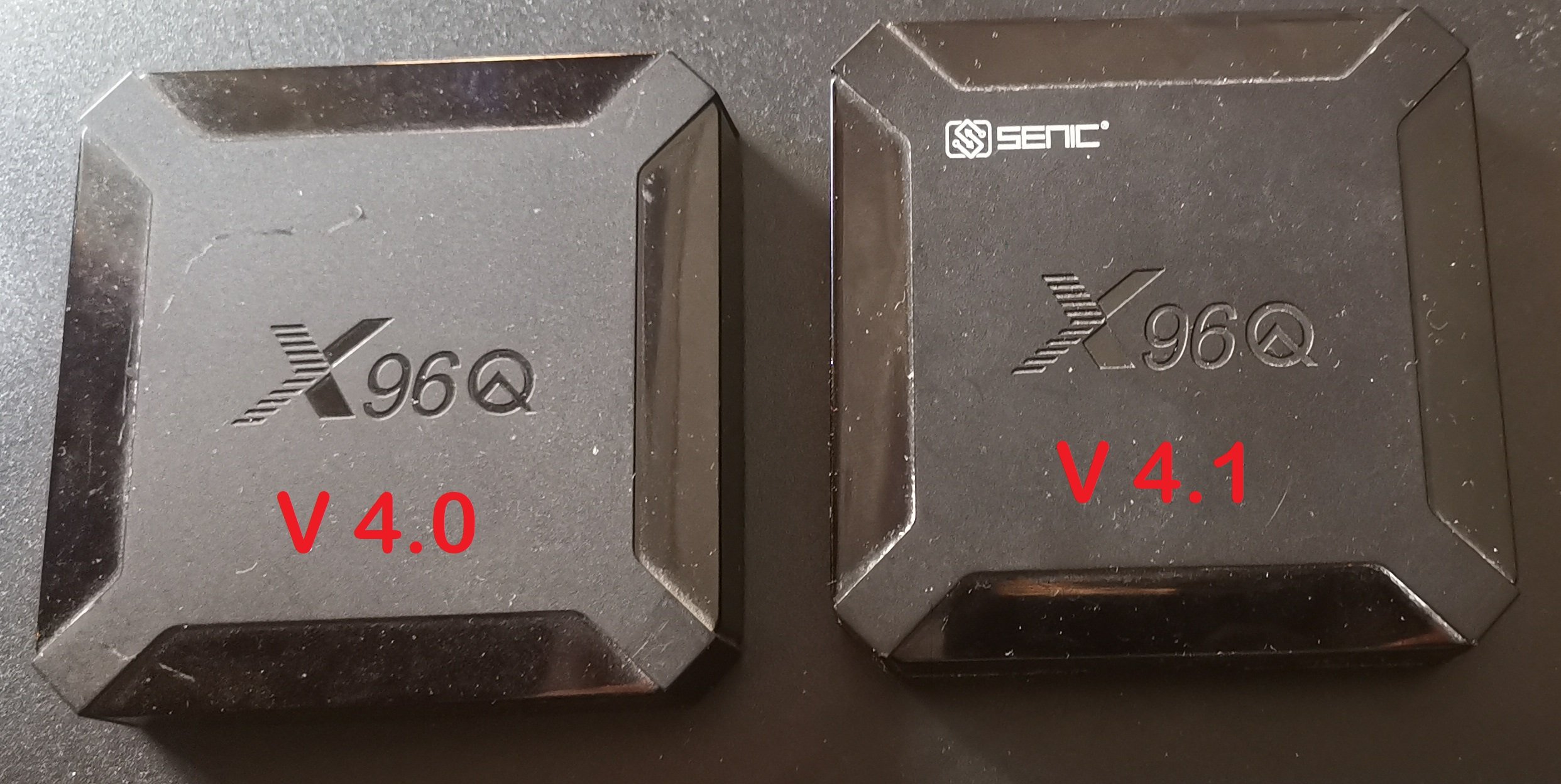
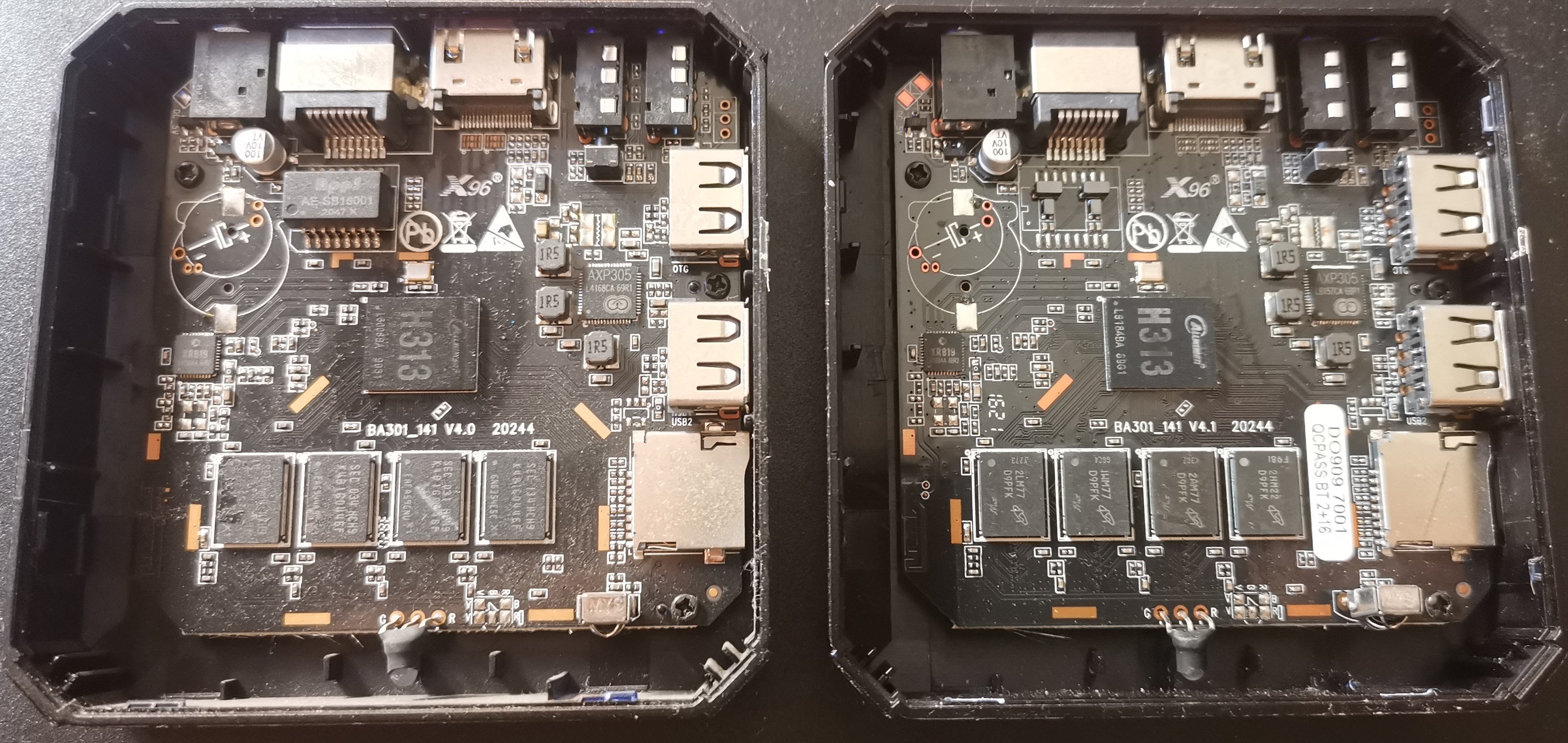
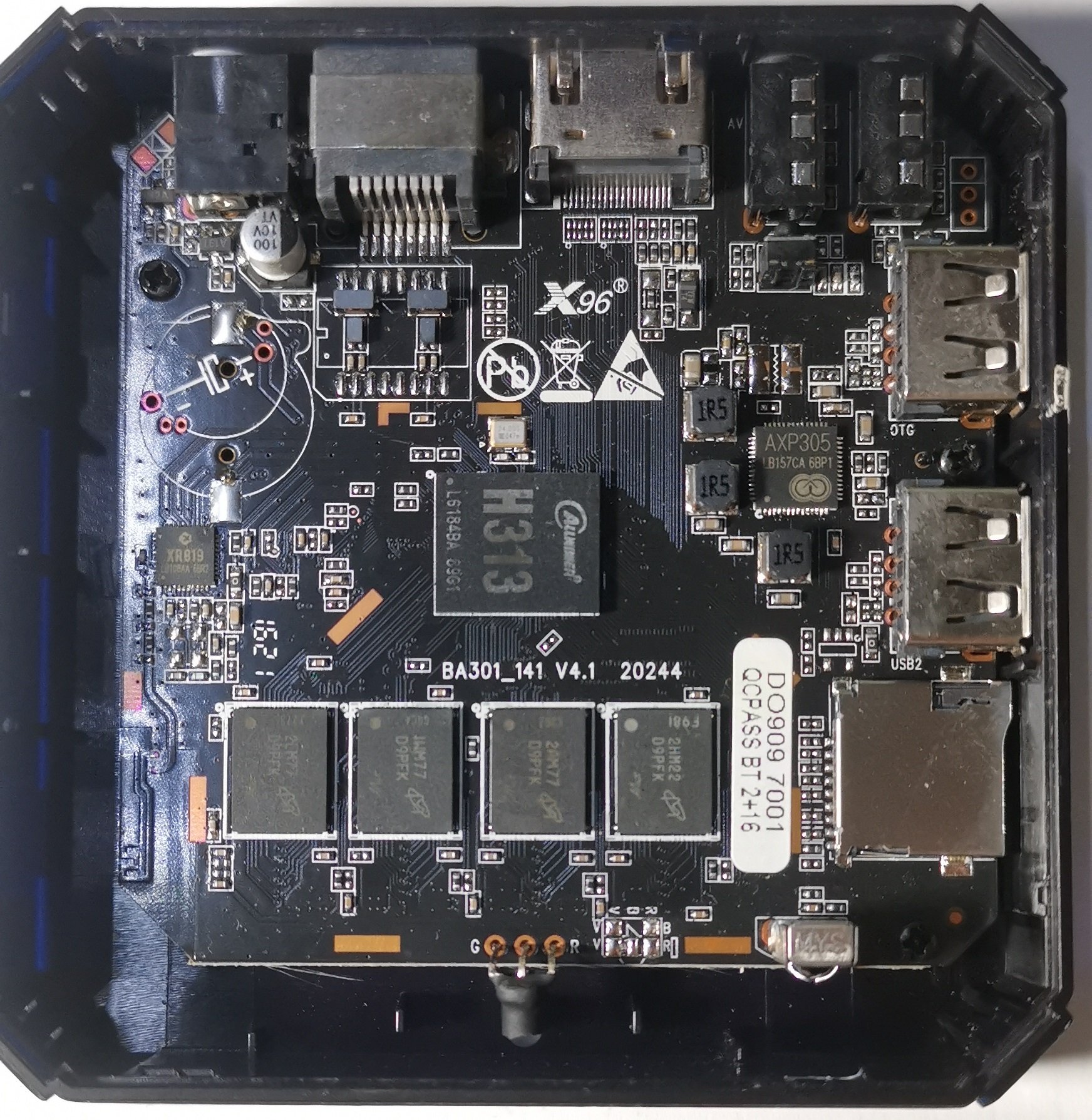
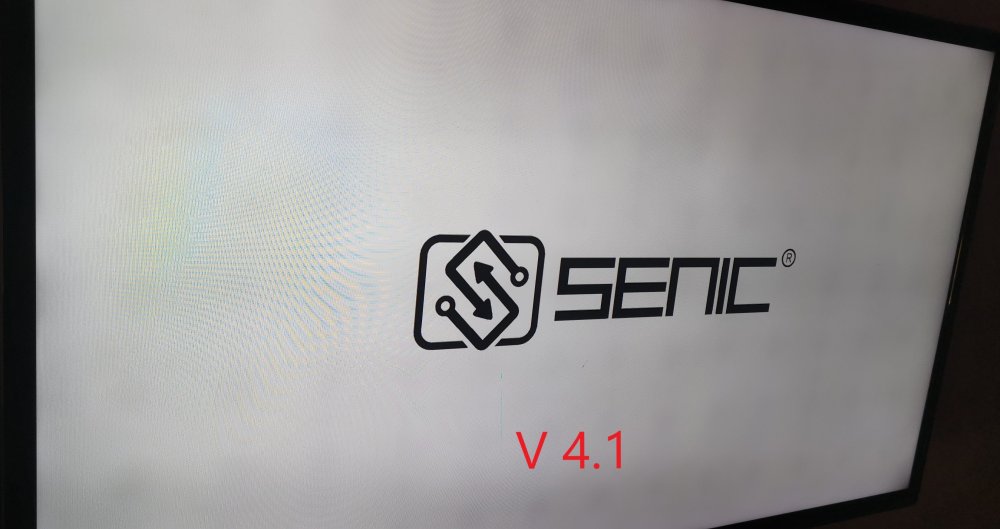
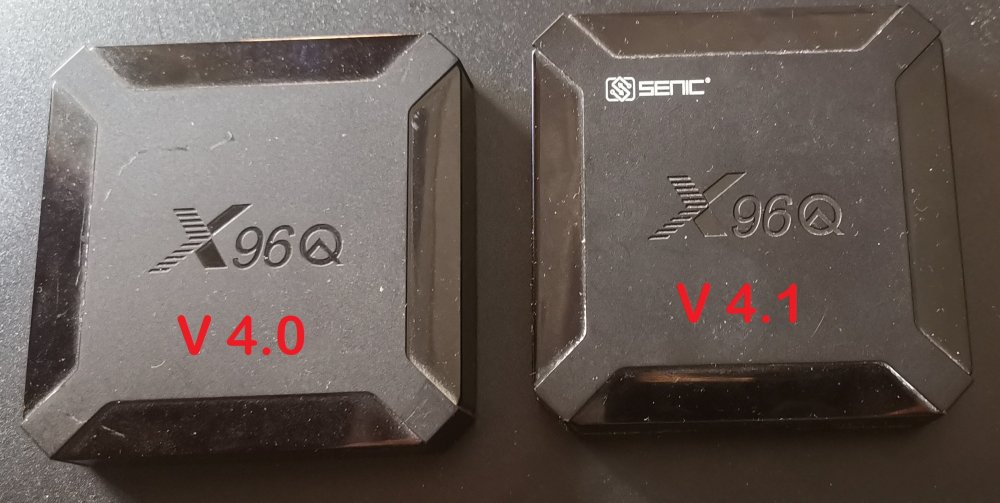
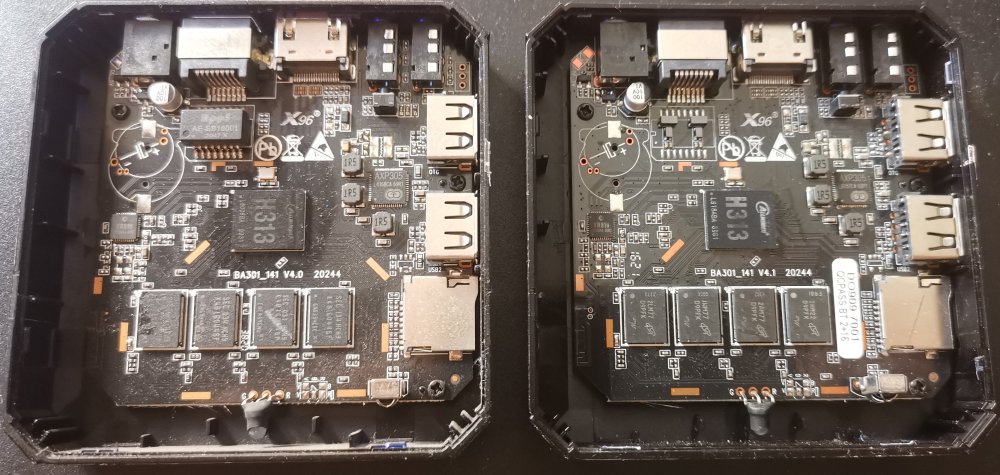
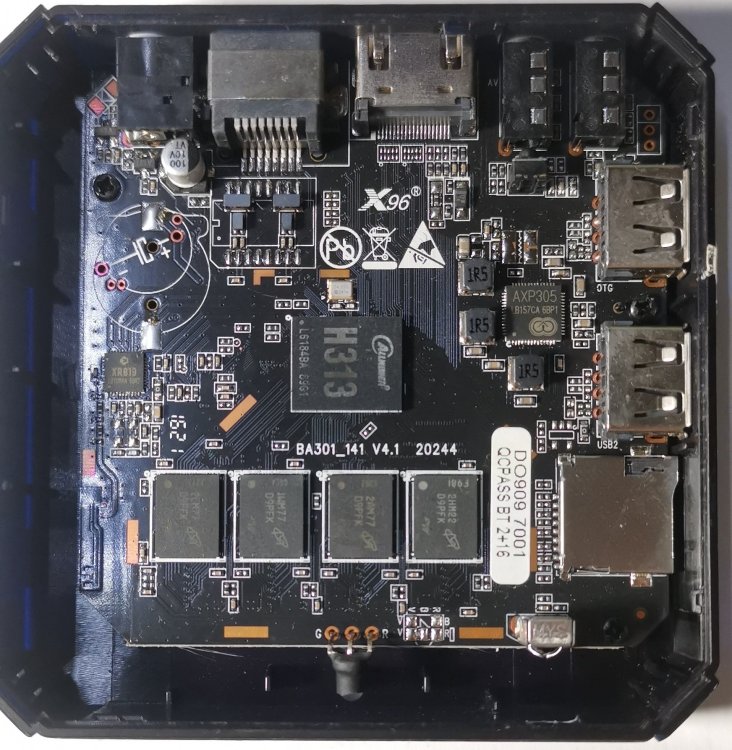
I saw that the photos were deleted by mistake, so I added them back. Here is a photo of the two cases: Here is a photo of the motherboards of both cases: Here is a photo of the X96Q-Armbian-H313 V4.0 boot screen: Here is a photo of the X96Q-Armbian-H313 V4.1 boot screen:

-
Good evening everyone. I acquired another X96Q TV Box with the same Armbian-H313 processor, but this time with revision V4.0. I flashed an SD card with the following image: Armbian-unofficial_25.05.0-trunk_X96q-ddr3_bookworm_edge_6.12.11_server.img.xz Surprisingly, the box booted correctly with this version. However, when I tried to install my server, the system prompted me to perform an update. I ran the following command: sudo apt update && sudo apt upgrade After rebooting, the box remained stuck on the red LEDE. Luckily, I hadn't installed it in the internal memory. Here is a photo of the two cases: Here is a photo of the motherboards of both cases: Here is a photo of the X96Q-Armbian-H313 V4.0 boot screen: Here is a photo of the X96Q-Armbian-H313 V4.1 boot screen: Here is the X96Q-Armbian-H313 V4.0 report file: X96Q-Armbian-H313 V4.0.txt Here is the X96Q-Armbian-H313 V4.1 report file: X96Q-Armbian-H313 V4.1.txt Question: Could the difference between version V4.0 and V4.1 of X96Q explain the incompatibility during installation? And how can this be resolved? I would like to use them as servers. Is there any risk if I reinstall, but this time directly to the case's internal memory? Thank you in advancur help.
-
For the source code, after a bit of searching, I found https://de3.mirror.archlinuxarm.org I don't know if this will help you. I also tried the MiniArch-20240715-6.17.1-board-a527.cubie_a5e-SD-Image.img image, but it doesn't work either.
-
Hi @Nick A Thanks for your feedback. I've already tried that version, but it doesn't work either. The motherboard says BA301_141 V4.1 20244; could that be related to compatibility? Thanks
-
Hi DrEaD. Thanks for your reply. I've already tested that version, but unfortunately it doesn't work. Also, if there's a version without a graphical interface, I'd be interested, as I'd like to use it in server mode, like with Home Assistant. Thanks.
-
Good evening everyone. First of all, thank you for this forum and for any help you can provide. I have an X96Q 2G/16G case with an Allwinner H313 chipset and I'm trying to install Armbian. I first tested with the MiniArch-20231112-6.6.2-board-h313.x96_q-SD-Image.img image: it boots correctly. However, when I try with the https://github.com/sicXnull/armbian-build/releases/download/v24.8.0-trunk.425/Armbian-unofficial_24.11.0-trunk_X96q-v5-1_bookworm_current_6.6.44_mate_desktop.img.xz the box doesn't boot and the LED remains red. I'm not an expert in this area; I simply want to install Armbian on this box. If anyone can help me, that would be great. Thank you in advance for your feedback.
-
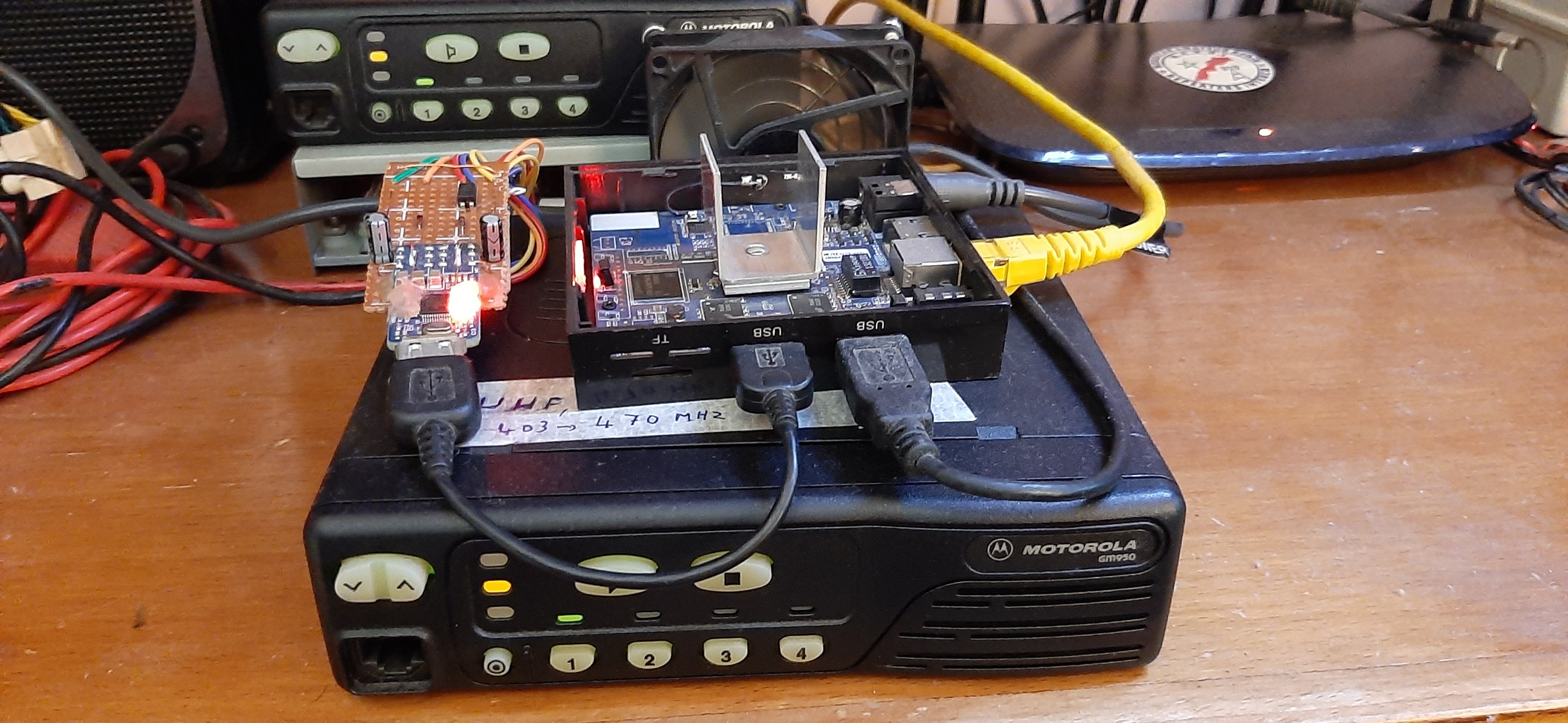
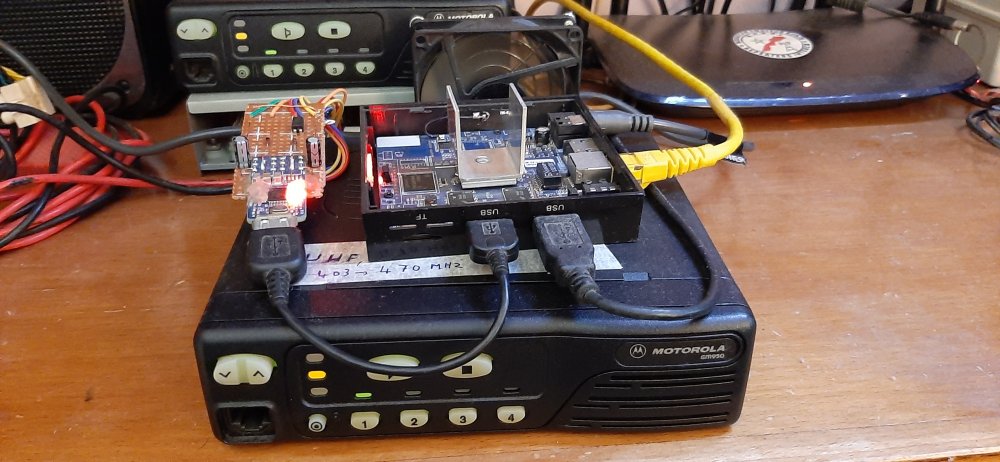
Hi I had heard that you can install LINUX on a TV BOX, so I got an X96 which has the RK322X CHIPSET. Since I am a Hamradio and I did some tinkering I told myself that I would create an interconnected repeater with the X96 as a server. After installation and configuration I was able to create my repeater which worked very well for more than three months. Here is the photo of the interconnected repeater in working order: I made a tutorial on my site where I described my configuration and installation of the system: https://www.dmr-maroc.com/Repeteur_sans_Raspberry.php
-
 Hi. First of all, I would like to congratulate you on this forum and the enormous work you do to keep it up to date. I just got an X96Q, it has a CPU: Allwinner H313, I would like to know how to install Armbian on it, thanks in advance.