PH Ph
-
Posts
6 -
Joined
-
Last visited
-
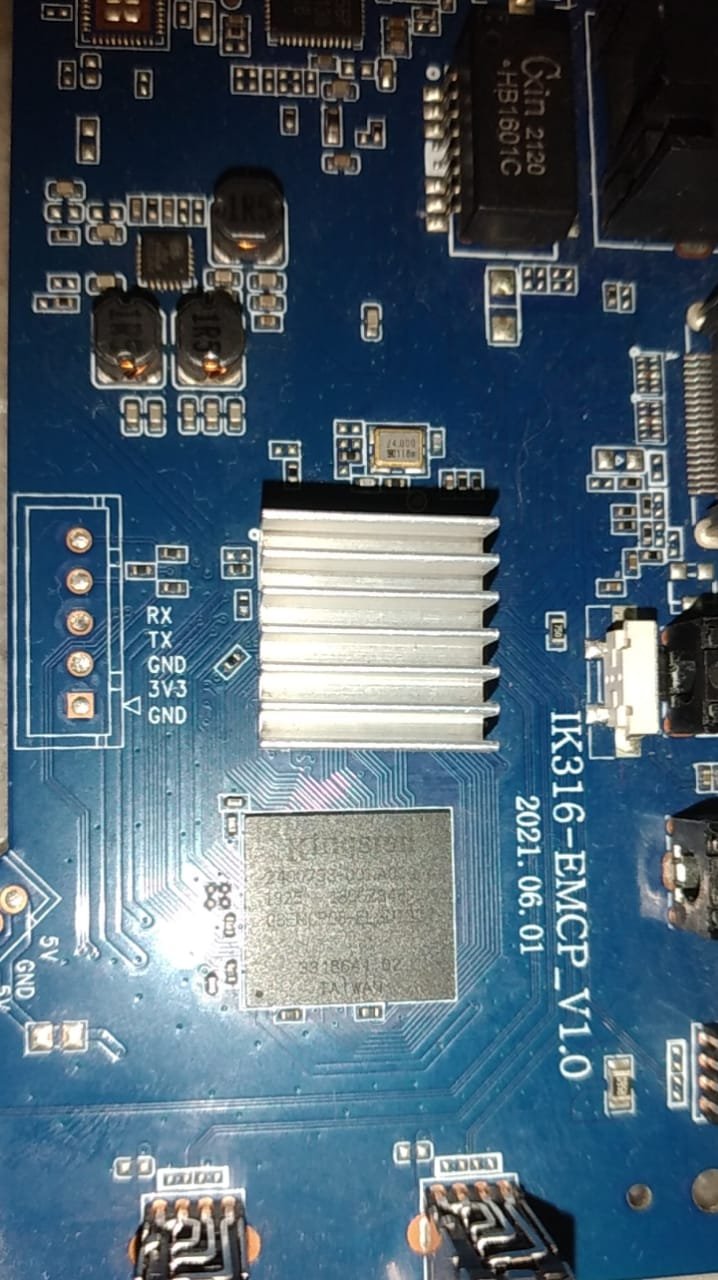
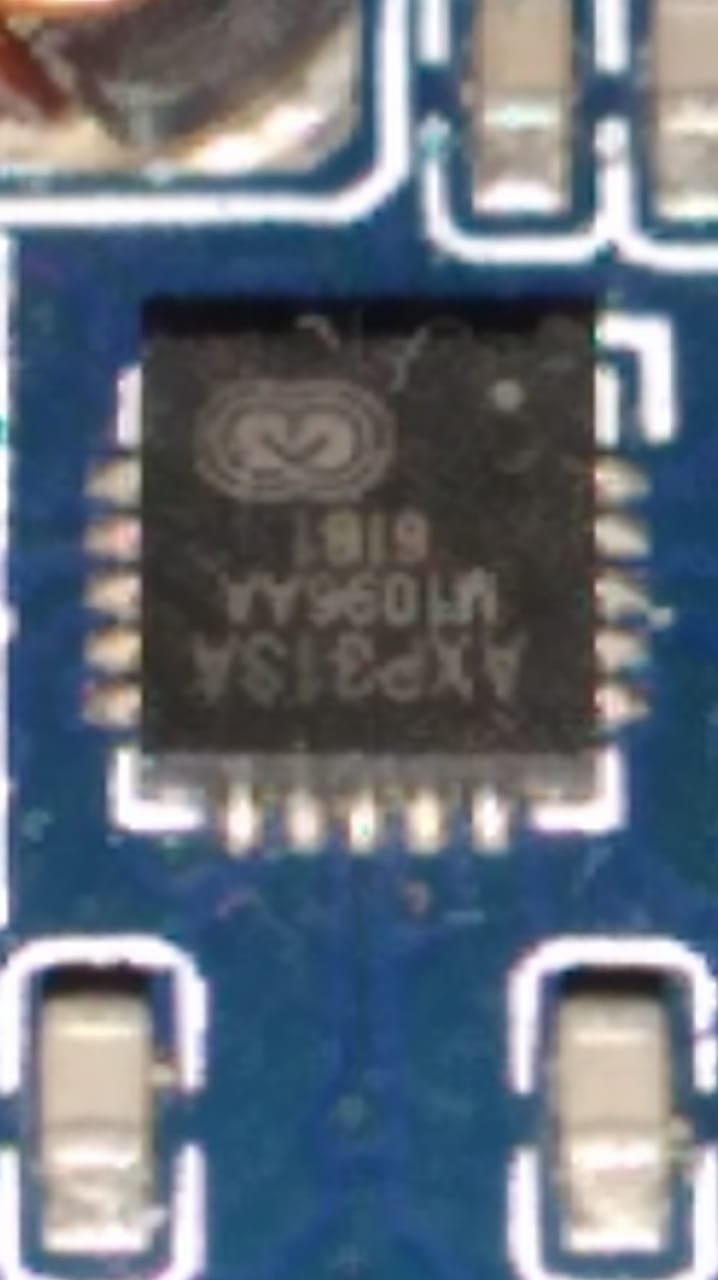
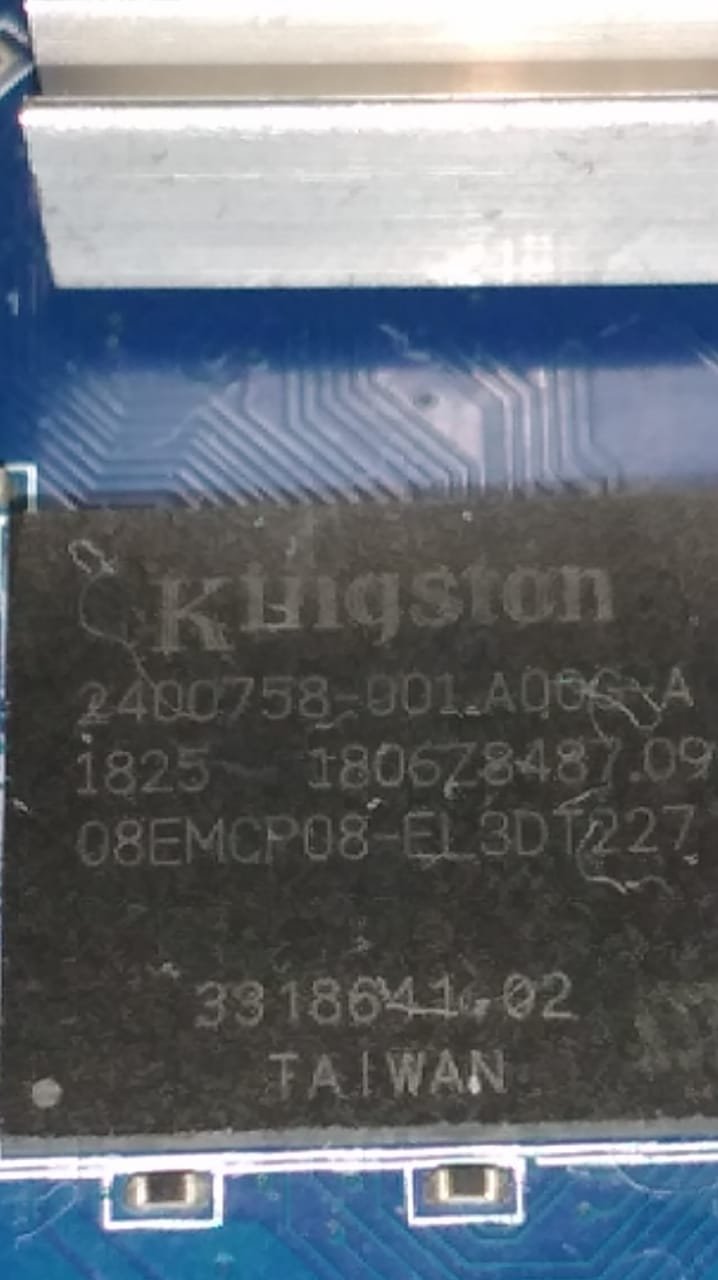
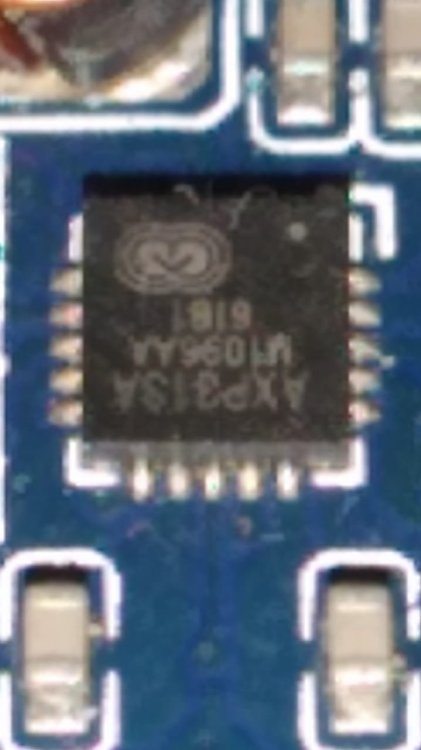
@Nick A hi brow, I'm using the image shown on page 2. The one you showed to another user with the same motherboard ik316-emcp_v1.0. https://github.com/NickAlilovic/build/releases/download/20250306/Armbian-unofficial_25.05.0-trunk_X96q-lpddr3-v1-3_bookworm_edge_6.12.11_xfce_desktop.img.xz The only difference I noticed is the emcp IC; in my version it's a Kingston. Here are some new photos. I really believe the eMMC block is damaged, but the RAM is still working. Or it has a cold solder joint. That's why it's not detected in Armbian, and it's not possible to install the stock firmware directly. If you have/or want or would like to run any tests, I am available. Thank you in advance for your support. I'll use it from the SD card. I'll just try to fix the acceleration issue. But for my purpose, it already works well as it is. Purpose: Remote access behind a dual CGNAT, to control a 4G CPE, a router, and an NVR in a rural area. The NVR has normal access if connected to the cloud service, but I prefer not to use it. The router and CPE are not accessible, and the IPv6 address changes constantly. Thank you again.

-
Hi @Nick A, Only if it's right now, brother.😁 Whatever you need and is within my reach, I will provide it immediately.😉😆 Recovery.gz Super.gz (its 2Gb decompressed)
-
@Nick A hi bro, I followed the instructions in the topic you indicated, but I couldn't extract it. I tried here and was unsuccessful. If you have some time and availability, here's the image.If you can't make it, I'll have to redo the steps over the weekend, I'll post it as soon as I can. Bootloader.img
-
Hi @Nick A, I think I'm doing something wrong, but here goes. cat /proc/partitions major minor #blocks name 1 0 8192 ram0 1 1 8192 ram1 1 2 8192 ram2 1 3 8192 ram3 1 4 8192 ram4 1 5 8192 ram5 1 6 8192 ram6 1 7 8192 ram7 1 8 8192 ram8 1 9 8192 ram9 1 10 8192 ram10 1 11 8192 ram11 1 12 8192 ram12 1 13 8192 ram13 1 14 8192 ram14 1 15 8192 ram15 254 0 745120 zram0 179 0 31166976 mmcblk0 179 1 32768 mmcblk0p1 179 2 16384 mmcblk0p2 179 3 32768 mmcblk0p3 179 4 2097152 mmcblk0p4 179 5 16384 mmcblk0p5 179 6 32768 mmcblk0p6 179 7 911360 mmcblk0p7 179 8 16384 mmcblk0p8 179 9 16384 mmcblk0p9 179 10 16384 mmcblk0p10 179 11 16384 mmcblk0p11 179 12 16384 mmcblk0p12 179 13 512 mmcblk0p13 179 14 15872 mmcblk0p14 179 15 16384 mmcblk0p15 259 0 16384 mmcblk0p16 259 1 27858432 mmcblk0p17 253 0 1241204 dm-0 253 1 146376 dm-1 253 2 113948 dm-2 ls -al /dev/block/platform/soc/sdc0/by-name/ total 0 drwxr-xr-x 2 root root 380 1969-12-31 21:00 . drwxr-xr-x 3 root root 420 1969-12-31 21:00 .. lrwxrwxrwx 1 root root 21 1969-12-31 21:00 Reserve0 -> /dev/block/mmcblk0p16 lrwxrwxrwx 1 root root 21 1969-12-31 21:00 UDISK -> /dev/block/mmcblk0p17 lrwxrwxrwx 1 root root 20 1969-12-31 21:00 boot -> /dev/block/mmcblk0p3 lrwxrwxrwx 1 root root 20 1969-12-31 21:00 bootloader -> /dev/block/mmcblk0p1 lrwxrwxrwx 1 root root 20 1969-12-31 21:00 cache -> /dev/block/mmcblk0p7 lrwxrwxrwx 1 root root 21 1969-12-31 21:00 empty -> /dev/block/mmcblk0p14 lrwxrwxrwx 1 root root 20 1969-12-31 21:00 env -> /dev/block/mmcblk0p2 lrwxrwxrwx 1 root root 21 1969-12-31 21:00 frp -> /dev/block/mmcblk0p13 lrwxrwxrwx 1 root root 21 1969-12-31 21:00 media_data -> /dev/block/mmcblk0p15 lrwxrwxrwx 1 root root 21 1969-12-31 21:00 metadata -> /dev/block/mmcblk0p11 lrwxrwxrwx 1 root root 20 1969-12-31 21:00 misc -> /dev/block/mmcblk0p5 lrwxrwxrwx 1 root root 21 1969-12-31 21:00 private -> /dev/block/mmcblk0p12 lrwxrwxrwx 1 root root 20 1969-12-31 21:00 recovery -> /dev/block/mmcblk0p6 lrwxrwxrwx 1 root root 20 1969-12-31 21:00 super -> /dev/block/mmcblk0p4 lrwxrwxrwx 1 root root 20 1969-12-31 21:00 vbmeta -> /dev/block/mmcblk0p8 lrwxrwxrwx 1 root root 20 1969-12-31 21:00 vbmeta_system -> /dev/block/mmcblk0p9 lrwxrwxrwx 1 root root 21 1969-12-31 21:00 vbmeta_vendor -> /dev/block/mmcblk0p10 I couldn't open vendor.img boot.img i do.However, I couldn't find the dts file, only fstab, initd, and a few other empty folders. I posted the images below on 4shared. boot = boot.img vbmeta_vendor = vendor.img boot.img (32.0MB) Image type: Boot image Header version: 2 Command line arguments: selinux=1 androidboot.selinux=permissive androidboot.dtbo_idx=0,1,2 buildvariant=userdebug files avp folder s-gsi.avbpubkeyq-gsi.avbpubkeyr-gsi.avbpubkey fstab.sun50iw9p1 initrd.gz If you can check, I would appreciate it; I await further instructions. !off I tried mounting the partitions by inserting the burned SD card into the PC, but it's not possible to mount them. Except for a few... The SD card made by Phoenixcard is quite interesting. Could it be that the scheme on the SD card is not the same as when installed in the internal memory? The Udisk partition, for example. It's like shared memory, expanding all remaining space on both the memory card and the datauser partition. Similar to using a formatted SD card as internal memory on cell phones with that option.
-
Hi @Nick A, As I said above, I can't install the ROM on this board. on phoenixSuit or usbpro Failure due to timeout. I believe the memory block is damaged. But the RAM is still working. To confirm that the ROM works, I used PhoenixCard in startup mode, and it booted from the SD card normally. But when I use product mode to install the ROM from the SD card, the screen goes black, the installation bar doesn't appear, and it stays that way. I really believe it only damaged the internal memory. Okay, about that, next question: When I use stock Android 10, even with 1GB of RAM, I can play 1080p videos (youtube using chrome v143) on this box, but using Armbian it's very difficult to get 480p-720p, not to mention the overall image quality; it's as if there's no graphics acceleration. On Android (aida64) says it's a Mali-G31. Is there any way to confirm this? Config on armbian is Xfce removed install I3wm Update chromium Zram update to 1gb Using sdcard class10 u3
-
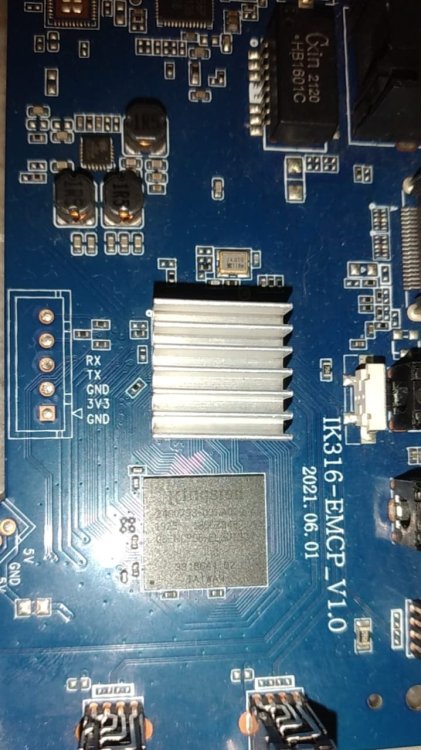
Hi @Nick A, I have an identical motherboard as shown on page 1. Ik316-emcp_v1.0 2021.06.01 I can boot from the SD card, but it doesn't detect the internal memory. The Wi-Fi isn't working either, but that's already explained in the topic. How can I tell if the EMCP is damaged? Or if it's not being identified correctly? I have a CH431A available if needed. I believe it's possible to access UART via CH431. Previous reports suggest that the internal memory worked on this model, but I'm not certain of that. However, I must inform you that I was unable to install the supposed ROM on this model using PhoenixTool or PhoenixCard, This could indicate a failure in the emcp in the storage block. Thank you in advance for your support. boot.log