0230826
-
Posts
5 -
Joined
-
Last visited
-
What model is your device? Got a photo?
-
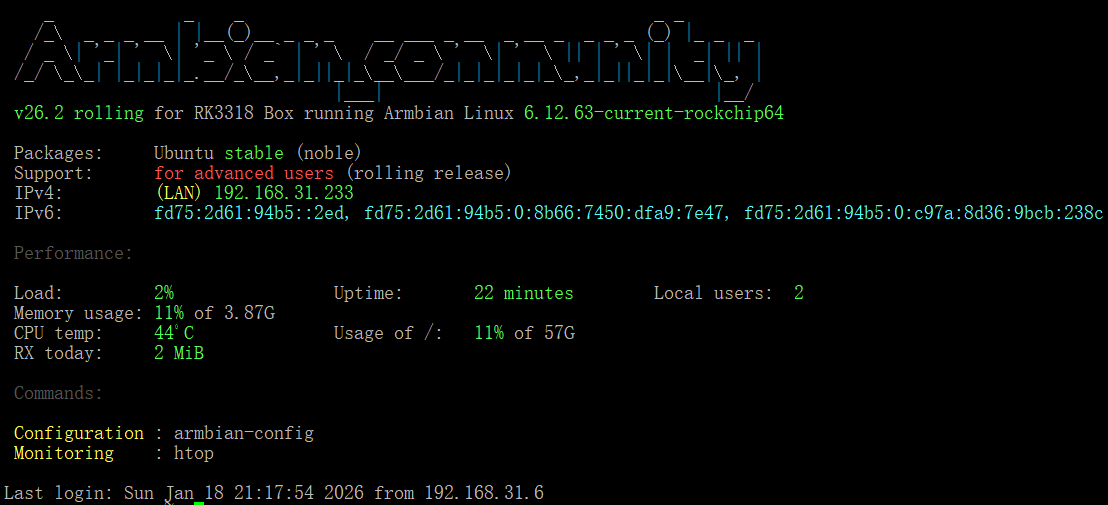
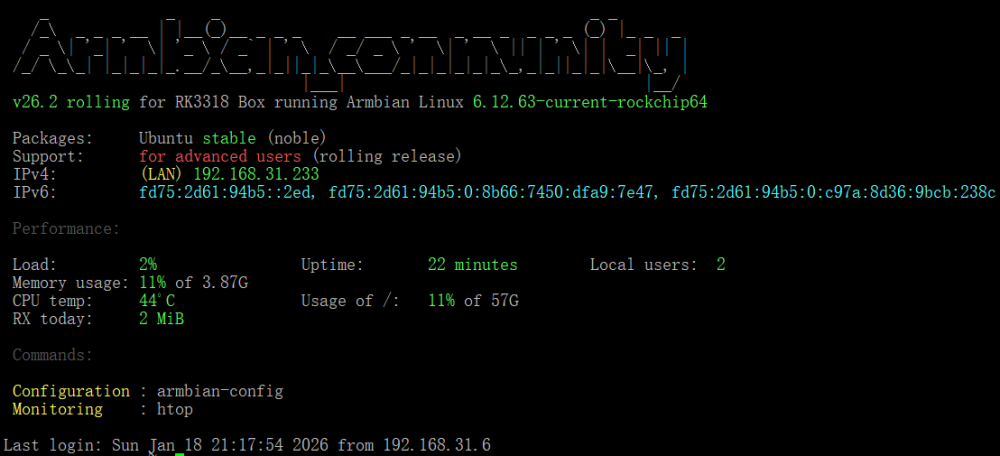
@jockNow, I've finally solved this problem. Successfully flashed the latest version of armbian, https://github.com/armbian/community/releases/download/26.2.0-trunk.151/Armbian_community_26.2.0-trunk.151_Rk3318-box_noble_current_6.12.63_gnome_ desktop.img.xz Next, I will share my problem-solving journey. I found that I couldn't enter maskrom/loader mode anyway, and when I accidentally inserted the USB flash drive into the multitool.img into the TV box and powered it directly on, I found that it actually started the system directly in the USB flash drive. So I guess that it may have changed the boot order after flashing the loader.bin before, and the armbian system I flashed in before it continued to toss before it could be configured, probably because the system files of the root partition were corrupted, causing it to not boot normally. Therefore, I simply tried to flash the firmware of the rk3188-box in the official community directly into the USB flash drive, because after these images are flashed into the USB flash drive, there is only the root partition, that is, the system. And there is no boot partition. I guess the boot partition may have been written somewhere else, and I don't need to worry about it anymore. So, I plugged the USB flash drive into the latest rk3318 firmware into the box and waited for a few minutes after powering on it directly and starting it, it obtained the IP address assigned by my router DHCP, I was so excited, I quickly connected to the rk3318-box through SSH, and made the preliminary configuration. Quickly enter the command armbian-install and select item 2, and immediately write the system on the USB flash drive to emmc. After the writing is completed, turn it off, unplug the USB flash drive, power on, wait for a few minutes, and the startup is successful. It means that I have successfully flashed the phone this time. Thank you very much for your help. @jockand @fabiobassa, You're passionate and highly skilled.
-
@jockLater, I tried to install rkdeveloptool on another Linux server and flashed the loader.bin first and then the image by entering the command. Finally successfully flashed. But tragedy is about to be born, when the flash is successful, I did not SSH to connect to the new armbian and configure the relevant configuration immediately, but shut down and prepare to re-enter maskrom mode to flash the desktop version of the image again, the result is that this time I can no longer enter maskrom mode, no matter how long I press the reset button to plug in USB 2.0 OTG or press it, the box will no longer enter maskrom mode. Along with this, it could not start the Armbian system that was flashed before. I began to wonder if it was painted into bricks, but this board shouldn't be so fragile.
-
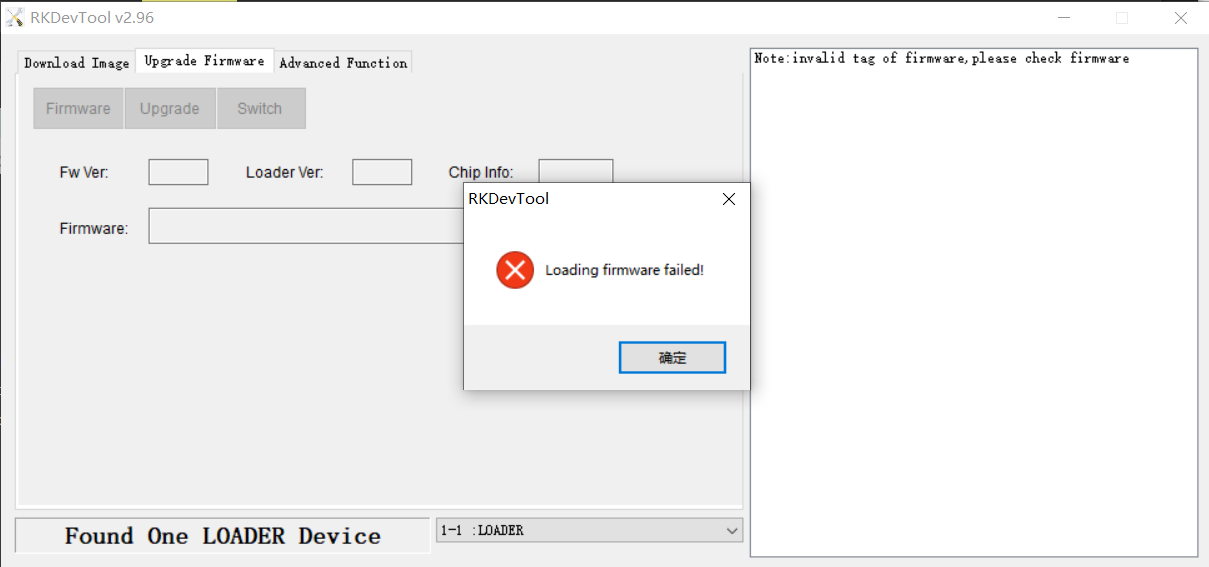
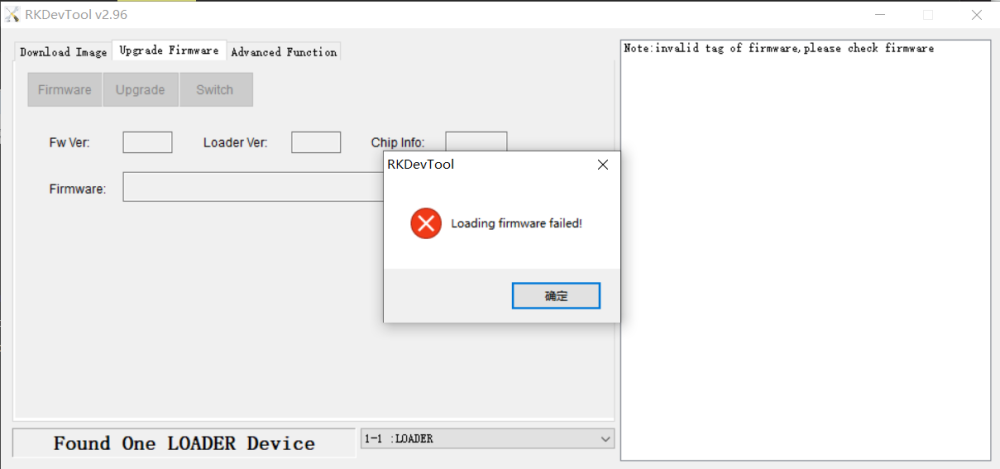
https://forum.armbian.com/topic/26978-csc-armbian-for-rk3318rk3328-tv-box-boards/page/66/#findComment-231768 Thanks your help,jock. I hava a try to use the rkdevtool to install armbian. I just choose the iamge in url https://github.com/armbian/community/releases/download/26.2.0-trunk.151/Armbian_community_26.2.0-trunk.151_Rk3318-box_trixie_current_6.12.63_minimal.img.xz. But,there catch a error message in the tool. I don't known is this image is error or other reason?
-
Excuse me,jock. My TV-Box is the H96Max rk3318 4+64G.The box was installed Ubuntu 24.04,kenel 4.4,desktop vension by the seller。But now, i want to install the armbian system in the box.There are some problem for me that i have no HDMI-wire and no usb-keyboard,just only an usb-A to usb-A data-wire and a notepad computer。i think that i can't use the multitool.img to help me install the armbian. So, can you give me some help to install the armbian by USB-A to USB-A data-wire?I through some search some article to know maybe the RKdevtool can help me,but the tool need the loader.bin to flash the image. I don't know where is the loader.bin for rk3318.can you help me?