SuzSinclair
-
Posts
6 -
Joined
-
Last visited
-
CSC Armbian for RK3318/RK3328 TV box boards
SuzSinclair replied to jock's topic in Rockchip CPU Boxes
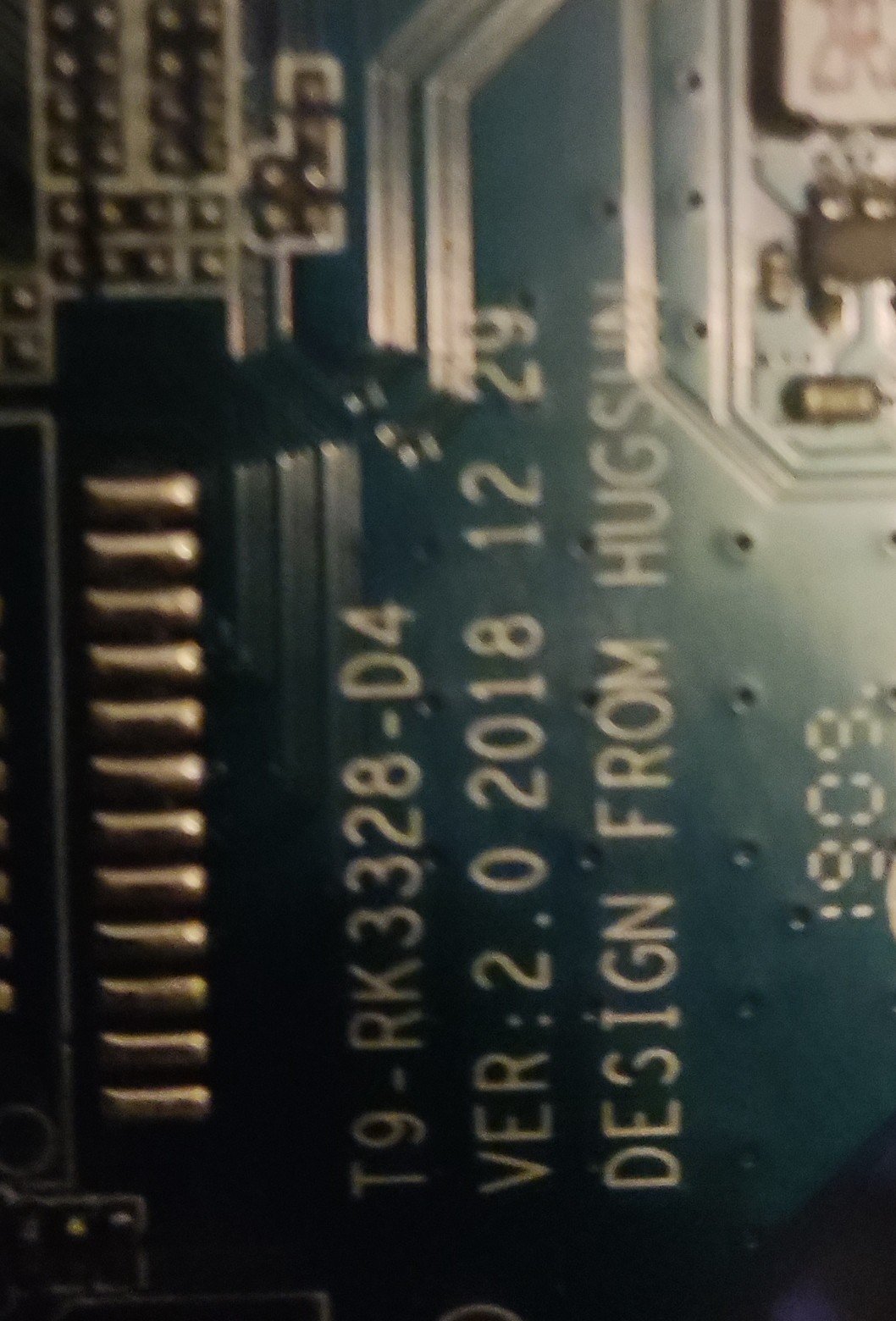
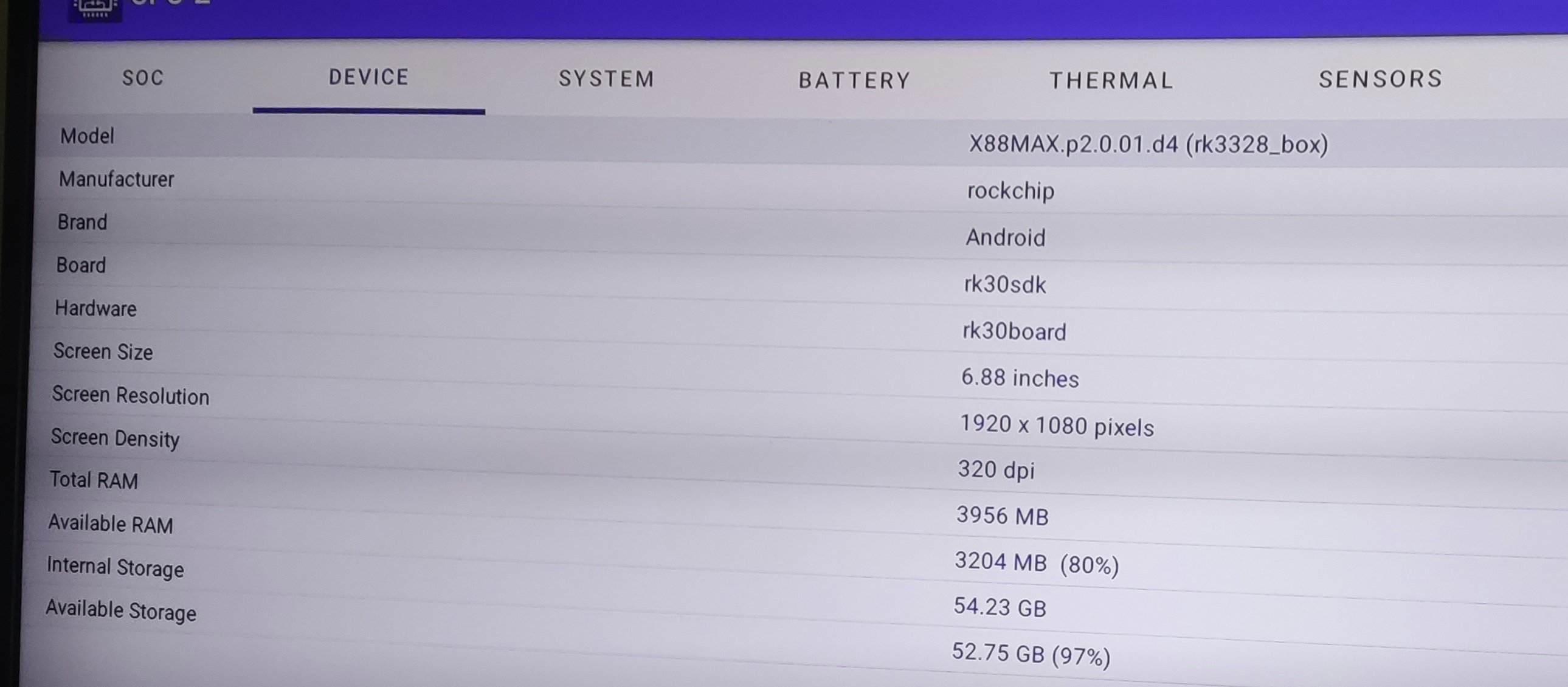
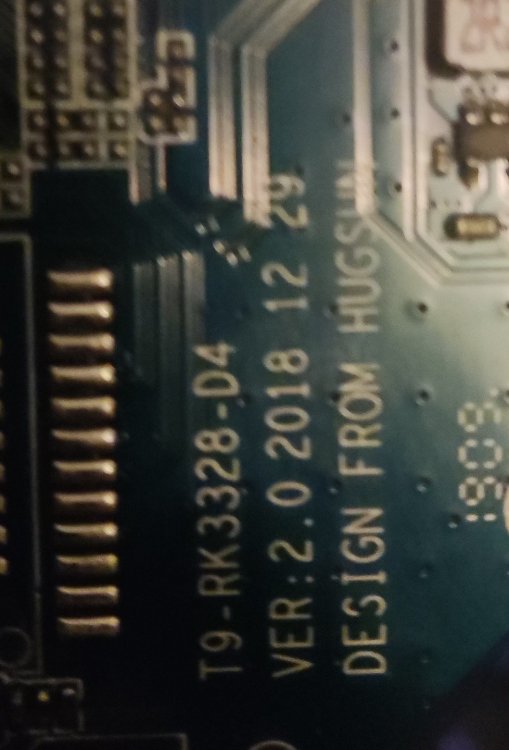
Subject: X88MAX RK3328 - Cannot boot from SD/USB, need help installing Armbian Hello Armbian Community, I'm trying to install Armbian on my X88 RK3328 TV box but facing multiple issues. Need your expert help! Device Information: Model: X88MAX.p2.0.01.d4 SoC: Rockchip RK3328 Android Version: Android 9 (SDK 28) Board: Blue PCB (Hugsun design similar to T9) Storage: 4GB RAM + eMMC Buttons: Power button only (no visible reset button) What I've Tried: 1. SD Card Boot: Downloaded: Armbian_community_26.2.0-trunk.606_Rk3318-box_trixie_current_6.18.18_minimal.img.xz Downloaded: multitool_rk3318-3328.img Flashed to Netac SD card using BalenaEtcher (verified) SD card is detected in Android environment Problem: Box always boots Android, ignores SD card completely 2. USB Boot: Flashed Multitool to USB flash drive Problem: Same result - boots Android, ignores USB 3. Reset Button Method: Tried holding reset button (inside AV port) while powering on Problem: No change, still boots Android 4. Rooting Attempts: Tried KingRoot - stuck on "checking state" forever Device confirmed NOT ROOTED (Root Checker app) Problem: Cannot root to install from Android 5. Maskrom Mode: Have AndroidTool v2.38 ready Problem: PC shows "No Devices Found" when trying to enter Maskrom Current Status: ✅ SD card slot works (Android detects it) ✅ Multitool files accessible on SD card ✅ Have all necessary images downloaded ❌ Cannot boot from SD or USB ❌ Cannot root Android ❌ Cannot enter Maskrom mode My Goal: Install pure Armbian (not Android + Linux apps) for better performance and native Linux experience. Questions: Does anyone have X88 RK3328 working with Armbian? If yes, what method did you use? Is there a specific Armbian build for X88 boards? The generic Rk3318-box image doesn't boot. How to enter Maskrom mode on X88? PC shows "No Devices Found" - am I missing something? Can I convert Armbian .img to Rockchip firmware format for USB Burning Tool? Any X88-specific instructions or device tree files I should use? What I Have Ready: ✅ Armbian image (Rk3318-box minimal) ✅ Multitool image ✅ AndroidTool v2.38 ✅ USB-A to USB-A cable ✅ Willing to backup original Android first Any help or X88-specific guidance would be greatly appreciated! Thanks in advance! 🙏 Device: X88MAX.p2.0.01.d4 SoC: RK3328 (Chip Tag: 33 32 32 48, Flag: RK322H) Storage: Samsung eMMC 64GB FlashID: 45 4D 4D 43 20 Status: Successfully in LOADER mode via RKDevTool v2.86 Android: Backed up and ready Problem: - SD/USB boot ignored by bootloader - Android not rootable (KingRoot fails) - Need Armbian in Rockchip firmware format What I Have: - Device in LOADER mode ✓ - Full Android backup ✓ - RKDevTool v2.86 working ✓ - Armbian_community_26.2.0-trunk.606_Rk3318-box_trixie_current_6.18.18_minimal.img.xz What I Need: - parameter.txt for X88 RK3328 - Armbian partitions in Rockchip format - Or .update file for X88 Tag: @jock Anyone successfully flashed Armbian on X88 RK3328? -
CSC Armbian for RK3318/RK3328 TV box boards
SuzSinclair replied to jock's topic in Rockchip CPU Boxes
Thanks for the feedback , i have finally downloaded this version and burn into sd card , put in sd card then reconnect power, the system normal boot i cant see armbian screen, the blue light is on, and nothing on screen or dark screen can someone point me please what is happening.
-
CSC Armbian for RK3318/RK3328 TV box boards
SuzSinclair replied to jock's topic in Rockchip CPU Boxes
can someone please help thanks -
CSC Armbian for RK3318/RK3328 TV box boards
SuzSinclair replied to jock's topic in Rockchip CPU Boxes
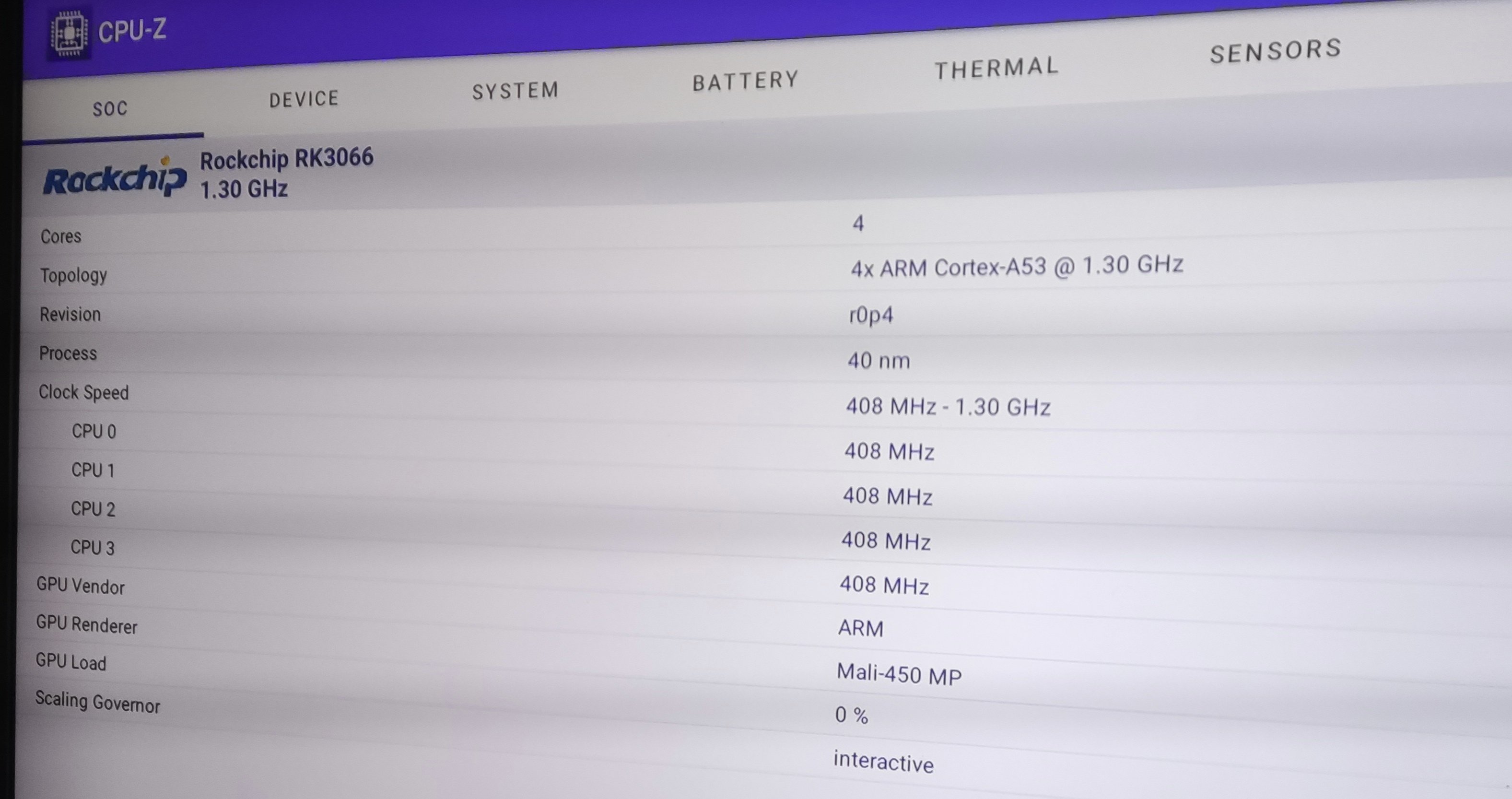
Totally new to this system, need some help where to start and how to do it i have the RK3328, i verified this via AIDA, how can i install armbian system on this one can someone please help which are the correct images etc.. any steps would be highly appreciated. thanks Suz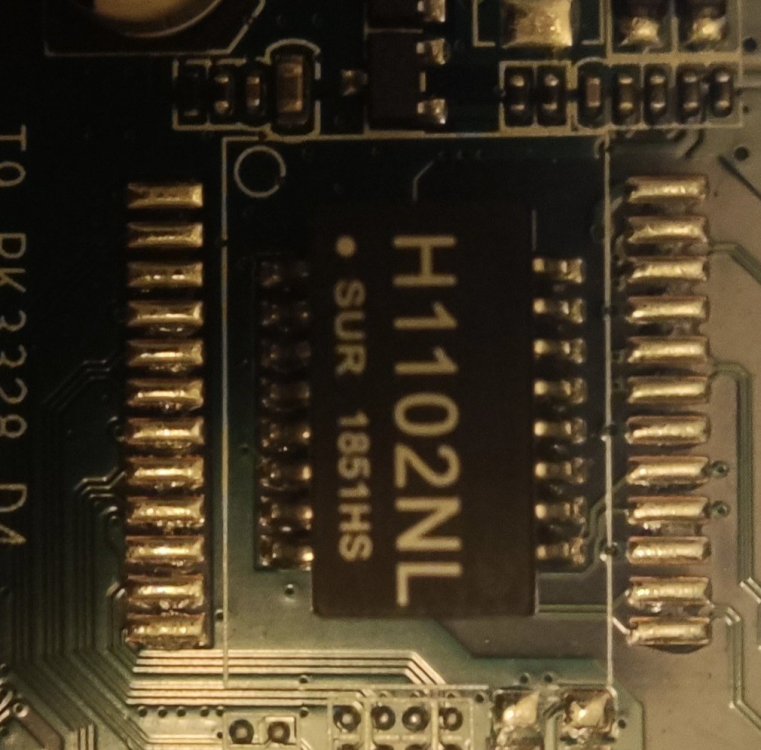
-
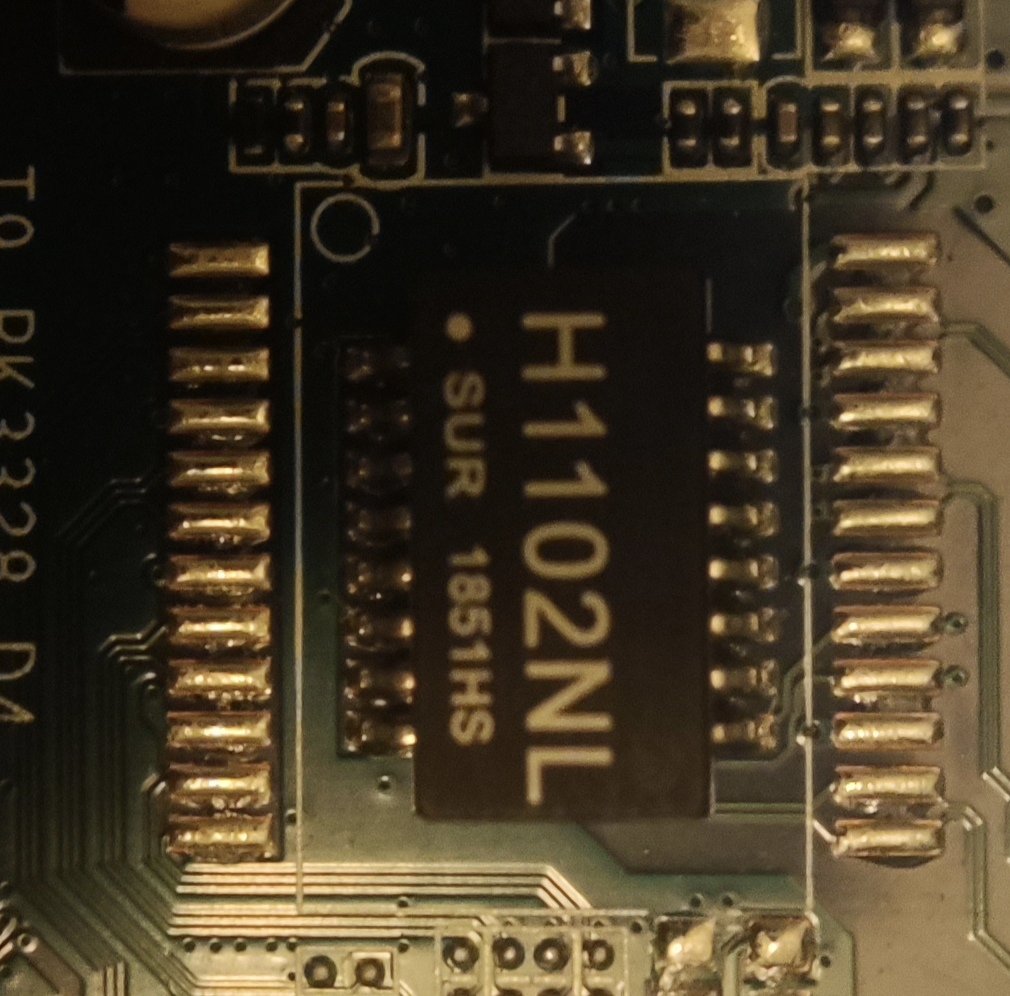
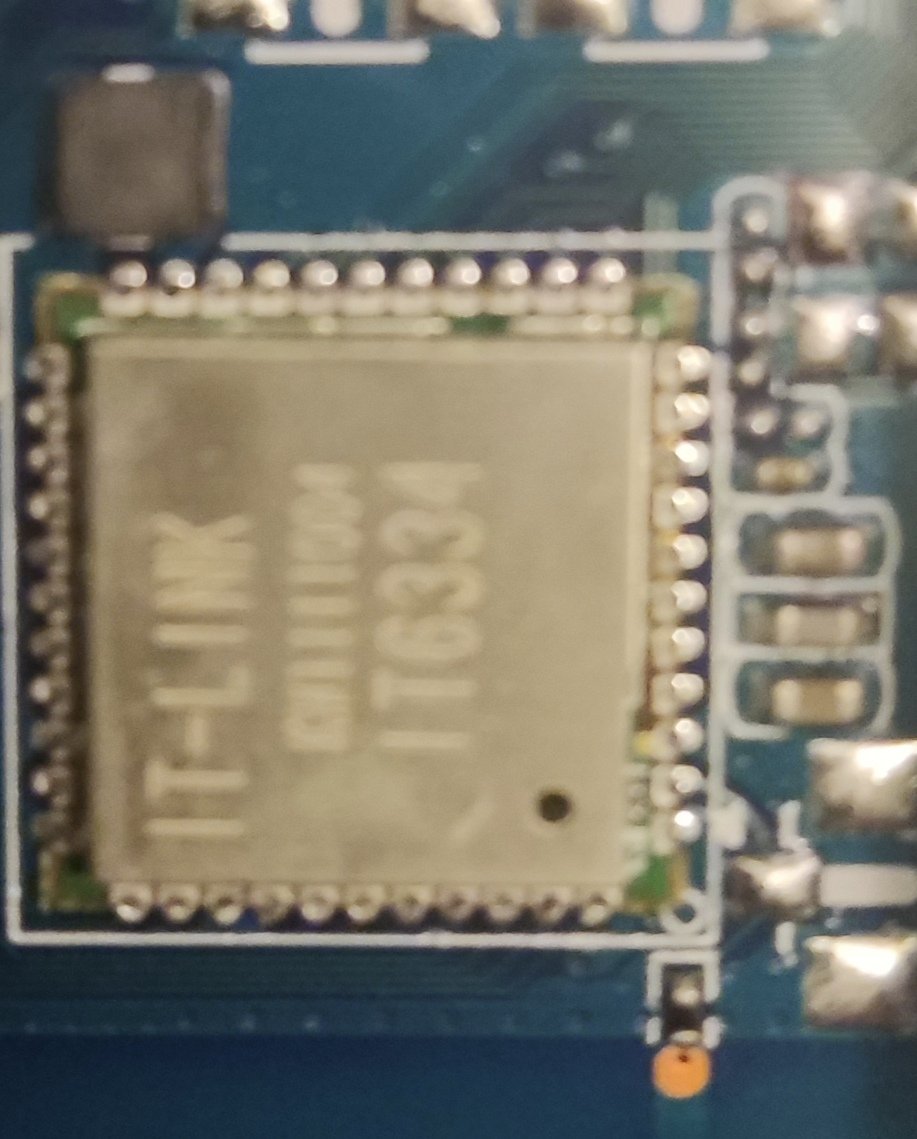
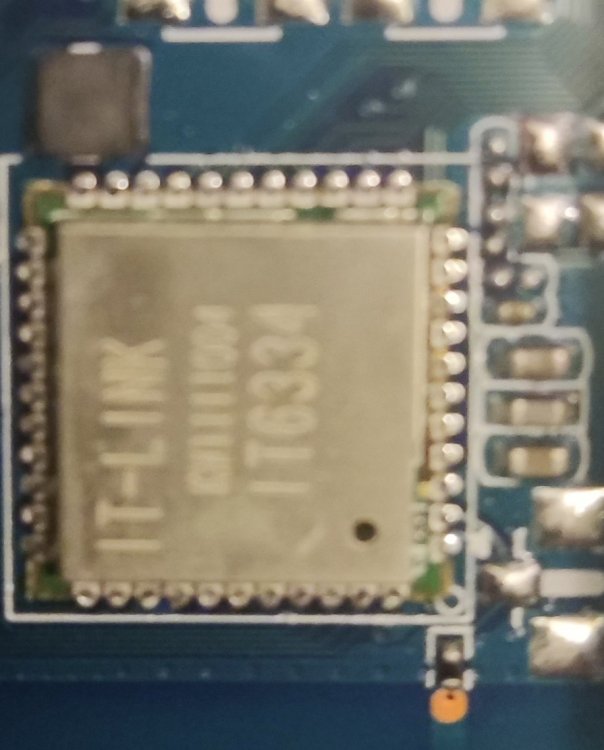
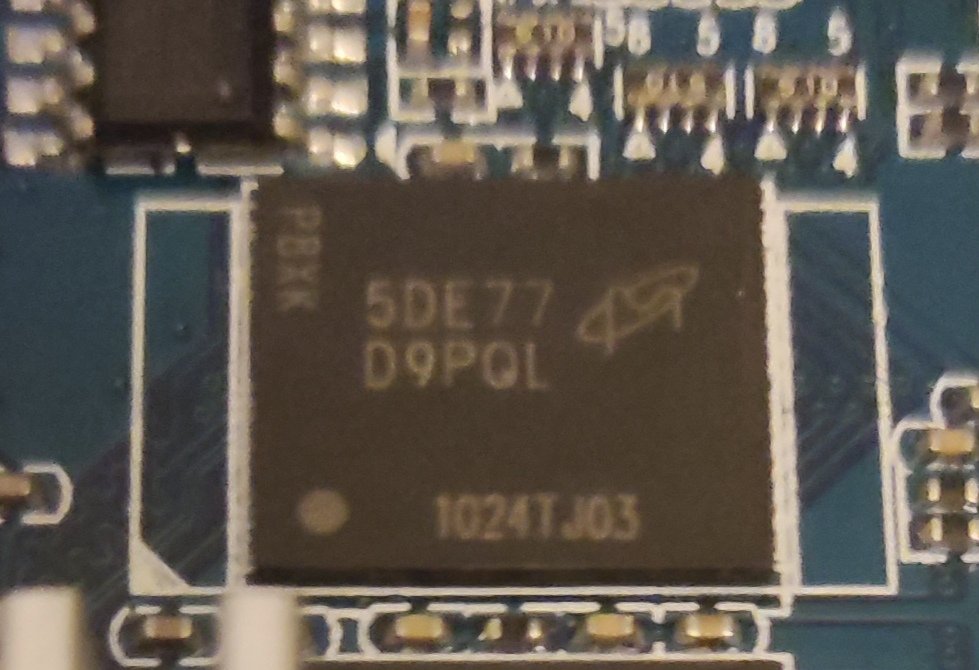
Hi All new here please forgive if non technical which i am , looking to install armbian into this existing X88 box I have attached photos for experts which one is the correct one to flash,