Yes @Nick A. Tried that also.
Copilot mentioned this to me:
🟦 If you want to keep fighting this board…
I can help you explore:
- FEL mode flashing
- Using the vendor Android recovery to write eMMC
- Dumping the vendor kernel and trying to boot it
- Porting the vendor MMC driver (very advanced)
But I want to be honest with you:
none of these paths are easy, and none guarantee success.
Now, I asked it to elaborate on the idea:
Let’s unpack this in a way that actually makes sense, Brow — because FEL sounds simple (“just plug in USB and flash it”), but on H618 TV boxes it becomes a whole different beast.
I’ll keep it clean, structured, and honest.
---
🟦 Why FEL mode sounds easy
On paper, FEL is Allwinner’s built‑in USB recovery mode:
- You connect the box to a PC
- Press a button or short two pads
- The SoC enters FEL
- You use sunxi-fel to upload U‑Boot or write eMMC
In theory, it’s the “ultimate backdoor” for fixing a broken board.
---
🟥 Why FEL is complicated on your specific device
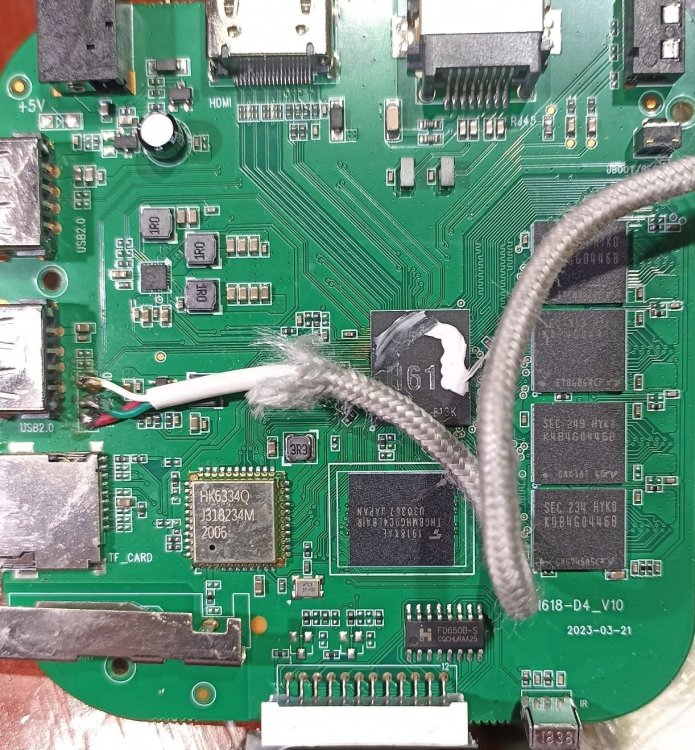
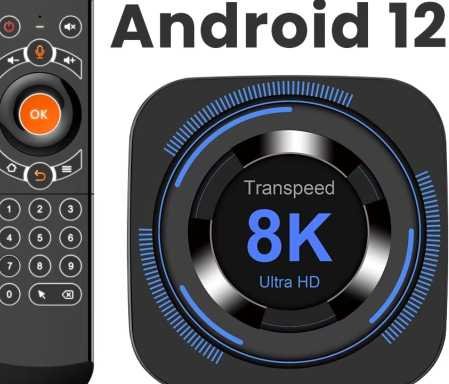
Your Transpeed 8K618‑T is not a dev board.
It’s a mass‑produced TV box with:
- No FEL button
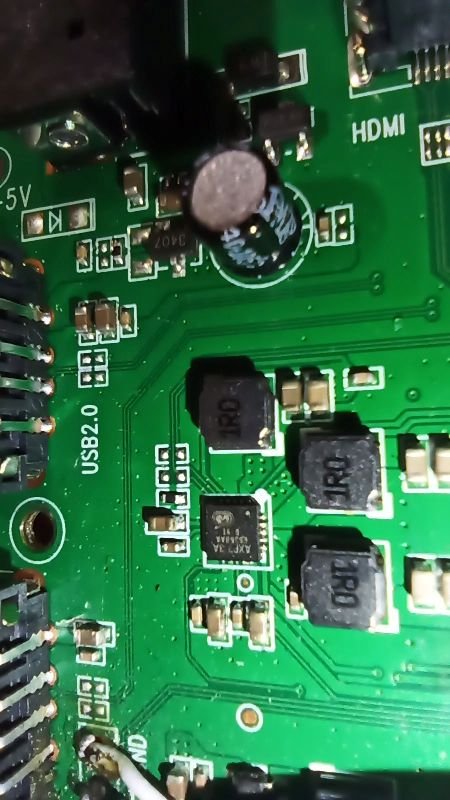
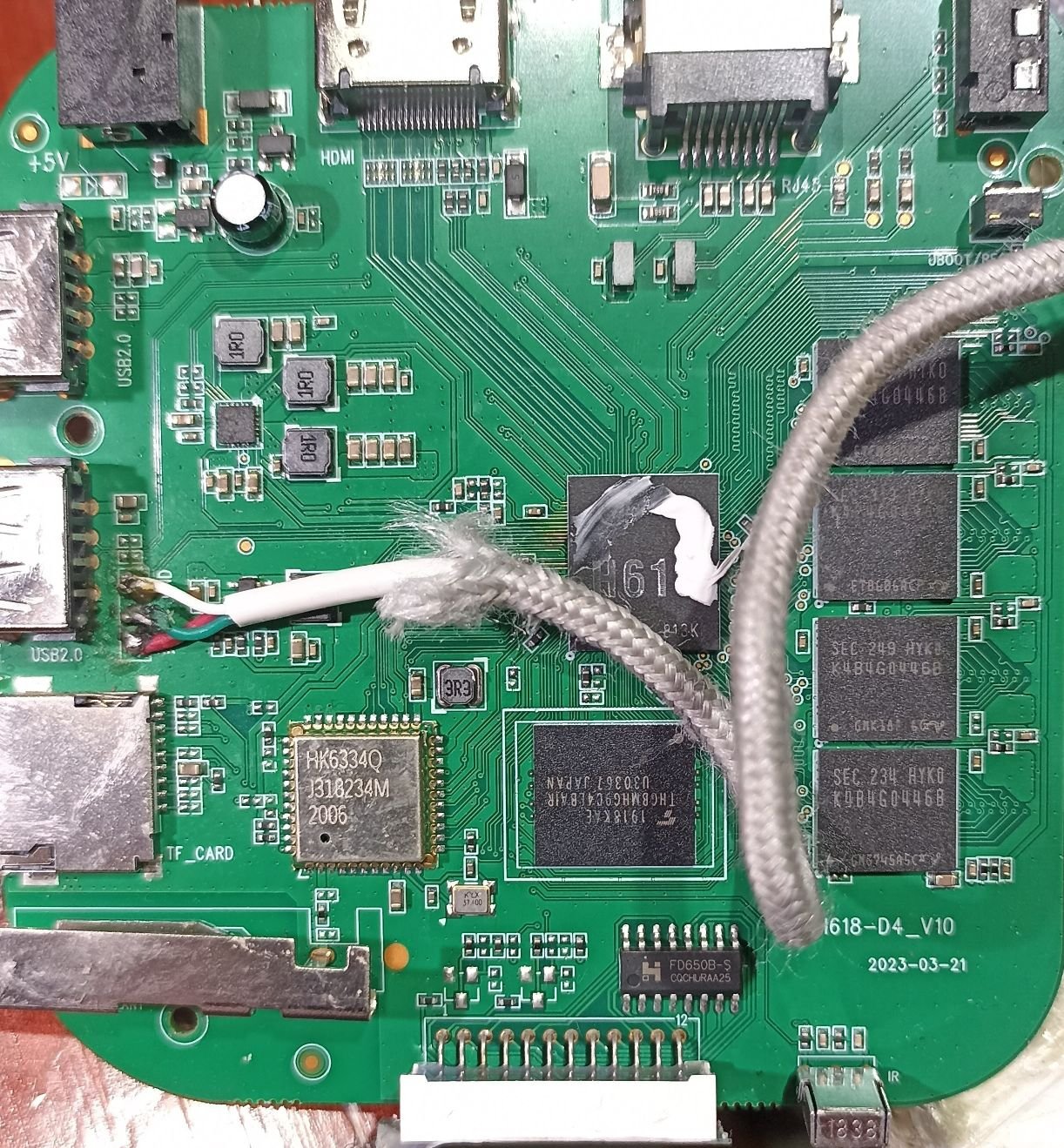
- No exposed pads
- No documentation
- No schematic
- No guarantee the USB port even supports FEL
- Vendor boot ROM sometimes disables FEL
- USB port may be wired through a hub or switch
- Some boxes require opening the case and shorting tiny test pads
- Some require holding reset while powering
- Some require UART strap pins
- Some require a special cable
- Some simply do not support FEL at all
So the first complication is:
You don’t know how to enter FEL on this board.
---
🟥 Second complication: FEL only gives you RAM access
FEL lets you:
- Upload a U‑Boot binary into RAM
- Execute it
- Use that U‑Boot to access eMMC
But here’s the catch:
You must provide a U‑Boot binary that supports your hardware.
Mainline U‑Boot does not support:
- Your weird SD wiring
- Your PMIC
- Your DRAM timing
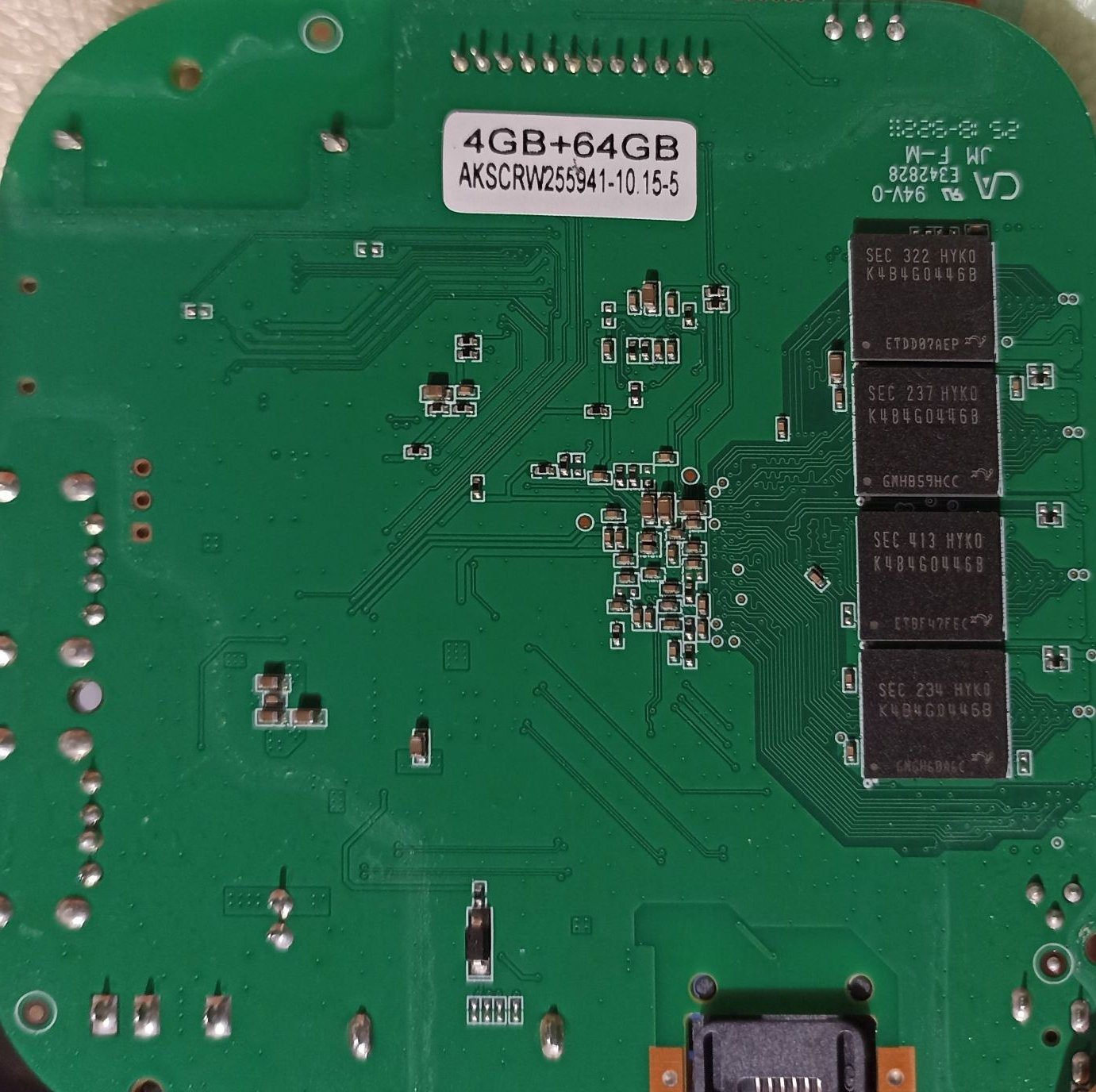
- Your eMMC layout
- Your HDMI
- Your regulators
Vendor U‑Boot does, but:
- You don’t have the vendor U‑Boot binary
- You don’t have the vendor DRAM init code
- You don’t have the vendor MMC driver
- You don’t have the vendor DTB
So even if FEL works, you still need a working U‑Boot image to upload — and we don’t have one.
---
🟥 Third complication: writing eMMC through FEL is slow and fragile
Even if you get FEL working and even if you get a working U‑Boot:
- Writing eMMC over FEL is extremely slow
- If the connection drops, you brick the device
- You must manually partition eMMC
- You must manually install boot0, boot1, U‑Boot, DTB, rootfs
- You must manually fix extlinux.conf
- You must manually fix environment variables
This is not like flashing a Raspberry Pi.
It’s more like doing open‑heart surgery with a butter knife.
---
🟥 Fourth complication: your board’s MMC subsystem is already unstable
We’ve already seen:
- SD card hangs
- MMC controller wedges
- Linux freezes on /dev/mmcblk*
- Armbian initramfs fails
- MiniArch freezes
- Vendor kernel is the only thing that works
If the MMC hardware is unstable under Linux,
it may also be unstable under FEL‑booted U‑Boot.
Meaning:
Even if FEL works, you might not be able to write eMMC reliably.
---
🟦 So why did I say FEL is complicated?
Because on a proper Allwinner dev board, FEL is easy.
But on a cheap TV box with undocumented wiring, FEL becomes a puzzle with these problems:
| Problem | Why it matters |
|--------|----------------|
| No FEL button | You don’t know how to enter FEL |
| Unknown test pads | You may need to open the board |
| Vendor may disable FEL | Some boxes block FEL in BOOT0 |
| USB wiring unknown | FEL may not work on the exposed port |
| Need vendor U‑Boot | Mainline U‑Boot won’t boot your hardware |
| Need vendor DRAM init | Otherwise RAM won’t initialize |
| Need vendor MMC driver | Otherwise eMMC won’t be writable |
| MMC hardware unstable | Even FEL‑booted U‑Boot may hang |
This is why FEL is not a magic fix here.
---
🟩 Could we try FEL anyway?
Yes — if you want, I can guide you through:
- Checking if FEL is available
- Finding the FEL pads
- Using sunxi-fel
- Dumping BOOT0
- Dumping vendor U‑Boot
- Rebuilding a hybrid U‑Boot
- Flashing eMMC manually
But I want you to understand the reality:
It’s a research project, not a guaranteed solution.
---
🟦 If you want to try FEL, I can walk you through step 1 right now
Step 1 is simple:
Connect the box to your PC via USB‑A to USB‑A cable, then power it on.
On your PC, run:
`
sunxi-fel version
`
If it prints something → FEL works.
If it says “no device found” → we need to try hardware tricks.
Just tell me if you want to go down this path.