Giunti
-
Posts
20 -
Joined
Content Type
Forums
Store
Crowdfunding
Applications
Events
Raffles
Community Map
Everything posted by Giunti
-
 Has anyone here experienced the same problem on trying to install "Armbian Imager" under Windows 11? Upon running the respective exe-file and - no matter what target directory I choose - I get a failure meassage, somewhat like this: The directory could not be established: Microsoft Edge has no Read/Write access rights to its directory: C:\Users\admin\AppData\Local\com.armbian.imager\EBWebView Should the same issue have been posted here somewhere else, I do apologize. However, before creating the help request I did try to find any entries of similar content, but in vain. So if there's already any remedial comment on this available in the Armbian community, please provide the link. Thanks a lot in advance. Meanwhile I managed to run it, however only after starting up Win11 as admin and explicitly running the programme as such. On the contrary, if I start the OS directly into my simple user account and then try to run Armbian-Imager from there, both as regular user OR as admin, it will refuse to do its job by sending the above failure message.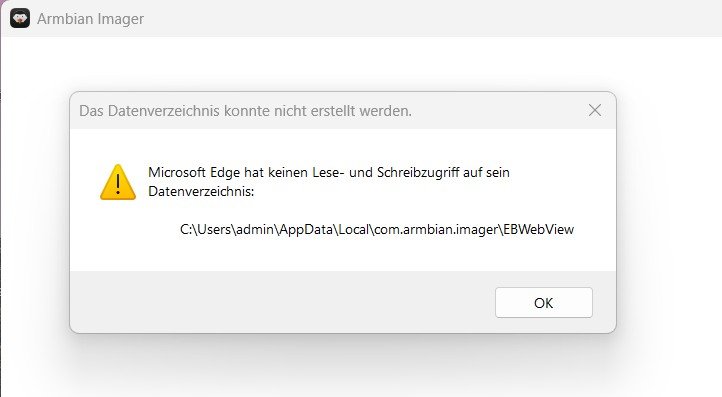
-
CubieTruck: Attempted to kill init after kernel update to 6.6.75?
Giunti replied to Crazyphil's topic in Allwinner sunxi
Similar here ... I've had two Cubietrucks running like a charm for years with regular updates up to v24.x.x. Since one of the upgrades to >Armbian_community_25.5.0-trunk.399_Cubietruck_bookworm_current_6.12.20< I noticed on rebooting at some stage that although the system was running ok I had lost console access: my USB keyboard as well as the HDMI display were dead. Definitely no hardware problem though, I checked on that. So I was wondering if others have witnessed the same issues on more recent Armbian builds for the Cubietruck and whether there's an "easy" way of getting back HDMI and USB-keyboard functionality through SSH access, which still works fine. Any remedial hints are highly appreciated. -
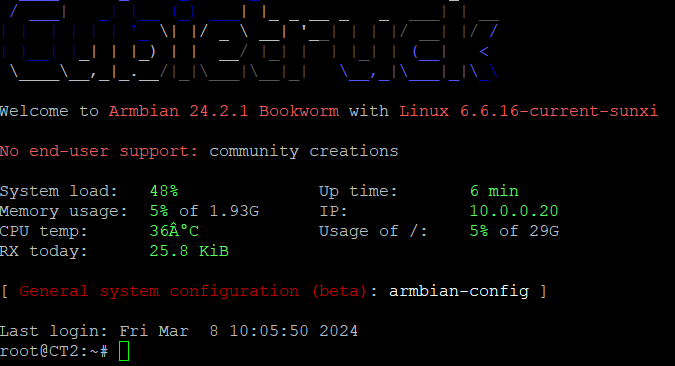
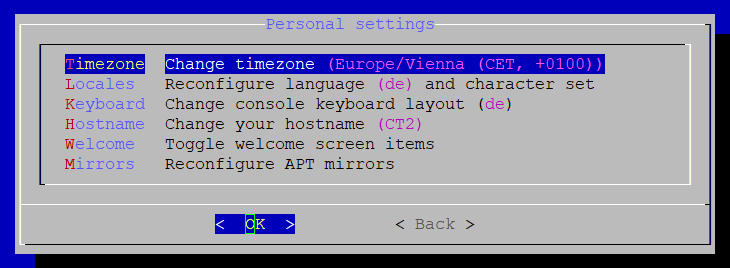
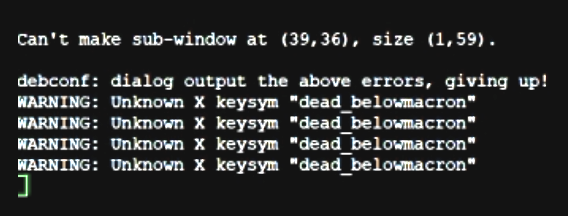
I've had two Cubietrucks running almost flawlessly for about 10 years on Armbian/Buster and previous versions. I recently decided to install Bookworm using Armbian_23.8.1_Cubietruck_bookworm_current_6.1.47.img.xz. On this I encountered several problems, whose causes I never fully uncovered, but got over them. One of these problems was that neither manual setup nor the use of armbian-config allowed for a lasting configuration of the German keyboard layout, although "Personal Setting" says the opposite (see att. image No.2). It's a pain in the neck, really. All I could filter out is a commandline message that's only visible a second. See the last screenshot with four lines saying I spent a long time figuring out what this means. I simply re-installed the relevant packages via "apt-get" hoping this would help, but there was no obvious change. At some stage of my manifold attempts I suddeny noticed that the keyboard had changed to German on the CT_1. However, I couldn't recall what had caused the change. So I approached my CT_2 and now I'm stuck again with the same issue. 😒 I wonder if others have experienced the same and were more competent in finding a way out. If so, please let me in on your secrets. 🙏
-
Raspberry Pi4 apt-get update problems
Giunti replied to Sid Boyce's topic in Software, Applications, Userspace
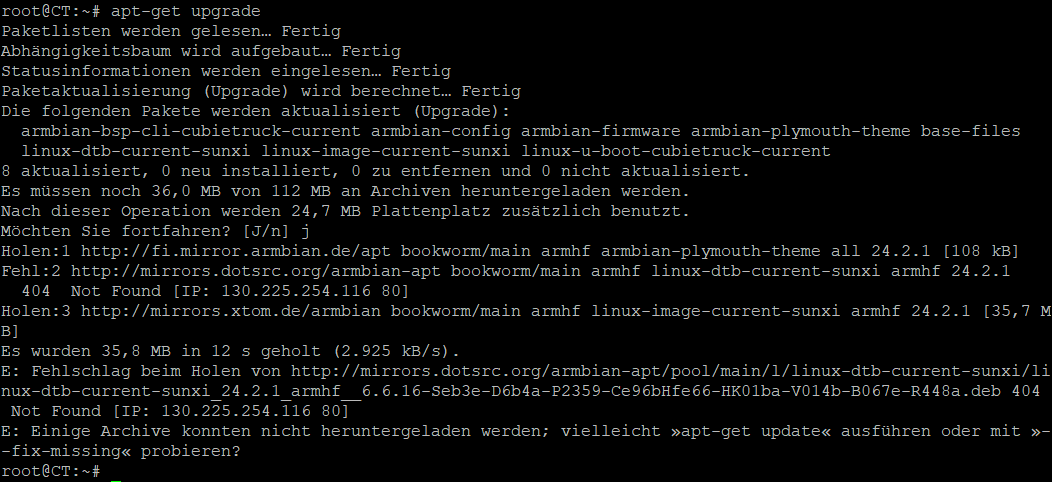
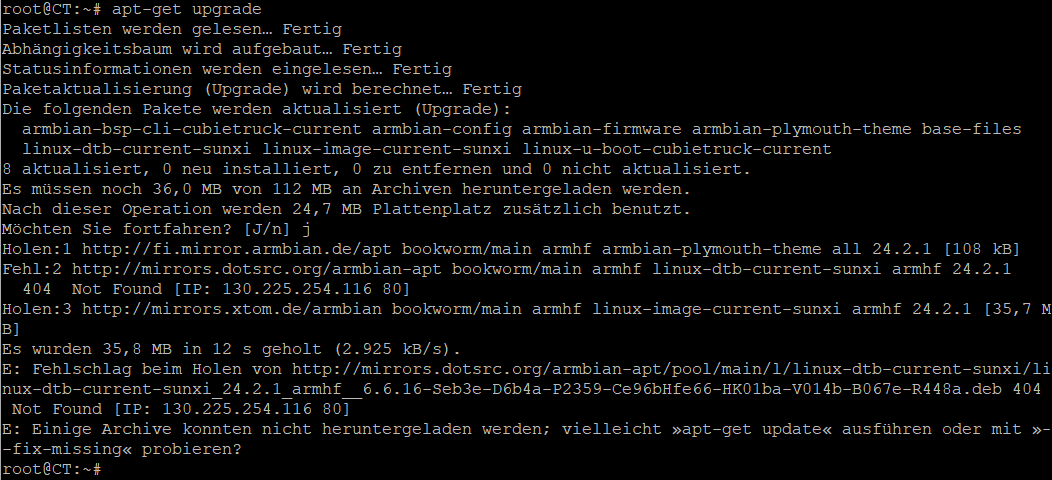
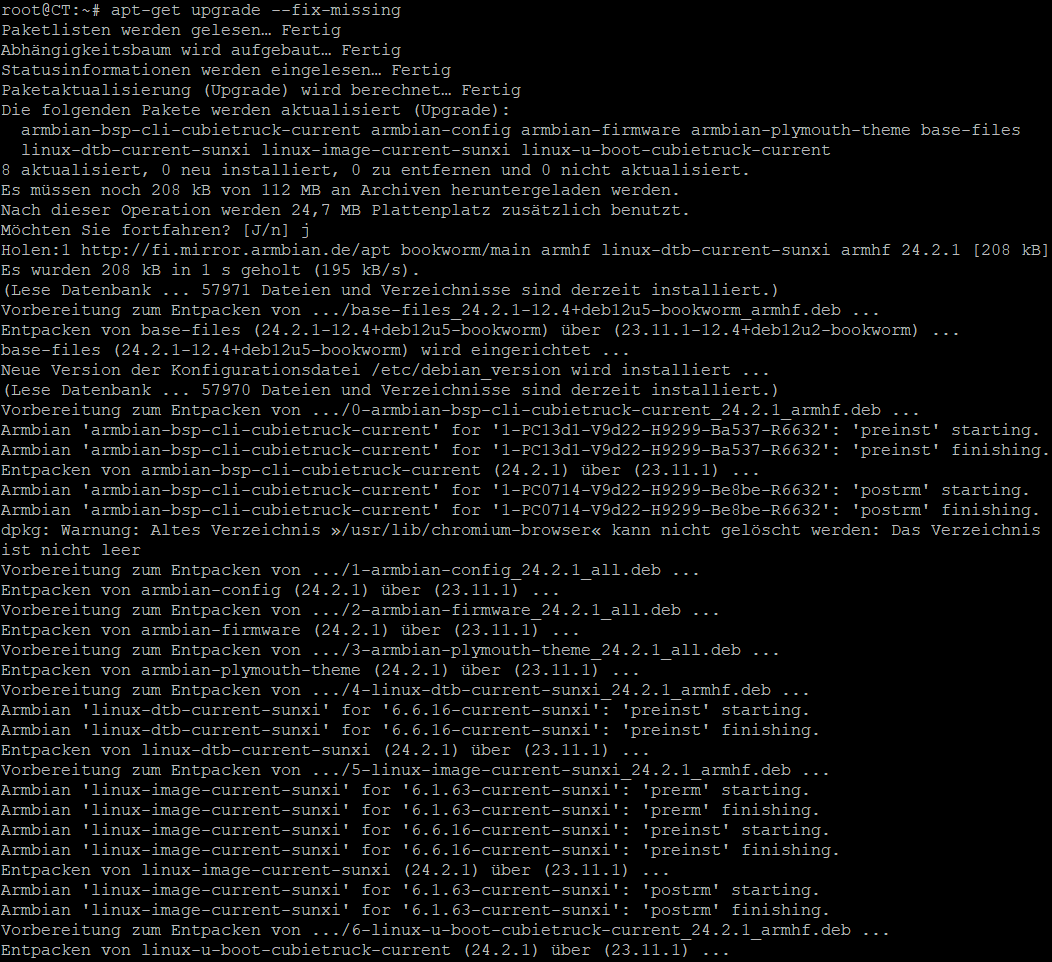
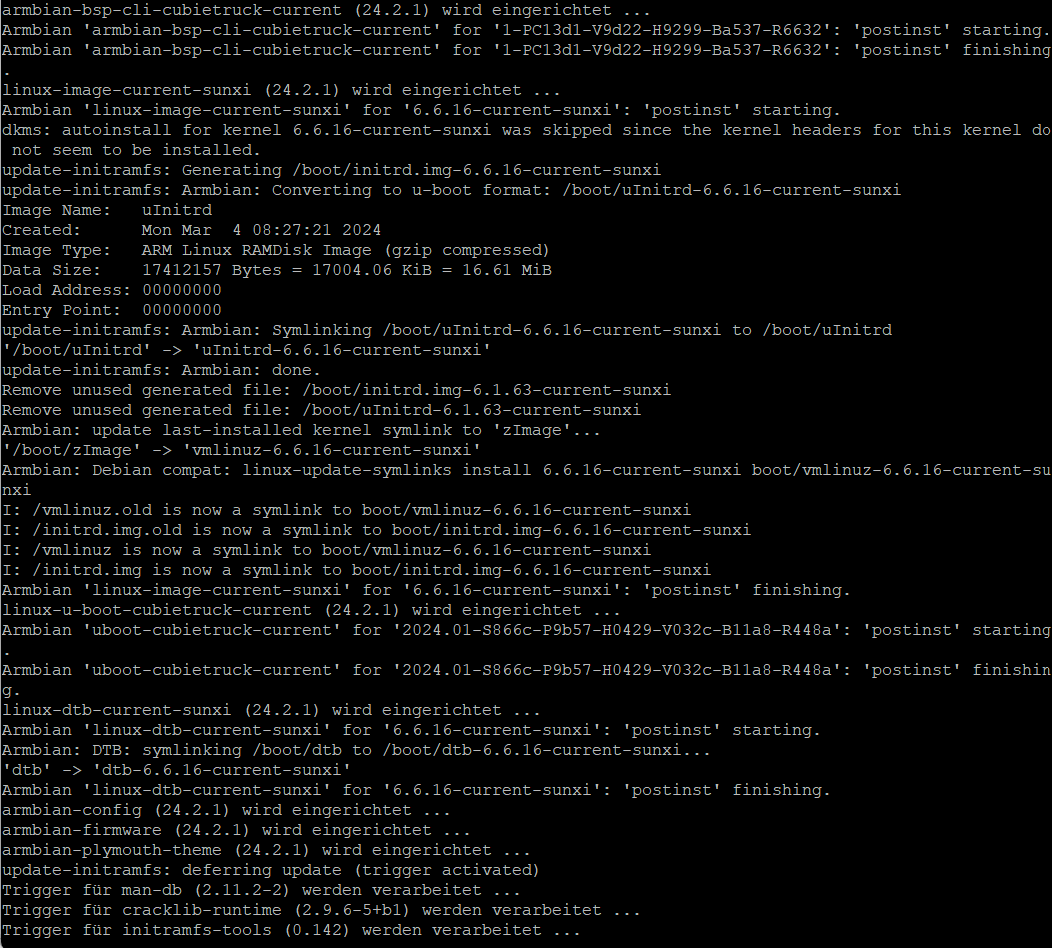
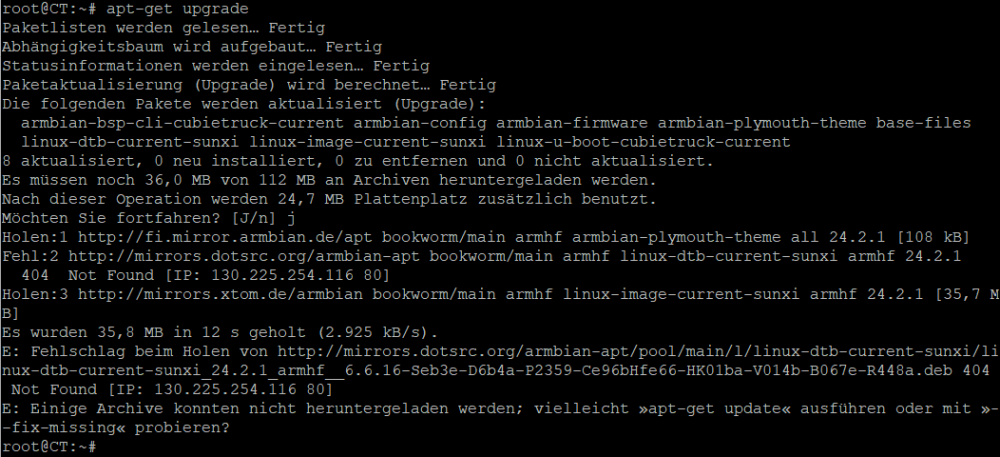
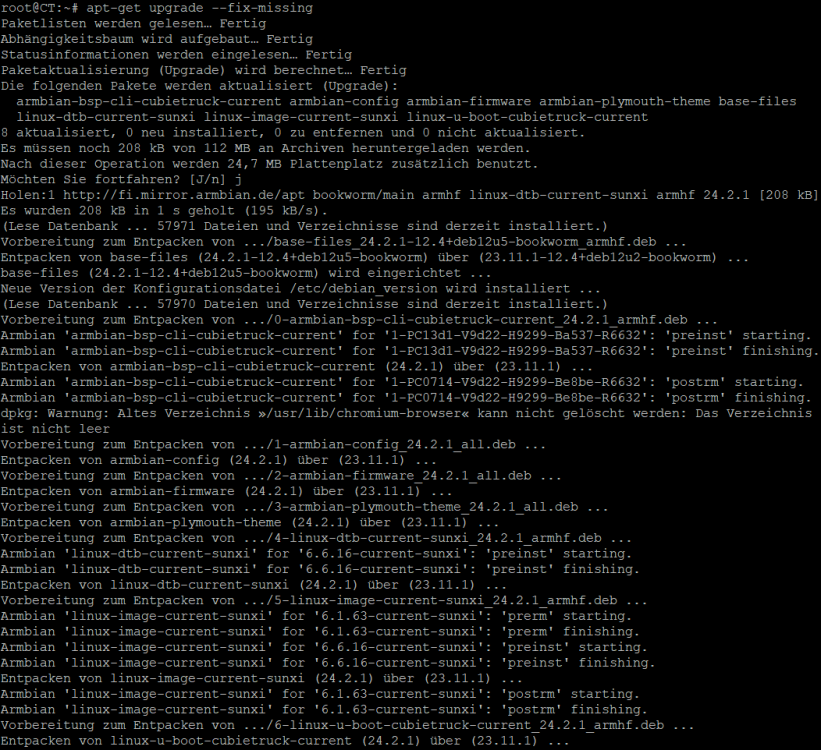
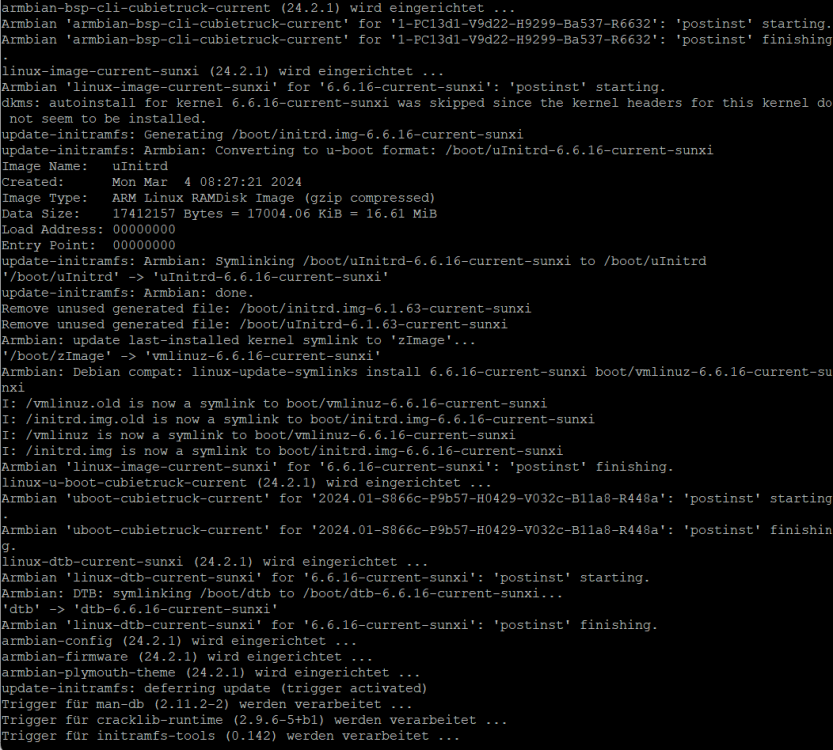
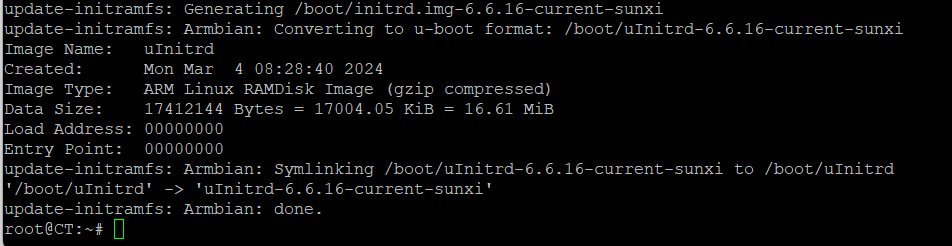
Thanx a multitude, Igor. "apt-get update" seems to work again, however, "upgrade" yielded another error. I then tried upgrade --fix-missing" and that seemed to do the job alright. See screenshots attached in chronological order. If that conforms with your expectations, I'm happy, too.😁 All the best, Giunti PS.: I'm sorry for the German representation of the messages in the screenshots.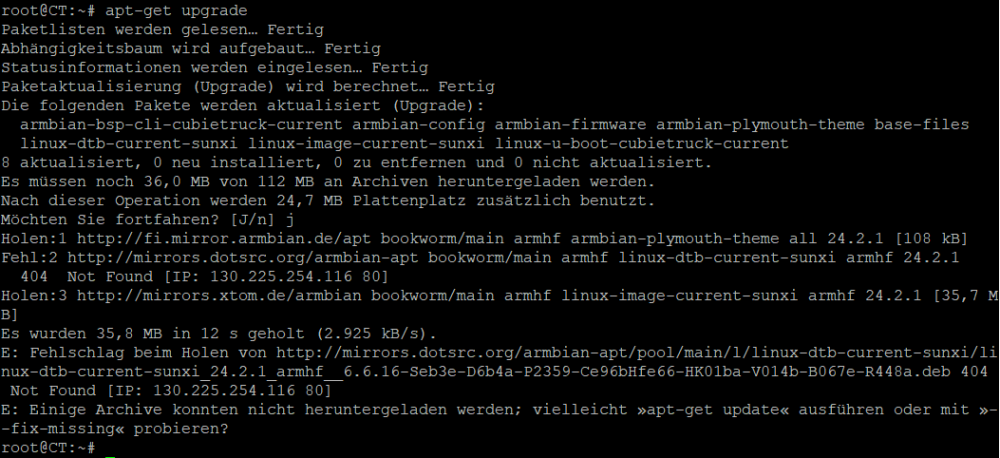
-
Raspberry Pi4 apt-get update problems
Giunti replied to Sid Boyce's topic in Software, Applications, Userspace
In search posts referring to a similar (?) problem I ran across this post hoping to find some remedial hints. Upon trying to update/upgrade my Cubietruck Bookworm OS I received this error message: root@CT:~# apt-get update OK:1 http://deb.debian.org/debian bookworm InRelease OK:2 http://deb.debian.org/debian bookworm-updates InRelease OK:3 http://deb.debian.org/debian bookworm-backports InRelease OK:4 http://security.debian.org bookworm-security InRelease Ign:5 http://fi.mirror.armbian.de/apt bookworm InRelease Fehl:6 http://fi.mirror.armbian.de/apt bookworm Release 404 Not Found [IP: 65.21.120.247 80] Paketlisten werden gelesen… Fertig E: Das Depot »http://apt.armbian.com bookworm Release« enthält keine Release-Datei mehr. N: Eine Aktualisierung von solch einem Depot kann nicht auf eine sichere Art durchgeführt werden, daher ist es standardmäßig deaktiviert. N: Weitere Details zur Erzeugung von Paketdepots sowie zu deren Benutzerkonfiguration finden Sie in der Handbuchseite apt-secure(8). The stated address does not seem to hold a release file anymore, which does not allow for a secure upgrade. Otherwise my Armbian/Debian system runs flawlessly. Is there a way to get over this problem? Many thanks in advance for help.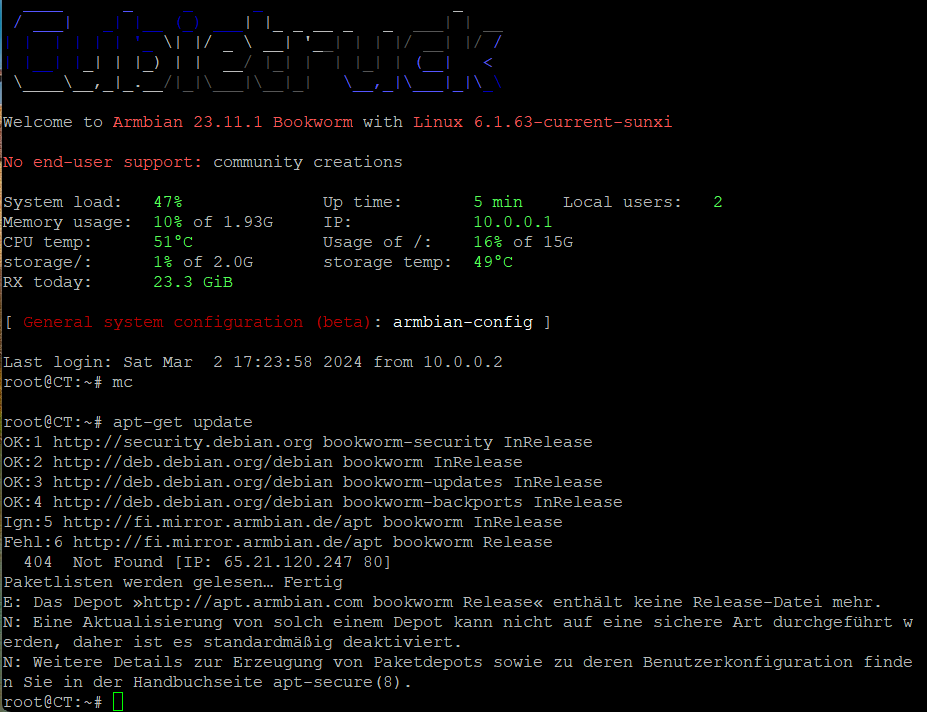
-
Hi all, I've been using Armbian on two Cubietrucks for a decade and had to install the latest version (CLI Armbian 23.8 Bookworm Kernel of Aug 31, 2023) to one of them. The other still runs Buster to my fullest satisfaction. What I noticed, however, is that - among other changes - APM is no longer available. Therefore: Is there any other way to reliably cause HDD spindown after a certain time (say 20 min) even if there's no battery-power mode but 24/7 AC power? Thanks in advance for any help. Giunti
-
How about that new thread? Has it ever been started? If yes, please provide link. Thanx,