


Atreyo tech
-
Posts
10 -
Joined
-
Last visited
Content Type
Forums
Store
Crowdfunding
Applications
Events
Raffles
Community Map
Posts posted by Atreyo tech
-
-
Hi,
I tried this but stll not working. Please help me i am stuck here since long time.
-
Hi,
Thank you for your response.
I check userpatches folder but not found any lib.config file.
Can i generate it manually and insert following line?
NO_APT_CACHER=yes
APT_PROXY_ADDR=PROXYHOST:PROXYPORT -
Hello Team,
Can anyone help me for above topic? I am stuck now.
-
Hello,
I have started compiling the kernel for pine64 board by the following command.
$ ./compile.sh CLEAN_LEVEL="make,debs,oldcache,cache" NO_APT_CACHER=yes USE_TORRENT=no
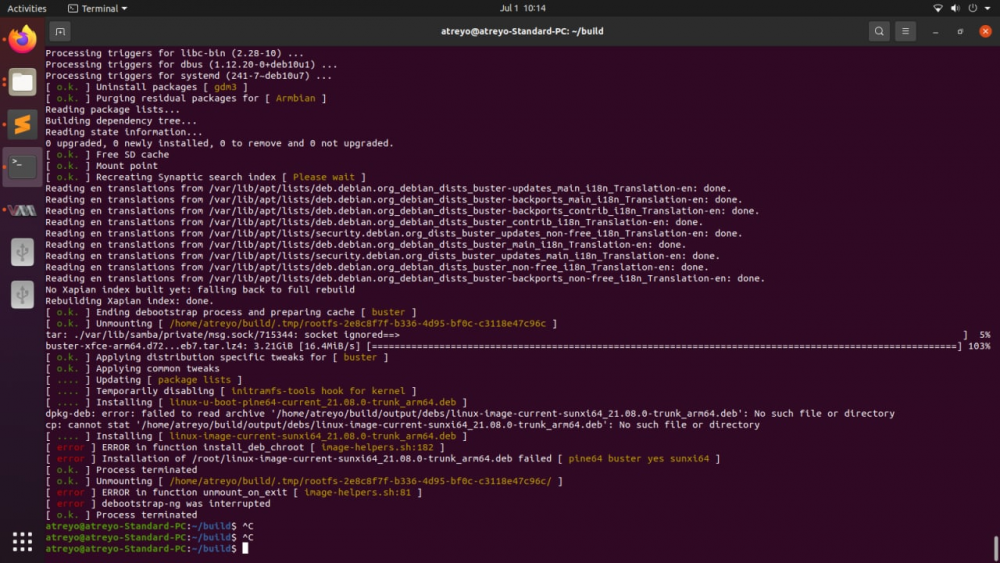
I have used "NO_APT_CACHER=yes" to avoid error from proxy settings. Moreover, "USE_TORRENT=no" to avoid fetch URL failed error. However, again I have encountered an error which can be seen in the screenshot attached. I don't exactly know why this error has occurred.
Please guide me to compile it successfully.
-
Hi,
Can you guide me for proxy configuration. because, I set it automatically and manually available in Network-> Network proxy but not working.
-
Hello sir,
I am trying to build kernel in my host system. My host system is configured with ubuntu 20.04 and trying to run compile.sh file.
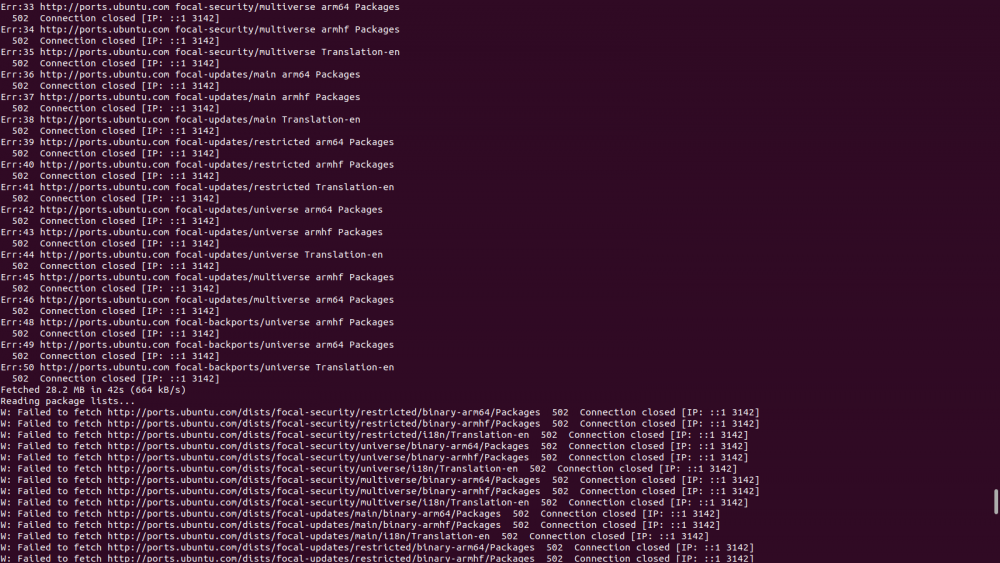
But i am getting "502 connection closed" error. Please find below attachment
-
Hello sir,
Thank you for response.
Actually, I want to integrate Quectel EC200S-CN LTE modem with pine64 board. For LTE integration, we need to modify option.c ,qcserial.c, usb_wwan.c, and usb-wwan.h. Additionally we need to enable some of the features through menuconfig command.
As per our understanding, we need to first download kernel source in any of linux host system. After that do required change in above given file and perform procedures:
1). make ARCH=arm CROSS_COMPILE=arm-linux-gnueabihf- menuconfig
2). make -j$(nproc) ARCH=arm CROSS_COMPILE=arm-linux-gnueabihf- uImage modules
3). make ARCH=arm CROSS_COMPILE=arm-linux-gnueabihf- INSTALL_MOD_PATH=output modules_install
After that we need to copy generated files in bootable SD card. But, now we don't know where we can find kernel source and performing all above steps true are true?. If above steps true then which file need to copy in SD card and which location.
Can you guide me for this or share any reference link?
All your suggestion are valuable for us.
-
Hi,
I am start using pine64-LTS board and currently installing new OS in SD card successfully. Please check below result of "uname -a" according to my board.
"Linux pine64so 5.10.34-sunxi64 #21.05.1 SMP Fri May 7 15:50"19 UTC 2021 aarch64 GNU/Linux"
Now, I want to modify or add some features through kernel. Please guide me how to get kernel source and rebuild process.
-
Hi,
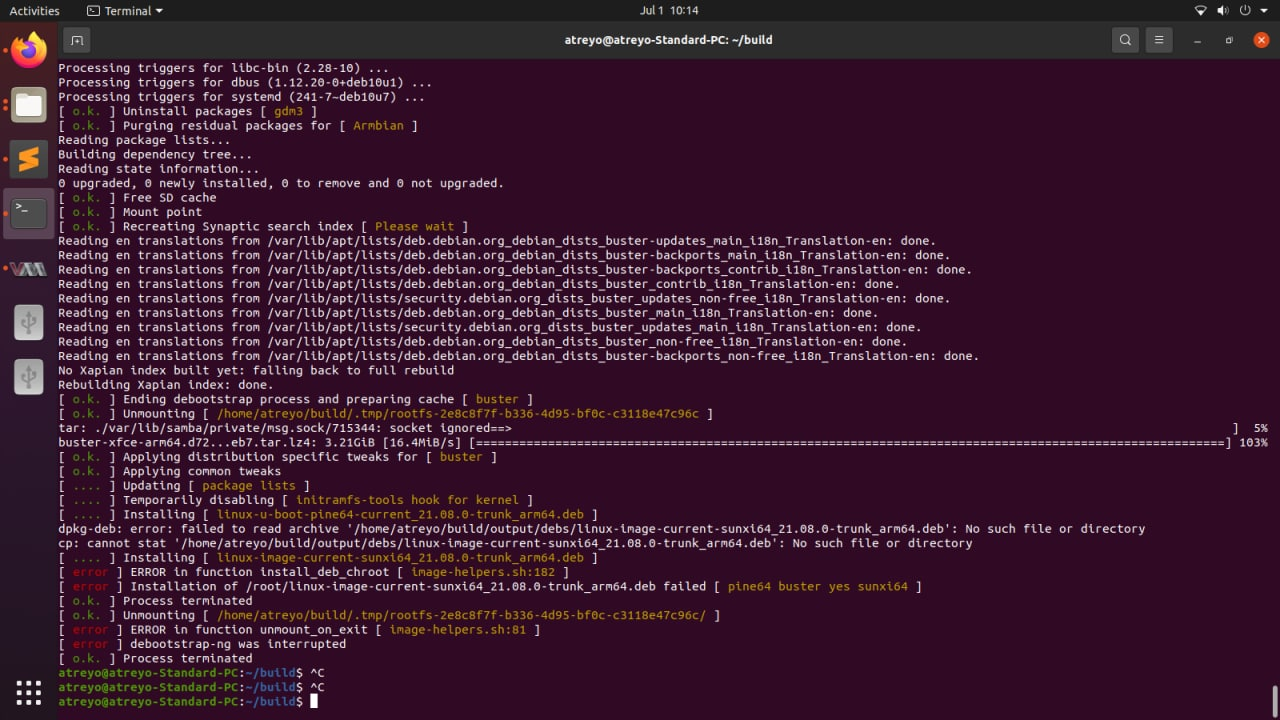
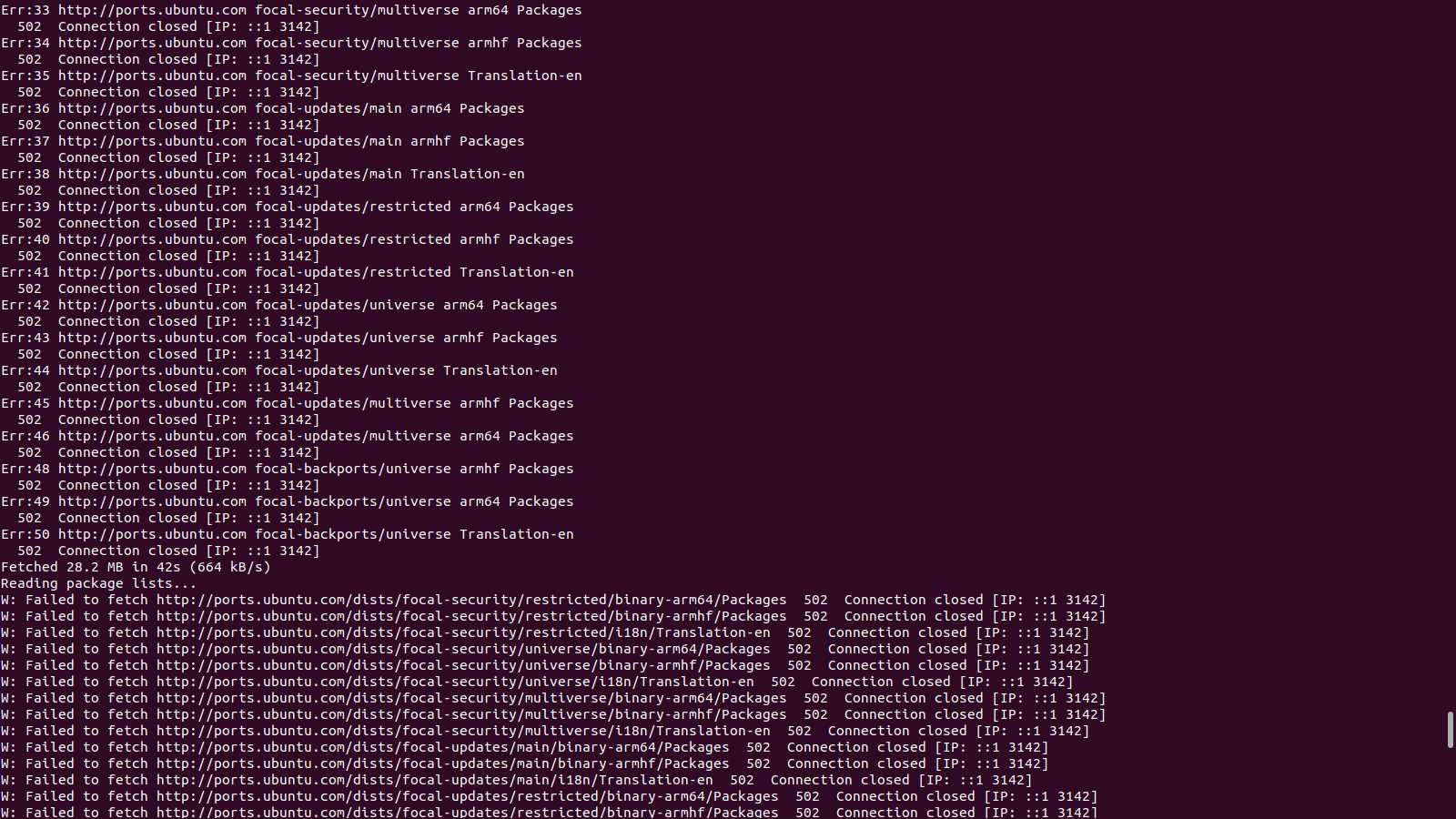
I brought new pine64 board and installing OS in SD card. This OS considering kernel 5.10.34 and now I want to modify some of the kernel features. For that, please guide me how to download kernel source and rebuild it for pine64.
[Invalid] - How to program emmc memory in Allwinner A64
in Pine A64
Posted
Hello,
I am using Allwinner A64 processor for my use case. In that, I want to flash my custom os into emmc memory which is alredy worked in SD card. Currenlty we go thorugh below link:
https://wiki.pine64.org/index.php/NOOB#Instructions_to_Flashing_eMMC_Modules
we follow "xzcat imagename.img.xz | sudo dd of=/dev/mmcblk1 bs=1M status=progress conv=fsync" this command but we got input/out error while reading memory.
Please check below screenshot.