Jump to content

Smartman

Members
  • Posts

    7
  • Joined

  • Last visited

  1. Hi I am interested in updating Armbian latest version 23.05, i am getting below error even i tried freeze the image in Armbian-config system. My configuration: OS: Armbian (23.02.2) aarch64 Host: OrangePi 4 LTS Kernel: 5.15.93-rockchip64 ~ lsb_release -a No LSB modules are available. Distributor ID: Ubuntu Description: Ubuntu 22.04.2 LTS Release: 22.04 Codename: jammy ~ sudo apt update Hit:2 http://ports.ubuntu.com jammy InRelease Hit:3 http://ports.ubuntu.com jammy-security InRelease Hit:4 http://ports.ubuntu.com jammy-updates InRelease Hit:5 http://ppa.launchpadcontent.net/saiarcot895/chromium-beta/ubuntu jammy InRelease Hit:6 http://ppa.launchpadcontent.net/mozillateam/ppa/ubuntu jammy InRelease Hit:7 http://ports.ubuntu.com jammy-backports InRelease Hit:8 http://ports.ubuntu.com/ubuntu-ports jammy InRelease Hit:9 https://download.docker.com/linux/ubuntu jammy InRelease Hit:10 http://deb.volian.org/volian scar InRelease Hit:1 https://cli.github.com/packages stable InRelease Get:12 http://xogium.performanceservers.nl/apt jammy InRelease [52.4 kB] Hit:11 https://paulcarroty.gitlab.io/vscodium-deb-rpm-repo/debs vscodium InRelease Err:12 http://xogium.performanceservers.nl/apt jammy InRelease The following signatures couldn't be verified because the public key is not available: NO_PUBKEY 93D6889F9F0E78D5 Reading package lists... Done Building dependency tree... Done Reading state information... Done 4 packages can be upgraded. Run 'apt list --upgradable' to see them. W: An error occurred during the signature verification. The repository is not updated and the previous index files will be used. GPG error: http://xogium.performanceservers.nl/apt jammy InRelease: The following signatures couldn't be verified because the public key is not available: NO_PUBKEY 93D6889F9F0XXXX W: Failed to fetch http://apt.armbian.com/dists/jammy/InRelease The following signatures couldn't be verified because the public key is not available: NO_PUBKEY 93D6889F9F0EXXXX W: Some index files failed to download. They have been ignored, or old ones used instead. Any help would be appreciated.
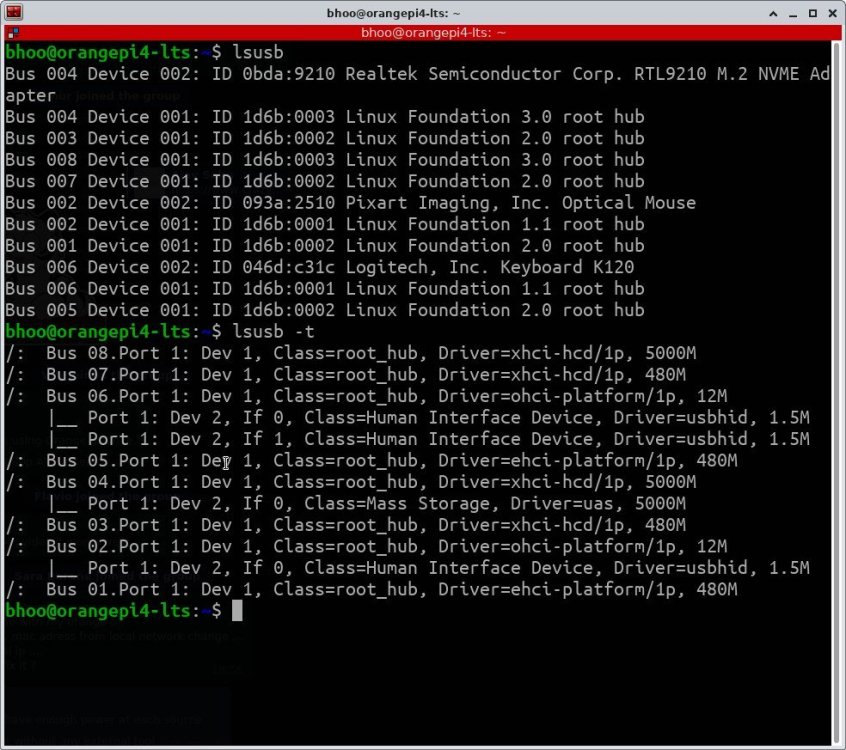
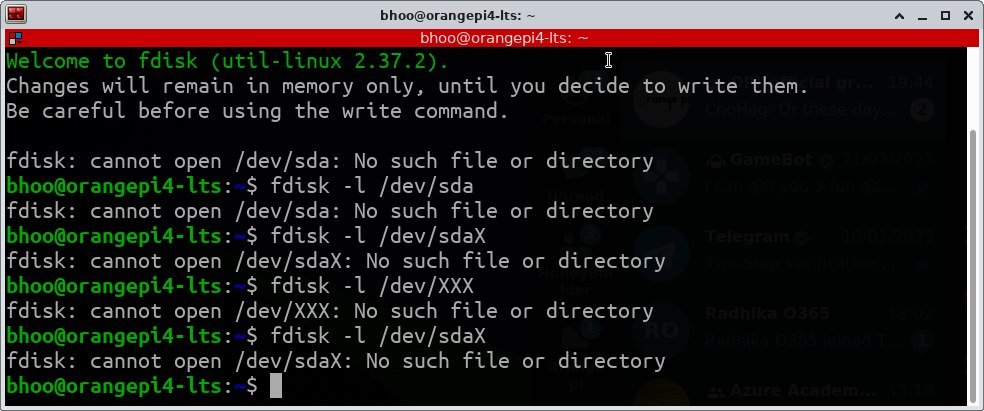
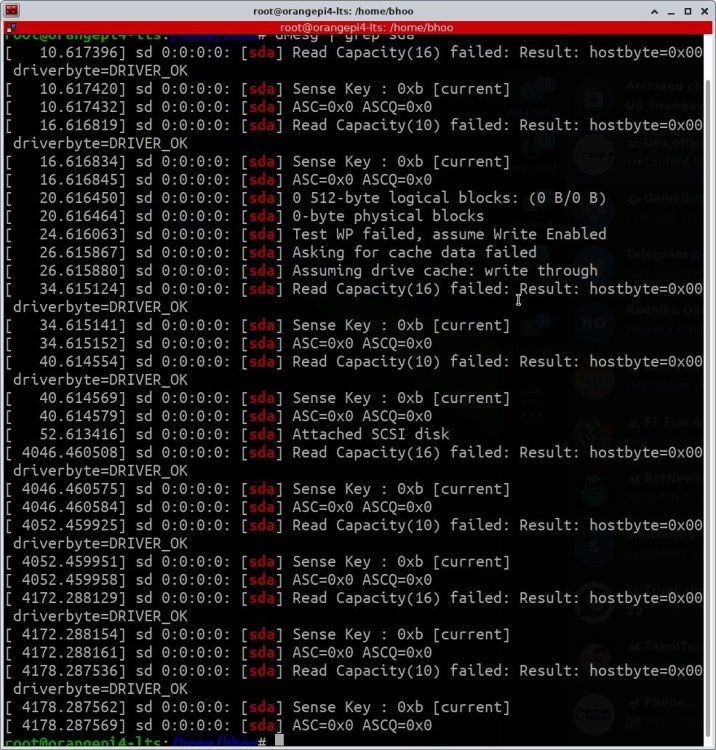
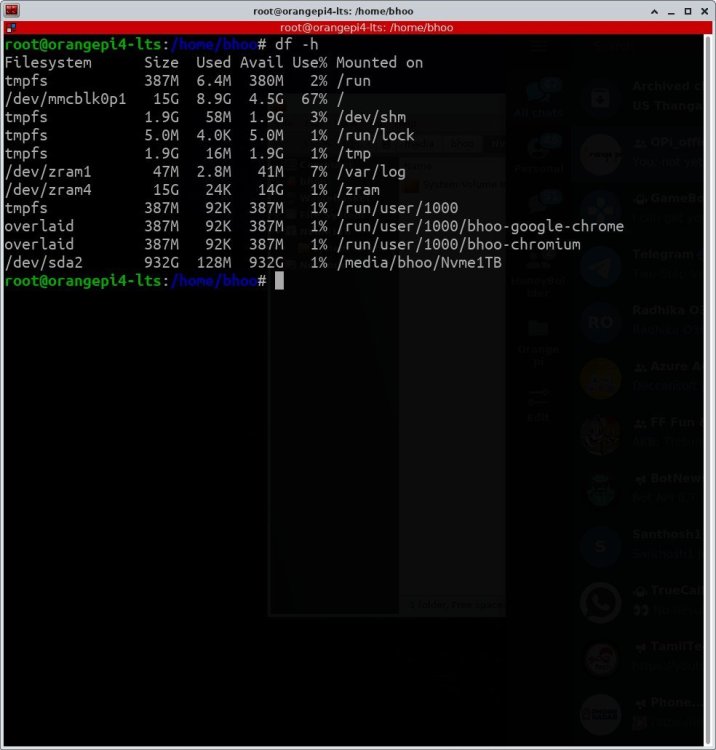
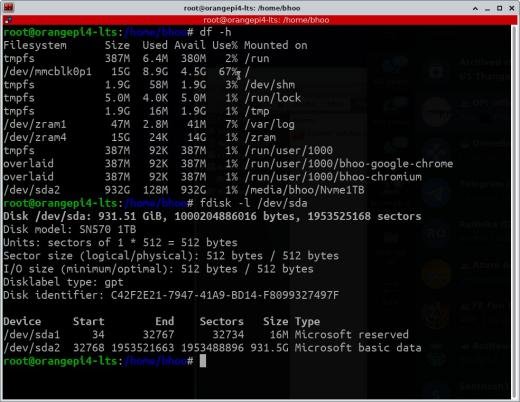
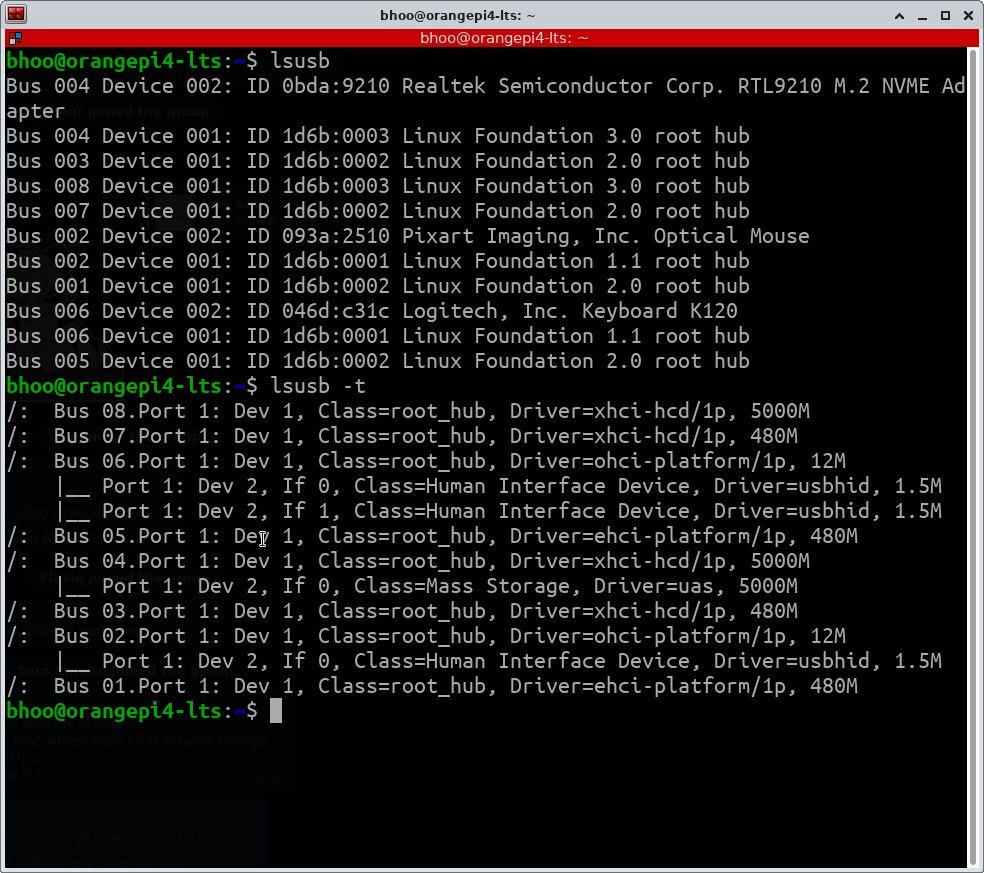
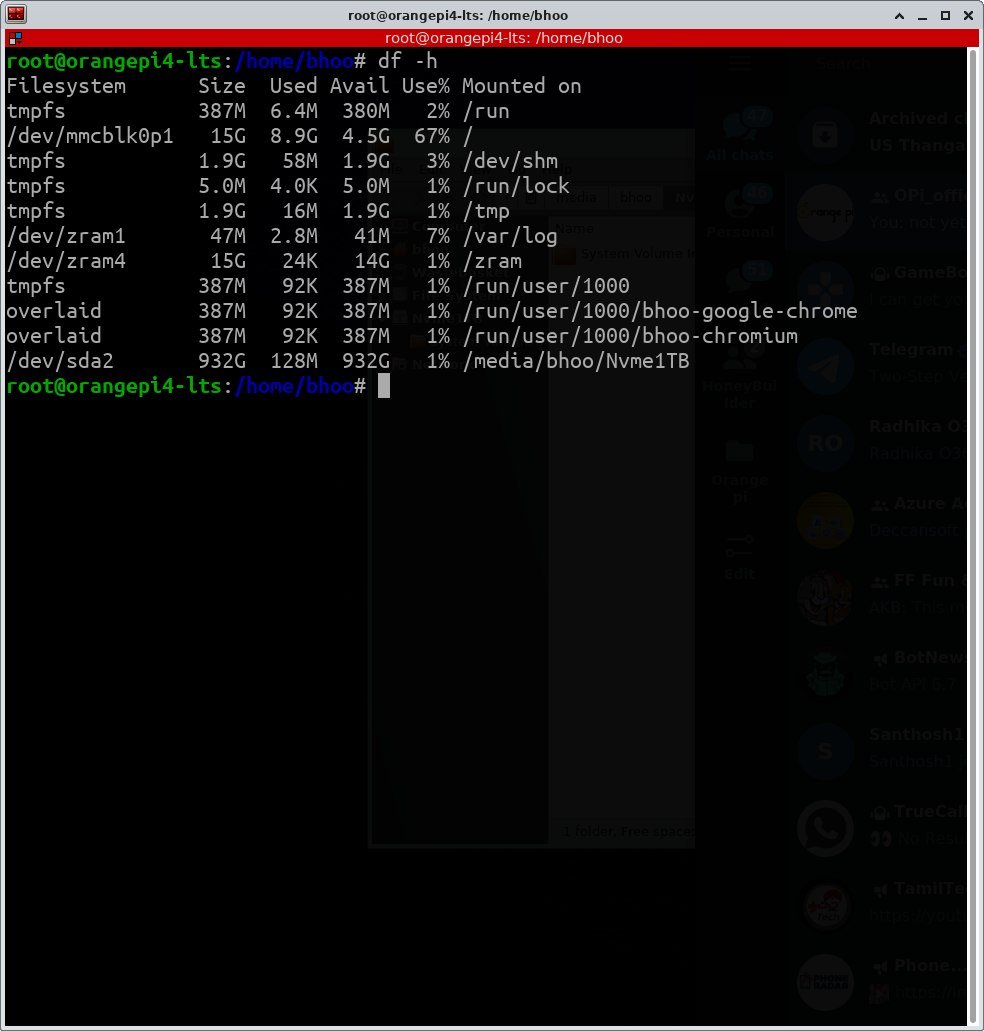
  2. Hi There, Details: Linux orangepi4-lts 5.15.93-rockchip64 #23.02.2 SMP PREEMPT Fri Feb 17 23:48:36 UTC 2023 aarch64 aarch64 aarch64 GNU/Linux I got issues from the Armbian when with Opi 4 LTS. 1.USB 3.0 or USB C not working with the kernel with WD Blue SN570 1TB (1.00)SSD failed in OPI 4 LTS. only works when i connect in USB 2.0. HW is OK, but suspecting problem with drivers (kernel). Tried below options: 1. Tried different cable but no luck in USb 3.0 port or USB c type. 2. same cable works fine in Windows and USB 2.0 3. Only not working detected in USB 3.0 port hub. Attached screenshot. Tried various trouble shooting steps in the orange Pi forum, finally suggested by expert post here. Attached the chat we had on the OrgangePi telegram and few photos of the issue. messages.html

×
×
  • Create New...

Important Information

Terms of Use - Privacy Policy - Guidelines