Jeffrey
-
Posts
8 -
Joined
-
Last visited
-

OrangePi Zero LTS ili9341 TFT LCD (and later OrangePi Zero 3)
Jeffrey replied to robertoj's topic in Allwinner sunxi
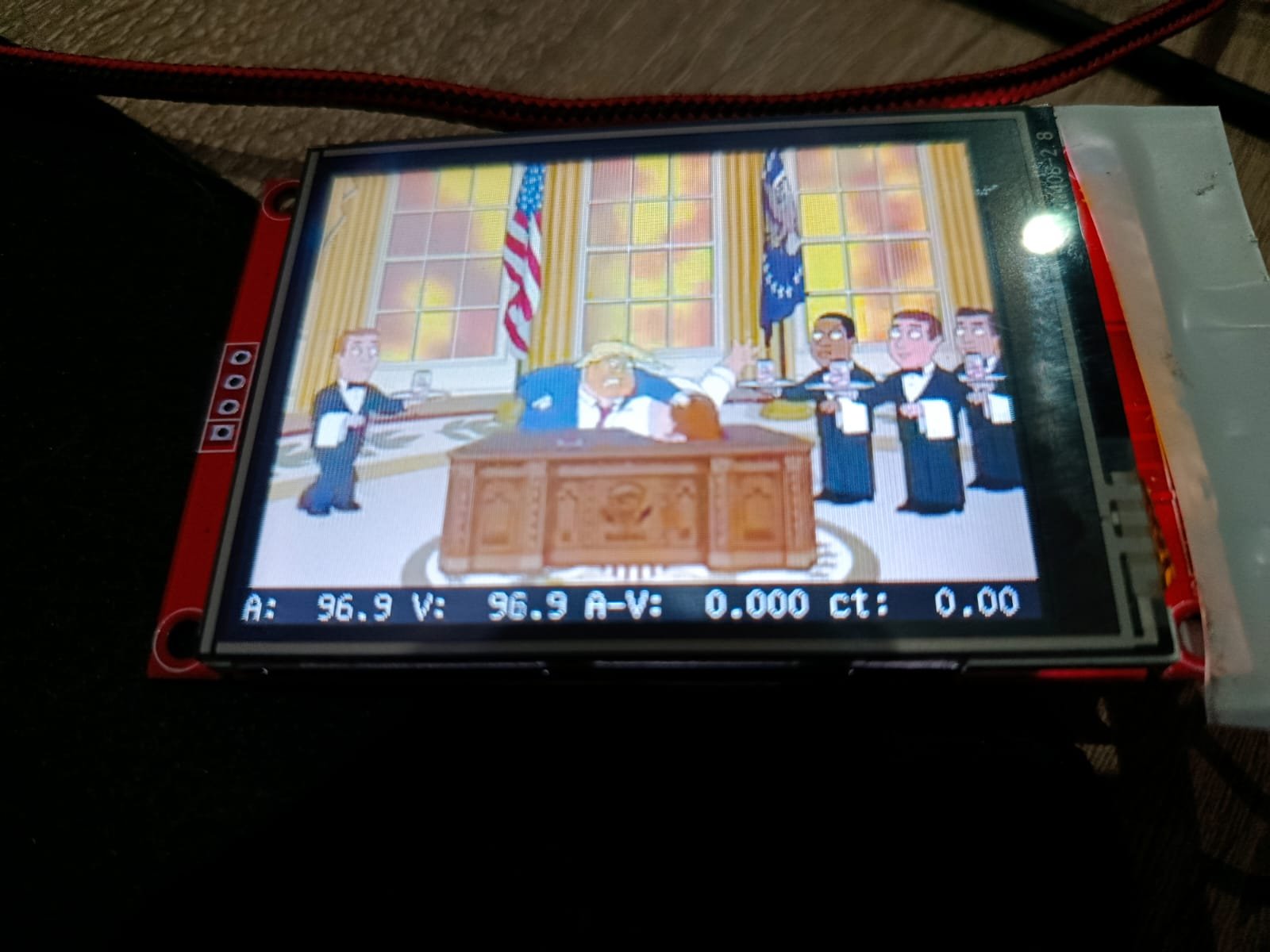
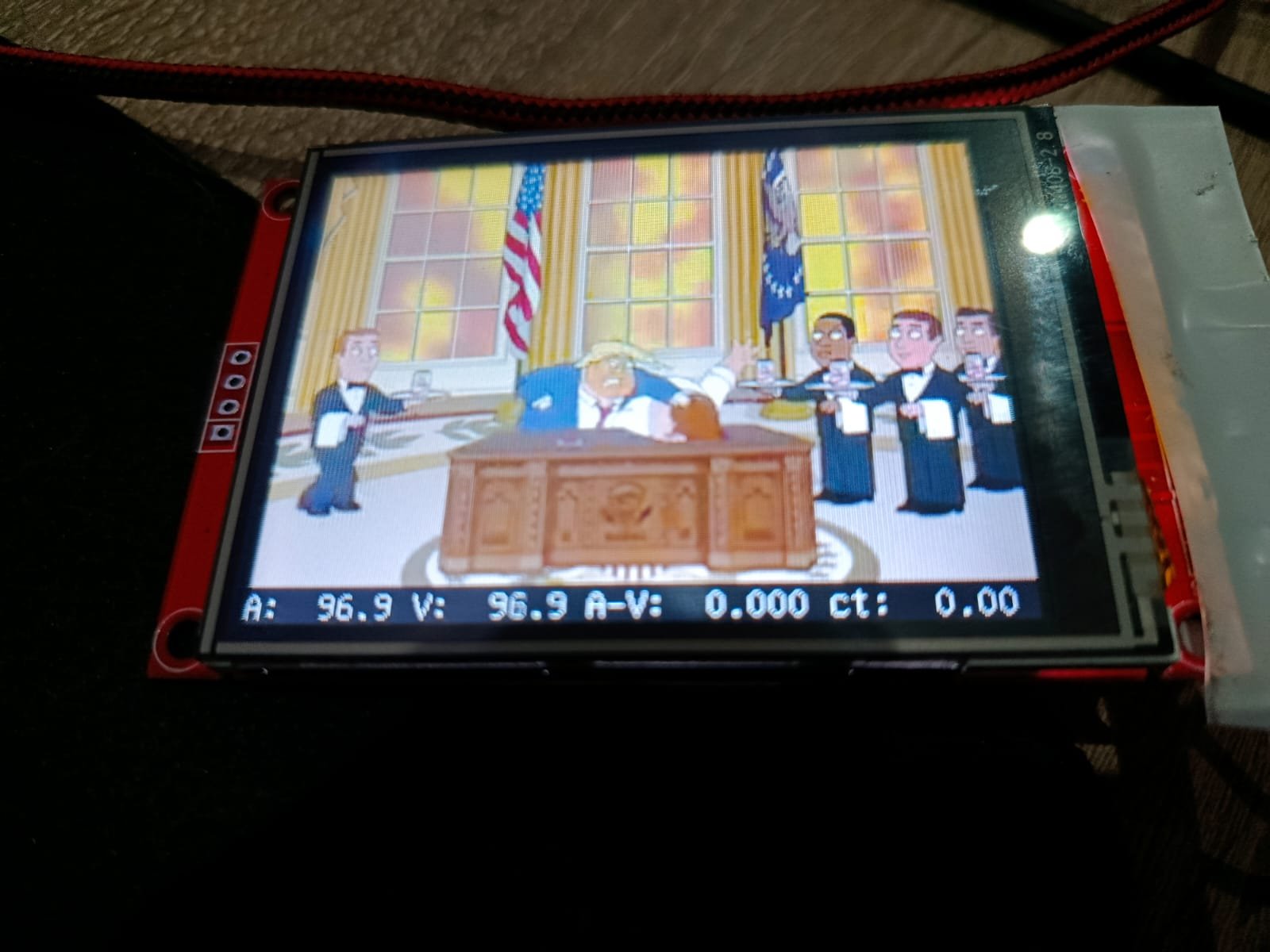
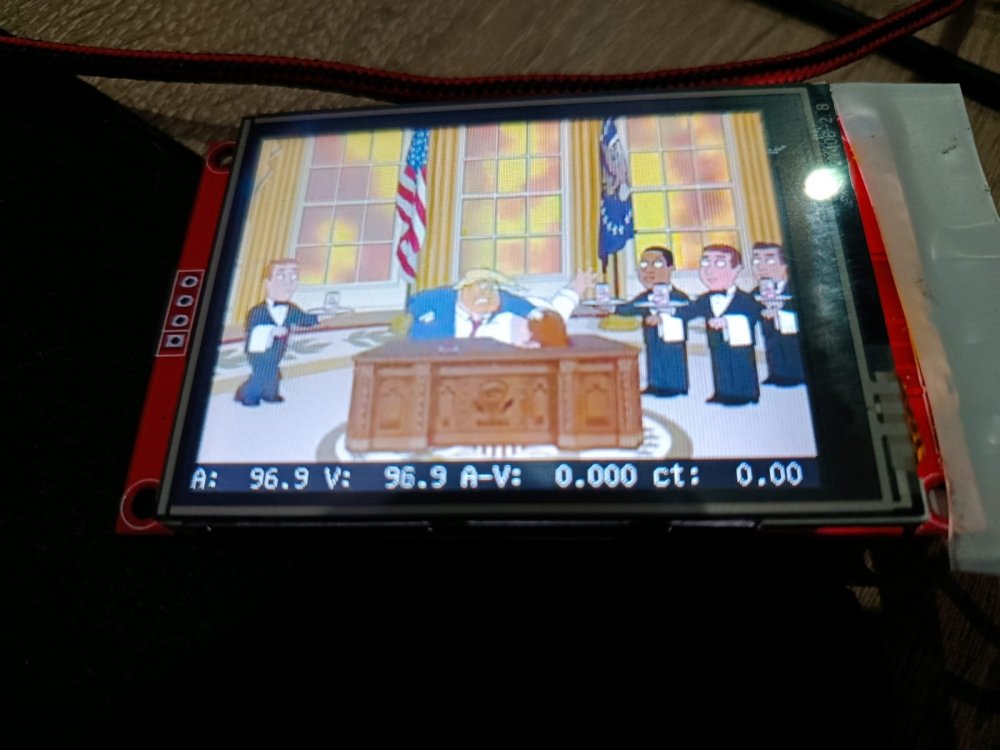
I will definitely look into that. "mplayer -vo fbdev2:/dev/fb0 videofile.mp4" with desktop disabled worked perfectly by the way, no issues. I've used both X11 and wayland though and also there is nothing in the logs which I find extremely weird. However I will look into it further the upcoming week, I am most definitely missing something.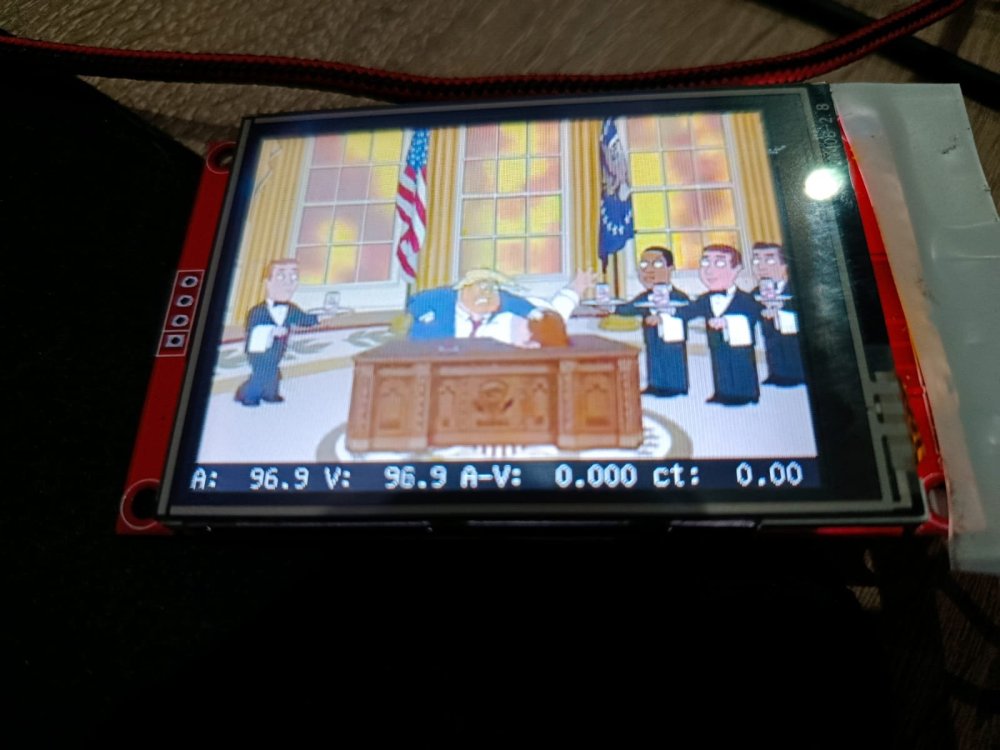
-
OrangePi Zero LTS ili9341 TFT LCD (and later OrangePi Zero 3)
Jeffrey replied to robertoj's topic in Allwinner sunxi
Sorry for taking so long to try this, I decided to solder thicker and shorter wires onto the board to make sure that isn't the issue. Unfortunately it still crashes after a short while but nothing is seen in ssh session: ~# tail -f /var/log/Xorg.0.log [ 34.652] (II) event1 - sunxi-ir: device is a keyboard [ 34.722] (**) sunxi-ir: Applying InputClass "libinput keyboard catchall" [ 34.722] (II) Using input driver 'libinput' for 'sunxi-ir' [ 34.722] (**) sunxi-ir: always reports core events [ 34.722] (**) Option "Device" "/dev/input/event1" [ 34.722] (II) libinput: sunxi-ir: is a virtual subdevice [ 34.722] (**) Option "config_info" "udev:/sys/devices/platform/soc/7040000.ir/rc/rc0/input1/event1" [ 34.722] (II) XINPUT: Adding extended input device "sunxi-ir" (type: KEYBOARD, id 😎 [ 34.722] (**) Option "xkb_model" "pc105" [ 34.722] (**) Option "xkb_layout" "us" I am going to mess with the SPI frequency and see if that makes any difference. ----- edit ----- I actually found out that the desktop only freezes whenever I stop using the mouse for 5 seconds. -
OrangePi Zero LTS ili9341 TFT LCD (and later OrangePi Zero 3)
Jeffrey replied to robertoj's topic in Allwinner sunxi
Yeah I am glad that atleast I can get into desktop environment by manually doing a lightdm restart. ls /dev/fb* returns: /dev/fb0 I feel like I've tried everything possible and ended up just making a custom script that restarts lightdm a few seconds after booting, it's not ideal and it bothers me that it isn't working properly but yeah. - I am using adafruit,yx240qv29 - Yes I am using XFCE currently but I've tried Gnome too. - the Slick greeter - Orangepizero3_1.0.2_ubuntu_jammy_server_linux6.1.31 / but have tried MANY others. Also what might be useful for others, just the DTS wasn't enough for things to work, also had to create a config in /etc/X11/xorg.conf.d/ and add these lines: Section "Device" Identifier "ILI9341-Device" Driver "fbdev" Option "fbdev" "/dev/fb0" EndSection However things aren't super stable yet, the screen sometimes will randomly stop working, first I though maybe there is a screensaver or something but that doesn't seem to be the issue. Leaves me to think it's maybe power related and need to use shorter cables and a better 3.3v power supply (currently using the 3.3v from the opiz3). Lastly maybe shortening my jumper wires might make a difference. Previously the screen was all the way glitched as seen in my earlier post, I had shortened the dc, miso, mosi and SCLK jumpers but maybe I should make them even shorter. What makes me think it might be power related is also because sometimes the screen seems to go slightly dimm and then brighten back up, it's subtle but visible. Lastly I might have the depth or spi frequency not dialed in yet. -
OrangePi Zero LTS ili9341 TFT LCD (and later OrangePi Zero 3)
Jeffrey replied to robertoj's topic in Allwinner sunxi
So I have tried all the different images for the Opiz3 from the Orange pi website with the dts, I have tried 2 of the desktop images for the opiz3 from armbian. All of them result in the desktop environment not booting correctly. with Armbian I even got to the point where there are no errors in the lightdm logs, yet still a black screen. However with all those different images, a simple manual restart of lightdm (systemctl restart lightdm.service, will fix it and make the desktop show up. -
OrangePi Zero LTS ili9341 TFT LCD (and later OrangePi Zero 3)
Jeffrey replied to robertoj's topic in Allwinner sunxi
At this point I've tried with and without adafruit,yx240qv29. I also have tried with X11 and Wayland. I am at the point where I am using Gemini to figure out what is wrong but not making much progress. I have found people with similar issues but no solutions. -
OrangePi Zero LTS ili9341 TFT LCD (and later OrangePi Zero 3)
Jeffrey replied to robertoj's topic in Allwinner sunxi
@robertoj Thank you for being willing to help. It was actually because my jumper wires were too long. I now can see the everything fine on the screen. The only issue that remains is loading the desktop environment, I can't seem to get in nomatter what I try. I've tried multiple image but every single time it just fails. Any ideas?or is there an image available that is known to work that I can download? -
OrangePi Zero LTS ili9341 TFT LCD (and later OrangePi Zero 3)
Jeffrey replied to robertoj's topic in Allwinner sunxi
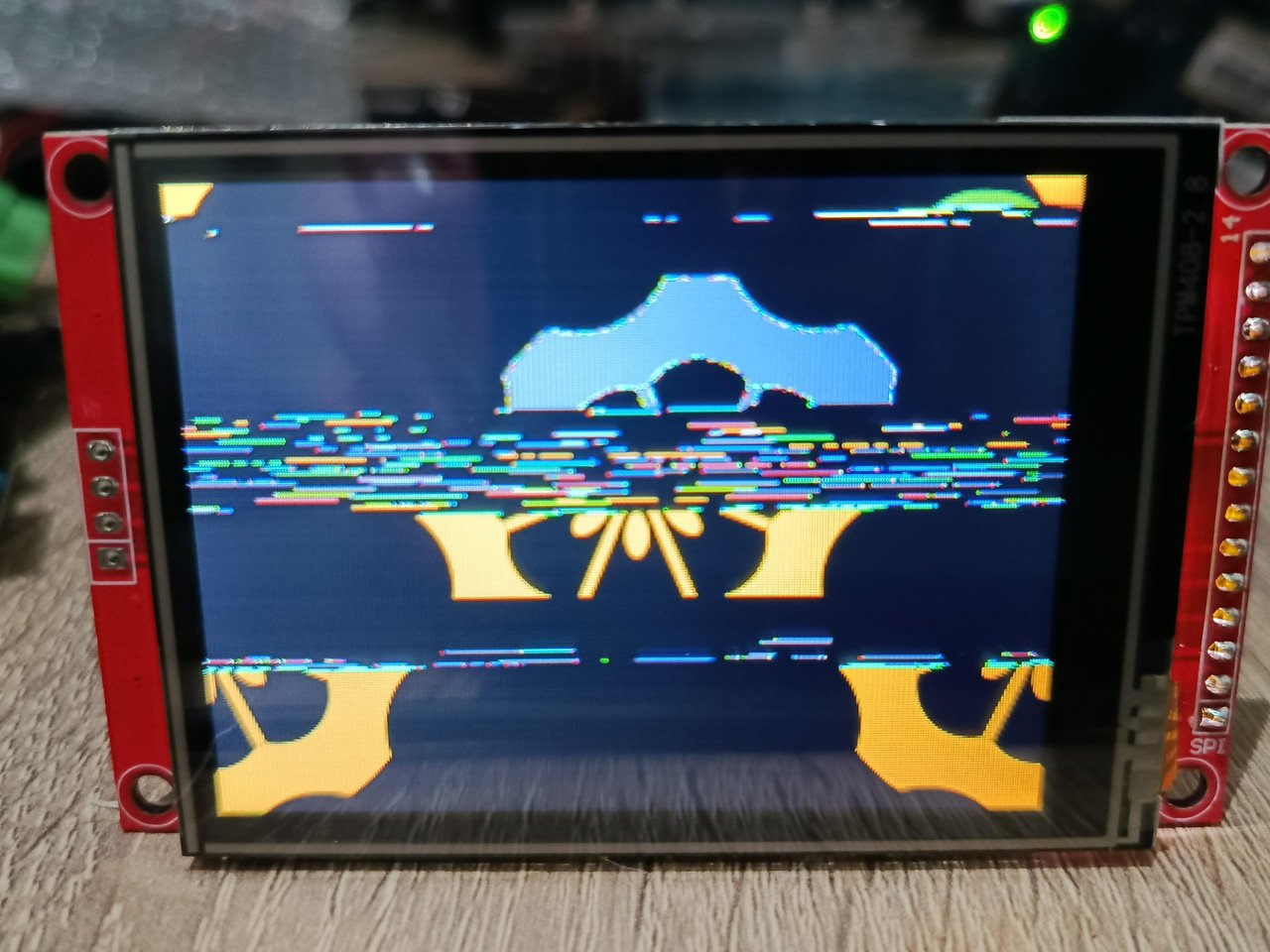
Well I got it to display something, it isn't exactly what I want but I am just happy I got it to do something. I decided to try with the orangepi image from their website "Orangepizero3_1.0.2_ubuntu_jammy_desktop_xfce_linux6.1.31.img". I was going to share image from what it's displaying but for some reason I keep getting an error trying to upload. Basically it's showing the orangepi boot logo but then all messed up, it's all over the place. ------ edit got image to upload. ------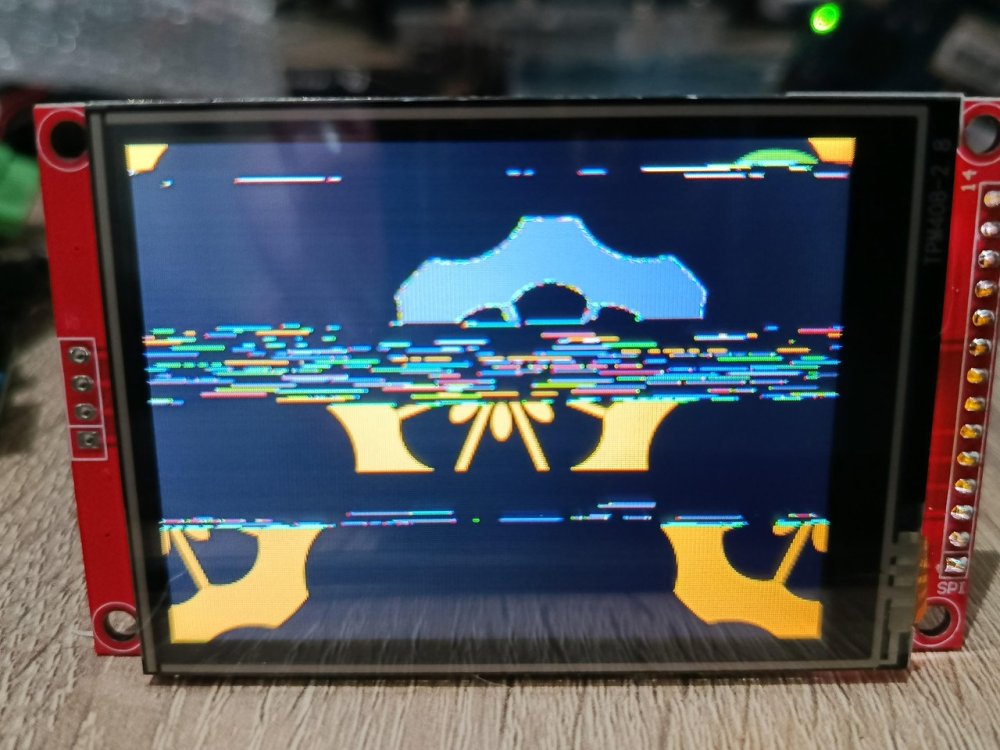
-
OrangePi Zero LTS ili9341 TFT LCD (and later OrangePi Zero 3)
Jeffrey replied to robertoj's topic in Allwinner sunxi
Does this still work with current armbian version? I am using v25.11.2 for Orange Pi Zero3 running Armbian Linux 6.12.58-current-sunxi64 and I can't even get the display to turn on. Now I'll admit I am a complete noob when it comes to linux so I am most likely doing something wrong. I know am doing something that's way over my head but I enjoy researching and learning things but it's hard to find things on the subject. I am using the DTS from this comment: - copied it into ~ili9341 then did: - cd ili9341 armbian-add-overlay ili9341-spi1-opiz3.dts I rebooted and notice the screen didn't come on, so I did: dmesg and then following message came up: sun6i-spi 5011000.spi: cannot register SPI host It's a cheap ili9341 tft from aliexpress, it says it's using ST7789V for display drivers, is that maybe why it isn't working? driver ili9341.ko does show up in /lib/modules/6.12.58-current-sunxi64/kernel/drivers/gpu/drm/tiny any help would be appreciated.