pami
-
Posts
4 -
Joined
-
Last visited
-
Driving the ili9488 LCD (4.0 inch cheap chinese clone)
pami replied to robertoj's topic in Allwinner sunxi
Unfortunately, nothing's working for me yet(. It didn't work with dts, and my Python tests have only resulted in a gray screen and nothing else. I'm still using deepseek, as I don't understand it myself. Maybe I should connect the display's MISO? Although the display only seems to receive data, not transmit it. -
Driving the ili9488 LCD (4.0 inch cheap chinese clone)
pami replied to robertoj's topic in Allwinner sunxi
It seems that I will definitely have to change the connection pins and something else, because I have a raspberry pi zero 2w, not an orange pi zero 3. Well, okay, I'll try to use your DTS only to adapt it for my board when I have free time. -
Driving the ili9488 LCD (4.0 inch cheap chinese clone)
pami replied to robertoj's topic in Allwinner sunxi
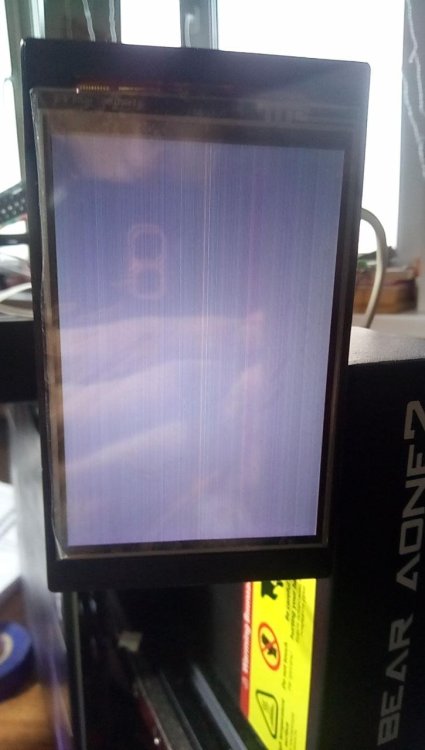
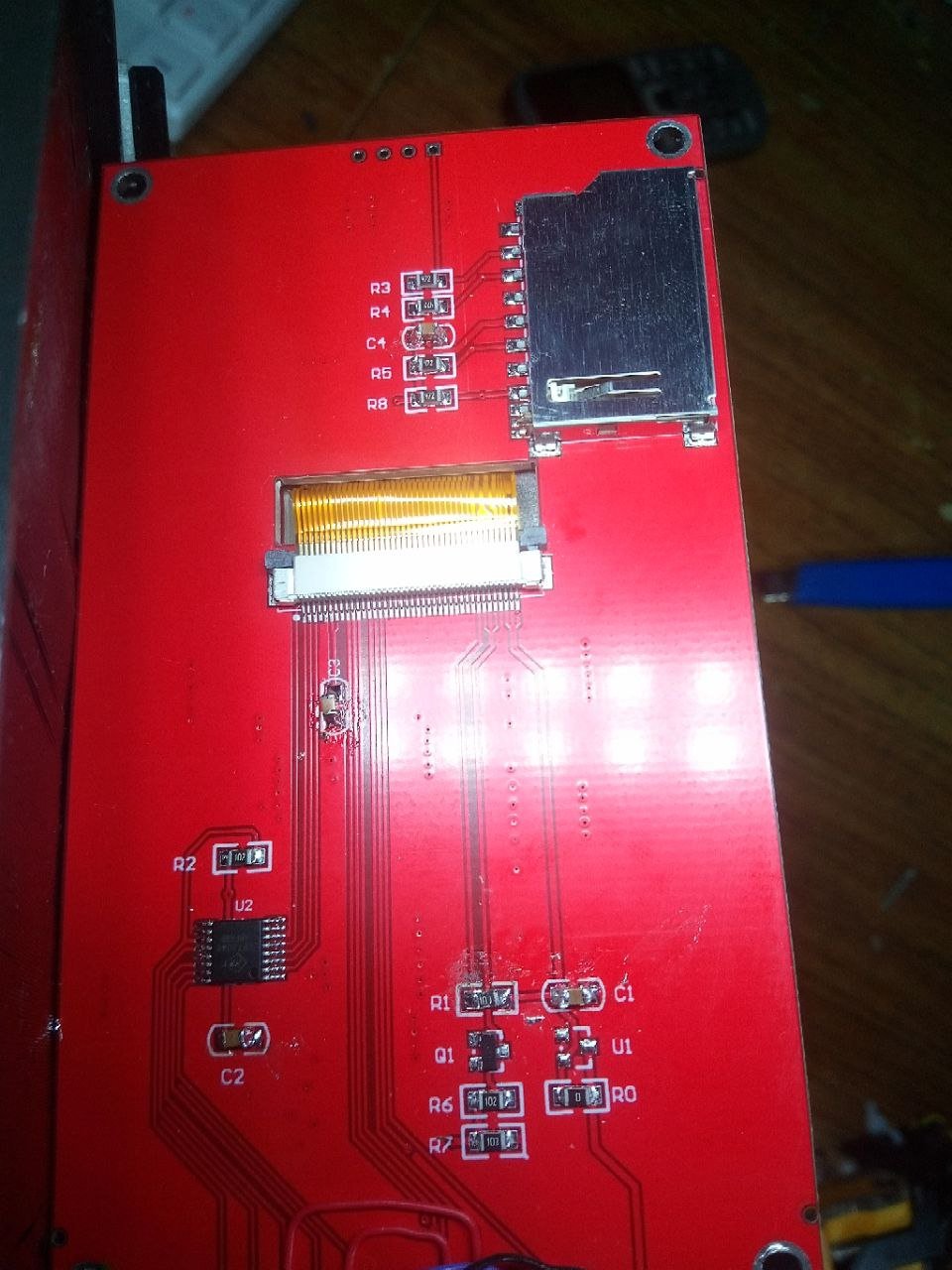
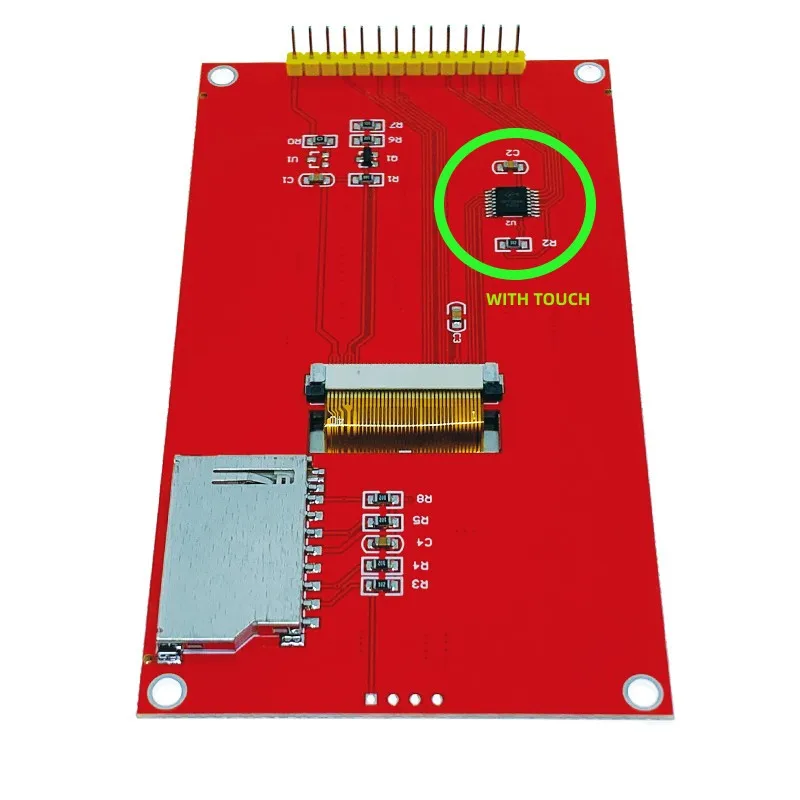
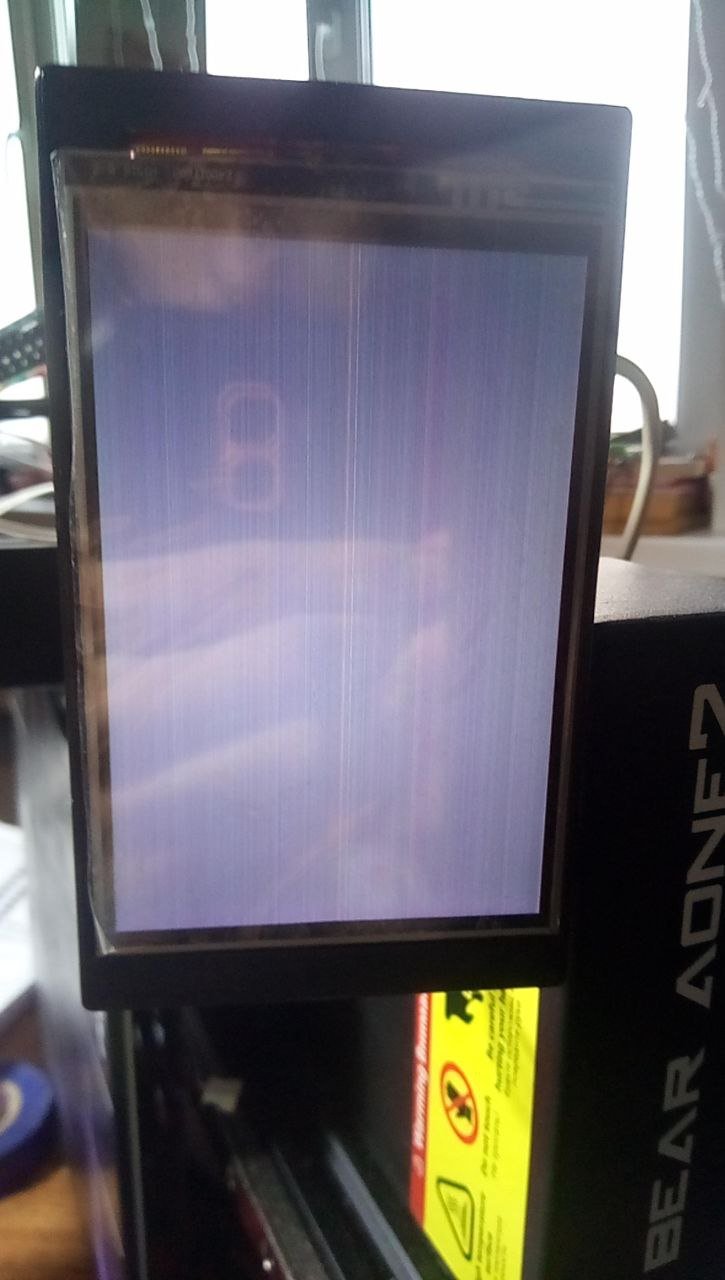
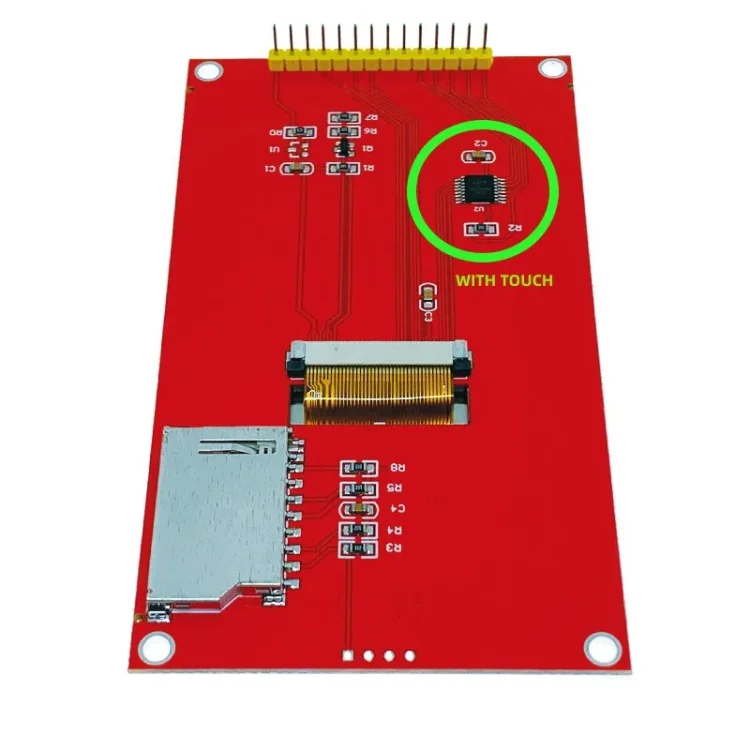
1) Language. Either I expressed myself incorrectly or I was misunderstood, but my communication on this forum will most likely proceed as follows: My message in Russian -> Translator -> My message in English And the same in reverse order. 2) A little information about me. I'm a school student, so I'm unlikely to understand any of the high-tech terms. 3) AI If it helps, here's the most productive thread of conversation with Deepseek: https://chat.deepseek.com/share/20dl6vpqy97gpu4et4 4) DTBO and DTS Thanks to AI, almost every new version of dts had a new name, but they all seemed to compile to dtbo with the same name. I'm thinking of finding one that can produce a gradient, but I haven't succeeded yet, and I haven't tried everything. I don't know what color it should be, but mine was a white-to-black gradient. I'll also attach a Python script for it. I didn't create it separately, but wrote it directly into the SSH console (as far as I understand). 5) Raspberry Pi I have a primary 32 GB SD card, which I've been using since installing Klipper on my 3D printer. I also have a spare 64 GB SD card, which I installed MainsailOS, KlipperScreen, and added printer.cfg to. Initially, when I tried using ready-made libraries, I used the primary card, and even used it for a few attempts with AI. But then I switched to a second (spare) card, so that if I messed up the firmware or made any irreparable changes, I could reinstall the OS, reset it to its original state (as mentioned at the beginning), and then repeat all the necessary operations from the beginning. It's probably best to record all your steps somewhere so that after successfully setting up the screen on the spare card, you can repeat the necessary steps on the main card. Just in case, I'll save the current config.txt and all created dts files on my PC. 6) Display I'm attaching a photo of my display and another from the product page on AliExpress. I already have it soldered into the Raspberry Pi. During my attempts, I soldered from spi1 to spi0 and back maybe five times. But I'm tired of this and want to stick with the current pinout with spi1, since I have two more accelerometers on spi0, which I desoldered while setting up the display. 7) Display nuance During the first connection, I slightly damaged the solder mask of the ground plane near the positive contact of the display with a soldering iron and shorted it out with solder. I thought something on the display was broken, so I desoldered and checked some components (the microcircuit, capacitors, and resistor), but they were intact. It was only later that I discovered the real problem. After solving the problem, I connected the 5-volt power supply, but after a couple of hours, I decided to switch it to 3.3 volts just in case. I can switch it back to 5 volts if necessary. I hope this short-circuit situation didn't affect the operation in any way. If this is helpful, I've attached all the DTS versions I currently have; they can be opened in Notepad++. When I find the one that produces the gradient, I'll edit this post or write a new one. test_display.txt ili9488-debug.dts ili9488-fixed.dtbo ili9488-fixed.dts ili9488-fixed-gpio.dts ili9488-full-init.dts ili9488-priority.dts ili9488-test.dts ili9488-test-18bit.dts ili9488-test-bgr.dts ili9488-test-reg36.dts ili9488-test-rotate.dts ili9488-working.dts ili9488-xpt2046.dts ili9488-64bit.dts ili9488-correct-horizontal.dts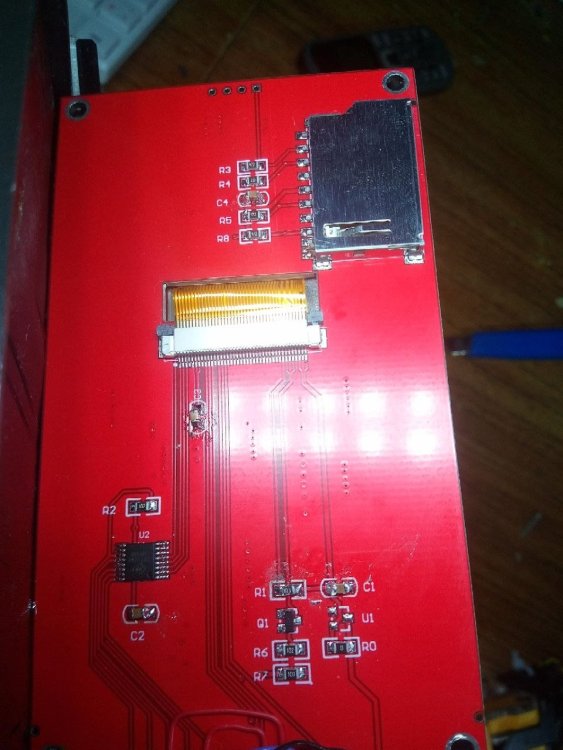
-
Driving the ili9488 LCD (4.0 inch cheap chinese clone)
pami replied to robertoj's topic in Allwinner sunxi
Hi everyone. I'm new here. I found and ordered a 4-inch touchscreen with an ili9488 and xpt2046 on AliExpress. I was thinking about connecting it to a Raspberry Pi Zero 2W for my 3D printer's KlipperScreen. Since I had accelerometers connected to spi0, I connected the display and touchscreen to spi1. I thought it would be easy, since I found an article about connecting an ili9341 display to an Orange Pi Zero 3 for the same purpose: https://3dtoday.ru/blogs/3c60a2061c/dnevnik-tronxy-crux-1-displei-klipperscreen-seipery. But I'm new to Linux, so I followed guides to configure Klipper, literally copying and pasting commands. I'm using a ready-made mainsailos 64-bit. I spent almost a week trying to get the display working. I tried various ready-made libraries, but most of them gave me errors. For example, only after a couple of days of trying to use fbcp-9341 did I realize it doesn't support touch input, which isn't what I need, and that the library is only designed for 32-bit systems. I tried using AI based on the article with and without 3dtoday. But the best I could achieve was after some .dtbo file was /dev/fb1 and /dev/event0. When running one Python script, the screen displayed rectangles with gradients from white to black, but after changing the .dtbo file, when I ran the same script, I only got a black screen with multicolored dull horizontal stripes. I couldn't display any color other than black, white, and gray. I followed most of the steps suggested by the AI, since, as I already said, I'm a Linux noob. I'd be glad if someone could help me. My connection pins: Display -> Zero 2W CS - GPIO18(CE0.SPI1) RST - GPIO26 DC - GPIO13 SDI - GPIO20(MOSI.SPI1) SCK - GPIO21(SCK.SPI1) BL(LED) - GPIO6 Touch_CK - GPIO21(SCK.SPI1) Touch_CS - GPIO17(CE1.SPI1) Touch_DI - GPIO20(MOSI.SPI1) Touch_DO - GPIO19(MISO.SPI1) Touch_PEN - GPIO12 Note: I'm from Russia and my English is pretty bad, so all text was translated using a translator. I'm attaching a photo of the latest result I was able to achieve.