confuseruser
Members
-
Joined
-
Last visited
-
I used Balena for the burning process, do I need another complementary program?
-
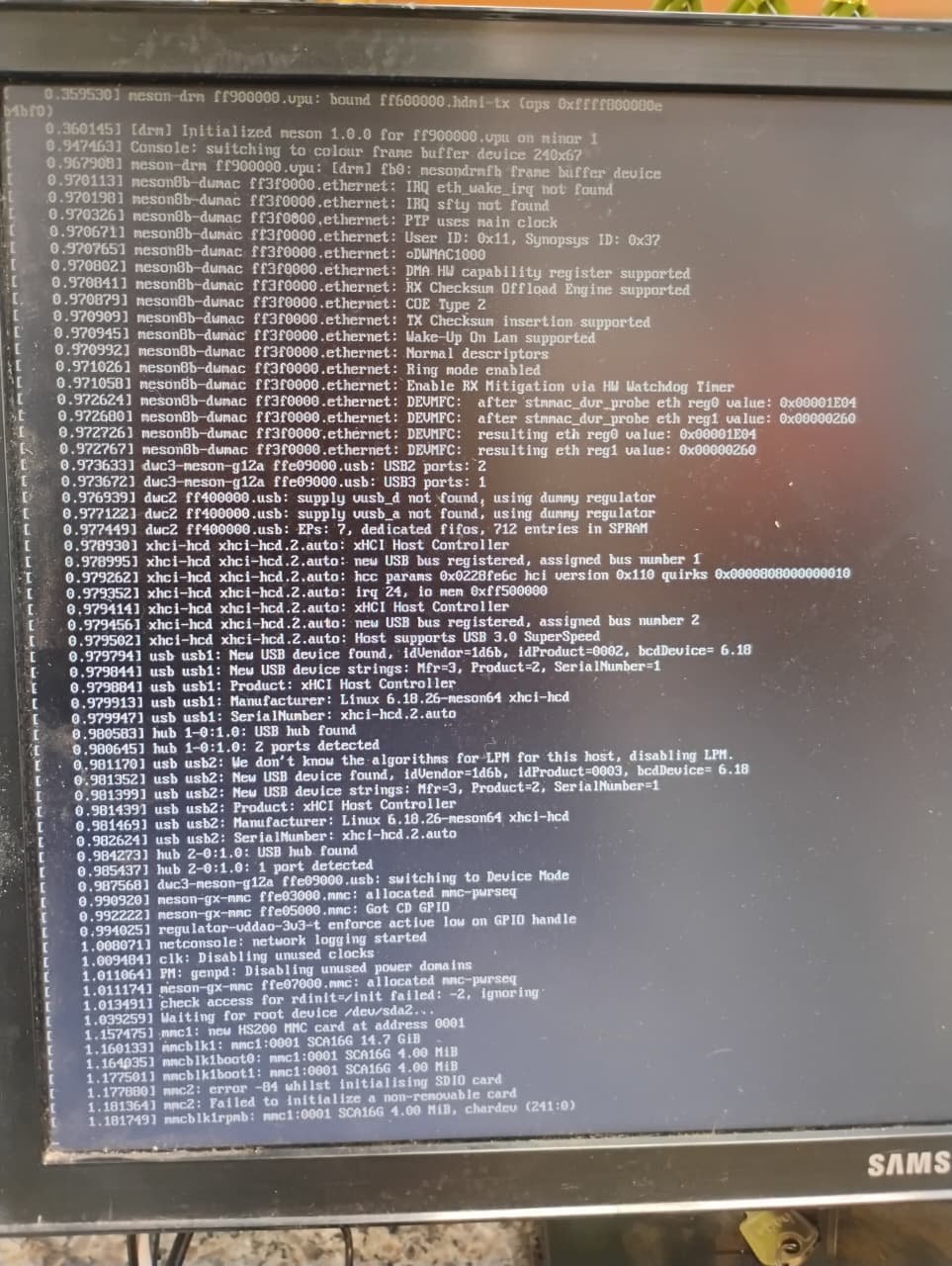
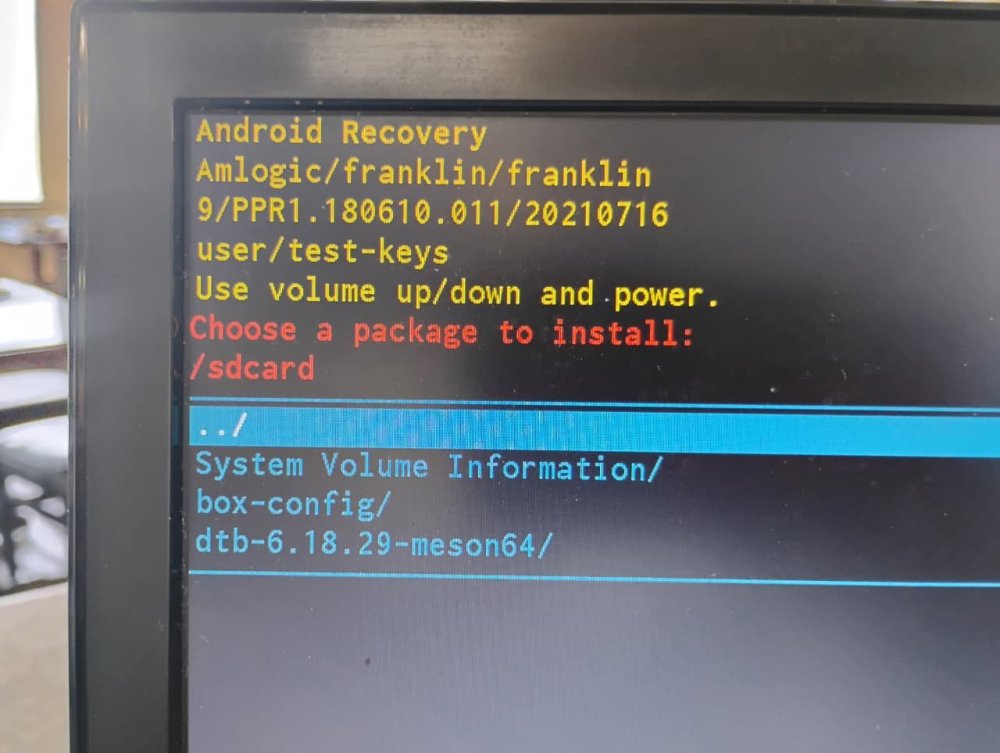
well now i using a sd card and get this situation....
-
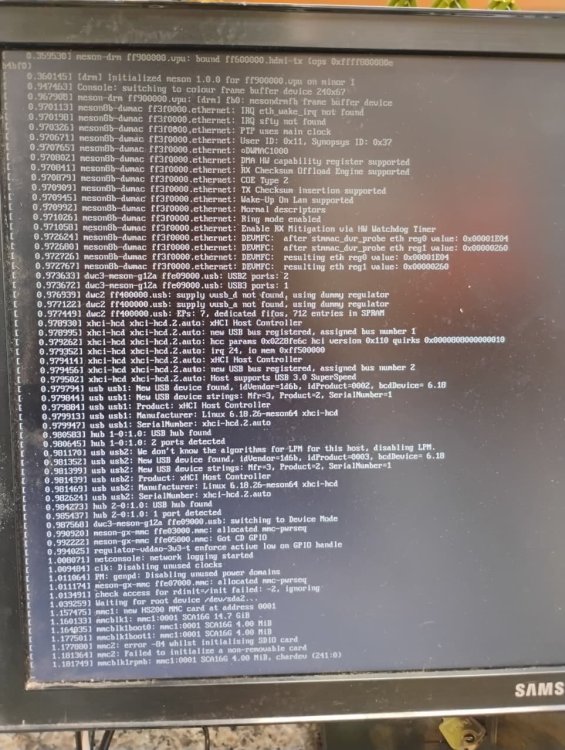
Well, with the new image there was some progress, but I will give up for now. I will look for an SD card and try again using it. I’m confident that I will finally succeed in this operation.
-
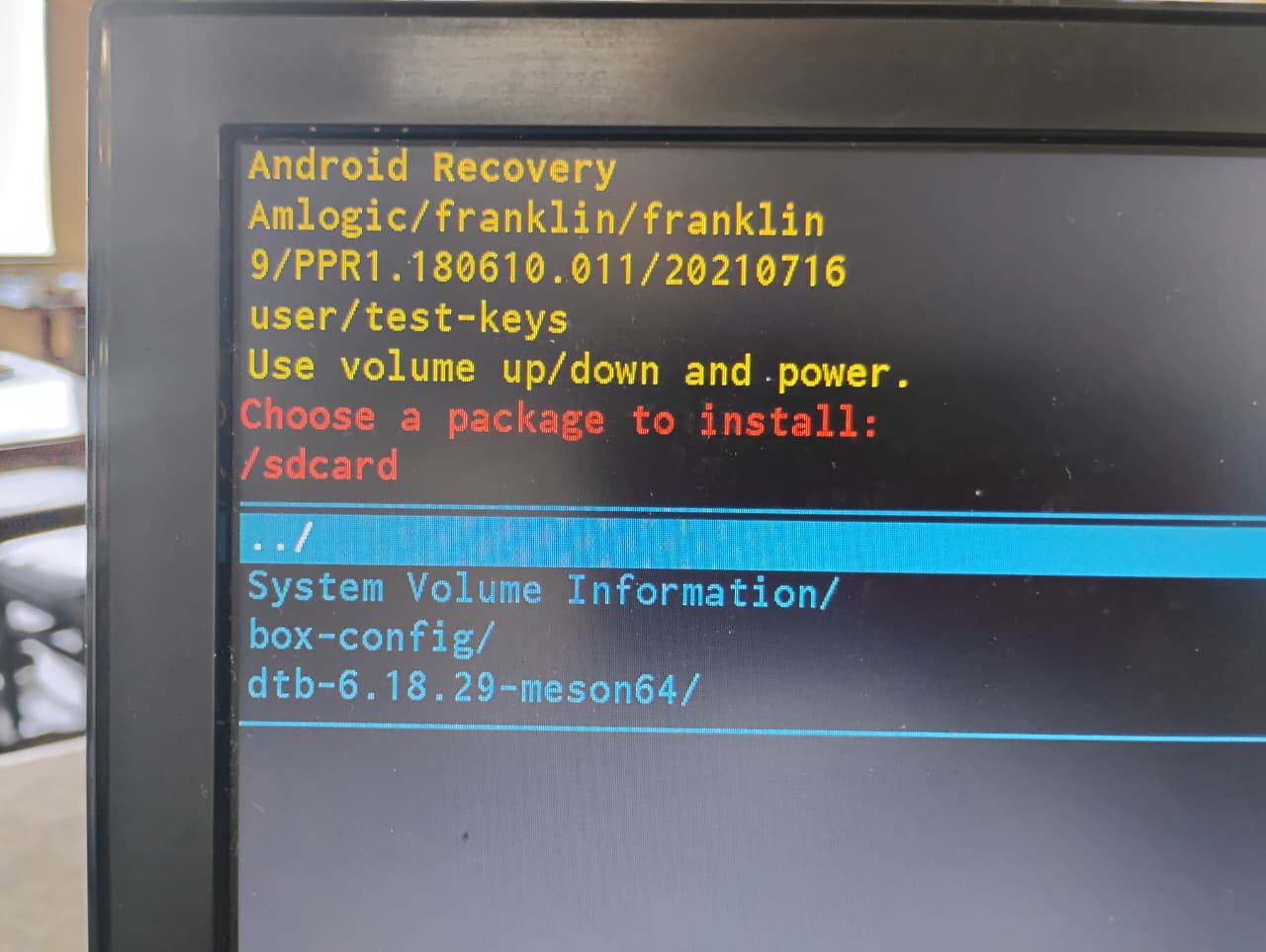
I don’t have an SD card for testing, only a USB stick. The idea is to turn this TV box into a KDS for a restaurant, it will only run this program. However, it needs to be done in Linux. I downloaded a new image, it booted through Android, it detected the USB stick but reported that it couldn’t find the installation package.
-
Yes, I opened it and it really does have the Amlogic chipset. However, it is still not booting from the USB stick. Do you have any recommendations? I’ve been stuck on this for a week and I’m quite new to this area.
-
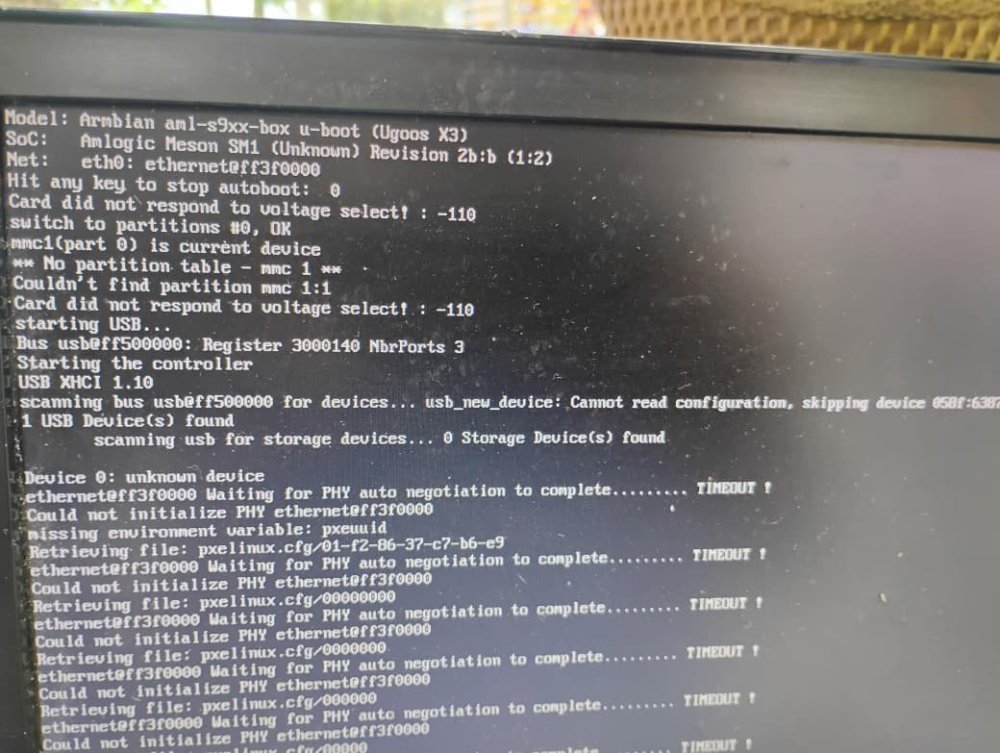
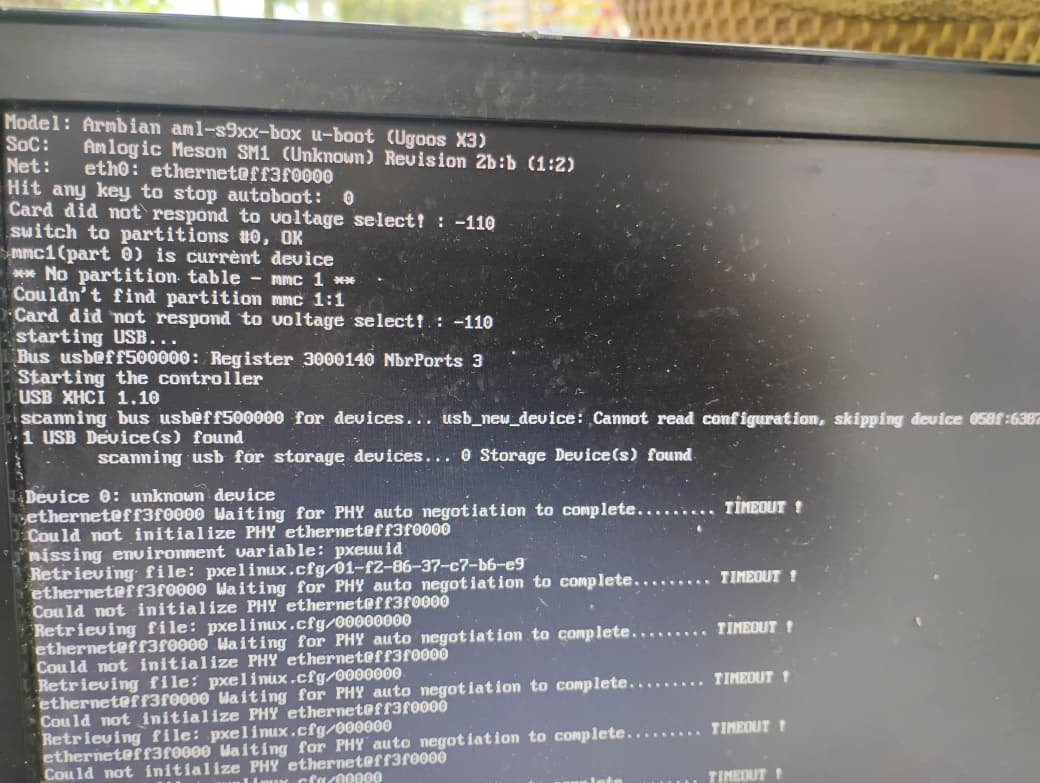
I am trying to boot from a USB stick, but it shows the error you can see in the screenshot. I am using the update button on the back of the TV box. It does start the boot process from the USB, but according to the error message it seems unable to actually read the drive. I have been stuck on this issue for several days now.
-
Thanks for clarifying. And which would be the correct version of u‑boot for my BTV OTT BOX (model B11, Amlogic S905X3)? I admit I’m a bit lost at this point.
-
Friends, as shown in the image, I am trying to install a Linux system on this BTV: OTT BOX, model B11 with an Amlogic S905X3 CPU. However, I am not succeeding because it cannot read the USB drive. I have already tried changing the .ext, attempted to burn the image using Rufus, Balena, and nothing worked. I am using a Multilaser USB drive which I believe is 2.0. At the moment I don’t have another USB drive or memory card to test. Any suggestions?