jasonb
Members
-
Joined
-
Last visited
Everything posted by jasonb
-
I don't know if this is worth doing, but i noticed something when i setup the builtin case led ring to "breath" proportional to network traffic. kernel settings CONFIG_LEDS_CLASS_MULTICOLOR and CONFIG_LEDS_PWM_MULTICOLOR aren't set, so while the device tree has pwm-leds the led driver doesn't attach. i'm doing breathing user space via sysfs so everything works fine, but doing it in kernel might help keep the cpu at base freq.
-
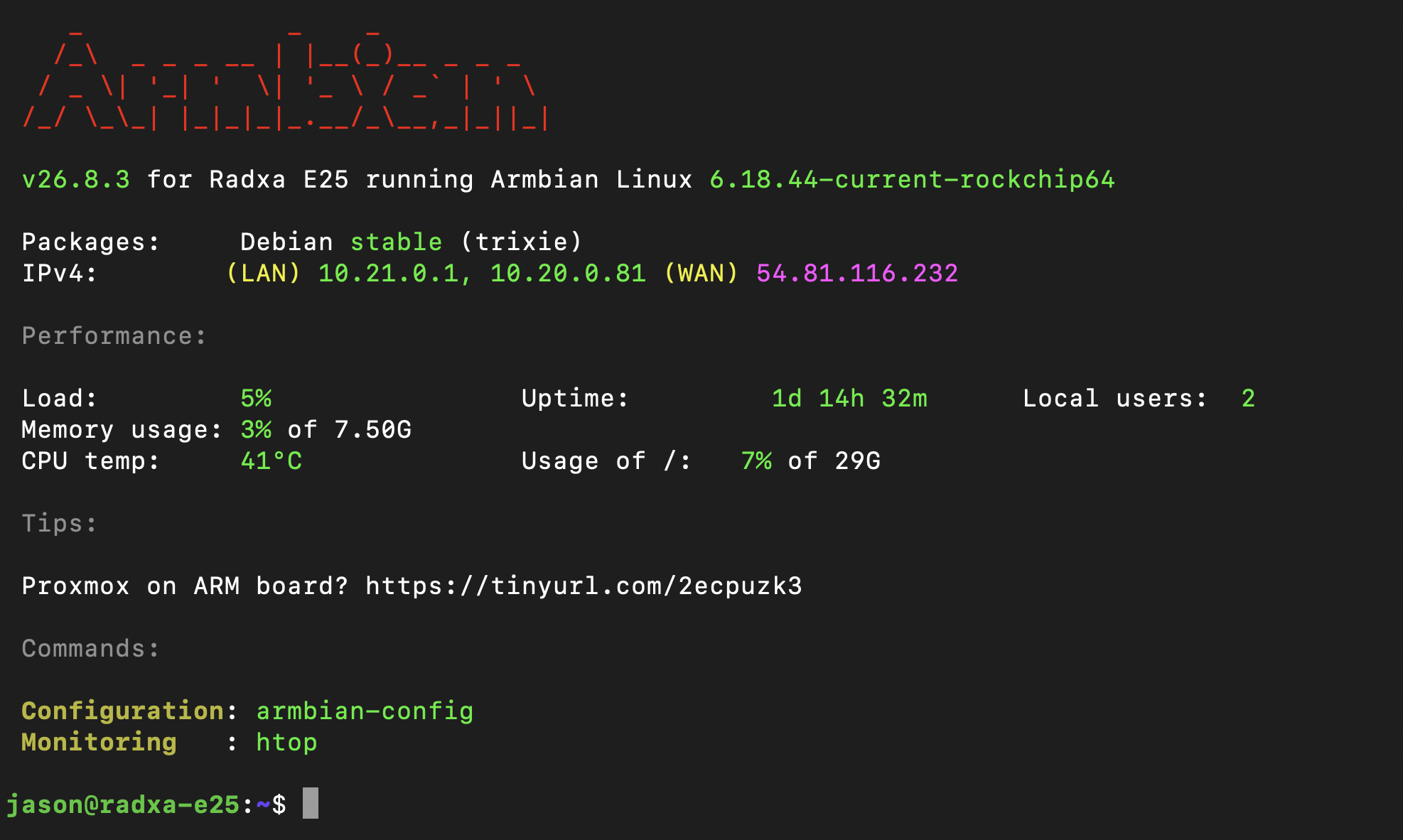
e25 is working well so maybe i'll describe a little bit. people are talking about samsung tv's spying tactics lately so i decided to finally segregate the household untrusted devices and check what they are all doing. running e25 with nic0 interrupt handler on cpu1, nic1 interrupt handler on cpu2, and zeek on cpu3. zeek logs are stored in tmpfs and served by a nodejs app on cpu0. works well, plenty fast as the highest speed device is a ps5 and it did a 10gb download and zeek didn't have any trouble keeping up. here is a screenshot of what my samsung computer monitor has been up to. i should probably just disable wifi on it, this is too much.

-