Skip to content
View in the app

A better way to browse. Learn more.

Armbian Community Forums

A full-screen app on your home screen with push notifications, badges and more.

To install this app on iOS and iPadOS
  1. Tap the Share icon in Safari
  2. Scroll the menu and tap Add to Home Screen.
  3. Tap Add in the top-right corner.
To install this app on Android
  1. Tap the 3-dot menu (⋮) in the top-right corner of the browser.
  2. Tap Add to Home screen or Install app.
  3. Confirm by tapping Install.

Özgür Can

Validating
  • Joined

  • Last visited

Everything posted by Özgür Can

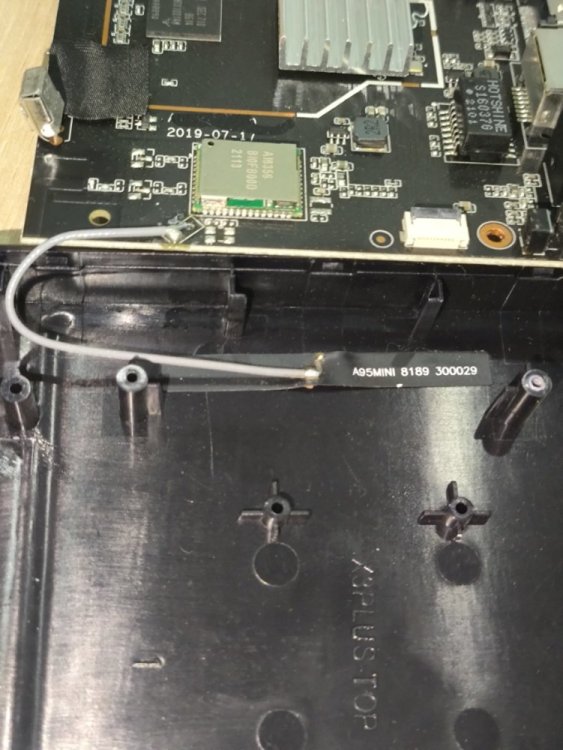
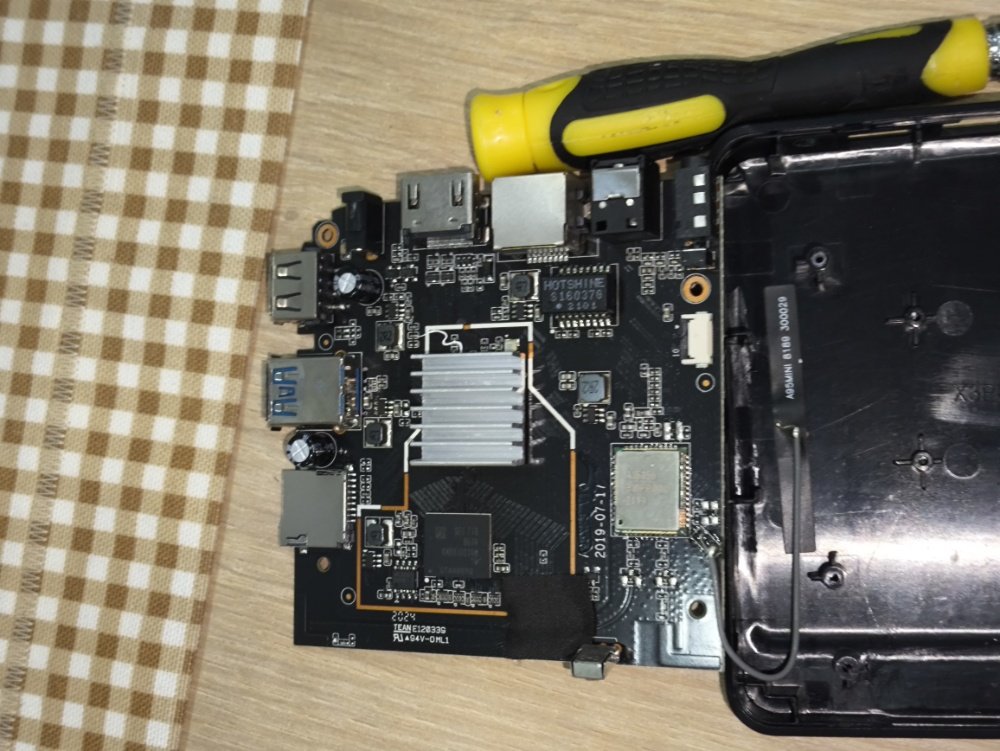
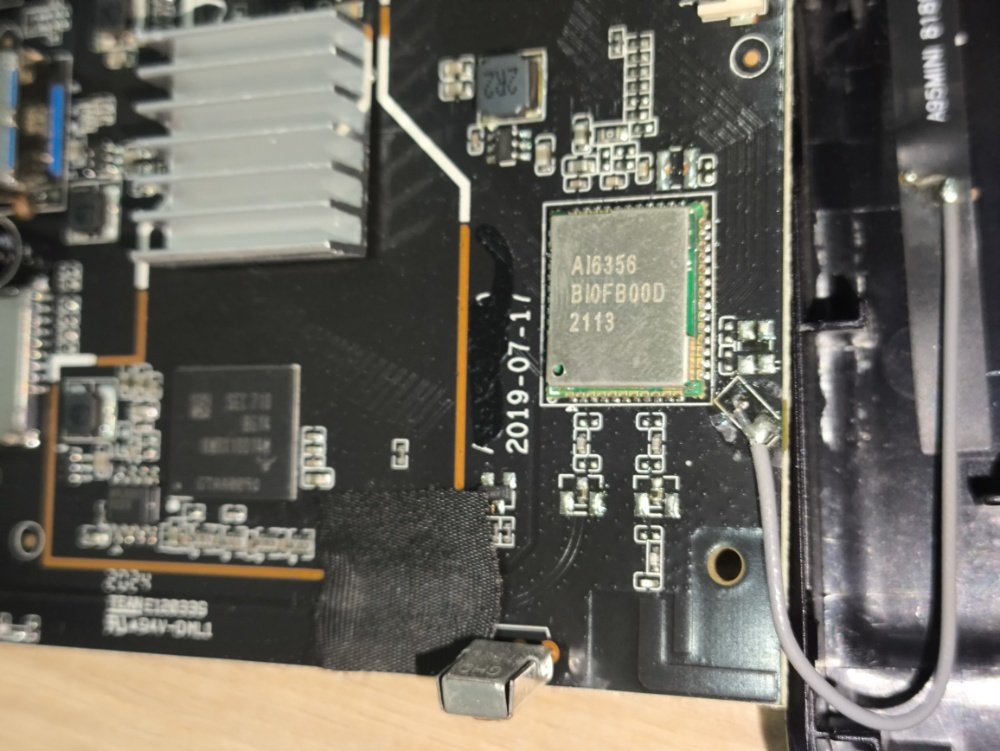
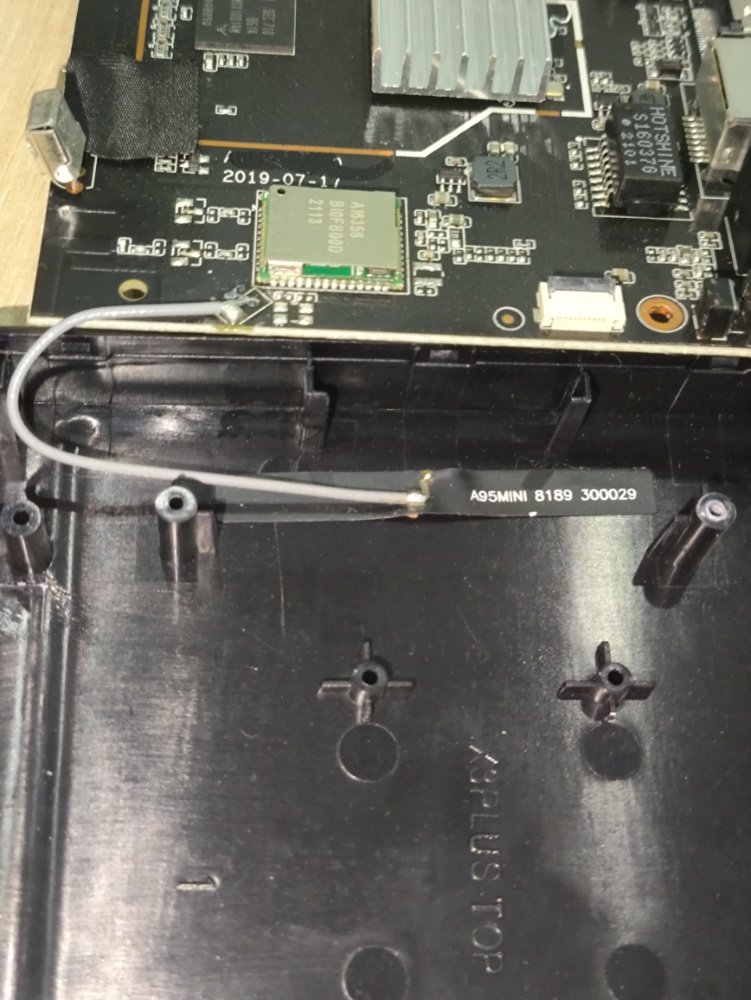
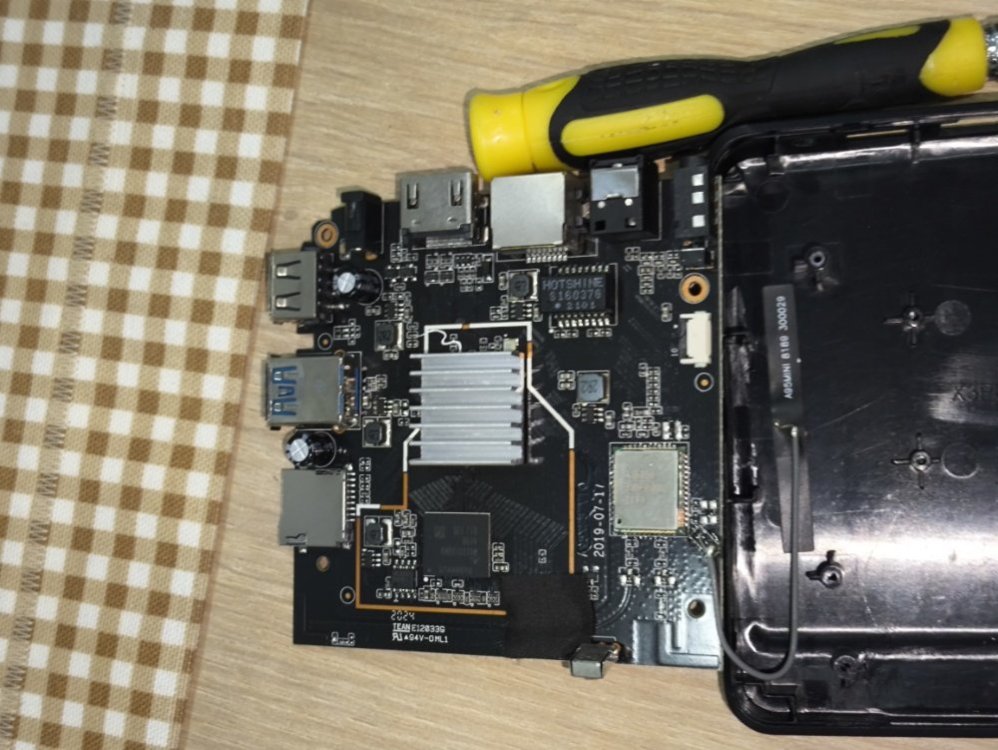
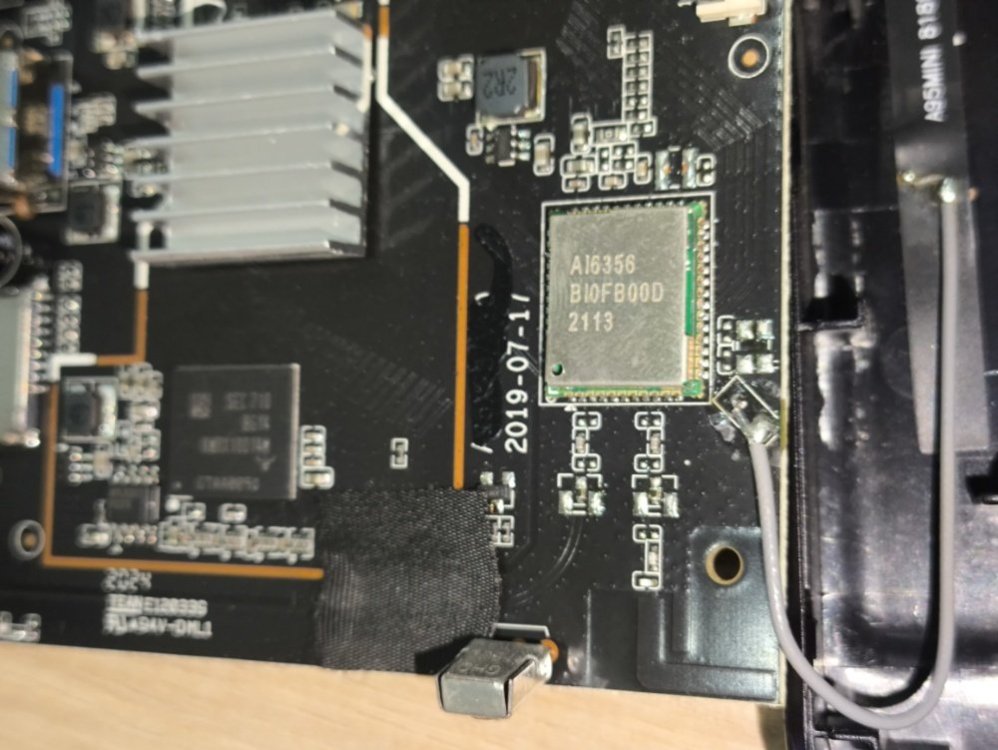
  1. Hello, I have a tv box (Hiremco Nitro X3+) that has "A95X F3 v10" motherboard, images attached. I tried to use the method below to install armbian on the device but even I tried with micro sd card or flash device it doesn't boot to armbian. I tried many differrent .dtb names also but device goes into boot loop with its own brand logo. Any ideas, thanks. https://i12bretro.github.io/tutorials/0978.html
Account

Navigation

Search

Search

Configure browser push notifications

Chrome (Android)
  1. Tap the lock icon next to the address bar.
  2. Tap Permissions → Notifications.
  3. Adjust your preference.
Chrome (Desktop)
  1. Click the padlock icon in the address bar.
  2. Select Site settings.
  3. Find Notifications and adjust your preference.