Skip to content
View in the app

A better way to browse. Learn more.

Armbian Community Forums

A full-screen app on your home screen with push notifications, badges and more.

To install this app on iOS and iPadOS
  1. Tap the Share icon in Safari
  2. Scroll the menu and tap Add to Home Screen.
  3. Tap Add in the top-right corner.
To install this app on Android
  1. Tap the 3-dot menu (⋮) in the top-right corner of the browser.
  2. Tap Add to Home screen or Install app.
  3. Confirm by tapping Install.

Diego Gavilan

Validating
  • Joined

  • Last visited

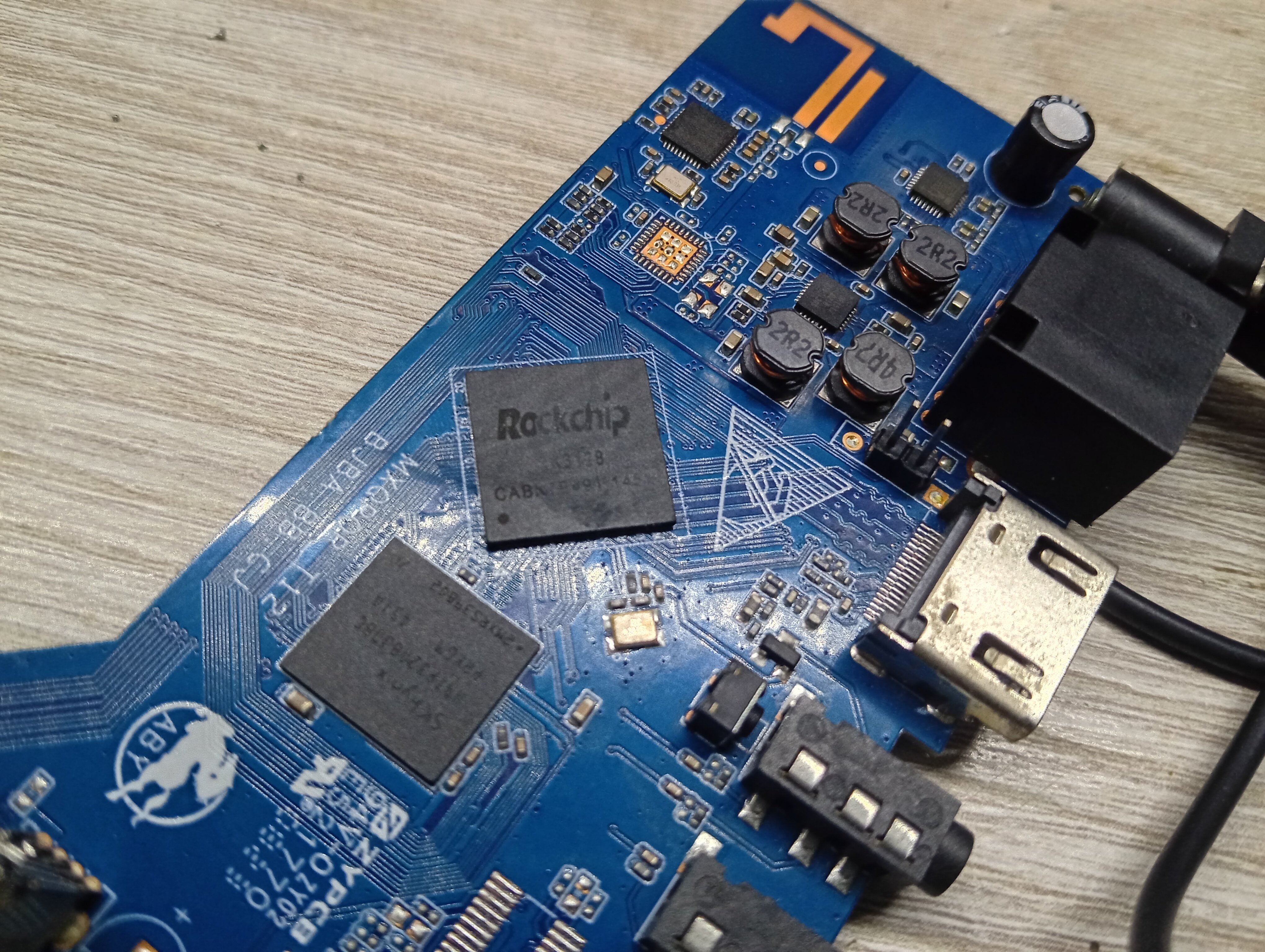
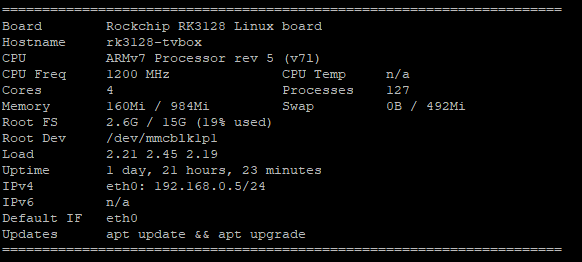
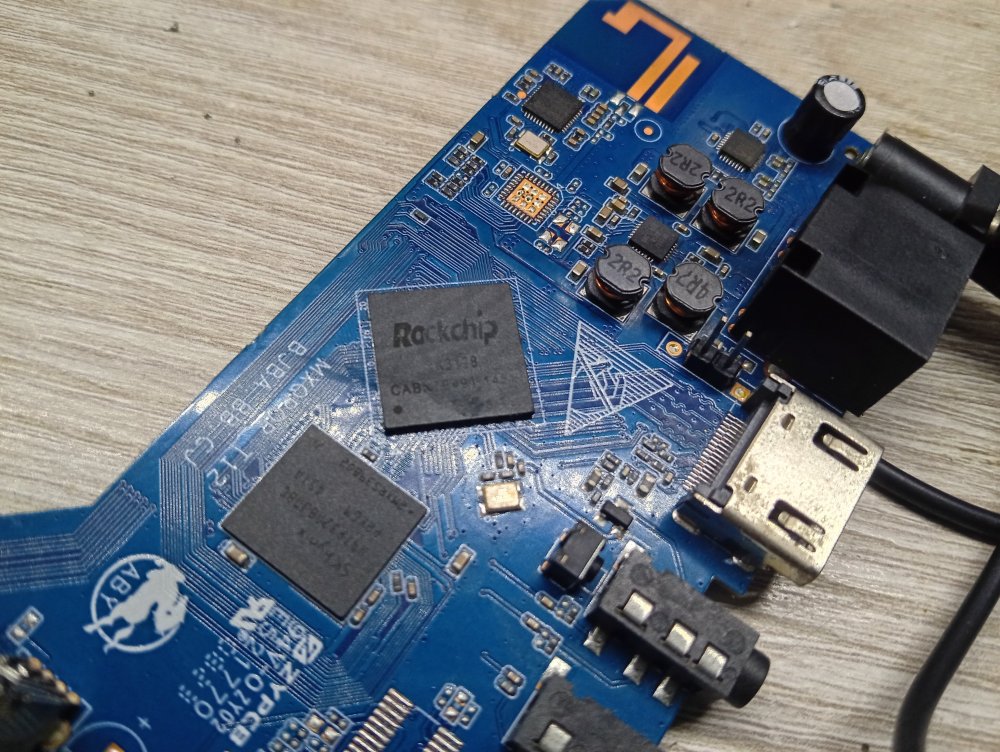
  1. i got same problem: boot from SD card goes to black screen. I resolve this erasing emmc or nand on board using RK DevTool cleaning 0x to 0x748000 sector (in my case 4gb) and erasing IDB using EraseFlash option in Firmware Update tab. if u get success the board goes into maskroom mode if u boot without SD card and after process the SD card with bootcardmaker.sh the box should boot from SD card enterly Board marking: MXQPOR_T12 Using box as a cheap web SDR
Account

Navigation

Search

Search

Configure browser push notifications

Chrome (Android)
  1. Tap the lock icon next to the address bar.
  2. Tap Permissions → Notifications.
  3. Adjust your preference.
Chrome (Desktop)
  1. Click the padlock icon in the address bar.
  2. Select Site settings.
  3. Find Notifications and adjust your preference.