Crux Cruz
Validating
-
Joined
-
Last visited
Everything posted by Crux Cruz
-
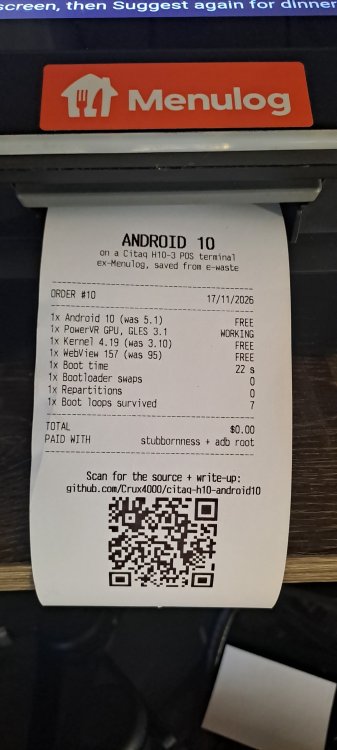
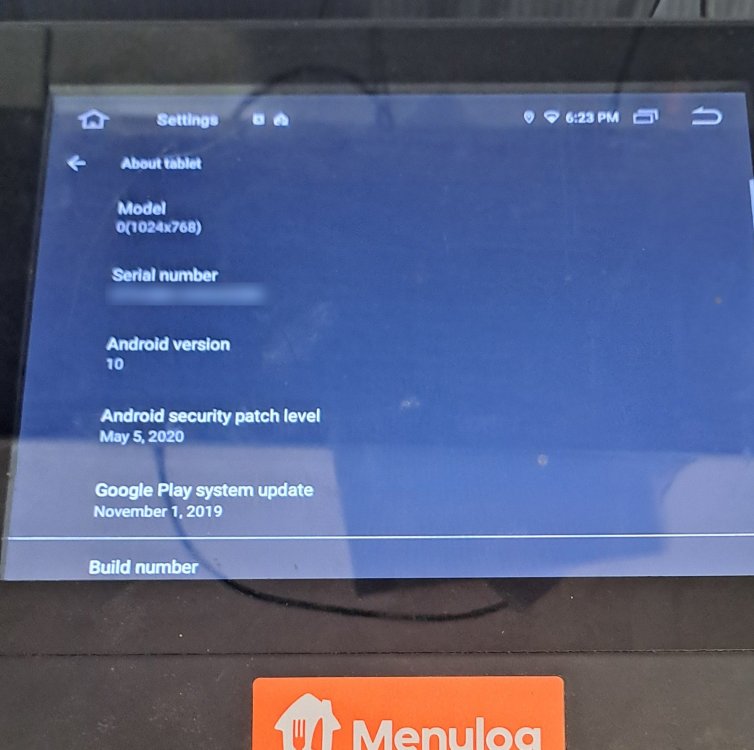
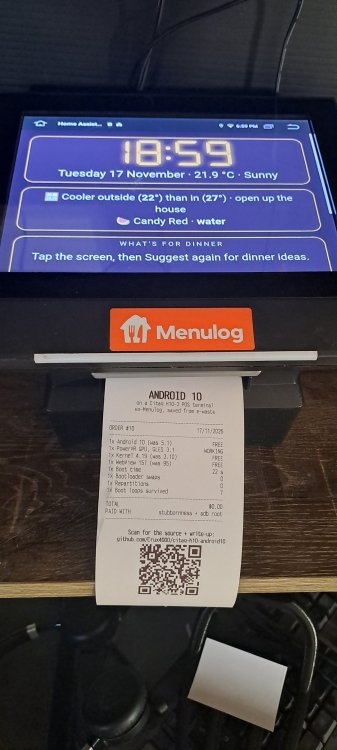
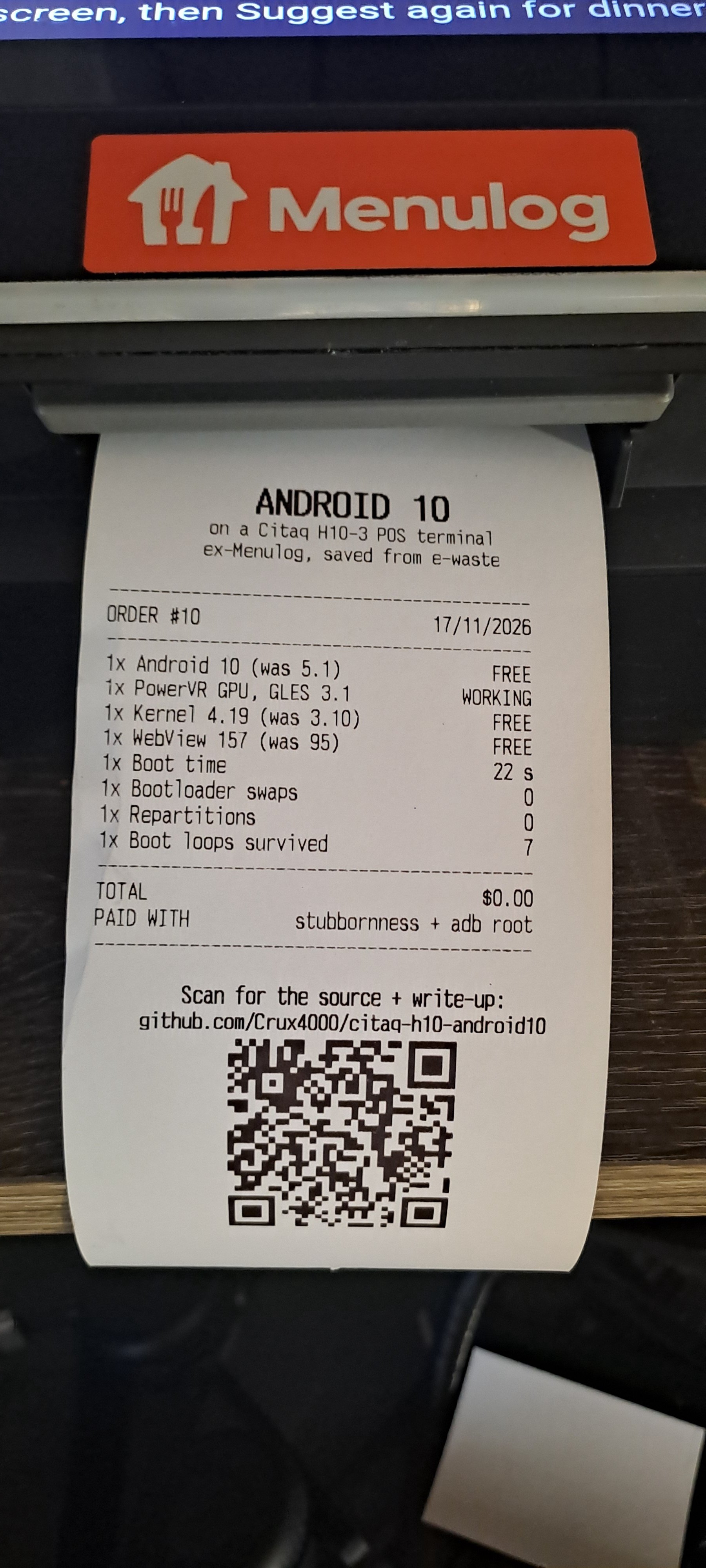
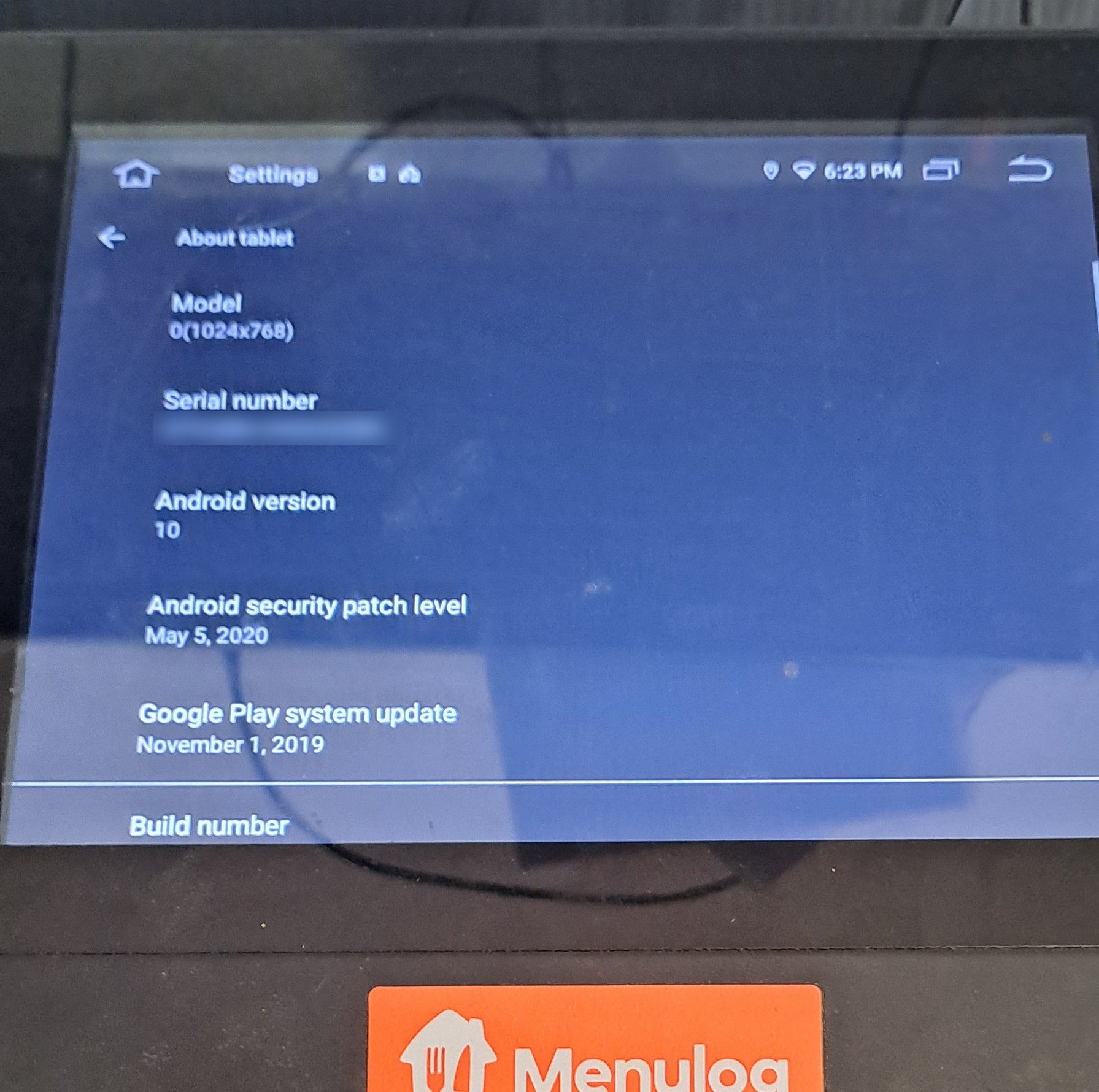
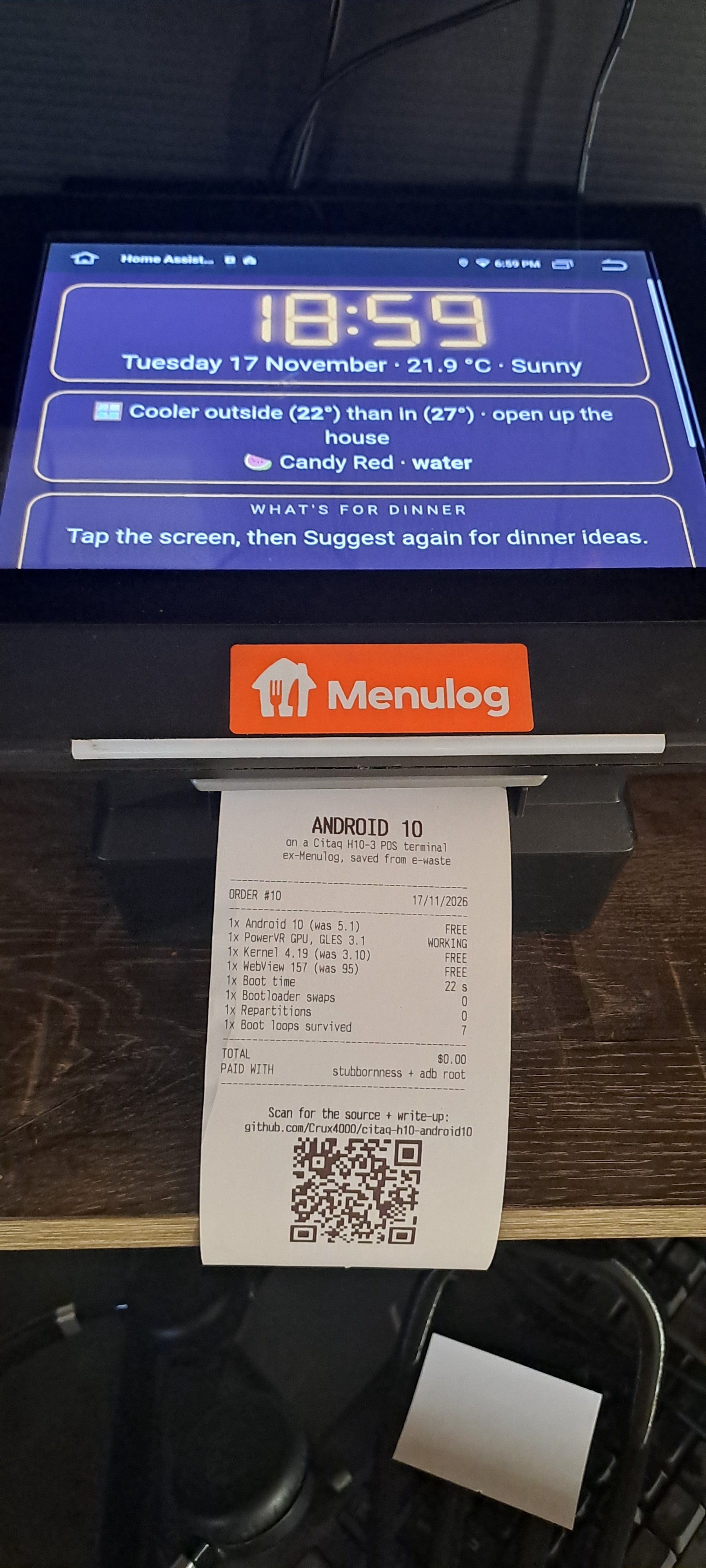
RK3368 never got much mainline love (the PowerVR G6110 GPU has no usable open driver), so I took a different route on an RK3368 POS terminal (Citaq H10-3): Rockchip's PX5 car head-unit Android 10 firmware, which is really an RK3368, running on the stock bootloader. GPU acceleration, Wi-Fi, Bluetooth, sound and touch all work, and the stock OS stays as a fallback. It's now running on two terminals. I'd love to hear from anyone with an RK3368 TV box (Orion R68, Beelink i68, GeekBox, Zidoo X6 Pro, etc.). A box should actually be easier than the terminal (no panel, touch or printer), but it'd need its own device tree, so it's a porting project, not a one-click install. The repo has porting notes and a "first light" kit for booting the PX5 kernel to a shell from the recovery slot. GitHubGitHub - Crux4000/citaq-h10-android10: Android 10 with Po...Android 10 with PowerVR GPU acceleration on the Citaq H10-3 POS terminal (RK3368), using PX5 firmware on the stock bootloader - Crux4000/citaq-h10-android10