Skip to content
View in the app

A better way to browse. Learn more.

Armbian Community Forums

A full-screen app on your home screen with push notifications, badges and more.

To install this app on iOS and iPadOS
  1. Tap the Share icon in Safari
  2. Scroll the menu and tap Add to Home Screen.
  3. Tap Add in the top-right corner.
To install this app on Android
  1. Tap the 3-dot menu (⋮) in the top-right corner of the browser.
  2. Tap Add to Home screen or Install app.
  3. Confirm by tapping Install.

Filipe Bezerra

Validating
  • Joined

  • Last visited

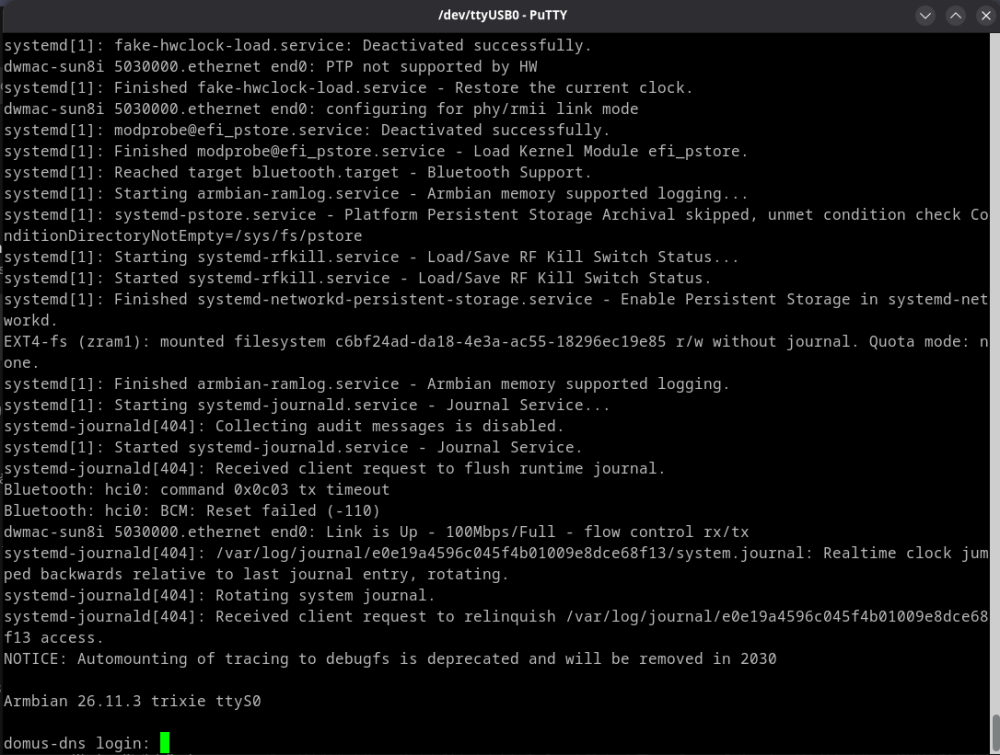
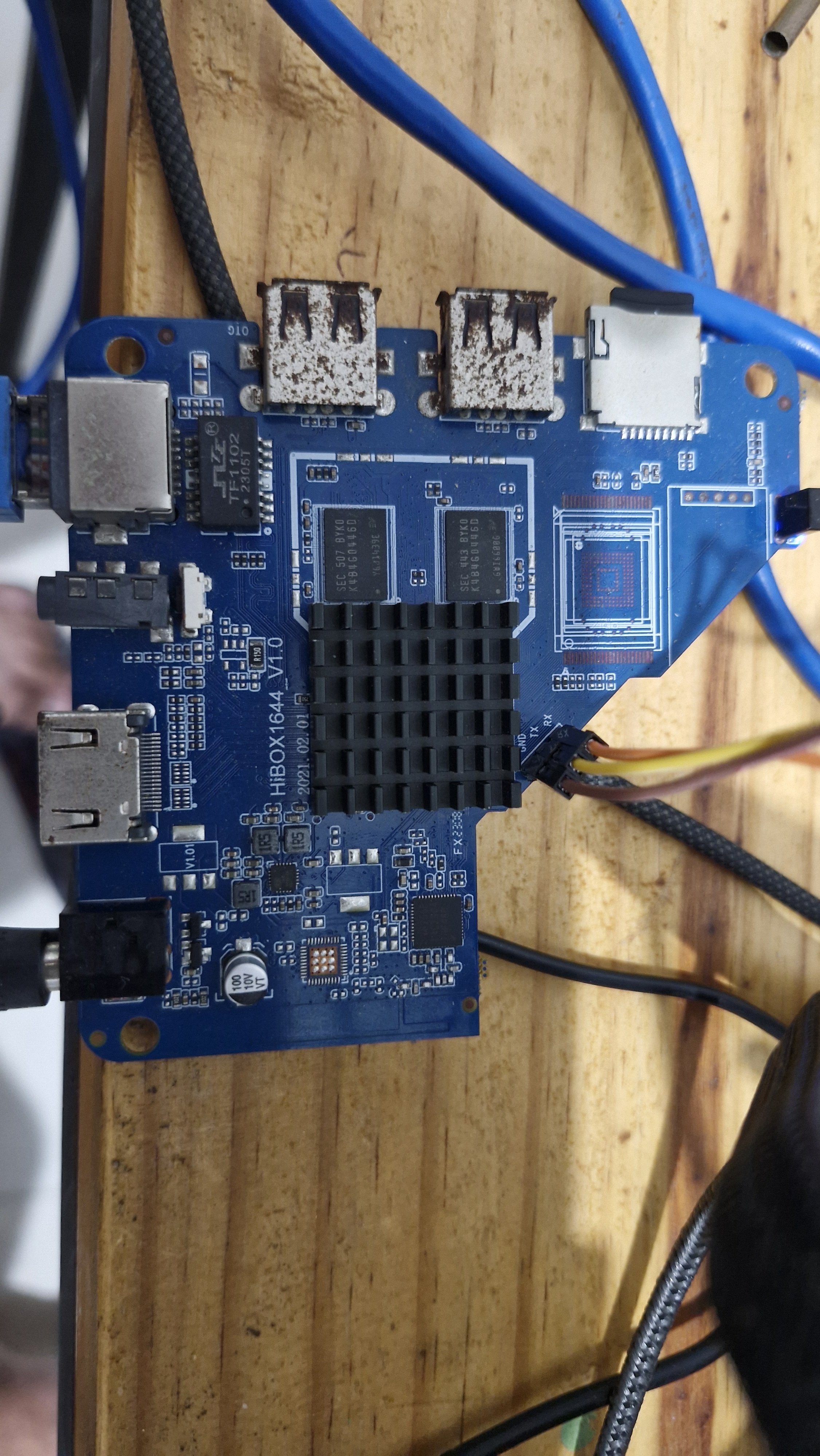
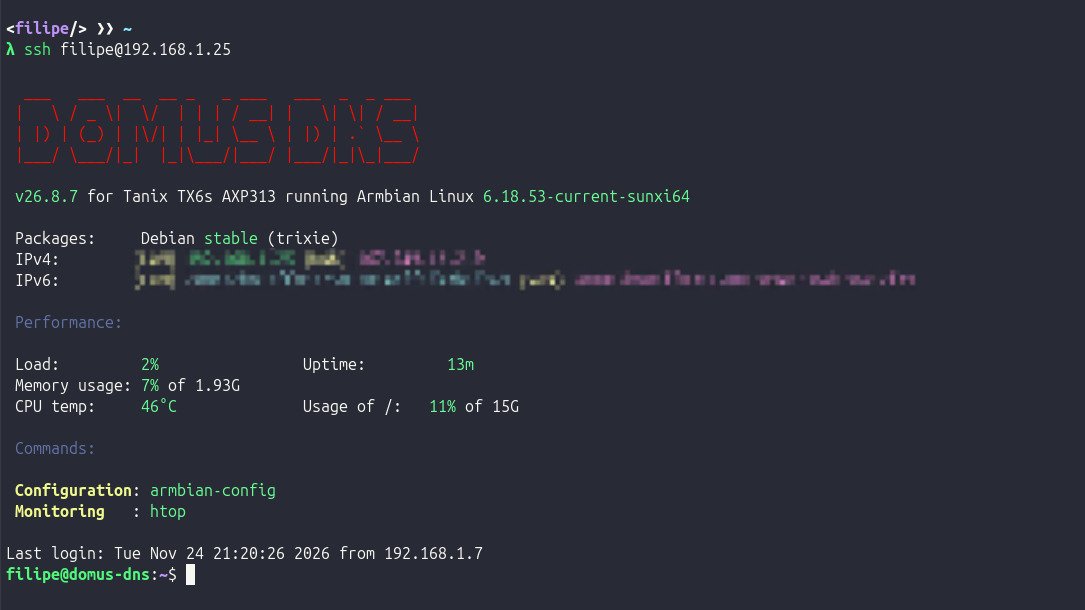
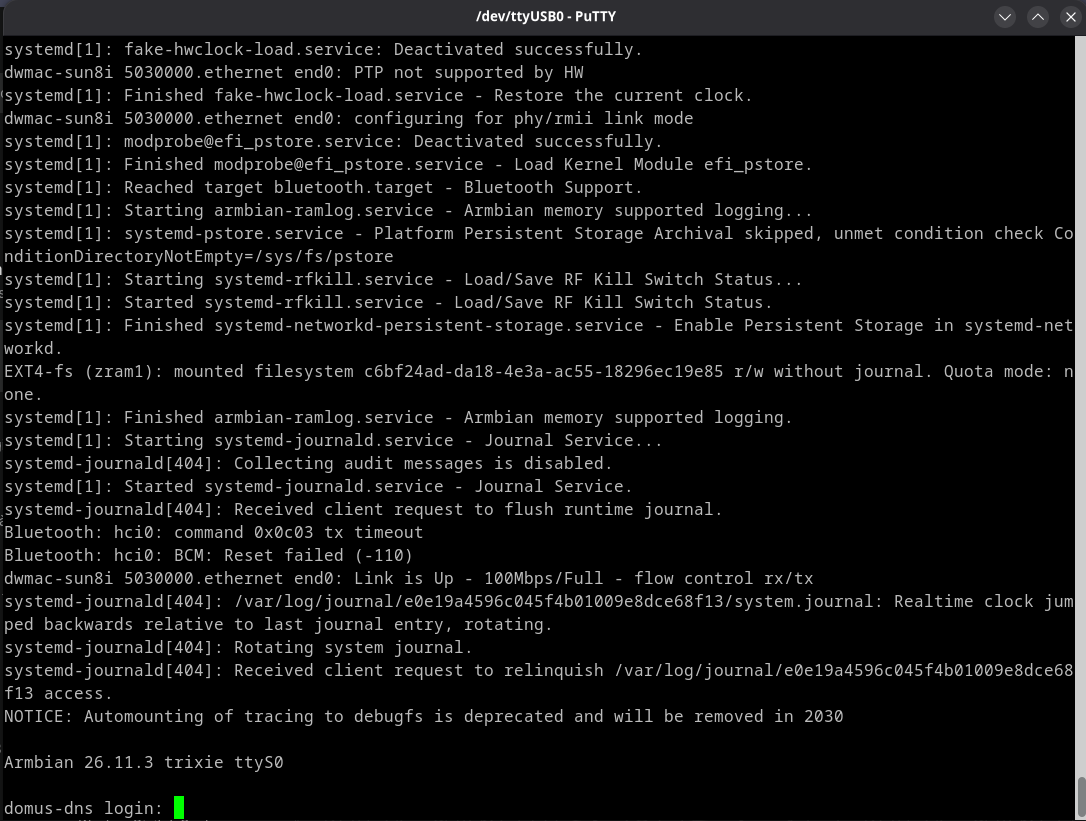
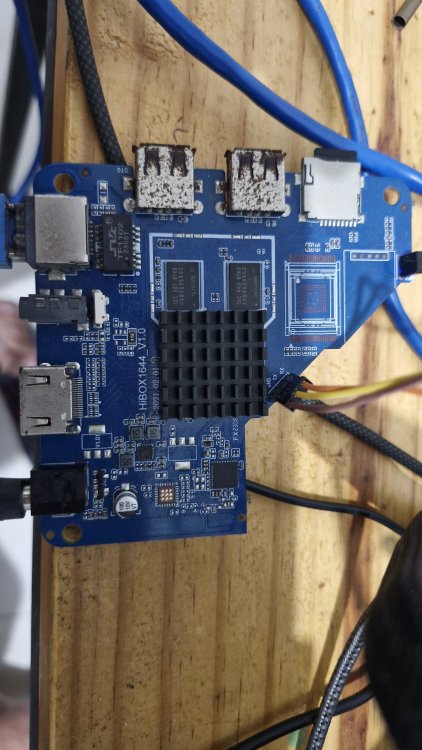
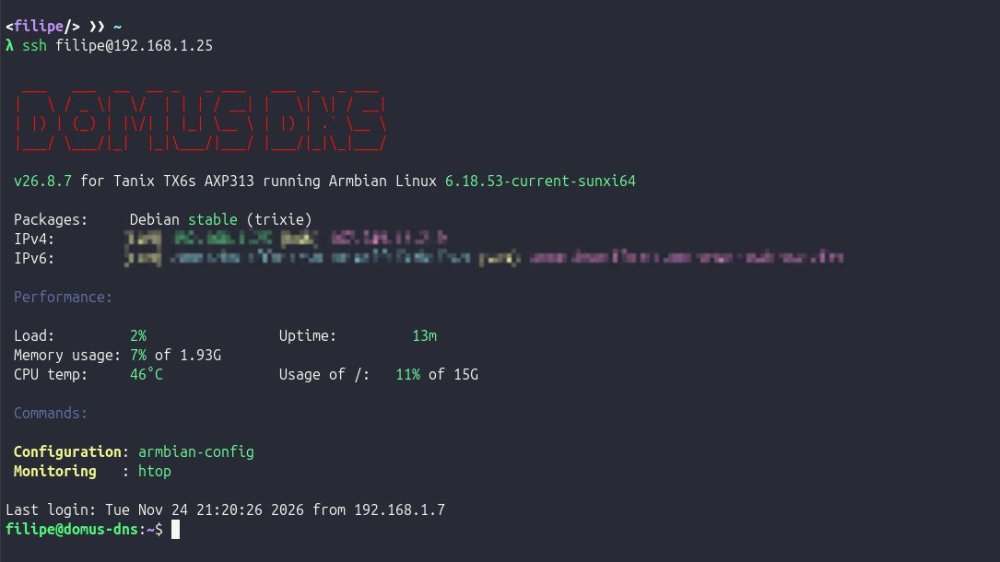
  1. I have an RedOne Max, doing my researchs I found that my SoC, an IK316, it's basically an Allwinner H616 rebranded and have the same AXP313a, so close as the Tanix TX6S. I downloaded the image, flashed my sd card and it worked. I even installed the Technitium DNS Server, I ran almost five hours of memtester without any errors, but i'm still getting strange behaviors, sometimes during boot, when kernel is starting it freezes, a silence kernel panic. If i insist a little, turning off and on sometimes, it boot normally again, and stay on for hours. Any hints?
Account

Navigation

Search

Search

Configure browser push notifications

Chrome (Android)
  1. Tap the lock icon next to the address bar.
  2. Tap Permissions → Notifications.
  3. Adjust your preference.
Chrome (Desktop)
  1. Click the padlock icon in the address bar.
  2. Select Site settings.
  3. Find Notifications and adjust your preference.