All Activity
- Past hour
-

SV6256P WiFi Now Working on Linux 6.x (Armbian Tested)
WallaceWebs replied to Kevin su's topic in Allwinner CPU Boxes
Hey @Kevin su , could you check my PR? I fixed the throughput issue. Download: 47.34 Mbps (data used: 46.4 MB) 331.60 ms (jitter: 73.01 ms, low: 12.78 ms, high: 769.94 ms) Upload: 44.14 Mbps (data used: 41.1 MB) 82.16 ms (jitter: 15.48 ms, low: 17.63 ms, high: 269.25 ms) Packet Loss: 0.0% Using a generic SBC with SSV6256P (MXQ Pro 4K 5G). Repo with the fix: https://github.com/WallaceWebsBR/armbian_sv6256p/tree/fix-ht-tx-ampdu - Today
-

Fail to boot any Armbian Images via SDcard
Michael Fischer replied to Skallwar's topic in Radxa Rock 5B
i used grub at the end of the day and booted from nvme. -
I just discovered that /usr/bin/su in my Armbian: v26.2.1 for Orange Pi PC running Armbian Linux 6.12.58-current-sunxi is a x86_64 binary: $ ls -l /usr/bin/su -rwsr-xr-x 1 root root 50800 Mar 6 13:10 /usr/bin/su $ file /usr/bin/su /usr/bin/su: setuid ELF 64-bit LSB executable, x86-64, version 1 (SYSV), statically linked, no section header I installed the rust version, su-rs, but I thought it would be useful to warn about this. I checked /usr/bin and /usr/sbin and this is the only x86-64 executable.
-
If Windows can see the share but has trouble connecting, it's also worth checking the SMB version being used on both sides. I've run into cases where enabling the correct SMB protocol or recreating the saved Windows credentials fixed the issue right away.
-
I tried 0.6, wifi not working, i own one with EA6521. I made it work on 0.5 changing the .dts a little bit (thanks to Claude) Quote: cat /proc/device-tree/seekwcn_boot/gpio_chip_en 2>/dev/null | od -An -tu4 603979776 285212672 0 # Fix seekwcn_boot GPIOs sed -i 's/gpio_host_wake = <0x24 0x06 0x01>/gpio_host_wake = <0x24 0x12 0x00>/' /tmp/x88pro.dts sed -i 's/gpio_chip_wake = <0x24 0x10 0x00>/gpio_chip_wake = <0x24 0x11 0x00>/' /tmp/x88pro.dts sed -i 's/gpio_chip_en = <0x24 0x11 0x00>/gpio_chip_en = <0x24 0x06 0x00>/' /tmp/x88pro.dts # Fix sdio-pwrseq reset-gpios sed -i 's/post-power-on-delay-ms = <0x8c>/reset-gpios = <0x24 0x06 0x01>;\n\t\tpost-power-on-delay-ms = <0x8c>/' /tmp/x88pro.dts # Disable wireless-bluetooth and wireless-wlan nodes sed -i '0,/status = "okay"/{/wireless-bluetooth/{n;n;n;n;n;n;n;n;n;s/status = "okay"/status = "disabled"/}}' /tmp/x88pro.dts # Verify seekwcn_boot node grep -A 12 'seekwcn_boot {' /tmp/x88pro.dts cp /boot/dtb/rockchip/rk3528-x88pro.dtb /boot/dtb/rockchip/rk3528-x88pro.dtb.bak dtc -I dts -O dtb /tmp/x88pro.dts -o /boot/dtb/rockchip/rk3528-x88pro.dtb 2>/dev/null # 3. Fix module loading mv /etc/modules-load.d/aic8800-btlpm.conf /etc/modules-load.d/aic8800-btlpm.conf.disabled echo "blacklist aic8800_bsp" > /etc/modprobe.d/blacklist-aic.conf echo "blacklist aic8800_btlpm" >> /etc/modprobe.d/blacklist-aic.conf echo "blacklist aic8800_btlpm_sdio" >> /etc/modprobe.d/blacklist-aic.conf echo "extraargs=modprobe.blacklist=aic8800_bsp,aic8800_btlpm,aic8800_btlpm_sdio" >> /boot/armbianEnv.txt # 4. Build skw modules dkms add -m ea6621q -v 1.0 2>/dev/null || true dkms build -m ea6621q -v 1.0 dkms install -m ea6621q -v 1.0 # 5. Set module load order cat > /etc/modules-load.d/skw.conf << 'EOF' skw_bootcoms skw_sdio skw skwbt EOF Right now i cannot try it, if someone else wants to try this... EDIT: the if in the wifi section of the provisioning doesn't detect correctly, the searched directory doesn't exists so it won't install the module
-
 I managed to start de A5E from nvme, but upgrading the packages fails. Installing armbian-firmware_26.8.0-trunk.125_all.deb failed With: data.tar lzma error.... Several months ago I got the same error but ignored it. Now everything is almost working, I tried to find out what went wrong. I can extract package with dpkg-deb -x on another system. MD5sum is the same on A5E and other system. This problem occurs on sdcard and nvme card. Btw: it is the 4G version of the A5E. Any idea how I can solve this?
 -
Hi @NHO, copy the Armbian kernel and boot with this: yes probably. You will also need the correct *.dtb in /boot - you need to rename / replace k1*.dtb->x1*.dtb e.g. if you run the original uboot. The GPU probably does not work, since Mesa does / will not support the K1 imagination GPU. You need the Bianbu GPU binaries and userspace tools (...wayland...) that matches them. The spacemit-gpu-addon.sh script (see green [solution] button on top of this page) uses a copied / stripped down version of the Bianbu Repo to install Gnome/Wayland but I doubt that this works under Gentoo Linux.
-
Hello, what's the current status of kernel 6.18+ on the rock 2F? I haven't tried building it on my own yet, I just need Wi-Fi and USB working with a fairly recent kernel as 6.1 is way too old now.
-
I have an AD-Z33 V1.2 which has the same rockchip as the xt-q8l-v10 but I cannot get it to start in Maskrom mode for eemc/bootloader flashing. Can anyone shed some light on how I can do this?
- Yesterday
-
Hi, Multitool is unavaible. Anyone have the last version with SSH to send me, please?! Thanks!!
-
Hello. I'm currently running Orangepi RV2 with vendor kernel and gentoo userland, from SSD, for testing of packages on risc-v. Would copying kernel/initrd/modules/bluetooth script from armsbian image and pointing boot.scr to it work for booting? Also, if I want accelerated graphics, should I use patched mesa from your repo, or does upstream one works with edge kernel?
-
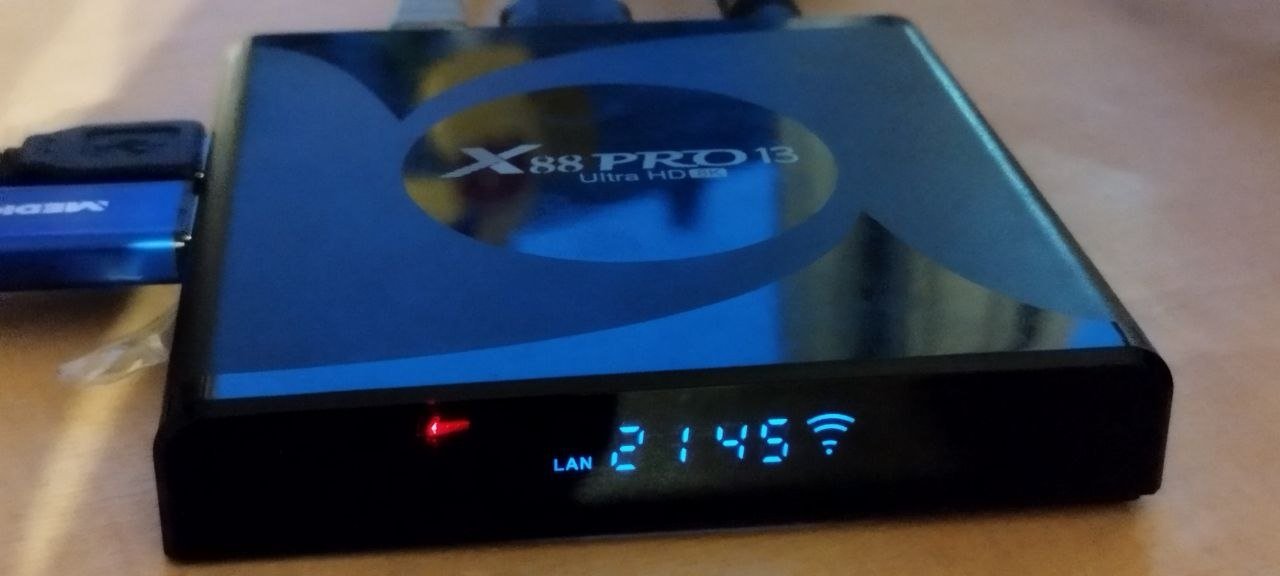
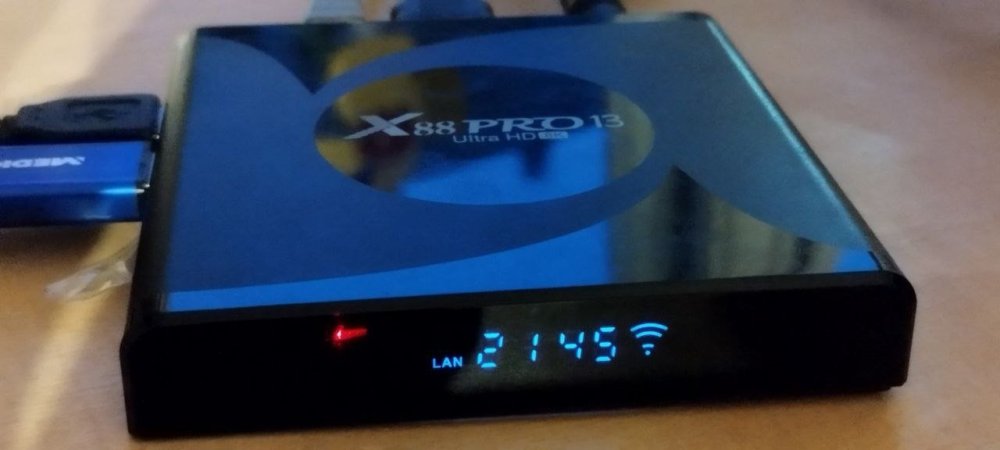
new Version avaliable https://github.com/joilg/x88pro/releases/tag/0.6 New: Support now Hardware Version 1.4+ (EA6521 WIFI Chip) for WIFI and Bluetooth Display driver for HT1628 IR Remote USB 3.0 SuperSpeed (5Gbps) Ubuntu resolute 26.04 target OS please Test it now.
-
hi. I gave up a long time ago. but now I found the board in the closet and decided to look again. I made a typo in the marking. I have rk3518. can you upload your firmware backup to google drive. or whatever suits you.
-
Heh, speaking of which, is there no thermal throttling on CPU? Earlier I was trying to set it up as a seedbox, running qBittorrent. Newer versions have a setting to do multi-threaded checksum verification on torrents. Making that use all 8 cores provided nice ~550 MB/speeds, but it did heat up the CPU to 95C or even a bit more! Stopped it all and installed a fan (was just a heatsink before), now it can handle that at reasonable temps.
-
@rm_ you have a capable platform at hand, why not build edge on your RV2? No docker b/c this is riscv64, but this should work anyhow: git clone https://github.com/armbian/build.git cd build && ./compile.sh BOARD=orangepirv2 BRANCH=edge RELEASE=trixie \ BUILD_MINIMAL=yes KERNEL_CONFIGURE=no KERNEL_BTF=no KERNEL_GIT=shallow Mine is running, but AFAICR this is under 4h. You may want to place board upright for better ventilation 😉
-
But they still don't have any 7.0+ for evaluation, any idea when? Thanks
-
@c0rnelius thanks for the u-boot-only image. May help to sort things out. Also, the Armbian.com download pages now have downloadable RV2 and R2S images, so I can stop uploading my locally build ones. I grabbed a second NVME and placed it in the RV2 lower 2280 M.2 slot, while my upper 2230 M.2 slot concurrently holds another NVME. There is a minor quirks between U-Boot and Kernel: U-Boot output shows PCIE-0: Link up (Gen2-x2, Bus0) and PCIE-2: Link up (Gen2-x2, Bus2). U-Boot identifies 2280 as Device 0, and 2230 as Device 1. Linux swapped to 2230=/dev/nvme0n1 and 2280=/dev/nvme1n1. Both NVMEs are bootable, i.e the 2280 is booted if present, if not RV2 boots from 2230. A stopped U-Boot shows the following info => nvme info Device 0: Vendor: 0x144d Rev: 1B7QCXE7 Prod: S3EUNX0HB05786X [ 6.900] Type: Hard Disk [ 6.903] Capacity: 476940.0 MB = 465.7 GB (976773168 x 512) [ 6.910] Device 1: Vendor: 0x144d Rev: HPS4NHBV Prod: S774NX0XB34550 [ 6.917] Type: Hard Disk [ 6.920] Capacity: 122104.3 MB = 119.2 GB (250069680 x 512) while the Linux kernel has this: root@orangepirv2:~# df -h / Filesystem Size Used Avail Use% Mounted on /dev/nvme1n1p1 455G 1.7G 448G 1% / root@orangepirv2:~# lspci 0001:00:00.0 PCI bridge: SpacemiT X60 PCIe 2.0 x2 Root Complex (rev 01) 0001:01:00.0 Non-Volatile memory controller: Samsung Electronics Co Ltd NVMe SSD Controller SM961/PM961/SM963 0002:00:00.0 PCI bridge: SpacemiT X60 PCIe 2.0 x2 Root Complex (rev 01) 0002:01:00.0 Non-Volatile memory controller: Samsung Electronics Co Ltd NVMe SSD Controller PM9B1 (DRAM-less) (rev 02) root@orangepirv2:~# hdparm -t /dev/nvme?n1 /dev/nvme0n1: Timing buffered disk reads: 1446 MB in 3.01 seconds = 480.91 MB/sec /dev/nvme1n1: Timing buffered disk reads: 1760 MB in 3.00 seconds = 585.89 MB/sec HTH // Sven-Ola
-
@sr4armbian You could try building your own X98H image and use the kernel headers from your build. Your kernel headers will be in the build/output/debs directory, and the image will be in the build/output/images directory. I would recommend starting with a fresh install with this new image and kernel headers. git clone https://github.com/NickAlilovic/build.git --branch v20250306 cd build ./compile.sh choose "Do not change kernel configuration" choose "Show CSC/WIP/EOS/TVB" choose "I understand and agree" choose "X98H" choose "edge" rest is up to you... I used this method to get my display working. But that was a while ago.
-
@Jacob George So we will be able to boot Windows on the A733 soon? This would be fun.
-
I can not get anything over USB to UART, I did connected pins 6,8,10 it is COM6 Prolific PL2303GT cable, when I cros wire green and yellow I get response from Putty, please give me some advice, what am I missing?
-
@Nick AIs it possible to configure the front display using the Linux header you provided and the pin details I shared above? I know this is a big request, but if it's possible, it would make this setup complete. Since I am not a programmer, I tried using Google's AI, but it just took me in circles and landed me nowhere. If you require any additional log or configuration details please let me know.
-

How to use OrangePi 5 Plus's NPU for Image Generation?
LivingLinux replied to Johson's topic in Beginners
It seems there is a 4GB limit. Someone forked llama.cpp (so you can run GGUF models) and found a way to get rid of the 4GB limit. -
How to use OrangePi 5 Plus's NPU for Image Generation?
LivingLinux replied to Johson's topic in Beginners
If you are looking for image generation, someone converted Stable Diffusion to run on the NPU. -
Here is an IMG with just u-boot flash to it; https://github.com/pyavitz/binary/releases/download/images/k1-spacemit-boot.img Using it will bypass the SPI and allow you to boot from USB NVME EMMC. Granted, an Armbian IMG would need to have already been flashed or transferred to one of them. It could be useful if say, you b0rked the SPI and wanna attempt to fix it or to use the SD card as a chainload mech to boot into the NVMe.
-
 Hi everyone, I'm running a few services on an Armbian-based SBC and need a reliable SMTP Service Provider for system alerts, backup reports, and application notifications. Has anyone here used SMTP Service Provider iDealSMTP with Armbian, or compared it with other SMTP solutions for lightweight ARM servers? I'm interested in deliverability, ease of setup, and long-term reliability. I'd appreciate any experiences or recommendations. Thanks!