
j0ta
-
Posts
33 -
Joined
Content Type
Forums
Store
Crowdfunding
Applications
Events
Raffles
Community Map
Everything posted by j0ta
-
It's fixed in 7.1.0-rc6-bleedingedge-rockchip64 Cheers !
-
Just to let you know usb bug is still present in 7.1 rc3 [ 2.596444] usb 4-1: new full-speed USB device number 2 using ohci-platform [ 2.784449] usb 4-1: device descriptor read/64, error -62 [ 3.076447] usb 4-1: device descriptor read/64, error -62 [ 3.356447] usb 4-1: new full-speed USB device number 3 using ohci-platform [ 3.532450] usb 4-1: device descriptor read/64, error -62 [ 3.824440] usb 4-1: device descriptor read/64, error -62 [ 3.928486] usb usb4-port1: attempt power cycle [ 4.140440] usb 4-1: new full-speed USB device number 4 using ohci-platform [ 4.548447] usb 4-1: device not accepting address 4, error -62 [ 4.732456] usb 4-1: new full-speed USB device number 5 using ohci-platform [ 5.140438] usb 4-1: device not accepting address 5, error -62 [ 5.140481] usb usb4-port1: unable to enumerate USB device
-
This issue is not from u-boot but rather a board config Please see this https://github.com/armbian/build/pull/9333 and use edge kernel instead, stable doesn't include this fix Cheers !
-
Maybe because it's a "zombie" system with systemd removed and the monitor tools fails to address Here's the dmesg of current system blank
-
blank
-
No problem, just to let you guys know Everything else is working Cheers !
-
Connecting a usb keyboard doesn't seem to work with 7.1 .. [ 2.836541] usb 7-1: new full-speed USB device number 2 using ohci-platform [ 3.024538] usb 7-1: device descriptor read/64, error -62 [ 3.304535] usb 7-1: device descriptor read/64, error -62 [ 3.596542] usb 7-1: new full-speed USB device number 3 using ohci-platform [ 3.780527] usb 7-1: device descriptor read/64, error -62 [ 4.076543] usb 7-1: device descriptor read/64, error -62 [ 4.180566] usb usb7-port1: attempt power cycle [ 4.372529] usb 7-1: new full-speed USB device number 4 using ohci-platform [ 4.780541] usb 7-1: device not accepting address 4, error -62 [ 4.964529] usb 7-1: new full-speed USB device number 5 using ohci-platform [ 5.372526] usb 7-1: device not accepting address 5, error -62 [ 5.372569] usb usb7-port1: unable to enumerate USB device
-
Bleedingedge Kernel 7.1 rc2 fixed it [ 12.686942] panfrost fde60000.gpu: clock rate = 594000000 [ 12.686994] panfrost fde60000.gpu: bus_clock rate = 500000000 [ 12.710029] panfrost fde60000.gpu: mali-g52 id 0x7402 major 0x1 minor 0x0 status 0x0 [ 12.710053] panfrost fde60000.gpu: features: 00000000,00000df7, issues: 00000000,00000400 [ 12.710062] panfrost fde60000.gpu: Features: L2:0x07110206 Shader:0x00000002 Tiler:0x00000209 Mem:0x1 MMU:0x00002823 AS:0xff JS:0x7 [ 12.710070] panfrost fde60000.gpu: shader_present=0x1 l2_present=0x1
-
On RK3568 the Panfrost driver needs the clk-scmi kernel module to be loaded. But is not build in 6.18 / 6.19 otherwise we get [ 13.370681] panfrost fde60000.gpu: get clock failed -517 [ 13.370717] panfrost fde60000.gpu: clk init failed -517 [ 13.485723] panfrost fde60000.gpu: get clock failed -517 [ 13.485761] panfrost fde60000.gpu: clk init failed -517 [ 13.503876] panfrost fde60000.gpu: get clock failed -517 [ 13.503918] panfrost fde60000.gpu: clk init failed -517 Thanks !
-
Armbian-Base-Files doesn't build for bullseye
j0ta replied to j0ta's topic in Software, Applications, Userspace
Ok it builds now for bullseye it seems it will be available on 24.5 Thanks all ! Cheers -
Armbian-Base-Files doesn't build for bullseye
j0ta replied to j0ta's topic in Software, Applications, Userspace
The armbian-base-files was removed from the beta repositories when 23.11.x-truck was moved from the beta repository to the main repository that was the last armbian-base-files produced for bullseye -
Hi guys! The armbian-base-files hasn't been generated since v23.11.1 (Beta repositories) which is crippling new versions for bullseye users any plan to generated it again ? Thanks ! https://github.com/armbian/build/pull/5192 https://forum.armbian.com/events/event/33-weekly-developers-meetup/?do=findComment&comment=48
-
An update it seems you can use the bookworm base-files deb on a bullseye system It will change /etc/debian_version to 12.5 revert to 11.x with I forgot to check bullseye version before apply the bookworm base-file if someone can, post the correct bullseye version Cheers !
-
Att I was able to upgrade it by using the beta package of base-files which has now been removed from beta repositories, they made some tweak to produce that bullseye base-files and never did it again
-
No idea, I guess we are at the good willing of rpardini the board maintainer, (I've had to fix myself the nvme not booting without sd card using armbian spl)
-
The board boots sucessfull from nvme now. Many thanks @Gergő Koszta
-
hey @usual user tomorrow I'll give a try if nvme boots with the 2023.07.02-00034 if not I'll give a try on your u-boot the problem I have with nvme is present in this thread (there's video) I've no idea what's going wrong
-
confirmed @Gergő Koszta U-Boot SPL 2023.07.02-00034-g2717ce87b0 (Aug 18 2023 - 09:35:34 +0000) U-Boot phase U-Boot Just installed it is compatible with armbian bullseye the board boots well, hopefully this u-boot will fix the nvme boot problem I have. Later I'll comment when I've got some free time to make a new installation of the system Cheers !
-
I've notice it while moving files via gftp in ssh2 the network speed transfer is really slow (1GB port used)

-
The bullseye build created with the framework now boots correctly, but still no luck booting from the nvme without the sd
-
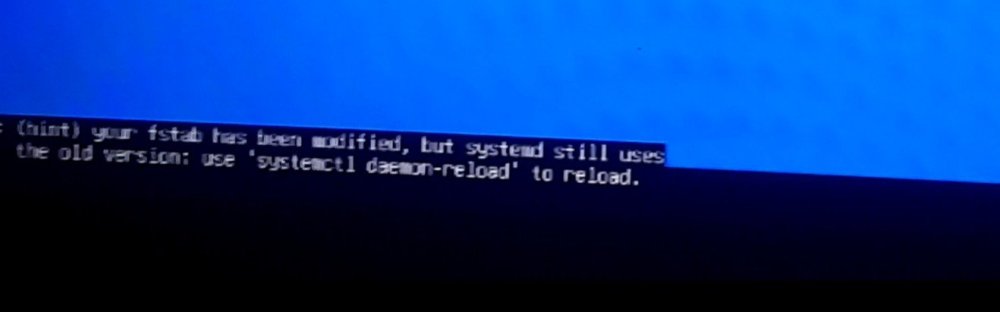
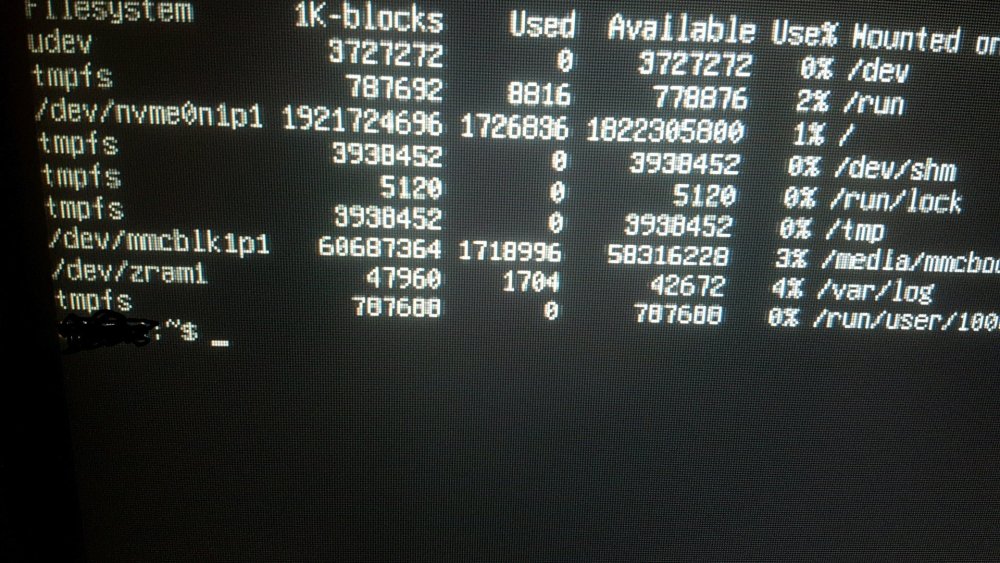
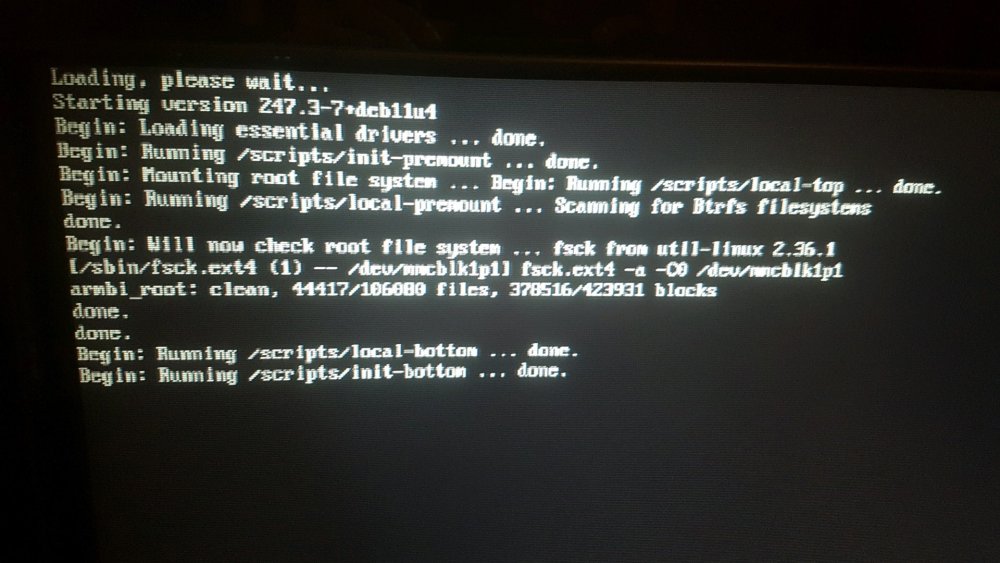
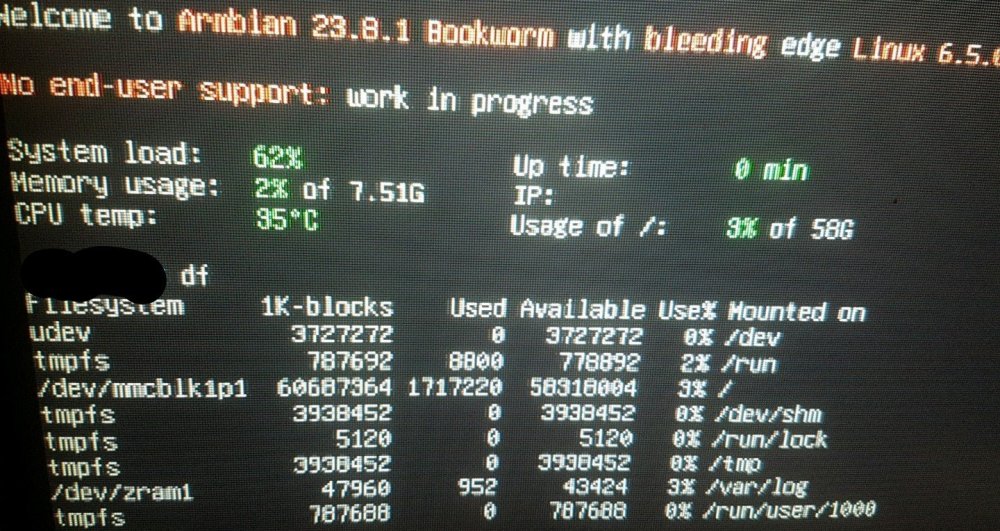
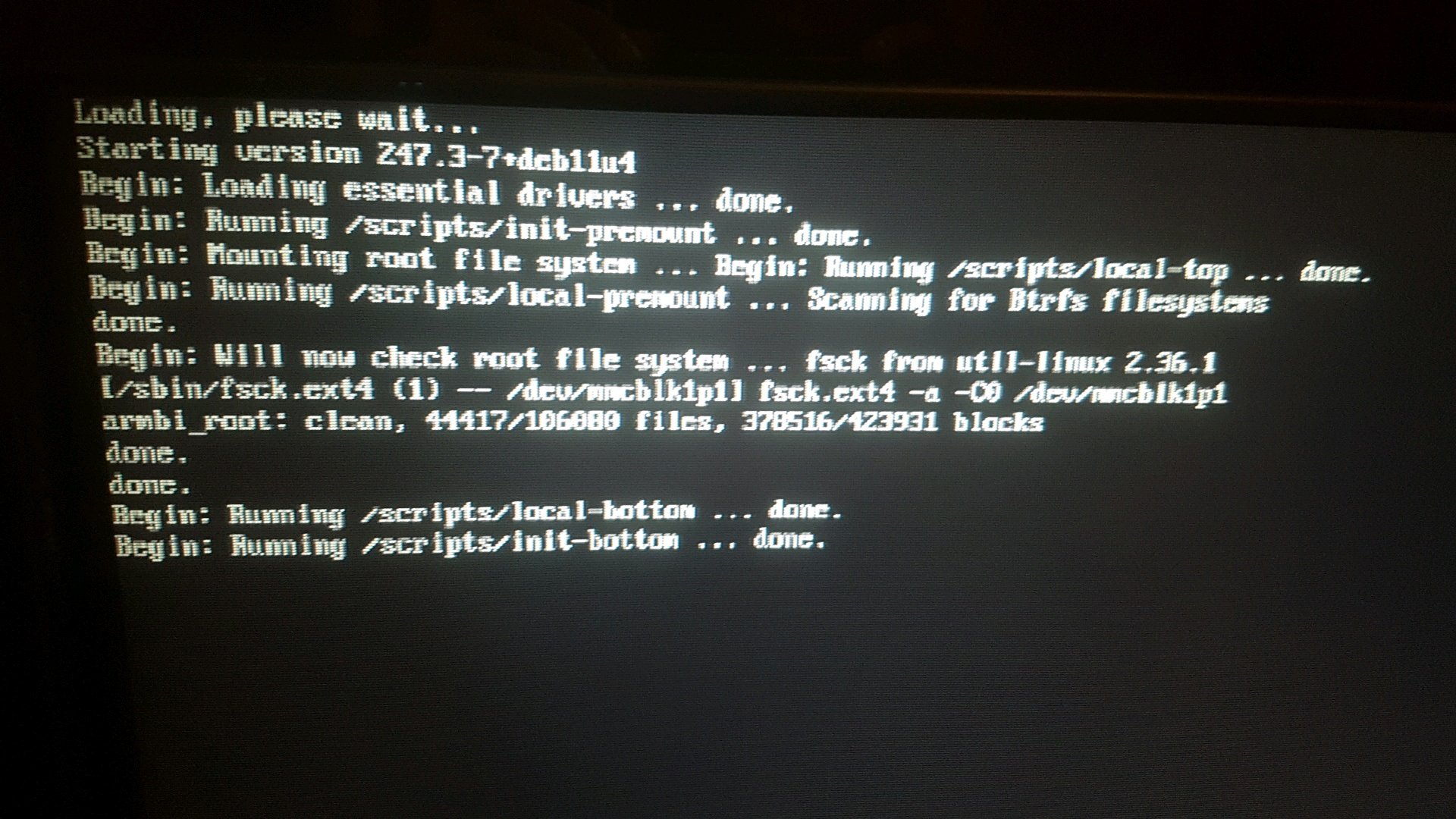
Hi guys ! So far I tested building bullseye without luck and the bookworm release img Building bullseye and burn it to an sd card system will not boot even after pressing the RCY button. I've build today a new img and it boots bullseye but it freezes loading first boot With bookworm it does boot pressing the RCY button but the Boot from MTD flash and system to nvme seems broken if power off the board remove the sd card the system won't boot with or without sd card (If I boot it again using the RCY with the installer already configured on the sd card and use the command df the nvme disk is not present but it appears in the installation) (Pic 4) Also on bookworm booting from sd card and installing system to nvme works without issues The nvme it's a 2TB 970 evo plus which according to hardkernel is compatible and it is since the boot from sd is working without issues I've notice a blazing fast line while using the MTD Thanks !