
DarkevilPT
-
Posts
11 -
Joined
-
Last visited
-
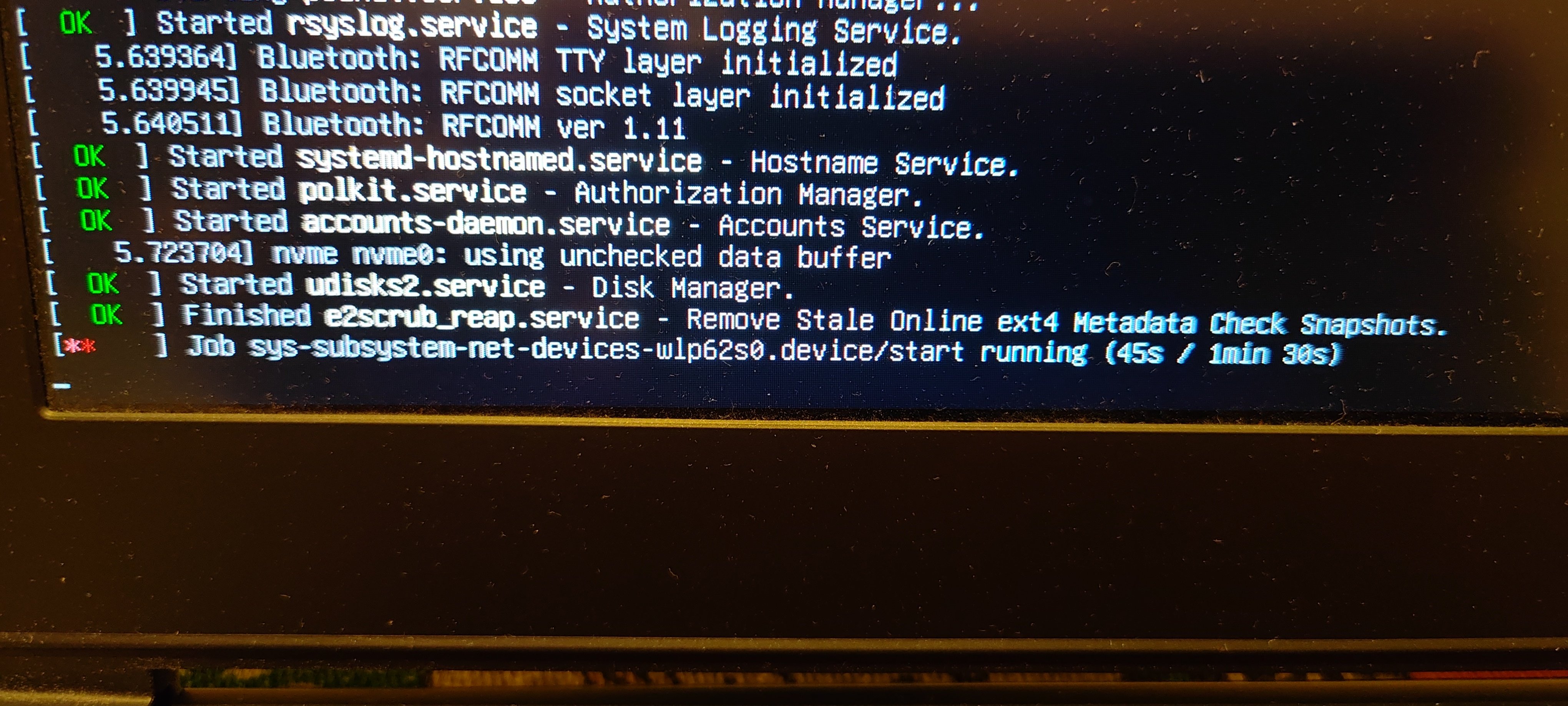
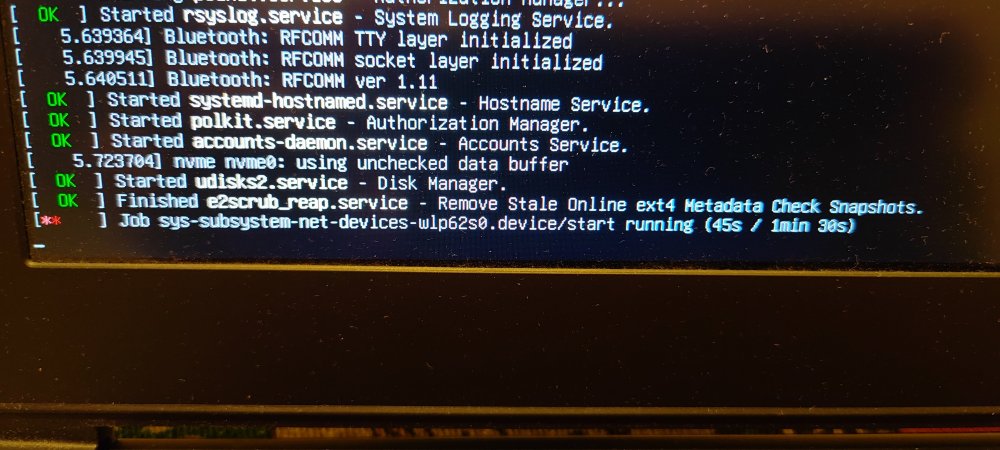
I know this might get ignored, but honestly, I don’t really mind. I just want to report something I noticed a few days ago, which I initially thought was caused by my previous setup. I was running a Radxa CM5 with a Waveshare CM4 Nano-C board, using an Armbian image for the Rock 5A. This was the only way I could get it working with mainline support. I’m aware this setup is far from standard I’m essentially using the wrong image but that’s because the Radxa CM5 IO board isn’t compatible with the Waveshare Nano board. On top of that, Armbian doesn’t officially support the CM5 RPi-CM4 IO board provided by Radxa (which does work with the Waveshare Nano, but their image is extremely unstable updating it to Trixie bricks the system). The main issue I noticed was with Wi-Fi (using a USB Wi-Fi AC dongle). By default, it’s broken. I managed to restore it using armbian-config and network setup, but even then, the system doesn’t show any Wi-Fi options in Network Manager, despite being connected and working. I didn’t report this earlier because my setup is quite unusual, and I couldn’t be sure if the issue was specific to me. However, today I tested something else. I revived my MSI GS73VR (a 2017 x86 laptop with a GTX 1060) and tried several Linux distributions. I ended up installing Armbian UEFI (the x86 version of Armbian Trixie). As a side note, the Trixie download link on the website is broken you have to dig through the internal download pages to find it. After installing it on an NVMe drive and completing the setup, everything initially worked fine. But after one reboot, I encountered the same Wi-Fi issue: freezing and inconsistent behavior. This time, I hadn’t used armbian-config or any network tweaks. The system doesn’t properly detect or display Wi-Fi in GNOME settings, even though it is actually connected and working in the background. So this seems to be a broader issue, not just related to my ARM setup. I don’t know exactly what’s wrong with Armbian, but my main criticism has always been Wi-Fi support—especially for USB dongles. It feels poorly maintained and lacks consistency. I was told years ago that mainline support would resolve these issues, but Armbian UEFI on x86 should already be at that stage, shouldn’t it? Something clearly isn’t right here. It’s frustrating because this feels like the last missing piece for an otherwise solid system. Despite my criticism, I’ll admit Armbian has grown on me. On x86, there are better alternatives like Fedora, but on ARM, Armbian is still one of the best options. Anyway, apologies if this is posted in the wrong place. The official channels require logs, and I don’t feel like rebuilding my old broken setup just to gather them. If no logs means no help, then so be it. Maybe I’m the only one experiencing this—but I doubt it. Most people probably just plug in Ethernet and avoid dealing with Wi-Fi altogether. It is what it is.
-
Can someone pull request this to have it working myself as well please?
-
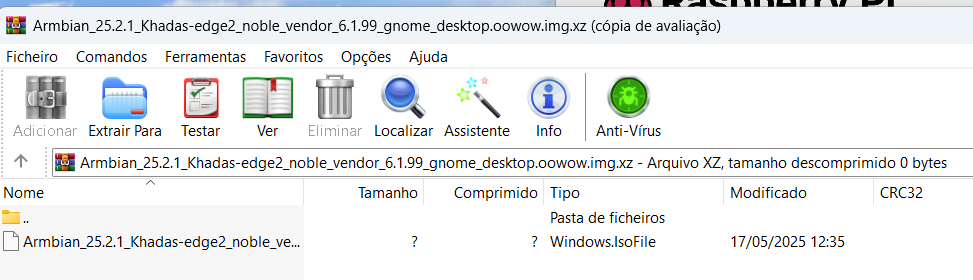
The armbian Khadas Edge 2 Noble image seems to be corrupted? its literally impossible to extract.
-
So.. this neat board has mainline kernel but with no video output and it has a mali panfrost GPU. My question to all you dev pros of the kodi tv boxes is... Is there anyone capable to fix video output on this wee board that has it on radxa 5.15 default debian kernel?
-

Waydroid for rk3588 with armbian edge (Panthor, kernel 6.8)
DarkevilPT replied to Willzen's topic in Orange Pi 5 Plus
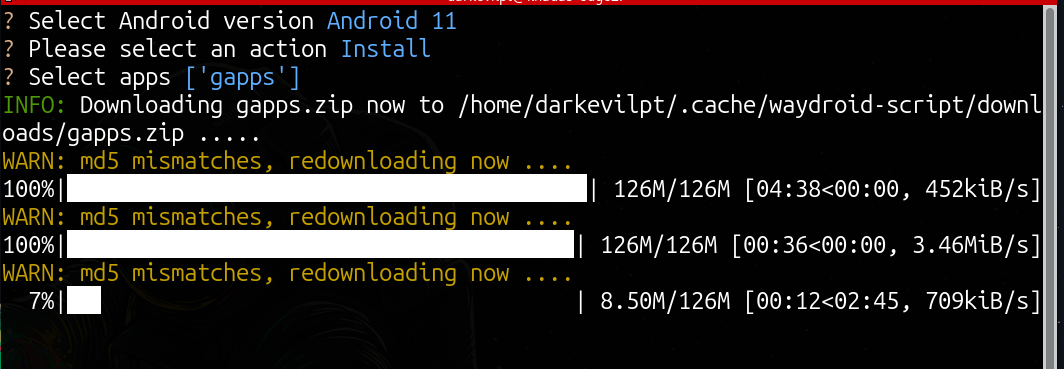
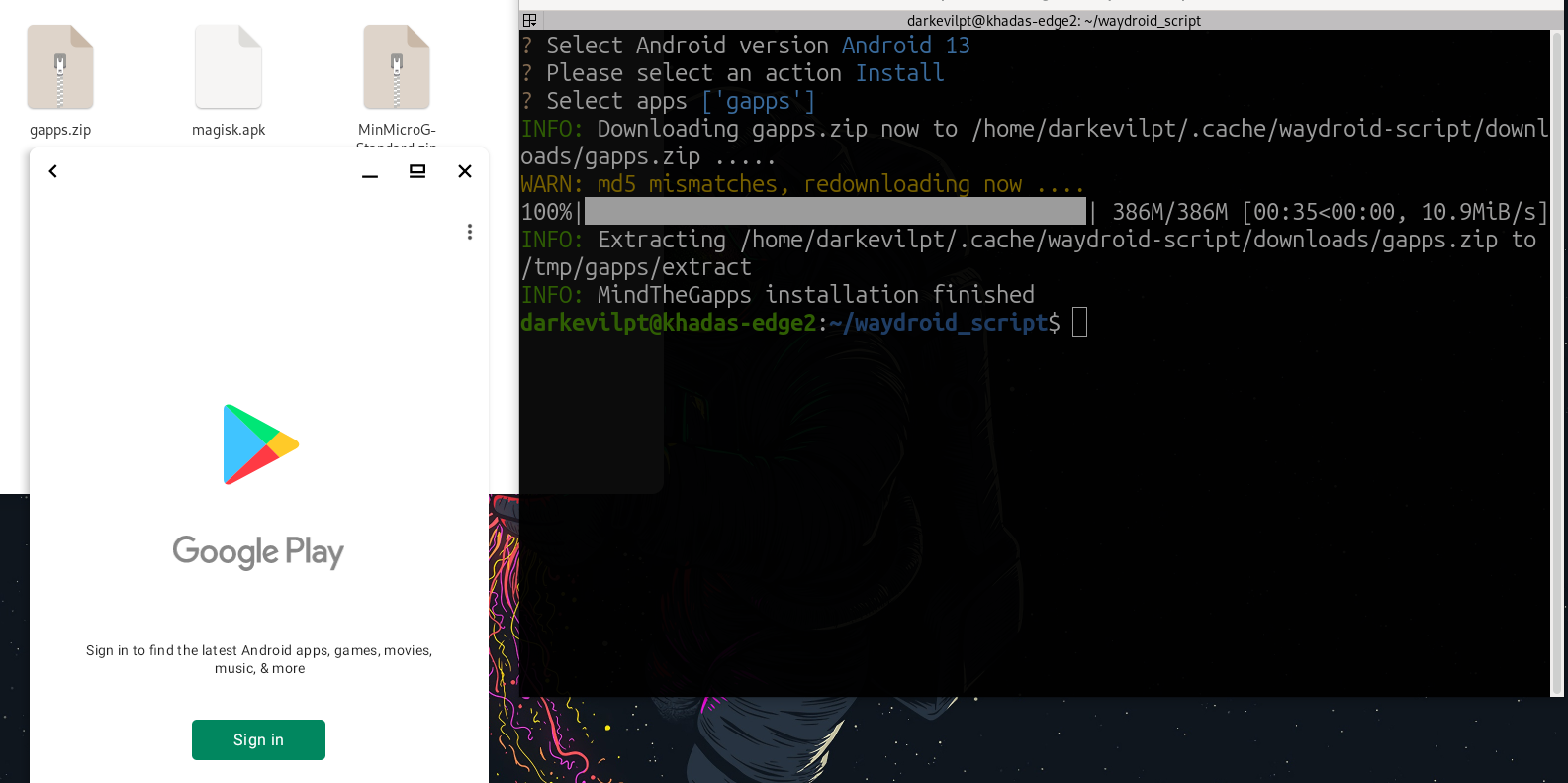
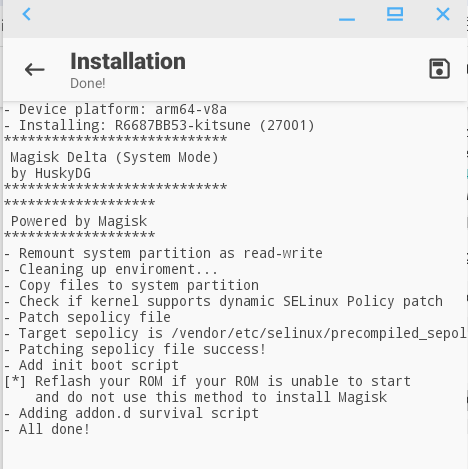
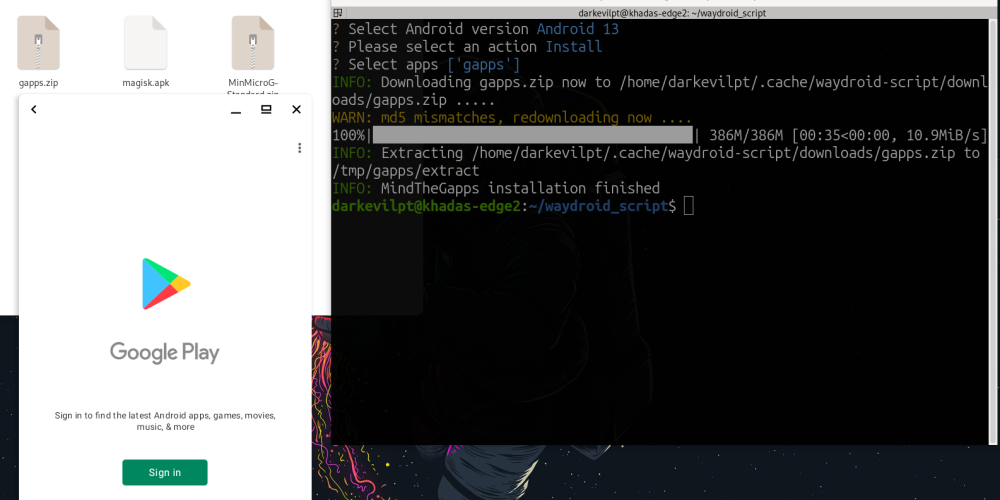
🪀 Waydroid for Panthor - Credits to @Willzen - The Armbian vendor kernel version now includes Panthor, and will soon be able to run it as well. sudo apt install curl ca-certificates -y curl https://repo.waydro.id | sudo bash sudo apt install waydroid -y sudo wget -P https://github.com/WillzenZou/armbian_fork_build/releases/download/willzen-armbian-24.5.0/2.waydroid-panthorv10-240416-v1.img.tar.gz cd /usr/share ; sudo mkdir waydroid-extra ; cd waydroid-extra ; sudo mkdir images ; cd sudo tar -xf 2.waydroid-panthorv10-240416-v1.img.tar.gz -C /usr/share/waydroid-extra/images sudo waydroid init -f -i /usr/share/waydroid-extra/images Apps will be re-sizable but never the show-full-gui sudo waydroid container stop ; waydroid session stop ; sudo waydroid prop set persist.waydroid.multi_windows true ; sudo waydroid session start ; waydroid show-full-ui Supposedly resizes the full-gui sudo waydroid container stop ; waydroid session stop ; sudo waydroid prop set persist.waydroid.multi_windows true ; sudo waydroid prop set persist.waydroid.width 720 ; sudo waydroid prop set persist.waydroid.height 1280 ; systemctl restart waydroid-container ; waydroid session start Install Google Store sudo apt install lzip -y git clone https://github.com/casualsnek/waydroid_script cd waydroid_script python3 -m venv venv venv/bin/pip install -r requirements.txt sudo venv/bin/python3 main.py Other commands waydroid app install com.app.apk waydroid app launch com.app waydroid app list --- Im having two issues: 1 - I cant properly get the ui re-sizable.. it literally loses its desktop icon and to be started by `waydroid show-full-ui` isn't helping 20240822_182533.mp4 2 - Cant get gapps to install... its always a drag to get it working and its needed now for many apps to run. It keeps downloading over and over again the same file it seems. Is there any better alternative solution for this? Magisks works Problem 2 - Solved by installing the Script Android 13 Gapps on Waydroid Android 11.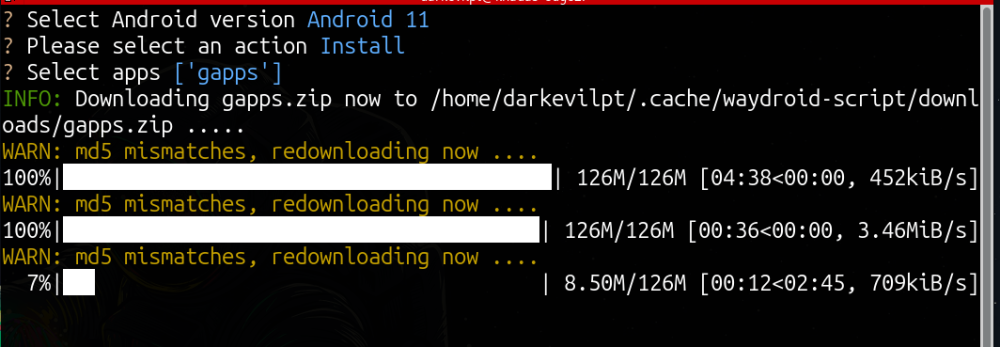
-
You are right CURRENT version 6.1 kernel xcfe did worked now. I feel stupid ... I tried so many images wtf..
-
I have the same issue. All images on kernel 6 are broken only 5.19 are working.
-
I have the same issue. .. all images on 6.0 kernel are broken only the ones on 5.19 are working. Even the oficial ubuntu server riscv doesnt boots on me ...
-
Hey Balbes none of the 6.5.0 Images work. Only those of the 5.19 kernel do. This has been getting updates and updates but... we are way stuck behind..