Дмитрий Батин
-
Posts
12 -
Joined
-
Last visited
Content Type
Forums
Store
Crowdfunding
Applications
Events
Raffles
Community Map
Everything posted by Дмитрий Батин
-
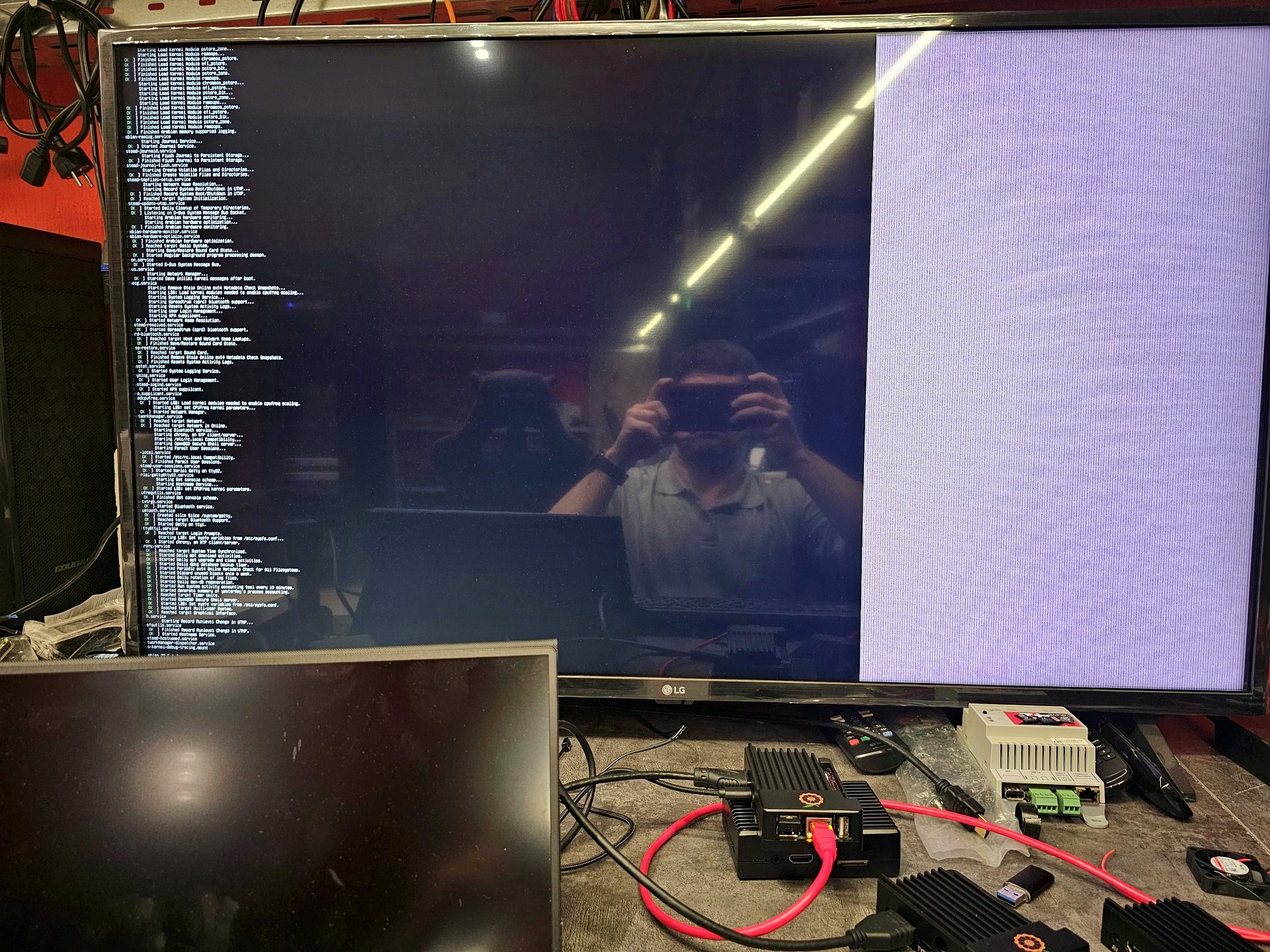
 there is no display image in Armbian_24.2.1_Orangepi4-lts_bookworm_current_6.6.16_gnome_desktop.img - edid decode - the latest noble Armbian_24.11.1_Orangepi4-lts_noble_current_6.6.62-kisak -
 -
There is new information - Armbian_23.5.1_Orangepi4-lts_jammy_current_6.1.30_minimal.img Armbian_23.8.1_Orangepi4-lts_bookworm_current_6.1.50_cinnamon_desktop.img - - there is edid-decode: - Check this picture
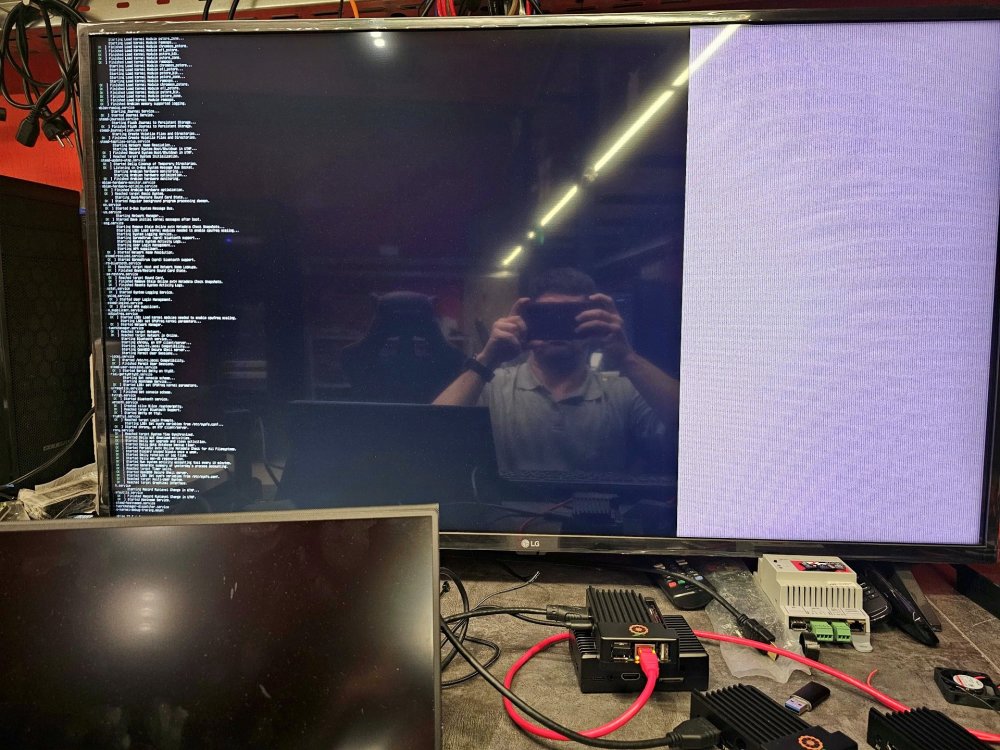
-
orange pi 4 lts 4gb ram, 16gb emmc. TV - 4k LG - there is terminal for 5.18-rk3399 (bsp) - there is edid-decode -
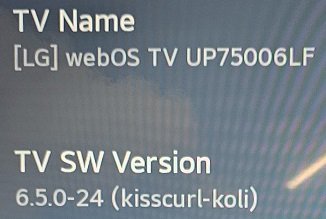
-
how we can solve the problem with broken hdmi in 6.x releases ? Can we solve that using overlay ?
-
i think there is programm problem, couse in 5.18-rk3399 all is work ( 4k LGTV )
-
i think it is programm problem. I do not have problem with hdmi in standart firmware ( 4k LG TV ) But in the 6.x kernel line i have this problem can you write the step to try do this ? Do you use overlay?
-
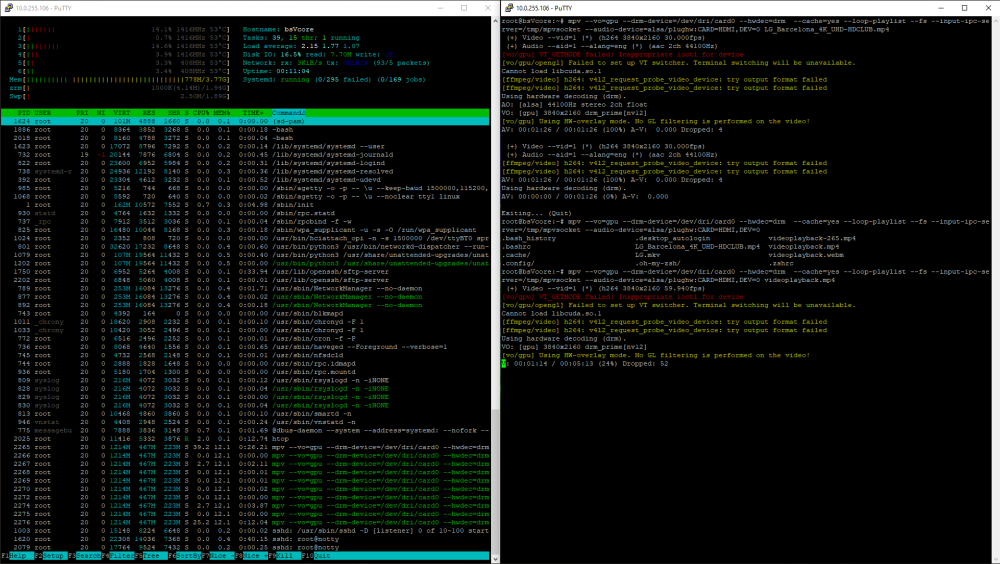
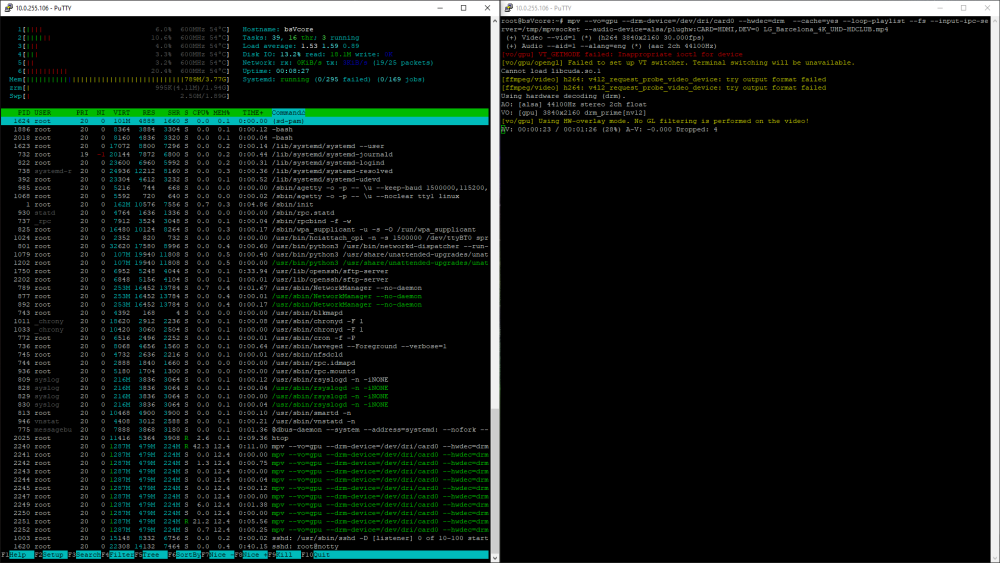
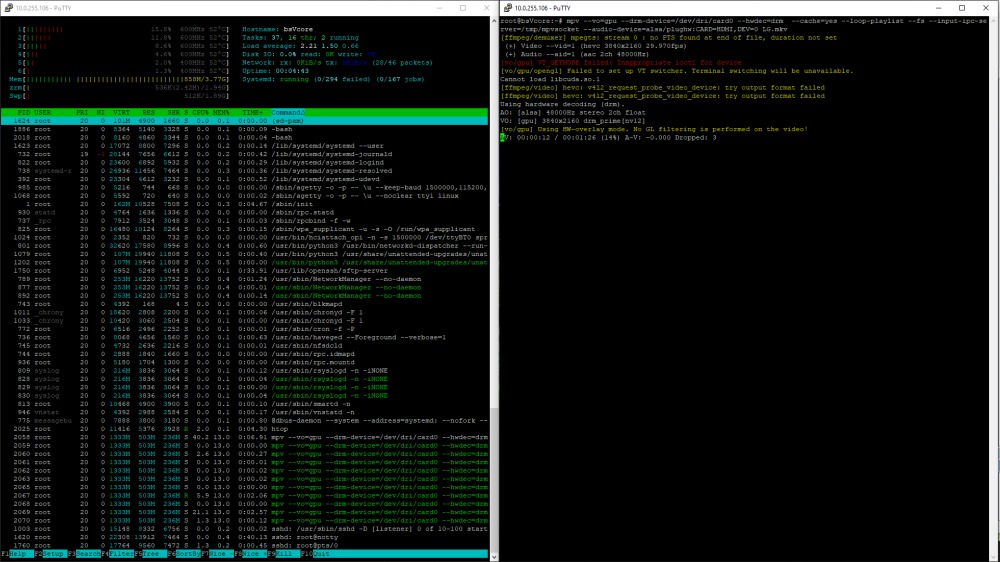
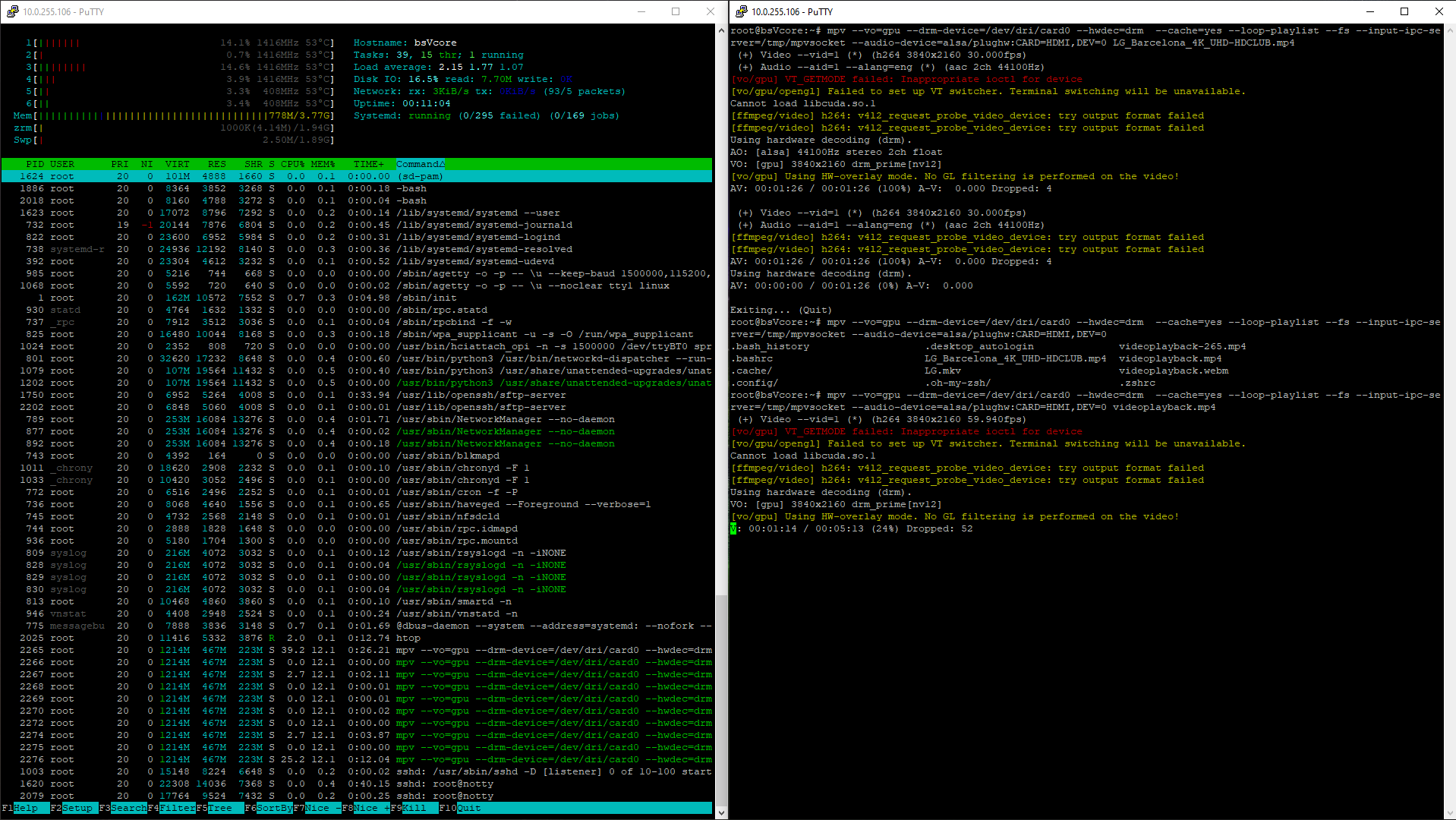
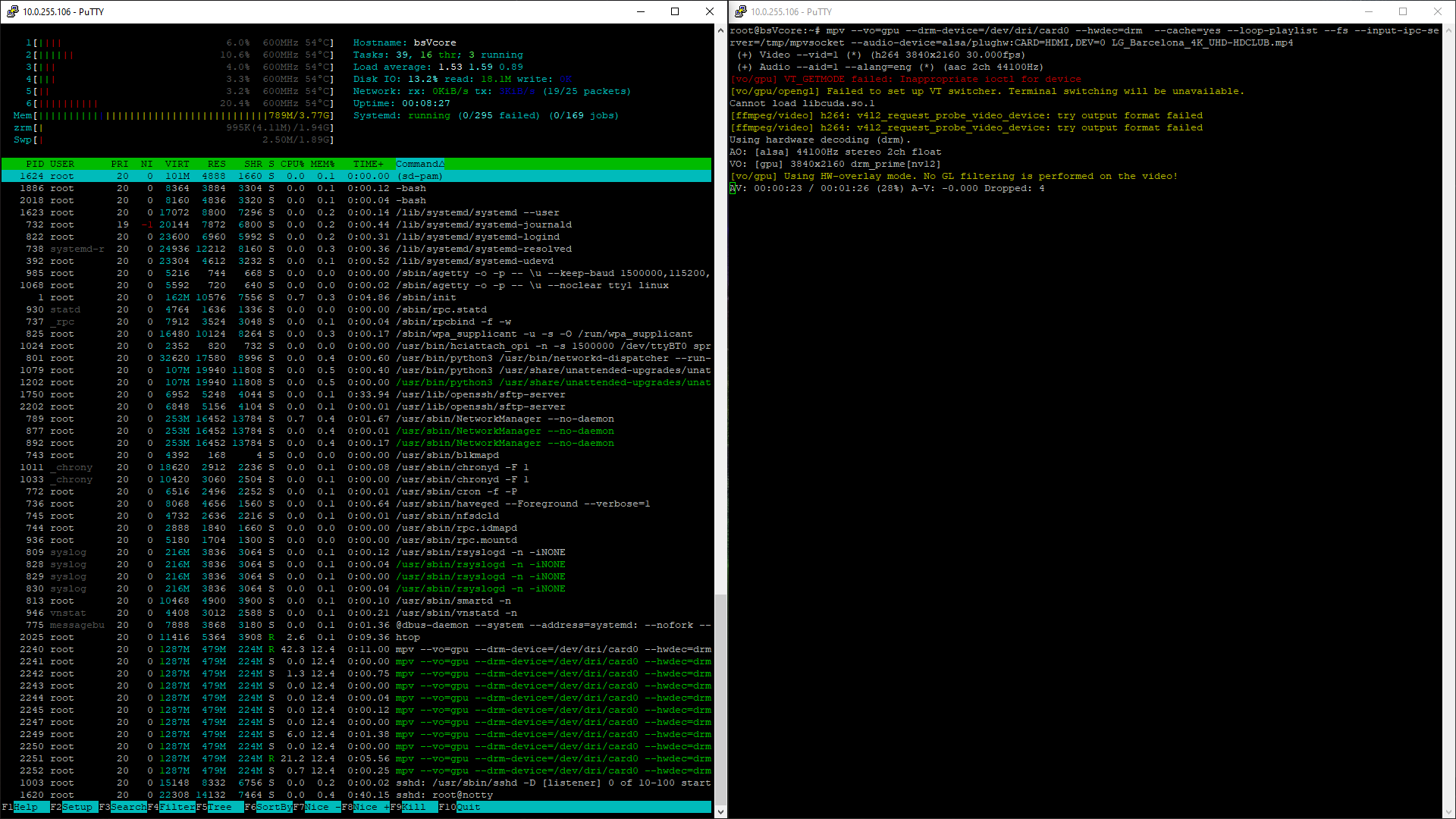
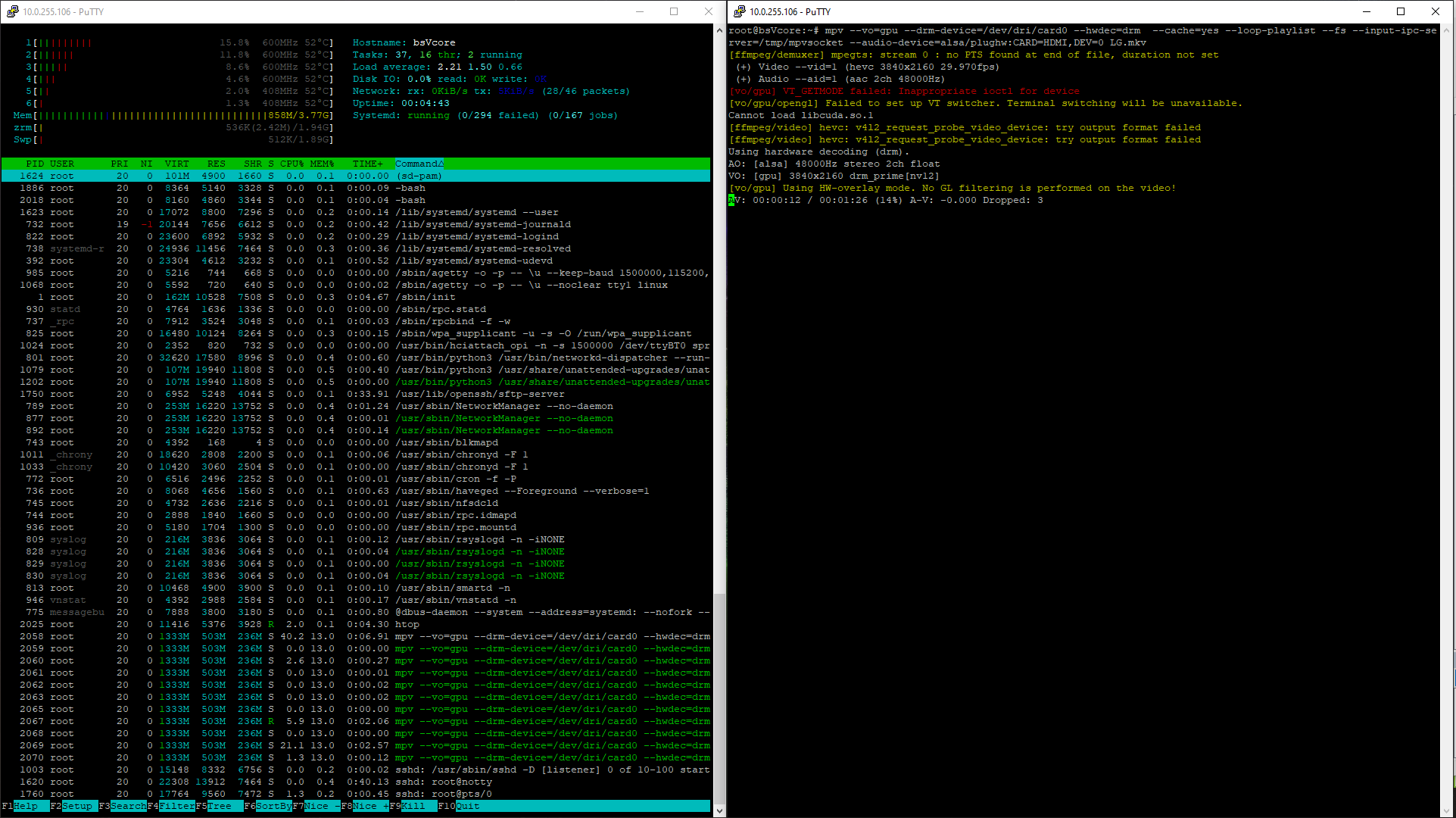
Hello everyone, comrades! Please tell me, has anyone had success with opi 4 lts? If so, can you share the success scenario or the system image? My small success story is using a factory image. Orangepi4-lts_3.0.6_ubuntu_jammy_server_linux5.18.5 Then apt update && apt install mpv then i use this command line mpv --vo=gpu --drm-device=/dev/dri/card0 --hwdec=drm --cache=yes --loop-playlist --fs --input-ipc-server=/tmp/mpvsocket --audio-device=alsa/plughw:CARD=HDMI,DEV=0 /some_path_to_video 4 k 30 fps \ 4k 60fps \ h264 \ hevc decode by vpu vithout using CPU and do not have any freeze