xiboliyadongtu
-
Posts
13 -
Joined
-
Last visited
-
Gaming experience with Orange Pi 5 (RK3588) on Armbian
xiboliyadongtu replied to KhanhDTP's topic in Orange Pi 5
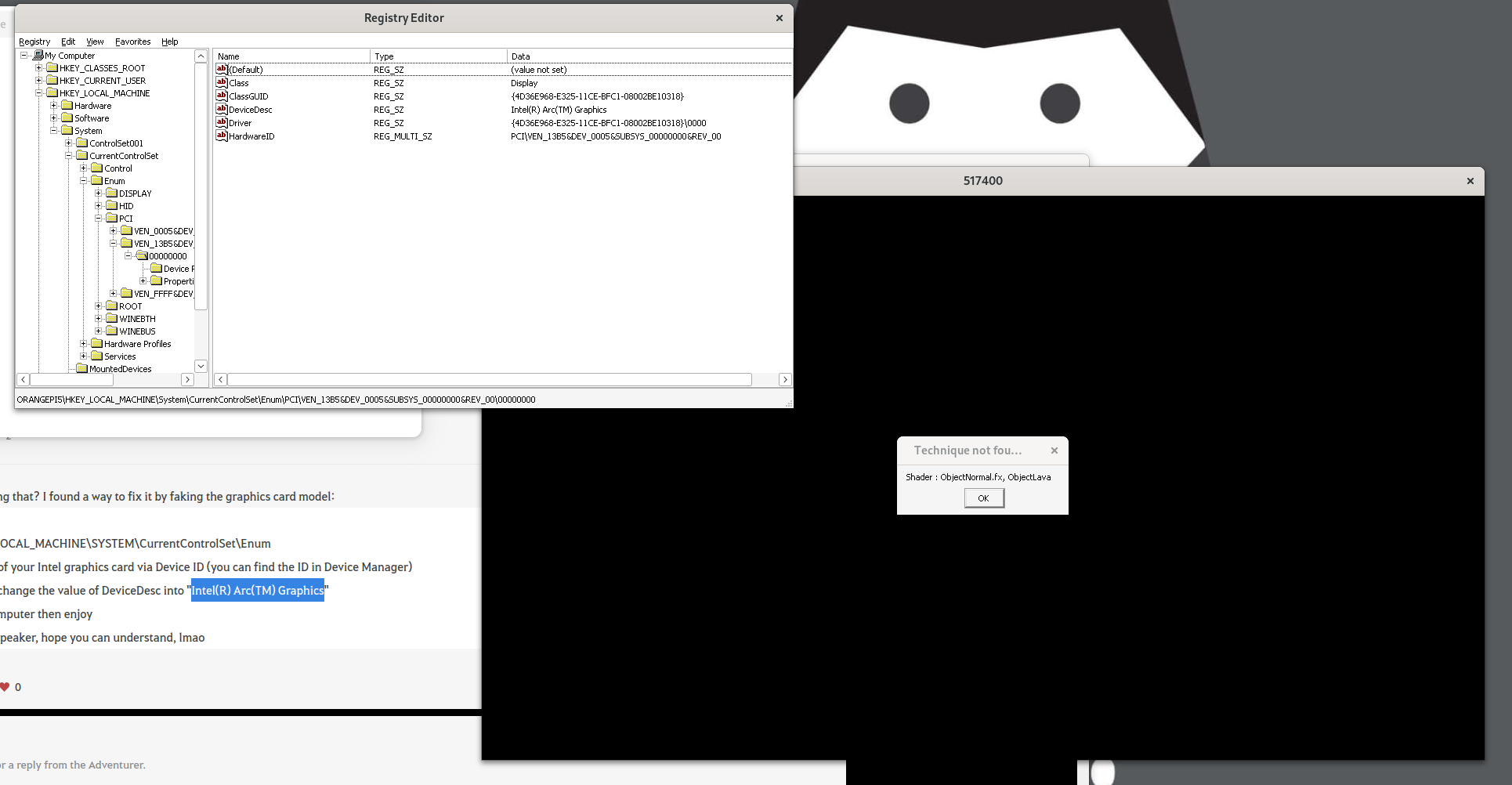
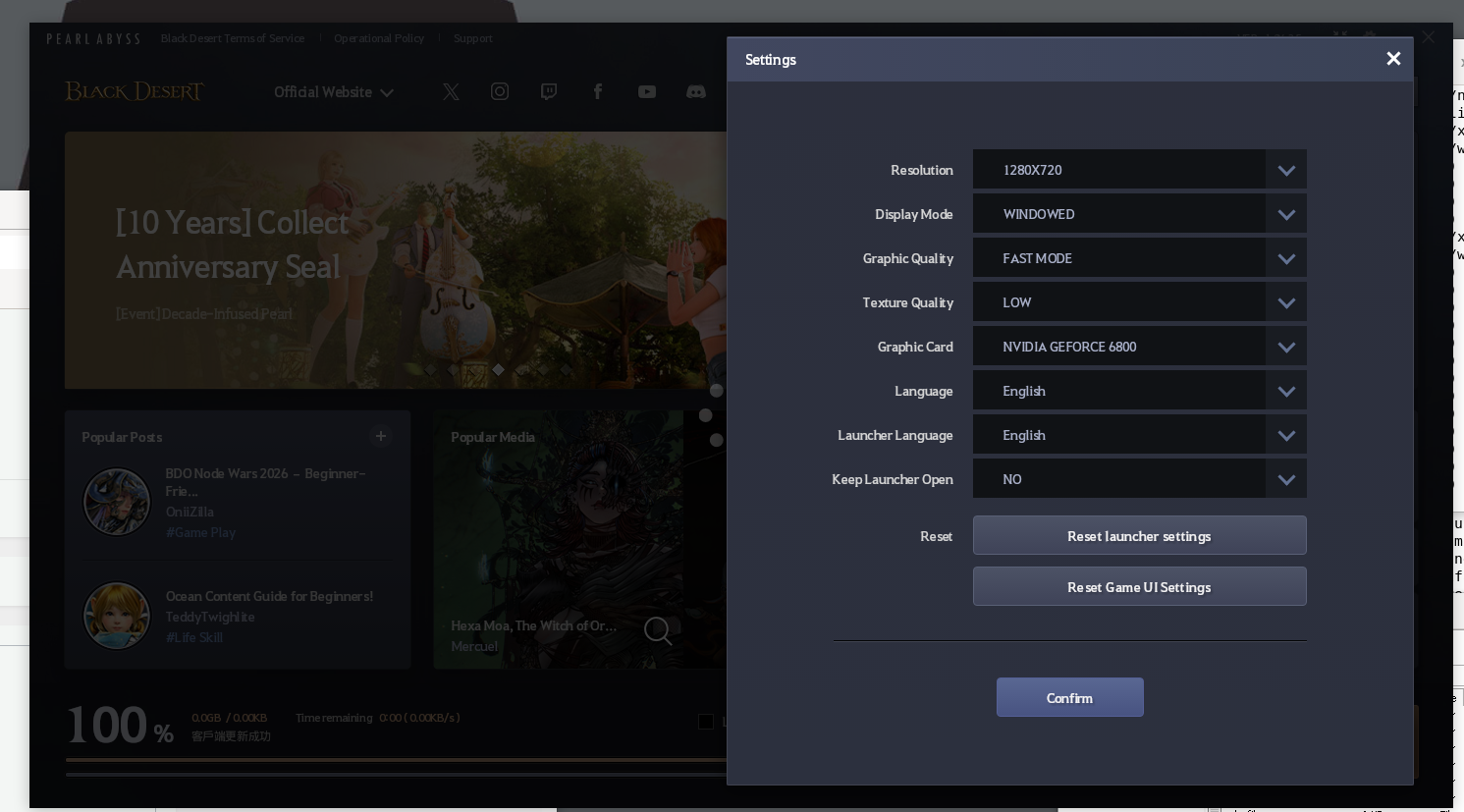
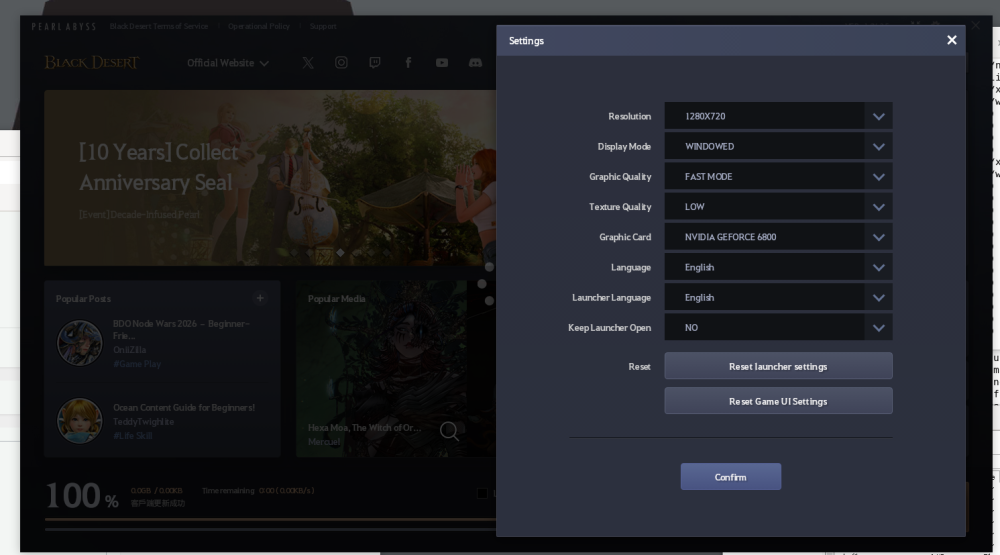
I changed the devicedesc, but game still shows same error. And the launcher shows it is another name. (Nvdia Geforce 6800).Ps: must go bed for now XD.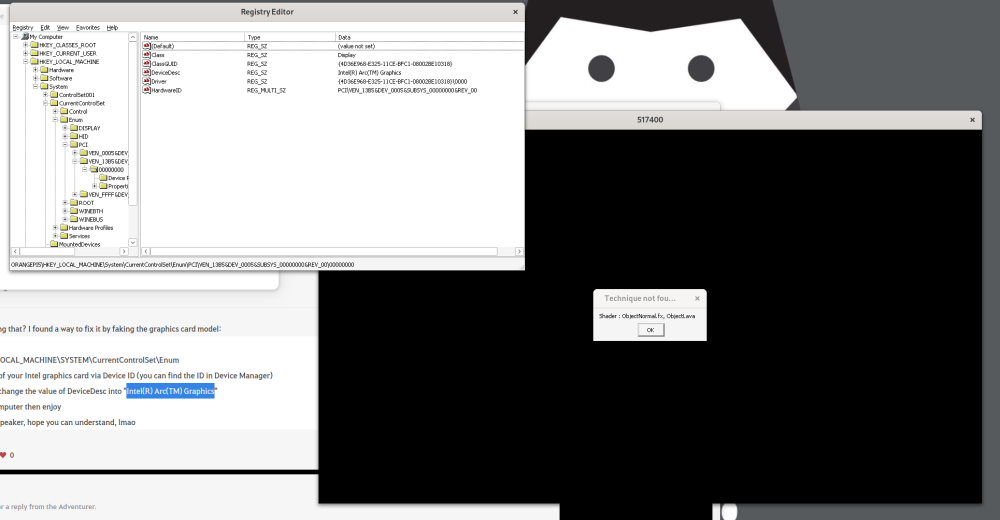
-
Gaming experience with Orange Pi 5 (RK3588) on Armbian
xiboliyadongtu replied to KhanhDTP's topic in Orange Pi 5
Maybe tomorrow, try to solve this. -
Gaming experience with Orange Pi 5 (RK3588) on Armbian
xiboliyadongtu replied to KhanhDTP's topic in Orange Pi 5
I found that if I use umu-run(protonge), the launcher will crash, but if i use wine staging (with dxvk), the launcher start is no problem but the game got a error. -
Gaming experience with Orange Pi 5 (RK3588) on Armbian
xiboliyadongtu replied to KhanhDTP's topic in Orange Pi 5
I found "https://www.naeu.playblackdesert.com/en-US/Forum/Qna/Detail?_questionNo=1122&_answerSortType=0" have same problem, but I have no idea about find the device ID. -
Gaming experience with Orange Pi 5 (RK3588) on Armbian
xiboliyadongtu replied to KhanhDTP's topic in Orange Pi 5
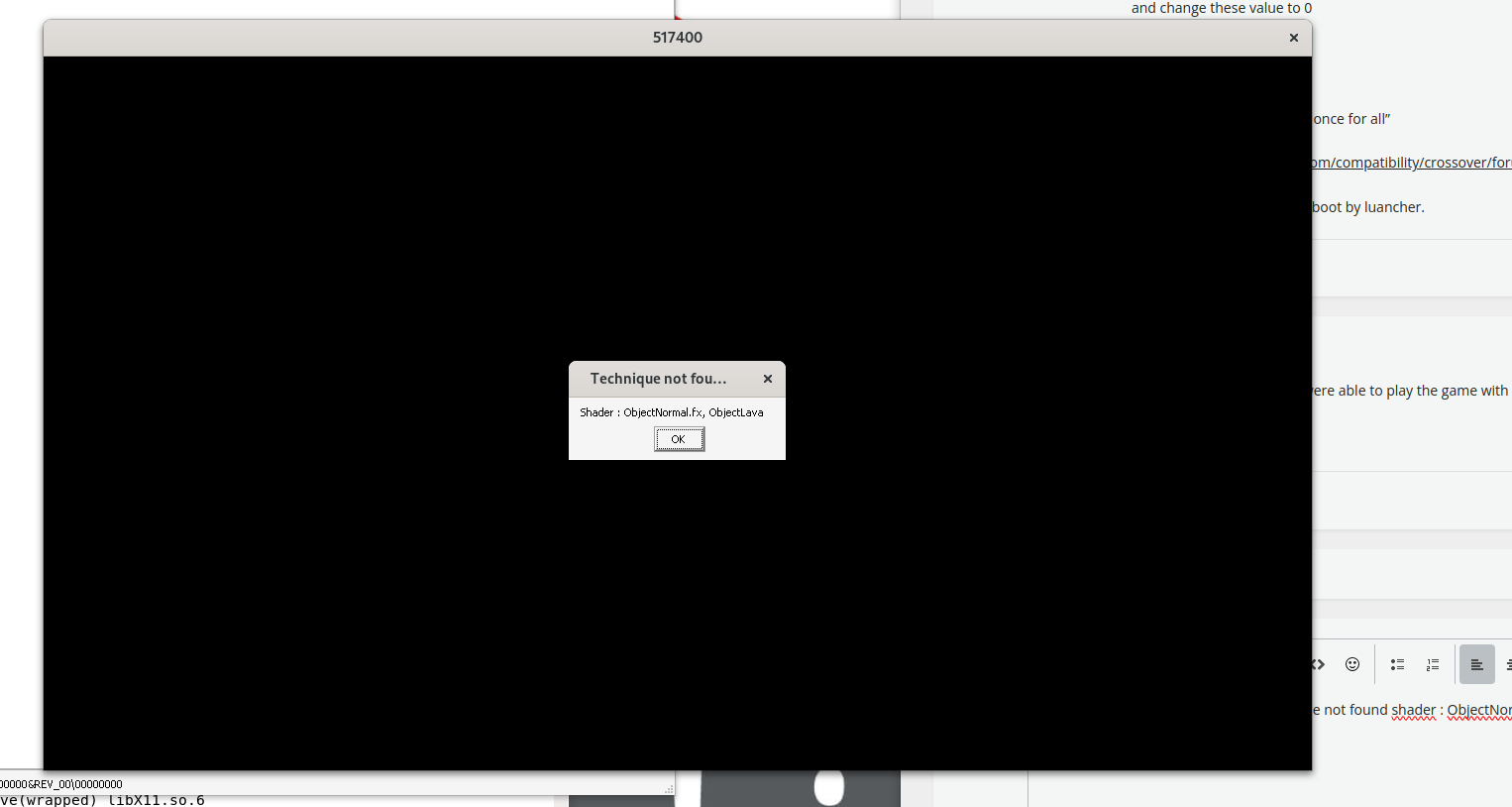
The game have not start couse "technique not found shader : ObjectNormal.fx, ObjectLava"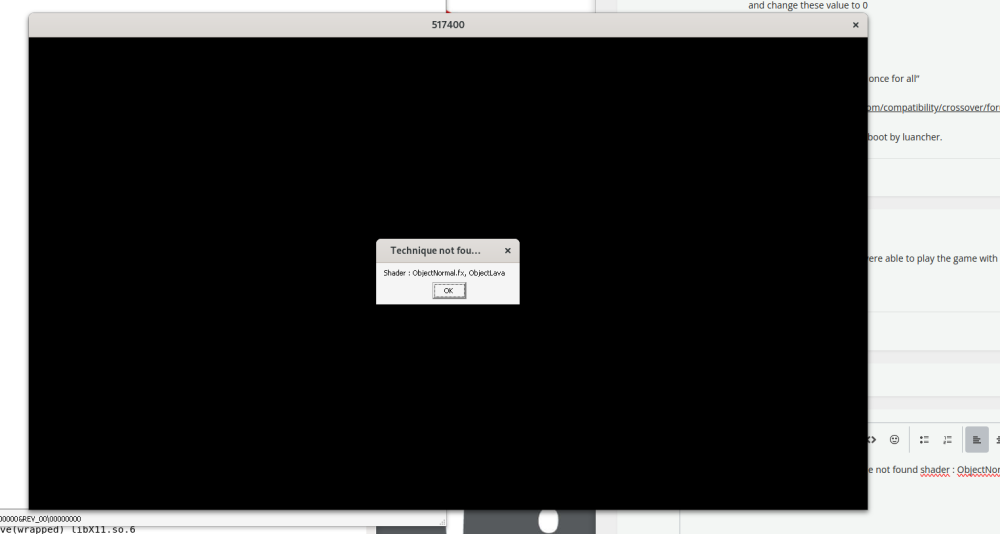
-
Gaming experience with Orange Pi 5 (RK3588) on Armbian
xiboliyadongtu replied to KhanhDTP's topic in Orange Pi 5
Sry, it is too late so i go sleep. But i found the method to fix this. I use box64 and wine staging succeed run the luancher by edit the file. “To fix the white or black launcher: Go in Documents\BlackDeser\GameOptionLauncher.txt and change these value to 0 launcherGpu = 0 launcherOffScreen = 0 This should fix the launcher once for all” https://www.codeweavers.com/compatibility/crossover/forum/black-desert-online?srsltid=AfmBOoomxtE1rM4fxkwr05vZXqg7N30pyVeyxG9wztivOZNf4rmiFs9W;msg=319137 By the way, this game must boot by luancher. -
Gaming experience with Orange Pi 5 (RK3588) on Armbian
xiboliyadongtu replied to KhanhDTP's topic in Orange Pi 5
this game do have a file named blackdesert64.exe -
Gaming experience with Orange Pi 5 (RK3588) on Armbian
xiboliyadongtu replied to KhanhDTP's topic in Orange Pi 5
i just delete the default file named umu-defalut. and i try to start the launcher, but it still crash. Did i got right things? log -
Gaming experience with Orange Pi 5 (RK3588) on Armbian
xiboliyadongtu replied to KhanhDTP's topic in Orange Pi 5
This game cant start without the launcher, I will try these options -
Gaming experience with Orange Pi 5 (RK3588) on Armbian
xiboliyadongtu replied to KhanhDTP's topic in Orange Pi 5
i delete the previous 64-bit version of DXVK, copy the 32-bit version DXVK, and tried to luanch the game; the game dispalyed a logo and then disappeared. Maybe it have crashed. log-dxvk log-zink -
Gaming experience with Orange Pi 5 (RK3588) on Armbian
xiboliyadongtu replied to KhanhDTP's topic in Orange Pi 5
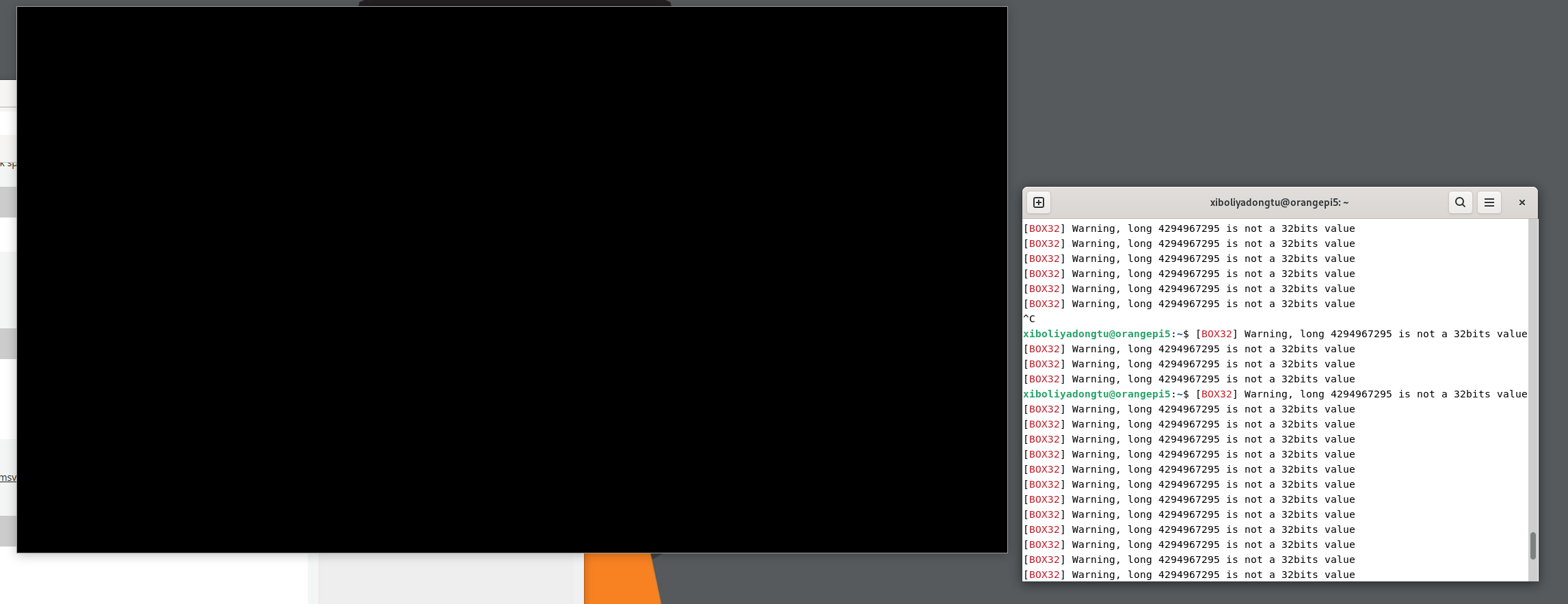
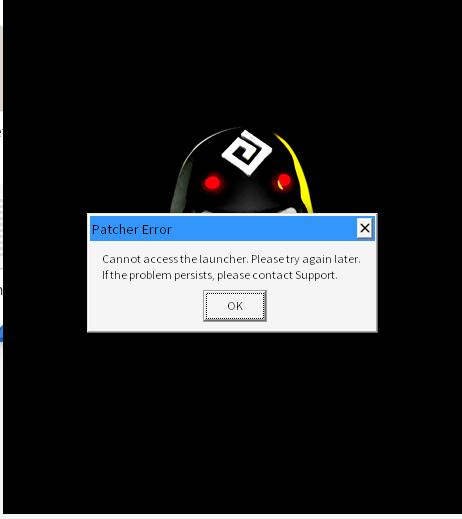
Thank you very much for your suggestions; I have tested both of them using Protonge. I replaced the BdO launcher to rule out any issues with Chinese language support. Both suggestions caused the launcher to display an error window. Furthermore, I tested the solution involving DXVK using Wine 11.4 staging, but the launcher only displayed a black window; I have uploaded the logs and screenshots. Additionally, I downloaded the Windows version of VKcube, which displays the rotating cube correctly. Translated with DeepL.com (free version) log-protonge.txt log-wine11.4staging.txt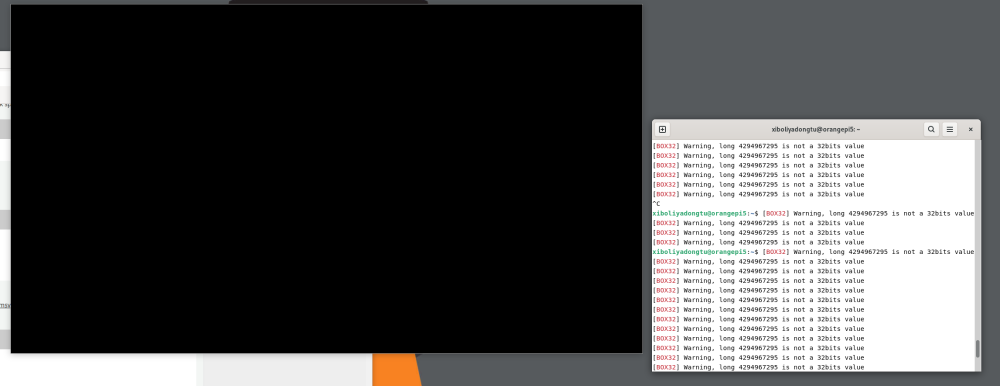
-
Gaming experience with Orange Pi 5 (RK3588) on Armbian
xiboliyadongtu replied to KhanhDTP's topic in Orange Pi 5
Many thanks for your reply. I tried FEX, but it appears that within bash, only CPU-emulated GPUs can be invoked. Consequently, I proceeded to test box64 combined with umu and protonge. After entering `export=proton_use_wined3d=1`, the launcher managed to open a black window. How should I proceed with debugging next? Much appreciated! log.txt -
Gaming experience with Orange Pi 5 (RK3588) on Armbian
xiboliyadongtu replied to KhanhDTP's topic in Orange Pi 5
Many thanks for your efforts. I've attempted the panvk-mesa26 + protonge configuration and tried launching Black Desert Online via the UMU launcher, but the launcher crashes immediately. When using box64 + winestaging, the launcher does start, though it only displays a black screen. If you have time, could you kindly test Black Desert Online? I'd be most grateful! My system version is Armbian 26.2.1 noblevendor 6.1.115. My device is an Orange Pi 5 with 8GB RAM. Thank you very much!