KhanhDTP
-
Posts
132 -
Joined
-
Last visited
-

Gaming experience with Orange Pi 5 (RK3588) on Armbian
KhanhDTP replied to KhanhDTP's topic in Orange Pi 5
@Alex Ling That's weird. It's about 15% performance bump in theory. How GPU lock was show in...like Mangohud? -
Gaming experience with Orange Pi 5 (RK3588) on Armbian
KhanhDTP replied to KhanhDTP's topic in Orange Pi 5
@Alex Ling dxvk-stripped 3.0.0 https://github.com/khanh-it/dxvk/actions/runs/28276103625 -
Gaming experience with Orange Pi 5 (RK3588) on Armbian
KhanhDTP replied to KhanhDTP's topic in Orange Pi 5
@chaitan3 @Alex Ling Enable 1 GHz frequency for Panthor on mainline patch https://github.com/armbian/build/pull/10035 -
Gaming experience with Orange Pi 5 (RK3588) on Armbian
KhanhDTP replied to KhanhDTP's topic in Orange Pi 5
@Alex Ling Yeah, I hope it will boost the performance or compatibility even more. -
Gaming experience with Orange Pi 5 (RK3588) on Armbian
KhanhDTP replied to KhanhDTP's topic in Orange Pi 5
@Alex Ling wow, that's cool. I hope they will merge soon! How was the performance?! -
Gaming experience with Orange Pi 5 (RK3588) on Armbian
KhanhDTP replied to KhanhDTP's topic in Orange Pi 5
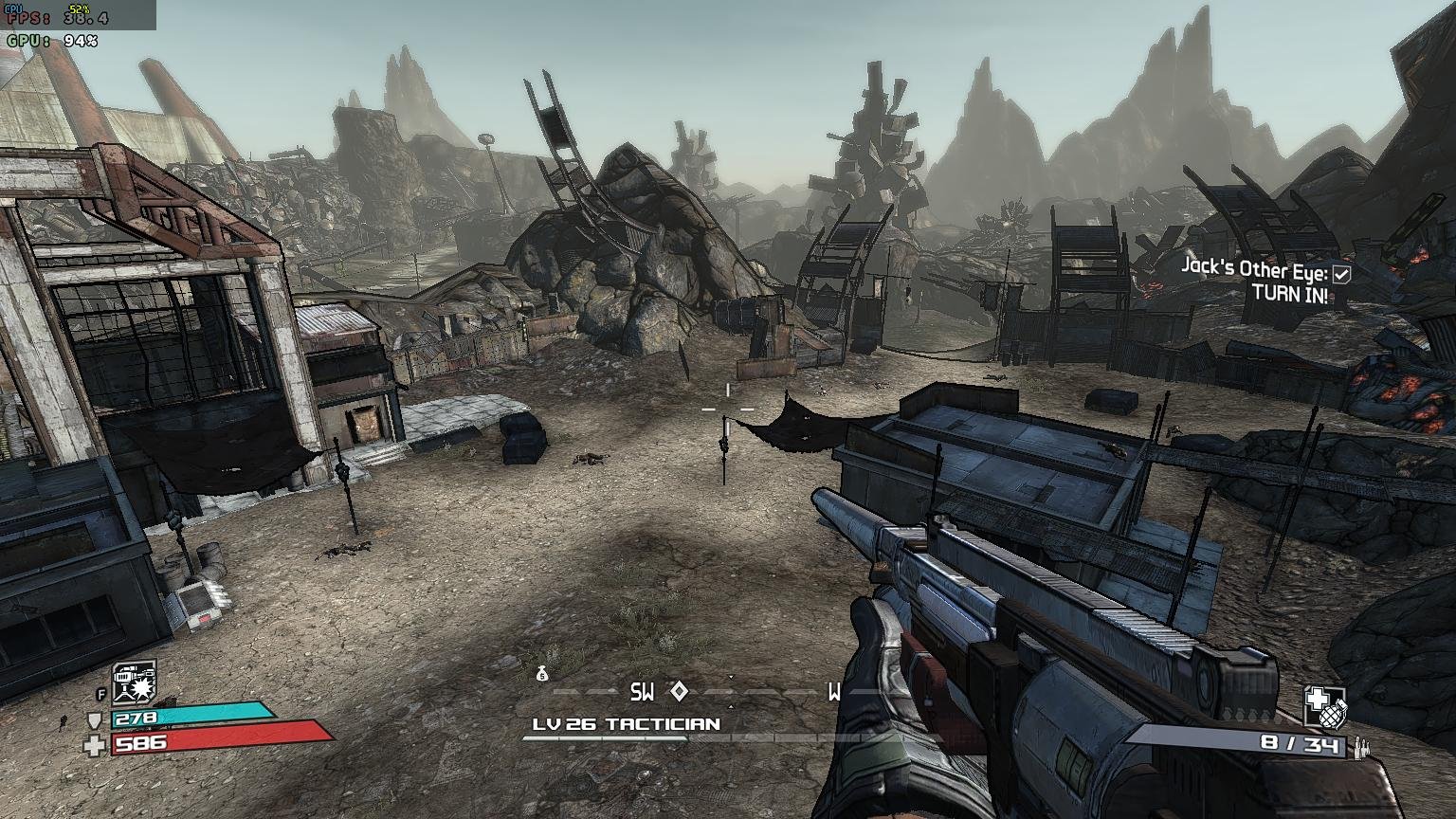
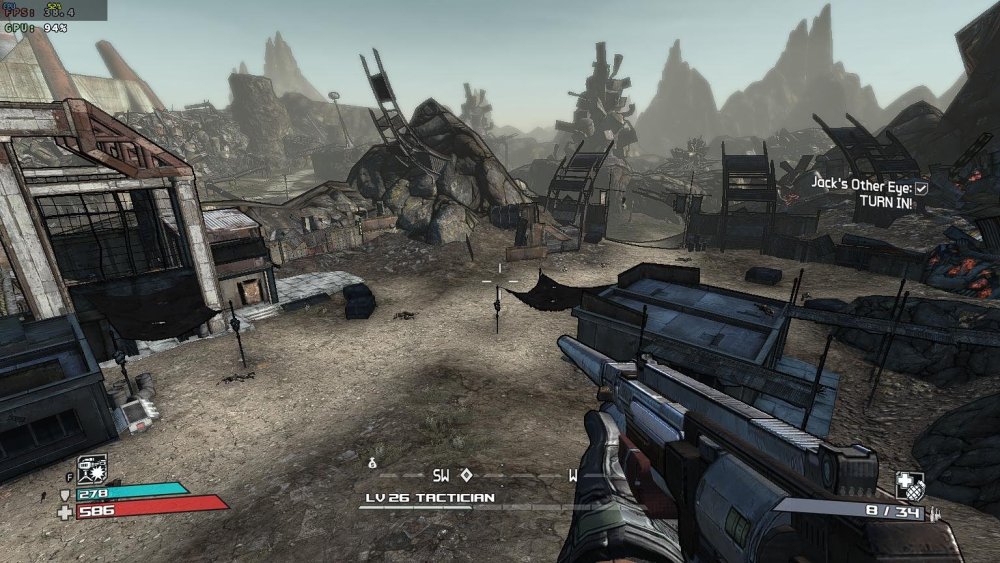
Armbian 26.2.1 Noble XFCE (BSP Kernel: 6.1.115) + PanVk - 26.2.0~git2605212123.7b286abe336 (https://launchpad.net/~ernstp/+archive/ubuntu/mesaaco) + Box64 arm64 v0.4.3 42ae8b818 (https://ryanfortner.github.io/box64-debs/) + wine-proton-11.0-beta1-amd64-wow64 (https://github.com/Kron4ek/Wine-Builds/releases/download/proton-11.0-beta1/wine-proton-11.0-beta1-amd64-wow64.tar.xz) + DXVK-stripped v1.7.3 ~40fps@1536x864 Borderlands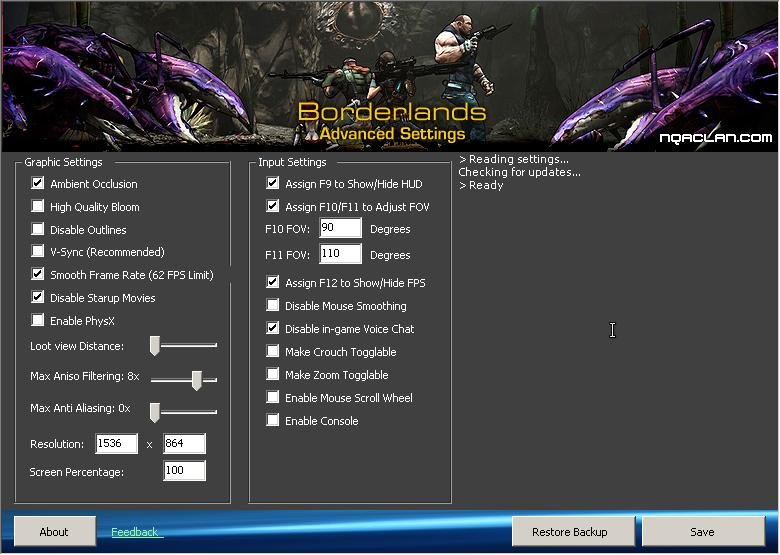
-
Gaming experience with Orange Pi 5 (RK3588) on Armbian
KhanhDTP replied to KhanhDTP's topic in Orange Pi 5
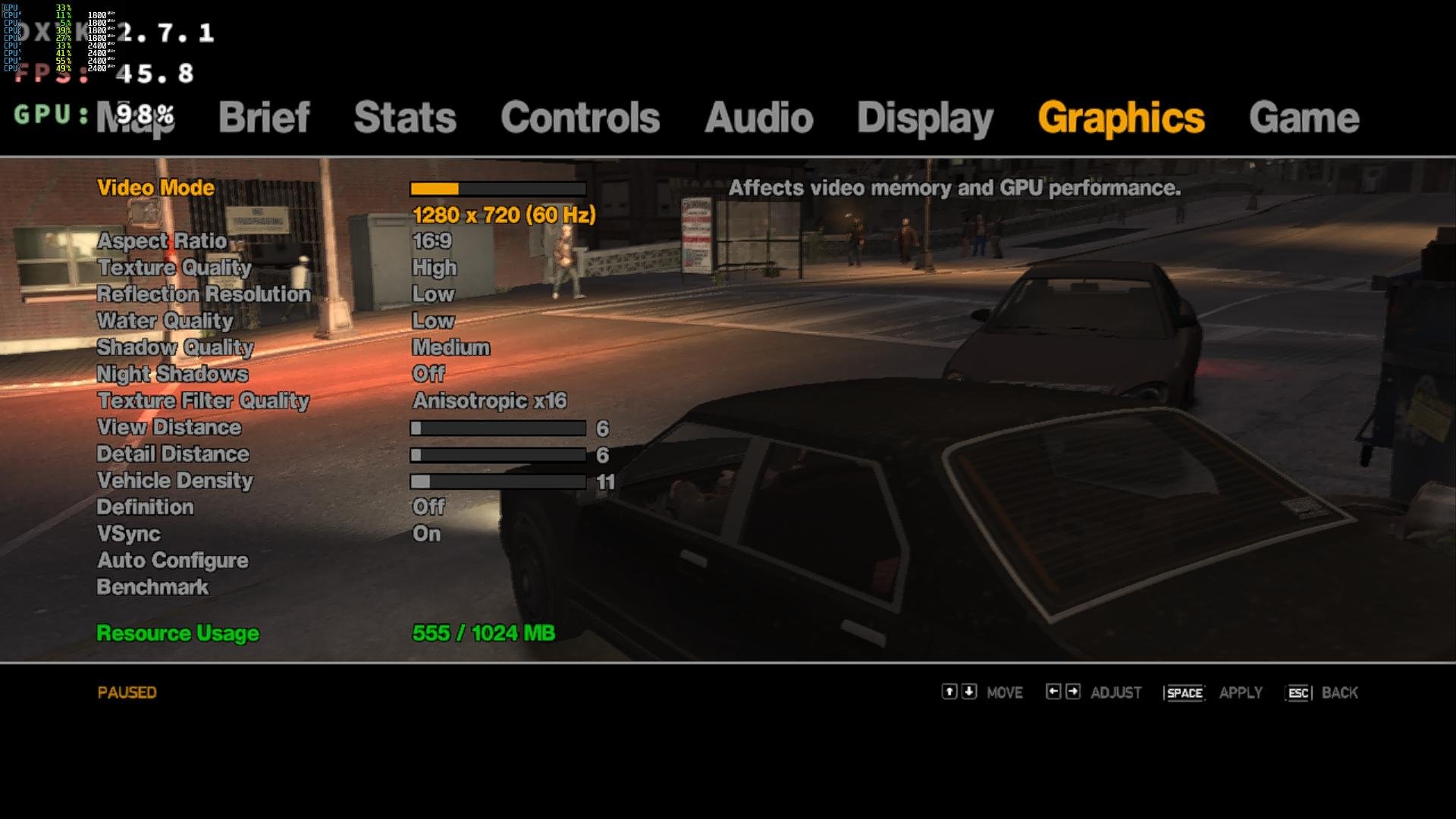
Armbian 26.2.1 Noble XFCE (BSP Kernel: 6.1.115) + PanVk - 26.2.0~git2605212123.7b286abe336 (https://launchpad.net/~ernstp/+archive/ubuntu/mesaaco) + Box64 arm64 v0.4.3 42ae8b818 (https://ryanfortner.github.io/box64-debs/) + wine-proton-11.0-beta1-amd64-wow64 (https://github.com/Kron4ek/Wine-Builds/releases/download/proton-11.0-beta1/wine-proton-11.0-beta1-amd64-wow64.tar.xz) + DXVK-stripped v2.7.1 ~40fps@720p Grand Theft Auto IV - The Complete Edition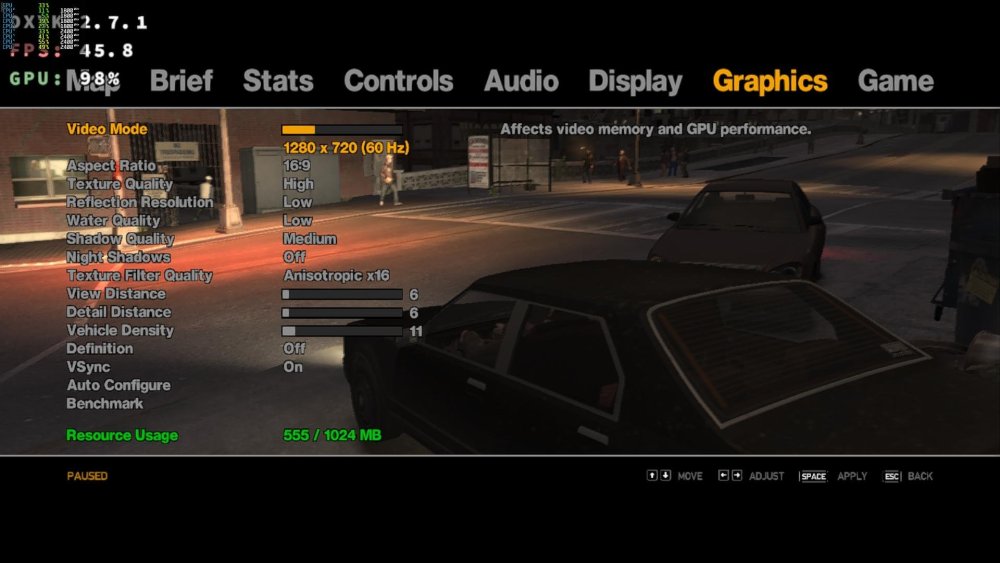
-
Gaming experience with Orange Pi 5 (RK3588) on Armbian
KhanhDTP replied to KhanhDTP's topic in Orange Pi 5
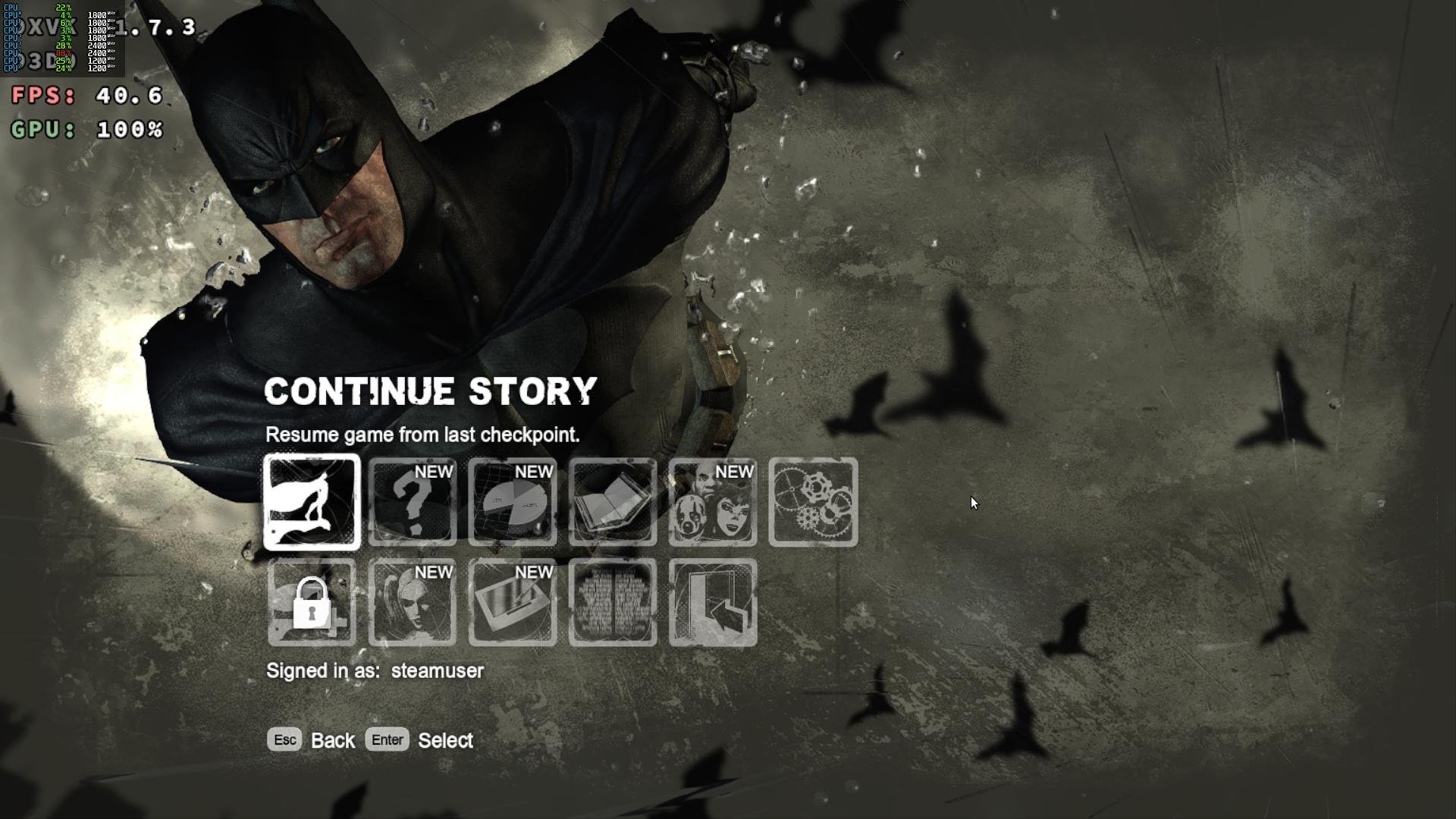
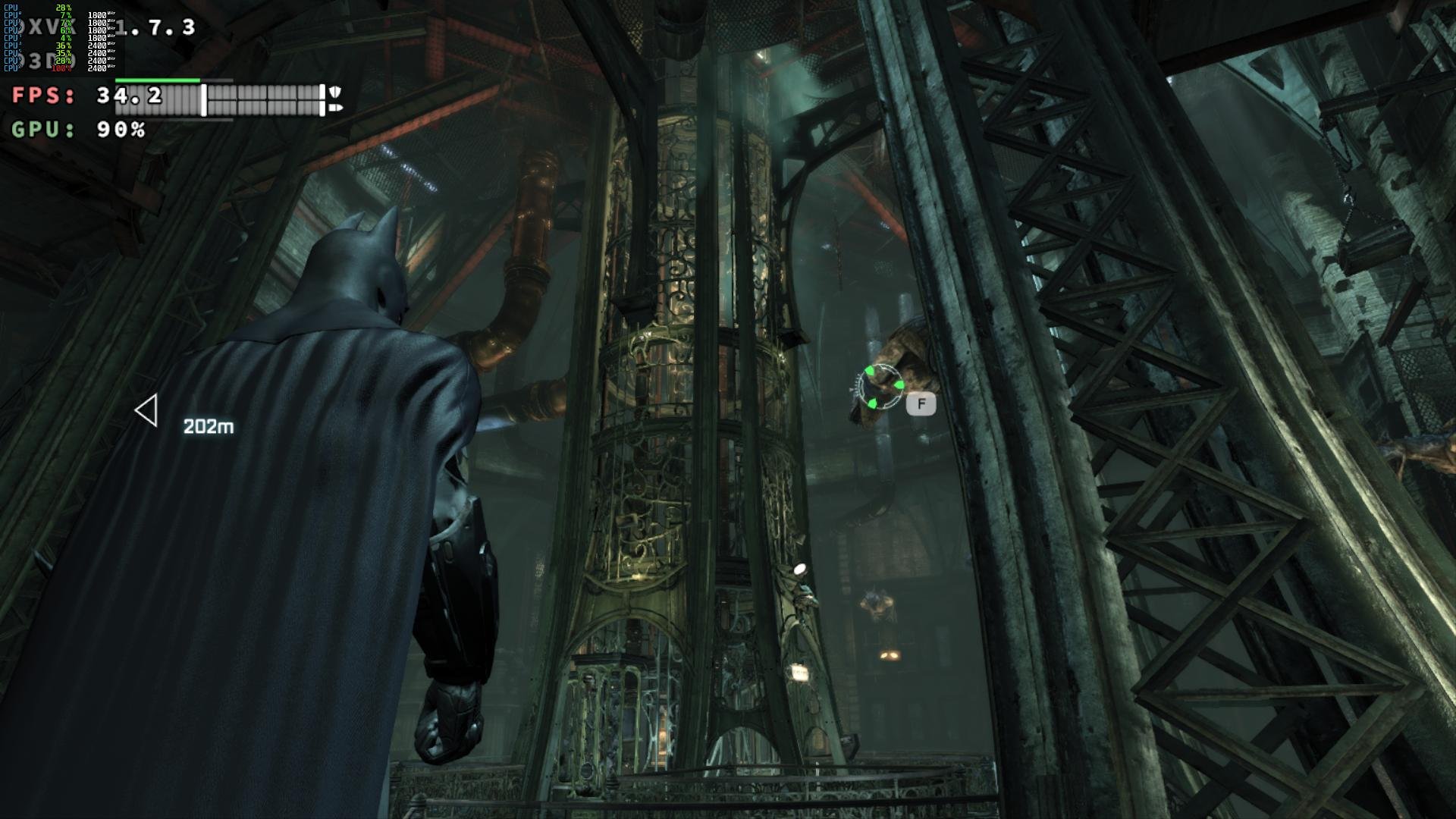
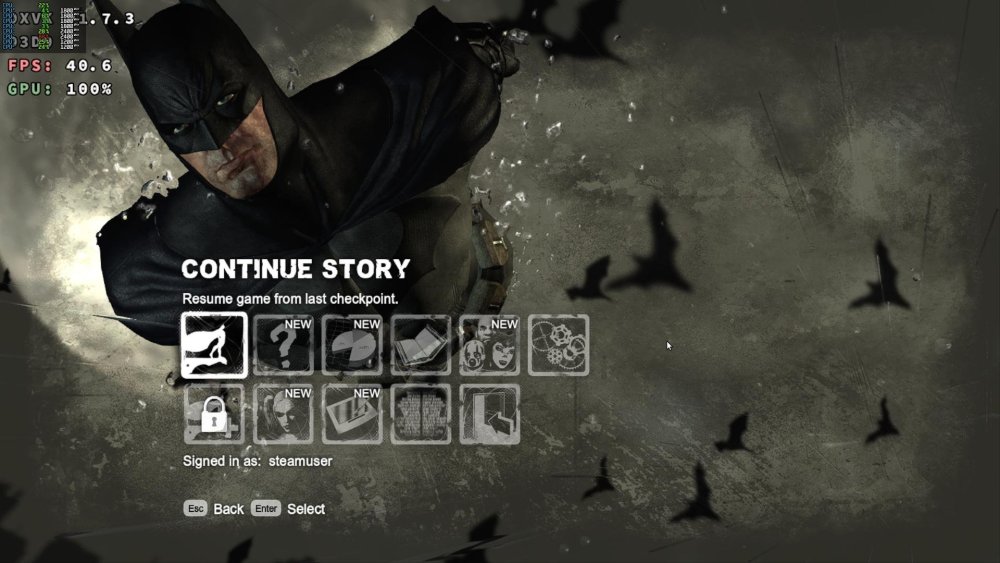
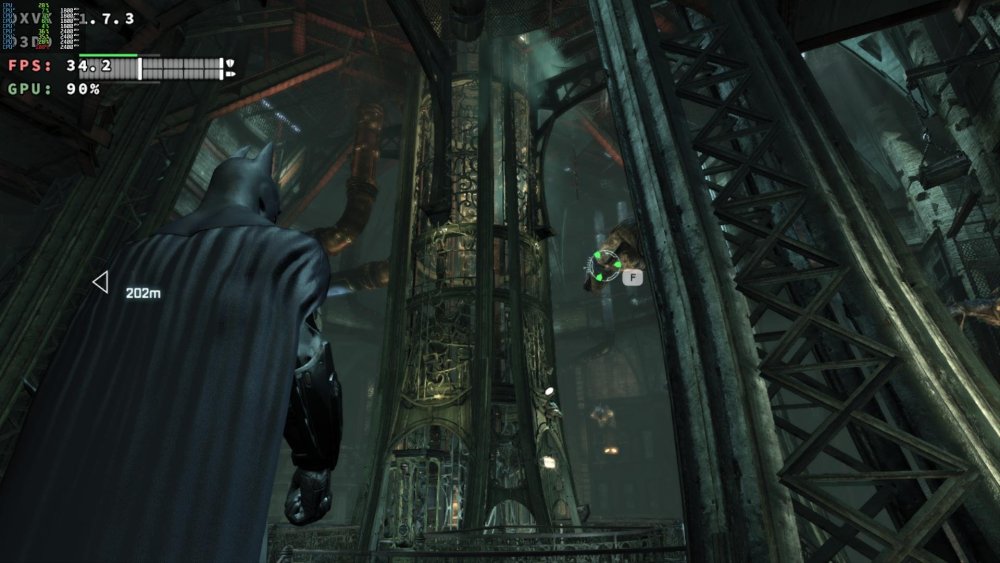
Armbian 26.2.1 Noble XFCE (BSP Kernel: 6.1.115) + PanVk - 26.2.0~git2605212123.7b286abe336 (https://launchpad.net/~ernstp/+archive/ubuntu/mesaaco) + Box64 arm64 v0.4.3 42ae8b818 (https://ryanfortner.github.io/box64-debs/) + wine-proton-11.0-beta1-amd64-wow64 (https://github.com/Kron4ek/Wine-Builds/releases/download/proton-11.0-beta1/wine-proton-11.0-beta1-amd64-wow64.tar.xz) + DXVK-stripped v1.7.3 30~60fps@1536x864 Batman: Arkham City GOTY Edition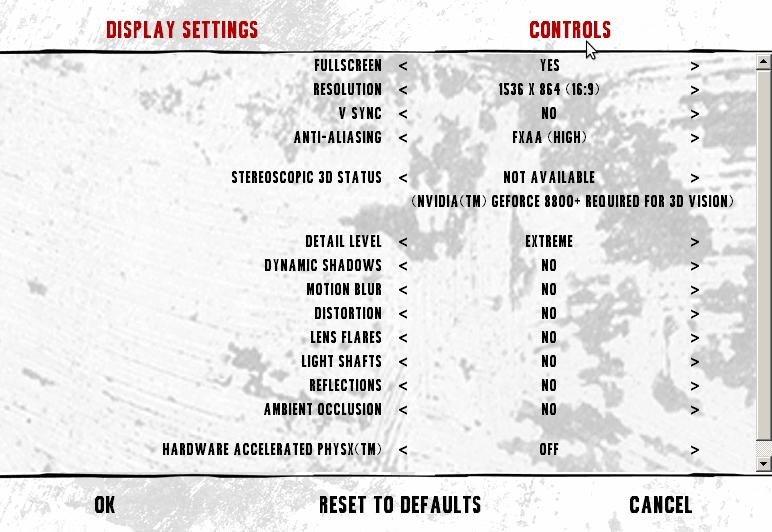

-
Gaming experience with Orange Pi 5 (RK3588) on Armbian
KhanhDTP replied to KhanhDTP's topic in Orange Pi 5
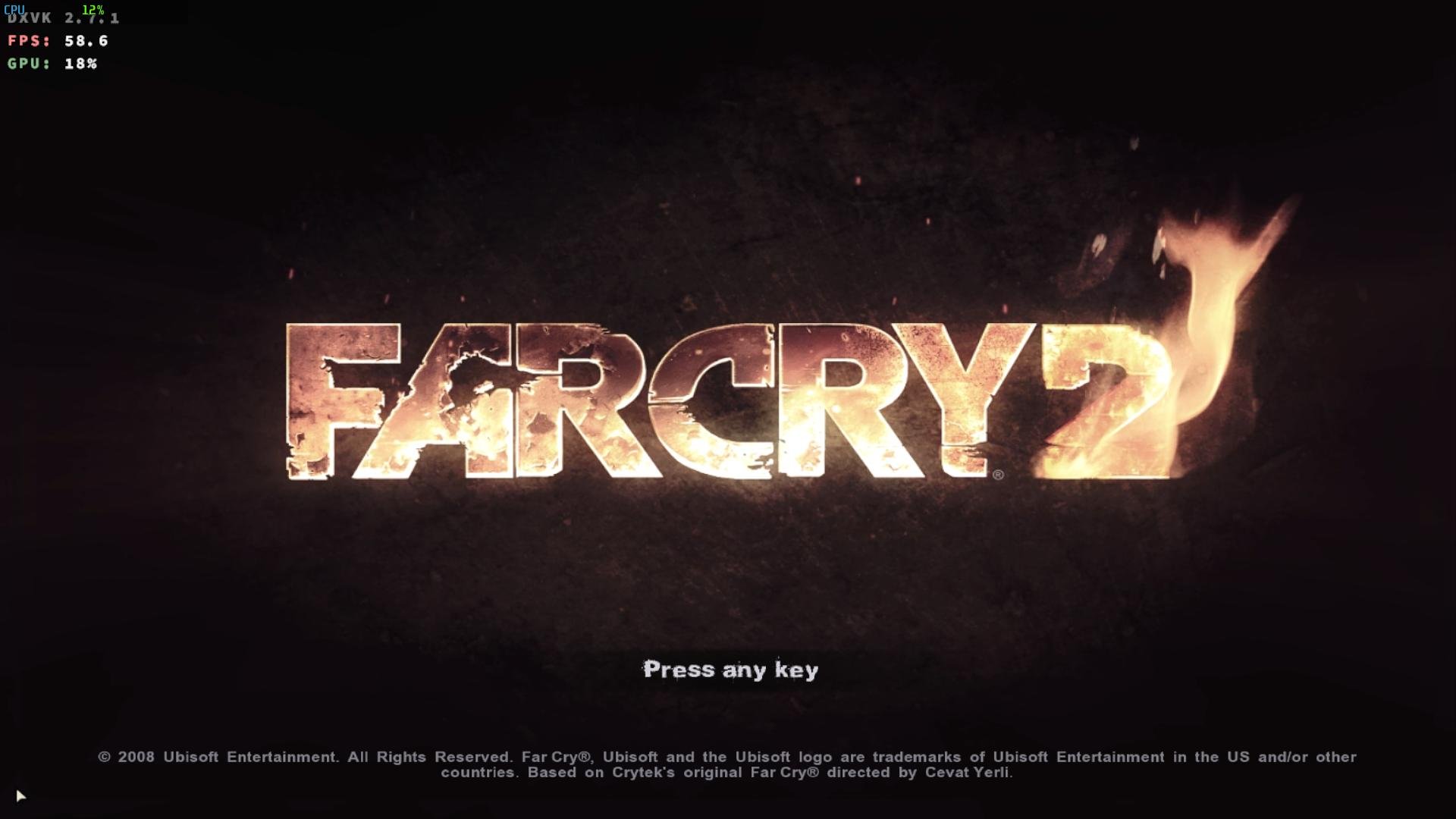
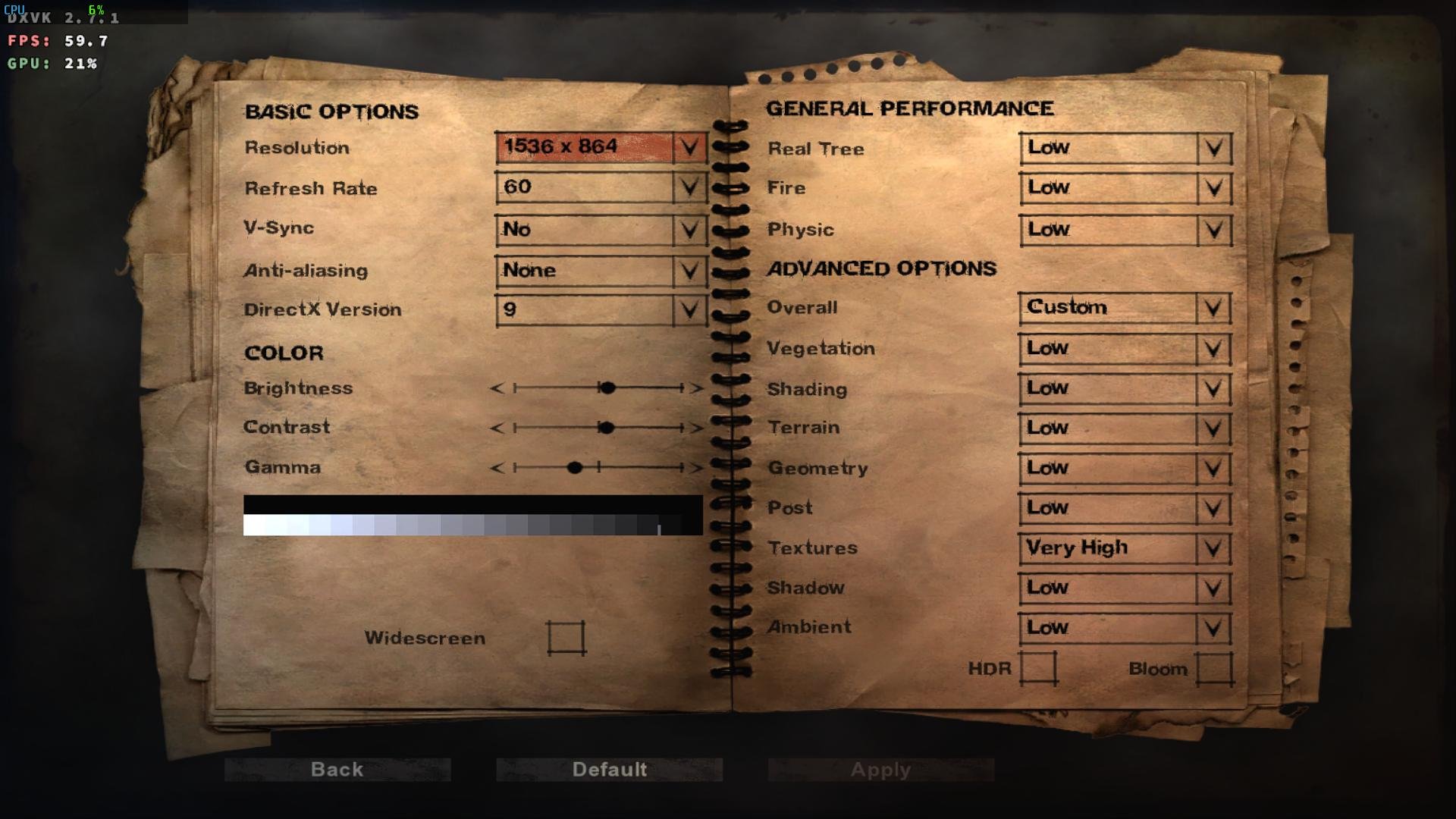
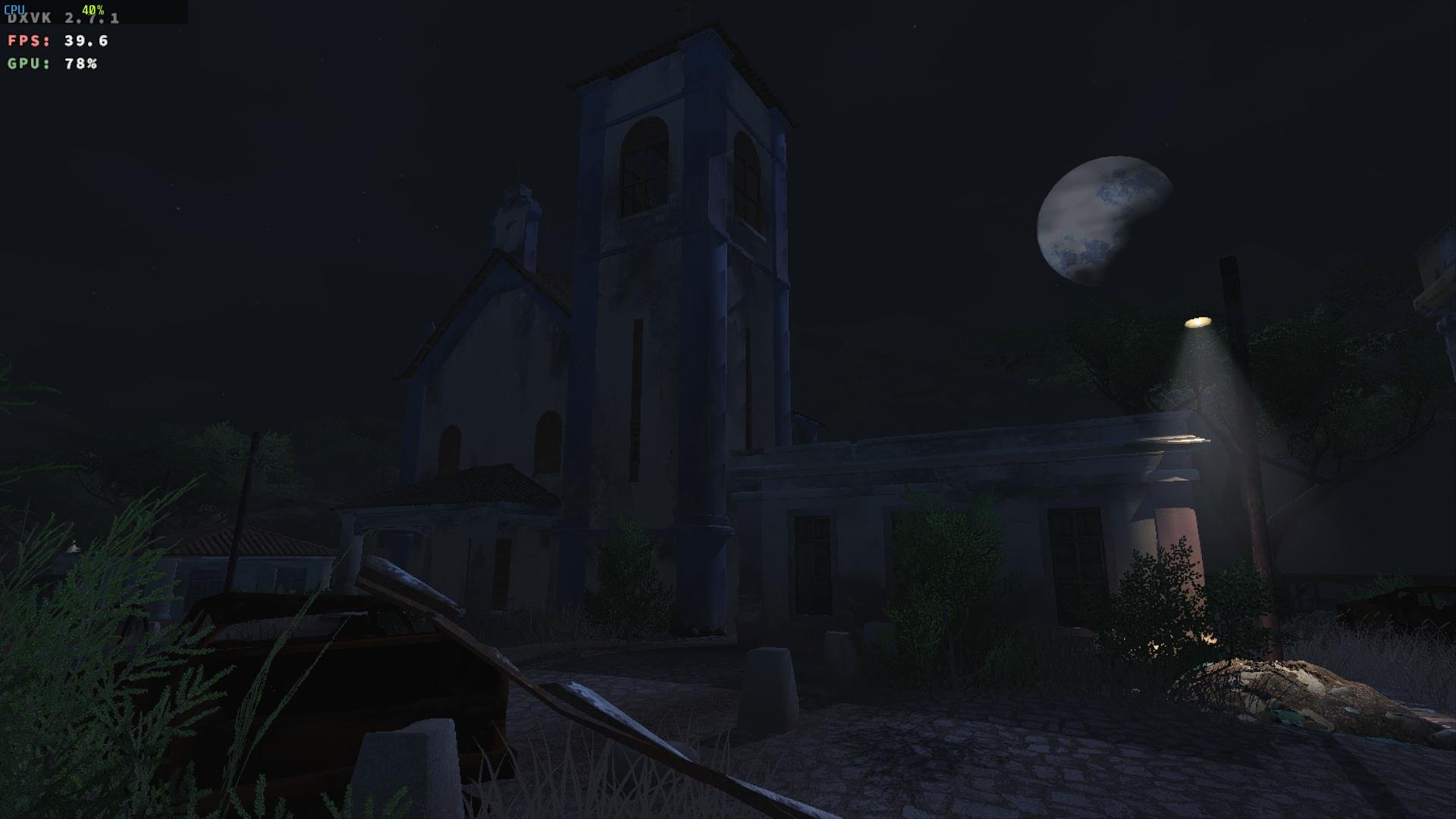
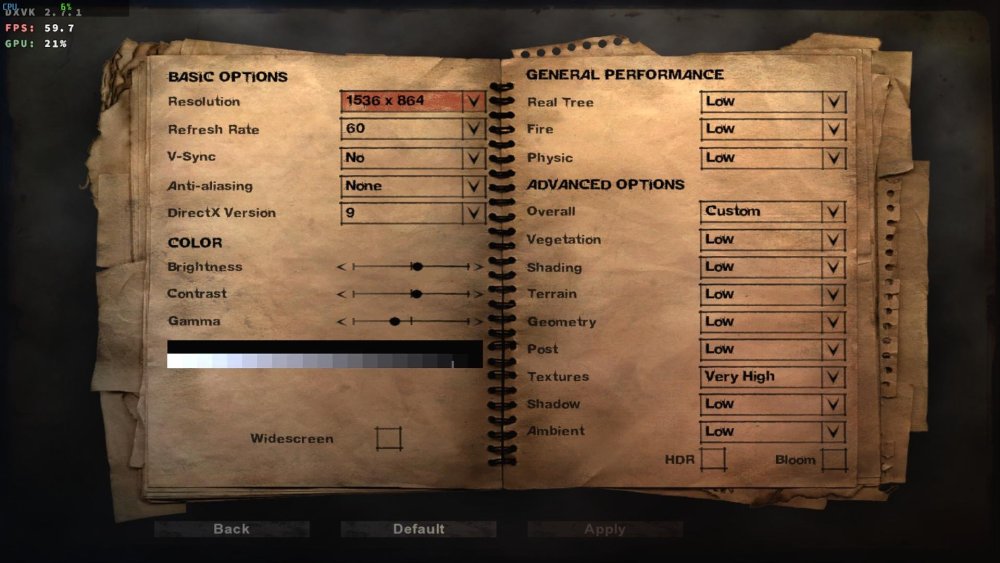
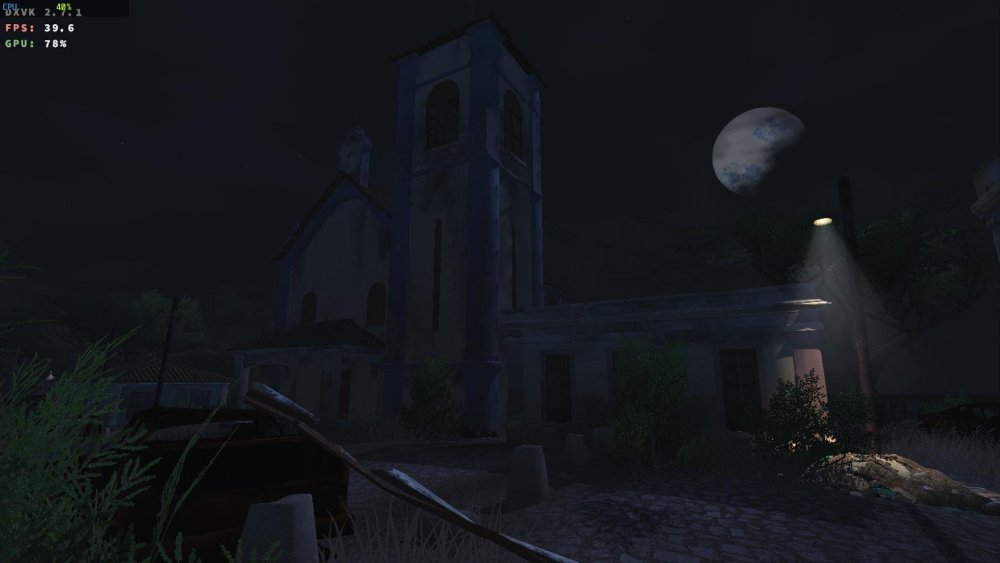
Armbian 26.2.1 Noble XFCE (BSP Kernel: 6.1.115) + PanVk - 26.2.0~git2605212123.7b286abe336 (https://launchpad.net/~ernstp/+archive/ubuntu/mesaaco) + Box64 arm64 v0.4.3 42ae8b818 (https://ryanfortner.github.io/box64-debs/) + wine-proton-11.0-beta1-amd64-wow64 (https://github.com/Kron4ek/Wine-Builds/releases/download/proton-11.0-beta1/wine-proton-11.0-beta1-amd64-wow64.tar.xz) + DXVK-stripped v2.7.1 40~60fps@1536x864 Far Cry 2 GamerProfile.xml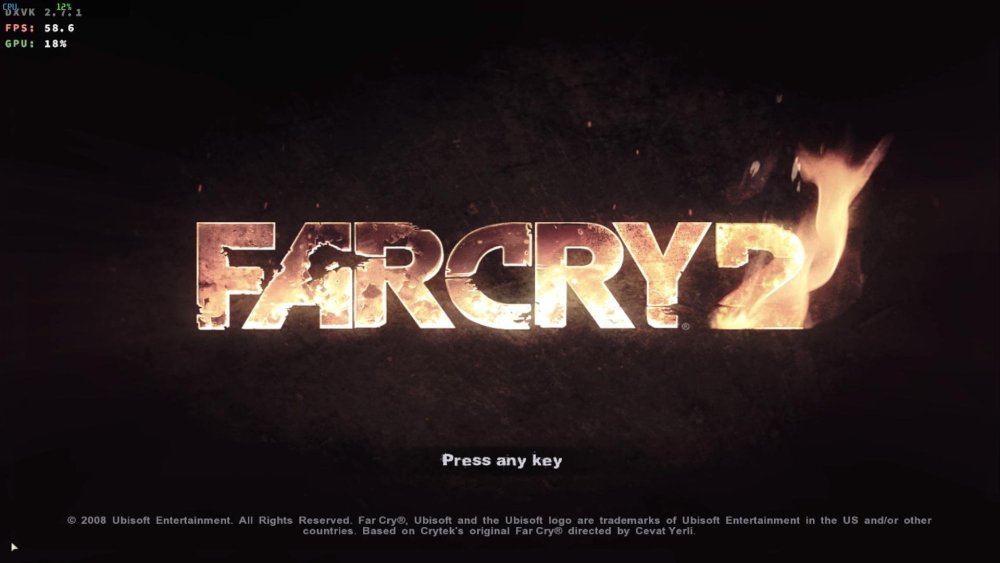
-
Gaming experience with Orange Pi 5 (RK3588) on Armbian
KhanhDTP replied to KhanhDTP's topic in Orange Pi 5
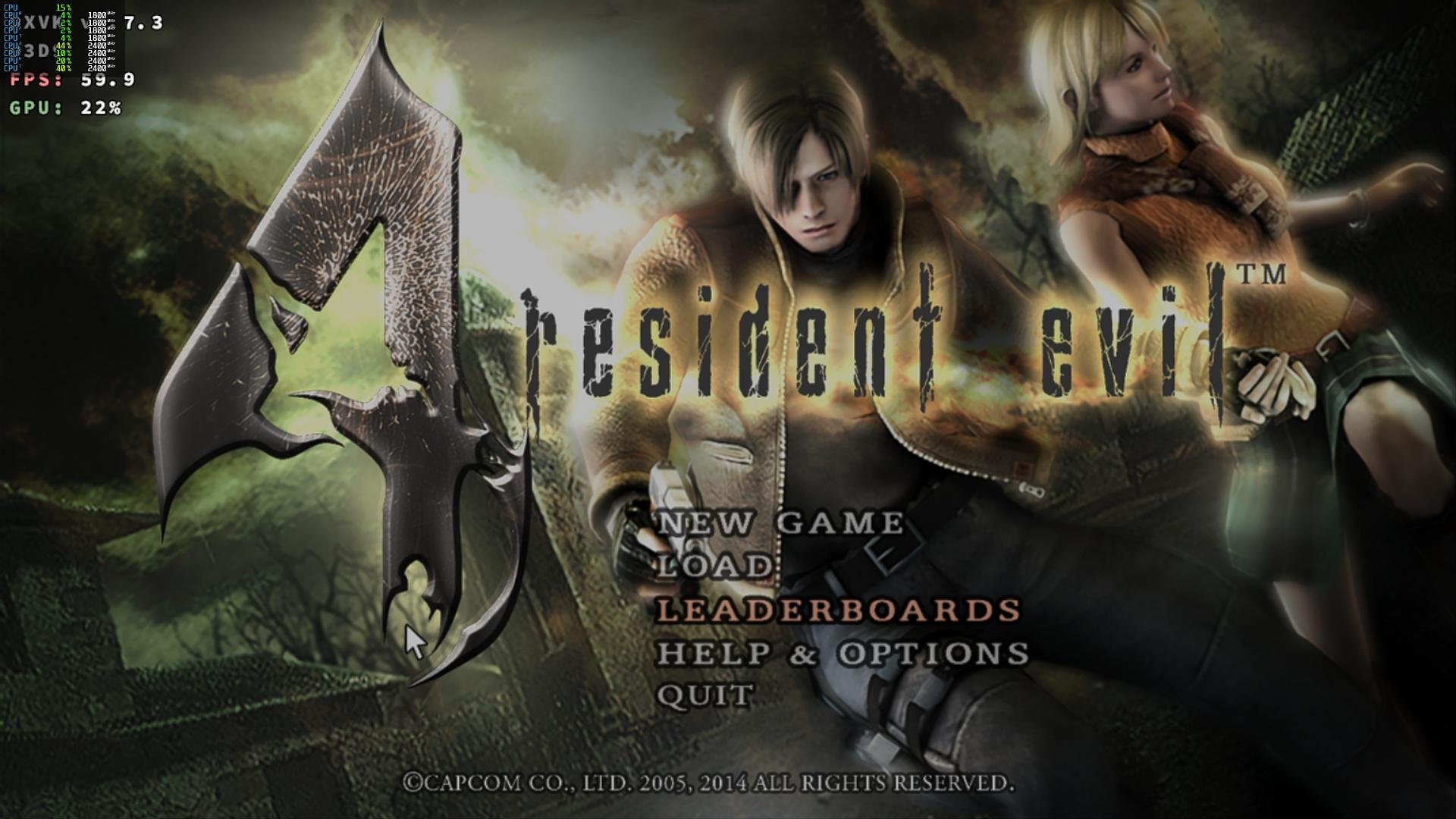
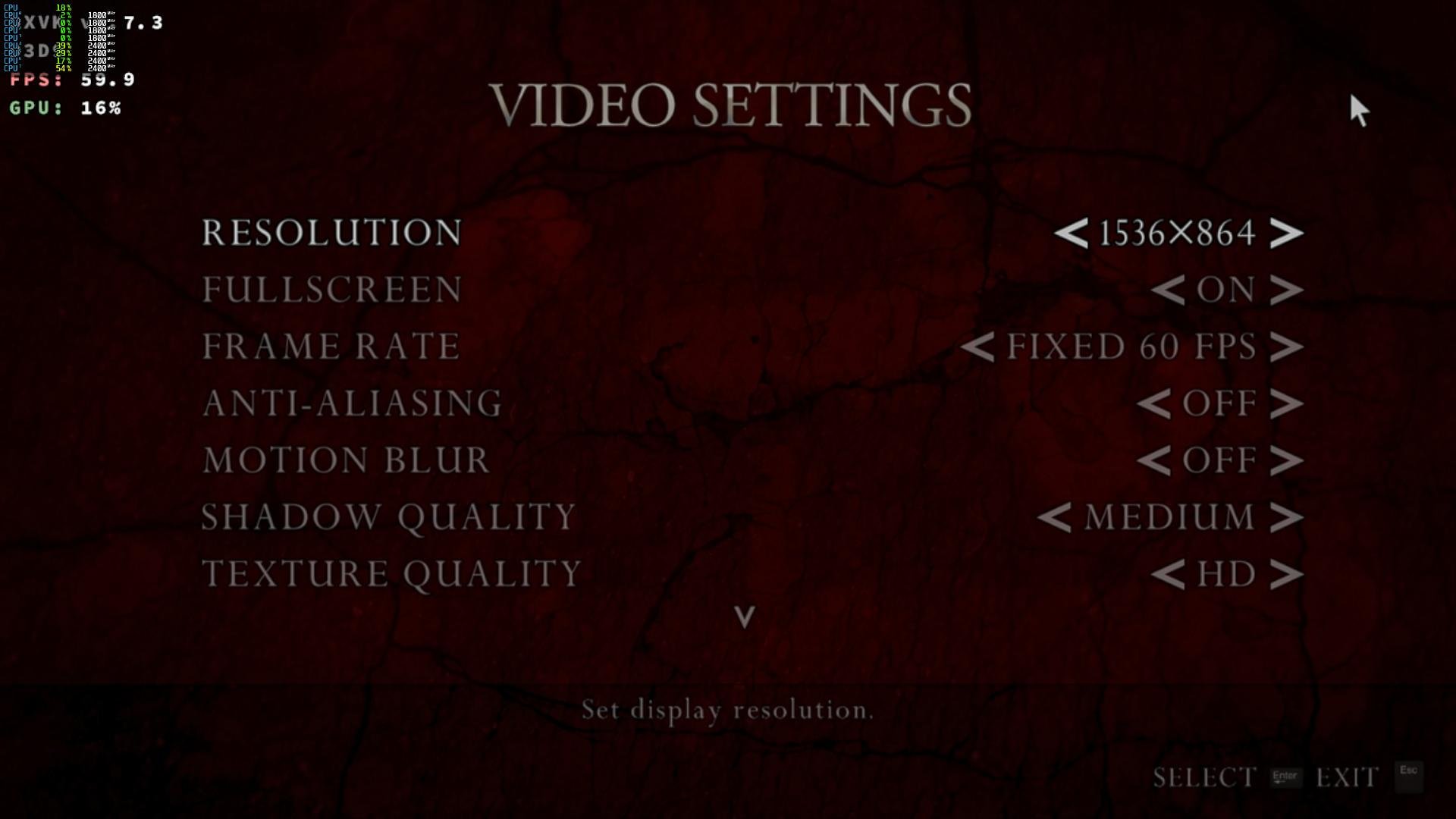
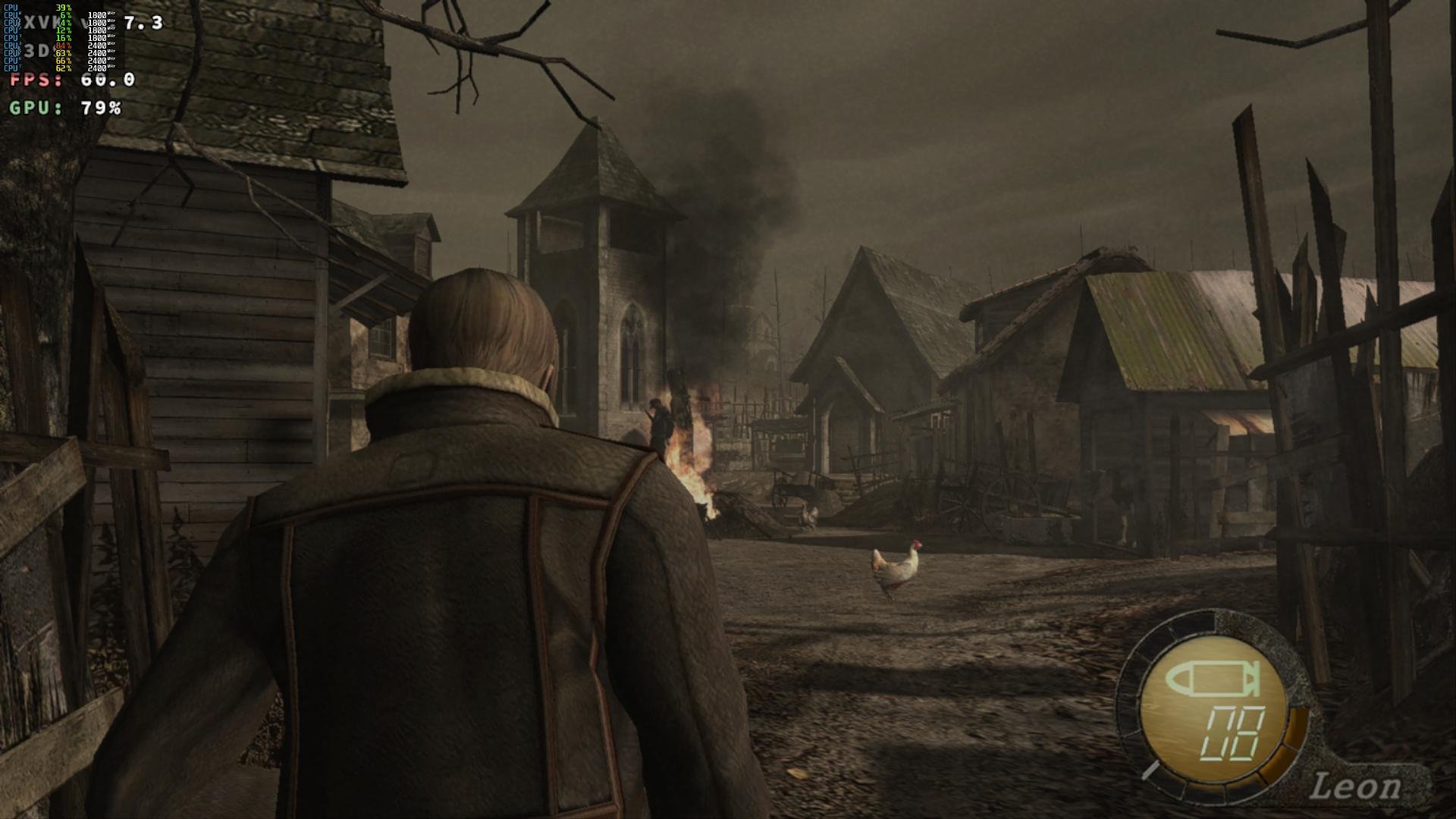
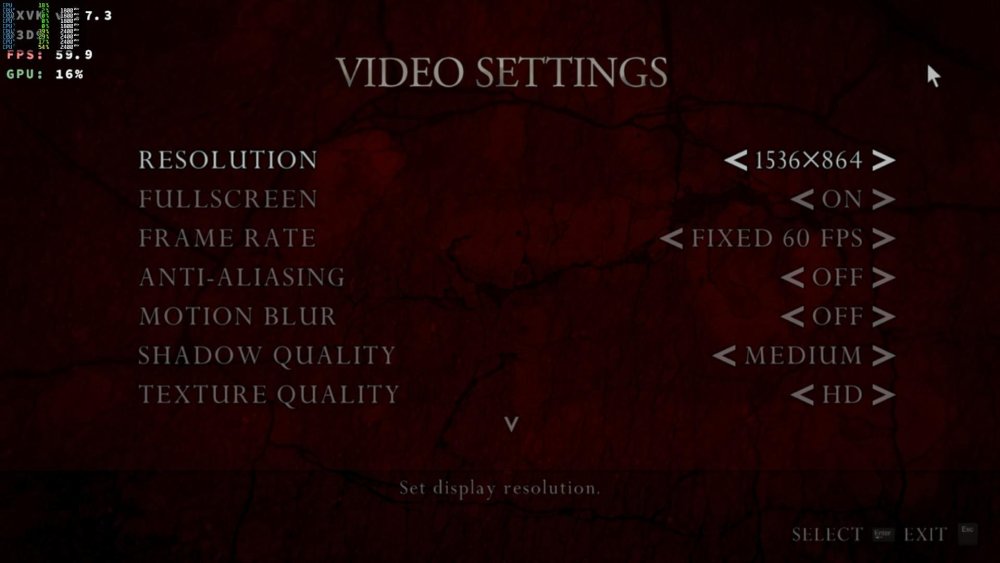
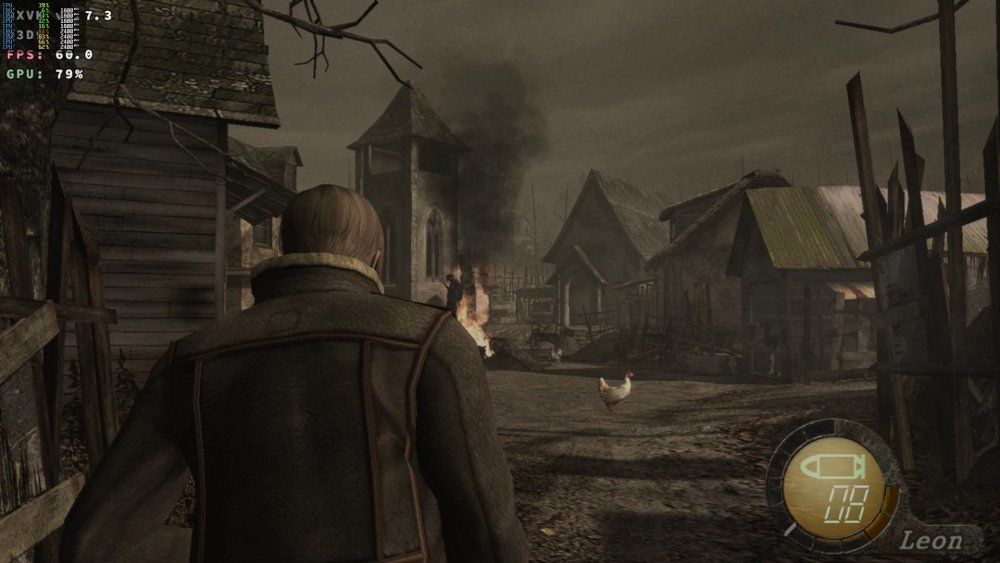
Armbian 26.2.1 Noble XFCE (BSP Kernel: 6.1.115) + PanVk - 26.2.0~git2605212123.7b286abe336 (https://launchpad.net/~ernstp/+archive/ubuntu/mesaaco) + Box64 arm64 v0.4.3 42ae8b818 (https://ryanfortner.github.io/box64-debs/) + wine-proton-11.0-beta1-amd64-wow64 (https://github.com/Kron4ek/Wine-Builds/releases/download/proton-11.0-beta1/wine-proton-11.0-beta1-amd64-wow64.tar.xz) + DXVK-stripped v1.7.3 40~60fps@1536x864 Resident Evil 4 Ultimate HD
-
Gaming experience with Orange Pi 5 (RK3588) on Armbian
KhanhDTP replied to KhanhDTP's topic in Orange Pi 5
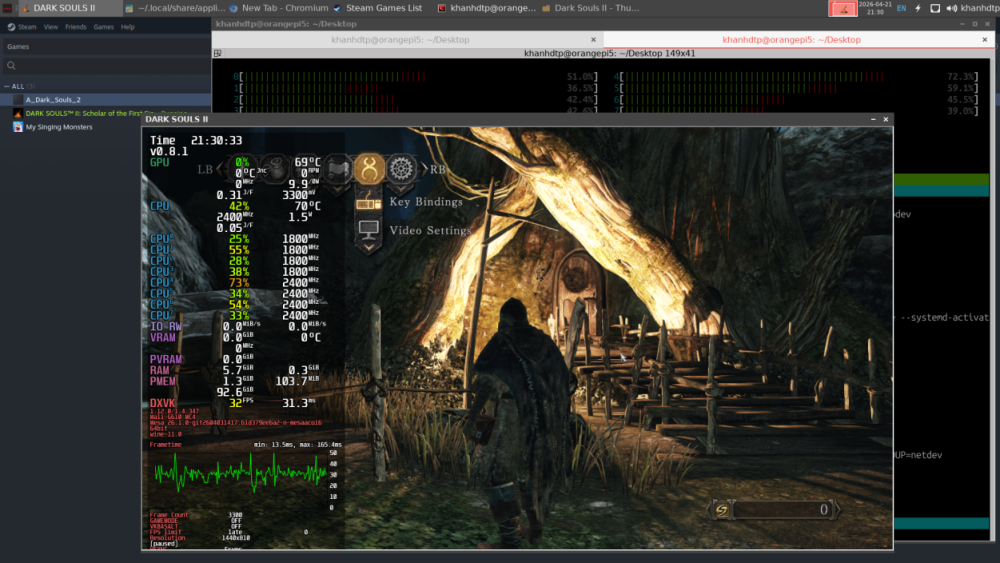
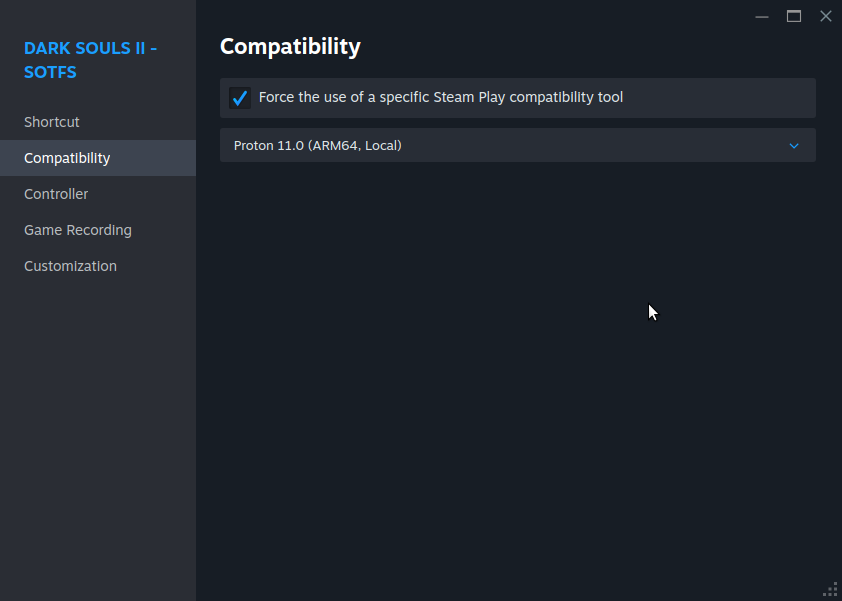
I have been using Proton 11 Arm64 for weeks. It has good compatibilities in general (some games I have tested still broke). However, I prefer Proton 11 (Box64), it gives better performance. -
Gaming experience with Orange Pi 5 (RK3588) on Armbian
KhanhDTP replied to KhanhDTP's topic in Orange Pi 5
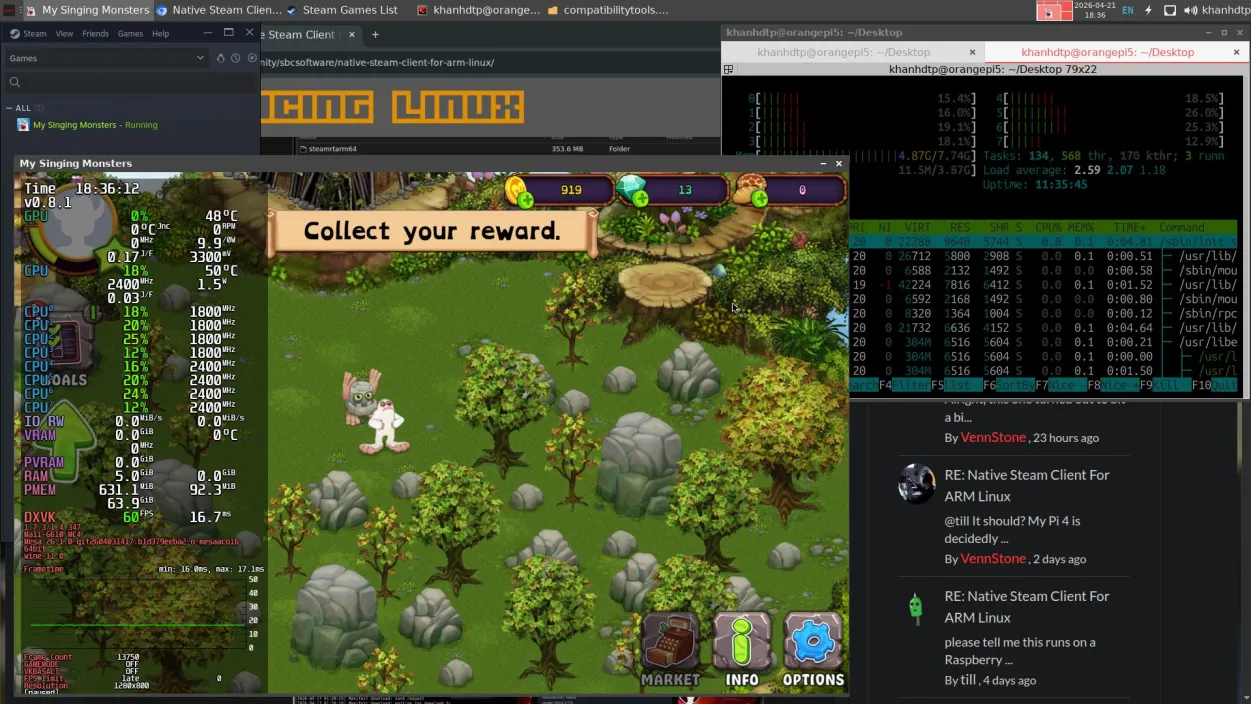
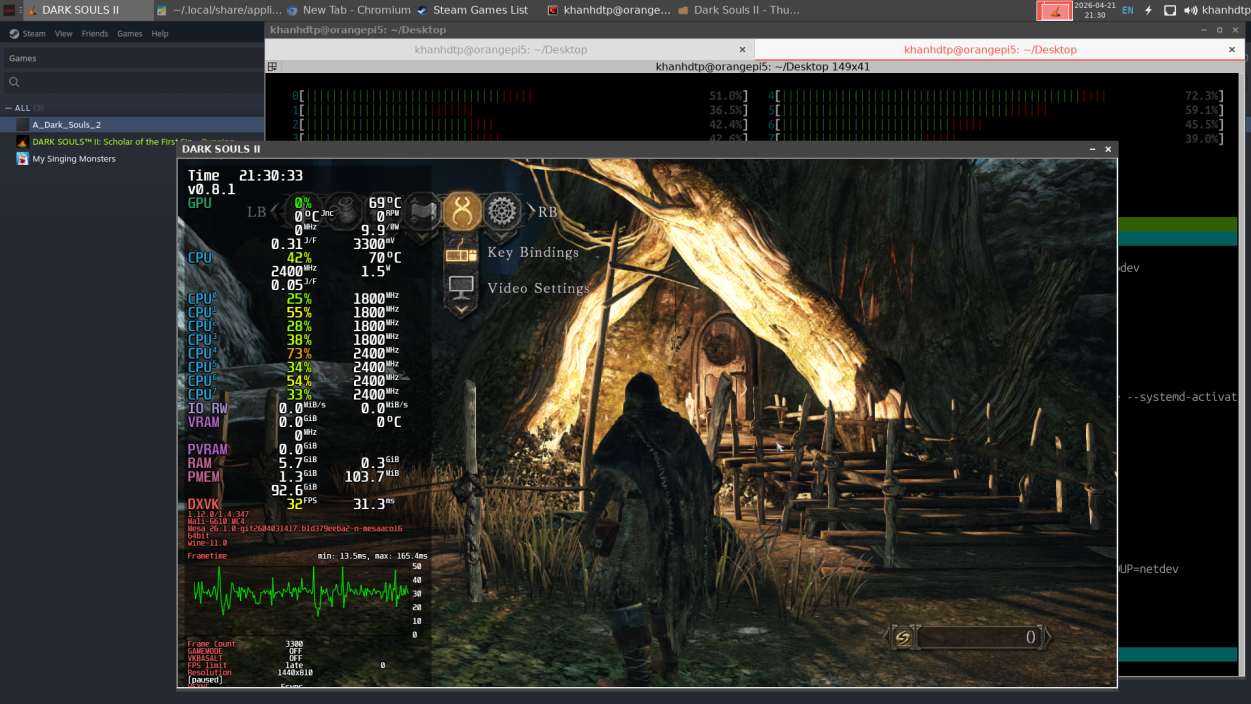
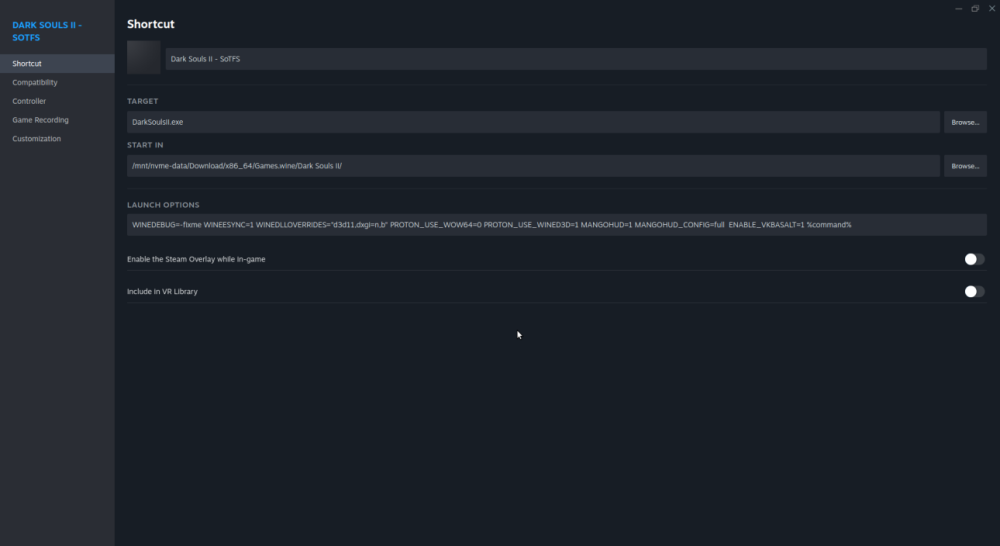
Native Steam Client For ARM Linux https://interfacinglinux.com/community/sbcsoftware/native-steam-client-for-arm-linux/ I have tested: the Steam client works (+ Proton11-ARM64 works). The memory usage was much reduced. Non-Steam games also work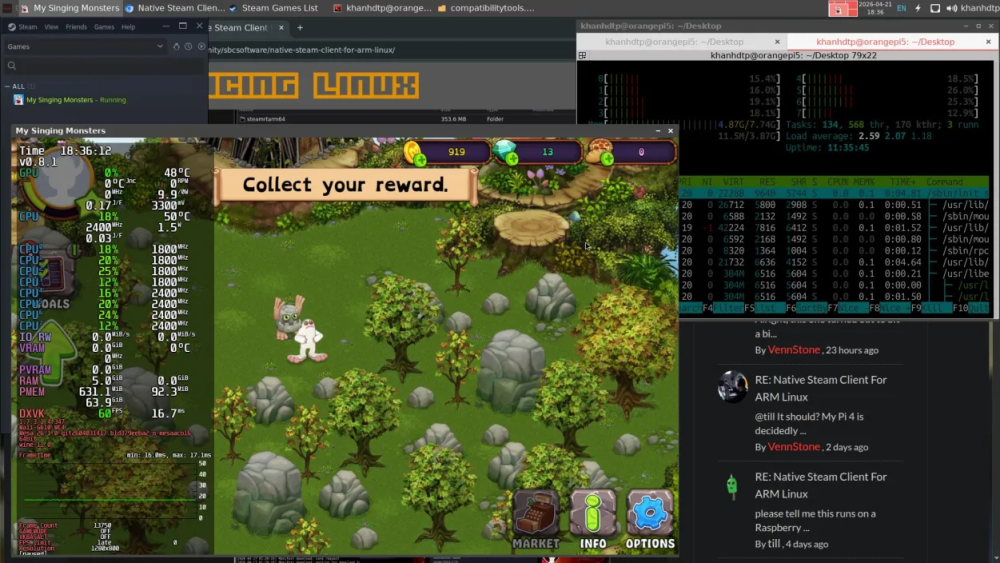
-
Gaming experience with Orange Pi 5 (RK3588) on Armbian
KhanhDTP replied to KhanhDTP's topic in Orange Pi 5
@chaitan3 It depends on the games; I have to try around to find what is best. I usually try 1.7.3, 1.10.3, 1.6.1 then 2.x versions. -
Gaming experience with Orange Pi 5 (RK3588) on Armbian
KhanhDTP replied to KhanhDTP's topic in Orange Pi 5
@Alex Ling I haven't tried mainline kernel 7.x so I can't tell. Can you check the GPU clock is capped at 850 Mhz bug is fixed? -
Gaming experience with Orange Pi 5 (RK3588) on Armbian
KhanhDTP replied to KhanhDTP's topic in Orange Pi 5
@Alex Ling yeah, I have noticed it too. With Mesa (PanVk) recent updates, DX9 games can be played with Dxvk without dgVoodoo2 wrapper.