Search the Community
Showing results for tags 'nanopi-r76s'.
Found 5 results
-
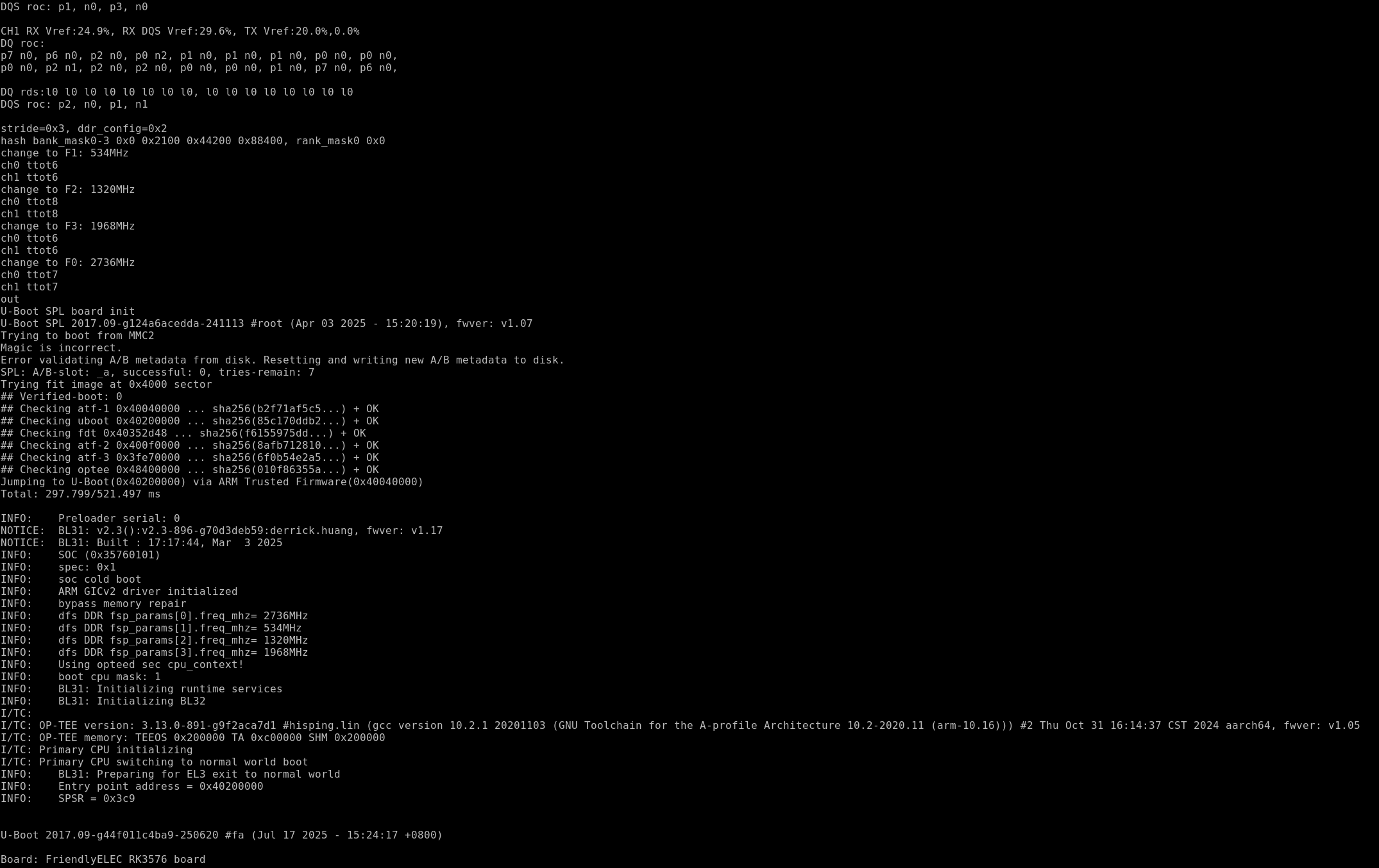
 Hi @Kwiboo and Armbian rk35xx maintainers, I'm hitting a boot-time eMMC reliability issue on NanoPi R76S with the current Armbian U-Boot 2026.04 build, and the community-known workaround from OpenWrt PR #23520 breaks kernel boot completely in our Armbian environment. Sharing detailed reproduction and requesting guidance. ## Setup - Board: NanoPi R76S (RK3576), 4GB LPDDR5, 64GB Hynix eMMC (hC8aP, manfid 0x000090) - Armbian build: derived from 26.5.1, `linux-u-boot-nanopi-r76s-vendor 26.5.1` - U-Boot: 2026.04_armbian-2026.04-S88dc-P3cfe-H30d2-V3c1d-Bd0d2-R448a - Kernel: 6.1.115-vendor-rk35xx (Armbian rk35xx vendor kernel) - BL31: v2.3 fwver v1.20 ## Baseline Symptom (Reproducible ~50%) `sudo reboot` from Linux → SPL/BL31/U-Boot proper OK → boot.scr loads (255 B) → first `ext4load` of kernel Image fails with `fs_devread read error - block`. Second `ext4load` also fails, block layer reports `No partition table - mmc 0`. Reproduction across both warm reboot and cold power cycle. Matches OpenWrt issue #23491 exactly. Interestingly `mmc rescan` in U-Boot prompt re-reads mmc info (58.2 GiB Hynix detected, partition table intact) but subsequent `boot` command still fails — suggesting U-Boot driver leaves stale state that even a manual rescan cannot clear. ## Attempted Workarounds (All Failed in Our Environment) ### v1: 26 MHz variant (aggressive) - U-Boot embedded DT `mmc@2a330000`: dropped `cap-mmc-highspeed`, `mmc-hs400-1_8v`, `mmc-hs400-enhanced-strobe`; set `max-frequency=<26000000>` - Kernel DT overlay (same node): same property removal + 26 MHz - Result: `Starting kernel ...` reached, then **immediate hang, no dmesg**. ### v2: OpenWrt PR #23520 exact patch (52 MHz, U-Boot only) - U-Boot DT: kept `cap-mmc-highspeed`, removed only `mmc-hs400-1_8v` and `mmc-hs400-enhanced-strobe`; set `max-frequency=<52000000>` (52 MHz HS) - Kernel DT: untouched (HS400ES) - Result: U-Boot loads kernel at 44.5 MiB/s (HS speed confirmed), reaches `Starting kernel ...`, then **hang, no dmesg**. ### v3: Symmetric 52 MHz on both U-Boot and kernel DT - U-Boot DT: same as v2 - Kernel DT overlay: removed HS400 properties + 52 MHz cap - Result: identical hang after `Starting kernel ...`. Observation: **any modification to U-Boot's embedded DT for mmc@2a330000 appears to make the Armbian vendor kernel silently fail before earlycon initialization.** The stock Armbian U-Boot + stock kernel DT combination boots kernel reliably (log flushes normally), but exhibits the ~50% warm-reboot bug. Rolling back U-Boot to the original (via slot B rootfs `u-boot.itb`) restores kernel boot immediately. ## Questions 1. Has anyone successfully applied OpenWrt PR #23520's workaround (or any variant) to Armbian's vendor kernel on RK3576? If so, what was the specific property combination? 2. Is this a known incompatibility between the mainline U-Boot mmc probe path and the Armbian rk35xx vendor kernel's dw_mshc driver? The Rockchip PSCI handoff seems to fail silently before console_init. 3. Would upgrading to U-Boot 2026.07 (just released) help? My search showed zero mmc/sdhci commits in v2026.04..v2026.07 range for rockchip. Am I missing a Karlman patch series that isn't yet in Armbian's fork? 4. Any suggested next step: (a) chase FriendlyElec BSP U-Boot behavior, (b) patch the vendor kernel's dw_mshc probe to handle inherited controller state, or (c) accept as known-limitation until Armbian moves to kernel 6.6+? 5. If (b), which specific probe/reset path in `drivers/mmc/host/dw_mmc-rockchip.c` or `sdhci-of-dwcmshc.c` should we audit? Any references to similar rk3588 handoff issues that were resolved? Full boot logs (successful, failed variants v1/v2/v3, rollback recovery) available on request. Willing to test patches against test board and report back with UART logs. Thanks for maintaining rockchip U-Boot, Peter Rim Related: - https://github.com/openwrt/openwrt/issues/23491 - https://github.com/openwrt/openwrt/pull/23520 - https://github.com/armbian/build/pull/9869 (R76S migration to v2026.04) rk3576-mmc-bug-attachments.tar.gz
 -
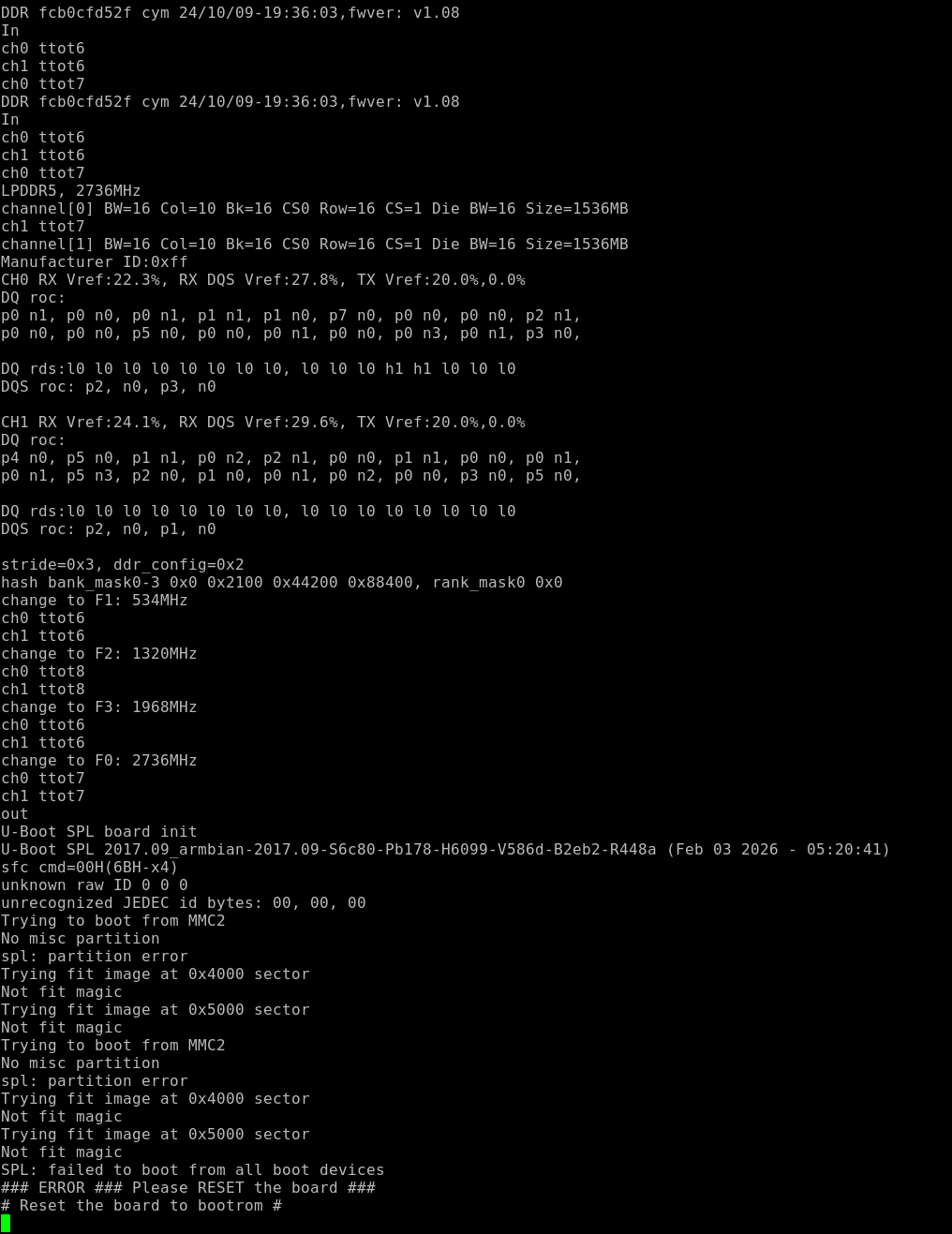
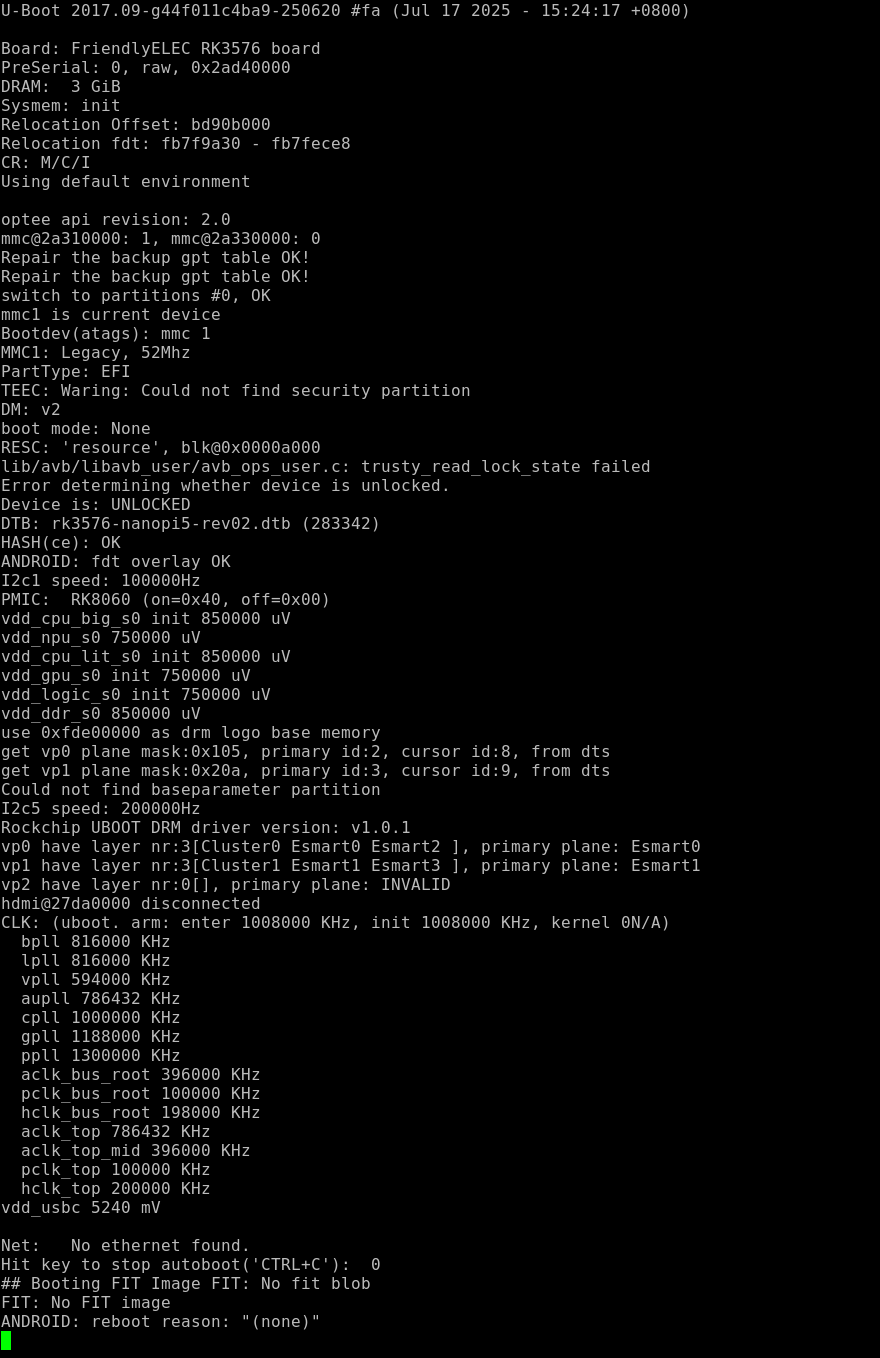
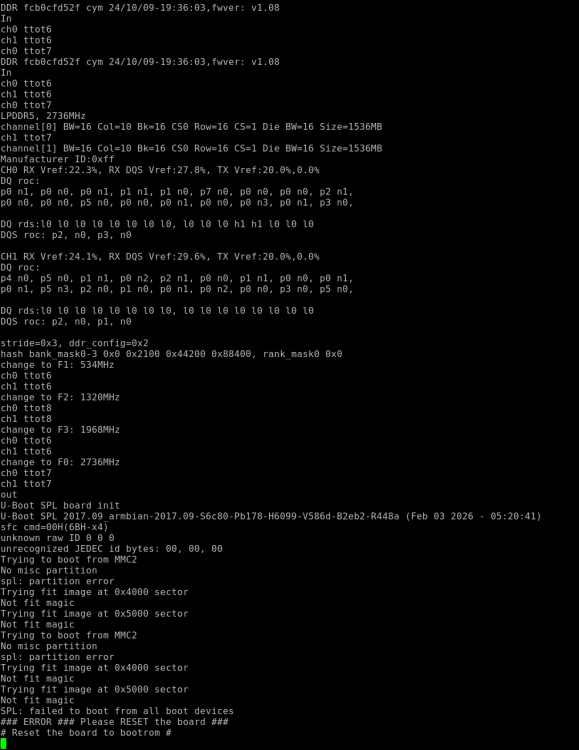
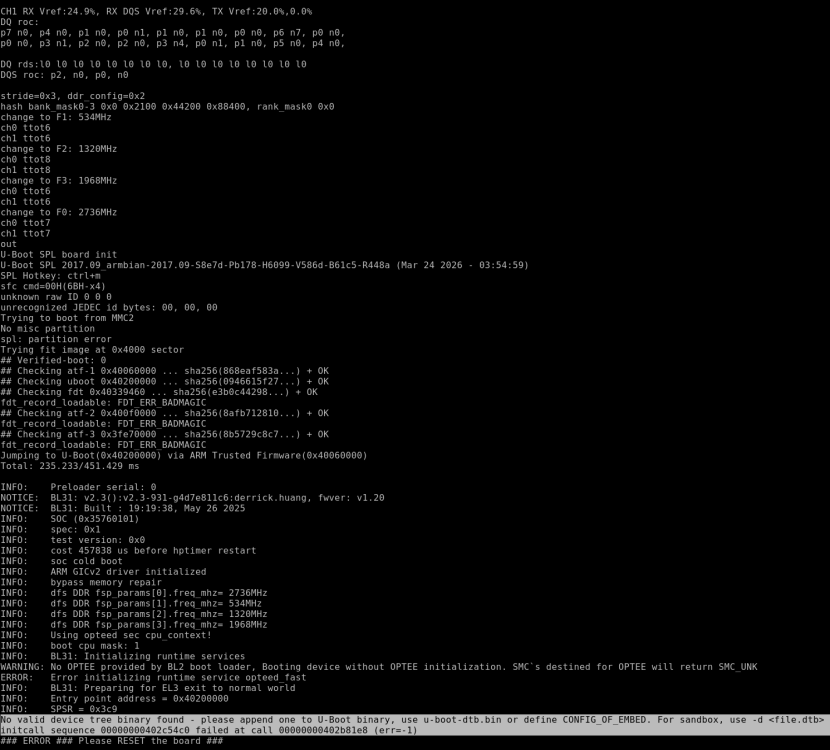
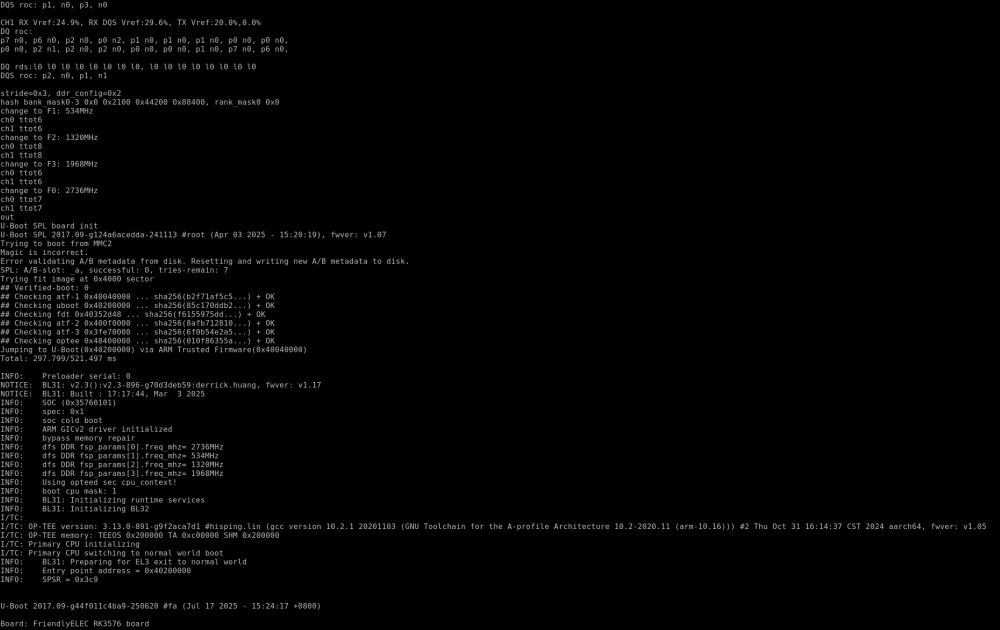
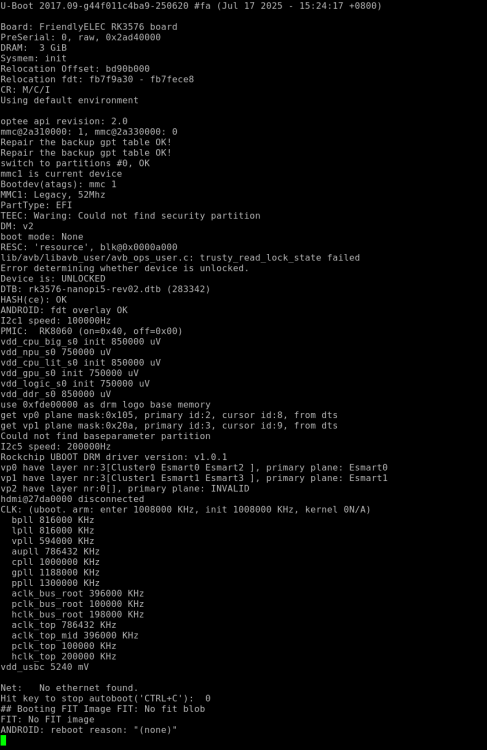
Good afternoon. I bought a NanoPi R76s rev. 2 (3GB RAM + 0 EMMC). It works fine with the manufacturer's firmware. However, it doesn't boot on Armbian (26.02.1). I assume rev. 2 isn't supported. Is it possible to add support? Armbian_26.2.1_Nanopi-r76s_noble_vendor_6.1.115_gnome_desktop.img.xz --- my build from tag 26.02.1: (log https://paste.armbian.com/poduzitifu ) --- vendor ubuntu boot log https://drive.google.com/file/d/1OZqZk48LsbSzFz63fcqMKVp5YkhyNOoT/view?usp=drive_link (rk3576-sd-ubuntu-noble-gnome-desktop-6.1-arm64-20260403.img.gz)
-
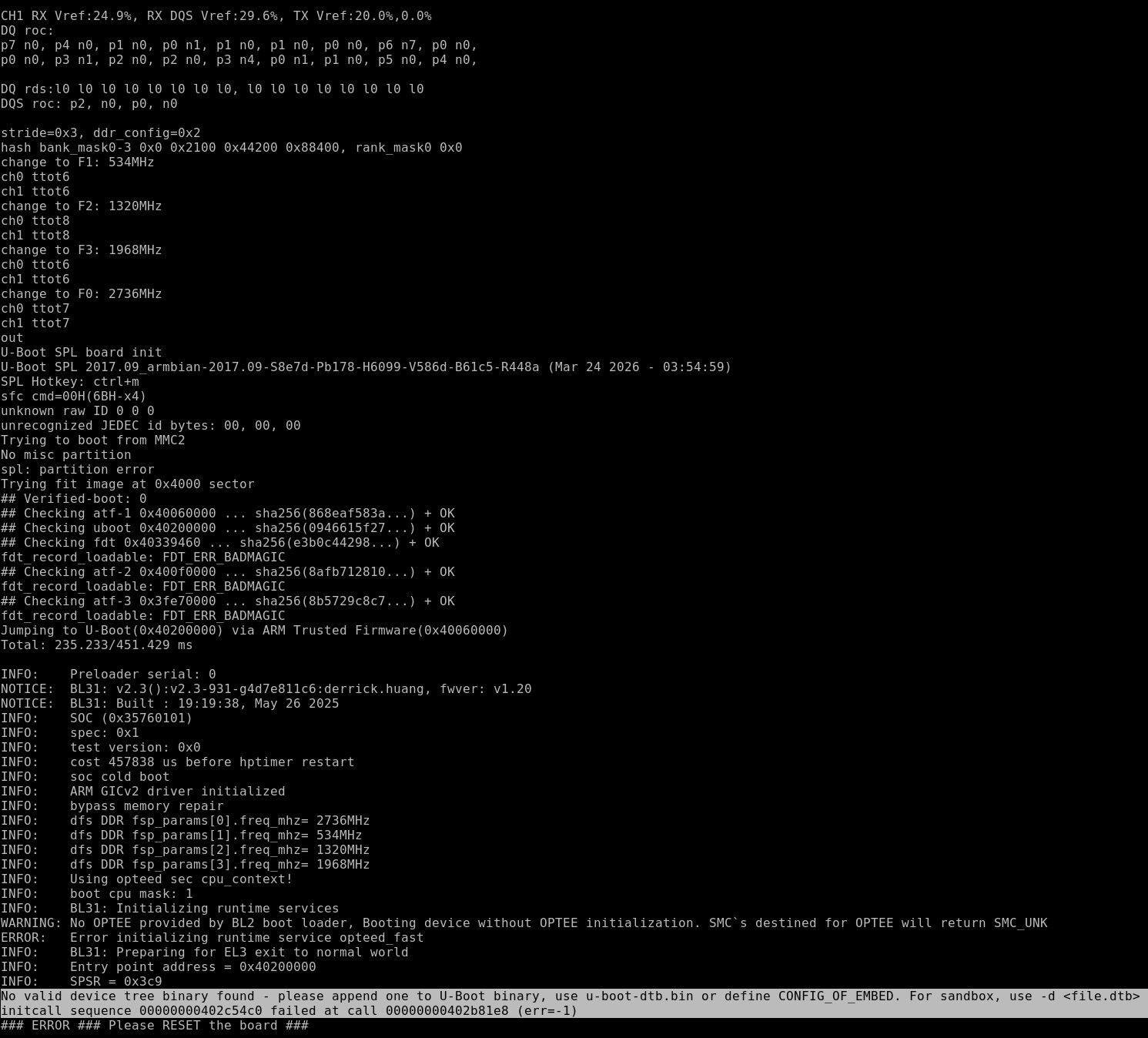
Hello all! Not sure what is going on at all but I'm having a problem booting the "rolling release" of armbian (debian 14/forky) minimal cli. I'm using a nano pi R76S with 4gb of RAM and 64GB emmc. I can successfully burn a microsd for the previous version (also minimal cli vesion) which boots ok.However if I try to use the newer version nothing happens -- the red LED on the R76S stays permanently on and I get no display or any other life. I did try using different microsd cards but it did not make any difference. I also tried using the same microsd (I wrote the older version first to the microsd which boots) then wrote again on the same microsd. I'm using the download page for the images from here - https://armbian.com/boards/nanopi-r76s ljones
-
The page for the NanoPi R76S has also an edge kernel (6.18) image. I noticed some issues related to sdcard and emmc. I know edge images are not officially supported and that is fine. But given the image is available I would like the parameters/configuration/conditions for the current available image. Could you explain the background or assumptions behind the 6.18 edge image for the R76S? (e.g., test conditions you used when building it)
-
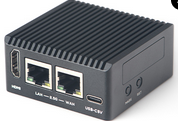
Hi guys, I would like to make a support request for the: NanoPi-R76S ($49): https://www.friendlyelec.com/index.php?route=product/product&product_id=308 Thank you for considering. Dantes