All Activity
- Past hour
-
It's fixed in 7.1.0-rc6-bleedingedge-rockchip64 Cheers !
- Today
-
Hi there, I recently upgraded my Orange Pi 5 Plus to "Armbian 26.5.1" and noticed in the MOTD (on logins) that it is still showing version "26.2.1". I found differences in this 2 files, and the latter is the one used as reference for MOTD: cat /etc/os-release: PRETTY_NAME="Armbian 26.5.1 trixie" NAME="Debian GNU/Linux" VERSION_ID="13" VERSION="13 (trixie)" VERSION_CODENAME=trixie DEBIAN_VERSION_FULL=13.5 ID=debian HOME_URL="https://www.armbian.com" SUPPORT_URL="https://forum.armbian.com" BUG_REPORT_URL="https://www.armbian.com/bugs" ARMBIAN_PRETTY_NAME="Armbian 26.5.1 trixie" cat /etc/armbian-release: # PLEASE DO NOT EDIT THIS FILE BOARD=orangepi5-plus BOARD_NAME="Orange Pi 5 Plus" BOARDFAMILY=rockchip-rk3588 BUILD_REPOSITORY_URL=https://github.com/armbian/build BUILD_REPOSITORY_COMMIT=77f919f6c LINUXFAMILY=rockchip64 ARCH=arm64 BOOT_SOC=rk3588 IMAGE_TYPE=stable BOARD_TYPE=conf INITRD_ARCH=arm64 KERNEL_IMAGE_TYPE=Image KERNEL_TARGET=current,edge,vendor KERNEL_TEST_TARGET=vendor,current FORCE_BOOTSCRIPT_UPDATE= FORCE_UBOOT_UPDATE= OVERLAY_DIR="/boot/dtb/rockchip/overlay" VENDOR="Armbian" VENDORCOLOR="247;16;0" VENDORDOCS="https://docs.armbian.com" VENDORURL="https://www.armbian.com" VENDORSUPPORT="https://forum.armbian.com" VENDORBUGS="https://www.armbian.com/bugs" BOOTSCRIPT_FORCE_UPDATE="no" BOOTSCRIPT_DST="boot.cmd" VERSION=26.2.1 REVISION=26.2.1 BRANCH=edge Can somebody explain why armbian-release doesn't get properly updated? I belive this is not the first time I see this, I recall seeing this behaviour from previuos upgrades too. Thanks!
-

Efforts to develop firmware for H96 MAX V56 RK3566 8G/64G
Hqnicolas replied to Hqnicolas's topic in Rockchip CPU Boxes
These Chinese people are very creative. I never imagined seeing a TV box with a SATA port. @Astlin You will need to interact with the .dts file to build a .dtb file with this capability. Before taking any action, check if your board is not from this other JP-Box project. https://github.com/armbian/build/blob/main/patch/kernel/archive/rockchip64-7.1/dt/rk3566-jp-tvbox.dts The topic you should interact with is this one here: https://forum.armbian.com/topic/31887-jianpian-rk3566-tv-box-8g32g-develop-log/#comment-175700 I don't actually have access to the JP-box @Astlin. If you are using the H96 max RK3566 firmware, the SATA port may not be enabled, but you can enable kernel changes within the Armbian compilation menu and insert your changes into the board's DTS file. https://github.com/armbian/build/blob/main/patch/kernel/archive/rockchip64-7.1/dt/rk3566-h96-tvbox.dts I believe the person responsible for this sign is @tdleiyao @ning have tested our DTB file on JianPian device https://github.com/armbian/build/blob/main/config/boards/jp-tvbox-3566.tvb If you have time, we can update the JP-box project in the correct topic. https://forum.armbian.com/topic/31887-jianpian-rk3566-tv-box-8g32g-develop-log/#comment-175700 I have maintained a sample repository with the necessary data to enable RK3566 cards in Armbian. https://github.com/hqnicolas/ArmBoardBringUp The reason JP-box isn't working is that it was enabled in kernel 6.6, and we're already on 7.1, nobody updates this since then. You can use the H96 modifications as start point. this modifications apply to the JP-box, but some functions, such as the SATA port, require customization. -
 Hi, my knowledge about Armbian is limited. For such a specific configuration/compilation I suggest that you open a new topic under "Allwinner sunxi". Best regards.
 -

Efforts to develop firmware for H96 MAX V56 RK3566 8G/64G
Astlin replied to Hqnicolas's topic in Rockchip CPU Boxes
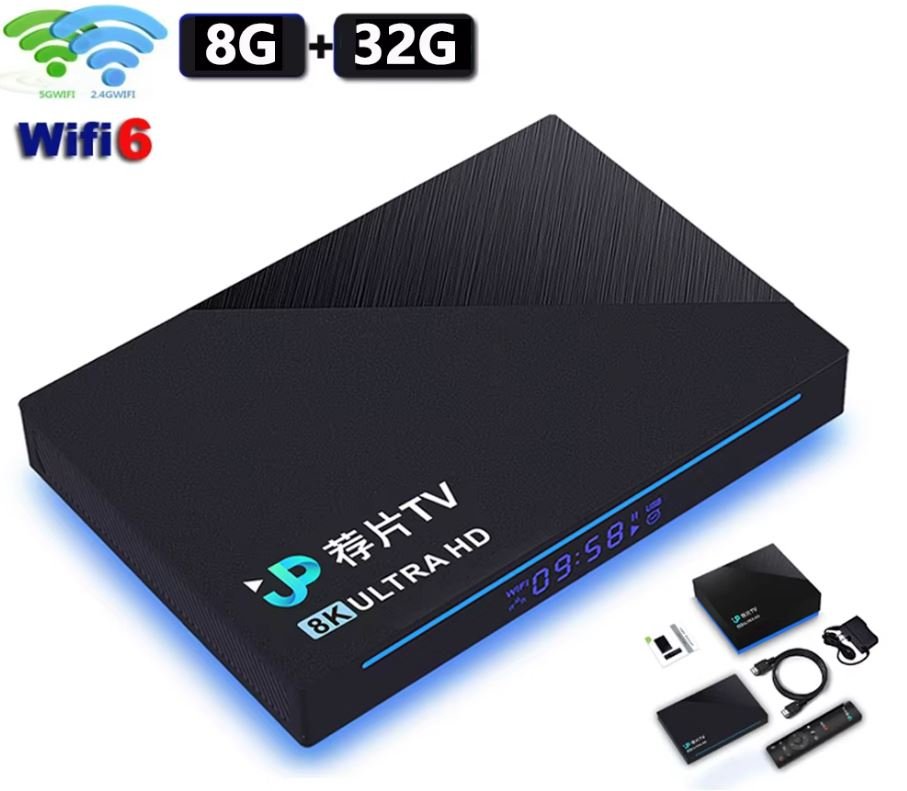
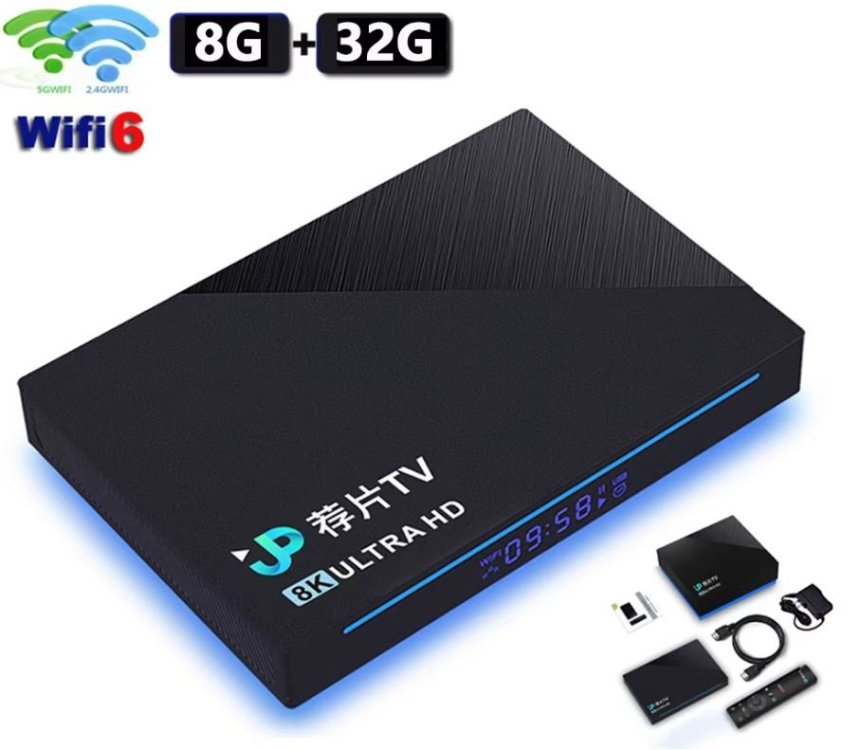
Tell me please. TV Box JPTV RK3566 8GB RAM eMMC 32GB, WIFI/BT, USB2, USB3, there is no SATA. There is no microSD connector and wiring for it on the board. (I can attach additional photos of the board). Android 11 was working fine. According to the instructions, I flashed on Armbian_community_26.2.0-trunk.904_Jp-tvbox-3566_trixie_current_6.18.29_minimal.img. When loading in the terminal, I got this error: Then I tried to flash on Armbian_community_26.2.0-trunk.904_H96-tvbox-3566_resolute_current_6.18.30_kde-plasma_desktop.img - the board started and I was able to safely run a couple of tests for the presence of a decoder/encoder through the terminal and ssh: but SATA does not work. Can you tell me why the "native" firmware for this board does not start?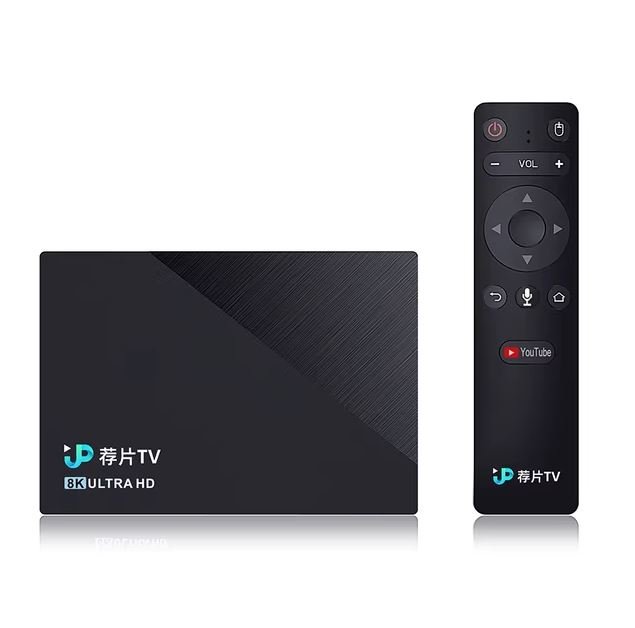
-
OK, good that you see the higher voltage selected. I have also seen it, but was on a NanoPi-R6C, although it did not work with RPi5 27W PSU, but OK with HP tablet 45W PSU. The rest is then a matter of kernel and DTB. My ROCK5B runs fine with rolling release/latest Linux kernels (Debian Sid, Opensuse Tumbleweed), currently 7.0.10 version. Don't know about NixOS (on aarch64), but maybe first get some basic stability with standard Armbian Trixie image (mainline based). It gets tricky when you mix vendor and mainline/distro based. Also vendor (6.1.115) can show various issues if you try/use various external HW. Like an mt9721u USB stick of mine causes a failure in paging on ROCK3A, so need reboot, then it works, but don't know for how long (weeks or months)
-
Yes, true. Meaning dirty spi Yes and no. If SPI is detected and valid it is used. However if this one detects a microsd card with a boot loader it will chain-load this one to ultimately load the os from microsd. Having mixups between vendor and mainline u-boot and/or mixed blobs (like ddr training) this will much likely cause issues.
- Yesterday
-
I will try to download and flash the armbian u-boot to SPI. The main issue is that I don't have a fixed USB-C 12V power supply In the meantime I instrumented the fusb302 driver in my Nixos U-boot (v2025.11) an I can see the negociation working and selecting 20v 3.25A with my Lenovo laptop charger. But Linux still stop sudently, but that's a nixos issue, not an armbian on I guess.
-
The solution I've found is to use a HDMI to VGA converter and use the VGA port
-
 I already build a lot of images for another boards. My problem is uboot spl corrected 1536mb ram okay, but after that, it load uboot and say dram 2gb 0gb effective. Real ram is 1,5gb
 -

Trying to boot Armbian on LinknLink iSG Box SE
rosic replied to Sancho's topic in Rockchip CPU Boxes
@Sancho perfect. I will try it out and will inform you later. I have also discovered that the power adaptors packed with the iSG Box are low quality and some of those can't even reach 1,5 A. Which can cause instability issues and failed HA updates, install, armbian crashes, etc. -
this means bootloader in SPI-flash is used if armbian is booted from sd-card slot, the armbian bootloader from sd-card it used, at least that is what i think so you can wipe spi-flash or wriie a working bootloader in there
-
Then my guess was correct. That's the image I tested a few minutes ago. https://paste.armbian.com/enadozucir
-
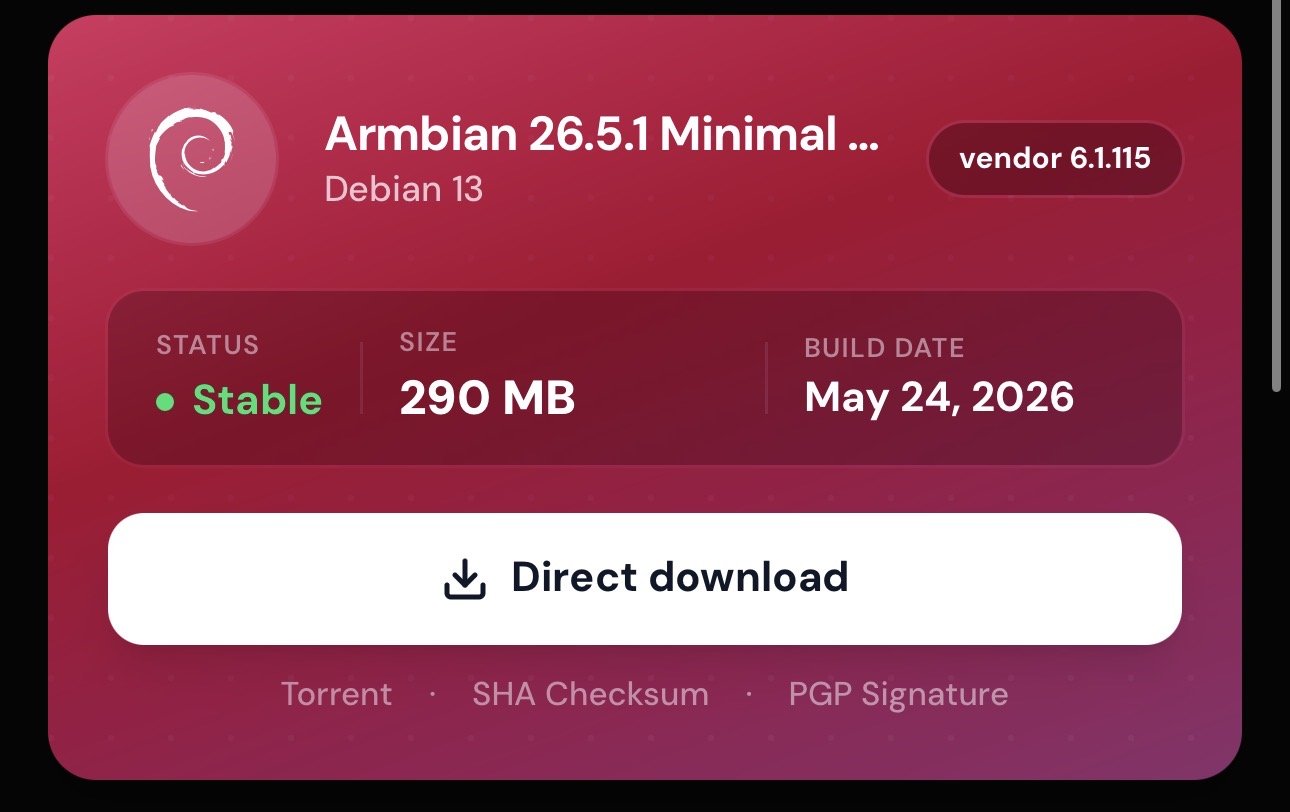
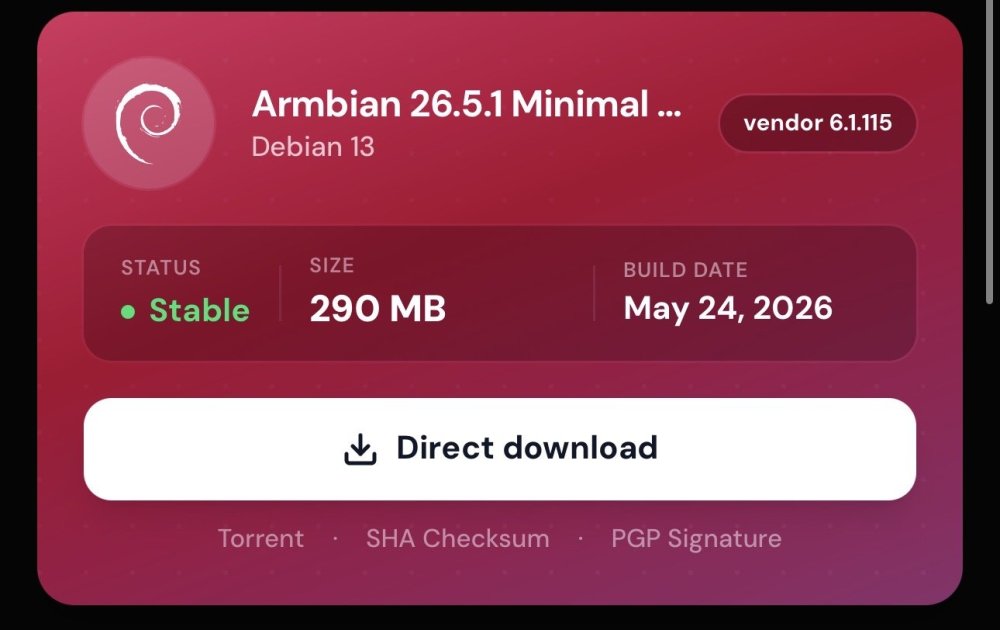
This one Armbian_26.5.1_Orangepi5_trixie_vendor_6.1.115_minimal.img
-
Tried booting cli minimal with vendor kernel from microsd, boots just fine. How to debug boot issues: https://www.youtube.com/watch?v=UpVMO7gbnYM
-
which image did you try?
-
Forgot to mention, it will boot the SD card image from a USB adapter.
-
I recently bought a used OrangePi 5, when it arrived it had a working Ubuntu image on an SD card. I decided to format the card and put my own image of Armbian on the card using the Armbian imager. when installed the card would no longer boot. lights on board but black screen no HDMI output. I tried several different SD cards and different images all with the same result (A1 Sandisk cards) Eventually I tried a hail mary and put an Armbian image on a really old USB thumb stick and it immediately booted and worked just fine. I tried putting the OrangePi os on one of my SD cards for kicks and it gets HDMI output but is just stuck on the OrangePi splash screen When I insert the SD card while running on the USB thumb drive image I can view the partitions and see that the OS image is correctly installed on the SD. I can't figure out where I'm going wrong, am I having a bootloader compatability issue with armbian?
-

Teclast T60 AI rooting + armbian possibility Allwinner A733
Taz replied to Taz's topic in Allwinner CPU Boxes
aliexpress.com/item/1005011593571835.html Teclast P50Ai which should be almost identical T60 AI now lurks at a price of 68 euro shipped in EU for some time. aliexpress.com/item/1005011827691576.html Telcast T60Ai comes at around 120 euro shipped in EU. I note that these may be last units of a production batch. As far as I can see, https://github.com/jonas5/orangepi-4pro-armbian may be the hope for newer kernel with GPU acceleration. - Last week
-
Hi @sven-ola thank you so much for the detailed and thoughtful response — and for taking the time to actually try it yourself! The DKMS approach makes perfect sense; it's clean, survives kernel updates automatically, and fits right in with what's already working on the board for bcmdhd. I'll follow your instructions for b2c2-flexcop-usb. Really appreciate the effort you put into this! 🙏
-
While I am here: I have a Mediatek Tri-Band Wifi card installed in my RV2 (label reads MT7922A22M). There's a matching driver in OpenWrt created by Felix and friends. This will take some time until pushed upstream. So, why not make it a DKMS module? That's how things started 🤪 # Grab bleeding edge Wifi from OpenWrt cd /usr/src git clone https://github.com/openwrt/mt76.git mt76-6.18 cd mt76-6.18 # Source code massage (needs OpenWrt kernel patch, missing include) git revert 9a46d8d2 sed '/^#include <linux\/kernel.h>/i#include <linux/version.h>' mt76.h # New DKMS config (with more than one module) cat > dkms.conf << "EOF" PACKAGE_NAME="mt76" PACKAGE_VERSION="6.18" BUILT_MODULE_NAME[0]="mt76" DEST_MODULE_LOCATION[0]="/updates/dkms" BUILT_MODULE_NAME[1]="mt76-connac-lib" DEST_MODULE_LOCATION[1]="/updates/dkms" BUILT_MODULE_NAME[2]="mt792x-lib" DEST_MODULE_LOCATION[2]="/updates/dkms" BUILT_MODULE_NAME[3]="mt7921e" BUILT_MODULE_LOCATION[3]="mt7921" DEST_MODULE_LOCATION[3]="/updates/dkms" BUILT_MODULE_NAME[4]="mt7921-common" BUILT_MODULE_LOCATION[4]="mt7921" DEST_MODULE_LOCATION[4]="/updates/dkms" AUTOINSTALL="yes" MAKE="make -C ${kernel_source_dir} M=${dkms_tree}/${PACKAGE_NAME}/${PACKAGE_VERSION}/build CONFIG_WLAN_VENDOR_MEDIATEK=y CONFIG_MT76_CORE=m CONFIG_MT76_LEDS=y CONFIG_MT76_CONNAC_LIB=m CONFIG_MT792x_LIB=m CONFIG_MT7921_COMMON=m CONFIG_MT7921E=m " EOF # Add, build, install, and add matching firmware dkms add -m mt76 -v 6.18 dkms build -m mt76 -v 6.18 dkms install -m mt76 -v 6.18 cp -av firmware/ /lib/firmware/updates/mediatek # Give it a try reboot
-
Thanks for sharing the header file. I have downloaded that and deployed using dpkg -i <packge name> In order to deploy the VFD, the steps I have followed are given here. I have enclosed the attachment that contains commands and their outcome to keep this post shorter. Below given error message while trying to start the openvfd.service root@x98h:~/linux_openvfd#systemctl daemon-reload root@x98h:~/linux_openvfd# systemctl start openvfd.service Job for openvfd.service failed because the control process exited with error code. See "systemctl status openvfd.service" and "journalctl -xeu openvfd.service" for details. root@x98h:~/linux_openvfd# systemctl status openvfd.service × openvfd.service - openvfd Loaded: loaded (/etc/systemd/system/openvfd.service; disabled; preset: ena> Active: failed (Result: exit-code) since Tue 2026-06-02 00:07:40 IST; 4min> Process: 2297 ExecStartPre=/usr/bin/sh -c . /etc/openvfd.conf; /usr/sbin/mo> Process: 2299 ExecStopPost=/usr/sbin/rmmod openvfd (code=exited, status=1/F> CPU: 47ms Jun 02 00:07:40 x98h systemd[1]: Starting openvfd.service - openvfd... Jun 02 00:07:40 x98h sh[2298]: modprobe: ERROR: could not insert 'openvfd': Exe> Jun 02 00:07:40 x98h systemd[1]: openvfd.service: Control process exited, code=> Jun 02 00:07:40 x98h rmmod[2299]: rmmod: ERROR: Module openvfd is not currently> Jun 02 00:07:40 x98h systemd[1]: openvfd.service: Failed with result 'exit-code> Jun 02 00:07:40 x98h systemd[1]: Failed to start openvfd.service - openvfd. Jun 02 00:07:40 x98h systemd[1]: Failed to start openvfd.service - openvfd. ░░ Subject: A start job for unit openvfd.service has failed ░░ Defined-By: systemd ░░ Support: https://www.debian.org/support ░░ ░░ A start job for unit openvfd.service has finished with a failure. ░░ ░░ The job identifier is 782 and the job result is failed. Jun 02 00:15:18 x98h systemd[1]: Starting openvfd.service - openvfd... ░░ Subject: A start job for unit openvfd.service has begun execution ░░ Defined-By: systemd ░░ Support: https://www.debian.org/support ░░ ░░ A start job for unit openvfd.service has begun execution. ░░ ░░ The job identifier is 855. Jun 02 00:15:18 x98h sh[2317]: modprobe: ERROR: could not insert 'openvfd': Exec format error Jun 02 00:15:18 x98h systemd[1]: openvfd.service: Control process exited, code=exited, status=1/FAILURE ░░ Subject: Unit process exited ░░ Defined-By: systemd ░░ Support: https://www.debian.org/support ░░ ░░ An ExecStartPre= process belonging to unit openvfd.service has exited. ░░ ░░ The process' exit code is 'exited' and its exit status is 1. Jun 02 00:15:18 x98h rmmod[2318]: rmmod: ERROR: Module openvfd is not currently loaded Jun 02 00:15:18 x98h systemd[1]: openvfd.service: Failed with result 'exit-code'. ░░ Subject: Unit failed ░░ Defined-By: systemd ░░ Support: https://www.debian.org/support ░░ ░░ The unit openvfd.service has entered the 'failed' state with result 'exit-code'. Jun 02 00:15:18 x98h systemd[1]: Failed to start openvfd.service - openvfd. ░░ Subject: A start job for unit openvfd.service has failed ░░ Defined-By: systemd ░░ Support: https://www.debian.org/support ░░ ░░ A start job for unit openvfd.service has finished with a failure. ░░ ░░ The job identifier is 855 and the job result is failed. VFD_Service_Logs.txt
-
@sr4armbian You need this kernel header. https://github.com/NickAlilovic/build/releases/download/20250306/linux-headers-edge-sunxi64_25.05.0-trunk_arm64__6.12.11-S62b2-Da873-P6755-C1a9bH02eb-HK01ba-Vc222-B9bbb-R448a.deb
-
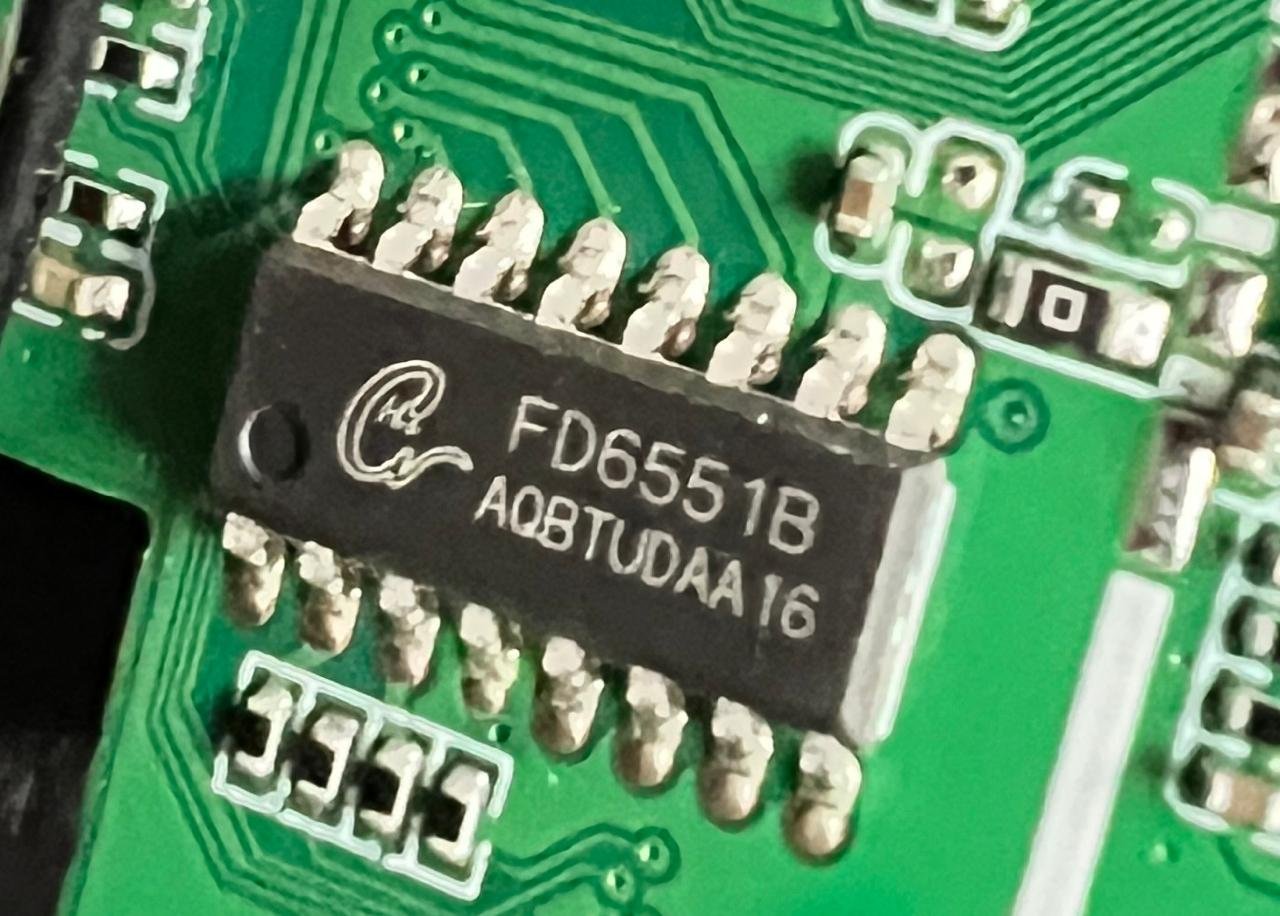
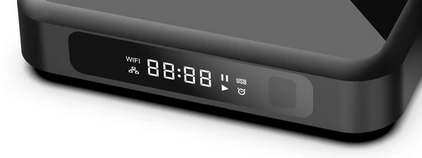
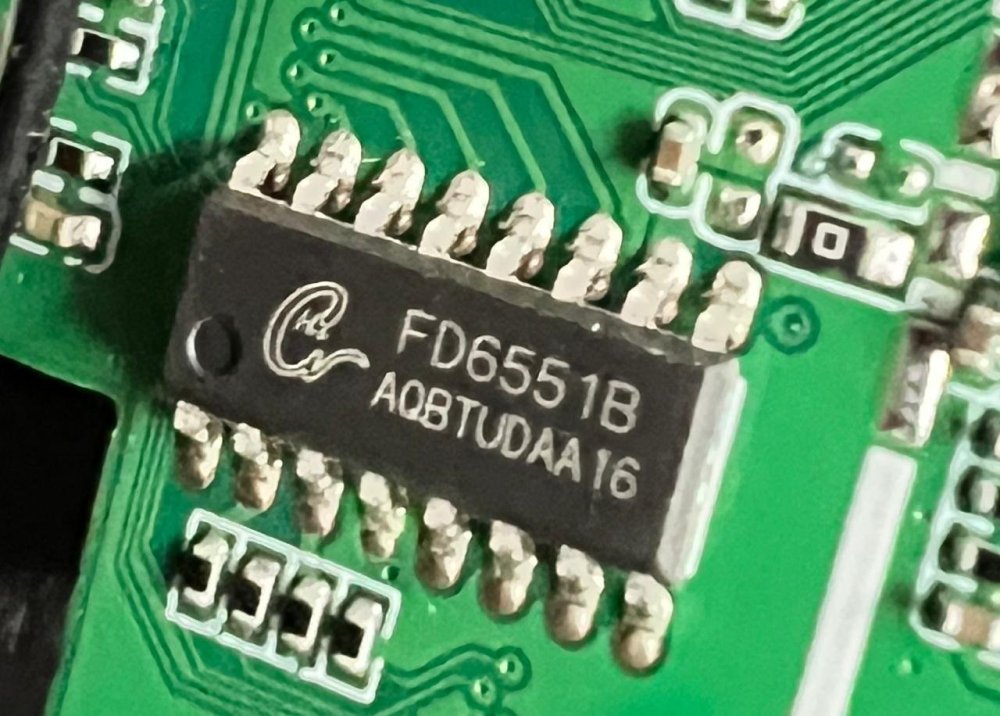
@Nick A Thanks for your reply. This box got FD6551 chip set that is handling the Front Side Display. I have opened the box and double checked this. I also checked the status of the VFD when the box booted from Android image it came with. The VFD looks similar to the one found in the picture given here. Below given is the section from stock android dts file. I can share the entire dts if you are looking for any other specific details. fd655_para { device_type = "fd655_para"; compatible = "Ik,fd655_dev"; fd655_clk_io = <0x23 0x07 0x06 0x01>; fd655_dat_io = <0x23 0x07 0x07 0x01>; status = "okay"; }; Since the alternate VFD configuration requires latest Linux headers, I am getting errors and I have posted about that in the respective thread in this forum. Trying to deploy the OpenVFD which could be possible. I will share the boot logs at the earliest.
-
The blue revision is not different in this case. I have it running here too. My recommendation would be to flash the u-boot spi bin inside the u-boot deb generated by armbian build. `dpkg -x xyz.deb ./output` and rkdeveloptool are the things to use here