sicxnull
-
Posts
55 -
Joined
-
Last visited
Content Type
Forums
Store
Crowdfunding
Applications
Events
Raffles
Community Map
Everything posted by sicxnull
-
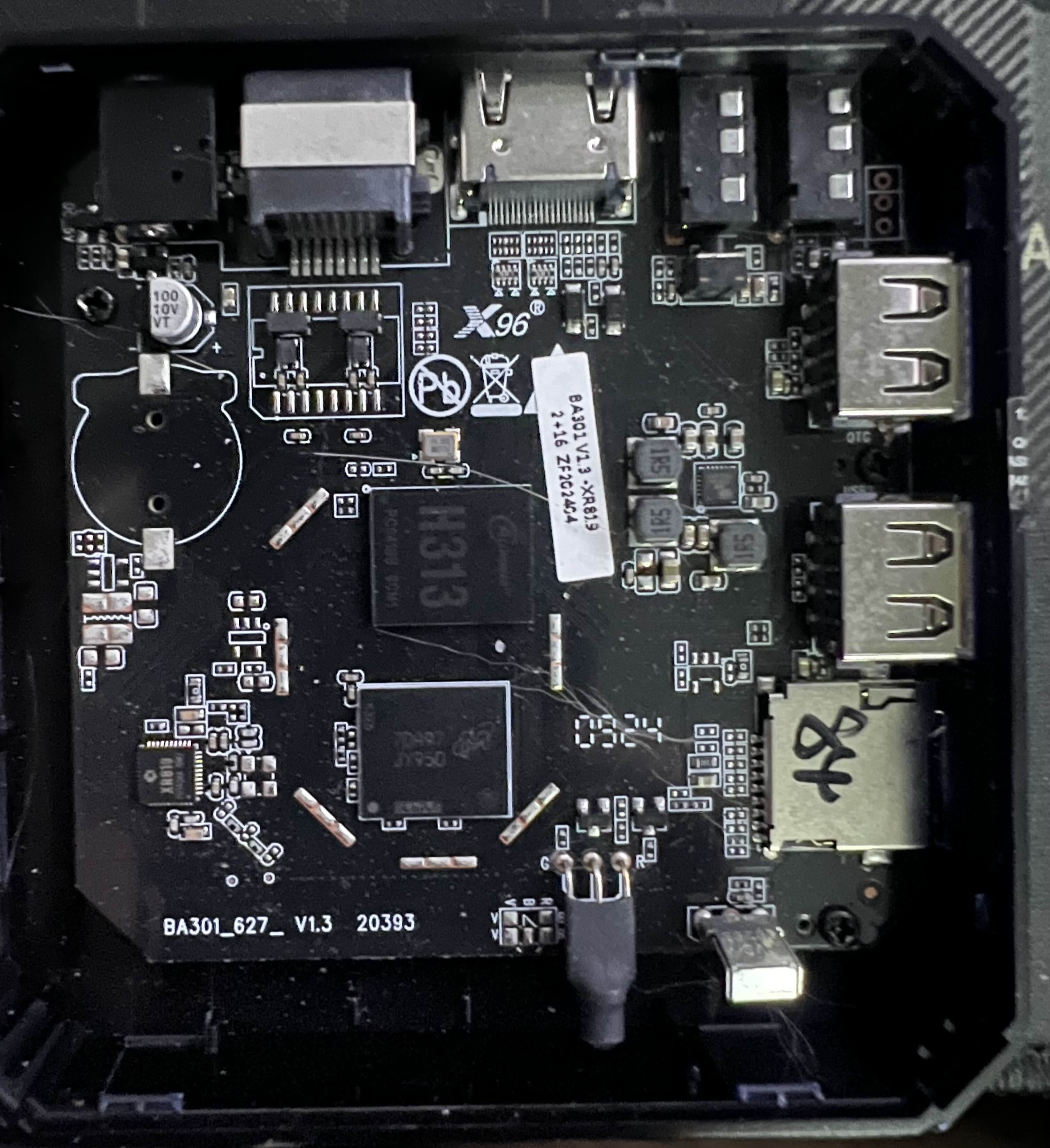
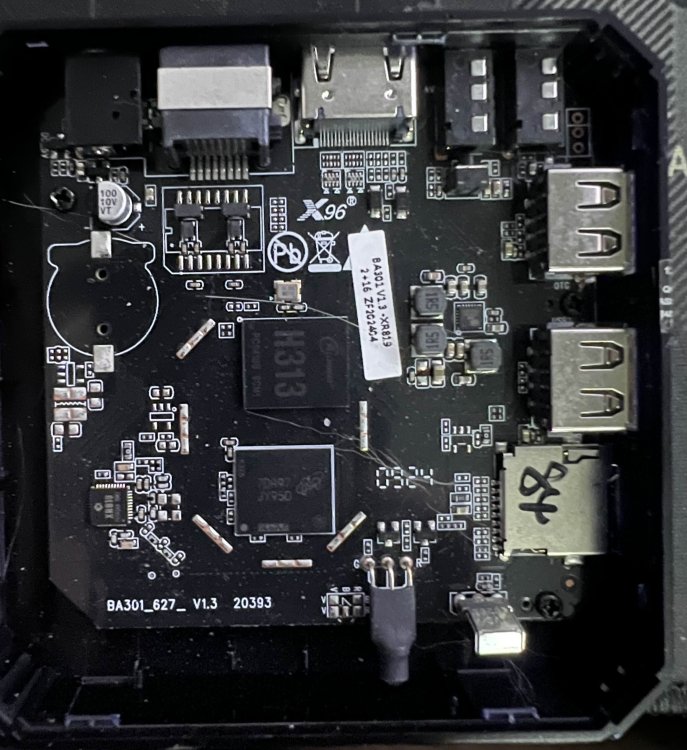
Power off unit. Burn to SD card, insert SD card, power on. You don't need to press the button in the AV port Your board looks different and has a different ramchip. I'm assuming it's not the LPDDR3 version but i could be wrong.
-
https://github.com/armbian/build/pull/7101 i pushed a build for this device.
-
Update - PR Merged https://github.com/armbian/build/pull/7101 Please use the main repo to compile this. I'd edit the OG post but i cannot for some reason ./compile.sh build BOARD=x96q BRANCH=current BUILD_DESKTOP=yes BUILD_MINIMAL=no EXPERT=yes KERNEL_CONFIGURE=no KERNEL_GIT=shallow RELEASE=bookworm
-
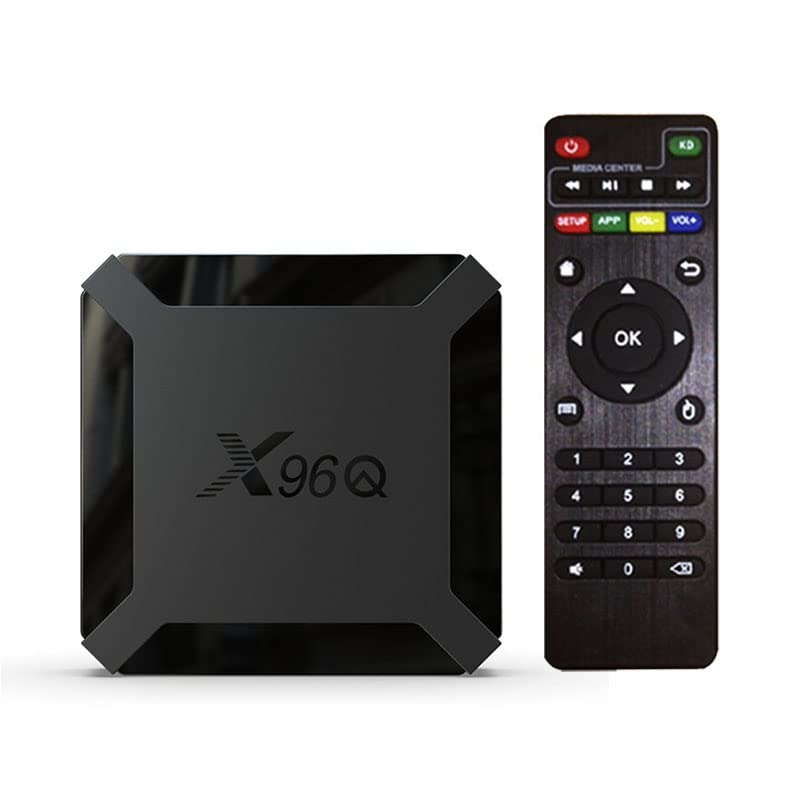
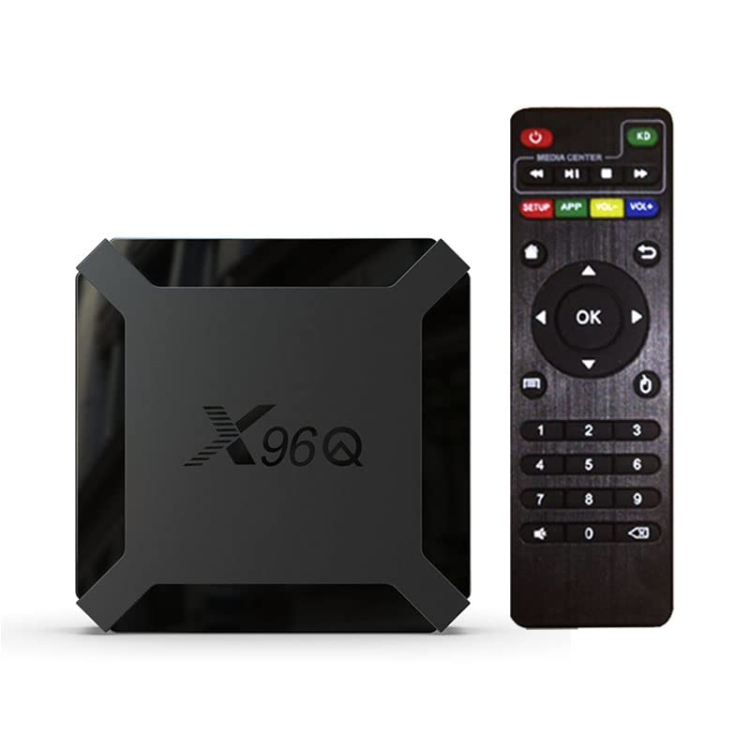
Currently working on a build for this device. It boots and is about 90% functional on 6.6 and 6.7 Kernel https://github.com/sicXnull/armbian-build/tree/X96Q-TVBOX-LPDDR3 Working - Desktop - Ethernet - Wifi Not working - DTS could use some work. Right now it does not detect internal EMMC so installing to EMMC is not an option. - Likely other things i've missed. I've uploaded two images to my git. Full w/Mate Desktop Minimal/Server Feel free to compile this yourself if you don't trust my images, it's encouraged. Changes are on the X96Q-TVBOX-LPDDR3 Branch Full W/Desktop ./compile.sh build BOARD=x96q-tvbox BRANCH=current BUILD_DESKTOP=yes BUILD_MINIMAL=no EXPERT=yes KERNEL_CONFIGURE=no KERNEL_GIT=shallow RELEASE=bookworm Minimal/Server ./compile.sh build BOARD=x96q-tvbox BRANCH=current BUILD_DESKTOP=no BUILD_MINIMAL=yes EXPERT=yes KERNEL_CONFIGURE=no KERNEL_GIT=shallow RELEASE=bookworm
-
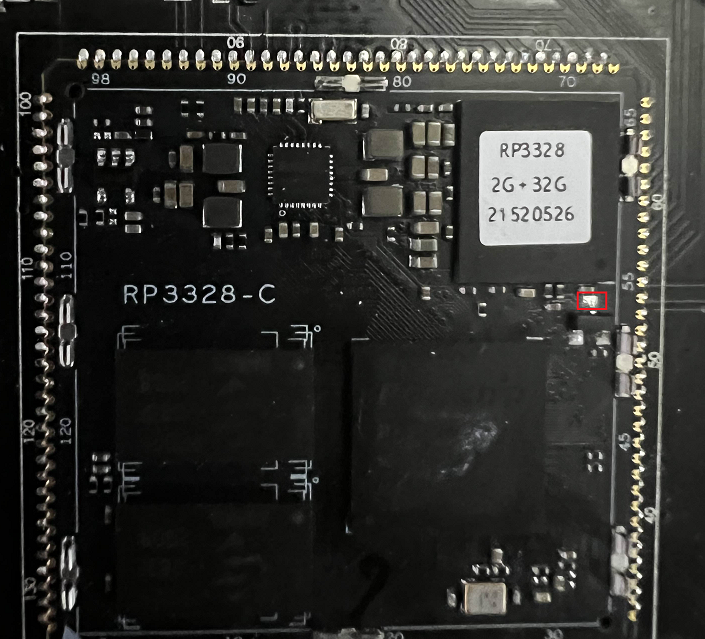
Hello Everyone I have added Armbian for the Heltec HT-M2808 Helium Miner https://github.com/armbian/build/pull/6989#event-13647037453 https://heltec.org/project/ht-m2808/ To Compile ./compile.sh build BOARD=rk3328-heltec BRANCH=current BUILD_DESKTOP=no BUILD_MINIMAL=no EXPERT=no KERNEL_CONFIGURE=yes KERNEL_GIT=shallow RELEASE=bookworm You can obviously decide to go with a desktop environment (board has no HDMI) or use a different release. How to Flash 1) Install Rockchip Flash Tools 2) Download bootloader (rk3328_loader_ddr333_v1.16.250.bin) attached here. 3) Boot device into LOADER mode. Plug USB Cable in to back of the unit, powered off. On the back of the device. Use a small pin and hold the reset button (unit powered off) THEN insert the power cable while the reset button is pressed 4) Follow the flash procedure found here. Maskrom Pin If you get stuck and need to reflash, there's a good chance holding the reset button will not work to get back into LOADER mode. To boot directly to MASKROM, you can short this pin Needed 1) Wifi/BT does not work currently 2) SPI not recognized 3) LEDs not working 4) Likely other things, but the OS is 90% functional. rk3328_loader_ddr333_v1.16.250.bin