All Activity
- Today
-
https://blog.aurel32.net/upstream-opensbi-spacemit-k1.html will try dev version of u-boot and openbsi
-
@alexc Thanks, is KVM supported on this kernel?
-
Hello, I ruun an Helios4 myself, and I've been struck by the kernel image size issue some time ago. I managed to recover using an old version, but now need to upgrade... I foolishly tried an 'apt update', which obviously end up in a non booting board. I manage to get it boot with the latest version on SD, but can not manage to make it work from SPI... Could you please explain how to get the updated u-boot loaded into SPI ? No try using nand-sata-install I've made make a difference.
-
 Good morning. git clone https://github.com/NickAlilovic/build.git --branch v20251014 ~/build/patch-u-boot/u-boot-aw/150-1dd-x96q-lpddr3-defconfig.patch "+CONFIG_SPL_IMAGE_TYPE_SUNXI_TOC0=y" ~/build/patch-u-boot/u-boot-aw/secure-boot.patch ./compile.sh choice = x96q-lpddr3 2026-04-26_0851h.txt boot sequence, shutdown -r and dmesg Thanks in advance. 2026-04-26_0851h.txt
 -
Hi, For Tanix TX68 to get all USB ports working it was enough to toggle status = "disabled" to "okay" in transpeed-8k618 DTS. (unfortunatelly i cannot spin up an external HDD by it while having soldered 2x18650 UPS, to little amps available) Getting WiFi / BT to work on the other hand is not solved. BT: - modules loaded out of the box, no errors in dmesg after changing something in DTS but hcitool dev/scan show nothing WiFi: - modprobe: ERROR: could not insert 'aic8800_fdrv': No such device - I tried modifying parts of Transpeed DTS to align with vendor Android DTS with no result Probably same issue as on T95Z Plus: I tried its image: https://github.com/LYU4662/t95zplus-h618-build same error. I diffed android DTS between T95Z & TX68 - almost identical tp95_android.dts tx68_android.dts
-
No, unfortunately, I don't have. I will run your build and, possibly, have all required data by tomorrow morning. Thanks for your prompt answer,
-
 @Sergioclr looks like you are building armbian main branch. You are running the 6.18 kernel but old u-boot 2024.01. I don’t see the AC200/300 patch. Do you still have my build laying around. Can you show me the boot logs.
 -
Good evening. Armbian for H313 X96-Q LPDDR3 TV-Box sicXnull/armbian-build) git clone --depth=1 --branch=main https://github.com/armbian/build "+CONFIG_SPL_IMAGE_TYPE_SUNXI_TOC0=y" in ~/build/patch/u-boot/u-boot-sunxi/board_x96q/arm64-sun1-h313-addr-x96q-lpddr3-defconfig.patch , adding secure-boot.patch and ~/build/patch/u-boot/u-boot-sunxi/board_x96q/sunsi-add-h616-internal-eth-phy-support.patch left untouched Android-boot.txt (normal boot sequence / eth & wlan=OK) Armbian_image_reboot_dmesg.txt Image reboot (sudo shutdown -r now) + dmesg log (wlan=OK, eth=not OK) Thanks in advance. Android-boot.txt Armbian_image_reboot_dmesg.txt
- Yesterday
-
Dear community, I just wanted to politely and respectfully ask whether somebody from the Orange Pi 5 or Orange Pi 5 Plus maintainer group wants to maintain the Orange Pi 5 Pro as well? It's using almost the same SoC, a Rockchip RK3588S. Right now, the device is on "community" maintenance, which is a bit sad since its brother/sister boards are on "standard". This means everyone who uses it has to use rolling release instead of being on a stable version. Being relatively close to the other two RK3588-based boards, I hope this can be done? But I don't want to sound like an ass for asking. I just wanted to use the two "Pro" I've bought for projects that need reliability, and was a bit saddened to hear they're rolling release-only. Kind regards
-
So out of luck, I have tried multiple fixes that I can find, tested other SD cards and still ending up with the same error. Booting: mmc 0 error: no such partition grub rescue> Will try to do some more digging and keep the post updated
-

H96 Max RK3528 - Cannot boot Armbian from TF/SD card
0KTAV1US replied to 0KTAV1US's topic in Rockchip CPU Boxes
-
So I can confirm that this solved the compiling issues, Thank you very much @Werner Now I am facing another issue with EFI when trying to boot. Will try to see if I can identify the problem and solve it.
-
Ohhh thank you so much, I spent so much time trying to find the solution
-
https://github.com/armbian/build/pull/9724
-
Confirmed. From first glance it looks like dts files are missing.
-
https://paste.armbian.com/rapohapofe
-
Good Morning, I am running into an issue when trying to compile an image for a SM8250 device. Most of the process is working fine until it gets to the Grub Section, at which point I get the following error: " cp: cannot stat '/usr/lib/linux-image-6.18.24-current-sm8250/qcom/sm8250-retroidpocket-rp5.dtb': No such file or directory" I have attached the logs, and would love to know if anyone has had a similar issue when trying to build an image for any device, and if so what you have done to solve it. Thanks all in advance for the support
-

The microphone (on Android) does not work after installing Armbian?
Igor replied to KAHrel's topic in Orange Pi 5 Plus
When SPI is erased, the board falls back to the bootloader on the SD card. If you want to run Armbian, or Linux in general, the bootloader often needs to be updated - in this case on SPI. This can be done with armbian-install. Android support is not verified and is outside the scope of Linux maintainers. It may continue to work, or it may break. -

The microphone (on Android) does not work after installing Armbian?
KAHrel replied to KAHrel's topic in Orange Pi 5 Plus
I apologize again, as I am using a translator. Hello, good evening. I had forgotten to reply. To rule out any problems, I decided to reinstall everything from scratch. I reinstalled Android 12 (microphone works). I installed Armbian (microphone works). The problem starts when I want to use my eMMC unit. Armbian doesn't detect it, and I read that I have to delete the SPI Flash. After deleting it, it detects it, but my Android system stops working. In the end, I ended up going back to a Linux distribution other than Armbian. -
@qq20739111 The compilation was successful, but ollama was unable to call NPU
- Last week
-
Hi @xuyitao, My repository is focused on moving toward a usable mainline kernel. As of this week, there are no longer any dependencies on BSP NPU drivers. I plan to remove those, along with the BSP GPU drivers, to avoid any potential confusion. Could you take a look at the mainline etnaviv driver? Hopefully it meets your needs.
-
H96 Max RK3528 - Cannot boot Armbian from TF/SD card
0KTAV1US replied to 0KTAV1US's topic in Rockchip CPU Boxes
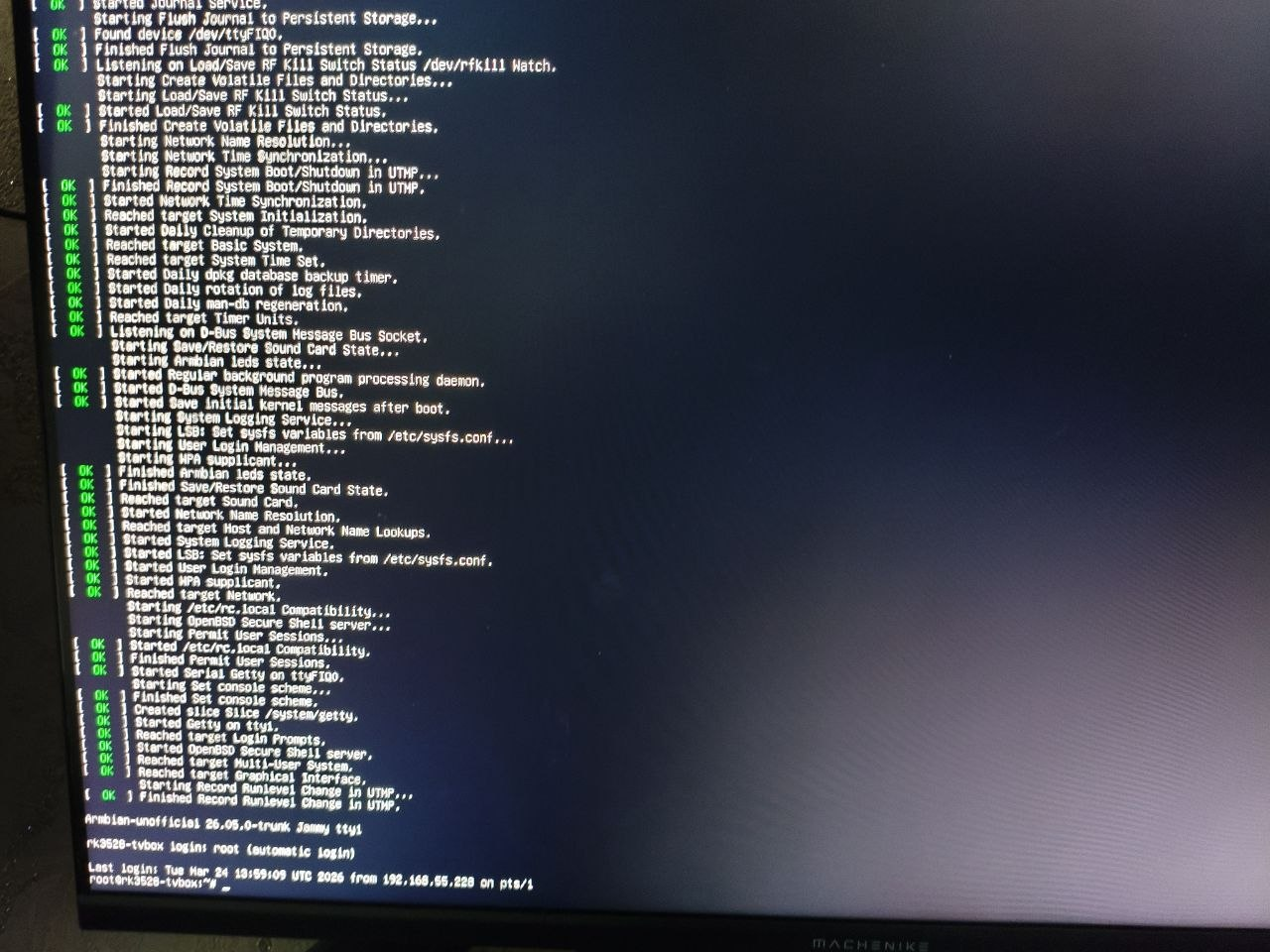
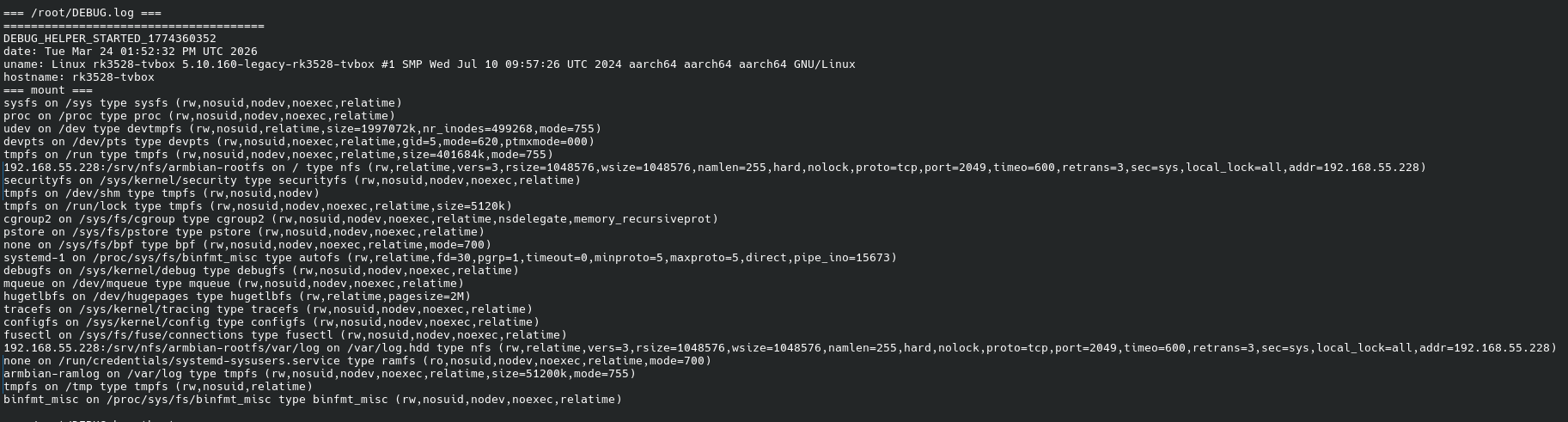
I had some success, I start it via pxe + nfs, some systemd services are not starting, I think I can also prepare the correct USB image, it will be interesting, thanks everyone 😃
-

NAS kit w/ NEO LTS: RTC not surviving reboots
Makda Mujji replied to Makda Mujji's topic in Allwinner sunxi
Starting from Trixie, some paths have changed. Here is the complete walkthrough for the process: Install necessary tools (i2c-tools and hwclock are not present by default in Armbian trixie): sudo apt install i2c-tools util-linux-extra Edit armbianEnv.txt: sudo nano /boot/armbianEnv.txt Append i2c0 to the line that says overlays=...: overlays=... i2c0 ("..." denotes some overlays already written, do not delete them). Reboot (compulsory to load i2c module): sudo reboot now Inquire availability of module rtc-ds1307 in the kernel (present in trixie): sudo modinfo rtc-ds1307 If it returns some description, the module is present. If not, then install its driver from GitHub. Open modules file: sudo nano /etc/modules Add line rtc-ds1307 in it. Save and close. Run the following command: sudo i2cdetect -y 0 It should return 68 in the grid: 0 1 2 3 4 5 6 7 8 9 a b c d e f 00: -- -- -- -- -- -- -- -- 10: -- -- -- -- -- -- -- -- -- -- -- -- -- -- -- -- 20: -- -- -- -- -- -- -- -- -- -- -- -- -- -- -- -- 30: -- -- -- -- -- -- -- -- -- -- -- -- -- -- -- -- 40: -- -- -- -- -- -- -- -- -- -- -- -- -- -- -- -- 50: -- -- -- -- -- -- -- -- -- -- -- -- -- -- -- -- 60: -- -- -- -- -- -- -- -- 68 -- -- -- -- -- -- -- 70: -- -- -- -- -- -- -- -- Then add module to start up: sudo modprobe rtc-ds1307 sudo echo ds1307 0x68 > /sys/class/i2c-dev/i2c-0/device/new_device The DS1307 should now be available at /dev/rtc1, which you can check: sudo ls /dev/ | grep rtc Initialize rtc1 (once) sudo hwclock --rtc /dev/rtc1 --systohc Create a new file rtc_ds1307.sh: sudo nano /usr/local/bin/rtc_ds1307.sh Add following lines in it: #!/bin/bash echo "Creating entry for rtc_1307 service" | systemd-cat -p info sudo echo ds1307 0x68 > /sys/class/i2c-dev/i2c-0/device/new_device echo "Done" | systemd-cat -p info echo "Symlinking /dev/rtc1 to /dev/rtc" | systemd-cat -p info sudo ln -f -s /dev/rtc1 /dev/rtc echo "Done" echo "Syncing RTC time to system time" | systemd-cat -p info sudo hwclock --hctosys --noadjfile --utc -f /dev/rtc1 echo "Done" Save and exit. Make this file executable: sudo chmod +x /usr/local/bin/rtc_ds1307.sh Create a systemd service to run this script at startup: sudo nano /etc/systemd/system/rtc_ds1307.service Add following lines in it: [Unit] Description=Synchronize system clock to RTC Requires=systemd-modules-load.service After=systemd-modules-load.service ConditionPathExists=/sys/class/i2c-dev [Service] Type=oneshot RemainAfterExit=yes ExecStart=/usr/local/bin/rtc_ds1307.sh [Install] WantedBy=multi-user.target Save and exit. Enable the service: sudo chmod 644 /etc/systemd/system/rtc_ds1307.service sudo systemctl enable rtc_ds1307.service Reboot and check system date time by running: timedatectl -
@Sergioclr output of USB-to-TTL converter. sudo dmesg
-
Is there an armbian with home-assistant installed?