All Activity
- Past hour
-
@Nick A Rising CPU temps aren't really a concern. I'm using a massive 6x6cm aluminum heatsink for passive cooling. Even without a fan, it keeps the CPU stable under full load for long periods. The real bottleneck is the frequency throttling, which is really holding back performance.
-
 When I replaced 6.12.58-current-sunxi with armbian-utility to 6.6.16-current-sunxi It did not fully boot up again. Hopefully, replacing the whole content of /boot with the 6.1.24-sunxi kernel from the original image worked and brought m2u back to life. Also, the related modules folder was transferred. So it looks like it is a kernel problem.
 - Today
-
 Most probably it is not because of formatting SPI. Are you sure you use same kernel version? because in some kernel there is issue with microphone. Of cause if we both speak about 3.5jack micro.
 -

Armbian for RK3128 TVBox board
Ngô Huỳnh Ngọc Khánh replied to Chiều Nhạt Nắng's topic in Rockchip CPU Boxes
First of all, a huge thank you for your work on bringing Armbian to RK3128 TV boxes. Your guide is incredibly detailed and practical — not just theoretically correct, but actually usable in real-world scenarios where hardware varies wildly. That’s something many tutorials lack. It’s clear you spent a lot of time testing across different boards, and it really helps people like me who are dealing with these unpredictable cheap TV boxes. I also want to say I truly appreciate how you approached the NAND installation process using rkdeveloptool. The way you structured the workflow, especially handling boot components and low-level flashing, made it much easier to understand what’s actually happening under the hood instead of just blindly following commands. I happen to have a bunch of RK3128 devices myself, and thanks to your work, I’ve successfully brought several of them back to life. Even with different variants of RK3128, I was able to get them running properly on NAND with kernel 4.x, which is honestly impressive given how inconsistent these boards can be. That said, I’d like to ask if you might consider extending your approach to RK3228/RK3229 devices using rkdeveloptool on Windows, similar to what you’ve done for RK3128. I’ve been trying to replicate a similar workflow based on your guide and also by studying the multitool source, especially the step-nand function. So far, I’ve attempted: Reusing trust.img and legacy U-Boot from the multitool BSP folder Manually creating a GPT at 0x8000 Writing the image with dd while skipping the first 4MB (similar to step-nand logic) Unfortunately, none of these attempts have worked so far. The main challenge is that many RK3229 boards don’t have an accessible SD card slot (or even pads for one), which makes recovery and testing much harder. If SD boot were available, this would be much easier to debug and iterate. Since you’ve already done the hard work of figuring things out for RK3128 using rkdeveloptool, I was wondering if you might be willing to give RK3229 a try using a similar method. Even a partial guide or some hints about differences in bootloader layout, trust image, or NAND handling would be extremely helpful. Thanks again for your contribution — it’s genuinely valuable for the community. Hopefully RK3229 can be the next one to crack Cheers! -
Just doing upgrades 2nd time on the same image, and it upgraded u-boot and linux-image regardless of armbian-utility put them on hold... I will try to get the kernel from the original image, but if it fails due to the u-boot version difference, I will need to flash it 3rd time, and then I will prevent it from upgrades on these essential packages, like Back In Time.
-
Maybe you already know, but to be sure (you guys are most likely always swamped), the keyrings workflow has failed the last two runs with the same error, on April 8 & April 15... https://github.com/armbian/armbian.github.io/actions/workflows/generate-keyring-data.yaml ERROR: Unable to find debian-archive-keyring package URL from https://packages.debian.org/sid/all/debian-archive-keyring/download Thanks for all you do!
-
Just found out after upgrading everything on Armbian_23.05.0-trunk_Bananapim2ultra_jammy_current_6.1.24.img.xz, there is no way back once it stops booting. Tried the lowest legacy kernel and also sunxi u-boot and legacy u-boot, everything in chroot, and no success. So I need to start again, reflash the image and prevent the kernel and u-boot upgrades via armbian-config. Is it everything after kernel 6.1.24 when it breaks? Actually, it should be after 6.1.37, which is part of another functional system image.
-
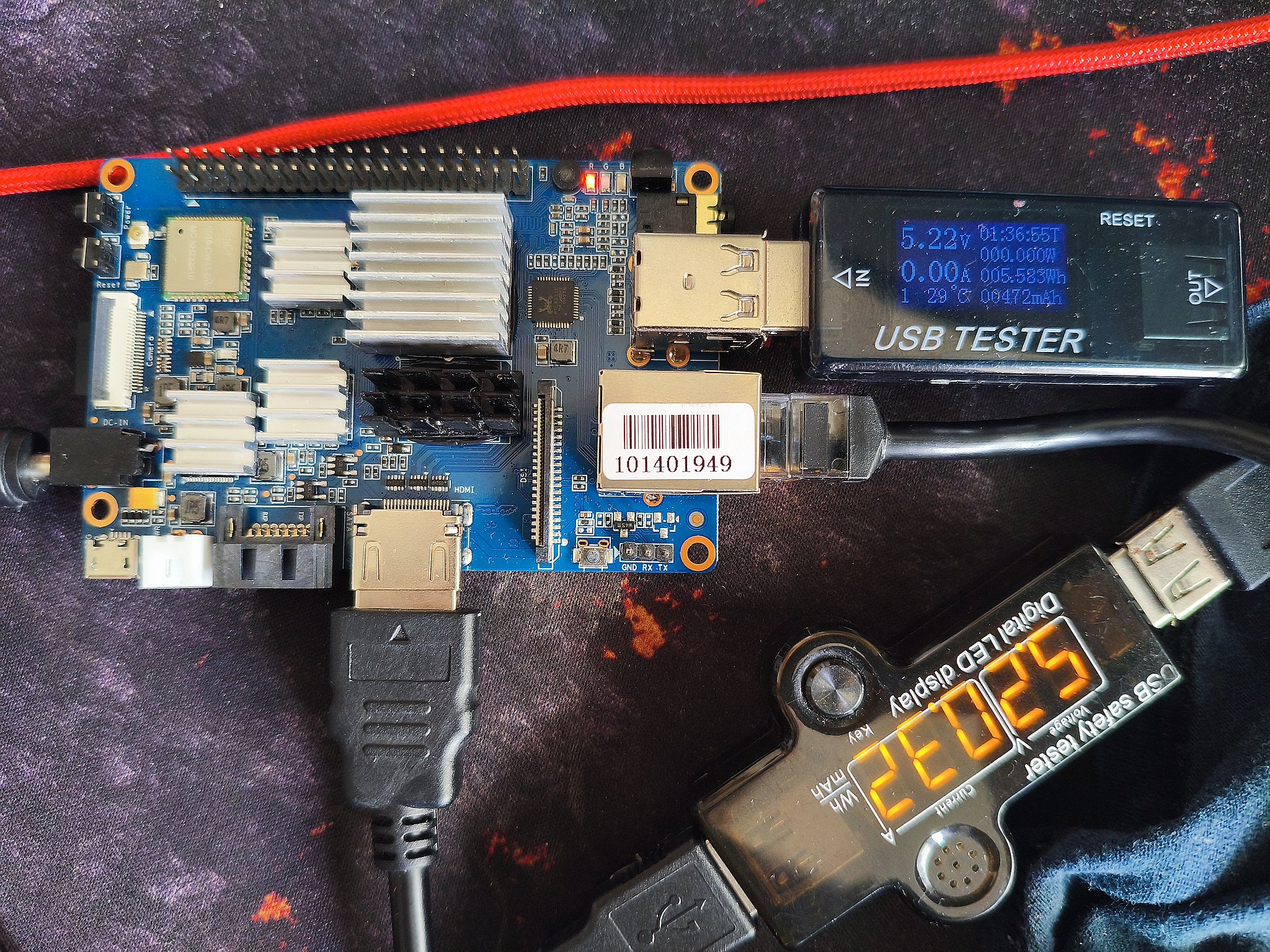
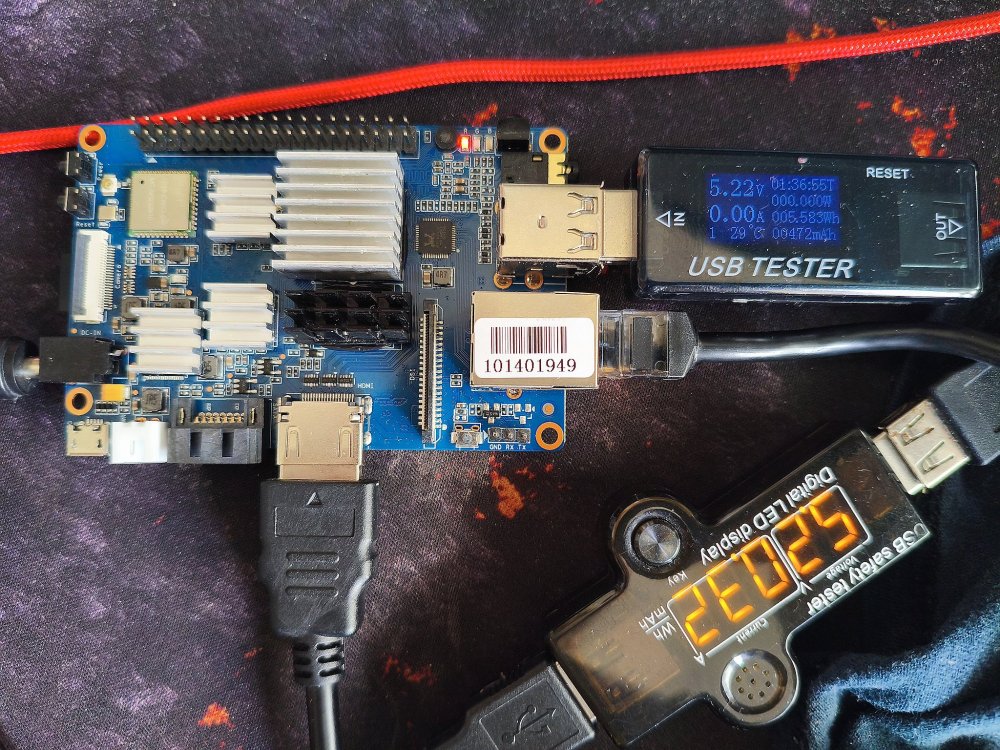
I is not looking like a powering issue, see the first pic.

-
 Good morning. I will learn how to extract Device Tree (DTS) and then I will update the thread.
 -
 @technik007_cz I see I also posted here, I initially thought the problem was in kernel or initrd or armbian scripts, but it turned out HW related (power). Is all sorted now and all understood and also situation for my ROCK3A is very different now. And also ROCK3A is Rockchip, BPiM2ultra is Allwinner. What is common it seems is that the storage device where the rootfs is on is unavailable to the kernel+initrd. If you have a running Armbian system and you do apt update && apt full-upgrade, you get new kernel and new u-boot if those packages are updated. BUT, the U-Boot blob is not written to storage device automatically, so this seems like a problem as I have had and seen various times before: older U-Boot and newer kernel. As you also it have a non-working with a pre-installed/pre-generated image, the problem is also there its seems. However, it needs more details. You need U-Boot log and kernel log posting here. Attach a serial console cable and set kernel loglevel to 7 Just for (my) reference, the board is this: https://wiki.banana-pi.org/Getting_Started_with_M2_Ultra_%26_Berry
 -
I can confirm the situation with the latest Armbian Noble system image for M2U, which is Armbian_community_26.2.0-trunk.703_Bananapim2ultra_noble_current_6.18.21_xfce_desktop.img.xz. lead to the same result and it hangs at messages: Begin: Mounting root file system ... Begin: Running /scripts/local-top ... done. Begin: Running /scripts/local-premount ... Scanning for Btrfs filesystems For those which looking for a functional system, I found 2 : Armbian_23.05.0-trunk_Bananapim2ultra_jammy_current_6.1.24.img.xz Armbian_23.08.0-trunk_Bananapim2ultra_bookworm_current_6.1.37_xfce_desktop.img.xz However, if you upgrade the system on this image to the latest, it will result in an unbootable system again. So you need to prevent kernel and U-Boot from upgrades.
-
 Thank you. Could you recommend a system where all the hardware can work together?
 -
 We neither deal with nor do we support 3rd party images/OS.
 -
 Thank you for your reply, Werner. As I mentioned, all firmware versions from the very old ones to the latest are already installed. Since then, after some trial and error, I have confirmed that it works by building the RELEASE as resolute. The command I used for the build is as follows: ./compile.sh BOARD='nanopi-r5c' BRANCH=edge RELEASE=resolute DISABLE_IPV6=no EXTRAWIFI=yes BUILD_DESKTOP=no KERNEL_CONFIGURE=no BUILD_MINIMAL=no PREFER_DOCKER=no CONSOLE_AUTOLOGIN=no && pigz -9 -v output/images/*r5c*.img
 -
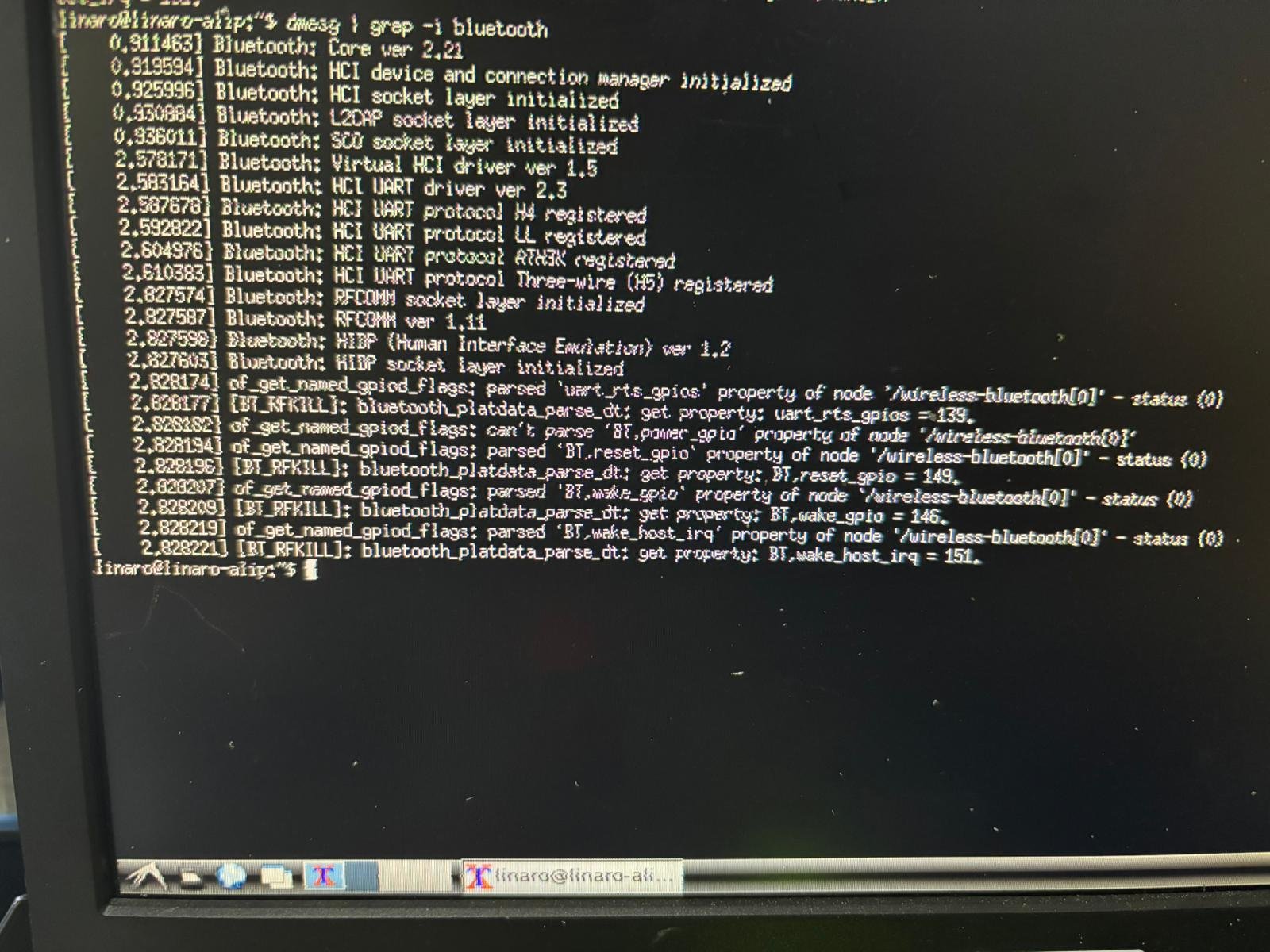
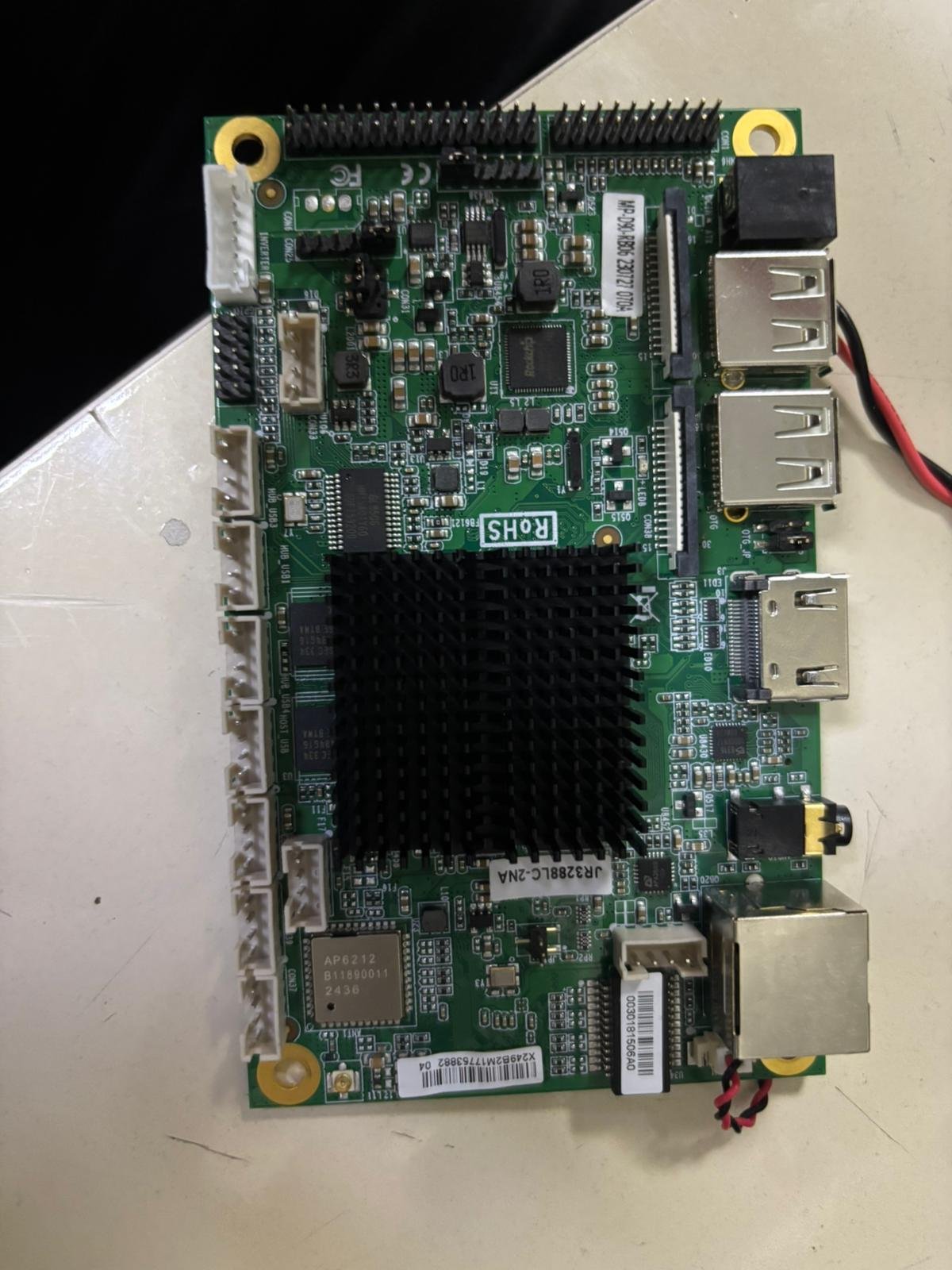
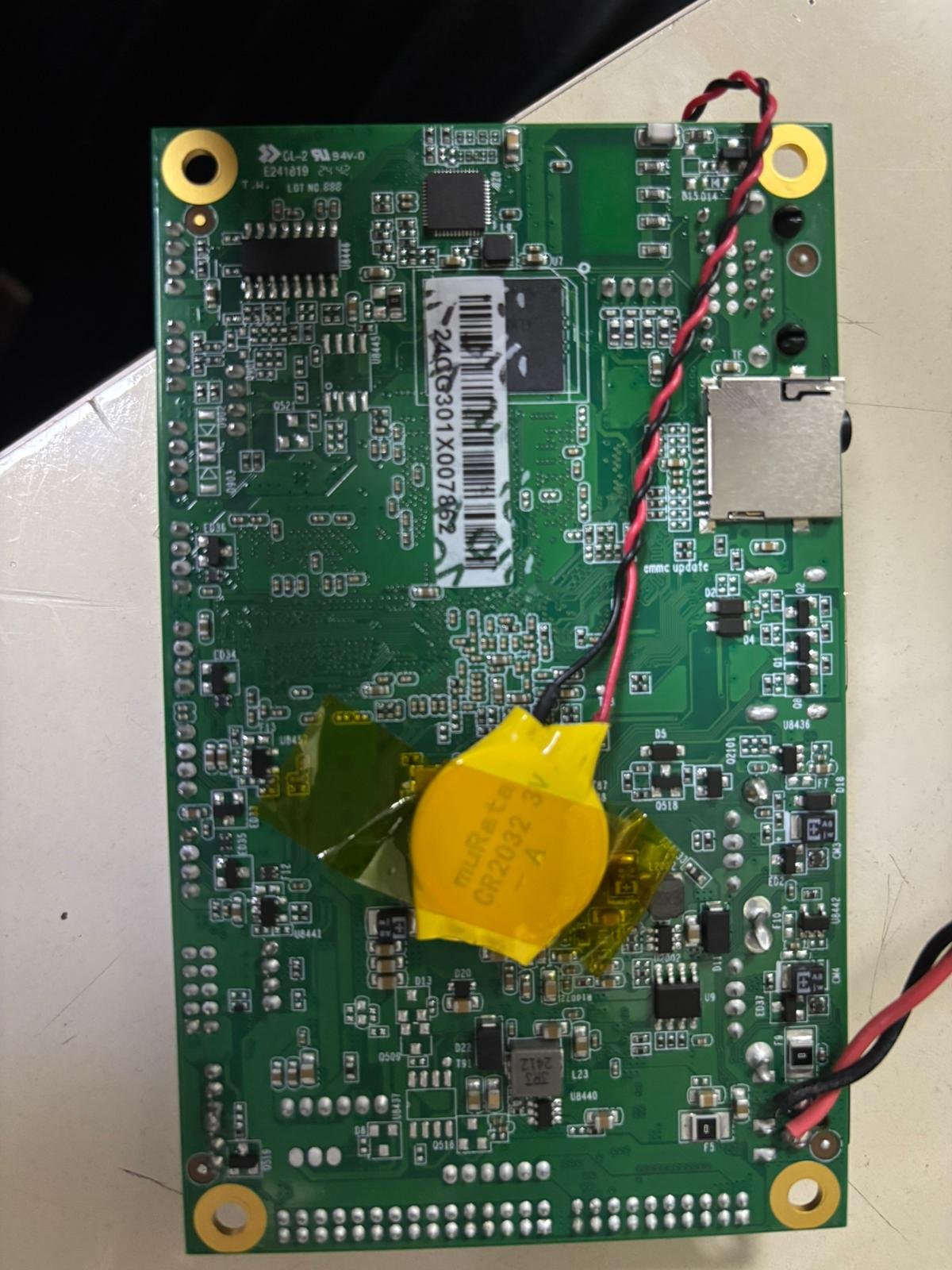
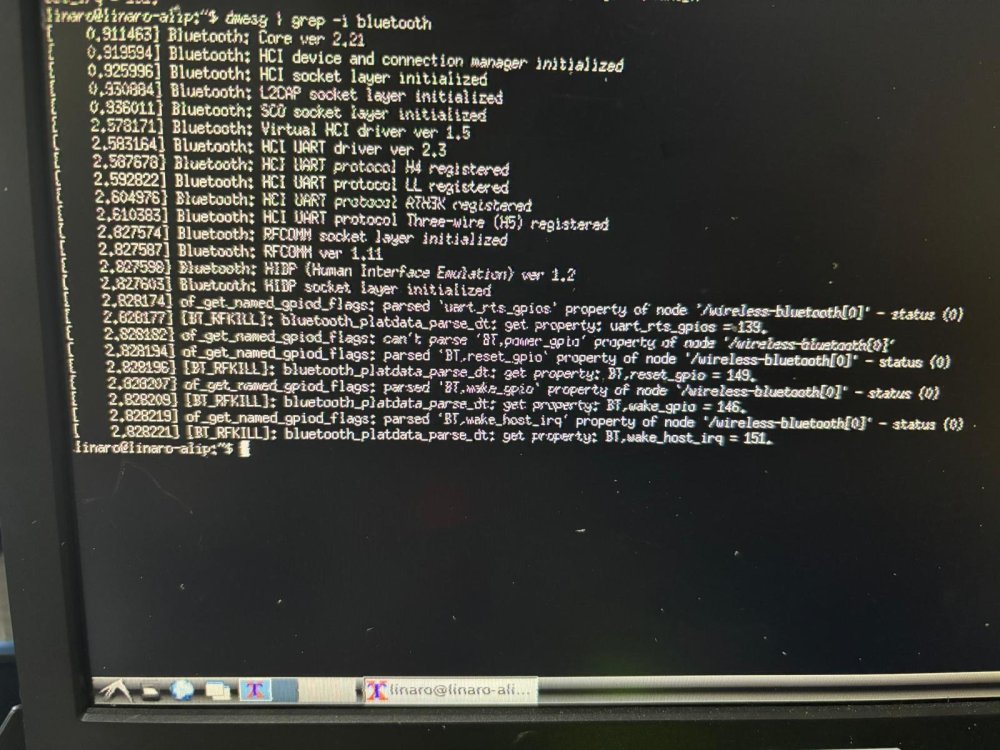
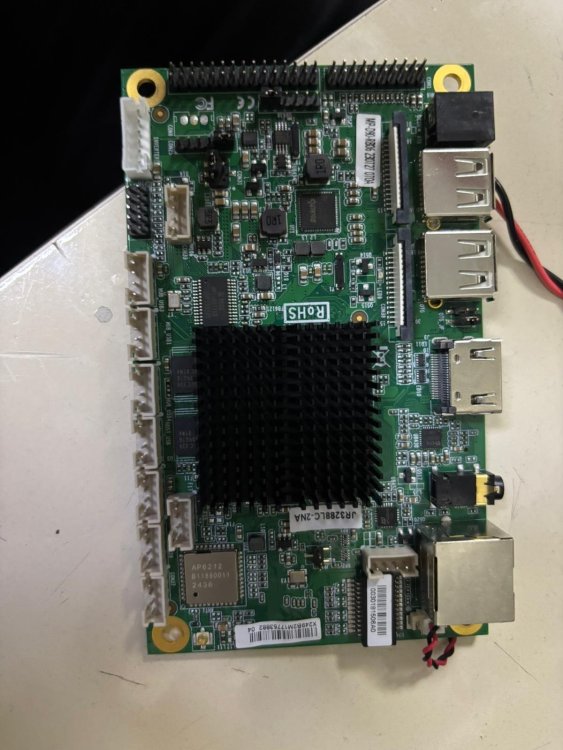
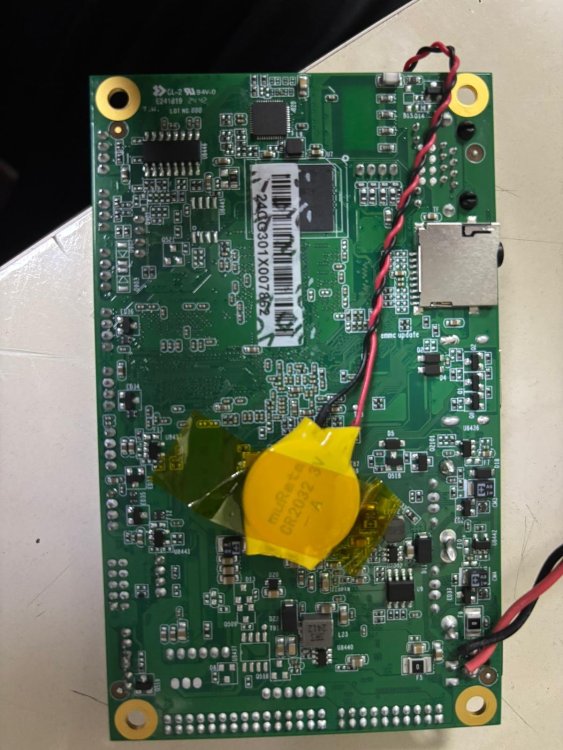
Hello everyone, I'm working with a JR3288lc development board with a Rockchip RK3288 processor and I'm currently facing a Bluetooth detection issue. I'm using the official Debian 9 image provided by the manufacturer, but the system doesn't see the Bluetooth module at all. When I check the dmesg output, I see a specific parsing error related to the power GPIO in the Device Tree. It seems the kernel can't parse the power feature, which is preventing the module from working. How can I fix this? Any help would be greatly appreciated.
-
 I had encountered the same problem.Official images' driver were too old and customized.That means you can't change the DE easily.Have a try on Armbian Edge(mainline panthor instead) or build an Orange Pi OS by yourself.Github link.
 -
@qq20739111 I have this patch included in my latest build. I wonder if this will change the cooling and performance. I'll release a test image so you can perform a benchmark on it. I only have a heat sink and fan for the A7A right now. https://github.com/radxa/allwinner-device/commit/7716c3aacfe0ca4432ad3973ec7ea864d2b91195
- Yesterday
-

SV6256P WiFi Now Working on Linux 6.x (Armbian Tested)
Kauã Fonseca replied to Kevin su's topic in Allwinner CPU Boxes
Excuse me for asking, I'm a total noob when it comes to TV boxes. But how do I install this on a ROM? I have an Android TV ROM that works fine but without Wi-Fi. -
No, just plain 100MBps eth.
-

H96 Max RK3528 - Cannot boot Armbian from TF/SD card
kalama yzd replied to Alexander Polko's topic in Rockchip CPU Boxes
@jock hi, I have the same box same prb, I used your multitool , same prb black screen like images from ophub, or I created IMG multitool in wrong way, I'm newby in this, plz I want a step by step. Or tutorial I will thankfull Have a good day -
@Nick A I didn't compile the image myself; I downloaded yours directly. What I meant is that when I running a CPU benchmark program, with all 8 cores fully loaded, the score using your image is about 30% higher than with the official image. However, the CPU temperature is also higher, even though I'm using the exact same cooling setup. By the way, that official heatsink seems to be out of stock now.
-

Cheapest box with 1000M/1Gbit ethernet + USB 3.0?
ant_thomas replied to ant_thomas's topic in General Chat
Any suggestions? -
 @Sergioclr you need to extract your Device Tree DTS. Does your box have gigabit Ethernet?
 -

Trying to boot Armbian on LinknLink iSG Box SE
rosic replied to Sancho's topic in Rockchip CPU Boxes
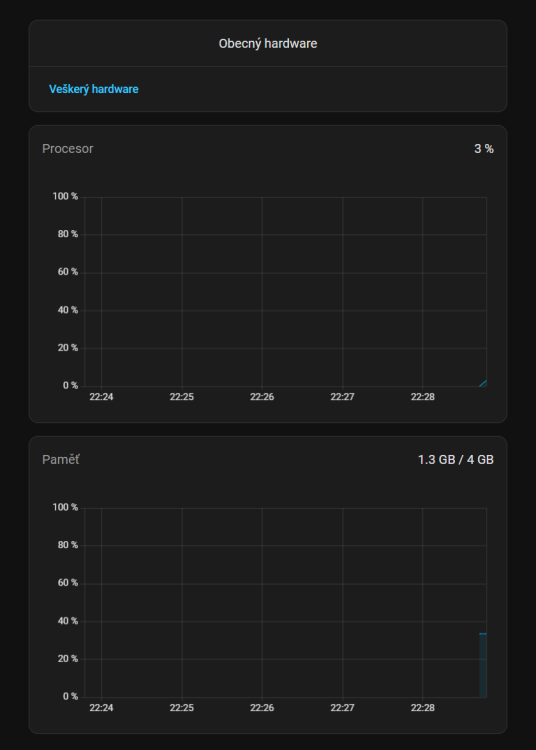
I used the one from github link shared before - dq08_ha_supervised_3.0.0_r2.img But wifi, bt and remote controler are not working afterwards. USBs seem to work fine - screenshots from HomeAssistant. I have 3 of those LinknLink iSG boxes. First one went perfect, second one was flashing there and back, eventually got it working. 3rd one is still giving me troubles 🤷♂️😅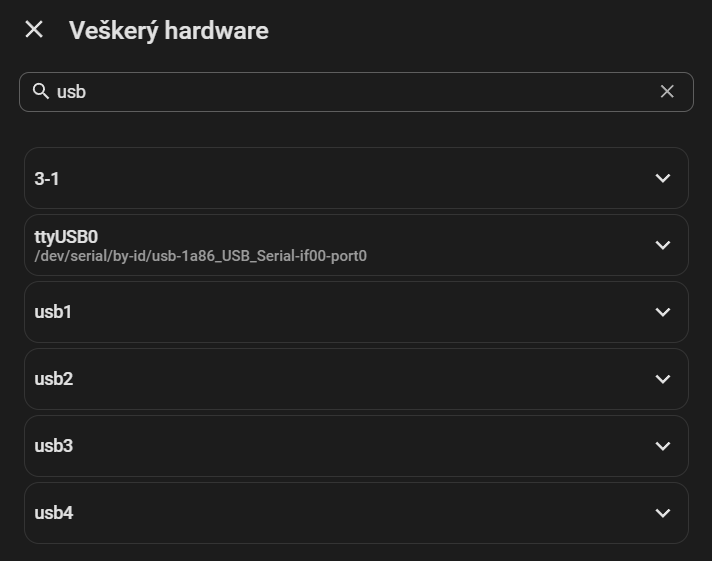
-
Good morning. Results (link above): 1) Image built upon the above link=fail 2) Placing "+CONFIG_SPL_IMAGE_TYPE_SUNXI_TOC0=y" in ~/build/patch/u-boot/u-boot-sunxi/board_x96q/arm64-sun1-h313-addr-x96q-lpddr3-defconfig.patch , adding secure-boot.patch and ~/build/patch/u-boot/u-boot-sunxi/board_x96q/sunsi-add-h616-internal-eth-phy-support.patch left untouched equals successful boot but, still, no ethernet Thanks in advance.