Active threads
Showing topics posted in for the last 365 days.
- Past hour
-
@Ryzer pcduino definitely works fine with dwc2. I cannot get OTG to work without it. I am not qulified to make any comments on whether this makes sense or is a coincidence, but if I don't load the module, it's doesn't work. For some reason, the mass storage gadget is still a little unstable in Windows (sometimes the File Explorer window shuts down for no reason), but on a Linux laptop, it is rock stable. It has also been running for two days in my car and doesn't seem to miss a beat there either (Linux host).
-
I'm putting together a build for a 3D printer, rk3308b-s board that has no ethernet, just a Fn-link wifi chip that is a knock-off of an rtl8192fs. I pulled the OEM dts and it describes the chip as an rtl8192cs. I'm pretty sure this is an out of kernel driver and my searches indicate I put source in userpatches. What do I need to add in the board/*.csc file to build to an image with the kernel module(s)? I do have a ralink ra2400, a mt7201 and some supported realtek dongles and If connected, I could git the code build and moprobe the module to test. Ideally, I would like to incorporate the driver via dkms in a armbian build. Can someone point me to the process?
- Today
-
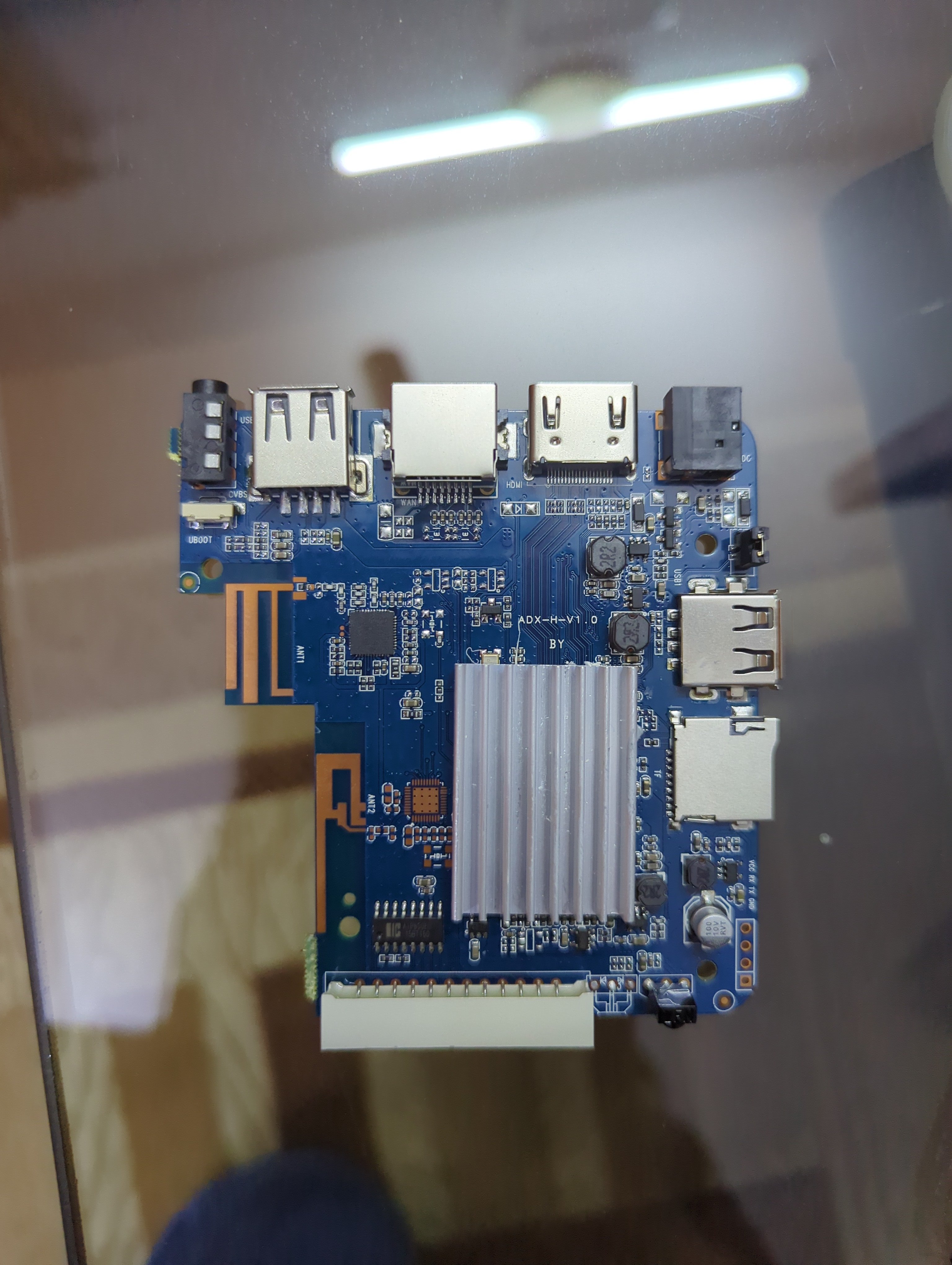
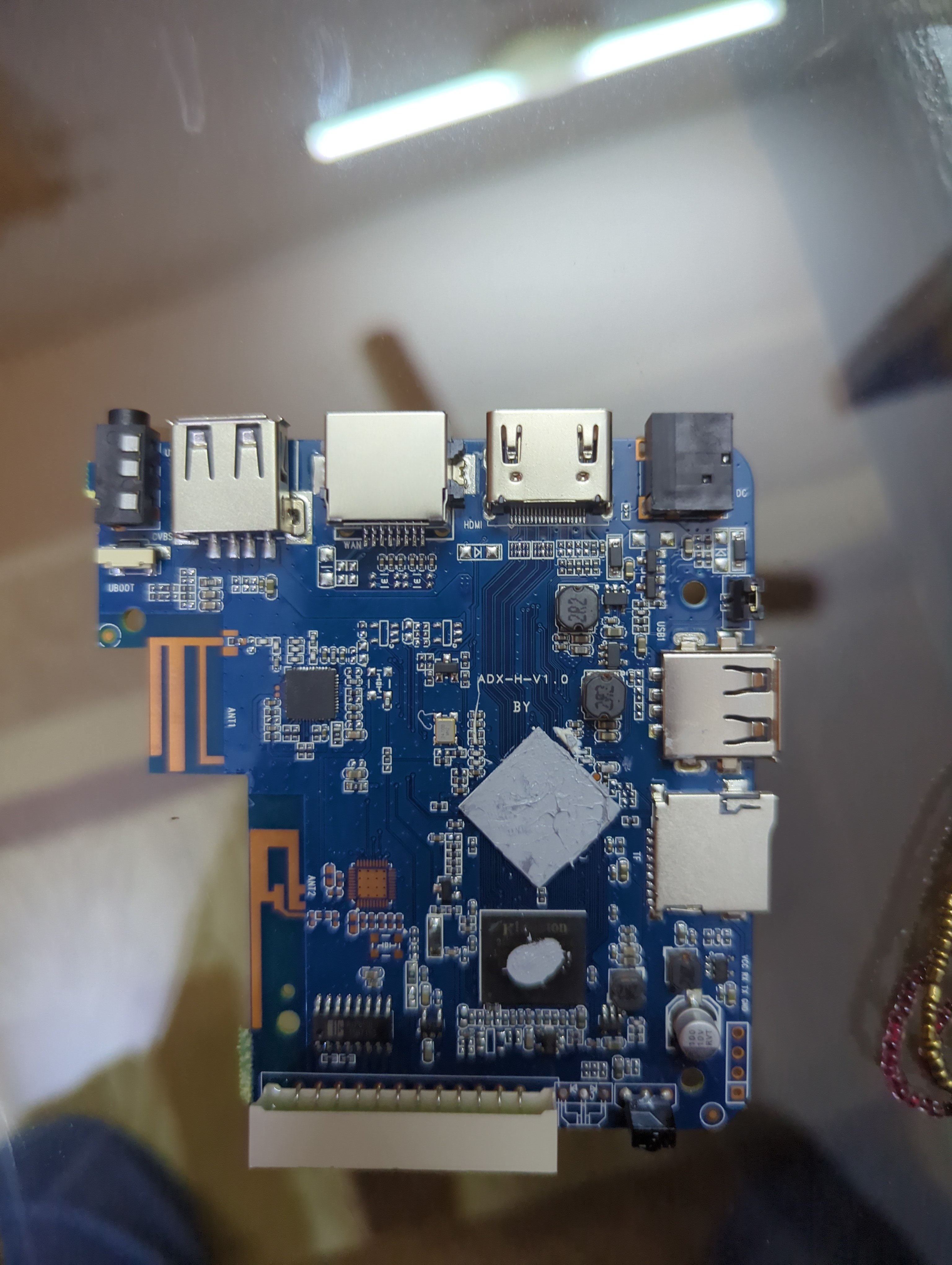
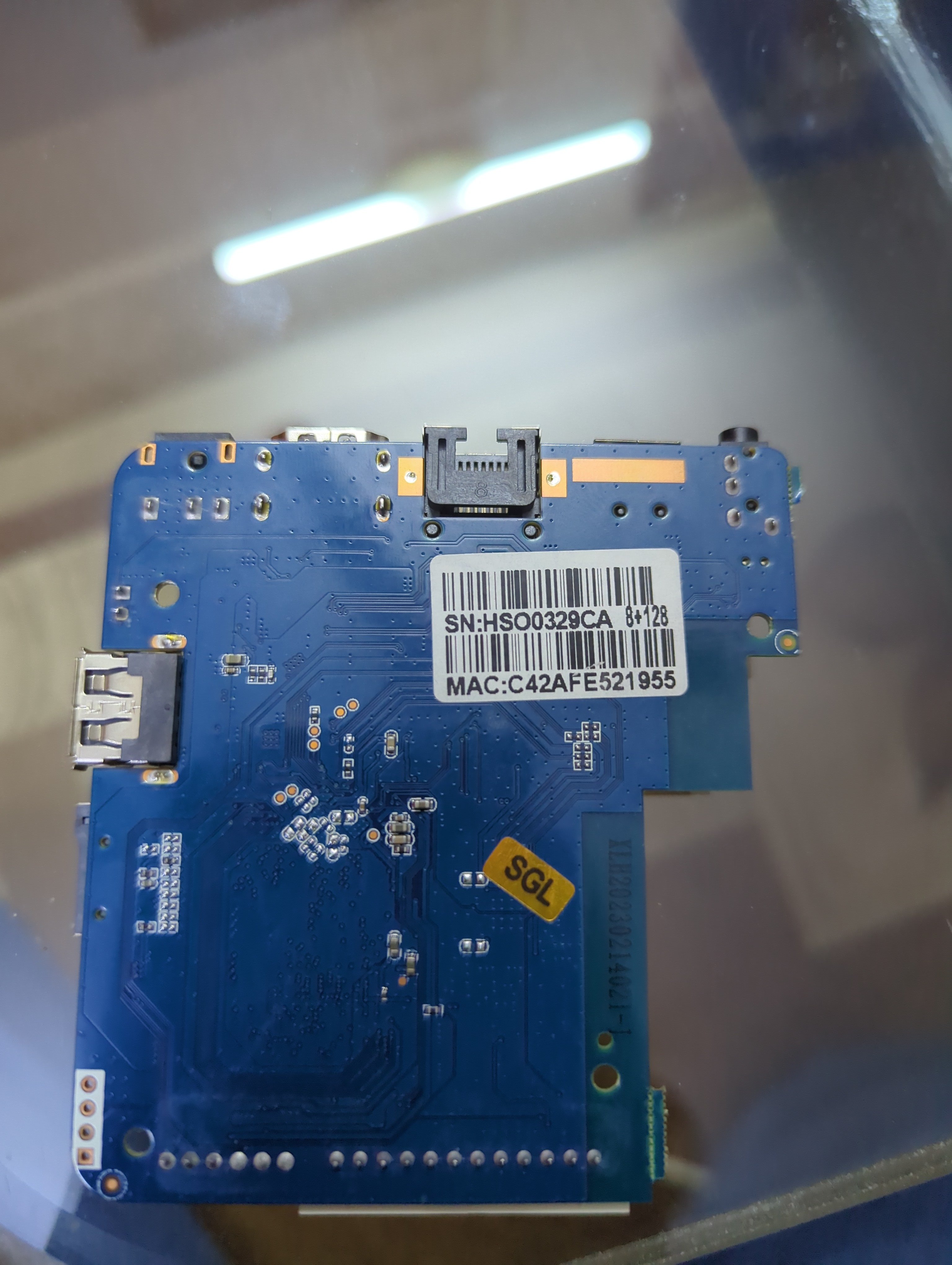
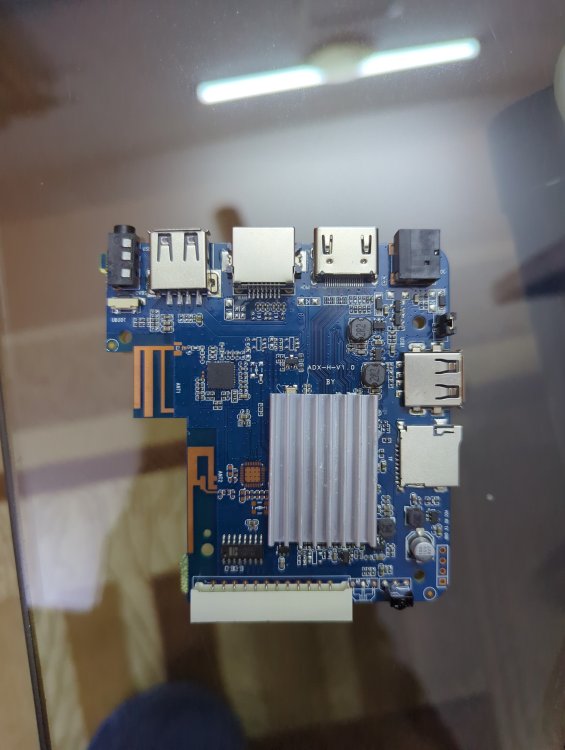
Basically it has 1 gb ROM 8gb ram h3 chip and I HAVE put many img files on SD card NONE of them boot and as soon as I take the SD card out it boots into android perfectly fine... I'm lost on words and what to do I have also tried FEL mode on linux but the request times out with error -7 power supply is 5v 2a which is fine for this so not that and I'm using a 256gb a1 rated SD card. This is from a generic Chinese tv box called meecom and it has ADX-H-V1.0 written on it. I also changed the dtb files a lot but it still gave no display or sign that it was booted into armbian idk what to do help ( btw I repasted it that's why it has no thermal putty on it)
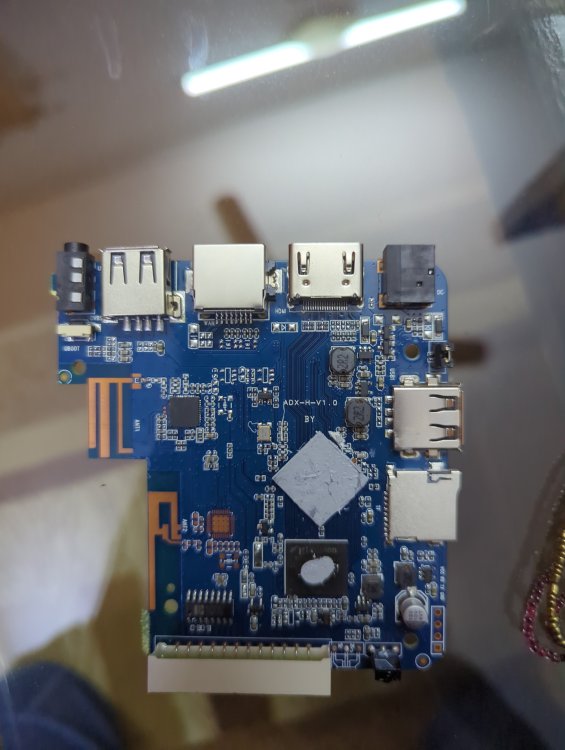
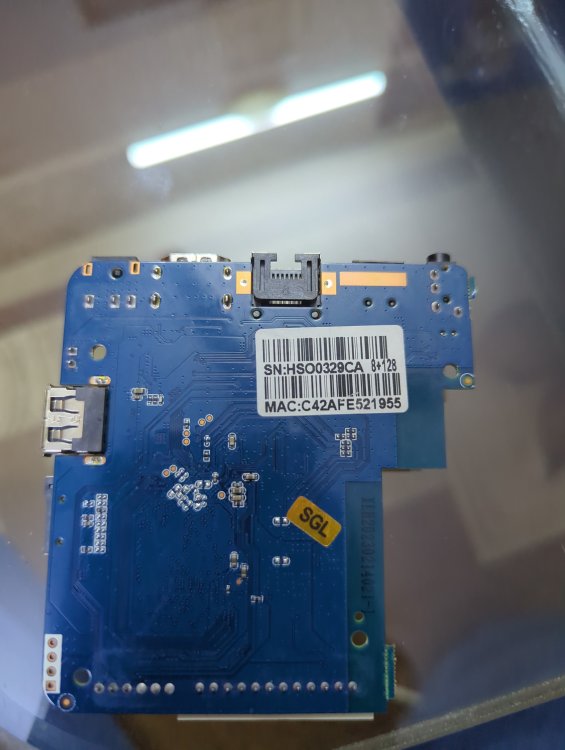
-
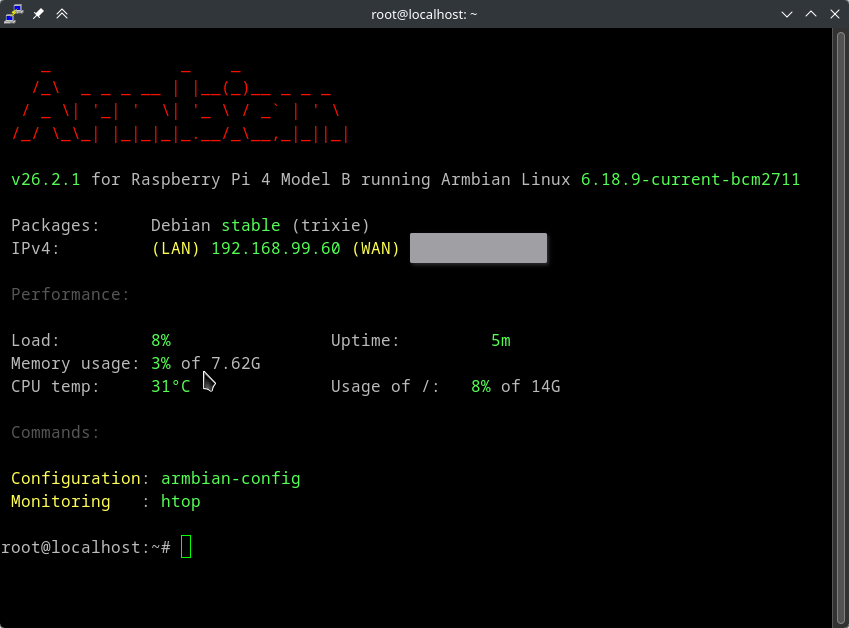
It really is as simple as possible on Armbian. Pretty good documentation too, I posted it before, but here you go again: https://docs.armbian.com/ All you have to do is to login as root from an ssh client following standards. I do not have access to a windows installation where I can confirm if what you say is true, that the ssh client does not let you login with "ssh root@xxx.xxx.xxx.xxx", so maybe you are correct, but it sounds very unlikely to me. But what I can guarantee is using an ssh client from another unix system will definitely let you connect. So use a mac or a linux computer to access. Or install wsl on windows and do it from there. https://learn.microsoft.com/en-us/windows/wsl/install Edit: I actually forgot, but I had putty installed on my system. I used it to check colors in a script I maintain and it exists in the extras repo on arch. Downloaded latest minimal image for rpi (so not same hardware as you) and... No settings changed in putty, just a standard root@192.168.99.60 that I added into the "Host Name (or IP address)" field and clicked "open". Name : putty Version : 0.83-1 So I don't know what to tell you...
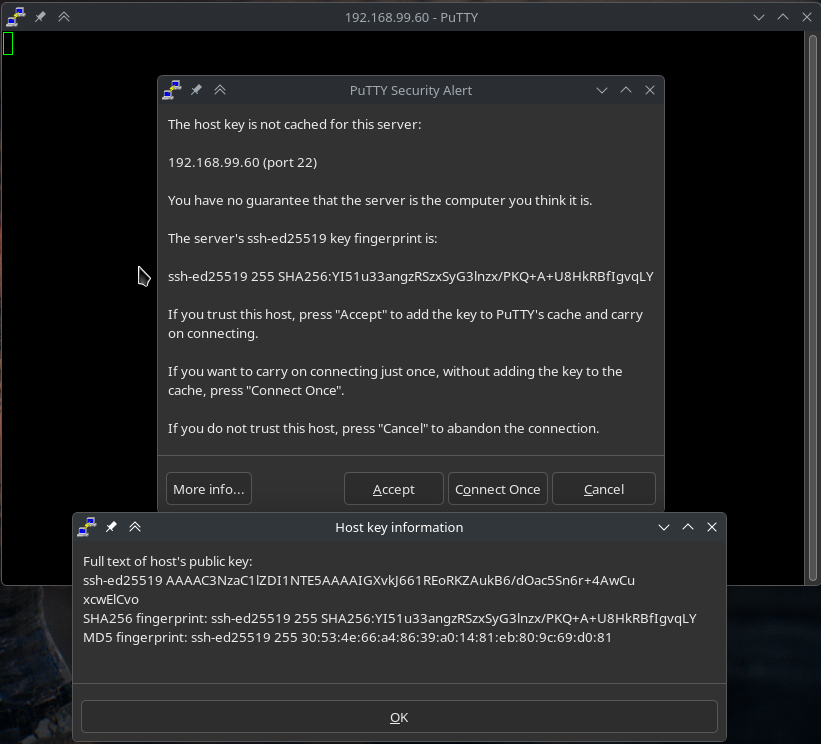
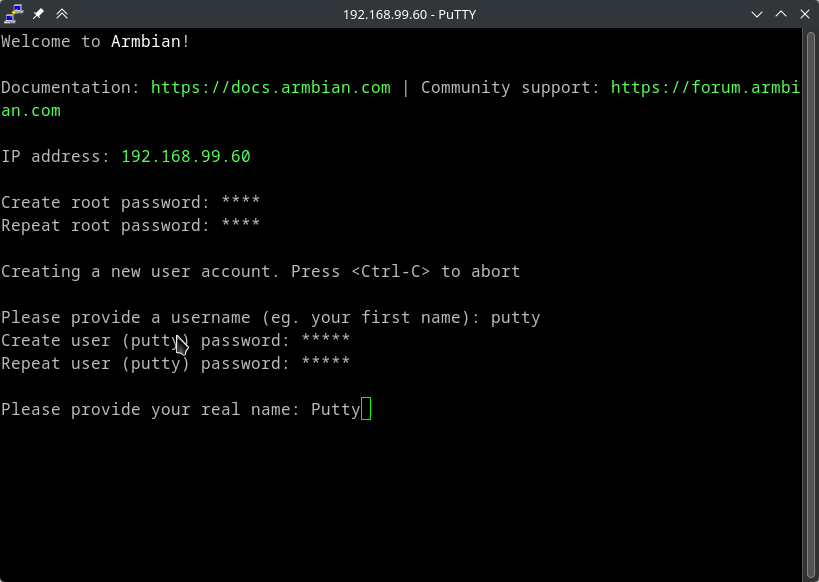
-
-

Clarification on GPL 2.0 License Applicability
tparys replied to Clark McCauley's topic in Off-topic
This seems like an excellent question for a lawyer. That said, the Armbian Build system is GPL v2, which Wikipedia has an excellent Article on, and has the following to say: That said, even if you're not distributing modifications of the build system, the final image still has GPL components. -

Gaming experience with Orange Pi 5 (RK3588) on Armbian
KhanhDTP replied to KhanhDTP's topic in Orange Pi 5
GTA V OG on Orange Pi 5+ 1080p Low DXVK / PanVK / Debian13 - Yesterday
-
 I haven't got my head around what the differences are with -copy options. I'm able to use drm-copy but it produces a small stutter when watching 1080p hevc content whereas drm is very smooth. As previously mentioned, drm-copy does allow mpv to display videos with problematic file widths instead of just a black screen. I don't understand it all enough to know why that is.
 -
I think building a new image is probably beyond me at the moment. I uninstalled the existing headers, rebooted and installed the updated headers and rebooted. The issue persists. I'm just going to give up on it. I don't really need to LCD display to work. I just wanted confirmation I wasn't missing something stupid. Thanks.
-

Orange Pi Zero 3 WiFi Issues (unisoc_wifi Driver)
ValdikSS replied to Thomas Waterfall's topic in Allwinner sunxi
I found a workaround: disabling BSS transition management from AP to STA seems to work. There won't be roaming on AP's request obviously. wpa_cli set disable_btm 1 or in Debian's interfaces configuration file: iface wlan0 inet dhcp wpa-ssid YourSSIDJere wpa-psk blablabla post-up wpa_cli set disable_btm 1 Regular roaming (device-initiated) still works fine. -
For the longest time I have struggled with Timezone for Iceland in Armbian. The initial Armbian config has Europe -> and then places in Europe, in this list then it even has exotic places like Jan Mayen and or Swalbard (I forgot which ?). But it does not have Iceland at all. I know at this point in time (at initial install you can manually enter in some time zone format also). If you go in Armbian Config after it has been installed then the Armbian Config tool only displays Cities, so at this point in time you have missed the chance to enter it in the time zone format. Iceland uses UTC / GMT0, as in same time as London half of the year, but differs by one hour the other half since we do not have daylight savings like they have. I guess what I am asking for is something equal to this in the setup windows both in intial setup and in the Armbian Config sudo timedatectl set-timezone Atlantic/Reykjavik
-
so im currently running v25.11.2 for Orange Pi 5 running Armbian Linux 6.1.115-vendor-rk35xx did i will get same problem if upgrade to the latest build?
-

oops when I restart - works fine if I shut down and cold boot.
xsetiadi replied to jondowd's topic in Orange Pi 5
how do you solve this man? im also have this issue using v25.11.2 for Orange Pi 5 running Armbian Linux 6.1.115-vendor-rk35xx im using official power adapter. so i guess nothing wrong with my power. can we fix this without reinstalling the entire os? i have several running container and services. -

Vontar KK MAX / HK1 RBOX R2 / R3 - RK3566 4GB/32GB(or 64GB)
Deoptim replied to Deoptim's topic in Rockchip CPU Boxes
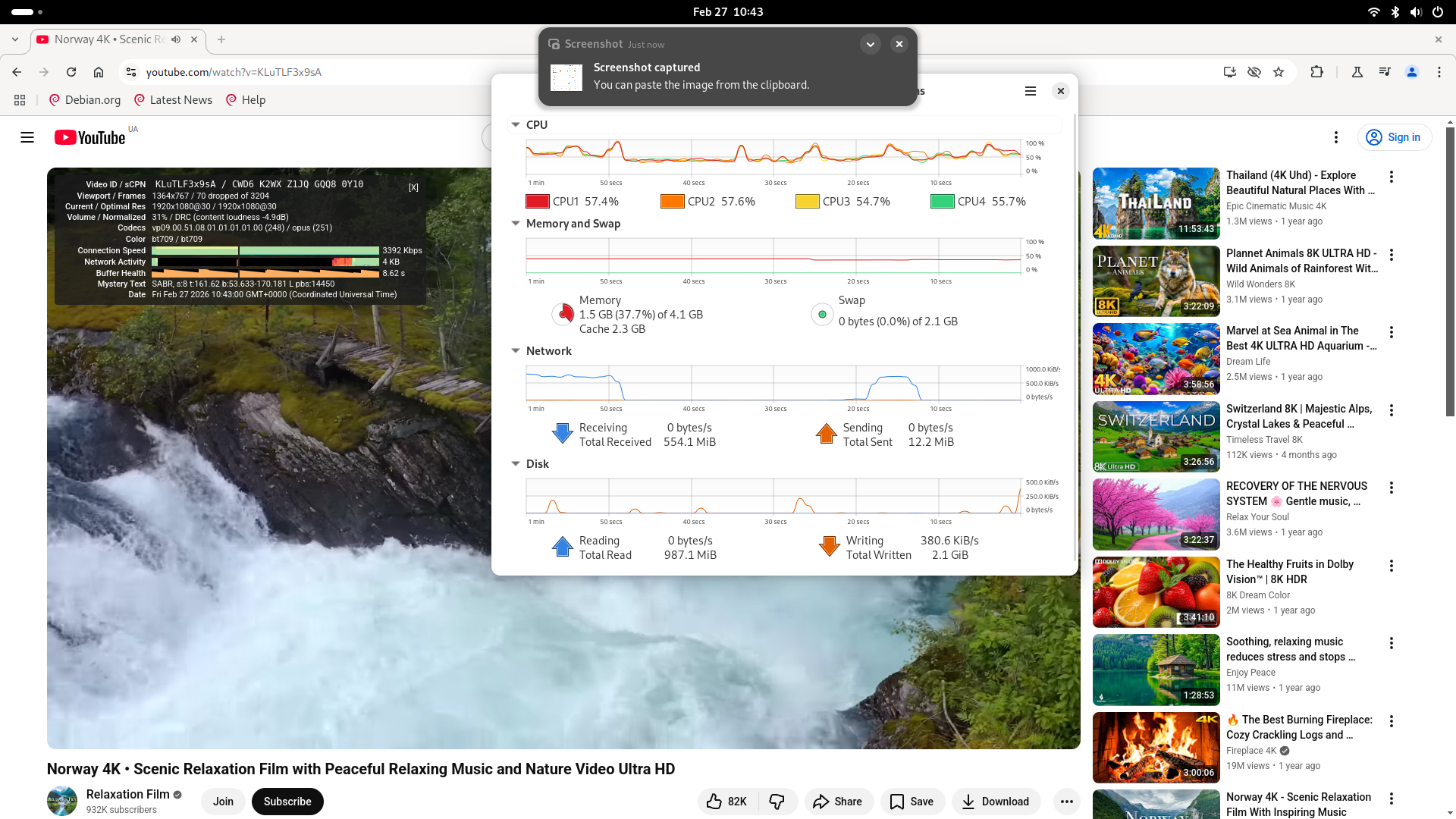
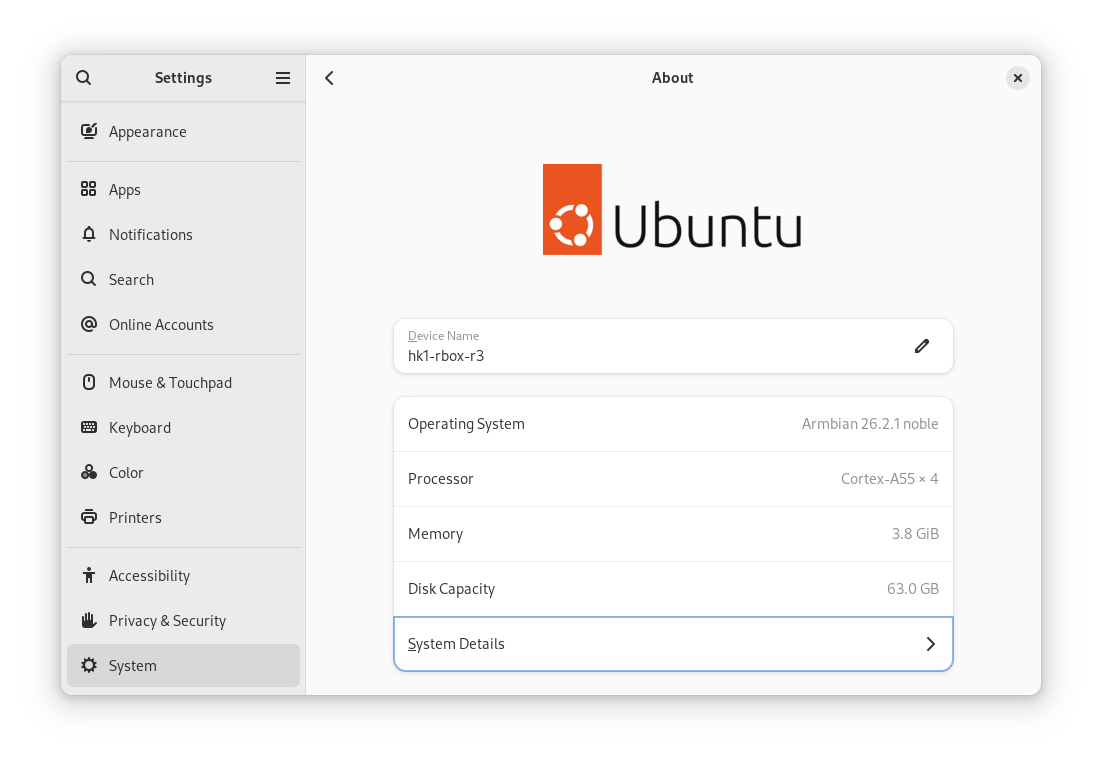
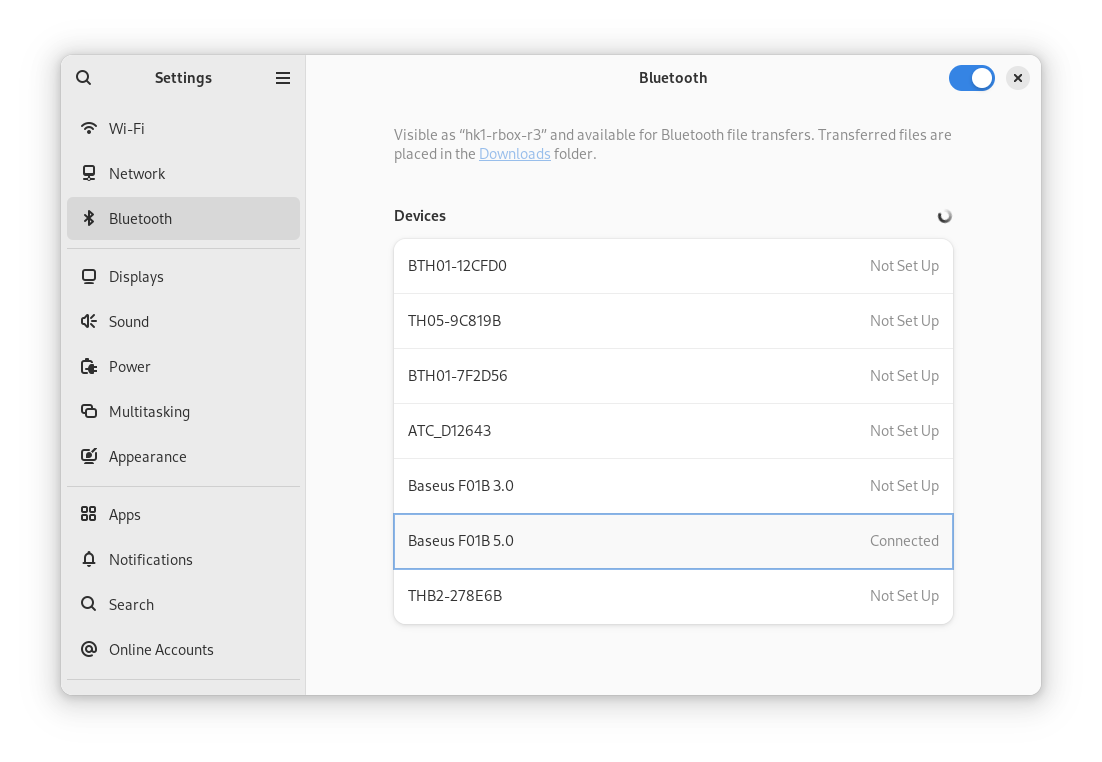
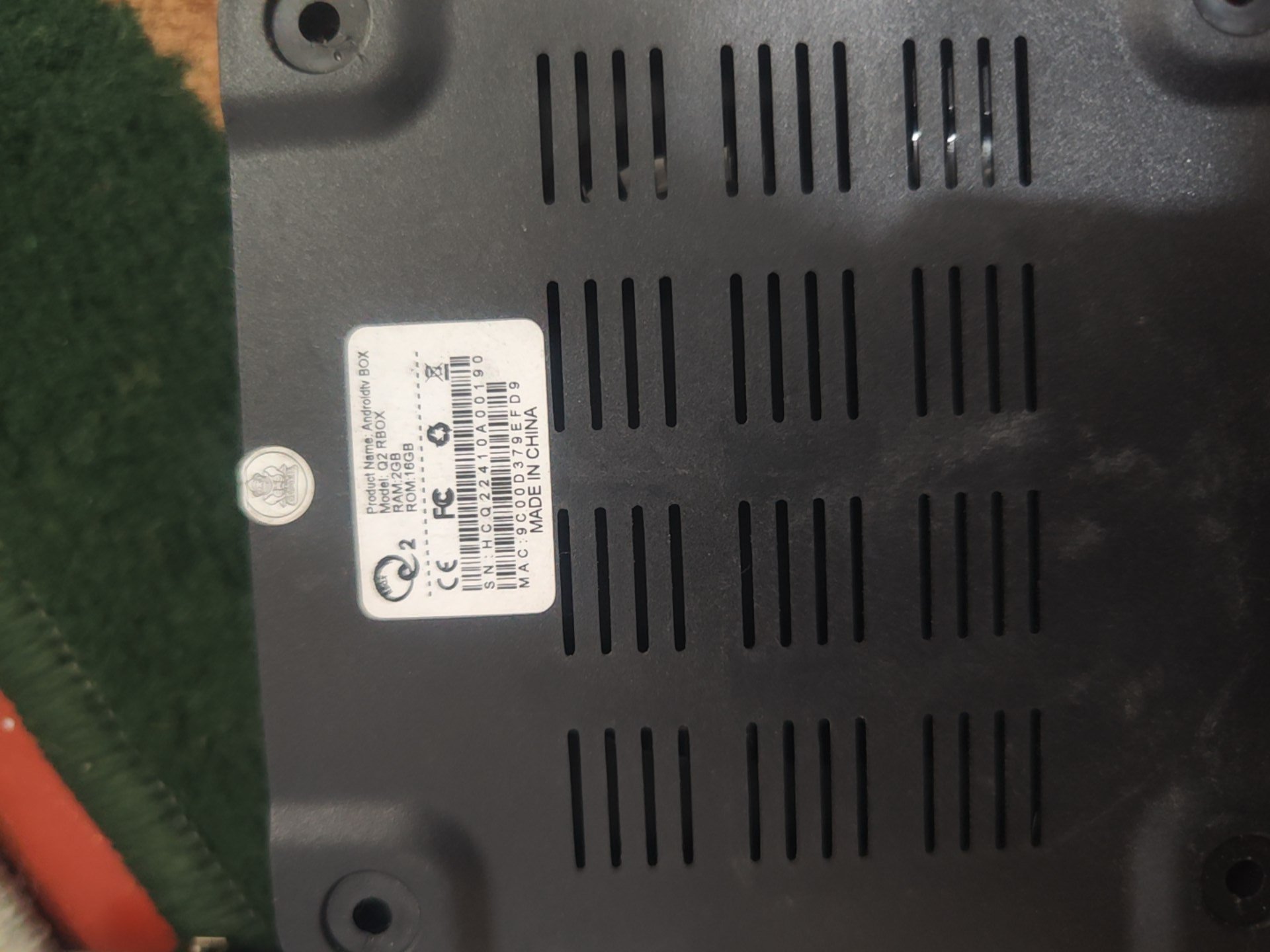
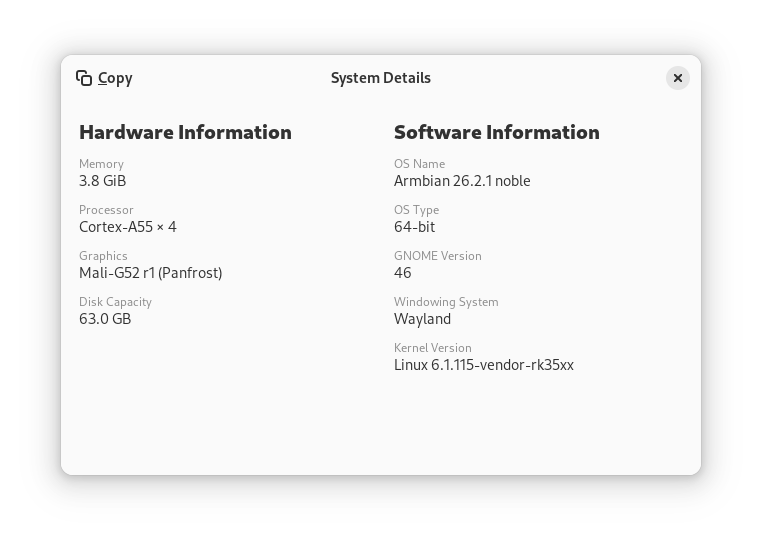
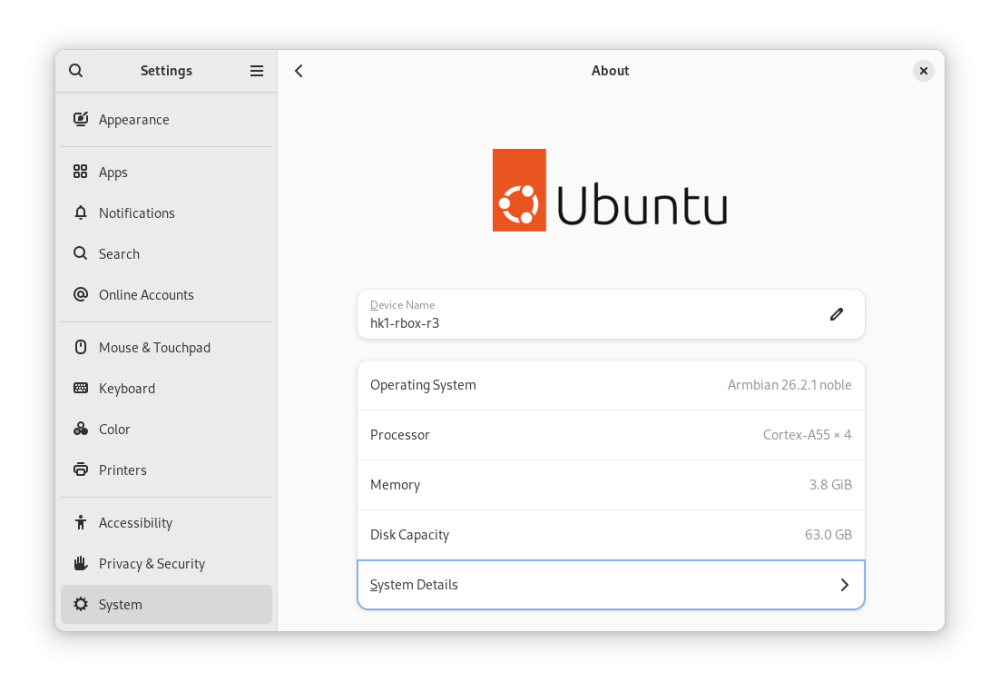
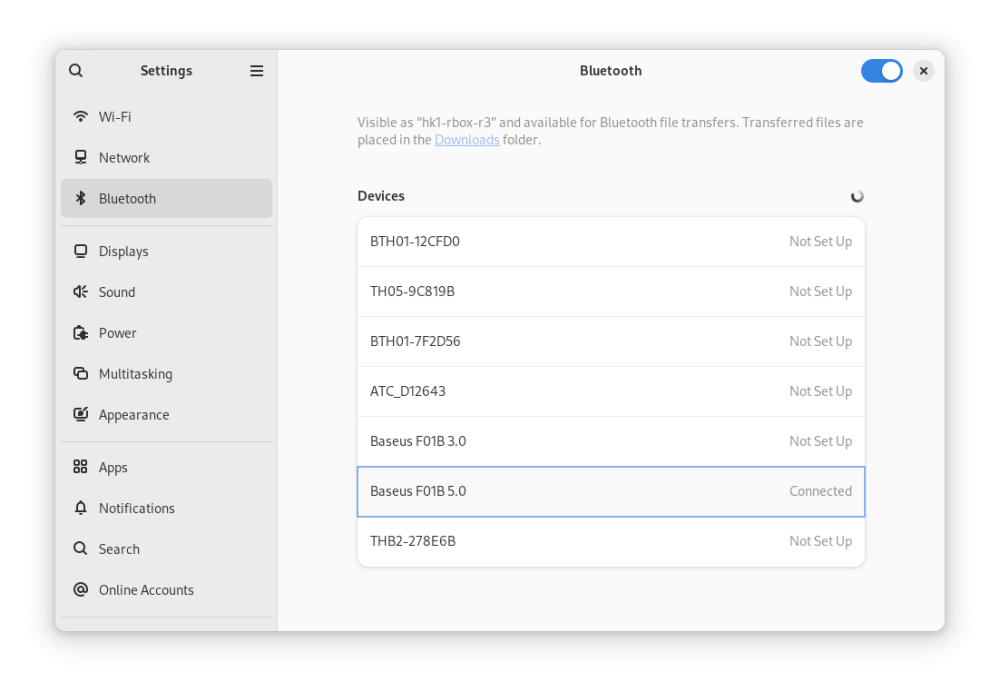
Here are the modified latest official Armbian-supported images for Radxa Zero 3W/3E. Everything works for me, including hardware-accelerated YouTube playback in Chromium (however, with a caveat): Armbian_26.2.1_hk1-rbox-r3_trixie_vendor_6.1.115_minimal.img.xz Armbian_26.2.1_hk1-rbox-r3_noble_vendor_6.1.115_gnome_desktop.img.xz MD5: 28654e87a39ac3e0b2bec4ce4211f5ca *Armbian_26.2.1_hk1-rbox-r3_noble_vendor_6.1.115_gnome_desktop.img.xz ce74829c43c6d27b02bdf314580c4dc4 *Armbian_26.2.1_hk1-rbox-r3_trixie_vendor_6.1.115_minimal.img.xz What you MUST do after installing Armbian: Freeze auto-updates for the bootloader and DTB (kernel updates are OK, except for these two packages since we use a different bootloader, not for Radxa Zero 3): sudo apt-mark hold linux-u-boot-radxa-zero3-vendor linux-dtb-vendor-rk35xx Install dependencies for hardware-accelerated playback Youtube in Chromium: sudo apt update sudo apt install chromium-codecs-ffmpeg-extra ffmpeg In Chromium, install the enhanced-h264ify extension. Then, in the extension's options, leave only AV1 disabled (i.e., enable VP8 and VP9). Screenshots: Instructions on how to modify any Armbian image yourself: Source: 4PDA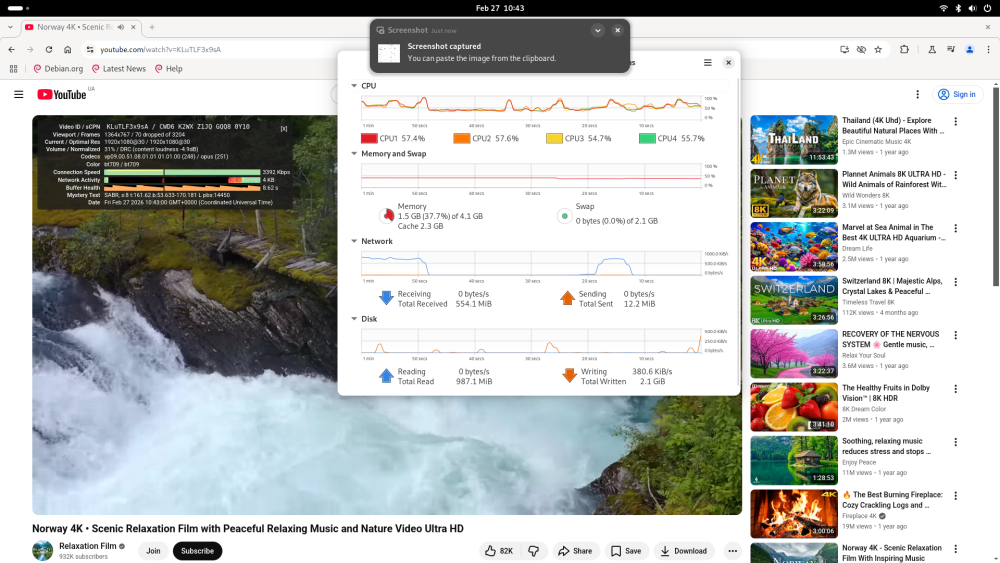
-

Armbian Debian suggestion
Fabricio Martínez Tamayo replied to Fabricio Martínez Tamayo's topic in Off-topic
I always use minimal CLI and deploy k3s. Might be the request amounts are too many or who knows. But the service hangs and stops working. Just my 2 cents. - Last week
-
Maybe this comment and thread have a hint for you https://forum.armbian.com/topic/47971-driving-the-ili9488-lcd-40-inch-cheap-chinese-clone/#findComment-229274 I don't own a waveshare LCD... but I would also like to know if its possible to make it work with Armbian
-
I'm on the current Debian Trixie build Armbian 26.2.1 Minimal / IOT, and Wifi is not working. What are the current suggestions to get it back up on BigTreeTech CB1?
-
Looks like the same adjustment that was made for EDGE needs to be done so for CURRENT.
-

Concerns before trying to boot Armbian from SD card on GS King-X
marfalk replied to marfalk's topic in Amlogic CPU Boxes
Sorry for my late reply (been very busy in the last couple of days). No, reboot does not work either: same freeze. Anyway it's a software issue and that's unfortunate for Armbian, because shut down and reboot for my device work flawlessly with CoreElec. I hope in a future improvement. -
Thanks for the advice.
-
 I'm back Asking for help on Radxa discord i got the answer to check for the FPC ("Flexible Printed Circuit") cable pin orientation and run lspci next. Turns out it was the cable all along, lspci returned: # lspci 00:00.0 PCI bridge: Rockchip Electronics Co., Ltd Device 3576 (rev 01) 01:00.0 SATA controller: ASMedia Technology Inc. ASM1062 Serial ATA Controller (rev 02) and lsblk shows: # lsblk NAME MAJ:MIN RM SIZE RO TYPE MOUNTPOINTS sda 8:0 0 4.5T 0 disk └─sda1 8:1 0 4.5T 0 part sdb 8:16 0 223.6G 0 disk └─sdb1 8:17 0 223.6G 0 part mtdblock0 31:0 0 16M 0 disk mmcblk1 179:0 0 59.5G 0 disk ├─mmcblk1p1 179:1 0 16M 0 part /config ├─mmcblk1p2 179:2 0 300M 0 part /boot/efi └─mmcblk1p3 179:3 0 59.2G 0 part / zram0 253:0 0 1.9G 0 disk [SWAP] So now it works and i can carry on with making my NAS 😇
 -

HDMI audio multichannel wrong mapping (in 6.18.12-current-rockchip64)
MaxT replied to DeVILRuNNeR's topic in NanoPi R6S/R6C
Probably the easiest way to assess chances is to submit PR. -
 Support for Rockchip’s VDPU381 and VDPU383 decoders is now upstream in Linux, bringing mainline H.264/HEVC decode support, robust IOMMU-reset recovery, and new HEVC V4L2 UAPI controls aligned with Vulkan Video. View the full article
 -
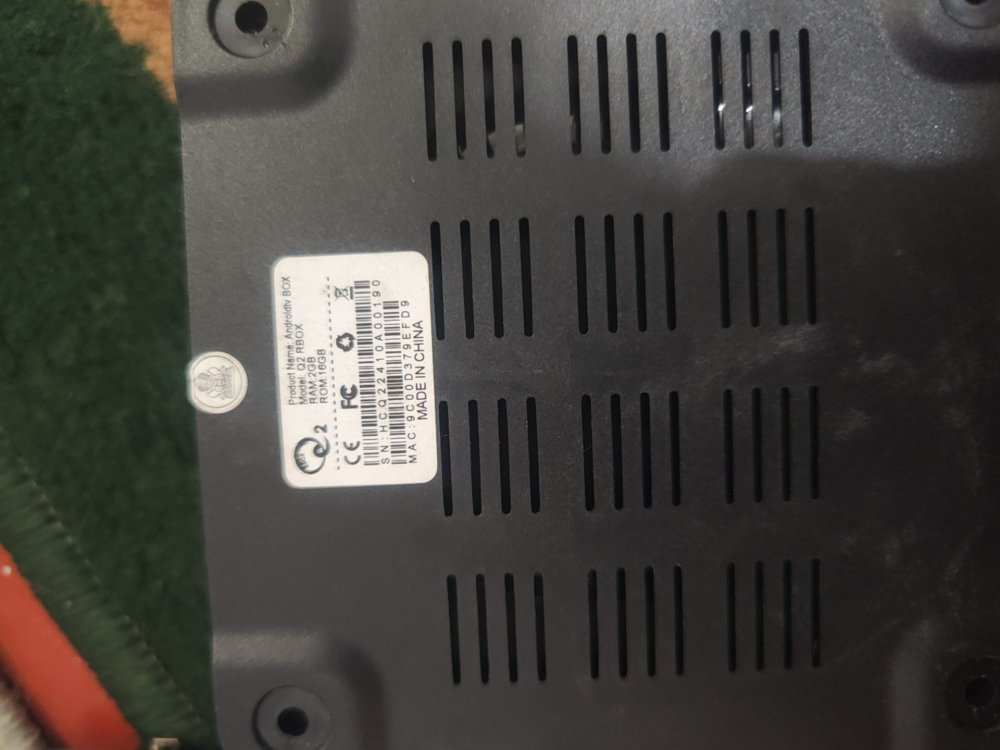
Hello ik316q-emcp_v6.0 full dump please
-
Hello. After burning Efuse to the Nanopi Neo Core, I can't boot from emmc. It works from the SD card, so I try loading everything into emmc: spl, uboot. But spl doesn't find u-boot, as far as I understand. I'm using the u-boot and dts config from the Nanopi Neo, with some edits to mmc2, since it's not available in the Neo. U-Boot SPL 2024.07 (Feb 25 2026 - 15:51:42 +0300) DRAM: 512 MiB Trying to boot from MMC1 CMD_SEND:0 ARG 0x00000000 MMC_RSP_NONE CMD_SEND:8 ARG 0x000001aa RET -110 CMD_SEND:55 ARG 0x00000000 RET -110 CMD_SEND:0 ARG 0x00000000 MMC_RSP_NONE CMD_SEND:1 ARG 0x00000000 RET -110 Card did not respond to voltage select! : -110 spl: mmc init failed with error: -95 SPL: failed to boot from all boot devices ### ERROR ### Please RESET the board ###