Active threads
Showing topics posted in for the last 365 days.
- Past hour
-
As someone not familiar with all the ins and outs of GPL specifically, how does GPL in the armbian/build project play with userpatches? Is it expected that a commercial hardware device using Armbian would need to open-source the customize-image.sh script? Thanks!
-

Vontar KK MAX / HK1 RBOX R2 / R3 - RK3566 4GB/32GB(or 64GB)
Deoptim replied to Deoptim's topic in Rockchip CPU Boxes
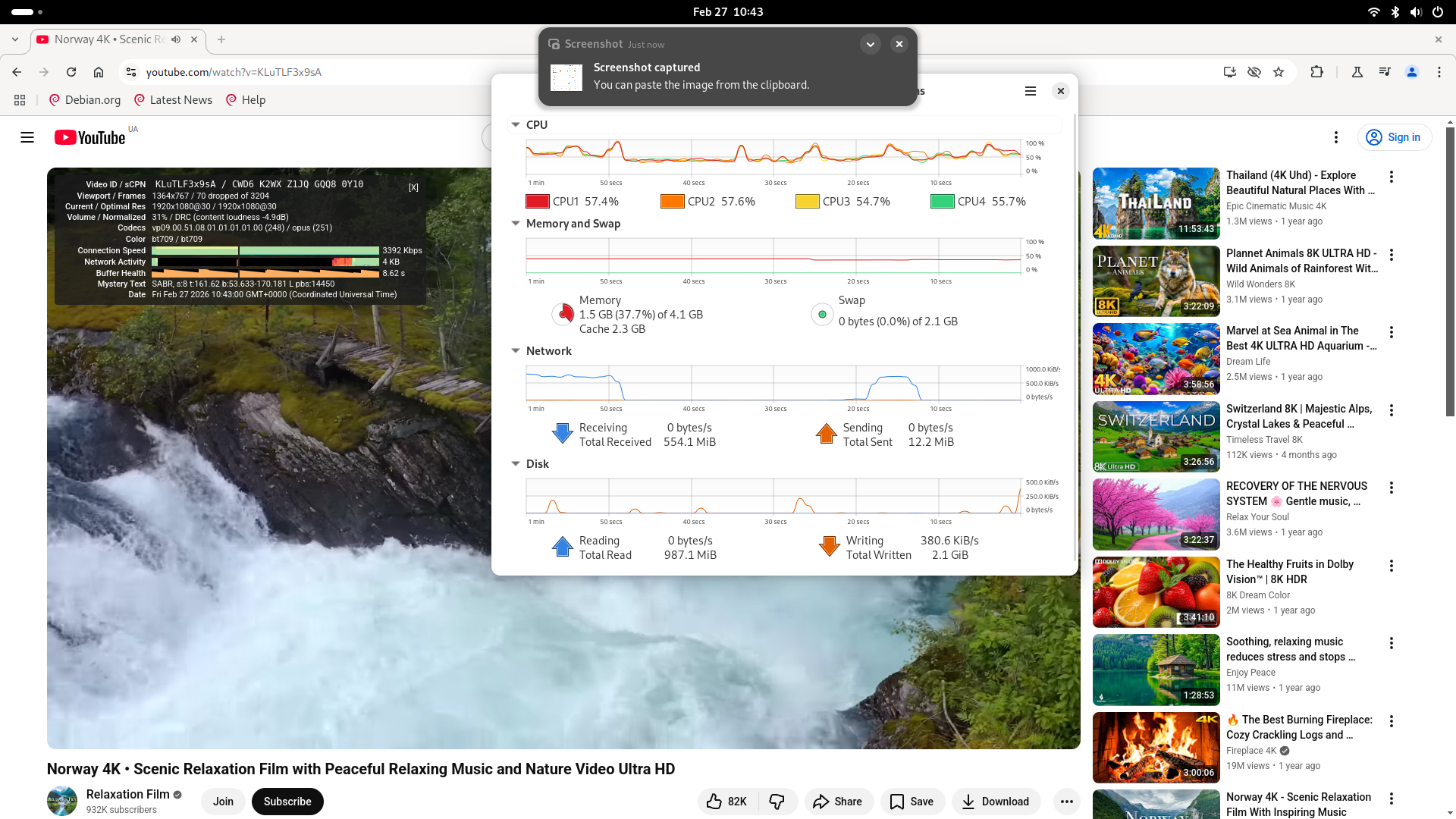
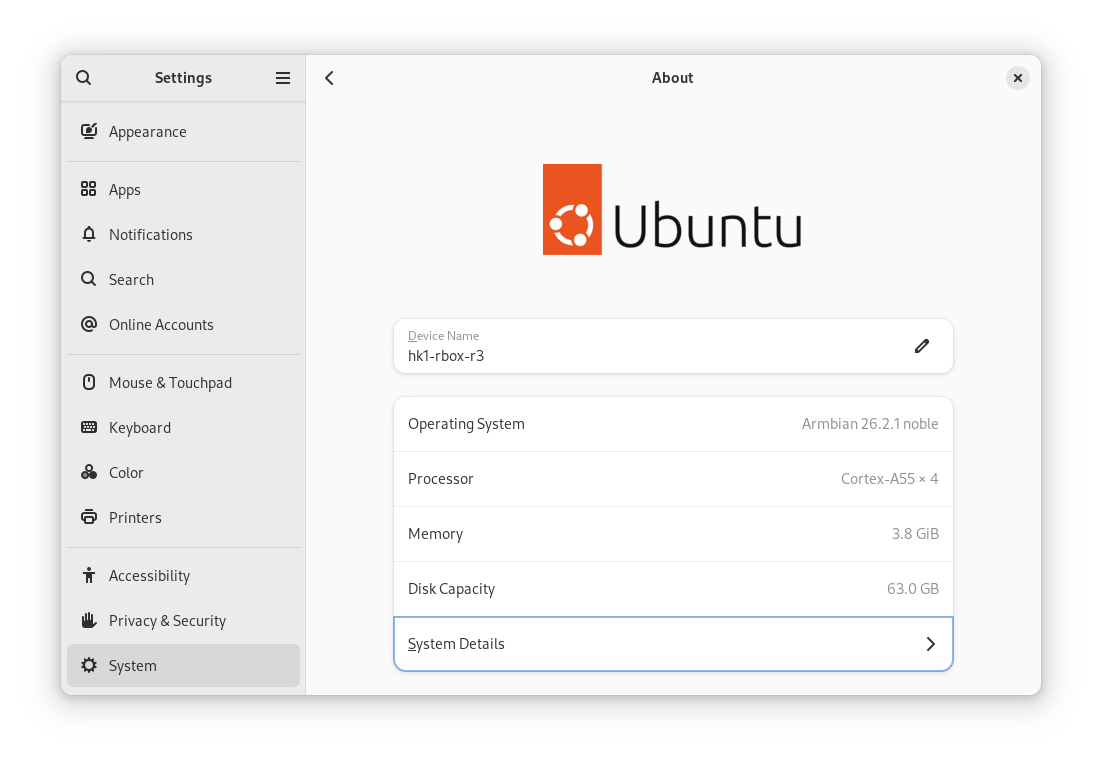
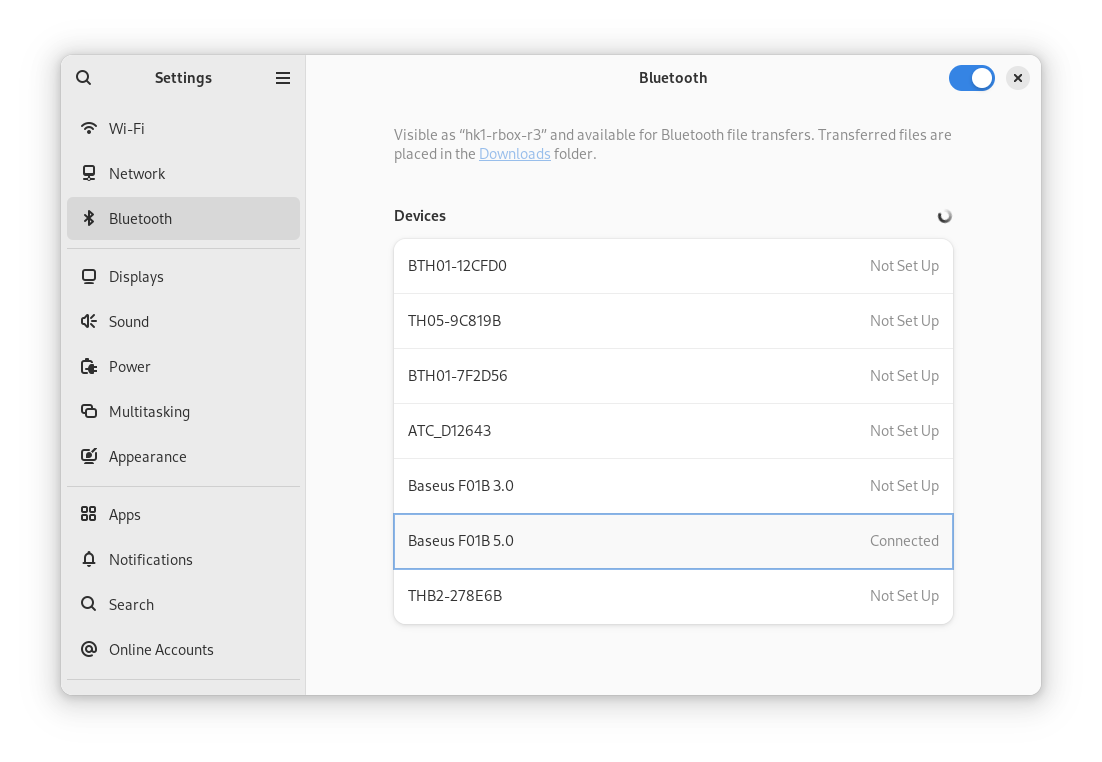
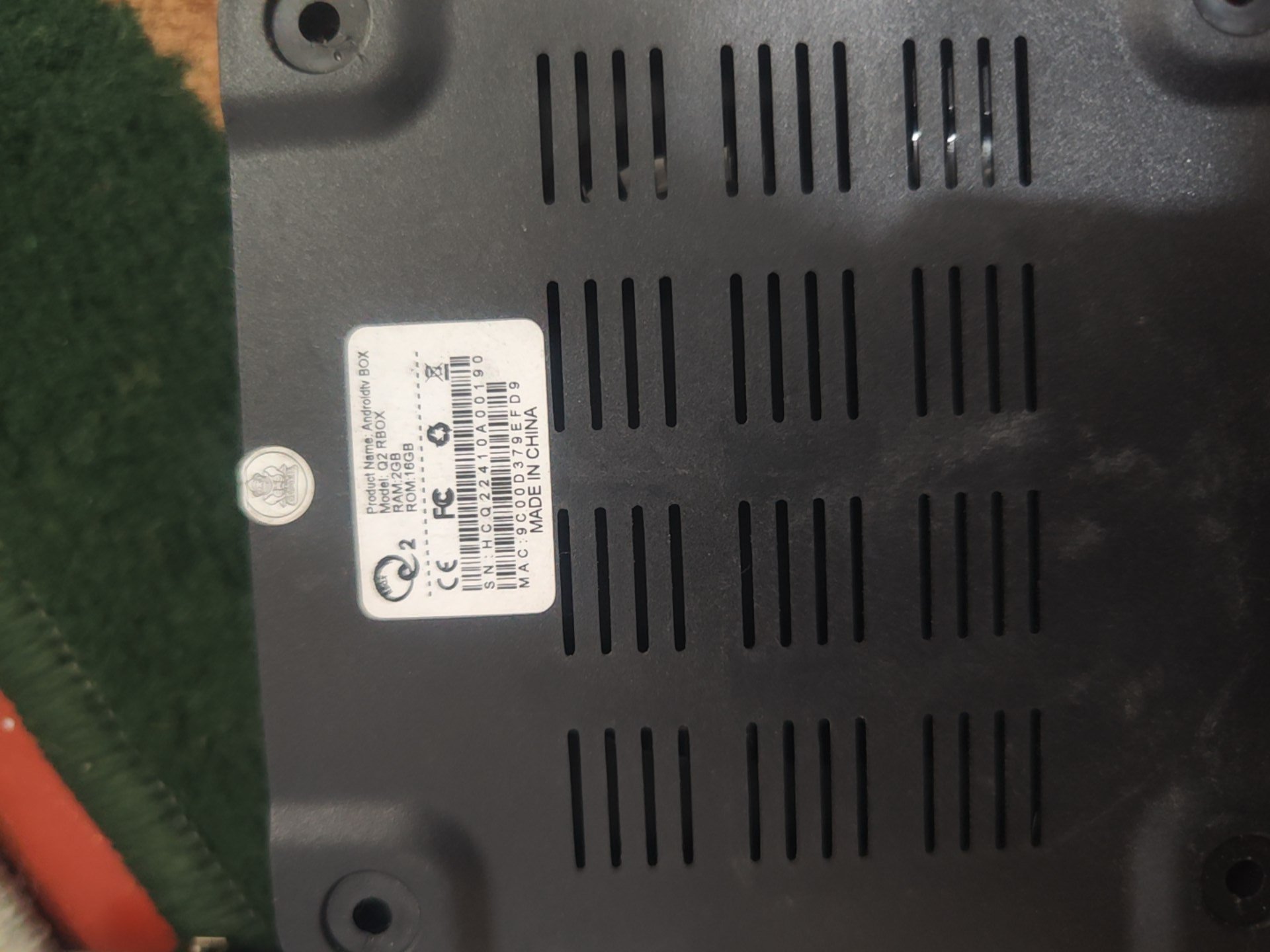
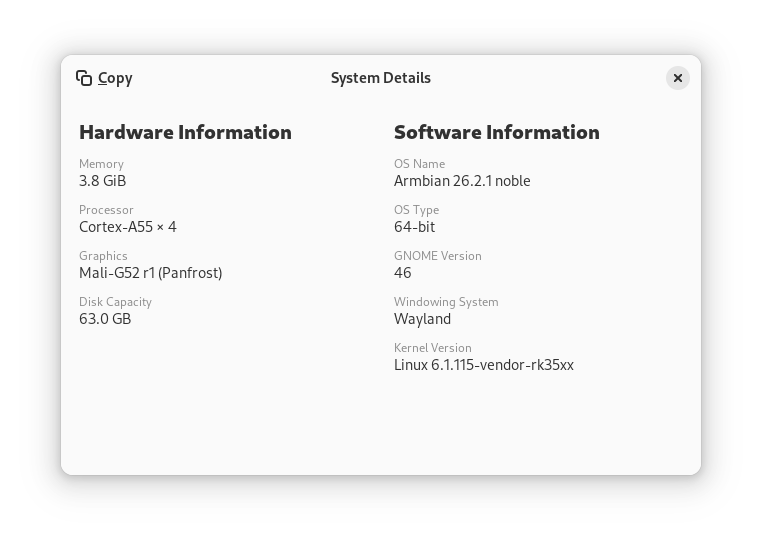
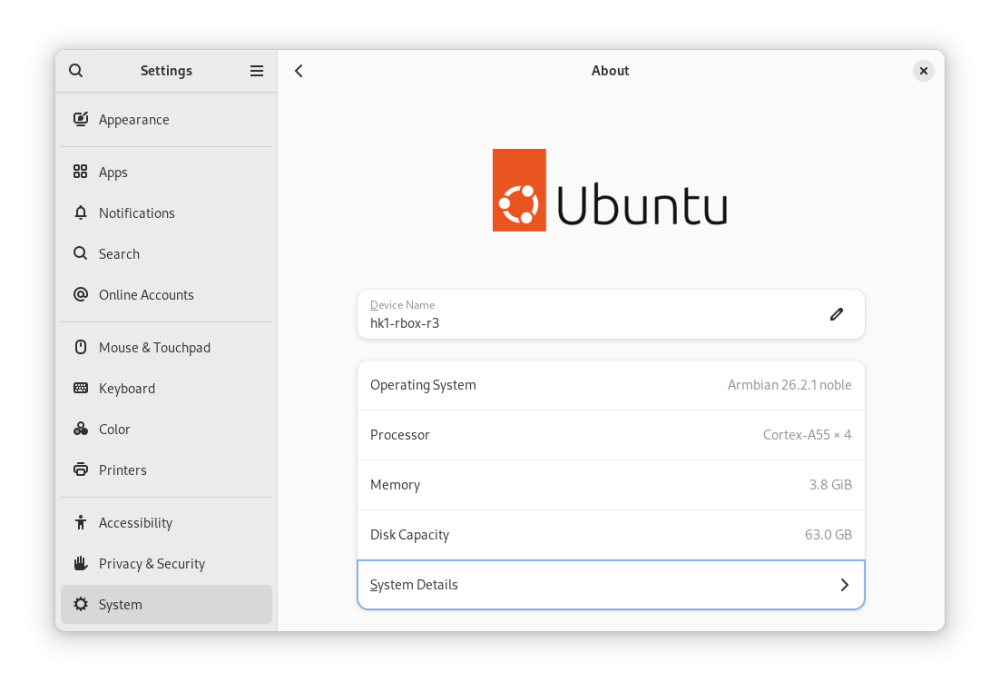
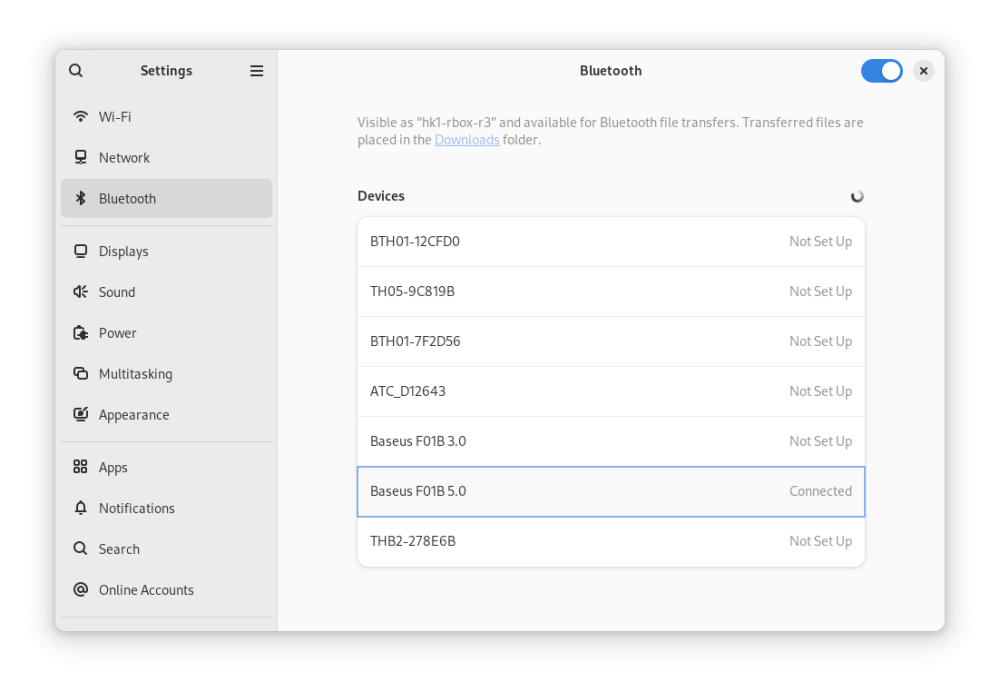
Here are the modified latest official Armbian-supported images for Radxa Zero 3W/3E. Everything works for me, including hardware-accelerated YouTube playback in Chromium (however, with a caveat): Armbian_26.2.1_hk1-rbox-r3_trixie_vendor_6.1.115_minimal.img.xz Armbian_26.2.1_hk1-rbox-r3_noble_vendor_6.1.115_gnome_desktop.img.xz MD5: 28654e87a39ac3e0b2bec4ce4211f5ca *Armbian_26.2.1_hk1-rbox-r3_noble_vendor_6.1.115_gnome_desktop.img.xz ce74829c43c6d27b02bdf314580c4dc4 *Armbian_26.2.1_hk1-rbox-r3_trixie_vendor_6.1.115_minimal.img.xz What you MUST do after installing Armbian: Freeze auto-updates for the bootloader and DTB (kernel updates are OK, except for these two packages since we use a different bootloader, not for Radxa Zero 3): sudo apt-mark hold linux-u-boot-radxa-zero3-vendor linux-dtb-vendor-rk35xx Install dependencies for hardware-accelerated playback Youtube in Chromium: sudo apt update sudo apt install chromium-codecs-ffmpeg-extra ffmpeg In Chromium, install the enhanced-h264ify extension. Then, in the extension's options, leave only AV1 disabled (i.e., enable VP8 and VP9). Screenshots: Instructions on how to modify any Armbian image yourself: Source: 4PDA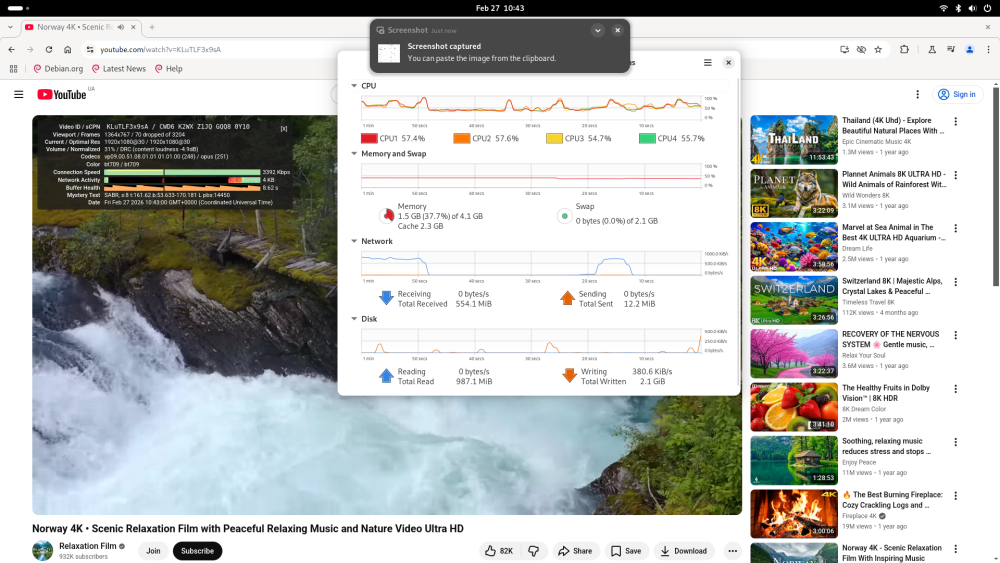
- Today
-
@BoringNameHave you tried building a new image? Use the image and kernel headers from that specific build. I believe the problem exists because the DTS source was updated after the header release. I think this only effects the X98H. I updated the linux kernel headers. https://github.com/NickAlilovic/build/releases/download/20250306/linux-headers-edge-sunxi64_25.05.0-trunk_arm64__6.12.11-S62b2-Da873-P6755-C1a9bH02eb-HK01ba-Vc222-B9bbb-R448a.deb
-
 This repo is a bit behind what you are running. drm has been changed to v4l2request. I'm going to assume you have hwdec=v4l2request in your mpv.conf file.
 -
So we are perhaps looking at potential changes on SSH app / encrypting introduced in Debian Trixie? That affects certain clients. On Armbian side - we didn't change anything in this regard. Eventually we will get down to why this doesn't work. Software developers have to learn how to live with constant frustration. It never goes away ...
-

Armbian Debian suggestion
Fabricio Martínez Tamayo replied to Fabricio Martínez Tamayo's topic in Off-topic
I always use minimal CLI and deploy k3s. Might be the request amounts are too many or who knows. But the service hangs and stops working. Just my 2 cents. - Yesterday
-
Maybe this comment and thread have a hint for you https://forum.armbian.com/topic/47971-driving-the-ili9488-lcd-40-inch-cheap-chinese-clone/#findComment-229274 I don't own a waveshare LCD... but I would also like to know if its possible to make it work with Armbian
-
I'm on the current Debian Trixie build Armbian 26.2.1 Minimal / IOT, and Wifi is not working. What are the current suggestions to get it back up on BigTreeTech CB1?
-
Looks like the same adjustment that was made for EDGE needs to be done so for CURRENT.
-

Concerns before trying to boot Armbian from SD card on GS King-X
marfalk replied to marfalk's topic in Amlogic CPU Boxes
Sorry for my late reply (been very busy in the last couple of days). No, reboot does not work either: same freeze. Anyway it's a software issue and that's unfortunate for Armbian, because shut down and reboot for my device work flawlessly with CoreElec. I hope in a future improvement. -
Thanks for the advice.
- Last week
-
 I'm back Asking for help on Radxa discord i got the answer to check for the FPC ("Flexible Printed Circuit") cable pin orientation and run lspci next. Turns out it was the cable all along, lspci returned: # lspci 00:00.0 PCI bridge: Rockchip Electronics Co., Ltd Device 3576 (rev 01) 01:00.0 SATA controller: ASMedia Technology Inc. ASM1062 Serial ATA Controller (rev 02) and lsblk shows: # lsblk NAME MAJ:MIN RM SIZE RO TYPE MOUNTPOINTS sda 8:0 0 4.5T 0 disk └─sda1 8:1 0 4.5T 0 part sdb 8:16 0 223.6G 0 disk └─sdb1 8:17 0 223.6G 0 part mtdblock0 31:0 0 16M 0 disk mmcblk1 179:0 0 59.5G 0 disk ├─mmcblk1p1 179:1 0 16M 0 part /config ├─mmcblk1p2 179:2 0 300M 0 part /boot/efi └─mmcblk1p3 179:3 0 59.2G 0 part / zram0 253:0 0 1.9G 0 disk [SWAP] So now it works and i can carry on with making my NAS 😇
 -

HDMI audio multichannel wrong mapping (in 6.18.12-current-rockchip64)
MaxT replied to DeVILRuNNeR's topic in NanoPi R6S/R6C
Probably the easiest way to assess chances is to submit PR. -
 Support for Rockchip’s VDPU381 and VDPU383 decoders is now upstream in Linux, bringing mainline H.264/HEVC decode support, robust IOMMU-reset recovery, and new HEVC V4L2 UAPI controls aligned with Vulkan Video. View the full article
 -
Hello ik316q-emcp_v6.0 full dump please
-
Hello. After burning Efuse to the Nanopi Neo Core, I can't boot from emmc. It works from the SD card, so I try loading everything into emmc: spl, uboot. But spl doesn't find u-boot, as far as I understand. I'm using the u-boot and dts config from the Nanopi Neo, with some edits to mmc2, since it's not available in the Neo. U-Boot SPL 2024.07 (Feb 25 2026 - 15:51:42 +0300) DRAM: 512 MiB Trying to boot from MMC1 CMD_SEND:0 ARG 0x00000000 MMC_RSP_NONE CMD_SEND:8 ARG 0x000001aa RET -110 CMD_SEND:55 ARG 0x00000000 RET -110 CMD_SEND:0 ARG 0x00000000 MMC_RSP_NONE CMD_SEND:1 ARG 0x00000000 RET -110 Card did not respond to voltage select! : -110 spl: mmc init failed with error: -95 SPL: failed to boot from all boot devices ### ERROR ### Please RESET the board ###
-
Well don't know exactly how the board got bricked, but I would guess the armbian-config did not flash the SPI right and somehow my SD card got screwed too. armbian-install did it right. I was able to get it back by using the rkdeveloptool tool from my mac mini. For whoever runs into this problem this is what I had to do: Get a usb-c cable connected to the "DP Display Port" and connect to another machine to troubleshoot, disconnect the power source before you do this. Before you connect the cable, press the Maskrom button. This should allow you to access the SPI from your troubleshooting machine. I played around with the windows tool RKDevTool with no luck. I ended up compiling rkdeveloptool in my mac mini m4 and this one did work. Anywho, once you have the board hooked up and in Maskrom mode, you need to get your hands on the SPI Loader *.bin. It's somewhere in the resources page of radxa. The one I used is rk3588_spl_loader_v1.15.113.bin. After this you flash the board with the following commands: The following command should show you the board info and confirm it's connected in Maskrom mode. ./rkdeveloptool ld ./rkdeveloptool db rk3588_spl_loader_v1.15.113.bin ./rkdeveloptool ef ./rkdeveloptool rd This allowed me to boot again from SD, even though I had to reflash the SD because somehow it also went bad. Not sure if it was because of all the testing or armbian-config screwed it up. After all this, I was booting again, and I did an armbian-install to move again the content of the SD to the nvme. I again, did an install/update MTD flash and boot from MTD first and this time around it all worked. I'm able to boot from SD first and if not SD is present it boots from NVME.
-
@Nick A Thank you very much. Newbies will try. 😅
-
Hello! Are there any plans for a stable minimal/IOT release for the Rock 4D, and if so, what’s the timetable? Thanks!
-
 I have installed fresh Armbian IOT community image for Orangepi 5 Max on my Opi5Ultra. Generally works fine, but connected camera (OV13850) not properly works. Via gst-launch I got dark images. Only flashlight or lamp can see on image. In original Orangepi 5 Ultra OS image this issue can be fixed by disabling docker and containerd services and sockets. But Armbian system has not any docker or contanerd services. Can you help me fix this issue? I am going try other cameras - OV9281 and IMX415 and I not have overlays for it. Can somebody publish .dtbo files for those cameras?
-

Rupa X88 Pro 13 - RK3528 board with images
shexplorer replied to fedes_gl's topic in Rockchip CPU Boxes
@DaBo no, sorry, no progress on my side. But I also have to admit that I did not had the time to mess around with it some more. -
ok thanks.
-
 One option is to start a crowdfunding campaign. You can review how previous campaigns were structured here: https://forum.armbian.com/crowdfunding/ As a rough estimate, bringing a new board or image to a sustainable level typically requires around $5,000 just to cover the initial development effort - when dealing with something simple. Running a campaign also gives a clear picture of how challenging it is to secure funding for this type of work. However, initial development is only part of the cost. To avoid creating another long-term maintenance burden (a “support black hole”), an additional $5,000–$10,000 is usually needed to cover ongoing maintenance, updates, CI resources, testing, and long-term support. It’s also important to emphasize a general principle: you should ideally choose hardware that is already officially supported, rather than expecting support to be built around hardware after purchase. Supporting embedded devices sustainably requires planning, funding, and long-term commitment — it doesn’t happen automatically. In short - it’s possible, but it requires realistic budgeting and shared responsibility.
 -

Super console cube X3 seems can't boot.
gnutux landia replied to gnutux landia's topic in Amlogic CPU Boxes
Can't figure how to copy putty terminal output messages, the terminal sent more messages but I can't find how to copy to a text file. -
@jock The schematic is maybe was a wrong example (I just search for rk3399 schematic, and take the first) in this case Leez P710, but I also look at the RK3399_Design_Guide and find a interesting point, UART2 based on the sd card pins!!! I already read a bit regarding the ddrbin_tool.py (which is part of the rkbin), which one could be used to manipulate the rockchip boot loader, but until now I not really understood how this work, then I find this in the Rockpi4 schematic I became enlightened. In the ddrbin_tool_user_guide is the following: * UART info uart id: uart number. 0 for uart0, 1 for uart1, 2 for uart2..., 0xf will disable uart. uart iomux: uart iomux info, 0 for uartn_m0, 1 for uartn_m1, 2 for uartn_m2...(like uart2_m0, uart2_m1,uart2_m2), or 1 for uartn_a, 2 for uartn_b, 3 for uartn_c.(like uar2a, uart2b, uart2c). uart baudrate: uart baudrate should be 115200 or 1500000. I still don't understanding what the iomux (io multiplexing) is, but in theory if I change the uart iomux parameter to 1 then this should means that UART2A is used, which is SD card D0,D1 pins. (Similar concept I see in Amlogic SoCs. ) So I read out the ddrbin parameters from rk3399_ddr_800MHz_v1.27.bin ./tools/ddrbin_tool.py RK3399 -g ddrbin_param.txt ./bin/rk33/rk3399_ddr_800MHz_v1.27.bin then I change the UART parameters in the file ddrbin_param.txt like this: uart id=2 uart iomux=1 uart baudrate=115200 then I write the parameters back ./tools/ddrbin_tool.py RK3399 ddrbin_param.txt ./bin/rk33/rk3399_ddr_800MHz_v1.27.bin Then I build a new loader based on the rk3399_ddr_800MHz_v1.27.bin ./tools/boot_merger ./RKBOOT/RK3399MINIALL_1.27.ini Content of the ./RKBOOT/RK3399MINIALL_1.27.ini [CHIP_NAME] NAME=RK330C [VERSION] MAJOR=1 MINOR=30 [CODE471_OPTION] NUM=1 Path1=bin/rk33/rk3399_ddr_800MHz_v1.27.bin Sleep=1 [CODE472_OPTION] NUM=1 Path1=bin/rk33/rk3399_usbplug_v1.26.bin [LOADER_OPTION] NUM=2 LOADER1=FlashData LOADER2=FlashBoot FlashData=bin/rk33/rk3399_ddr_800MHz_v1.27.bin FlashBoot=bin/rk33/rk3399_miniloader_v1.26.bin [OUTPUT] PATH=rk3399_loader_v1.27.126.bin The result was uploaded in the emmc rkdeveloptool db rk3399_loader_v1.27.126.bin rkdeveloptool ul rk3399_loader_v1.27.126.bin the I connected my microsd sniffer and after some praying I reset the device ... Then the magic is happened 🤩 DDR Version 1.27 20211018 In channel 0 CS = 0 MR0=0x18 MR4=0x1 MR5=0x1 MR8=0x10 MR12=0x72 MR14=0x72 MR18=0x0 MR19=0x0 MR24=0x8 MR25=0x0 channel 1 CS = 0 MR0=0x18 MR4=0x1 MR5=0x1 MR8=0x10 MR12=0x72 MR14=0x72 MR18=0x0 MR19=0x0 MR24=0x8 MR25=0x0 channel 0 training pass! channel 1 training pass! change freq to 416MHz 0,1 Channel 0: LPDDR4,416MHz Bus Width=32 Col=10 Bank=8 Row=16 CS=1 Die Bus-Width=16 Size=2048MB Channel 1: LPDDR4,416MHz Bus Width=32 Col=10 Bank=8 Row=16 CS=1 Die Bus-Width=16 Size=2048MB 256B stride channel 0 CS = 0 MR0=0x18 MR4=0x1 MR5=0x1 MR8=0x10 MR12=0x72 MR14=0x72 MR18=0x0 MR19=0x0 MR24=0x8 MR25=0x0 channel 1 CS = 0 MR0=0x18 MR4=0x1 MR5=0x1 MR8=0x10 MR12=0x72 MR14=0x72 MR18=0x0 MR19=0x0 MR24=0x8 MR25=0x0 channel 0 training pass! channel 1 training pass! channel 0, cs 0, advanced training done channel 1, cs 0, advanced training done change freq to 856MHz 1,0 ch 0 ddrconfig = 0x101, ddrsize = 0x40 ch 1 ddrconfig = 0x101, ddrsize = 0x40 pmugrf_os_reg[2] = 0x32C1F2C1, stride = 0xD ddr_set_rate to 328MHZ ddr_set_rate to 666MHZ ddr_set_rate to 416MHZ, ctl_index 0 ddr_set_rate to 856MHZ, ctl_index 1 support 416 856 328 666 MHz, current 856MHz OUT Boot1 Release Time: May 29 2020 17:36:36, version: 1.26 CPUId = 0x0 ChipType = 0x10, 645 SdmmcInit=2 0 BootCa Yes, is working, I have debug output 😁 this is maybe not the best solution but I could start working running Armbian on this device. The key point was: So thanks again the advise.