All Activity
- Past hour
-
@eli I think I’ve got KVM enabled, but as they discussed previously, it's not a Linux kernel issue, there's some specific u-boot firmware needed. Since I don't think the open source firmware is ready yet, I guess KVM likely is not feasible on A733 for now.
- Today
-
What happens after that? Do you see PCIe getting activated? Is the NVME SSD enumerated? What brand and type of NVME?
-
I tried u-boot 2026.04 from rolling release, still has same problem: DDR 9fa84341ce typ 24/09/06-09:51:11,fwver: v1.18 ch0 ttot10 ch1 ttot10 ch2 ttot10 ch3 ttot10 ch0 ttot16 LPDDR4X, 2112MHz channel[0] BW=16 Col=10 Bk=8 CS0 Row=16 CS1 Row=16 CS=2 Die BW=16 Size=2048MB ch1 ttot16 channel[1] BW=16 Col=10 Bk=8 CS0 Row=16 CS1 Row=16 CS=2 Die BW=16 Size=2048MB ch2 ttot16 channel[2] BW=16 Col=10 Bk=8 CS0 Row=16 CS1 Row=16 CS=2 Die BW=16 Size=2048MB ch3 ttot16 channel[3] BW=16 Col=10 Bk=8 CS0 Row=16 CS1 Row=16 CS=2 Die BW=16 Size=2048MB Manufacturer ID:0x1 DQS rds:h6,h1 CH0 RX Vref:28.9%, TX Vref:20.8%,22.8% DQ rds:h5 h1 l0 l0 l1 h1 h1 h2, l0 l0 h1 h2 h1 h2 h1 h4 DQS rds:l0,h1 CH1 RX Vref:29.7%, TX Vref:21.8%,20.8% DQ rds:h4 l0 h3 h5 l1 h6 h1 h2, h1 h6 h3 h7 h1 h2 h2 l1 DQS rds:h1,l0 CH2 RX Vref:32.2%, TX Vref:20.8%,20.8% DQ rds:h3 l0 h5 h2 h1 h6 l0 h1, h1 h4 h3 h1 h1 h3 h5 h4 DQS rds:h1,h1 CH3 RX Vref:29.7%, TX Vref:23.8%,22.8% DQ rds:h1 h1 h1 h4 h4 l0 h1 h1, l0 h3 h7 l1 l0 h3 h1 h3 stride=0x2, ddr_config=0x4 hash ch_mask0-1 0x20 0x40, bank_mask0-3 0xa00 0x1400 0x2800 0x0, rank_mask0 0x401000 change to F1: 528MHz ch0 ttot10 ch1 ttot10 ch2 ttot10 ch3 ttot10 change to F2: 1068MHz ch0 ttot12 ch1 ttot12 ch2 ttot12 ch3 ttot12 change to F3: 1560MHz ch0 ttot14 ch1 ttot14 ch2 ttot14 ch3 ttot14 change to F0: 2112MHz ch0 ttot16 ch1 ttot16 ch2 ttot16 ch3 ttot16 out U-Boot SPL 2026.04_armbian-2026.04-S88dc-P9ef2-H95ba-Va0a8-B138f-R448a (Apr 25 2026 - 16:56:23 +0000) Trying to boot from SPI ## Checking hash(es) for config config-1 ... OK ## Checking hash(es) for Image atf-1 ... sha256+ OK ## Checking hash(es) for Image u-boot ... sha256+ OK ## Checking hash(es) for Image fdt-1 ... sha256+ OK ## Checking hash(es) for Image atf-2 ... sha256+ OK ## Checking hash(es) for Image atf-3 ... sha256+ OK INFO: Preloader serial: 2 NOTICE: BL31: v2.3():v2.3-868-g040d2de11:derrick.huang, fwver: v1.48 NOTICE: BL31: Built : 15:02:44, Dec 19 2024 INFO: spec: 0x13 INFO: code: 0x88 INFO: ext 32k is not valid INFO: ddr: stride-en 4CH INFO: GICv3 without legacy support detected. INFO: ARM GICv3 driver initialized in EL3 INFO: valid_cpu_msk=0xff bcore0_rst = 0x0, bcore1_rst = 0x0 INFO: l3 cache partition cfg-0 INFO: system boots from cpu-hwid-0 INFO: disable memory repair INFO: idle_st=0x21fff, pd_st=0x11fff9, repair_st=0xfff70001 INFO: dfs DDR fsp_params[0].freq_mhz= 2112MHz INFO: dfs DDR fsp_params[1].freq_mhz= 528MHz INFO: dfs DDR fsp_params[2].freq_mhz= 1068MHz INFO: dfs DDR fsp_params[3].freq_mhz= 1560MHz INFO: BL31: Initialising Exception Handling Framework INFO: BL31: Initializing runtime services WARNING: No OPTEE provided by BL2 boot loader, Booting device without OPTEE initialization. SMC`s destined for OPTEE K ERROR: Error initializing runtime service opteed_fast INFO: BL31: Preparing for EL3 exit to normal world INFO: Entry point address = 0x800000 INFO: SPSR = 0x3c9 U-Boot 2026.04_armbian-2026.04-S88dc-P9ef2-H95ba-Va0a8-B138f-R448a (Apr 25 2026 - 16:56:23 +0000) Model: Xunlong Orange Pi 5 SoC: RK3588S DRAM: 8 GiB Core: 726 devices, 33 uclasses, devicetree: separate MMC: mmc@fe2c0000: 0 Loading Environment from nowhere... OK In: serial@feb50000 Out: serial@feb50000 Err: serial@feb50000 Model: Xunlong Orange Pi 5 SoC: RK3588S Net: eth0: ethernet@fe1c0000 Hit any key to stop autoboot: 0 <comment: stopped for mannual command > => nvme scan <comment: No NVMe drive found> => boot Scanning for bootflows in all bootdevs Seq Method State Uclass Part Name Filename --- ----------- ------ -------- ---- ------------------------ ---------------- Scanning global bootmeth 'efi_mgr': Card did not respond to voltage select! : -110 Cannot persist EFI variables without system partition Scanning bootdev 'mmc@fe2c0000.bootdev': Card did not respond to voltage select! : -110 Card did not respond to voltage select! : -110 Card did not respond to voltage select! : -110 Card did not respond to voltage select! : -110 scanning bus for devices... USB EHCI 1.00 USB OHCI 1.0 USB EHCI 1.00 USB OHCI 1.0 USB XHCI 1.10 Bus usb@fc800000: 1 USB Device(s) found Bus usb@fc840000: 1 USB Device(s) found Bus usb@fc880000: 1 USB Device(s) found Bus usb@fc8c0000: 1 USB Device(s) found Bus usb@fcd00000: 1 USB Device(s) found Scanning bootdev 'ethernet@fe1c0000.bootdev': ethernet@fe1c0000 Waiting for PHY auto negotiation to complete....... done BOOTP broadcast 1 BOOTP broadcast 2 DHCP client bound to address 192.168.0.50 (257 ms) missing environment variable: pxeuuid Retrieving file: pxelinux.cfg/01-02-2a-1c-db-3c-a0 Using ethernet@fe1c0000 device TFTP from server 192.168.0.1; our IP address is 192.168.0.50 Filename 'pxelinux.cfg/01-02-2a-1c-db-3c-a0'. Load address: 0xe00000 Loading: T T <comment: went through predefined boot devices and stuck at waiting for TFTP server, which doesn't exist> When SD card plugged in, u-boot went through boot devices and found that it is bootable and load OS: DDR 9fa84341ce typ 24/09/06-09:51:11,fwver: v1.18 ch0 ttot10 ch1 ttot10 ch2 ttot10 ch3 ttot10 ch0 ttot16 LPDDR4X, 2112MHz channel[0] BW=16 Col=10 Bk=8 CS0 Row=16 CS1 Row=16 CS=2 Die BW=16 Size=2048MB ch1 ttot16 channel[1] BW=16 Col=10 Bk=8 CS0 Row=16 CS1 Row=16 CS=2 Die BW=16 Size=2048MB ch2 ttot16 channel[2] BW=16 Col=10 Bk=8 CS0 Row=16 CS1 Row=16 CS=2 Die BW=16 Size=2048MB ch3 ttot16 channel[3] BW=16 Col=10 Bk=8 CS0 Row=16 CS1 Row=16 CS=2 Die BW=16 Size=2048MB Manufacturer ID:0x1 DQS rds:h4,h1 CH0 RX Vref:29.3%, TX Vref:20.8%,21.8% DQ rds:h7 h1 l0 l0 l0 h1 h2 h2, l0 l0 h1 h2 h1 h3 h1 h4 DQS rds:l0,h2 CH1 RX Vref:29.3%, TX Vref:21.8%,20.8% DQ rds:h3 l0 h2 h4 l2 h4 l0 h1, h1 h4 h2 h4 h1 h2 h1 l1 DQS rds:h1,l0 CH2 RX Vref:32.2%, TX Vref:20.8%,20.8% DQ rds:h3 l0 h5 h2 l0 h5 l0 h1, h1 h7 h3 h1 h1 h3 h5 h4 DQS rds:h1,h1 CH3 RX Vref:29.7%, TX Vref:22.8%,22.8% DQ rds:h1 l0 l0 h3 h4 l0 h1 h1, l0 h3 h7 l0 l0 h3 h1 h4 stride=0x2, ddr_config=0x4 hash ch_mask0-1 0x20 0x40, bank_mask0-3 0xa00 0x1400 0x2800 0x0, rank_mask0 0x401000 change to F1: 528MHz ch0 ttot10 ch1 ttot10 ch2 ttot10 ch3 ttot10 change to F2: 1068MHz ch0 ttot12 ch1 ttot12 ch2 ttot12 ch3 ttot12 change to F3: 1560MHz ch0 ttot14 ch1 ttot14 ch2 ttot14 ch3 ttot14 change to F0: 2112MHz ch0 ttot16 ch1 ttot16 ch2 ttot16 ch3 ttot16 out U-Boot SPL 2026.04_armbian-2026.04-S88dc-P9ef2-H95ba-Va0a8-B138f-R448a (Apr 25 2026 - 16:56:23 +0000) Trying to boot from SPI ## Checking hash(es) for config config-1 ... OK ## Checking hash(es) for Image atf-1 ... sha256+ OK ## Checking hash(es) for Image u-boot ... sha256+ OK ## Checking hash(es) for Image fdt-1 ... sha256+ OK ## Checking hash(es) for Image atf-2 ... sha256+ OK ## Checking hash(es) for Image atf-3 ... sha256+ OK INFO: Preloader serial: 2 NOTICE: BL31: v2.3():v2.3-868-g040d2de11:derrick.huang, fwver: v1.48 NOTICE: BL31: Built : 15:02:44, Dec 19 2024 INFO: spec: 0x13 INFO: code: 0x88 INFO: ext 32k is not valid INFO: ddr: stride-en 4CH INFO: GICv3 without legacy support detected. INFO: ARM GICv3 driver initialized in EL3 INFO: valid_cpu_msk=0xff bcore0_rst = 0x0, bcore1_rst = 0x0 INFO: l3 cache partition cfg-0 INFO: system boots from cpu-hwid-0 INFO: disable memory repair INFO: idle_st=0x21fff, pd_st=0x11fff9, repair_st=0xfff70001 INFO: dfs DDR fsp_params[0].freq_mhz= 2112MHz INFO: dfs DDR fsp_params[1].freq_mhz= 528MHz INFO: dfs DDR fsp_params[2].freq_mhz= 1068MHz INFO: dfs DDR fsp_params[3].freq_mhz= 1560MHz INFO: BL31: Initialising Exception Handling Framework INFO: BL31: Initializing runtime services WARNING: No OPTEE provided by BL2 boot loader, Booting device without OPTEE initialization. SMC`s destined for OPTEE K ERROR: Error initializing runtime service opteed_fast INFO: BL31: Preparing for EL3 exit to normal world INFO: Entry point address = 0x800000 INFO: SPSR = 0x3c9 U-Boot 2026.04_armbian-2026.04-S88dc-P9ef2-H95ba-Va0a8-B138f-R448a (Apr 25 2026 - 16:56:23 +0000) Model: Xunlong Orange Pi 5 SoC: RK3588S DRAM: 8 GiB Core: 726 devices, 33 uclasses, devicetree: separate MMC: mmc@fe2c0000: 0 Loading Environment from nowhere... OK In: serial@feb50000 Out: serial@feb50000 Err: serial@feb50000 Model: Xunlong Orange Pi 5 SoC: RK3588S Net: eth0: ethernet@fe1c0000 Hit any key to stop autoboot: 0 Scanning for bootflows in all bootdevs Seq Method State Uclass Part Name Filename --- ----------- ------ -------- ---- ------------------------ ---------------- Scanning global bootmeth 'efi_mgr': Cannot persist EFI variables without system partition 0 efi_mgr ready (none) 0 <NULL> ** Booting bootflow '<NULL>' with efi_mgr Loading Boot0000 'mmc 0' failed EFI boot manager: Cannot load any image Boot failed (err=-14) Scanning bootdev 'mmc@fe2c0000.bootdev': 1 script ready mmc 1 mmc@fe2c0000.bootdev.part /boot/boot.scr ** Booting bootflow 'mmc@fe2c0000.bootdev.part_1' with script Boot script loaded from mmc 0:1 244 bytes read in 5 ms (46.9 KiB/s) 31493216 bytes read in 2669 ms (11.3 MiB/s) 41200128 bytes read in 3487 ms (11.3 MiB/s) 165243 bytes read in 43 ms (3.7 MiB/s) Working FDT set to 12000000 Trying kaslrseed command... Info: Unknown command can be safely ignored since kaslrseed does not apply to all boards. Unknown command 'kaslrseed' - try 'help' ## Loading init Ramdisk from Legacy Image at 12180000 ... Image Name: uInitrd Image Type: AArch64 Linux RAMDisk Image (gzip compressed) Data Size: 31493152 Bytes = 30 MiB Load Address: 00000000 Entry Point: 00000000 Verifying Checksum ... OK ## Flattened Device Tree blob at 12000000 Booting using the fdt blob at 0x12000000 Working FDT set to 12000000 Loading Ramdisk to eadf7000, end ecbffc20 ... OK Loading Device Tree to 00000000ece04000, end 00000000ece94fff ... OK Working FDT set to ece04000 [image_setup_libfdt] called [image_setup_libfdt] calling fdt_fixup_ethernet [fdt_fixup_ethernet] called [fdt_fixup_ethernet] alias #0: name='gpio0', path='/pinctrl/gpio@fd8a0000' [fdt_fixup_ethernet] alias #1: name='gpio1', path='/pinctrl/gpio@fec20000' [fdt_fixup_ethernet] alias #2: name='gpio2', path='/pinctrl/gpio@fec30000' [fdt_fixup_ethernet] alias #3: name='gpio3', path='/pinctrl/gpio@fec40000' [fdt_fixup_ethernet] alias #4: name='gpio4', path='/pinctrl/gpio@fec50000' [fdt_fixup_ethernet] alias #5: name='i2c0', path='/i2c@fd880000' [fdt_fixup_ethernet] alias #6: name='i2c1', path='/i2c@fea90000' [fdt_fixup_ethernet] alias #7: name='i2c2', path='/i2c@feaa0000' [fdt_fixup_ethernet] alias #8: name='i2c3', path='/i2c@feab0000' [fdt_fixup_ethernet] alias #9: name='i2c4', path='/i2c@feac0000' [fdt_fixup_ethernet] alias #10: name='i2c5', path='/i2c@fead0000' [fdt_fixup_ethernet] alias #11: name='i2c6', path='/i2c@fec80000' [fdt_fixup_ethernet] alias #12: name='i2c7', path='/i2c@fec90000' [fdt_fixup_ethernet] alias #13: name='i2c8', path='/i2c@feca0000' [fdt_fixup_ethernet] alias #14: name='serial0', path='/serial@fd890000' [fdt_fixup_ethernet] alias #15: name='serial1', path='/serial@feb40000' [fdt_fixup_ethernet] alias #16: name='serial2', path='/serial@feb50000' [fdt_fixup_ethernet] alias #17: name='serial3', path='/serial@feb60000' [fdt_fixup_ethernet] alias #18: name='serial4', path='/serial@feb70000' [fdt_fixup_ethernet] alias #19: name='serial5', path='/serial@feb80000' [fdt_fixup_ethernet] alias #20: name='serial6', path='/serial@feb90000' [fdt_fixup_ethernet] alias #21: name='serial7', path='/serial@feba0000' [fdt_fixup_ethernet] alias #22: name='serial8', path='/serial@febb0000' [fdt_fixup_ethernet] alias #23: name='serial9', path='/serial@febc0000' [fdt_fixup_ethernet] alias #24: name='spi0', path='/spi@feb00000' [fdt_fixup_ethernet] alias #25: name='spi1', path='/spi@feb10000' [fdt_fixup_ethernet] alias #26: name='spi2', path='/spi@feb20000' [fdt_fixup_ethernet] alias #27: name='spi3', path='/spi@feb30000' [fdt_fixup_ethernet] alias #28: name='spi4', path='/spi@fecb0000' [fdt_fixup_ethernet] alias #29: name='ethernet0', path='/ethernet@fe1c0000' [fdt_fixup_ethernet] env var for alias 'ethernet0' is 'ethaddr', value='02:2a:1c:db:3c:a0' [fdt_fixup_ethernet] Patching node '/ethernet@fe1c0000' (offset 40388) with MAC 02:2a:1c:db:3c:a0 [fdt_fixup_ethernet] alias #30: name='mmc0', path='/mmc@fe2c0000' [fdt_fixup_ethernet] SUMMARY: aliases found=31, attempted=1, skipped=0, patched=1 Starting kernel ...
-
https://blog.aurel32.net/upstream-opensbi-spacemit-k1.html will try dev version of u-boot and openbsi
-
@alexc Thanks, is KVM supported on this kernel?
-
Hello, I ruun an Helios4 myself, and I've been struck by the kernel image size issue some time ago. I managed to recover using an old version, but now need to upgrade... I foolishly tried an 'apt update', which obviously end up in a non booting board. I manage to get it boot with the latest version on SD, but can not manage to make it work from SPI... Could you please explain how to get the updated u-boot loaded into SPI ? No try using nand-sata-install I've made make a difference.
-
 Good morning. git clone https://github.com/NickAlilovic/build.git --branch v20251014 ~/build/patch-u-boot/u-boot-aw/150-1dd-x96q-lpddr3-defconfig.patch "+CONFIG_SPL_IMAGE_TYPE_SUNXI_TOC0=y" ~/build/patch-u-boot/u-boot-aw/secure-boot.patch ./compile.sh choice = x96q-lpddr3 2026-04-26_0851h.txt boot sequence, shutdown -r and dmesg Thanks in advance. 2026-04-26_0851h.txt
 -
Hi, For Tanix TX68 to get all USB ports working it was enough to toggle status = "disabled" to "okay" in transpeed-8k618 DTS. (unfortunatelly i cannot spin up an external HDD by it while having soldered 2x18650 UPS, to little amps available) Getting WiFi / BT to work on the other hand is not solved. BT: - modules loaded out of the box, no errors in dmesg after changing something in DTS but hcitool dev/scan show nothing WiFi: - modprobe: ERROR: could not insert 'aic8800_fdrv': No such device - I tried modifying parts of Transpeed DTS to align with vendor Android DTS with no result Probably same issue as on T95Z Plus: I tried its image: https://github.com/LYU4662/t95zplus-h618-build same error. I diffed android DTS between T95Z & TX68 - almost identical tp95_android.dts tx68_android.dts
-
No, unfortunately, I don't have. I will run your build and, possibly, have all required data by tomorrow morning. Thanks for your prompt answer,
-
 @Sergioclr looks like you are building armbian main branch. You are running the 6.18 kernel but old u-boot 2024.01. I don’t see the AC200/300 patch. Do you still have my build laying around. Can you show me the boot logs.
 -
Good evening. Armbian for H313 X96-Q LPDDR3 TV-Box sicXnull/armbian-build) git clone --depth=1 --branch=main https://github.com/armbian/build "+CONFIG_SPL_IMAGE_TYPE_SUNXI_TOC0=y" in ~/build/patch/u-boot/u-boot-sunxi/board_x96q/arm64-sun1-h313-addr-x96q-lpddr3-defconfig.patch , adding secure-boot.patch and ~/build/patch/u-boot/u-boot-sunxi/board_x96q/sunsi-add-h616-internal-eth-phy-support.patch left untouched Android-boot.txt (normal boot sequence / eth & wlan=OK) Armbian_image_reboot_dmesg.txt Image reboot (sudo shutdown -r now) + dmesg log (wlan=OK, eth=not OK) Thanks in advance. Android-boot.txt Armbian_image_reboot_dmesg.txt
- Yesterday
-
Dear community, I just wanted to politely and respectfully ask whether somebody from the Orange Pi 5 or Orange Pi 5 Plus maintainer group wants to maintain the Orange Pi 5 Pro as well? It's using almost the same SoC, a Rockchip RK3588S. Right now, the device is on "community" maintenance, which is a bit sad since its brother/sister boards are on "standard". This means everyone who uses it has to use rolling release instead of being on a stable version. Being relatively close to the other two RK3588-based boards, I hope this can be done? But I don't want to sound like an ass for asking. I just wanted to use the two "Pro" I've bought for projects that need reliability, and was a bit saddened to hear they're rolling release-only. Kind regards
-
So out of luck, I have tried multiple fixes that I can find, tested other SD cards and still ending up with the same error. Booting: mmc 0 error: no such partition grub rescue> Will try to do some more digging and keep the post updated
-

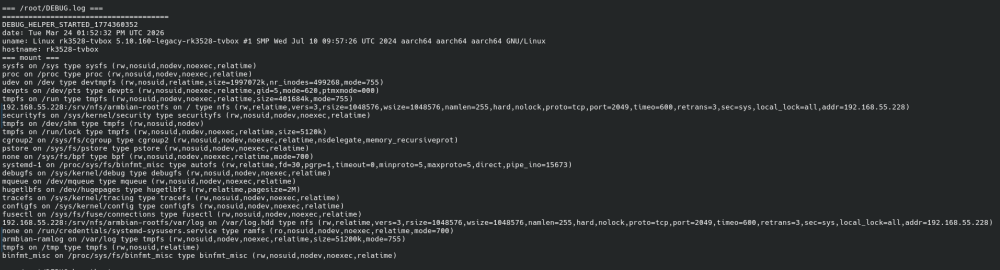
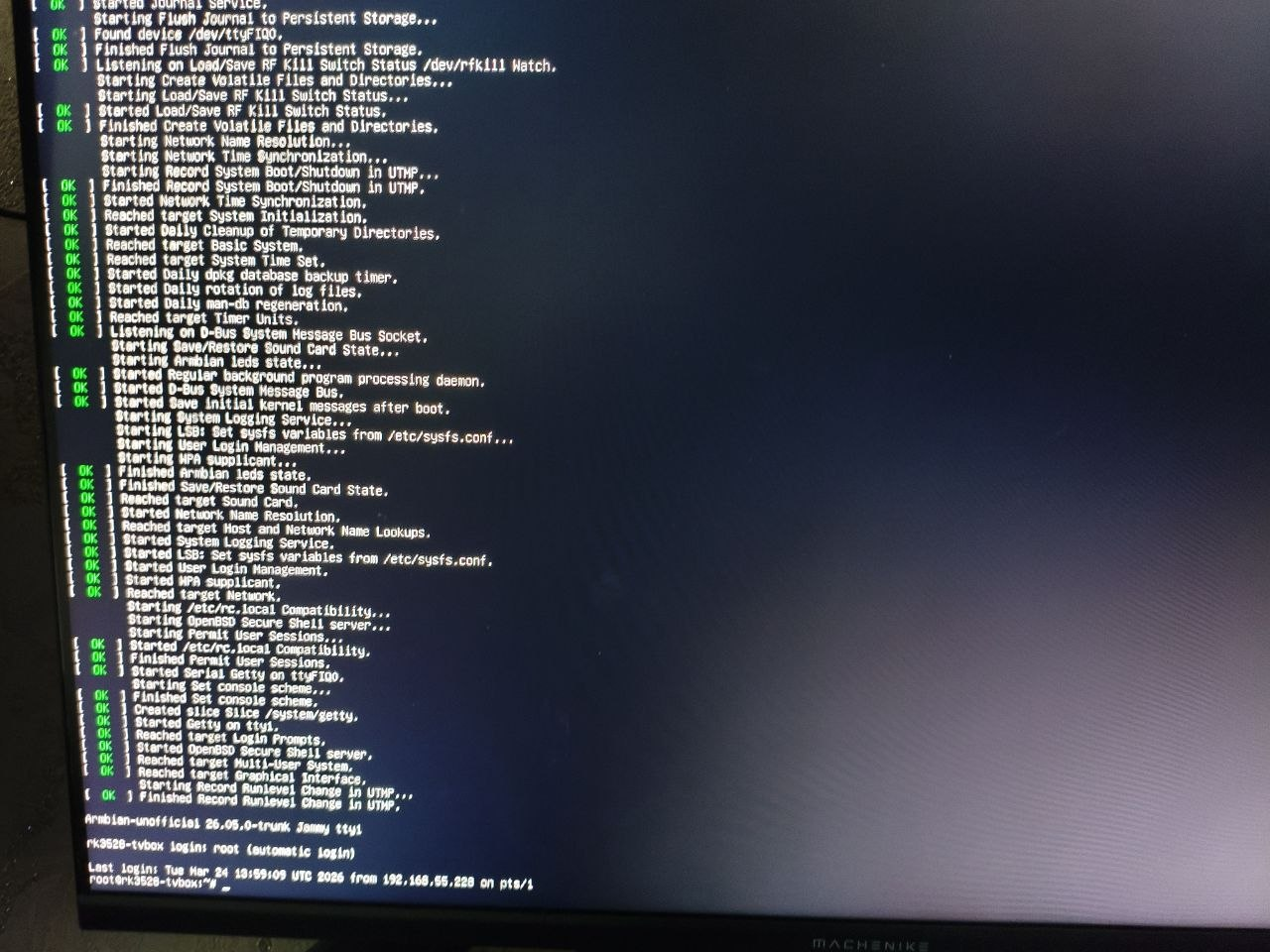
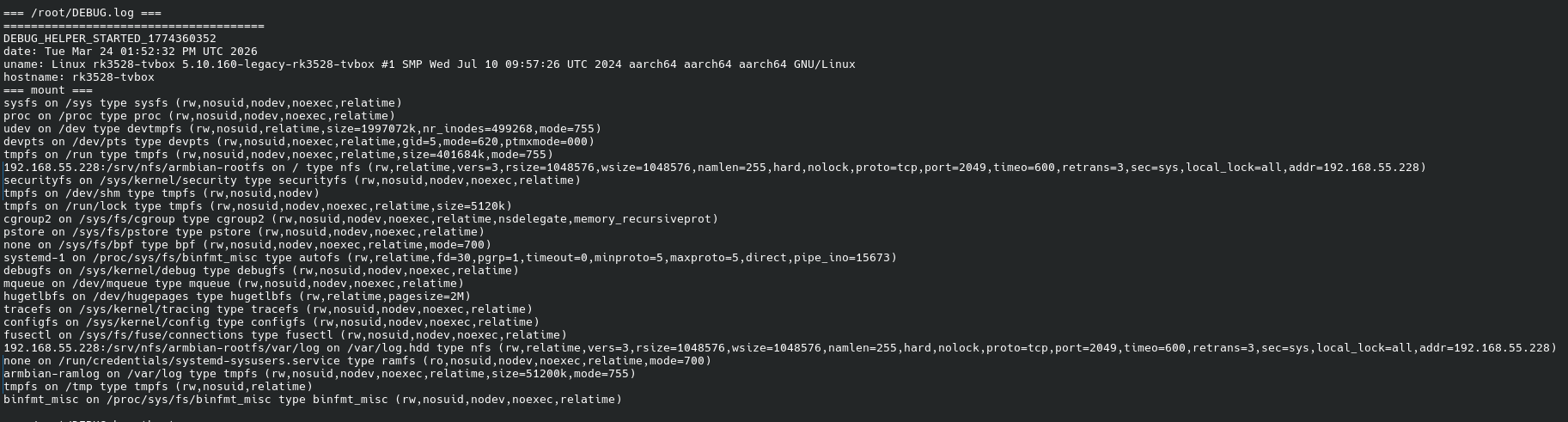
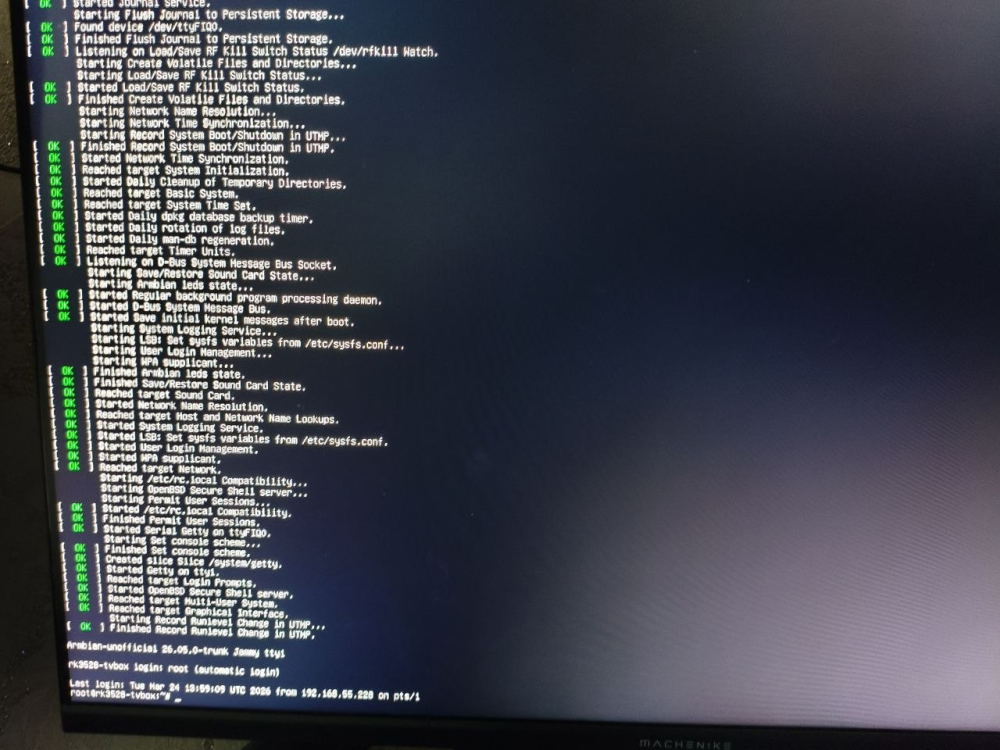
H96 Max RK3528 - Cannot boot Armbian from TF/SD card
0KTAV1US replied to 0KTAV1US's topic in Rockchip CPU Boxes
-
So I can confirm that this solved the compiling issues, Thank you very much @Werner Now I am facing another issue with EFI when trying to boot. Will try to see if I can identify the problem and solve it.
-
Ohhh thank you so much, I spent so much time trying to find the solution
-
https://github.com/armbian/build/pull/9724
-
Confirmed. From first glance it looks like dts files are missing.
-
https://paste.armbian.com/rapohapofe
-
Good Morning, I am running into an issue when trying to compile an image for a SM8250 device. Most of the process is working fine until it gets to the Grub Section, at which point I get the following error: " cp: cannot stat '/usr/lib/linux-image-6.18.24-current-sm8250/qcom/sm8250-retroidpocket-rp5.dtb': No such file or directory" I have attached the logs, and would love to know if anyone has had a similar issue when trying to build an image for any device, and if so what you have done to solve it. Thanks all in advance for the support
-

The microphone (on Android) does not work after installing Armbian?
Igor replied to KAHrel's topic in Orange Pi 5 Plus
When SPI is erased, the board falls back to the bootloader on the SD card. If you want to run Armbian, or Linux in general, the bootloader often needs to be updated - in this case on SPI. This can be done with armbian-install. Android support is not verified and is outside the scope of Linux maintainers. It may continue to work, or it may break. -

The microphone (on Android) does not work after installing Armbian?
KAHrel replied to KAHrel's topic in Orange Pi 5 Plus
I apologize again, as I am using a translator. Hello, good evening. I had forgotten to reply. To rule out any problems, I decided to reinstall everything from scratch. I reinstalled Android 12 (microphone works). I installed Armbian (microphone works). The problem starts when I want to use my eMMC unit. Armbian doesn't detect it, and I read that I have to delete the SPI Flash. After deleting it, it detects it, but my Android system stops working. In the end, I ended up going back to a Linux distribution other than Armbian. -
@qq20739111 The compilation was successful, but ollama was unable to call NPU
- Last week
-
Hi @xuyitao, My repository is focused on moving toward a usable mainline kernel. As of this week, there are no longer any dependencies on BSP NPU drivers. I plan to remove those, along with the BSP GPU drivers, to avoid any potential confusion. Could you take a look at the mainline etnaviv driver? Hopefully it meets your needs.
-
H96 Max RK3528 - Cannot boot Armbian from TF/SD card
0KTAV1US replied to 0KTAV1US's topic in Rockchip CPU Boxes
I had some success, I start it via pxe + nfs, some systemd services are not starting, I think I can also prepare the correct USB image, it will be interesting, thanks everyone 😃