All Activity
- Today
-
I'm using the command ./compile.sh build BOARD=rpi4b BRANCH=current KERNELBRANCH=current SKIP_ARMBIAN_REPO=yes SKIP_ARMBIAN_CONFIG=yes SKIP_EXTERNAL_TOOLCHAINS=yes BUILD_DESKTOP=no BUILD_MINIMAL=yes CLEAN_LEVEL=make-kernel,alldebs,images,cache EXPERT=yes KERNEL_CONFIGURE=no NEWPKG=true OFFLINE_WORK=no KERNEL_BTF=no RELEASE=noble
-
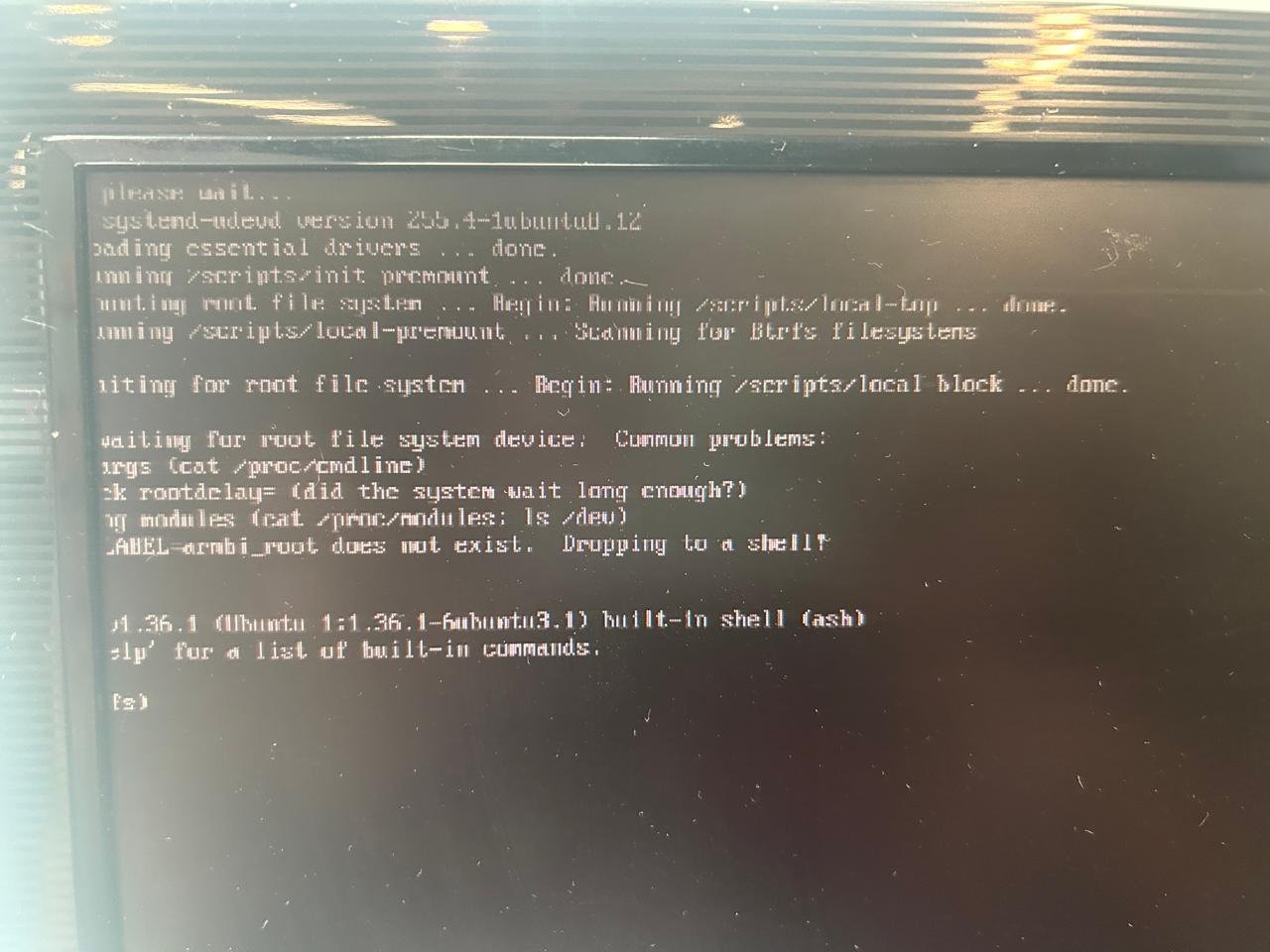
The image is generated, but when I put it in the Raspberry Pi, it displays the screen.
-
moved Cannot reproduce. Download image works just fine https://dl.armbian.com/rpi4b/Noble_current_minimal outdated tag, unsupported
-

Edit ArmbianEnv.txt when machine is unable to boot?
Myriade replied to Myriade's topic in Rockchip CPU Boxes
Found the other partition! Quite surprised that it didn't show up in KDE, but that's on me for blindly trusting a GUI. Thank you -
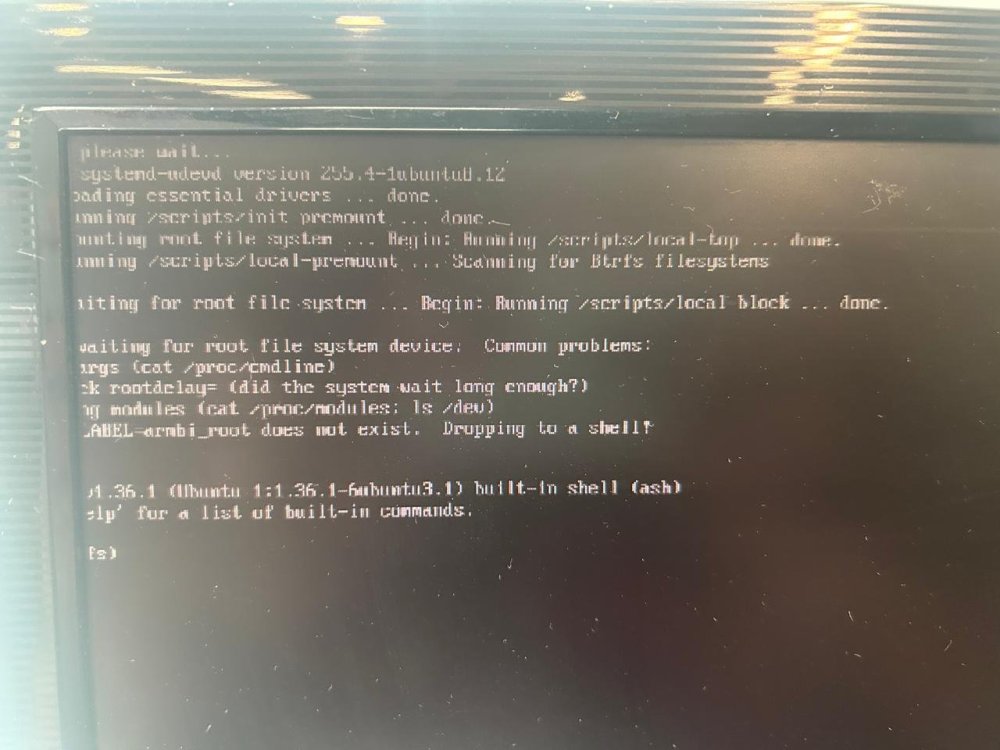
I need help. Every version I generate for Raspberry Pi 5 Armbian-unofficial_25.08.0-trunk_Rpi4b_noble_current_6.12.32_minimal shows the error shown in the photo.
-
Hello Dear, After flashing *Armsom-cm5-rpi-cm4-io_*, there is one critical problem. onboard USB hub always connects and disconnects 2 times when booting. dmesg outputs: [ 6.190239] hub 1-1:1.0: USB hub found … [ 7.868081] rk-pcie 2a200000.pcie: PCIe Link Fail, LTSSM is 0x3, hw_retries=0 [ 7.868642] usb 1-1: USB disconnect, device number 2 … [ 9.326443] hub 1-1:1.0: USB hub found … [ 11.213062] rk-pcie 2a200000.pcie: PCIe Link Fail, LTSSM is 0x3, hw_retries=1 [ 11.213297] usb 1-1: USB disconnect, device number 4 I have tried with many variations, but the onboard hub is always disconnected. server/desktop community release/ self build several tags from 25.5 to 26.2 CONFIG_USB_ONBOARD_HUB O/X rpi cm4 io board/ Ochin board However, Armsom's official image has no problem with the onboard usb hub. CM4-nano-B has no onboard hub, and has no problem with external hub. So, it seems to be a SW problem. In addition (for information), I tried custom-build without pcie because hub disconnection happens near pcie. Kernel menuconfig disables Rockchip PCIe host cont/ Rockchip DesignWare PCIe cont/ Broadcom Wireless Device Drv. Device Drivers ---> [*] PCI support ---> PCI controller drivers ---> < > Rockchip PCIe host controller DesignWare PCI Core Support ---> < > Rockchip DesignWare PCIe controller ... [*] Network device support ---> [*] Wireless LAN ---> <*> Rockchip Wireless LAN support ---> [ ] Broadcom Wireless Device Driver Support ---> Then, both pcie and onboard-usb-hub disappear in dmesg even though any usb option is not changed. Please review this problem. Thanks.
-
Thank you
-
Still waiting in January 2026. LOL What happened @ROOD I was just given an H96 PRO+ (like your photos, but with v2.1 of motherboard). I want to put it to work doing something... so I am ready to install armbian, with whatever your final instructions are. -Thanks!
-
 Dear SteeMan, thank you for your answer. I checked Android info, and it shows 8 GB / 128 GB, Android 15, so the advertisement was not real. I investigate it forther.
 -
 @quaSimba: Thanks for your remarks and the link to the guide on Github. Hopefully I'll one day have a RPi to work with so I can support it in my script and tutorial. @fxkl47BF: The completion packages were removed because they can be horribly laggy on low-powered SoCs and I find them annoying in general. They can be easily reinstalled if desired.
 -
I have a question about booting from sd card. While with empty emmc (erase with rkdeveloptool), the board falls back to maskrom mode even the sd card (with working os) is inserted. It can boot armbian into sd card if I flash miniloader and u-boot in to emmc. I wonder how can we get it to boot fully from sd card.
-
 Thanks @robertoj I had a quick look at your link. It talks about introducing patches into the Ambien build (which I already do in terms of c code, module source code and the linux .config file). HOWEVER, when I attempt to create a patch from my cpio binary file and use that as the initial ramdisc during the build, it fails (I did it a couple of weeks ago & I can't remember exactly what the problem was). Nevertheless, if you think I can create a patch from the cpio file, please give me detailed instructions and I'll try it again--- maybe I did something wrong?
 -
Unfortunately i do not have this board to compile/test on
- Yesterday
-
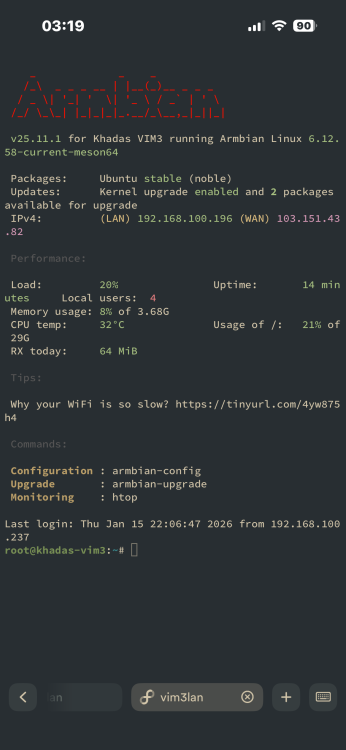
by the way i can ssh into armbian while it’s stuck on a black screen so i can provide any logs you want
-
 Also, in a quick google search, the TX60 Pro generally has an Allwinner H313 CPU. Are you sure your box has an amlogic s905l cpu?
 -
What image are you using? What uboot and dtb are you using?
-
I have bought a TX60 Pro with S905L CPU, 16 GB RAM and 256 GB eMMC. I tried to run Armbian on it: wrote several images on microSD, but since it does not have a microSD reader, I plug it in in a microSD reader. Unfortunately, it does not boot from it, not even when I start it with the Reset button pressed. Is there any chance I can run Armbian on this box?
-
Appreciate the quick replies! Turns out im just an idiot, and completely forgot to freeze the kernel. have a great evening!
-
Armbian-unofficial_25.05.0-trunk_X96q-ddr3_bookworm_edge_6.12.11_server.img This works for my 1.1 board
-
What happens after this is needed. make sure loglevel is 7 in armbianEnv.txt Hopefully yo have a serial console cable so you can copy and paste the text here on the forum, is better than pictures on imgur (site is blocked in UK by the way)
-
How to debug boot issues: https://debug.armbian.de
-

Very strange behavior: complete freeze after boot
Werner replied to Frans Rampen's topic in Rockchip
moved -
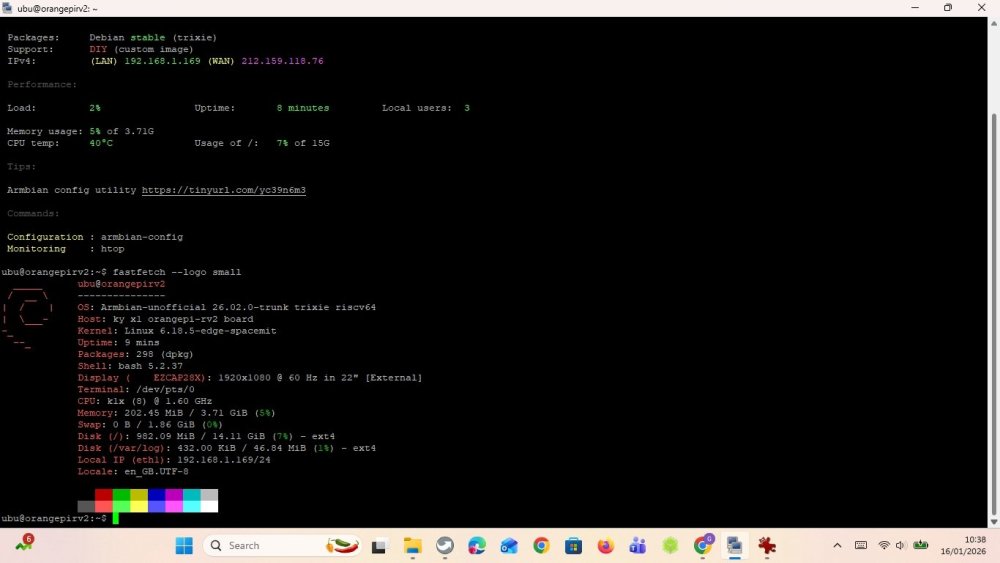
I operate an Odroid HC4, that has 4 x A55@1.8 and the board discussed here has 8 x X60@1.?. A fast sysbench says: single thread on OpiRv2 is slower (792 vs 1034) , multithreaded is faster (6342 vs 4151). Compiling a current kernel on RV2 needs 3 hours, nothing one would do do regularly. If you really need speed buy a Radxa Rock 5 (see platinum support devices on this site). Edit1: NPU -> Opi Wiki, USB and SPI yes, for MIPI DSI/CSI you need to test yourself. Edit2: Just remembered that I have a H618 (Opiz3). Single=708, Multi=2828 with the same Trixie sysbench. HTH + LG // Sven-Ola
-
I just updated, and upgraded the image I installed via ssh. After a reboot nothing happens. If I then kill the power and boot it again, I get this very brief video output, where the last line is “starting kernel” and then it crashes. I managed to get a video of it, and took a few screenshots. https://imgur.com/a/COaD6lb any assistance is appreciated!
-
I just had to take the service offline, and on boot it failed again. I had the updates installed, but not applied through a reboot. When i boot the device, i just get a few blinks on the heartbeat LED, and then nothing. Not even a display output. The only thing i can think of, is to try to reinstall the OS on the SD card, and then update through the CLI before i install OMV and see if i can get a different result. Any other advice? Thanks.