All Activity
- Past hour
-

Gaming experience with Orange Pi 5 (RK3588) on Armbian
Werner replied to KhanhDTP's topic in Orange Pi 5
Are you sure you don't mean BSP which stands for Board Support Package?? -

Gaming experience with Orange Pi 5 (RK3588) on Armbian
KhanhDTP replied to KhanhDTP's topic in Orange Pi 5
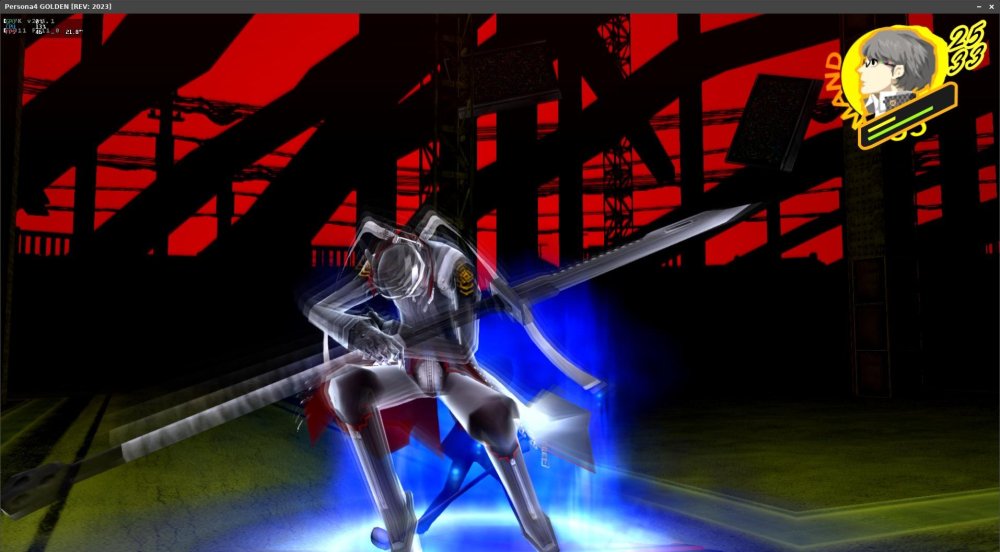
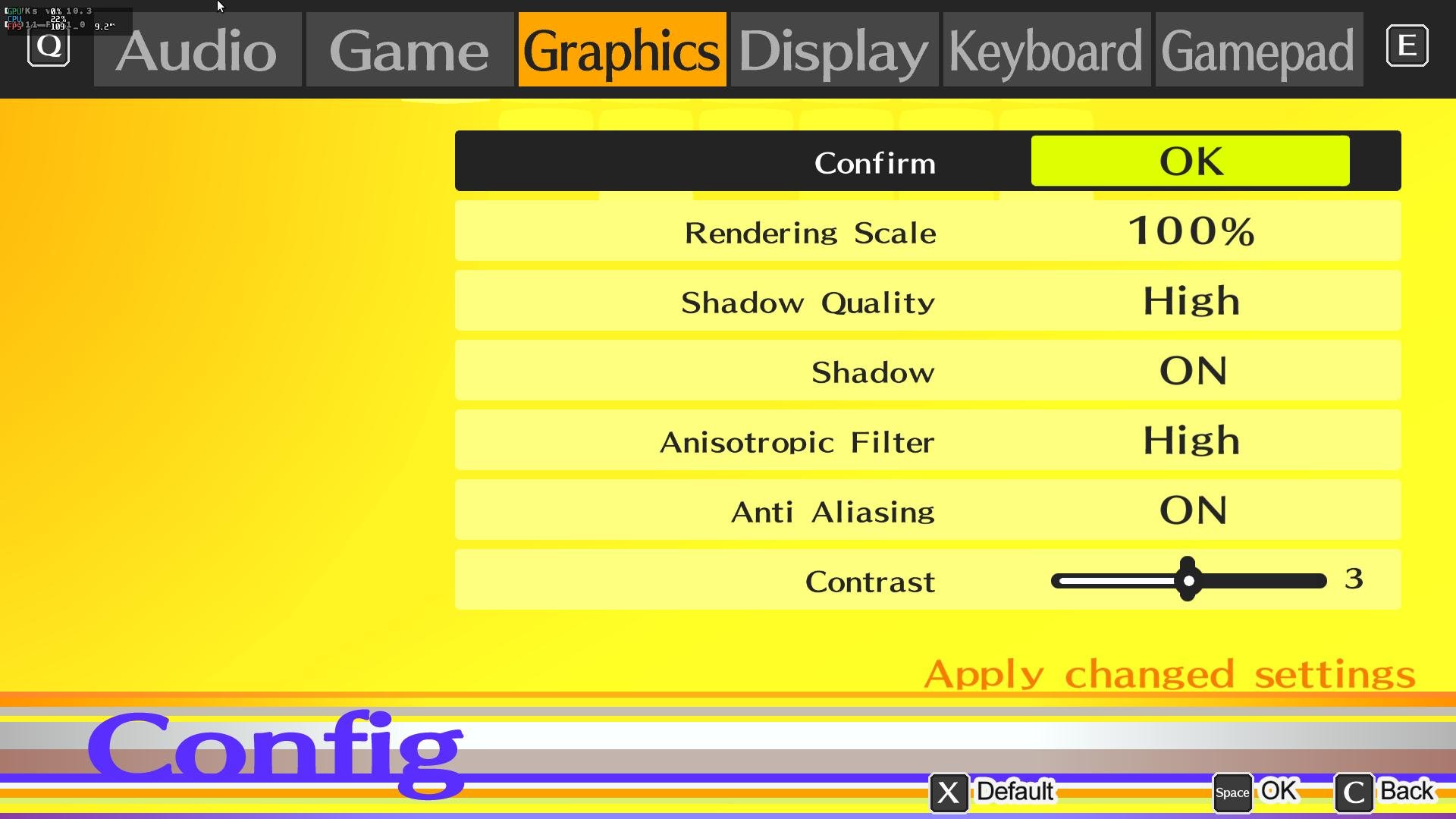
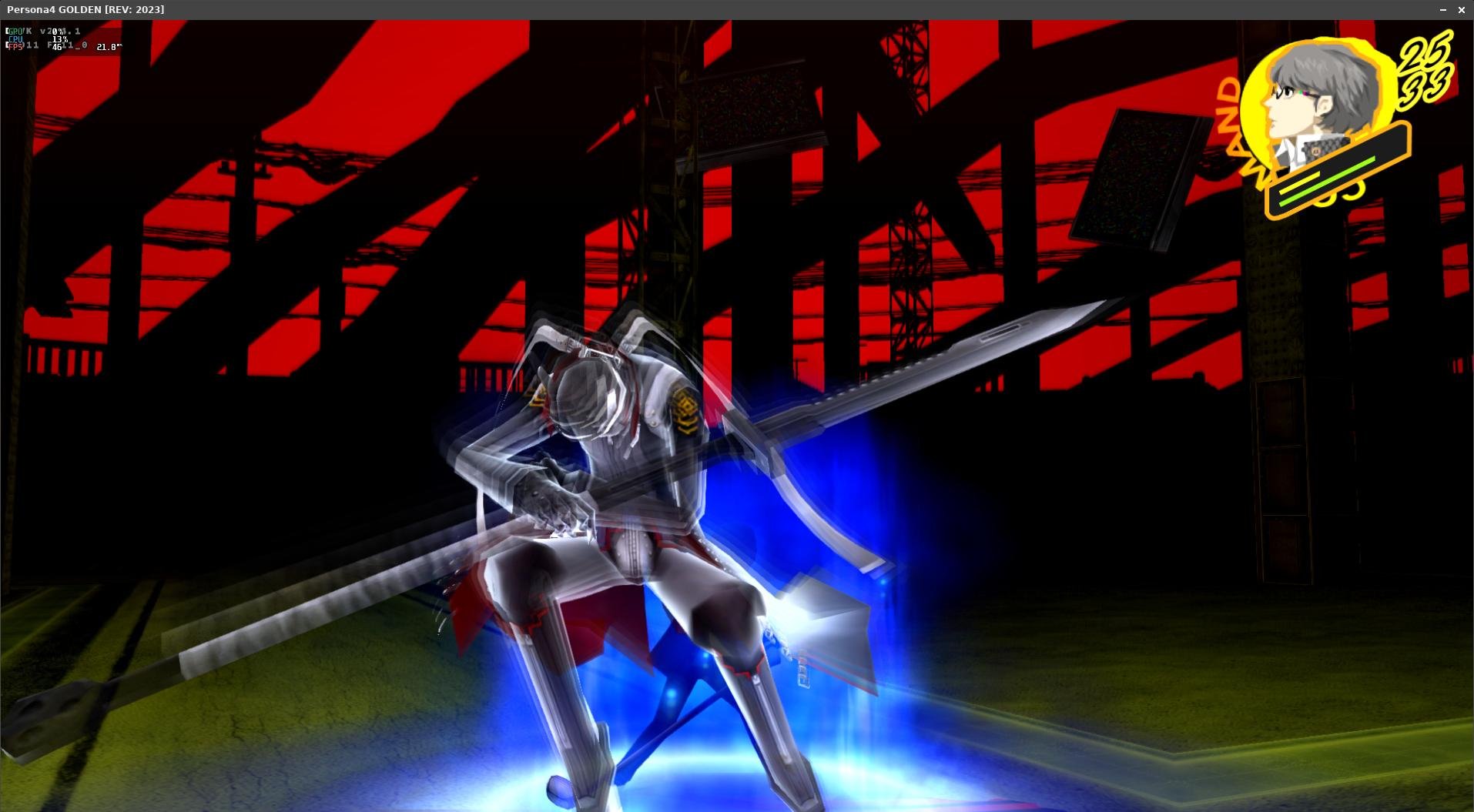
Armbian 25.11.2 Noble XFCE (BSD Kernel: 6.1.115) + PanVk - mesa 26.0 (https://launchpad.net/~ernstp/+archive/ubuntu/mesaaco) + box64 3.9 (https://ryanfortner.github.io/box64-debs/) + wine-10.14-staging-tkg-ntsync-amd64-wow64 (https://github.com/Kron4ek/Wine-Builds/releases/tag/10.14) + DXVK-stripped v1.10.3 40~60fps@1080p Persona 4 Golden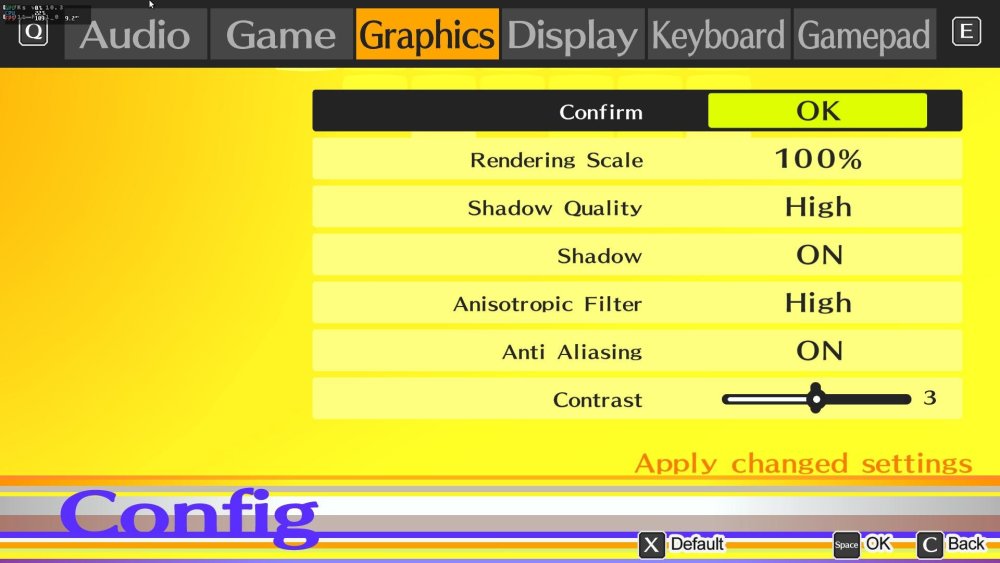

-

mxq pro 4k 5g allwinner h313 can't sd card boot
Sergey Lepeshkin replied to Ducdanh Nguyen's topic in Allwinner CPU Boxes
As I said above, there is no usb otg functionality. If you want shell as ordinary user - install any app which allows access to shell (I'm using "Admin hands" in local shell mode) on your tv box. In this mode 'su' refuses to escalate privileges. If you want root access, you should connect using uart (see my messages above). You will get access to u-boot and android console. There you can execute 'su' and it will give you root privileges. - Today
-
Gaming experience with Orange Pi 5 (RK3588) on Armbian
KhanhDTP replied to KhanhDTP's topic in Orange Pi 5
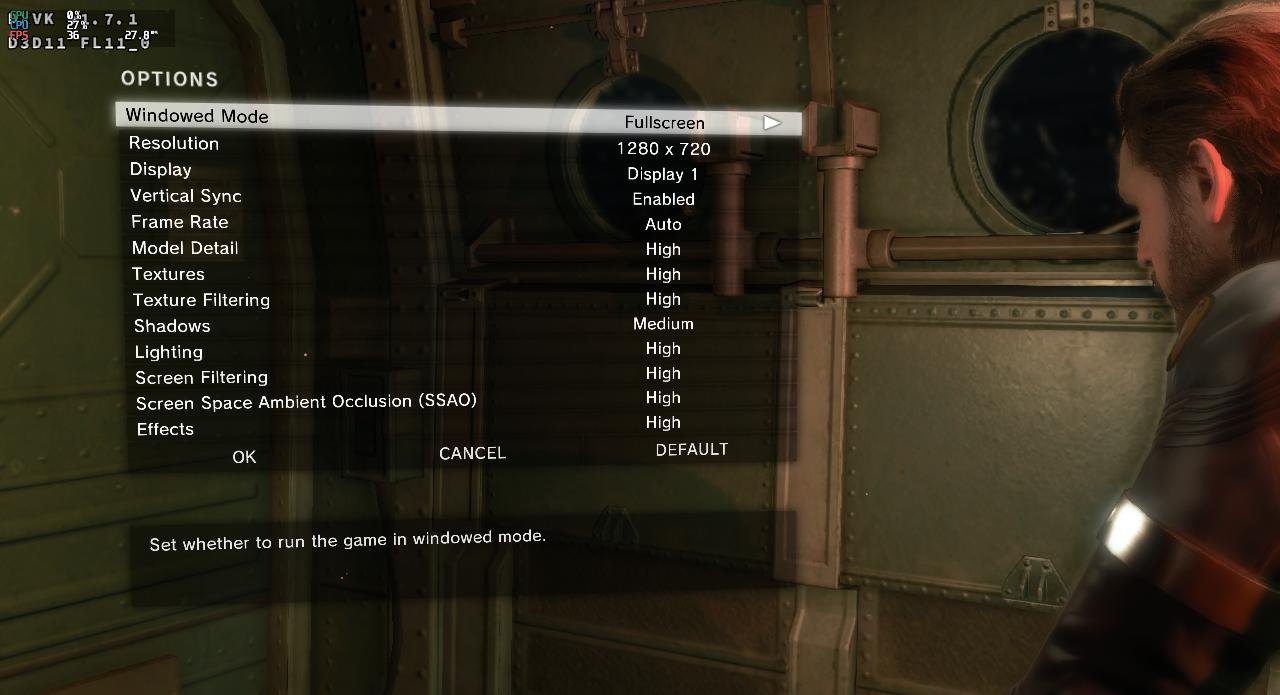
Armbian 25.11.2 Noble XFCE (BSD Kernel: 6.1.115) + PanVk - mesa 26.0 (https://launchpad.net/~ernstp/+archive/ubuntu/mesaaco) + box64 3.9 (https://ryanfortner.github.io/box64-debs/) + proton-10.0-3-amd64-wow64 (https://github.com/Kron4ek/Wine-Builds/releases/download/proton-10.0-3/wine-proton-10.0-3-amd64-wow64.tar.xz) + DXVK-stripped v1.7.1 ~30fps@720p Metal Gear Solid Ground Zeroes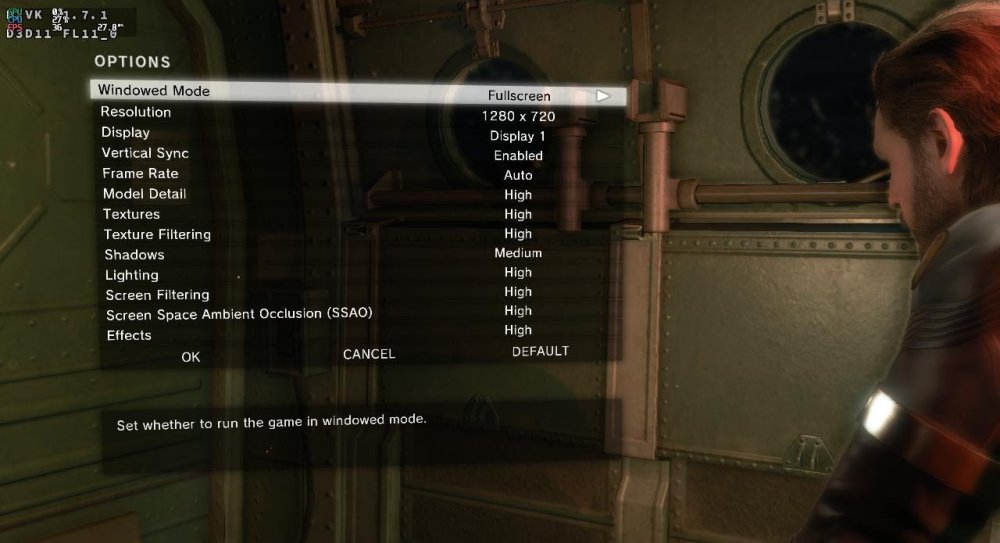
.thumb.jpg.10b8100c01f98e3cb64eeb405f1fe416.jpg)
-
 This started happening fairly recently. If my Docker containers are left running for a period of time, this message will start appearing over and over in journalctl: dockerd[1491]: time="2025-12-27T20:55:44.808894213-05:00" level=error msg="Error writing log message" driver=json-file error="error writing log entry: write /var/lib/docker/containers/97e823567c56600b69888e6abf63189c6f586afbf6bcf06fca820eaf4ef46f7d/97e823567c56600b69888e6abf63189c6f586afbf6bcf06fca820eaf4ef46f7d-json.log: no space left on device" message= After a while, these two messages will start repeating (these were taken from a different instance of this happening, so the PID is different): rsyslogd[599]: action 'action-0-builtin:omfile' (module 'builtin:omfile') message lost, could not be processed. Check for additional error messages before this one. [v8.2504.0 try https://www.rsyslog.com/e/2027 ] rsyslogd[599]: file '/var/log/syslog'[7] write error - see https://www.rsyslog.com/solving-rsyslog-write-errors/ for help OS error: No space left on device [v8.2504.0 try https://www.rsyslog.com/e/2027 ] Looking at btop when this is happening shows that the rsyslog and dockerd processes are using up most of the CPU, along with fail2ban for some reason. The full command for dockerd is: /usr/bin/dockerd -H fd:// --containerd=/run/containerd/containerd.sock Here are all my docker packages: docker-buildx-plugin/trixie,now 0.30.1-1~debian.13~trixie arm64 [installed] docker-ce-cli/trixie,now 5:29.1.3-1~debian.13~trixie arm64 [installed] docker-ce/trixie,now 5:29.1.3-1~debian.13~trixie arm64 [installed] docker-compose-plugin/trixie,now 5.0.0-1~debian.13~trixie arm64 [installed]
 -
Hello Nick A, Thank you so much, I have a radxa a7z, I successed to use your 0.4 img to boot the soc cli and with desktop. So far I still can not figure out the kvm fuction, even I can get the same result with your command: grep CONFIG_KVM /boot/config-$(uname -r) I can not start the kvm related docker container like this one: https://github.com/dockur/windows-arm , which I successed to run this windows arm container on raspberry pi 5. Would you help to have a look about this issue, thank you!
-
Fairly recently, I've noticed these warnings appearing when running apt update. I have tried importing the keys from the repositories in question, but that has not remediated the issue. root@modron:/home/luna# apt update Hit:1 http://deb.debian.org/debian trixie InRelease Hit:2 http://deb.debian.org/debian trixie-updates InRelease Hit:3 http://deb.debian.org/debian trixie-backports InRelease Hit:4 http://security.debian.org trixie-security InRelease Hit:6 https://download.docker.com/linux/debian trixie InRelease Hit:7 https://github.armbian.com/configng stable InRelease Get:5 http://armbian.lv.auroradev.org/apt trixie InRelease [62.3 kB] Err:5 http://armbian.lv.auroradev.org/apt trixie InRelease Sub-process /usr/bin/sqv returned an error code (1), error message is: Missing key DF00FAF1C577104B50BF1D0093D6889F9F0E78D5, which is needed to verify signature. Missing key 8CFA83D13EB2181EEF5843E41EB30FAF236099FE, which is needed to verify signature. Fetched 62.3 kB in 1s (67.6 kB/s) 10 packages can be upgraded. Run 'apt list --upgradable' to see them. Warning: An error occurred during the signature verification. The repository is not updated and the previous index files will be used. OpenPGP signature verification failed: http://armbian.lv.auroradev.org/apt trixie InRelease: Sub-process /usr/bin/sqv returned an error code (1), error message is: Missing key DF00FAF1C577104B50BF1D0093D6889F9F0E78D5, which is needed to verify signature. Missing key 8CFA83D13EB2181EEF5843E41EB30FAF236099FE, which is needed to verify signature. Warning: Failed to fetch http://apt.armbian.com/dists/trixie/InRelease Sub-process /usr/bin/sqv returned an error code (1), error message is: Missing key DF00FAF1C577104B50BF1D0093D6889F9F0E78D5, which is needed to verify signature. Missing key 8CFA83D13EB2181EEF5843E41EB30FAF236099FE, which is needed to verify signature. Warning: Some index files failed to download. They have been ignored, or old ones used instead.
-
Gaming experience with Orange Pi 5 (RK3588) on Armbian
KhanhDTP replied to KhanhDTP's topic in Orange Pi 5
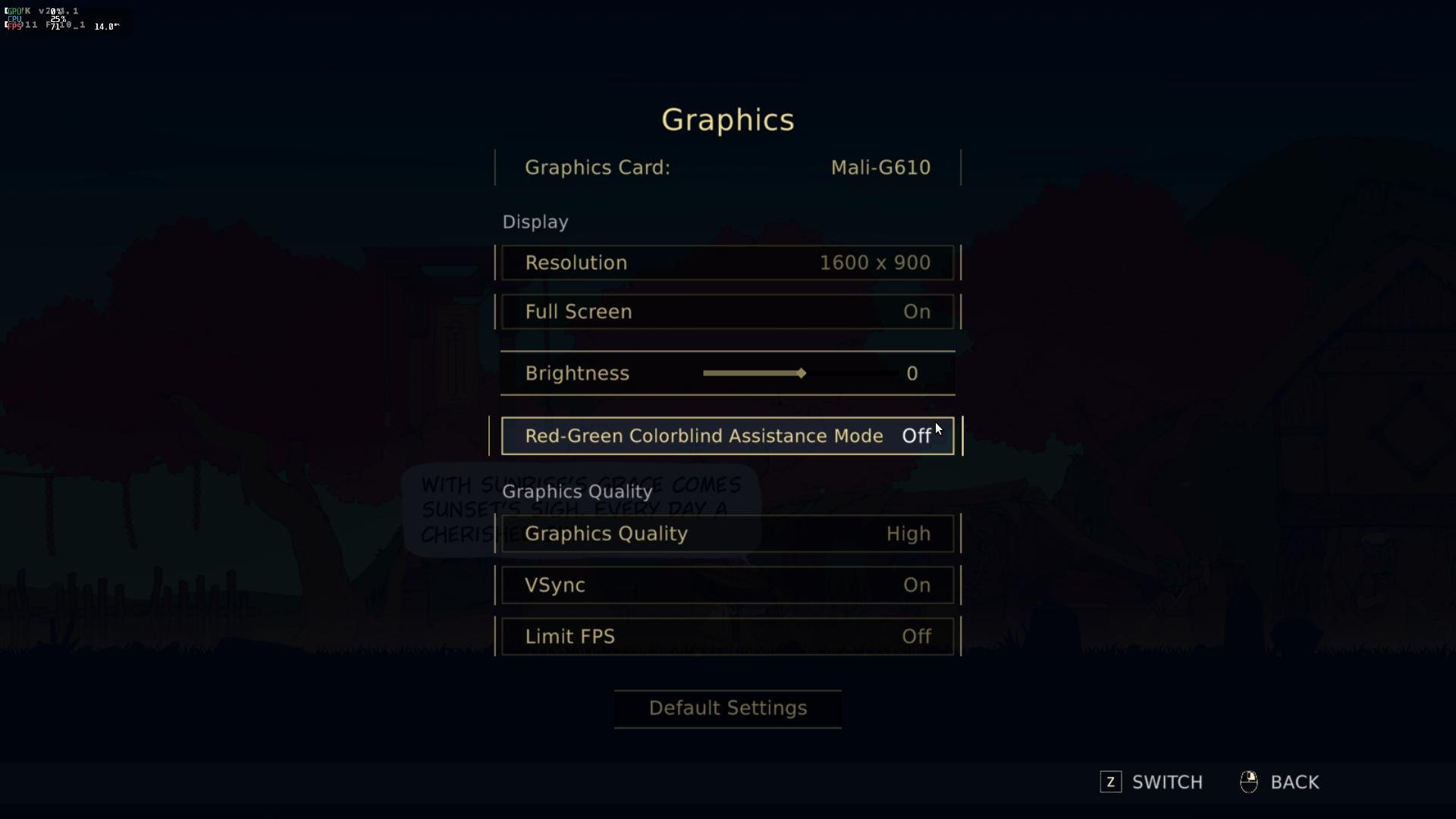
Armbian 25.11.2 Noble XFCE (BSD Kernel: 6.1.115) + PanVk - mesa 26.0 (https://launchpad.net/~ernstp/+archive/ubuntu/mesaaco) + box64 3.9 (https://ryanfortner.github.io/box64-debs/) + proton-10.0-3-amd64-wow64 (https://github.com/Kron4ek/Wine-Builds/releases/download/proton-10.0-3/wine-proton-10.0-3-amd64-wow64.tar.xz) + DXVK-stripped v2.1 >=60fps@720p NineSols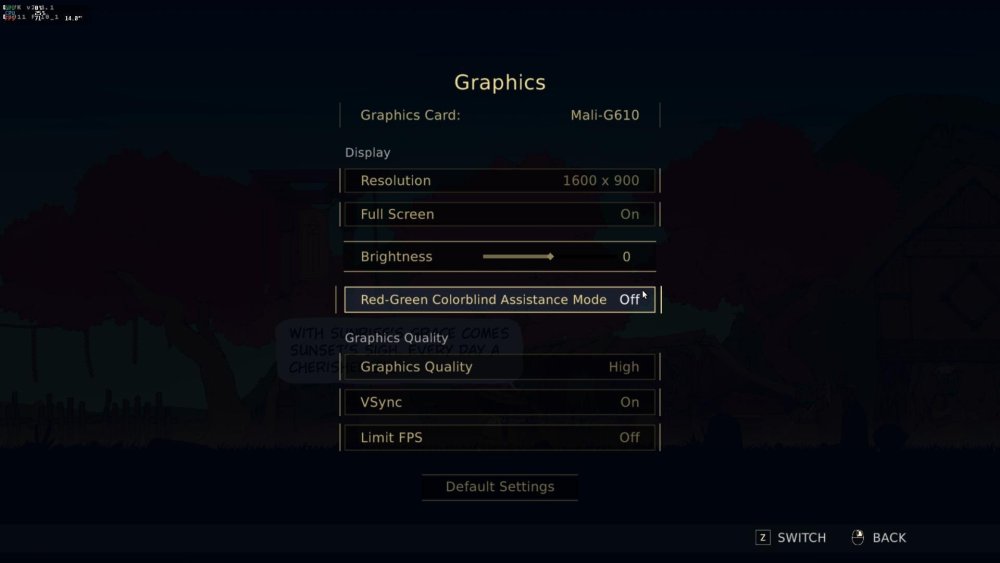
.thumb.jpg.348a71e1788f25cf8e9281dd27241c93.jpg)
- Yesterday
-
I would check out the boards with Platinum Support. Go to the vendor sites to see if they include or sell a fan for their board. Look for something with a Rockchip RK3576, plenty of RAM, and EMMC or UFS. RK3588 usually needs a fan.
-
 Thank you eselarm for the reply. If it is possible to get simple SOP for running blinky program on any of the gpio of orange pi zero 2w in python, I can take it forward. I am trying to operate relays using orange pi zero 2w.
 -
I built the latest Nobel build and ended up with Armbian-unofficial_26.02.0-trunk_Nanopiduo_noble_current_6.12.63.img. Even at idle it runs 70C. If you try to do upgrades it will do thermal shutdown. The temp reporting is real because it's hot enough to burn your finger if you hold the heat sink long enough. I used a PS2 usb fan (I call it the ghetto cooler 5000) long enough to downgrade kernel to 6.1.x. Now it idles around 50C. I know there's been heating issues with H3 (Duo uses H2+). I compared DTBs, voltages and cannot find the smoking gun. I played around controlling the voltages, etc. Anyways, I'm OK with 6.1.x kernel since this board was out in 2017. I still have a few I want to use for projects. I guess as long as I can use a current Ubuntu distro I'm OK. OK, unpacked one of my old breadboard projects on focal Linux nanopiduo 5.10.60-sunxi #21.08.2 SMP Tue Sep 14 16:28:44 UTC 2021 armv7l armv7l armv7l GNU/Linux. CPU idles cool, so I do a: sudo cat /sys/class/regulator/regulator.5/microvolts 1100000 It looks like 6.x kernel/nobel is using 1.3v. There it is. 1.1V. That confirms the mismatch perfectly. Your old Focal breadboard is running at 1.1V, while the modern Noble board is forcing 1.3V. On these chips, that 0.2V difference is massive because power (and heat) scales with the square of the voltage. Moving from 1.1V to 1.3V increases heat output by about 40%, which is why one board is a stable 50°C and the other is a 96°C furnace. So more hacking to do. I'll see if I can do a build hack.
-
Hello everybody, My Box is a oxtagon shaped t95z plus 2 mb 16 mb chipset: processor arm cortex -a53 mali T820 GPU AP6255 wifi ac + bluetooth 4.2 sandisk SDINAD1F4-16G 16G emmc 16G rom lanson L5TC4G63CFR x2 dram 2GB I try to install armbian_community_26_2 _0-trunk.100 aml-s9xx-box_noble_current_6.12.63_cinnamon_dektop.img.xz I use meson-gxm-vega-s96.dtb And u-boot-s905x-s912.dtb copy and rename as u-boot.ext It boots to ash then it stops No asking for password and user I have no clue what to do next I have entered armbian-config but this returns a error Any tips?
-
I reread it, but the information is not publicly available. Contact them directly? I haven't tried. Maybe they can help. Thanks for your time. I'll write back later; maybe someone will be interested.
-
Have you tried to reach out to the manufactur? https://www.mouser.at/datasheet/3/2627/1/MYD-LT527-SX.pdf Website: en.myir.cn Email: sales@myir.cn Tel: +86-755-22984836
-
Thanks. Regarding Android, it seems to be the most optimal. But I was still hoping someone would have a schematic
-
Without schematics, deep knowledgde and a lot of time to waste, this task is probably close to impossible. Only chance I see here is for once assuming the vendor is lazy and the implementation is as close to reference design as it can get. And for the other that there is some android device tree which can be reverse-engineered.
-
This is a MYD-lt527m-16e2d-180-e-sx board. Allwinner T527 chip. The seller isn't helping. It's hard to figure out how the peripherals are connected.
-
 You have to allocate the I/O pins you want to use and how you want to use them yourself, can be done in armbianEnv.txt. A generic image cannot know what you want and what is connected to which I/O pins. GPIO is not like USB or PCIe that is can be automatically let its connected hardware enumerate. Also old Linux behavior w.r.t. GPIO is gone. You fundamentally need to open it, keep it operational with handle, in your code. Like you open a file when you want to read or write. Python might do that for you, but for C-code maybe look at lgio. So maybe tell first what you want to achieve, is it a temperature sensor maybe, or control a MOSFET or relay, etc.
 -
That would be a good start indeed.
-
I installed Armbian_community_26.2.0-trunk.130_Orangepizero2w_trixie_current_6.12.63_minimal and tried to follow the instructions on gpiod · PyPI. GPIO are not enabled in device tree.
-
Hi all! I have Armbian installed on a rock 4SE (Tagged as 4B as it uses the same image i believe) as the base for an OpenMediaVault. Yesterday i installed the latest version of Bookworm, as i am running OMV7 and that, as far as i can tell, does not work on Trixie. I am not ready to upgrade to Trixie/OMV8, as im not sure there is support for my Penta sata hat yet. My issue is that if i install the updates, either through OMV interface, or apt, the device does not boot after applying the updates. As far as i can tell from logs etc. something is either wrong with loading the kernel image on boot, or with the image itself. If i install Armbian, and then OMV, everything works just fine, i just have 132 pending updates. Including a kernel update that takes the version from 6.1.63, to 6.12.58. Have anyone had any similar issues, or any potential solutions? I can tell that it installed the updates by itself during the night, and is currently waiting for a reboot. And im a but scared to reboot it, since it might not boot correctly. Thanks in advance!
-
Yes, I am aware of this limitation.
-

mxq pro 4k 5g allwinner h313 can't sd card boot
Ducdanh Nguyen replied to Ducdanh Nguyen's topic in Allwinner CPU Boxes
Hey @Sergey Lepeshkin, i got the cable after 1-2 months now, i tried adb and all of them didn't regonize, only the middle port of the side, but i can't connect to it, it also beeps like theres a connection conflict, any solution? (There is no root on the board i tried using root detector and magisk), any help appreciated EDIT: here are the commands i tried: C:\Users\UX305\Downloads\DUC DANH\6. CODING\ADB\platform-tools-latest-windows\pl atform-tools>adb devices List of devices attached C:\Users\UX305\Downloads\DUC DANH\6. CODING\ADB\platform-tools-latest-windows\pl atform-tools>adb connect 192.168.1.15 cannot connect to 192.168.1.15:5555: No connection could be made because the tar get machine actively refused it. (10061) C:\Users\UX305\Downloads\DUC DANH\6. CODING\ADB\platform-tools-latest-windows\pl atform-tools>adb shell adb.exe: no devices/emulators found C:\Users\UX305\Downloads\DUC DANH\6. CODING\ADB\platform-tools-latest-windows\pl atform-tools> -

Need help with video decode acceleration on NanoPi R6S
Blind55 replied to Blind55's topic in NanoPi R6S/R6C
@eselarm Thank you very much for the details. I am currently working with the NanoPi R6S minimal image, with kernel 6.1 based on your feedback. I started out with the rolling release version, but that cannot run Jellyfin (because it is Forky). So I going back to the Trixie version and test this now. I will report back here whether the Jellyfin server works well with the transcoding of 4K movies (like the vendor FriendlyElec distribution does) and whether 4K movie playing can be smooth on it. -
I'm looking for an ARM board to self-host some stuff at home. My requirements is that the hardware is light enough that it doesn't requirement mechanical cooling, and can run yunohost [1] So my question at this stage is: how do I know about determining whether any given board requires its own cooling? Complete newbie here, I just want something small and silent. [1] https://doc.yunohost.org/en/admin/get_started/install_on/arm_board/

.jpg.8505993256afec484535868d926752eb.jpg)

.jpg.7c8e4b03fd716f26ca6f79ec0edb4da0.jpg)