
All Activity
- Past hour
-

Gaming experience with Orange Pi 5 (RK3588) on Armbian
KhanhDTP replied to KhanhDTP's topic in Orange Pi 5
I am using X11 (XFCE), make sure you installed the driver. -
The one time I used my iPad autocorrect comes to bite me
-
Only if you hand over the Arab money: https://song.link/s/6X0U1NIujkYExpcho01OXG
-
@Werner we should include the „new“ Arabian blog here
- Today
-
Looks like the tar file is broken. Try unpacking it with one other program and see if you can getting the .IMG file extracted OK. Also downloading it more times and see if its being OK or the server is having one corupt file.
-

Efforts to develop firmware for Lemfo HK1 RBOX K8S 4G/64G
leXia replied to Panda's topic in Rockchip CPU Boxes
For this device, ttyS2 is used for BT, but the problem was that the system was trying to use it for logging. After modifying that part in boot.cmd and rebooting, the firmware came up. -

Gaming experience with Orange Pi 5 (RK3588) on Armbian
晓飞丁 replied to KhanhDTP's topic in Orange Pi 5
Are you using X11 or wayland? I am not able to run wayland while under X11 it is very slow -
Efforts to develop firmware for Lemfo HK1 RBOX K8S 4G/64G
leXia replied to Panda's topic in Rockchip CPU Boxes
After installing the firmware shown in the link and requesting modifications by decompiling your dtb, there's been some progress, but it's still not working yet. However, I'm hopeful that with a little more effort, it should work. -
Gaming experience with Orange Pi 5 (RK3588) on Armbian
KhanhDTP replied to KhanhDTP's topic in Orange Pi 5
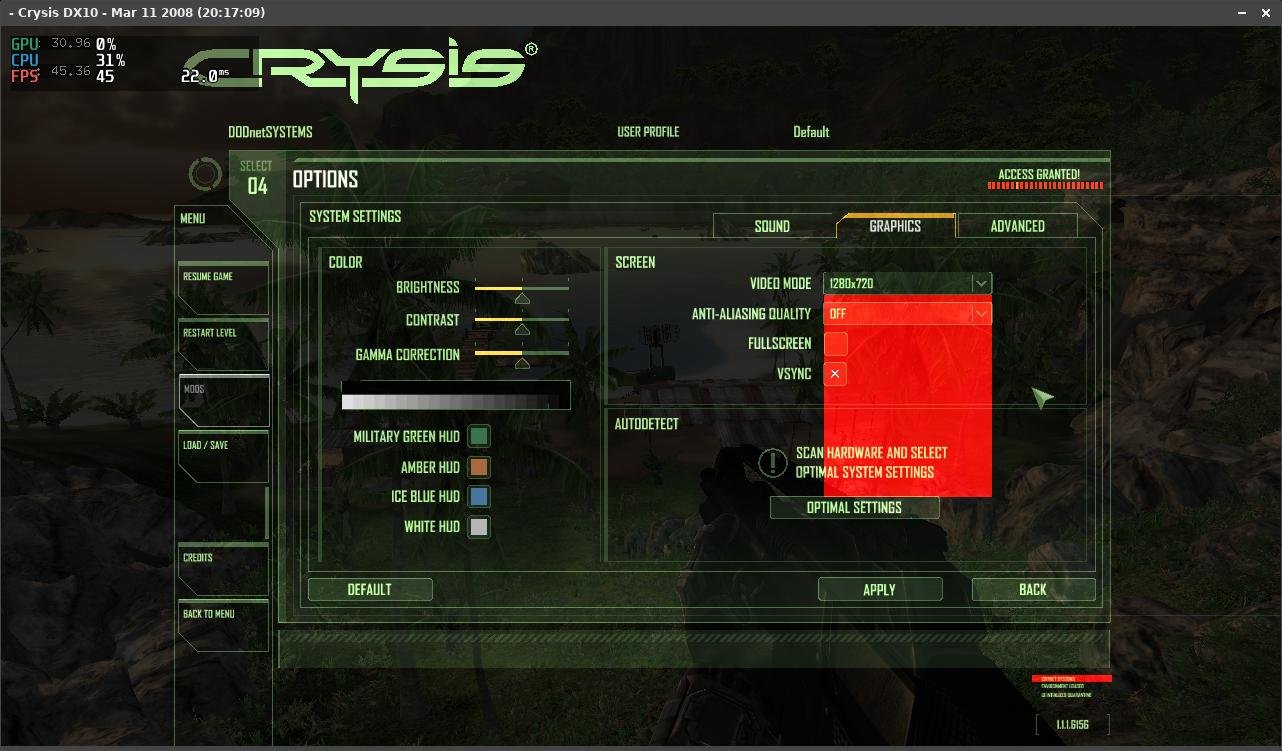
Armbian 25.8.2 Noble XFCE (BSD Kernel: 6.1.115) + PanVk - mesa 26.0 (https://launchpad.net/~ernstp/+archive/ubuntu/mesaaco) + FEX-Emu 2510 + hangover-10.18 (https://github.com/AndreRH/hangover/releases/tag/hangover-10.18) + Zink 30~60fps@720p Crysis x64 (dx10)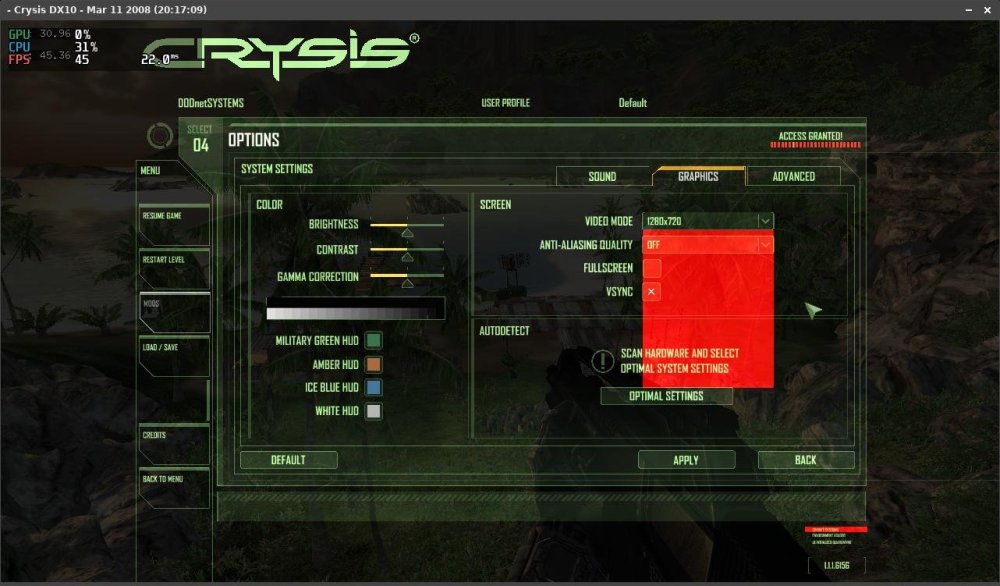
.thumb.jpg.53431d492eb4d5fe31900b6865565b53.jpg)
.thumb.jpg.a563982795e8c6cedd0d0891d5170d90.jpg)
-

Gaming experience with Orange Pi 5 (RK3588) on Armbian
laibsch replied to KhanhDTP's topic in Orange Pi 5
Thank you for sharing these! -
well, so it does indeed sound like you DO have network issues on the Odroid N2+. Something related to the network is not working right in noble for you.
-
Gaming experience with Orange Pi 5 (RK3588) on Armbian
KhanhDTP replied to KhanhDTP's topic in Orange Pi 5
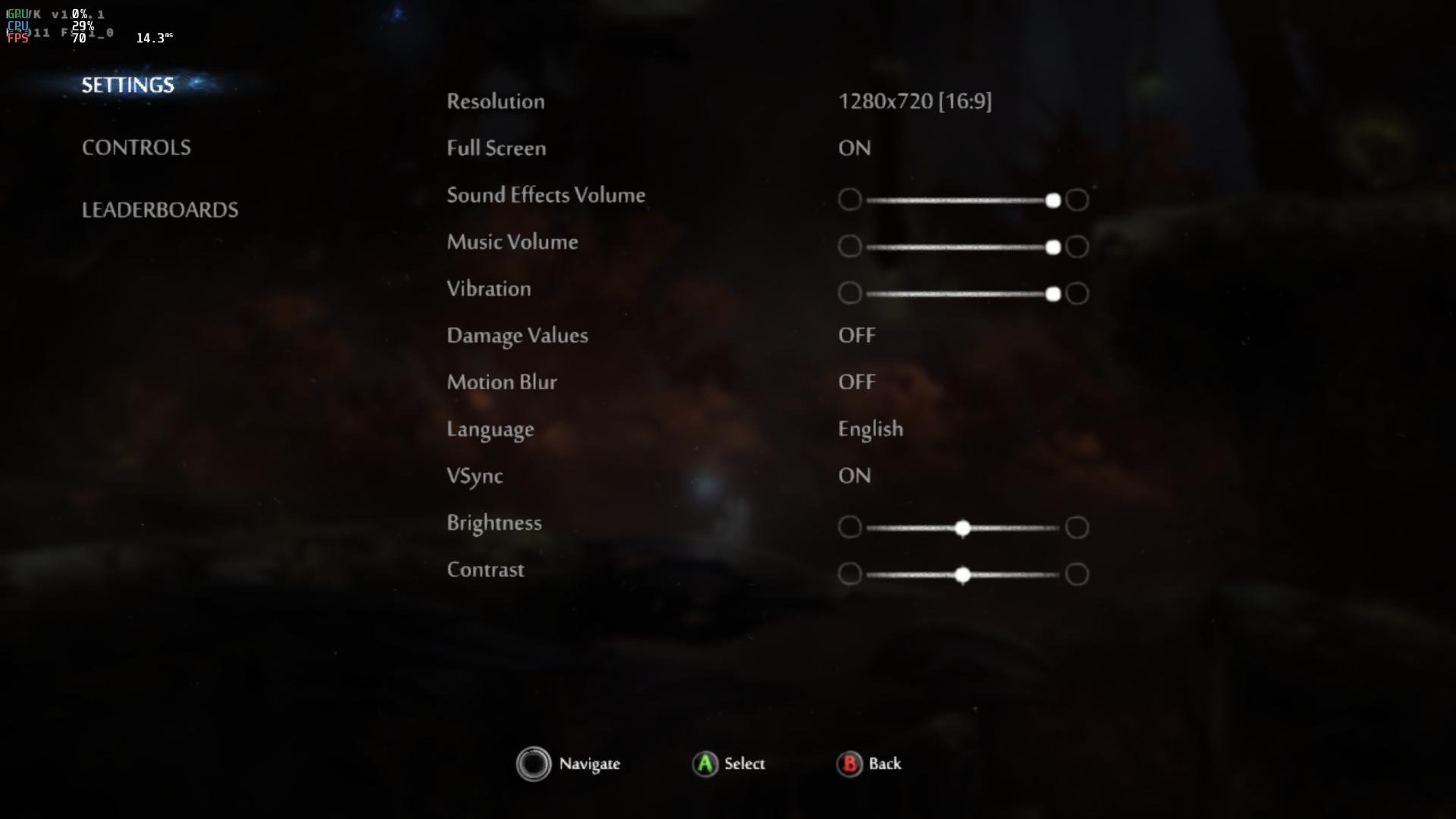
Armbian 25.8.2 Noble XFCE (BSD Kernel: 6.1.115) + PanVk - mesa 26.0 (https://launchpad.net/~ernstp/+archive/ubuntu/mesaaco) + box64 3.9 (https://ryanfortner.github.io/box64-debs/) + proton-10.0-3-amd64-wow64 (https://github.com/Kron4ek/Wine-Builds/releases/download/proton-10.0-3/wine-proton-10.0-3-amd64-wow64.tar.xz) + DXVK-stripped v1.7.1 ~60fps@1080p Ori and the Blind Forest: Definitive Edition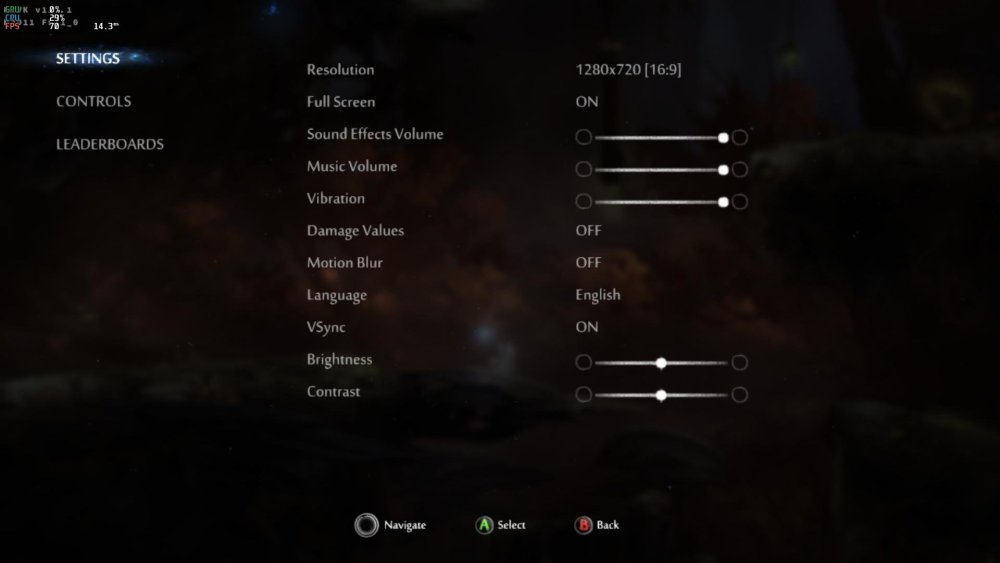
.thumb.jpg.ba784045e30fe9dbbbca9f60df548d1c.jpg)
-
Gaming experience with Orange Pi 5 (RK3588) on Armbian
KhanhDTP replied to KhanhDTP's topic in Orange Pi 5
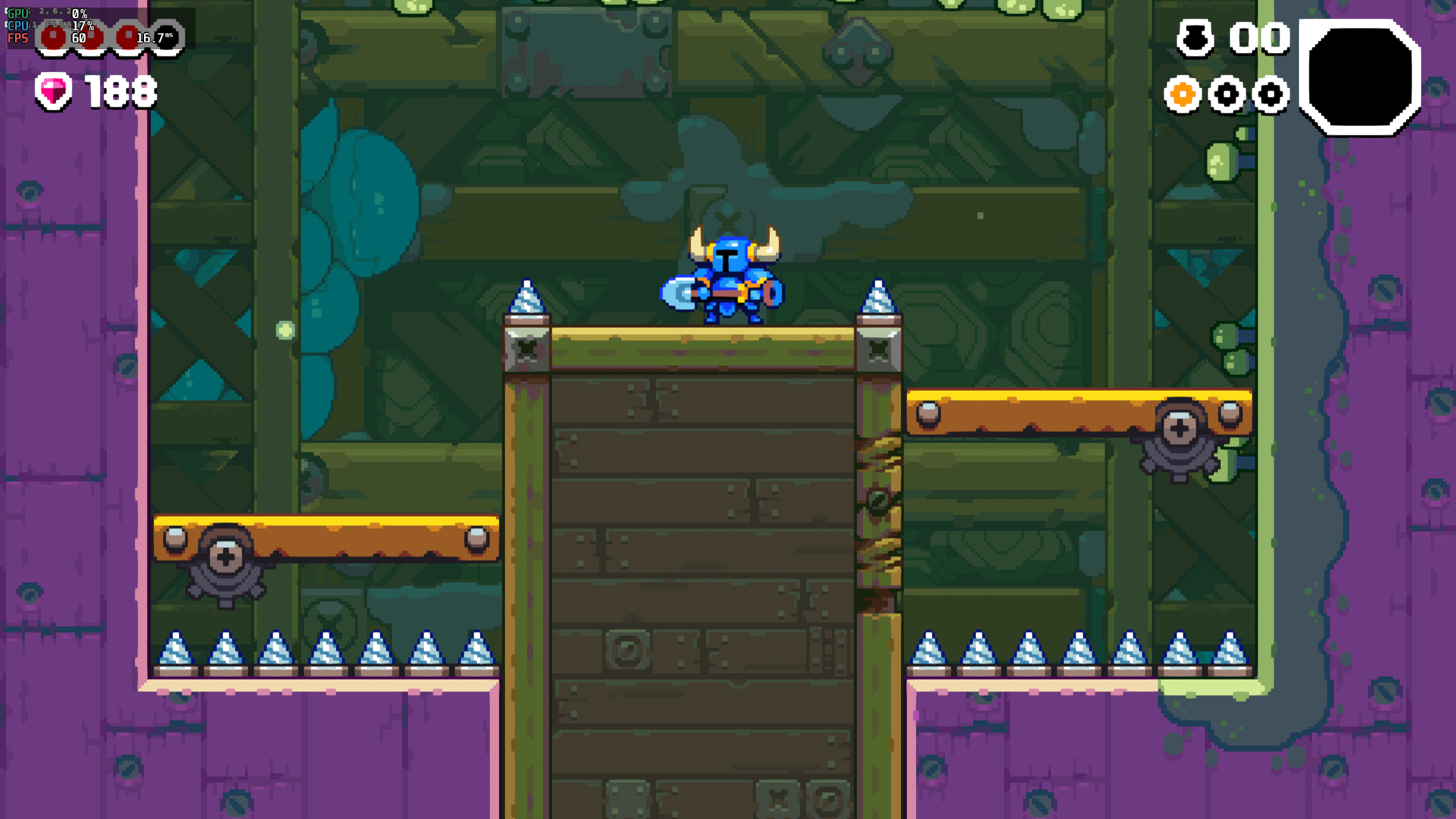
Armbian 25.8.2 Noble XFCE (BSD Kernel: 6.1.115) + PanVk - mesa 26.0 (https://launchpad.net/~ernstp/+archive/ubuntu/mesaaco) + box64 3.9 (https://ryanfortner.github.io/box64-debs/) + proton-10.0-3-amd64-wow64 (https://github.com/Kron4ek/Wine-Builds/releases/download/proton-10.0-3/wine-proton-10.0-3-amd64-wow64.tar.xz) + DXVK-stripped v2.6.2 >=60fps@1080p Shovel Knight Dig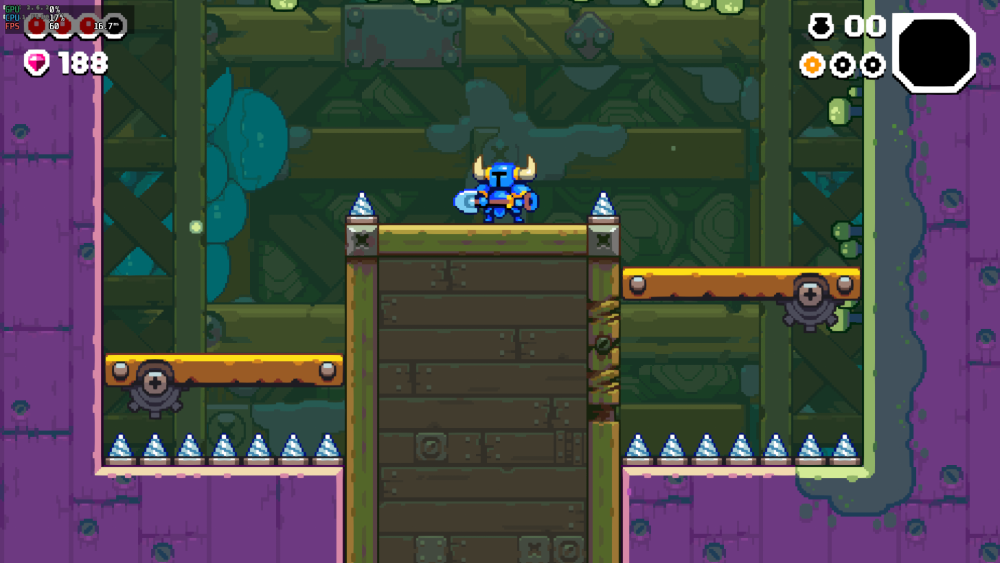
-
Gaming experience with Orange Pi 5 (RK3588) on Armbian
KhanhDTP replied to KhanhDTP's topic in Orange Pi 5
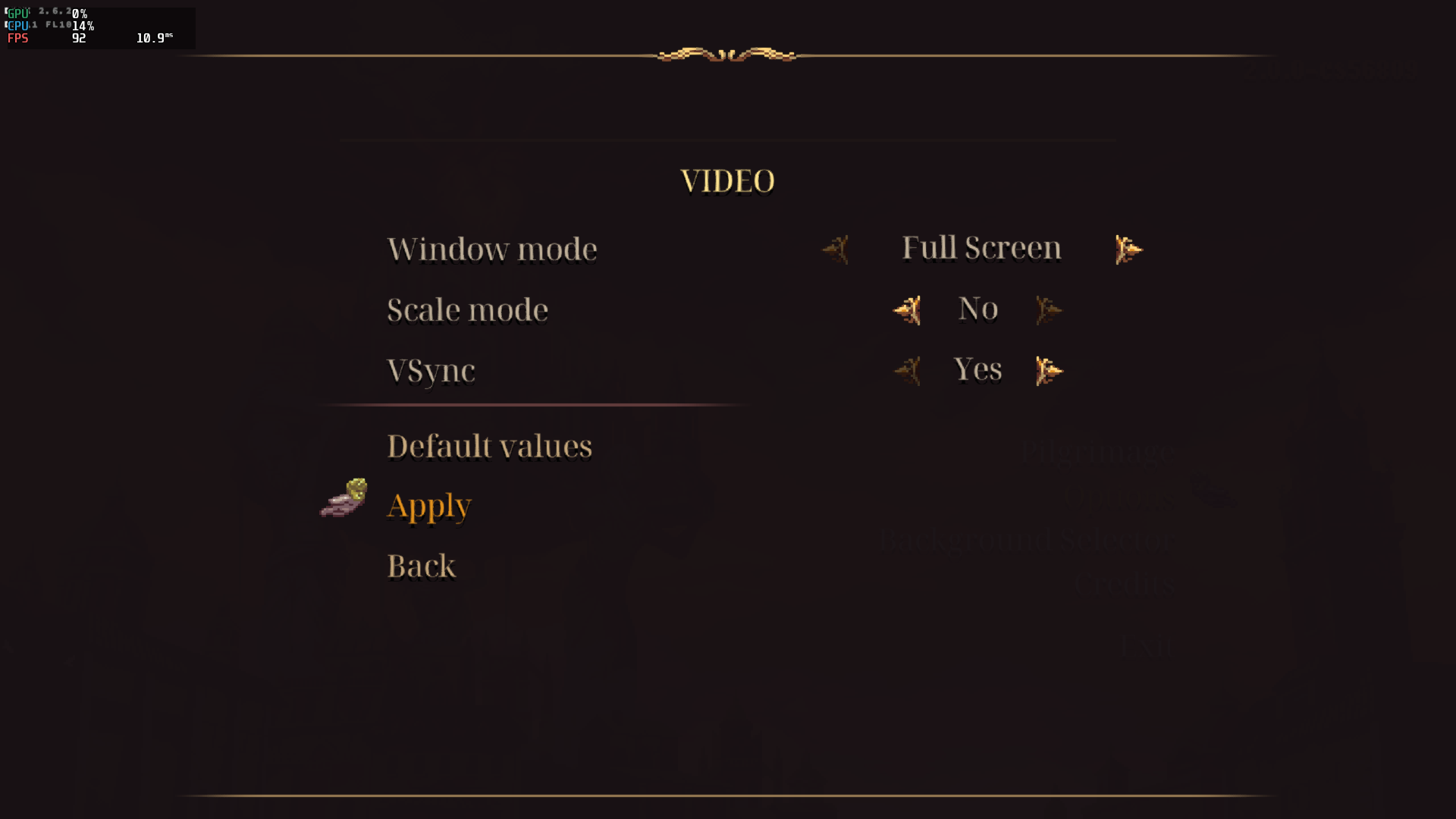
Armbian 25.8.2 Noble XFCE (BSD Kernel: 6.1.115) + PanVk - mesa 26.0 (https://launchpad.net/~ernstp/+archive/ubuntu/mesaaco) + box64 3.9 (https://ryanfortner.github.io/box64-debs/) + proton-10.0-3-amd64-wow64 (https://github.com/Kron4ek/Wine-Builds/releases/download/proton-10.0-3/wine-proton-10.0-3-amd64-wow64.tar.xz) + DXVK-stripped v2.6.2 >=60fps@1080p Blasphemous 2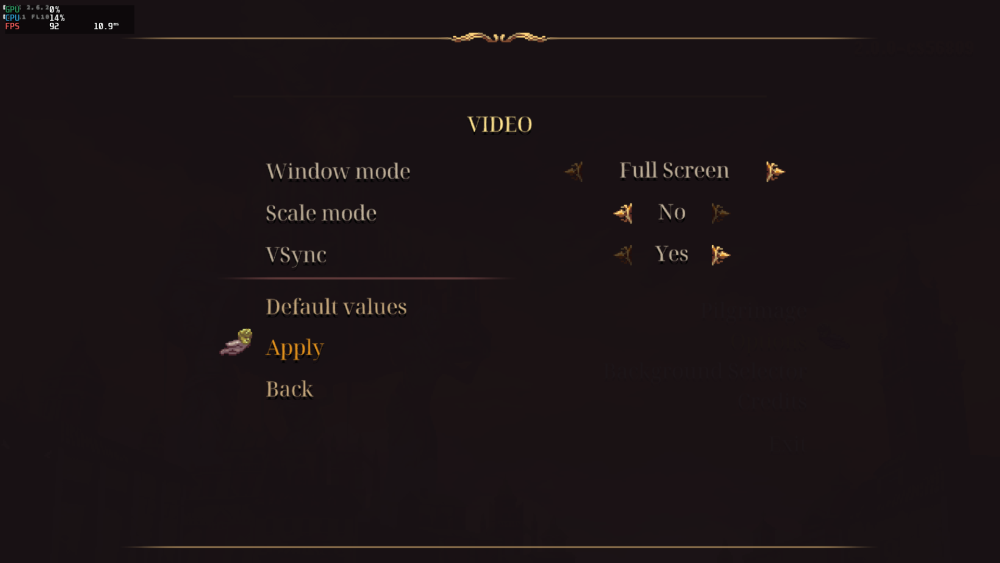
.thumb.png.120b8e2155d7d1920dd674aea71dc119.png)
-
Gaming experience with Orange Pi 5 (RK3588) on Armbian
KhanhDTP replied to KhanhDTP's topic in Orange Pi 5
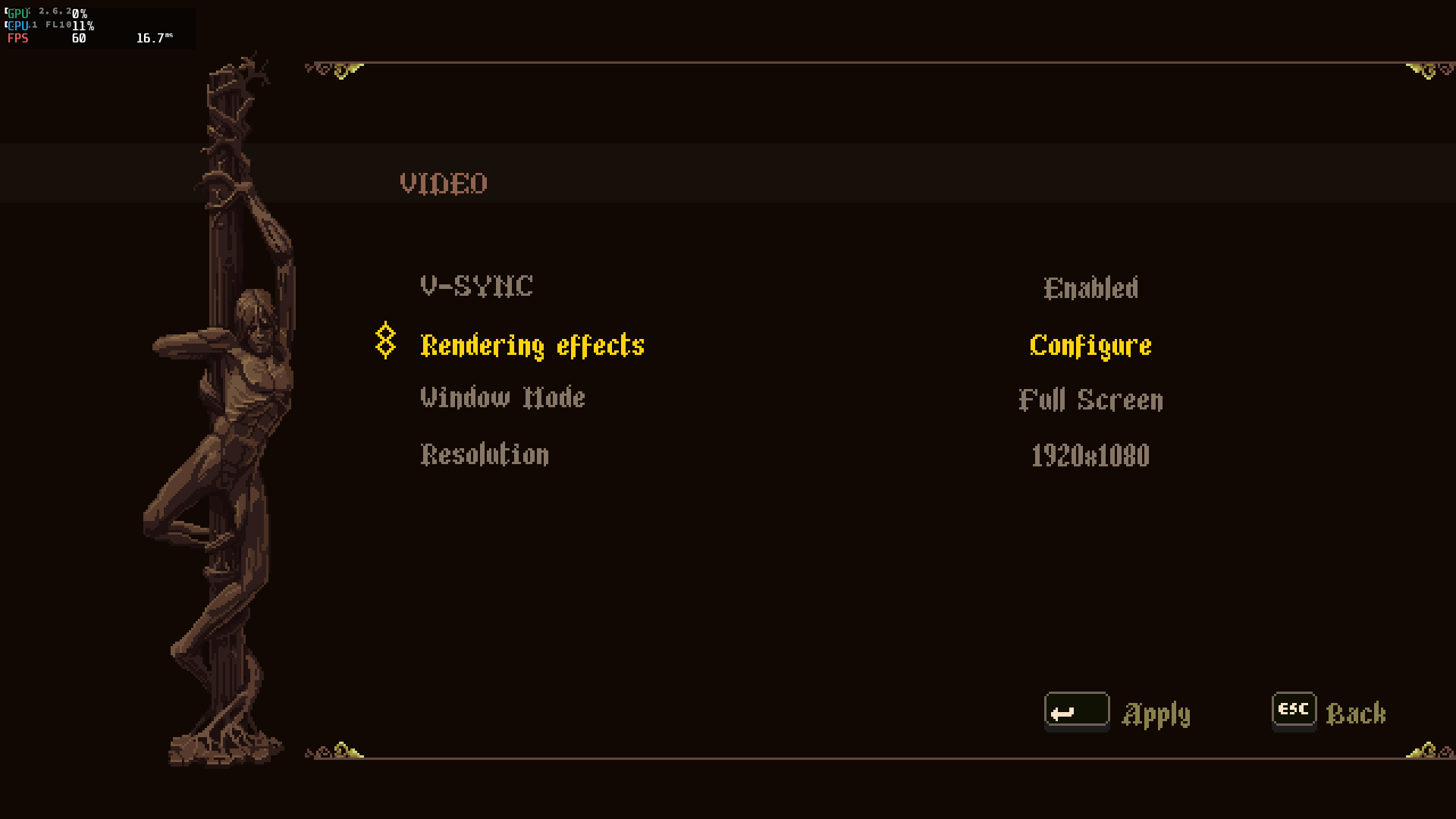
Armbian 25.8.2 Noble XFCE (BSD Kernel: 6.1.115) + PanVk - mesa 26.0 (https://launchpad.net/~ernstp/+archive/ubuntu/mesaaco) + box64 3.9 (https://ryanfortner.github.io/box64-debs/) + proton-10.0-3-amd64-wow64 (https://github.com/Kron4ek/Wine-Builds/releases/download/proton-10.0-3/wine-proton-10.0-3-amd64-wow64.tar.xz) + DXVK-stripped v2.6.2 >=60fps@1080p Blasphemous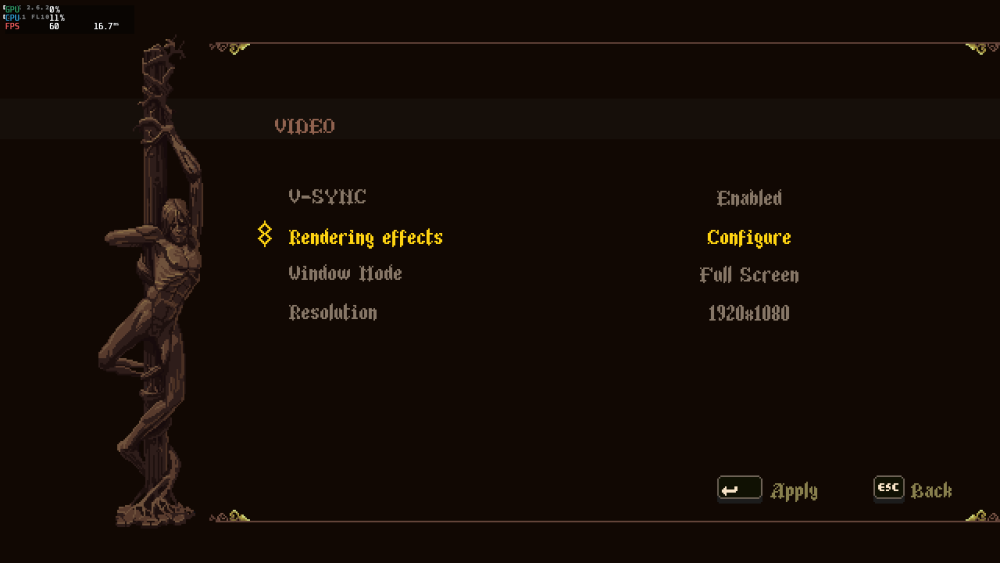
.thumb.png.7a121dd2cafca198a9100e3852e9b2aa.png)
-
Hello everyone, i`m trying to flash the multitool into the sd card, but all images that i tried from the server, are showing this errors on the balena etcher
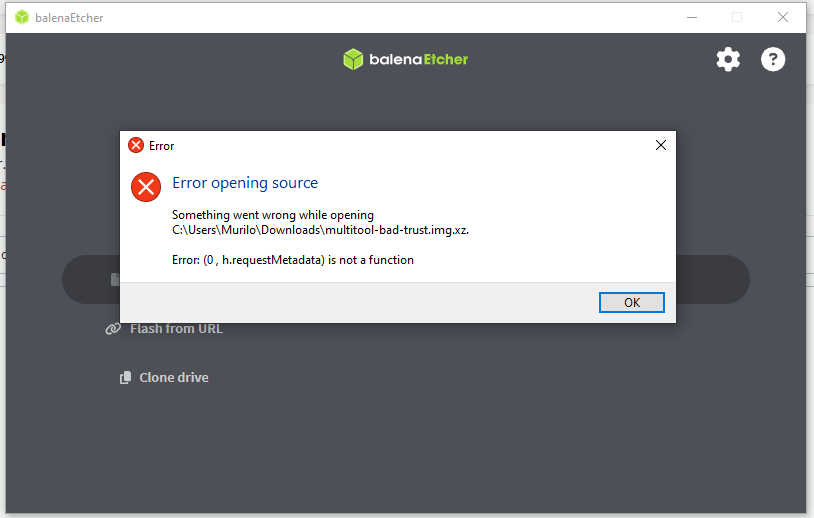
-
 Works just fine on last version. Thanks a lot !!! <pre> $ zcat /proc/config.gz | grep DP| grep ROCK CONFIG_ROCKCHIP_ANALOGIX_DP=y CONFIG_ROCKCHIP_CDN_DP=y CONFIG_ROCKCHIP_DW_DP=y CONFIG_PHY_ROCKCHIP_DP=y CONFIG_PHY_ROCKCHIP_DPHY_RX0=m CONFIG_PHY_ROCKCHIP_INNO_CSIDPHY=m CONFIG_PHY_ROCKCHIP_INNO_DSIDPHY=m CONFIG_PHY_ROCKCHIP_SAMSUNG_HDPTX=m CONFIG_PHY_ROCKCHIP_USBDP=m CONFIG_PHY_ROCKCHIP_DP=y </pre>
 - Yesterday
-
Armbian doesnt seem to see sata harddrives.
Popolon replied to DontMindMe's topic in Radxa Rock 5 ITX
SCSI works fine with linux Mainline at least (6.16, 6.17 & 6.18) since few month now. -
 I wish it was that simple! I am on a different computer here...on the exact same network.. and yes I can download that file from here, different machine, different distro. However from the Odroid N2+ it is a different story. I have with a few experiments found that WAN pings would not work from the Odroid N2+ machine with the "noble" distro. But that problem is NOT present with the "bookworm" distro. I thought it was the initial installation, but the problem is persistent in "noble" and never an issue with "bookworm". Thanks for your reply, and any other ideas?
 -
my Rupa 88 Pro 20, wifi/bt chip is cdtech 208821c (rtl8821cs), with real 4g32 had no bluetooth with mmie4jbcu's dtb or the included box-demo.dtb. with a lil help from claude.ai, i mix mmie4jbcu's dtb with x96x6.dtb from another thread here. et voilá bluetooth is working after apt install armbian-firmware-full rk3566-box-X88PRO20.dtb
-
So, here's what I had to do to successfully build the image. First, I corrected my board file in the config/board/orangepizero3.csc directory. The processor value was incorrect, it was 616, so I set it to 618. Menuconf suggested selecting a board with a 618 chip, but in the board file it was listed as family 616. Later, I copied my board file to the userpatches directory and added the value CONFIG_DRM_PANEL_MIPI_DBI=m. Then I ran the image build script with the menuconf viewer. I was surprised that the CONFIG_DRM_PANEL_MIPI_DBI parameter already had the value "m"; previously, it was empty. After all these manipulations, the build went smoothly. Thank you so much for your support.
-
People are already helping you. But, they're mostly helping you to help yourself. One thing you can do to make it easier for people to help you is to add the SHARE_LOG build switch to ./compile.sh. That way your build log will be uploaded and you can share the link here.
-
Hi I was able to build an image with the panel-mipi-dbi module enabled. My previous image had the module disabled, so it took me a couple of days to figure it out. As I found out, for my version of the board, which uses the 618 chip, I needed to adjust a line in the bootconfig to build my board. It specified the 616 chip. But that's probably not the reason for the success. After I built the image, applied the binary, and dts, the screen was still white after rebooting. user@orangepizero3:~/v0_ips_touch_display$ cd user@orangepizero3:~$ sudo modinfo panel-mipi-dbi filename: /lib/modules/6.16.8-edge-sunxi64/kernel/drivers/gpu/drm/tiny/panel-mipi-dbi.ko license: GPL author: Noralf Trønnes description: MIPI DBI compatible display panel driver alias: of:N*T*Cpanel-mipi-dbi-spiC* alias: of:N*T*Cpanel-mipi-dbi-spi alias: spi:panel-mipi-dbi-spi depends: drm_mipi_dbi,backlight intree: Y name: panel_mipi_dbi vermagic: 6.16.8-edge-sunxi64 SMP preempt mod_unload aarch64 user@orangepizero3:~$ dmesg | grep spi [ 2.466658] sun6i-spi 5010000.spi: Error applying setting, reverse things back [ 2.467167] sun6i-spi 5011000.spi: cannot register SPI host [ 2.474140] sun6i-spi 5010000.spi: Error applying setting, reverse things back [ 2.474558] sun6i-spi 5011000.spi: cannot register SPI host [ 3.584770] panel-mipi-dbi-spi spi1.0: supply power not found, using dummy regulator [ 3.603713] panel-mipi-dbi-spi spi1.0: supply io not found, using dummy regulator [ 3.603960] panel-mipi-dbi-spi spi1.0: Direct firmware load for panel-mipi-dbi-spi.bin failed with error -2 [ 3.603975] panel-mipi-dbi-spi spi1.0: No config file found for compatible 'panel-mipi-dbi-spi' (error=-2) [ 3.603983] panel-mipi-dbi-spi spi1.0: probe with driver panel-mipi-dbi-spi failed with error -2 [ 12.001666] OF: /soc/spi@5011000/ads7846@1: Read of boolean property 'ti,swap-xy' with a value. [ 12.001860] ads7846 spi1.1: supply vcc not found, using dummy regulator [ 12.004761] ads7846 spi1.1: touchscreen, irq 77 [ 12.007680] input: ADS7846 Touchscreen as /devices/platform/soc/5011000.spi/spi_master/spi1/spi1.1/input/input10 [ 12.018707] spi-nor spi0.0: supply vcc not found, using dummy regulator [ 12.018953] spi-nor spi0.0: supply vdd not found, using dummy regulator
-
FWIW, the file in question is available from the mirror. Are you sure you do not have network issues?
-
FYI, Device is Odroid N2+ 4 GB. Some months ago I installed/ran: Armbian_25.2.1_Odroidn2_bookworm_current_6.12.13_xfce_desktop.img with no issues that I could not overcome. I re-downloaded it yesterday and re-installed/ran it on another Odroid N2+ 4GB with no issues. However when I try to install/run: Armbian_25.11.1_Odroidn2_noble_current_6.12.58_xfce_desktop.img "* Desktops are very simple and minimal but containing standard features such as Chromium, Firefox browser, Office tools etc." It leads to a number of issues, but the most important one is no internet browsers are installed that are either visible from the Applications Menu, or that can be fixed/updated through either "apt" or by using "synaptic". Trying to update Firefox through "synaptic" leads to this error: W: Failed to fetch http://mirror.vinehost.net/armbian/apt/pool/noble-desktop/f/firefox/firefox_133.0+build2-0ubuntu0.24.04.1~mt1armbian1_arm64.deb Could not open file /var/cache/apt/archives/partial/firefox_9%3a133.0+build2-0ubuntu0.24.04.1~mt1armbian1_arm64.deb - open (2: No such file or directory) [IP: 143.20.69.35 80] OR W: Failed to fetch http://armbian.lv.auroradev.org/apt/pool/noble-desktop/f/firefox/firefox_133.0+build2-0ubuntu0.24.04.1~mt1armbian1_arm64.deb Could not open file /var/cache/apt/archives/partial/firefox_9%3a133.0+build2-0ubuntu0.24.04.1~mt1armbian1_arm64.deb - open (2: No such file or directory) [IP: 23.186.113.5 80] etc I have installed and verified the sha256sum on at least 3 microsd cards with the same result for the Armbian_25.11.1_Odroidn2_noble_current_6.12.58_xfce_desktop.img. version. Again the "bookworm" has no issues but "noble" seems to be broken. I tried the Armbian_25.11.1_Odroidn2_noble_current_6.12.58_gnome_desktop.img as well. It has the same issues. I realize that at this time of the year our minds are on the holidays/festive season. I hope that some clarity can be had as I have never seen this type of problem with a linux distro before this. Thank you for your time, patience, and help!



.jpg.7c261bfcfdebbf319f8f1939643e0d12.jpg)
.jpg.875b9e22bd8936b22c7de8819f78f601.jpg)
.jpg.81a053968eb7829437d471cbb1307e35.jpg)
.png.4b771f8c95cf6193defe693b28065c96.png)
.png.9f43eaa76aa0ae08b455c51da53970c1.png)


