
All Activity
- Past hour
-
Hi there, I also tried to see what happens when I set the DIP to SATA0, but to my surprise, the serial console does not give any indication of a boot attempt from SATA: BootROM - 1.73 Booting from SPI flash BootROM: Bad header at offset D4000000 BootROM: Bad header at offset D4200000 BootROM: Bad header at offset D4400000 BootROM: Bad header at offset D4600000 BootROM: Bad header at offset D4800000 BootROM: Bad header at offset D4A00000 BootROM: Bad header at offset D4C00000 BootROM: Bad header at offset D4E00000 Trying Uart And yes, DIP was set to SATA0. To note: there was a blinking red LED prior to the output on the serial console. When I re-set the DIP to SPI, it boots up without issue: Booting from SPI flash U-Boot SPL 2025.10_armbian-2025.10-Se50b-Pee16-H9530-V9a59-Bbf55-R448a (Nov 23 2025 - 08:27:54 +0000) High speed PHY - Version: 2.0 Detected Device ID 6828 board SerDes lanes topology details: | Lane # | Speed | Type | -------------------------------- | 0 | 6 | SATA0 | | 1 | 5 | USB3 HOST0 | | 2 | 6 | SATA1 | | 3 | 6 | SATA3 | | 4 | 6 | SATA2 | | 5 | 5 | USB3 HOST1 | -------------------------------- High speed PHY - Ended Successfully mv_ddr: 14.0.0 DDR3 Training Sequence - Switching XBAR Window to FastPath Window DDR Training Sequence - Start scrubbing DDR3 Training Sequence - End scrubbing mv_ddr: completed successfully Trying to boot from SPI U-Boot 2025.10_armbian-2025.10-Se50b-Pee16-H9530-V9a59-Bbf55-R448a (Nov 23 2025 - 08:27:54 +0000) SoC: MV88F6828-A0 at 1600 MHz DRAM: 2 GiB (800 MHz, 32-bit, ECC enabled) Core: 32 devices, 21 uclasses, devicetree: separate MMC: mv_sdh: 0 Loading Environment from SPIFlash... SF: Detected w25q32 with page size 256 Bytes, erase size 4 KiB, total 4 MiB OK Model: Helios4 Board: Helios4 ... It almost appears that the DIP is not read out properly? What does your console say when you set the DIP to SATA0? Groetjes,
-

Gaming experience with Orange Pi 5 (RK3588) on Armbian
晓飞丁 replied to KhanhDTP's topic in Orange Pi 5
Thank you so much! Read it right away! -

Gaming experience with Orange Pi 5 (RK3588) on Armbian
KhanhDTP replied to KhanhDTP's topic in Orange Pi 5
You can follow this guide to getting started https://gist.github.com/JeodC/aa89f7b387d9dd7976d39bf585e471fd -
 On an ARM computer: cat Armbian_25.11.1_Odroidn2_noble_current_6.12.58_xfce_desktop.img.xz.sha 1f3816553377dd63a12e46a476f7ff20b8c5118f63f879f8d3d7d27073c97b35 Armbian_25.11.1_Odroidn2_noble_current_6.12.58_xfce_desktop.img.xz unxz Armbian_25.11.1_Odroidn2_noble_current_6.12.58_xfce_desktop.img.xz losetup --show -fP Armbian_25.11.1_Odroidn2_noble_current_6.12.58_xfce_desktop.img mount /dev/loop0p2 2 passwd -d root --root $(pwd)/2/ systemd-nspawn -bD 2 Only as root login. Browsers are installed: Creating a new user account. Press <Ctrl-C> to abort Desktop environment will not be enabled if you abort the new user creation Please provide a username (eg. your first name): ^C Disabling user account creation procedure root@odroidn2:~# apt list --installed | grep -i -e firefox -e chromium WARNING: apt does not have a stable CLI interface. Use with caution in scripts. chromium-browser/noble,now 2:1snap1-0ubuntu2 arm64 [installed] firefox/noble,now 1:1snap1-0ubuntu5 arm64 [installed,upgradable to: 9:133.0+build2-0ubuntu0.24.04.1~mt1armbian1] Running as a container without DE is very minimal, but packages are there and also networking is up. Things might go wrong when starting DE for the first time, the the occasions I had that in the past decade are rare an due to bad storage or so or something failing with graphics HW/stack. You should maybe specifically look at what is managing network and what is managing DNS. Math permutation leads to 4 possibilities already if I look at what is installed. That is excluding all sorts of options you may have with your router or LAN.
 - Today
-
Gaming experience with Orange Pi 5 (RK3588) on Armbian
晓飞丁 replied to KhanhDTP's topic in Orange Pi 5
How do you use proton/wine. I download the archieve file and after extraction, there are bin & lib files, how can I use them ? set some environment variables? -
Gaming experience with Orange Pi 5 (RK3588) on Armbian
KhanhDTP replied to KhanhDTP's topic in Orange Pi 5
I am using X11 (XFCE), make sure you installed the driver. -
The one time I used my iPad autocorrect comes to bite me
-
Only if you hand over the Arab money: https://song.link/s/6X0U1NIujkYExpcho01OXG
-
@Werner we should include the „new“ Arabian blog here
-
Looks like the tar file is broken. Try unpacking it with one other program and see if you can getting the .IMG file extracted OK. Also downloading it more times and see if its being OK or the server is having one corupt file.
-

Efforts to develop firmware for Lemfo HK1 RBOX K8S 4G/64G
leXia replied to Panda's topic in Rockchip CPU Boxes
For this device, ttyS2 is used for BT, but the problem was that the system was trying to use it for logging. After modifying that part in boot.cmd and rebooting, the firmware came up. -
Gaming experience with Orange Pi 5 (RK3588) on Armbian
晓飞丁 replied to KhanhDTP's topic in Orange Pi 5
Are you using X11 or wayland? I am not able to run wayland while under X11 it is very slow -
Efforts to develop firmware for Lemfo HK1 RBOX K8S 4G/64G
leXia replied to Panda's topic in Rockchip CPU Boxes
After installing the firmware shown in the link and requesting modifications by decompiling your dtb, there's been some progress, but it's still not working yet. However, I'm hopeful that with a little more effort, it should work. -
Gaming experience with Orange Pi 5 (RK3588) on Armbian
KhanhDTP replied to KhanhDTP's topic in Orange Pi 5
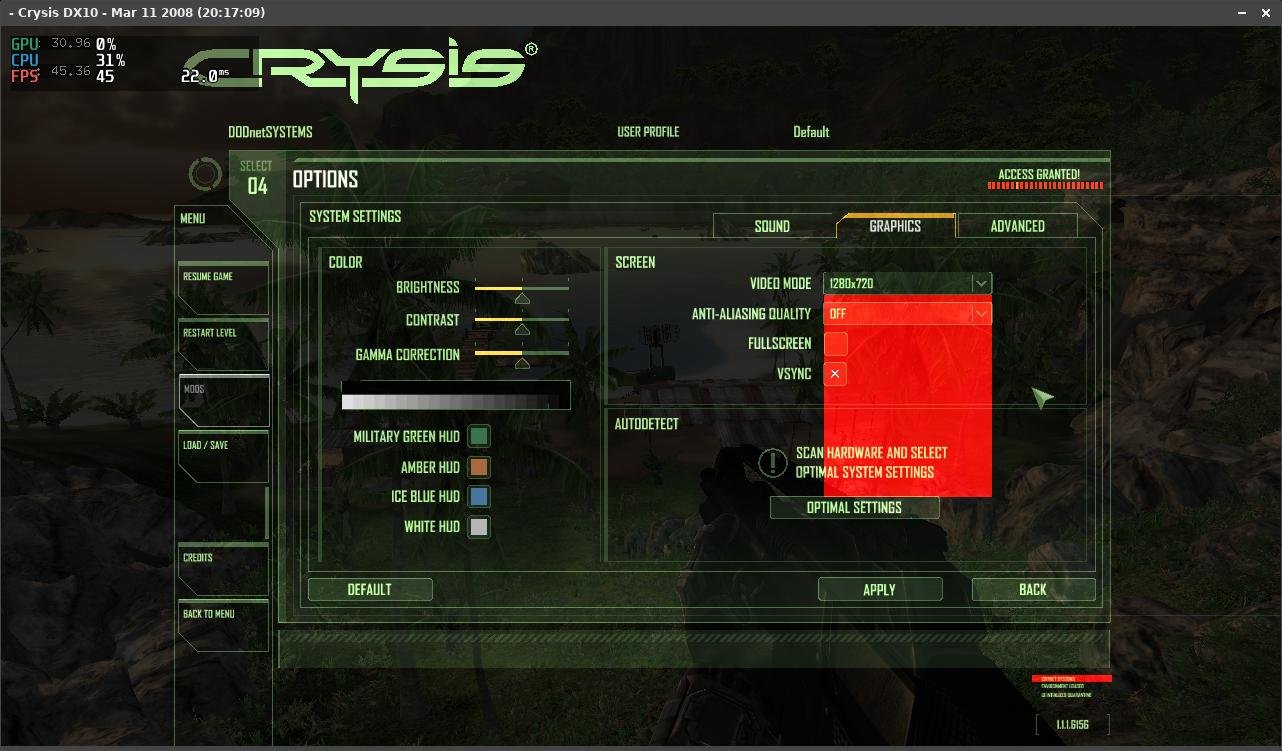
Armbian 25.8.2 Noble XFCE (BSD Kernel: 6.1.115) + PanVk - mesa 26.0 (https://launchpad.net/~ernstp/+archive/ubuntu/mesaaco) + FEX-Emu 2510 + hangover-10.18 (https://github.com/AndreRH/hangover/releases/tag/hangover-10.18) + Zink 30~60fps@720p Crysis x64 (dx10)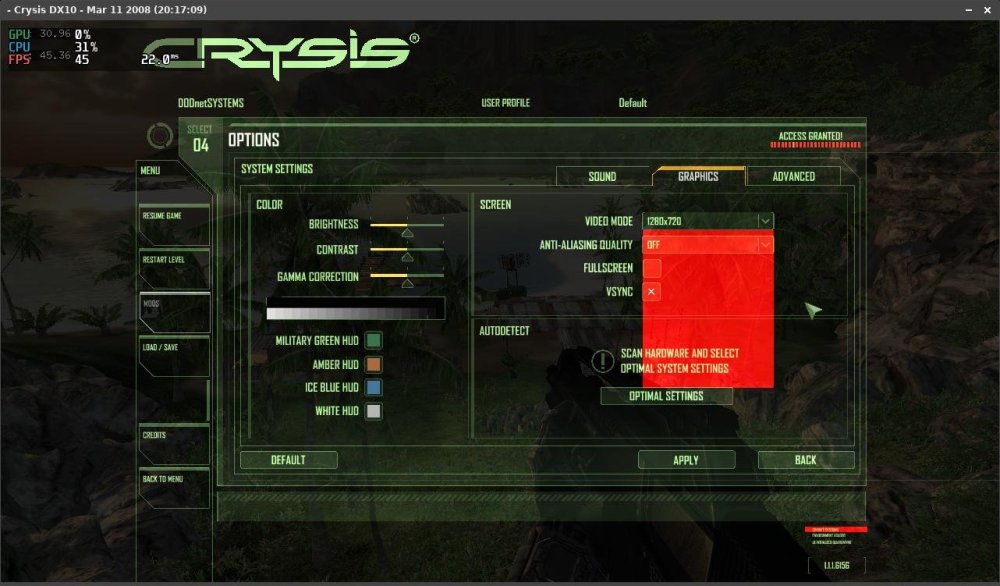
.thumb.jpg.53431d492eb4d5fe31900b6865565b53.jpg)
.thumb.jpg.a563982795e8c6cedd0d0891d5170d90.jpg)
-

Gaming experience with Orange Pi 5 (RK3588) on Armbian
laibsch replied to KhanhDTP's topic in Orange Pi 5
Thank you for sharing these! -
well, so it does indeed sound like you DO have network issues on the Odroid N2+. Something related to the network is not working right in noble for you.
-
Gaming experience with Orange Pi 5 (RK3588) on Armbian
KhanhDTP replied to KhanhDTP's topic in Orange Pi 5
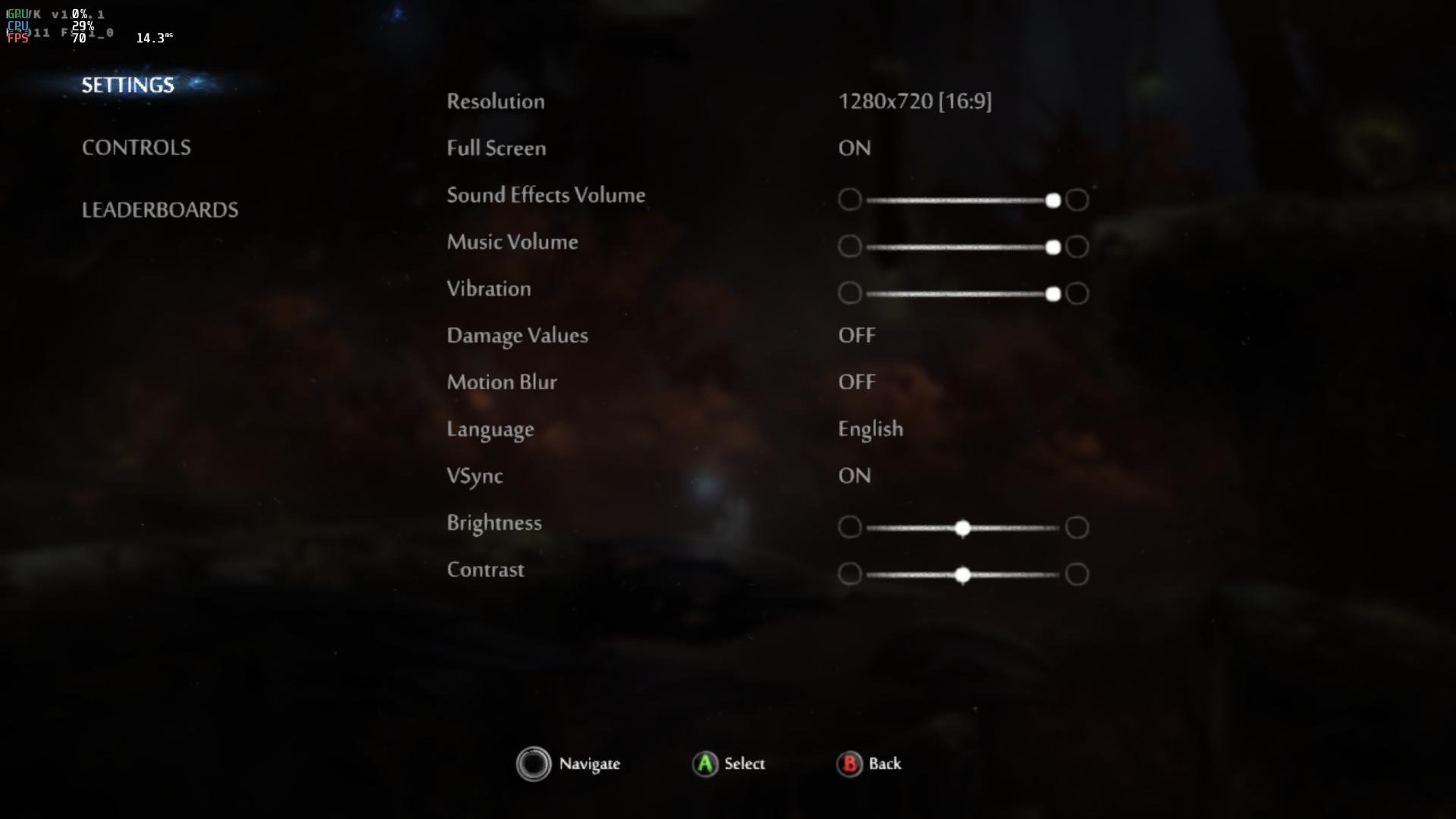
Armbian 25.8.2 Noble XFCE (BSD Kernel: 6.1.115) + PanVk - mesa 26.0 (https://launchpad.net/~ernstp/+archive/ubuntu/mesaaco) + box64 3.9 (https://ryanfortner.github.io/box64-debs/) + proton-10.0-3-amd64-wow64 (https://github.com/Kron4ek/Wine-Builds/releases/download/proton-10.0-3/wine-proton-10.0-3-amd64-wow64.tar.xz) + DXVK-stripped v1.7.1 ~60fps@1080p Ori and the Blind Forest: Definitive Edition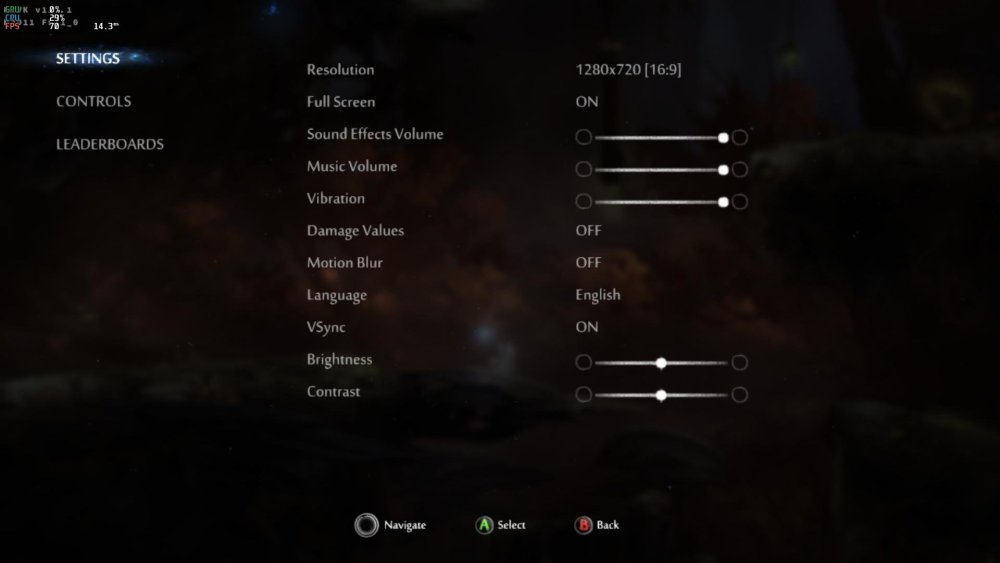
.thumb.jpg.ba784045e30fe9dbbbca9f60df548d1c.jpg)
-
Gaming experience with Orange Pi 5 (RK3588) on Armbian
KhanhDTP replied to KhanhDTP's topic in Orange Pi 5
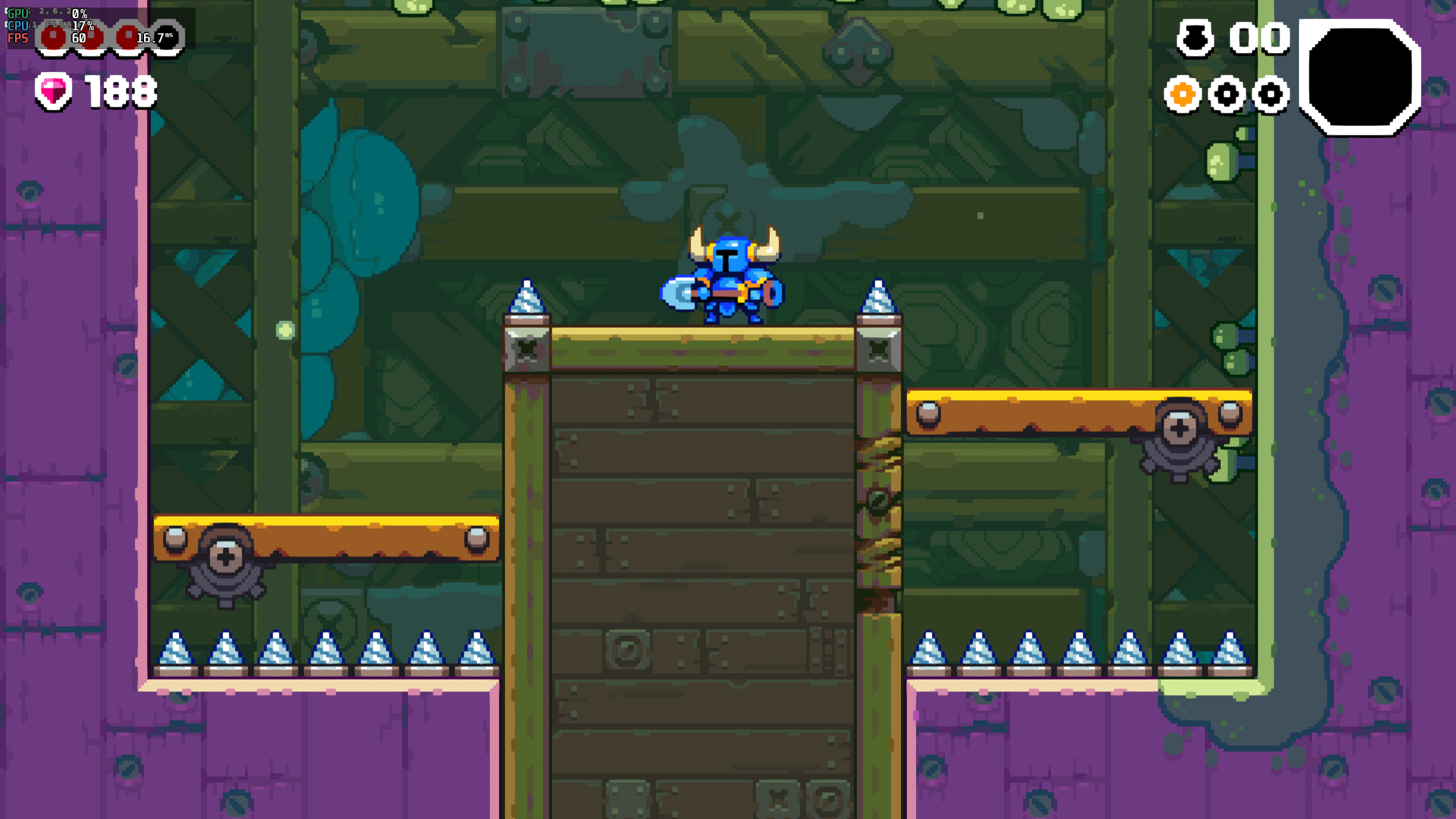
Armbian 25.8.2 Noble XFCE (BSD Kernel: 6.1.115) + PanVk - mesa 26.0 (https://launchpad.net/~ernstp/+archive/ubuntu/mesaaco) + box64 3.9 (https://ryanfortner.github.io/box64-debs/) + proton-10.0-3-amd64-wow64 (https://github.com/Kron4ek/Wine-Builds/releases/download/proton-10.0-3/wine-proton-10.0-3-amd64-wow64.tar.xz) + DXVK-stripped v2.6.2 >=60fps@1080p Shovel Knight Dig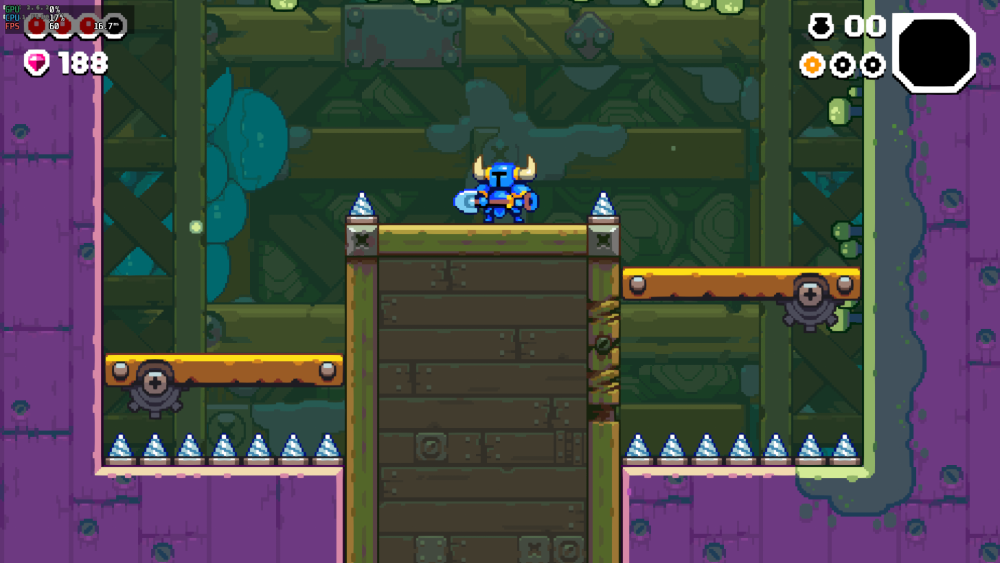
-
Gaming experience with Orange Pi 5 (RK3588) on Armbian
KhanhDTP replied to KhanhDTP's topic in Orange Pi 5
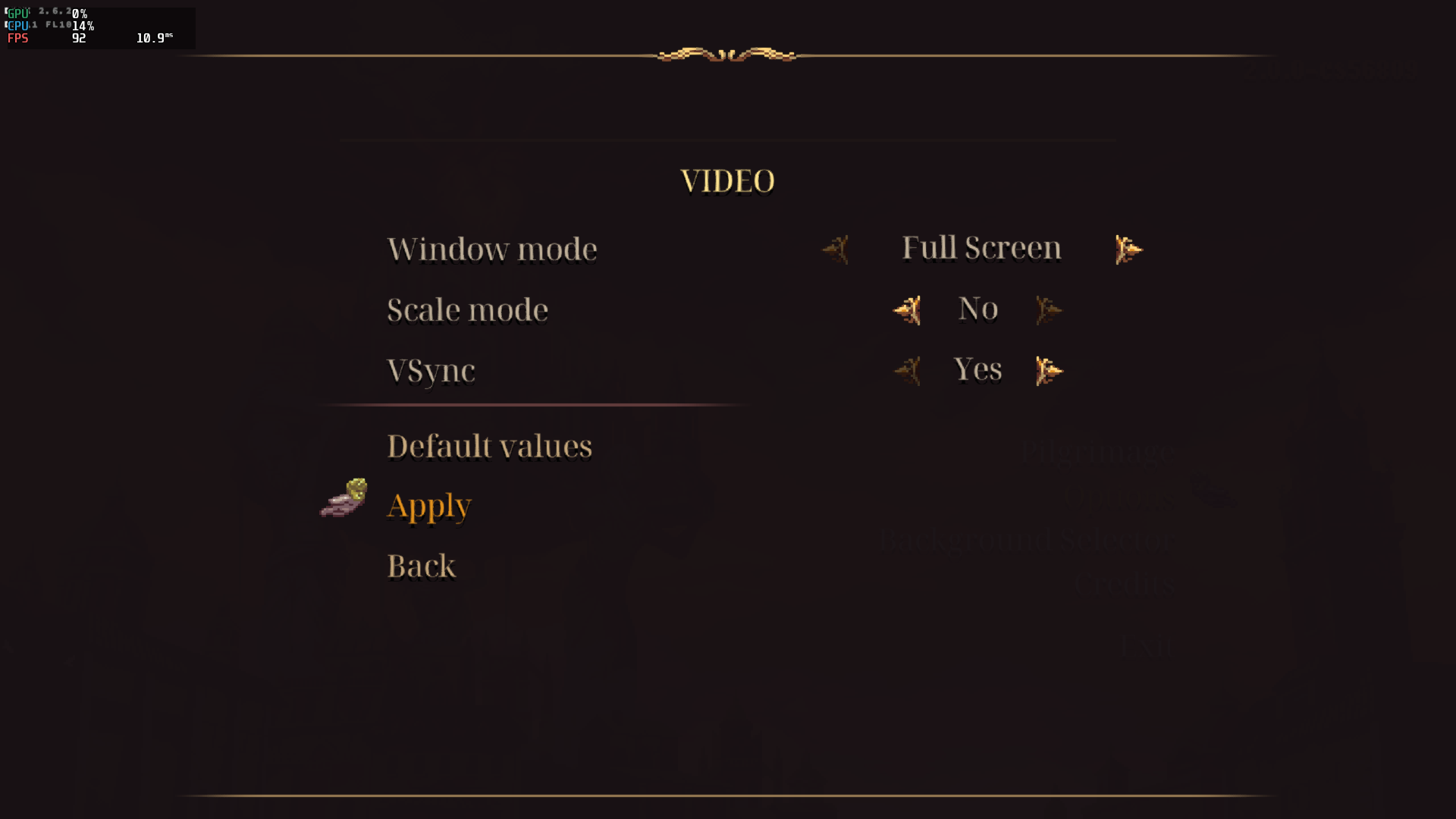
Armbian 25.8.2 Noble XFCE (BSD Kernel: 6.1.115) + PanVk - mesa 26.0 (https://launchpad.net/~ernstp/+archive/ubuntu/mesaaco) + box64 3.9 (https://ryanfortner.github.io/box64-debs/) + proton-10.0-3-amd64-wow64 (https://github.com/Kron4ek/Wine-Builds/releases/download/proton-10.0-3/wine-proton-10.0-3-amd64-wow64.tar.xz) + DXVK-stripped v2.6.2 >=60fps@1080p Blasphemous 2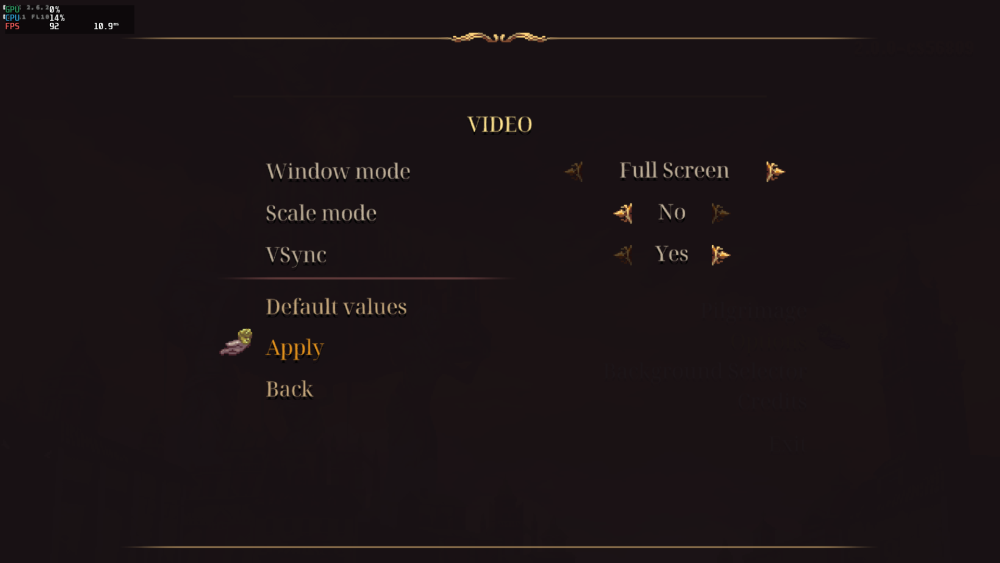
.thumb.png.120b8e2155d7d1920dd674aea71dc119.png)
-
Gaming experience with Orange Pi 5 (RK3588) on Armbian
KhanhDTP replied to KhanhDTP's topic in Orange Pi 5
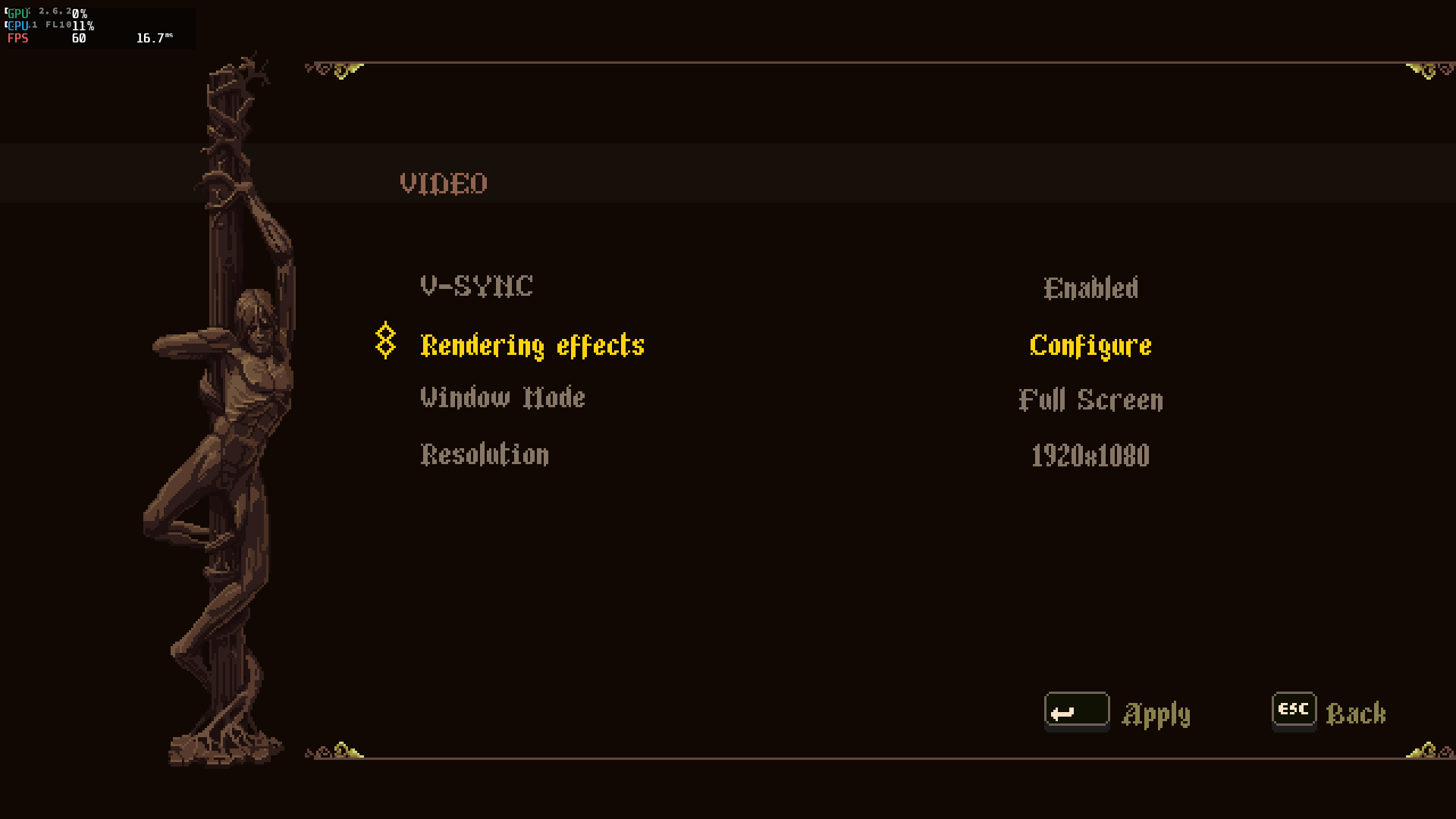
Armbian 25.8.2 Noble XFCE (BSD Kernel: 6.1.115) + PanVk - mesa 26.0 (https://launchpad.net/~ernstp/+archive/ubuntu/mesaaco) + box64 3.9 (https://ryanfortner.github.io/box64-debs/) + proton-10.0-3-amd64-wow64 (https://github.com/Kron4ek/Wine-Builds/releases/download/proton-10.0-3/wine-proton-10.0-3-amd64-wow64.tar.xz) + DXVK-stripped v2.6.2 >=60fps@1080p Blasphemous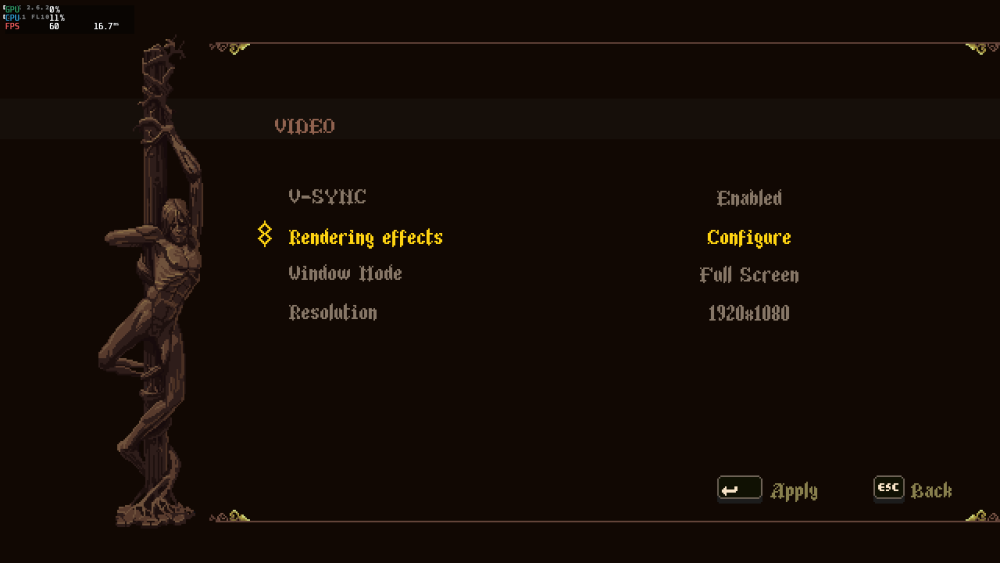
.thumb.png.7a121dd2cafca198a9100e3852e9b2aa.png)
-
Hello everyone, i`m trying to flash the multitool into the sd card, but all images that i tried from the server, are showing this errors on the balena etcher
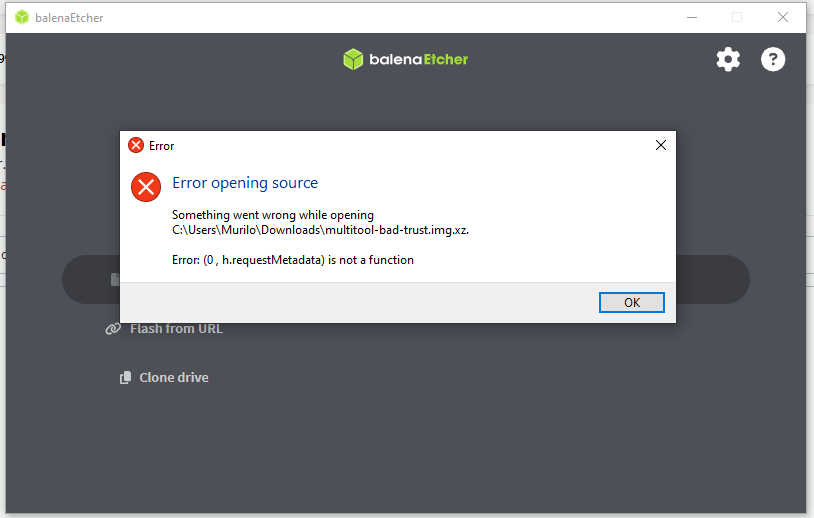
-
 Works just fine on last version. Thanks a lot !!! <pre> $ zcat /proc/config.gz | grep DP| grep ROCK CONFIG_ROCKCHIP_ANALOGIX_DP=y CONFIG_ROCKCHIP_CDN_DP=y CONFIG_ROCKCHIP_DW_DP=y CONFIG_PHY_ROCKCHIP_DP=y CONFIG_PHY_ROCKCHIP_DPHY_RX0=m CONFIG_PHY_ROCKCHIP_INNO_CSIDPHY=m CONFIG_PHY_ROCKCHIP_INNO_DSIDPHY=m CONFIG_PHY_ROCKCHIP_SAMSUNG_HDPTX=m CONFIG_PHY_ROCKCHIP_USBDP=m CONFIG_PHY_ROCKCHIP_DP=y </pre>
 - Yesterday
-
Armbian doesnt seem to see sata harddrives.
Popolon replied to DontMindMe's topic in Radxa Rock 5 ITX
SCSI works fine with linux Mainline at least (6.16, 6.17 & 6.18) since few month now. -
 I wish it was that simple! I am on a different computer here...on the exact same network.. and yes I can download that file from here, different machine, different distro. However from the Odroid N2+ it is a different story. I have with a few experiments found that WAN pings would not work from the Odroid N2+ machine with the "noble" distro. But that problem is NOT present with the "bookworm" distro. I thought it was the initial installation, but the problem is persistent in "noble" and never an issue with "bookworm". Thanks for your reply, and any other ideas?
 -
my Rupa 88 Pro 20, wifi/bt chip is cdtech 208821c (rtl8821cs), with real 4g32 had no bluetooth with mmie4jbcu's dtb or the included box-demo.dtb. with a lil help from claude.ai, i mix mmie4jbcu's dtb with x96x6.dtb from another thread here. et voilá bluetooth is working after apt install armbian-firmware-full rk3566-box-X88PRO20.dtb




.jpg.7c261bfcfdebbf319f8f1939643e0d12.jpg)
.jpg.875b9e22bd8936b22c7de8819f78f601.jpg)
.jpg.81a053968eb7829437d471cbb1307e35.jpg)
.png.4b771f8c95cf6193defe693b28065c96.png)
.png.9f43eaa76aa0ae08b455c51da53970c1.png)

