All Activity
- Past hour
-
I know this might get ignored, but honestly, I don’t really mind. I just want to report something I noticed a few days ago, which I initially thought was caused by my previous setup. I was running a Radxa CM5 with a Waveshare CM4 Nano-C board, using an Armbian image for the Rock 5A. This was the only way I could get it working with mainline support. I’m aware this setup is far from standard I’m essentially using the wrong image but that’s because the Radxa CM5 IO board isn’t compatible with the Waveshare Nano board. On top of that, Armbian doesn’t officially support the CM5 RPi-CM4 IO board provided by Radxa (which does work with the Waveshare Nano, but their image is extremely unstable updating it to Trixie bricks the system). The main issue I noticed was with Wi-Fi (using a USB Wi-Fi AC dongle). By default, it’s broken. I managed to restore it using armbian-config and network setup, but even then, the system doesn’t show any Wi-Fi options in Network Manager, despite being connected and working. I didn’t report this earlier because my setup is quite unusual, and I couldn’t be sure if the issue was specific to me. However, today I tested something else. I revived my MSI GS73VR (a 2017 x86 laptop with a GTX 1060) and tried several Linux distributions. I ended up installing Armbian UEFI (the x86 version of Armbian Trixie). As a side note, the Trixie download link on the website is broken—you have to dig through the internal download pages to find it. After installing it on an NVMe drive and completing the setup, everything initially worked fine. But after one reboot, I encountered the same Wi-Fi issue: freezing and inconsistent behavior. This time, I hadn’t used armbian-config or any network tweaks. The system doesn’t properly detect or display Wi-Fi in GNOME settings, even though it is actually connected and working in the background. So this seems to be a broader issue, not just related to my ARM setup. I don’t know exactly what’s wrong with Armbian, but my main criticism has always been Wi-Fi support—especially for USB dongles. It feels poorly maintained and lacks consistency. I was told years ago that mainline support would resolve these issues, but Armbian UEFI on x86 should already be at that stage, shouldn’t it? Something clearly isn’t right here. It’s frustrating because this feels like the last missing piece for an otherwise solid system. Despite my criticism, I’ll admit Armbian has grown on me. On x86, there are better alternatives like Fedora, but on ARM, Armbian is still one of the best options. Anyway, apologies if this is posted in the wrong place. The official channels require logs, and I don’t feel like rebuilding my old broken setup just to gather them. If no logs means no help, then so be it. Maybe I’m the only one experiencing this—but I doubt it. Most people probably just plug in Ethernet and avoid dealing with Wi-Fi altogether. It is what it is.
- Today
-
 Hey! i saw you guys advanced a lot in this. I tried to re-solder the wires to see if i could get RX/TX, but no dice.
 -
How do I display information from a Linux server
-

CSC Armbian for RK3318/RK3328 TV box boards
andrey.lobov replied to jock's topic in Rockchip CPU Boxes
Hi all, I have an RK3318 TV box (A95X R2_V20). The front panel controller is TM1628. I’m running Armbian 23.11.1 with kernel 6.19.0‑edge‑rockchip64. Problem: tm16xx is not enabled in this kernel (CONFIG_TM16XX_* not set), and there is no rk3318x-config in this image. I tried to locate tm16xx sources in current Armbian kernel trees and mainline, but the driver is missing, so I can’t build it from the local headers. I have active Docker projects (avito-bot) on this box and don’t want to reinstall the system, and previous two reinstalls ended with apt issues, so I’d prefer to avoid a fresh image. Question: Is there a known external tm16xx driver repo (or patch) that can be built as an out‑of‑tree module for RK3318? If yes, could you point me to the source and any required device‑tree overlay/pin mapping for TM1628? I already posted board photos and dtb above (my post is still unanswered), so please refer to that if needed. Thanks! -
The flashing guide points to a github repo which mentions only xiaomi but not oneplus. Can I follow that?
-
I'm a complete novice in the area of Linux on phones. I want to use Linux on my oneplus 8t and I am excited to find that armbian has official support for this. But before I install armbian on my phone, I am wondering if I can restore to android after I install armbian. I have another question which may be a bit offtopic: how hard is it to add support for oneplus 8t to Mobile NixOS? Thanks in advance.
-
Mirrors come and go. Check https://docs.armbian.com/Mirrors/#current-mirrors for an up to date list of active mirrors and its status.
-

HDMI audio and analog audio do not work on Opi5Plus
Werner replied to ずっと一人's topic in Orange Pi 5 Plus
I don't know. I don't maintain this board. Perhaps the maintainer knows which is alexl83. I don't know if he has a forums account though. Try via Github -

HDMI audio and analog audio do not work on Opi5Plus
JFL replied to ずっと一人's topic in Orange Pi 5 Plus
Hi @Werner For your info, with kernel-6.19.5-edge-rockchip64 using dtb from kernel-7.0.0-rc5/rc6-edge-rockchip64, Headphone Jack audio/sound is available. Does this mean the device tree is not the culprit and it is related to the kernel? Have not tried not tried booting up kernel-6.18.10-current-rockchip64 with device tree from kernel-6.18.20-current-rockchip64. -
What happened to https://mirror.aarnet.edu.au/pub/armbian/ ? It's showing an empty directory. https://mirrors.lahansons.com/armbian/apt/ proxy via Cloudflare so may be a suitable alternative.
-

Hardware video acceleration with recent armbian/mainline kernel (Kodi)
chaitan3 replied to XXXBold's topic in Orange Pi 5
I'm using Ubuntu 24.04 noble armbian distribution, the branch I used for ffmpeg is https://code.ffmpeg.org/Kwiboo/FFmpeg/src/branch/v4l2request-v3 The ffmpeg included in the distribution does not matter, but regardless it is version 6.1.1. The mpv is built against the locally compiled ffmpeg with libplacebo from https://code.videolan.org/videolan/libplacebo.git -
 @Nick A once again you're a savior, thank you very much!
 - Yesterday
-
@Mohammad Adel can find the wifi chip on the board? Also Ethernet.
-
 @Thur_Wander you don’t need 3.3v. Normally there’s a ground. You’ll need to find a ground. Maybe the outer surface of the usb port. Remember, the RX and TX have to be crossed. X
 -
@Octavio Cuatrochio where did you put the 3.3V and GND? you only showed TXD and RXD
-
After upgrade to 7.0.0-rc6-edge-sunxi64 wlan is shown in interfaces. Gigabit Ethernet does not work yet.
-
 Based on Debian 13 (Trixie), Apertis v2026 delivers updated system libraries, development tools, compilers, and core services, alongside a new default Wayland compositor, a reworked SDK, and smarter packaging pipelines. View the full article
 -
Just a quick update for those who are following this thread, looks like there was a pull request for U-Boot with this fix (2026-02-02): https://github.com/armbian/build/pull/9333 Waiting for the U-Boot update i guess (i'm using `linux-u-boot-odroidm1-edge/sid` currently).
-
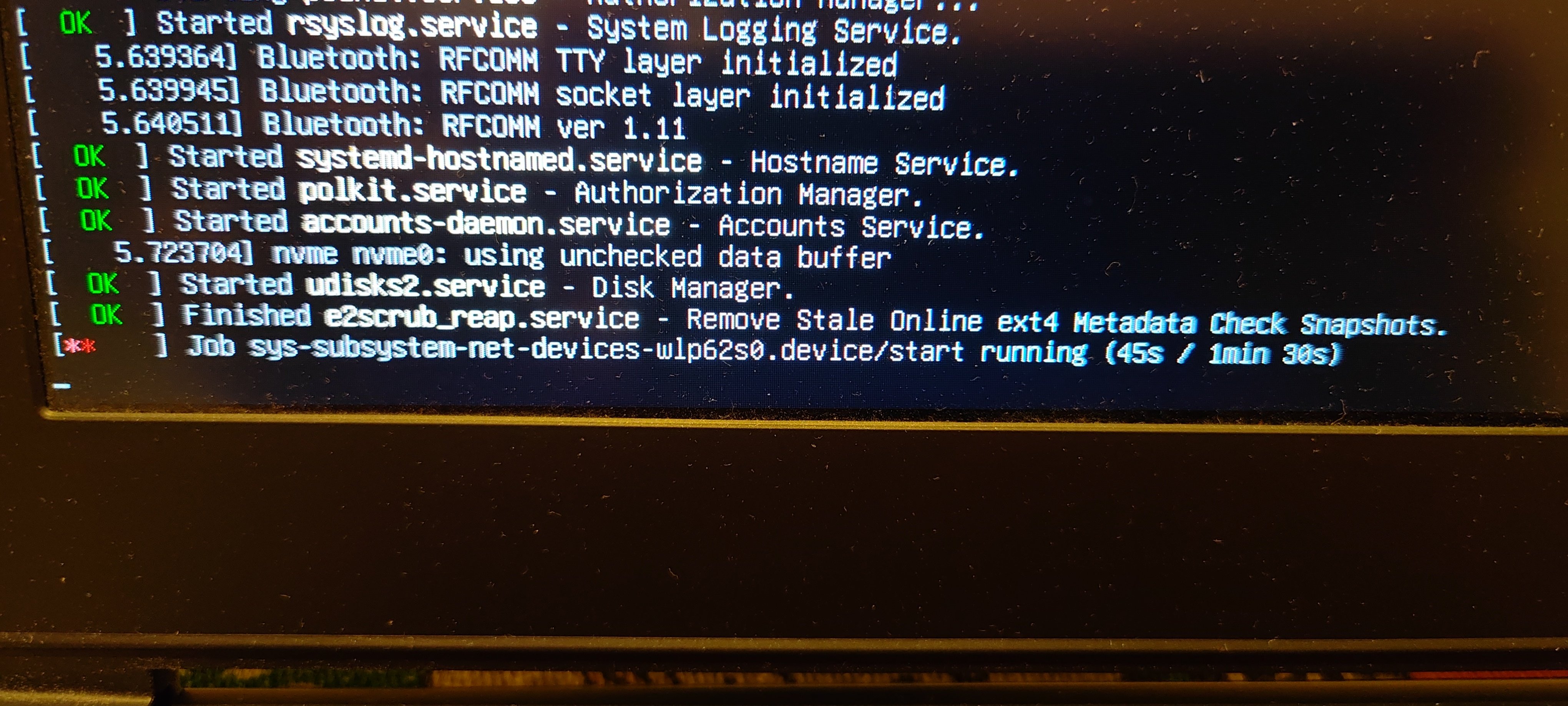
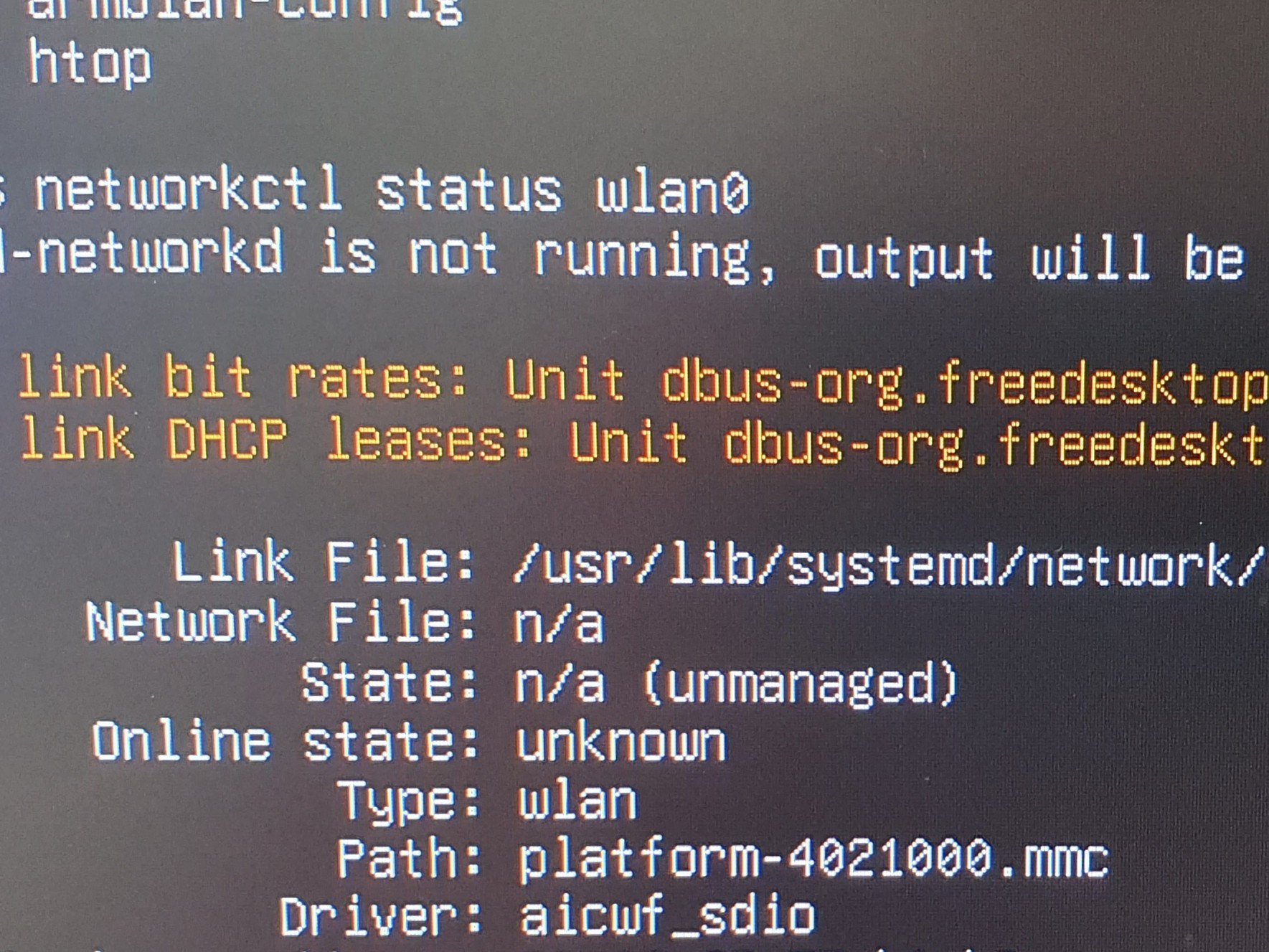
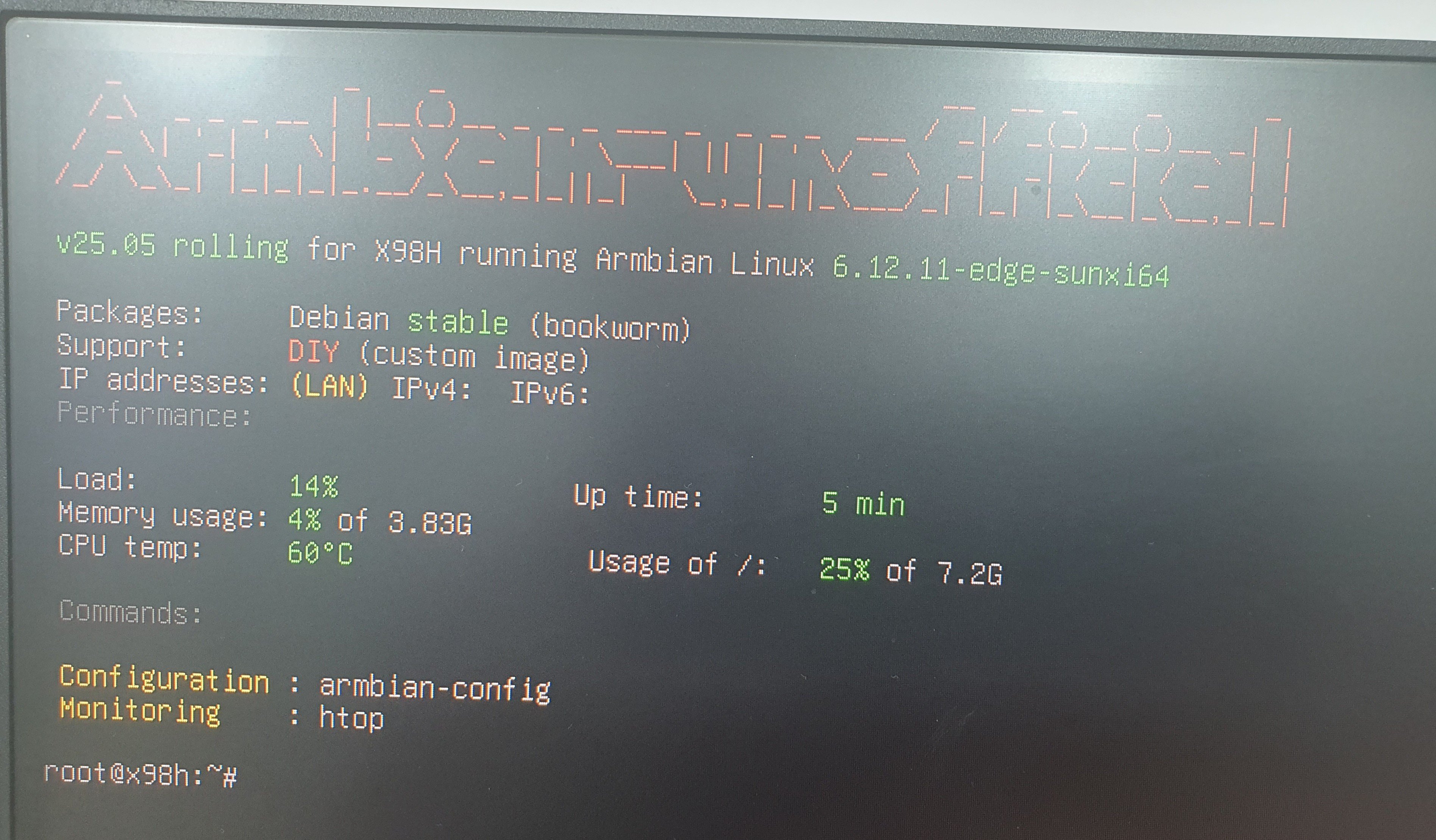
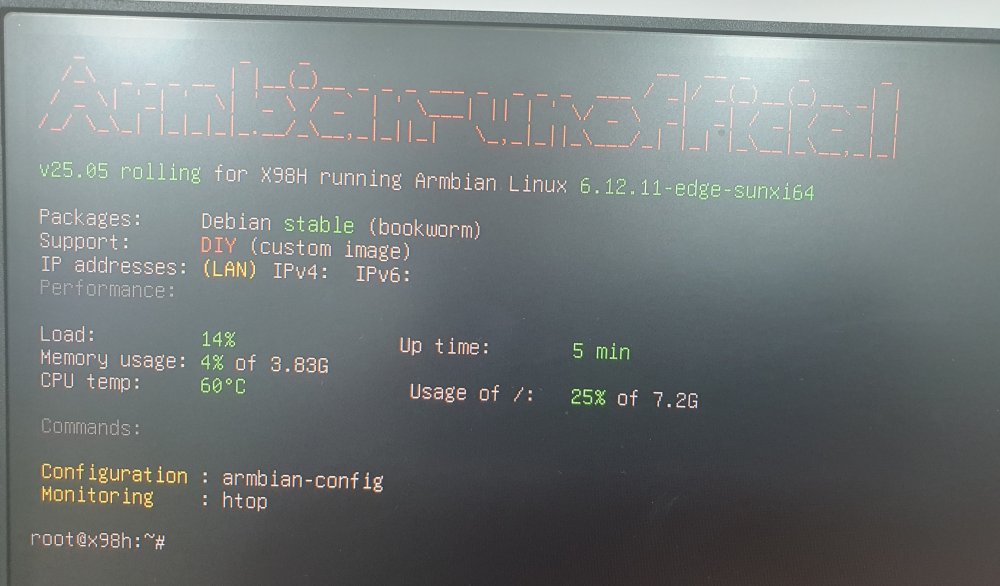
X98H is booted Armbian-unofficial_25.05.0-trunk_X98h_bookworm_edge_6.12.11_server.img.xz https://github.com/NickAlilovic/build
-
 Usual User, the information you linked about Linux 6.19 seems like there's progress for Rockchip. However, is there any indication that Allwinner H618 could get H265/HEVC decoding acceleration working too?
 -
Thank you for being specific about the RKxxx+6.19+Noble information As I asked in the other thread, please also specify which ffpmeg and mpv sources you used. I hope I can make it work in opiz3 (H618) in a more recent Debian (I only could make it work in Bookworm). Do you see any difference in 8bit vs 10bit HEVC(H265)?
-
hello i try image "Armbian-unofficial_26.05.0-trunk_Orangepi-4a_trixie_edge_7.0.0-rc5.img" not detected emmc and wifi. ethernet crushed periodically
-
@Mohammad Adel There are differences like Ethernet and maybe WiFi. Lets see if the X98H boots first.
-
Hardware video acceleration with recent armbian/mainline kernel (Kodi)
robertoj replied to XXXBold's topic in Orange Pi 5
For context, he is talking about: https://code.ffmpeg.org/FFmpeg/FFmpeg/pulls/20847 There are many ffpmpeg options. Which ffmpeg did you use? https://code.ffmpeg.org/Kwiboo/FFmpeg/src/branch/v4l2request-v3 https://code.ffmpeg.org/Kwiboo/FFmpeg/src/branch/v4l2-request-n8.1 And which debian/ubuntu version did you use? Which ffmpeg is included in that distribution? -
I need a Linux system that runs on an x98h device Anything that does not work is not booted by the device