All Activity
- Today
-
 Two Questions: How do I force Armbian/build to rebuild the kernel ? - Is there a `./compiler.sh` flag ? And where does the kernel get cached ? - Is it cached online ? - is it cached on kernel, kernel version, and kernel config hash ? I am trying to get a proper handle on Armbian/build. BTW: There really needs to be a `kernel` tag on Armbian Forum's - `Create New Topic`.
 -
Yes. Please wait. I was busy with other personal projects, so I haven't been doing armbian stuff for a few weeks.
-
@Робертс I've been following this pinout from the very beginning, but I'm having trouble setting it up. I think I should wait for instructions from you, which you might create. I would be incredibly happy and grateful if you could provide a step-by-step description of the steps for setting up the Chinese ili9488 display and the OrangePi Zero 3 board.Maybe then I will understand where I am making a mistake.Thank you very much for your patience.
-

Driving the ili9488 LCD (4.0 inch cheap chinese clone)
robertoj replied to robertoj's topic in Allwinner sunxi
I don't know what you could improve right now... But I know that LCD only receives data. My LCD works the same, with its MISO pin connected or disconnected. -
Yes, that's a typo. The dc (data/command) should be PC7, and the MOSI (LCD's SDI) is PH7
-
According to your serial log, the name of the dtb file is "rk-kernel.dtb". You should find that file somewhere below /boot/dtb/ . You can simply copy that from your running system (e.g. using "scp"). But if you want to extract it from an image, you can use e.g. "kpartx -av YOURIMAGE.img" to create loop devices ("/dev/mapper/loop*") for each contained partition, which you can then mount as usual. Too sad that ctrl+c does not seem to work. Did you try having "ctrl+c" already pressed before powering up the board - and keeping it pressed, while it boots? There's also a chance that the board will accidentally boot from the usb-drive, if it contains the same image as the emmc (i.e. the partition UUIDs need to be identical). It happened to me in about 1 out of 3-5 attempts. Described here.
-
I'm pretty sure is an skipr derivative: the Sovol SV06 Ace GPL github page has empty skiprs.conf.ini files. Your link mentions getting the dts dtb descriptor file for the OEM firmware. It is not on the Sovol page but the second option indicates that it can be extracted from the Sovol Firmware file. A quick search found an amlogic unpacker utility. Is their such a utility for rockchip? I did try to mount the Sovol OEM image as a loopback without success. If anyone is aware of a reliable guide, I'd appreciate getting pointed in the right direction. Edit: Found RKTools Linux_Pack_Firmware It does make me a little nervous but I think this is how most routers update their firmware. Ideally, I would like to boot an initframfs image to test but uboot did not have any pause and "Ctl+C" repeatedly pressed did not halt the boot. I tried several times before concluding that Sovol was making this as difficult as possible. I had another thought, the rkdevtool can download the image and I believe the Radza upgrade_tool can also download the image - documentation is scant
-
According to https://github.com/redrathnure/armbian-mkspi?tab=readme-ov-file#technical-details the mks-skipr is just an mks-pi with an additional mks-robin-nano attached via uart. That should be the reason, why there aren't separate mks-skipr images, only images for mks-pi. Btw, the images for mks-pi and mks-klipad50 both use the same kernel. After replacing the corresponding .dtb file with the one from your original image, these images should behave identical. Your approach of dd'ing the image from a usb-drive directly to the system that is currently running, sounds as dangerous as replacing a car engine while it's running. You said, that you've successfully used rkdeveloptool for a recovery. If that means, that you have flashed a *full* image to the emmc this way, then I would use this approach to directly flash the desired armbian image to that emmc (without using any other usb drive). Or try to intercept u-boot from the original image to boot from an usb-drive (as I wrote here). Then you could 'dd' an image stored on that usb-drive to the emmc - but neither the source or the destination filesystem should be mounted/in use during that process.
-

Efforts to develop firmware for H96 MAX V56 RK3566 8G/64G
王类 replied to Hqnicolas's topic in Rockchip CPU Boxes
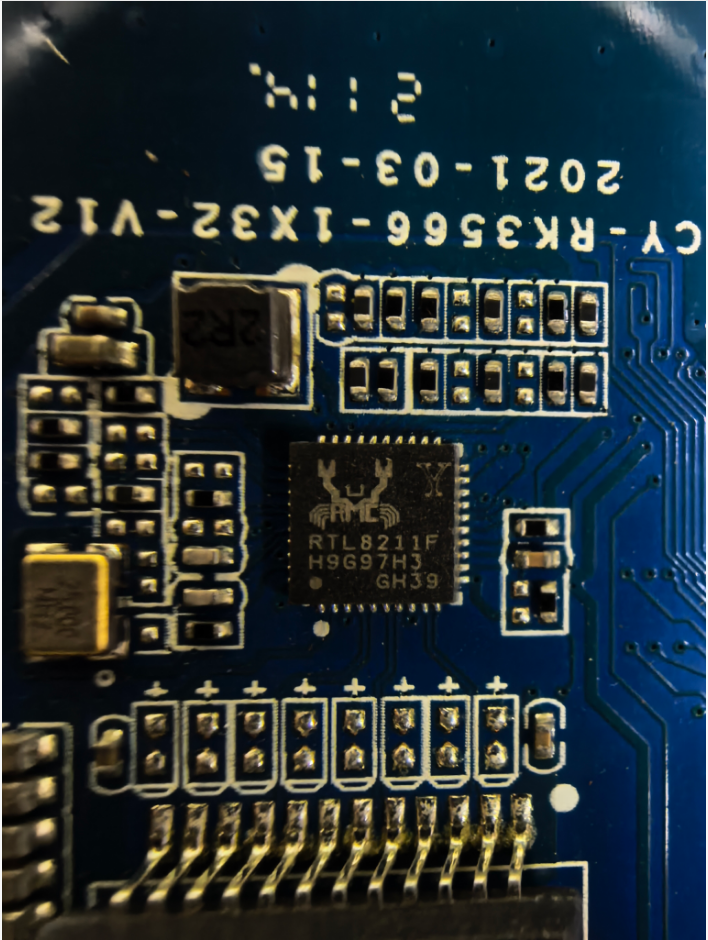
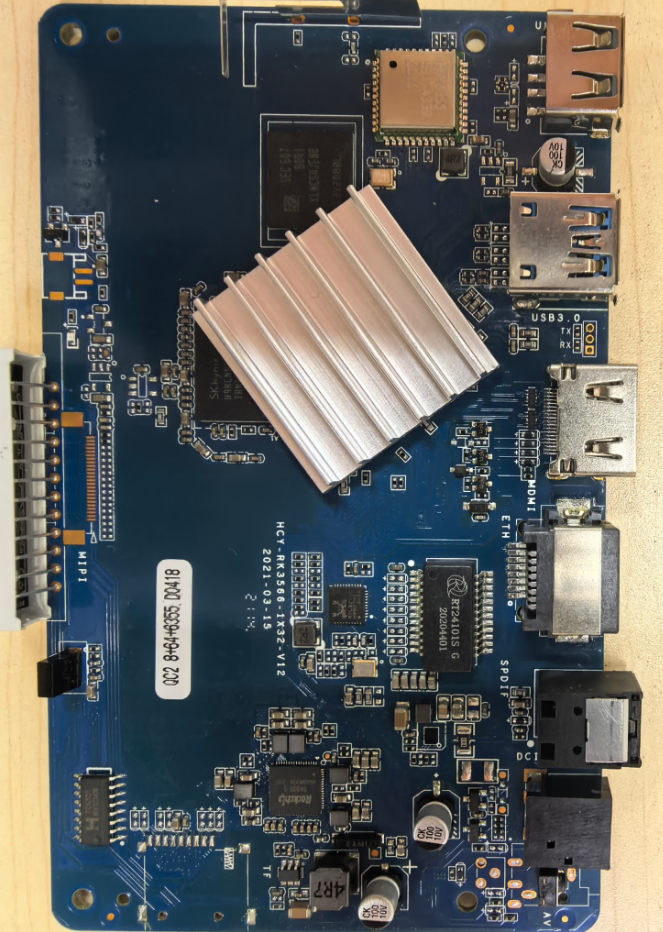
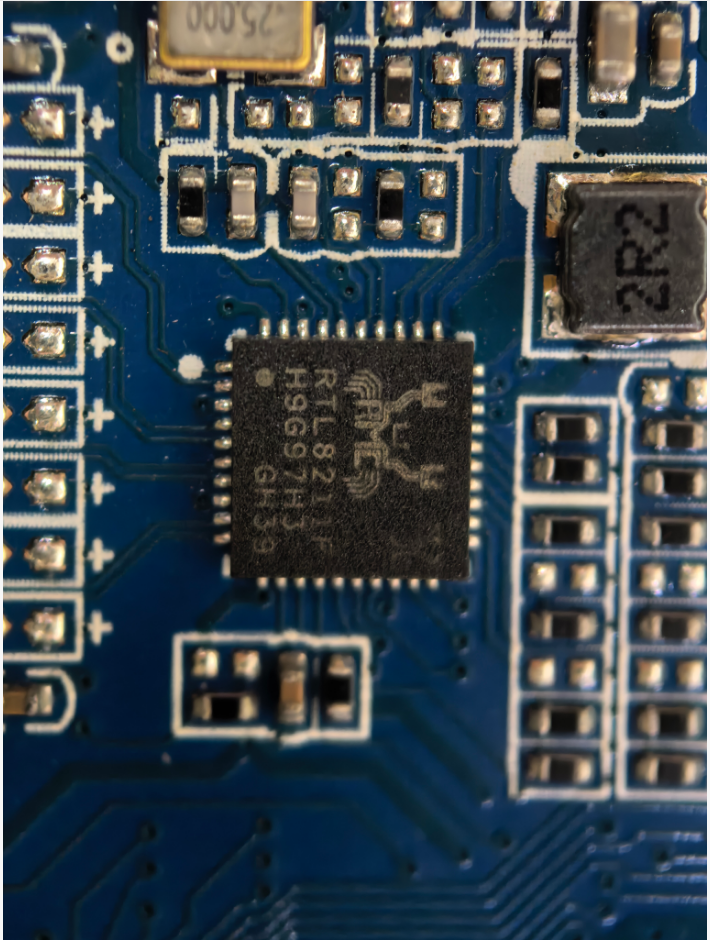
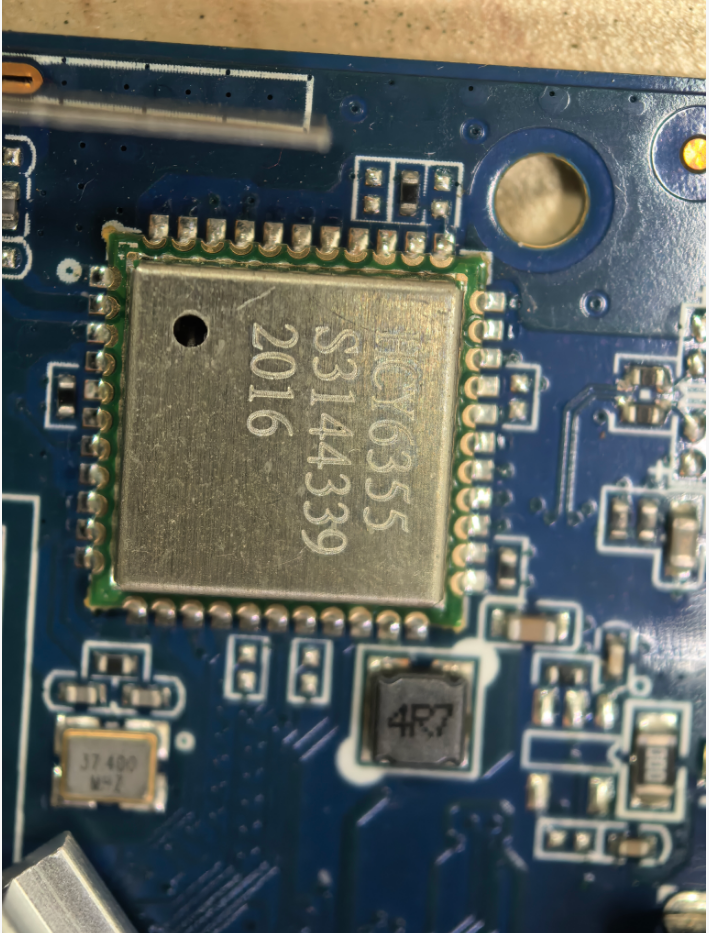
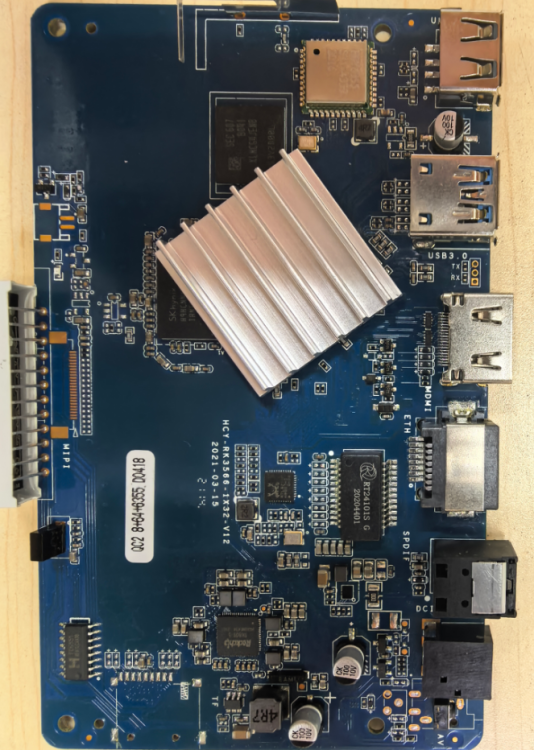
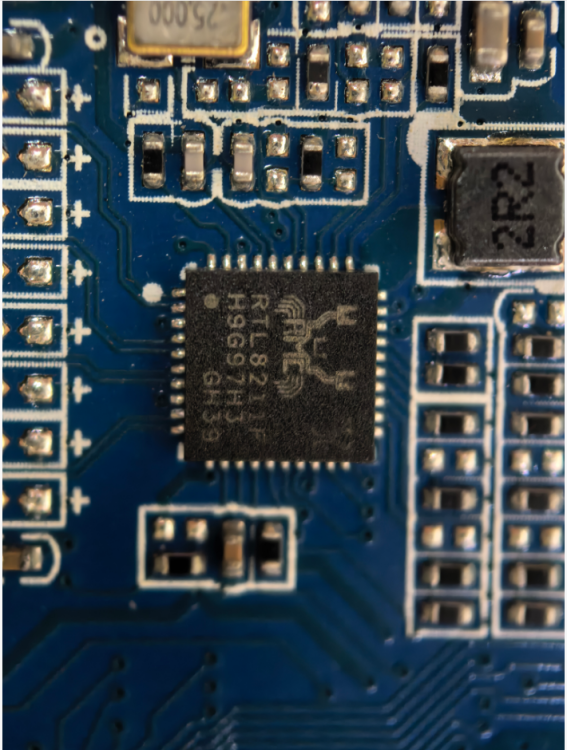
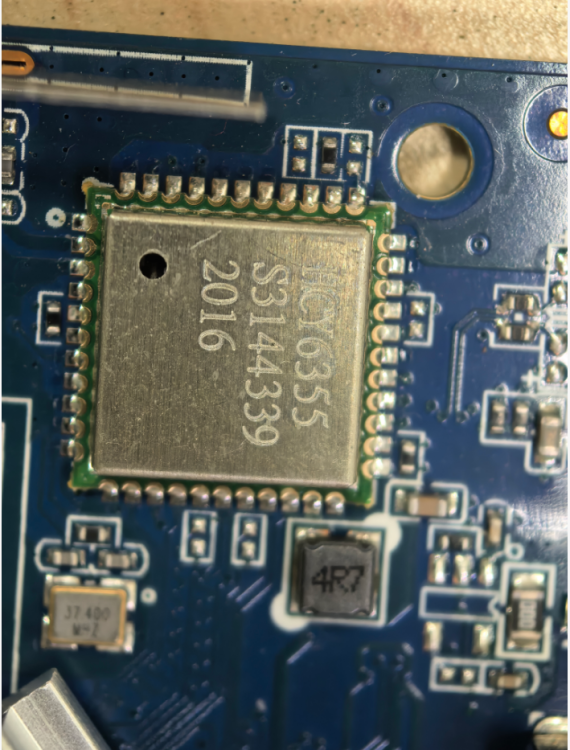
I bricked my original H96MAX TV box while tinkering with it, so I bought a new one. The new unit works fine with both wireless and wired networks on Android, but after flashing the firmware Armbian_26.2.0-trunk.302_H96-tvbox-3566_forky_current_6.18.6_minimal.img, the wired network stops working and only the wireless network is functional. Please help me fix this issue, thank you!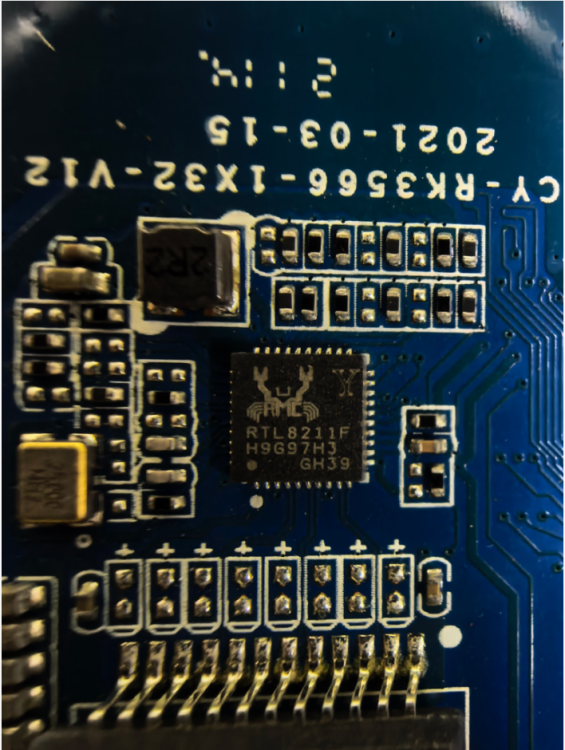
-
Try this. It worked on radxa-e54c with Cinnamon. rm -rf ~/.local/share/cinnamon && sudo reboot
-
@Nick A Since both the A7a and A7z have the same CPU family, I made a build using the exact same options, but selecting the A7a instead in the compile menu. This build did start to boot, I saw the Radxa logo, then some Linux console boot messages (but it was scrambled on the screen a bit), and lastly I saw the Armbian logo and the spinning circle. Eventually that all went away and the screen was just empty. No response from key presses, etc., but my HDMI screen was still getting signal, it was just blank. I also tested different distros and versions available to see if that made any difference (ex. debian vs ubuntu, nodel vs plucky vs bookworm; etc...), non of that had any effect. So it appears, at a first start, to be a A7a vs A7z build difference to at least get an attempt at boot. Then the next issue is that it never fully reaches a usable OS console. Thanks!
-
@Bones558 I don't have a a7z to test with right now. I should be getting one soon and I'll look into it. I'm pretty sure a USB to UART serial device works.
-
I'm having an issue getting my A7z to boot using your Armbian build tree. I created an image using Nobel and kernel 6. Wrote it to the SD card using Armbian imager. The status light on my A7z always stays solid-on. Any ideas? Armbian-unofficial_26.02.0-trunk_Radxa-cubie-a7z_noble_vendor_6.6.98.img.xz
-
Mhhh..... Image for OrangePi 3b works out of the box (and it's also possible to install to the eMMC), but it doesn't seem to support some features (i.e. there are no devices like "/dev/video*", "/dev/rknpu", etc.). Otherwise the images for BananaPI CM4 doesn't seem even to boot on OrangePI CM4: comparing both images, those are indeed different (i.e. "initrd.img", "vmlinuz", etc. are under "/boot" folder rather than in "/"). Dies anyone knows a simple way to burn BananaPI CM4 images (or another image) to OrangePI CM4 (to SD Card or better to eMMC)? Regards,
-
 Hi, I'm new to the forums and am looking into replacing OEM Klipper firmware on a Sovol SV06 Ace, The main board looks very similar to the MKS Skipr with the following notable differences: rk3308 B emmc soldered on No SD card. Wifi/Bluetooth added - Original boards used realtek and the latest version uses Broadcom. OEM wifi is hit or miss on connecting and hopefull will be improved with Trixie based Armbian. Sovol has mostly complied with the GPL and source/configuration files are on github. IIRC the kernel version was 5.1x I'm a long time Linux user (Slackware 8.1), have contributed OpenWRT builds and have built custom Linux kernels. I think I've mapped out the install: flash the appropriate ambian image to a formated USB2.0 drive - Ideally with wifi ssid/wpa key ssh sovol@ip login sovol/sovol. su, suspect the root passwd will be makerbase. plug in usb, id drive in dmesg and mount dd if /dev/usb* of=/devmmcblk* Unmount drive and hopefully boot and access over wifi ssh. Install/configure Kipper/Mainsail... I have a recovery path that I have tested using rkdeveloptool/upgrade_tool and the original Sovol firmware. I've perused the armbian github pages looking the MKS Skipr build but have not found it yet. I'm willing to build a tailored (stripped if worthwhile) kernel. I'd appreciate any comments about broadcom wifi access and if newer kernels and newer wpa supplicant builds improve access enough to make it worthwhile. Comments on the overall plan. Pointers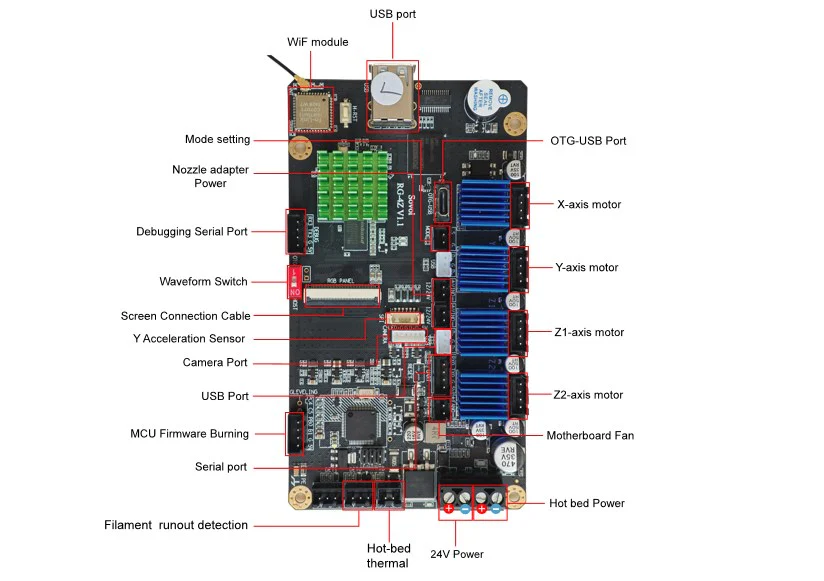
- Yesterday
-

Installing Armbian in emmc on MXQ Pro 4k S905W
SteeMan replied to m4teush's topic in Amlogic CPU Boxes
If you mean the built-in script as described in the instructions linked to from the download page (https://www.armbian.com/amlogic-s9xx-tv-box) Then yes that should do everything you need. -
Hi, is there any way to install Armbian on the built-in emmc memory on an mxq 4k pro with an s905w processor? Should I follow these guides? https://7ji.github.io/embedded/2022/11/08/alarm-install.html https://7ji.github.io/embedded/2022/11/11/ept-with-ampart.html Or is the built-in script in the system sufficient and will do everything without damaging anything? I would be grateful for any tips
-

Install on amlogic tv box without working emmc
hexdump replied to Игорь Шаповалов's topic in Amlogic CPU Boxes
@SteeMan - there is no pressure to do it quickly or at all ... if you should look at it and have questions, just ask me here (i'm reading here regularly, but sometimes with a few days delay) or create an issue in my github repo. i'm always happy to see that you are keeping the amlogic boxes stuff alive pretty well in armbian. -
Install on amlogic tv box without working emmc
SteeMan replied to Игорь Шаповалов's topic in Amlogic CPU Boxes
I always appreciate the work you do. I'll try to experiment with what you have done. It sounds very interesting, but I probably won't have time until next month though to look at it. -
Install on amlogic tv box without working emmc
hexdump replied to Игорь Шаповалов's topic in Amlogic CPU Boxes
you might try to write (after gunzip) this u-boot boot-amlogic_gxl_a95x-r2-atf-aarch64.dd.gz from https://github.com/hexdump0815/u-boot-misc/releases/tag/250629-01 which i built some time ago via "dd if=boot-amlogic_gxl_a95x-r2-atf-aarch64.dd of=/dev/your-sd-card bs=512 seek=1 skip=1" to the sd-card to which you wrote the armbian image before and see if it boots (never tested it with armbian) - build instructions for that u-boot are here: https://github.com/hexdump0815/u-boot-misc/blob/wip-v2025-04/readme.gxl ... alternatively you might try to boot this (non armbian) image to see if that u-boot works at all on your device: https://github.com/velvet-os/imagebuilder-testimages/releases/download/autumn-release-2025-testimages/aarch64_mbr_uefi-aarch64-trixie-251016.img.gz (please keep in mind that anything around that image is not related to armbian and thus should not be discussed here as i do not want to hijack this armbian thread) @SteeMan - in case you are interested in getting some of this into armbian, maybe have a look at it and i can try to answer potential questions around it - this was just some experiment to boot amlogic via the u-boot uefi implementation and grub which worked out quite well - as a result an amlogic tv box feels a bit like a pc with a normal grub boot on the screen ... should be possible to make that work for many of the supported amlogic socs - i simply do not have the time to look further into this right now ... -
Can't you run on sdcard? It is heavily suggested to run on sdcard before installing on emmc. However the overlay is emmc-pins
-
@Робертс My screen is constantly white. Here's my wiring diagram. Display-Orangepi zero 3 VCC-5v GND-GND CS-PH9(spi1) RST-PC14 D/C-PC7 SDI-PH7(mosi) SCK-PH4 BL-3.3v SDO-PH8(miso) Also, there might be a typo. The specified dc-gpio in your dts is described as PHC7. I don't quite understand, is it PC7 or PH7?
-

Driving the ili9488 LCD (4.0 inch cheap chinese clone)
pami replied to robertoj's topic in Allwinner sunxi
Unfortunately, nothing's working for me yet(. It didn't work with dts, and my Python tests have only resulted in a gray screen and nothing else. I'm still using deepseek, as I don't understand it myself. Maybe I should connect the display's MISO? Although the display only seems to receive data, not transmit it. -
OrangePi Zero LTS ili9341 TFT LCD (and later OrangePi Zero 3)
robertoj replied to robertoj's topic in Allwinner sunxi
Yes. Probably this week. -
Is your LCD at least turning white on powerup? Did you connect the "LED" pin in the LCD, to 3.3V? Send a drawing of how you are connecting the LCD to the orange pi zero 3.