Active threads
Showing topics posted in for the last 365 days.
- Past hour
-
@maxsub with a recent kernel, temp and load should be fine. The exiting question is: all 4 Ethernet ports are working?
-
My n2 works fine btw. https://paste.armbian.com/cocivagayi
- Today
-
If you'd like to get the LEDs working with armbian, you can run these commands (or one of the other ones if you want different indications): run modprobe ledtrig-netdev to check if it's loading the driver properly. If not, add the file /etc/modules-load.d/ledtrig.conf add just this line: ledtrig-netdev Then, create /etc/tmpfiles.d/leds.conf and add this: w /sys/class/leds/green:lan/trigger - - - - netdev w /sys/class/leds/green:lan/device_name - - - - eth0 w /sys/class/leds/green:lan/link - - - - 1 w /sys/class/leds/green:lan/tx - - - - 1 w /sys/class/leds/green:lan/rx - - - - 1 w /sys/class/leds/green:wan/trigger - - - - netdev w /sys/class/leds/green:wan/device_name - - - - eth1 w /sys/class/leds/green:wan/link - - - - 1 w /sys/class/leds/green:wan/tx - - - - 1 w /sys/class/leds/green:wan/rx - - - - 1 w /sys/class/leds/red:power/trigger - - - - activity Note that "red:power" is actually the "green:sys" LED. I don't see a way to control the red power led (which is fine, the green:sys is what want to control anyway). I also use NetworkManager and set my ethernet names to eth0 and eth1 instead of the default names... Here's all the choices available for "triggers": none usb-gadget usb-host kbd-scrolllock kbd-numlock kbd-capslock kbd-kanalock kbd-shiftlock kbd-altgrlock kbd-ctrllock kbd-altlock kbd-shiftllock kbd-shiftrlock kbd-ctrlllock kbd-ctrlrlock disk-activity disk-read disk-write mtd nand-disk heartbeat cpu cpu0 cpu1 cpu2 cpu3 cpu4 cpu5 activity default-on panic usbport mmc1 rfkill-any rfkill-none r8169-0-100:00:link r8169-0-100:00:10Mbps r8169-0-100:00:100Mbps r8169-0-100:00:1Gbps stmmac-0:01:link stmmac-0:01:10Mbps stmmac-0:01:100Mbps stmmac-0:01:1Gbps netdev "activity" is also a good one for red:power if you prefer that to "heartbeat"
-

Gaming experience with Orange Pi 5 (RK3588) on Armbian
xiboliyadongtu replied to KhanhDTP's topic in Orange Pi 5
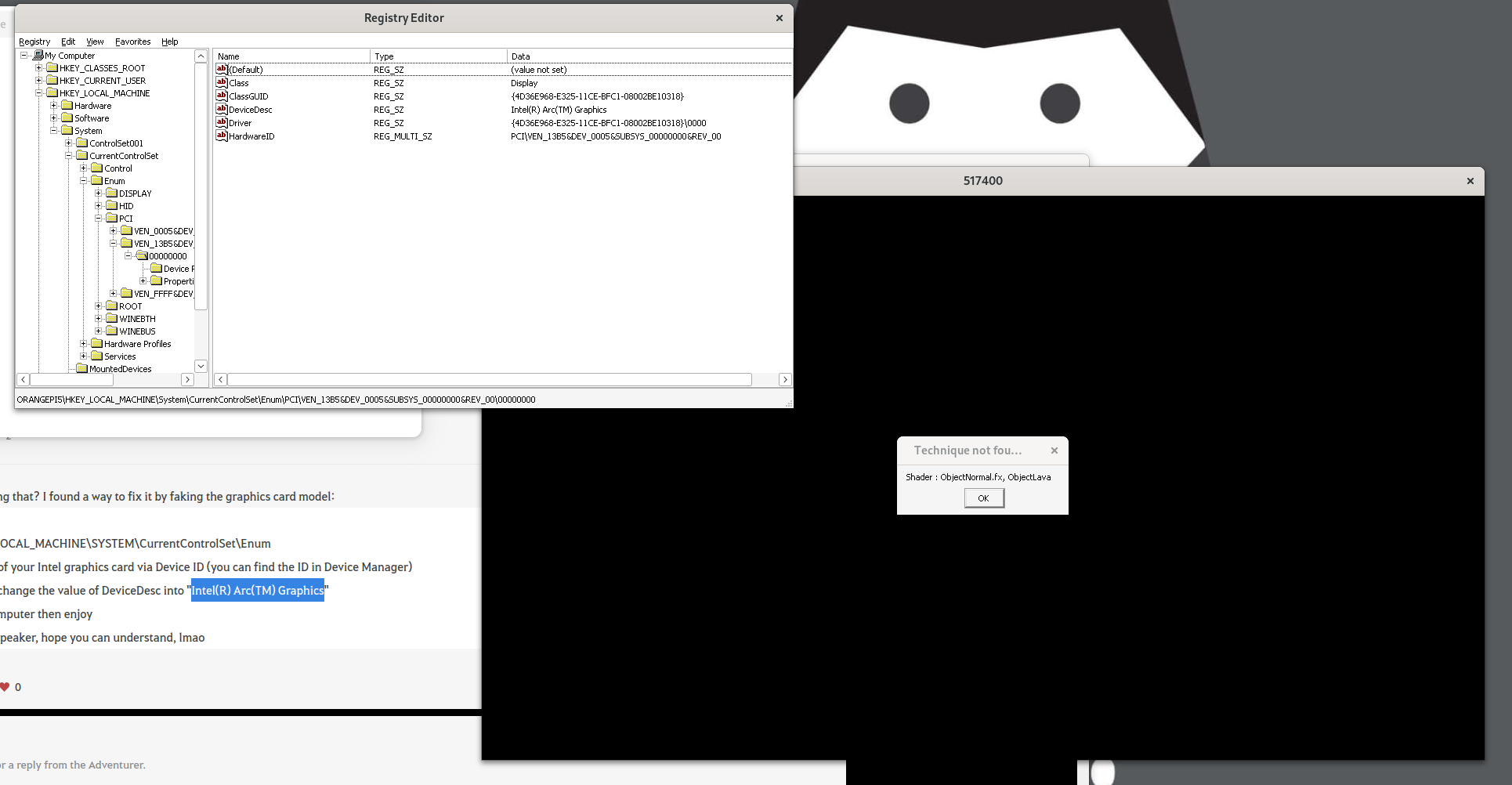
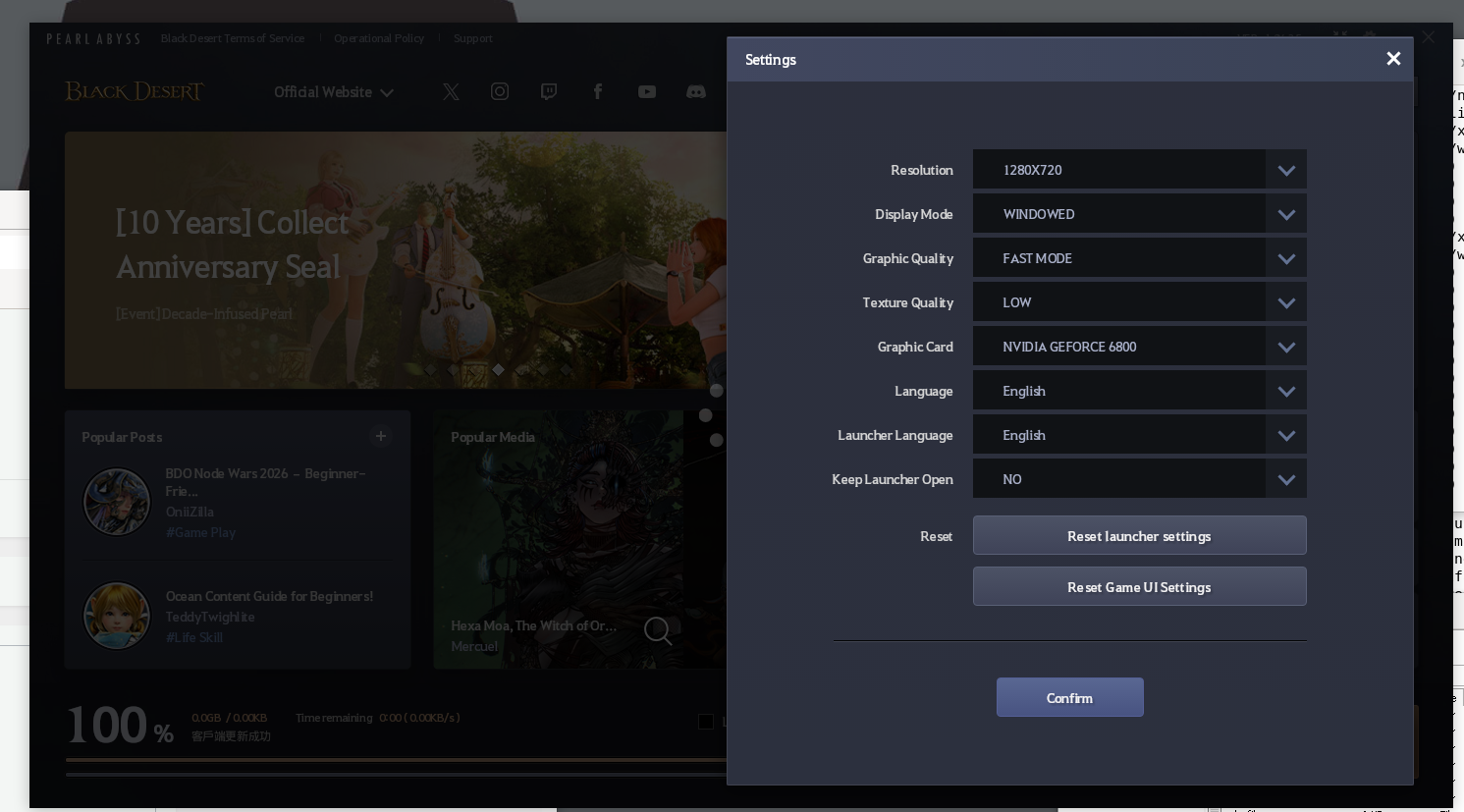
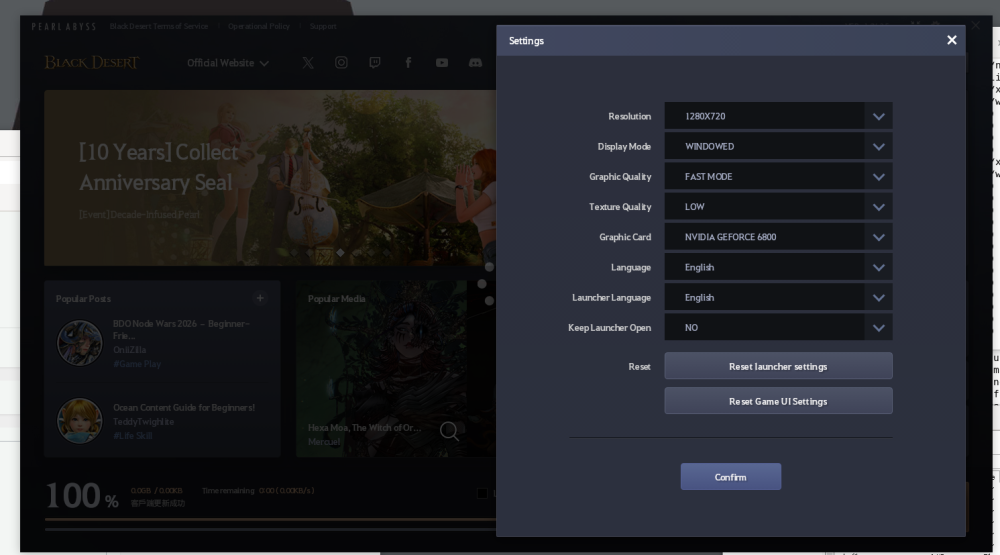
I changed the devicedesc, but game still shows same error. And the launcher shows it is another name. (Nvdia Geforce 6800).Ps: must go bed for now XD.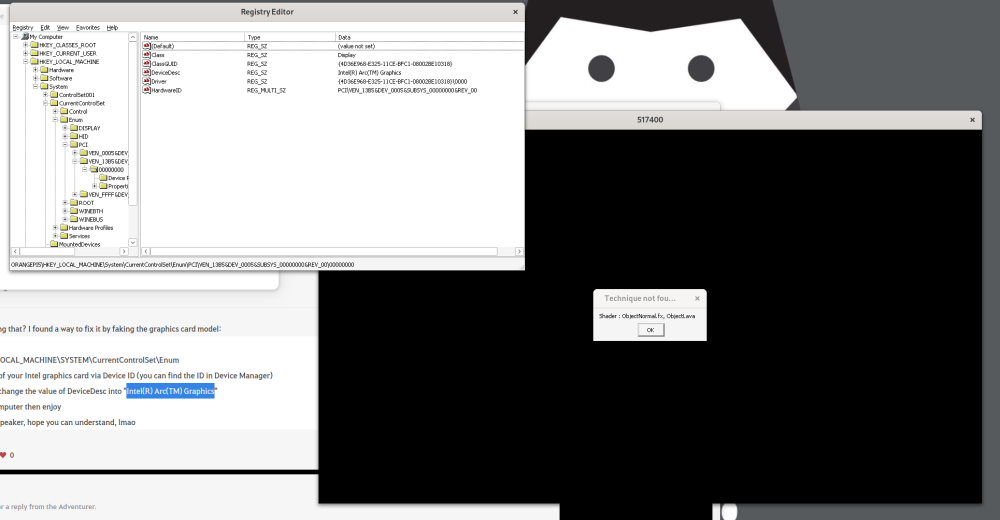
-
https://sd-card-images.johang.se/ This is a good source of SBC images, unfortunately no image for Odroid C5 yet. The image available on the web site of Hardkernel is Ubuntu 22.4.
-
 Has anyone here experienced the same problem on trying to install "Armbian Imager" under Windows 11? Upon running the respective exe-file and - no matter what target directory I choose - I get a failure meassage, somewhat like this: The directory could not be established: Microsoft Edge has no Read/Write access rights to its directory: C:\Users\admin\AppData\Local\com.armbian.imager\EBWebView Should the same issue have been posted here somewhere else, I do apologize. However, before creating the help request I did try to find any entries of similar content, but in vain. So if there's already any remedial comment on this available in the Armbian community, please provide the link. Thanks a lot in advance. Meanwhile I managed to run it, however only after starting up Win11 as admin and explicitly running the programme as such. On the contrary, if I start the OS directly into my simple user account and then try to run Armbian-Imager from there, both as regular user OR as admin, it will refuse to do its job by sending the above failure message.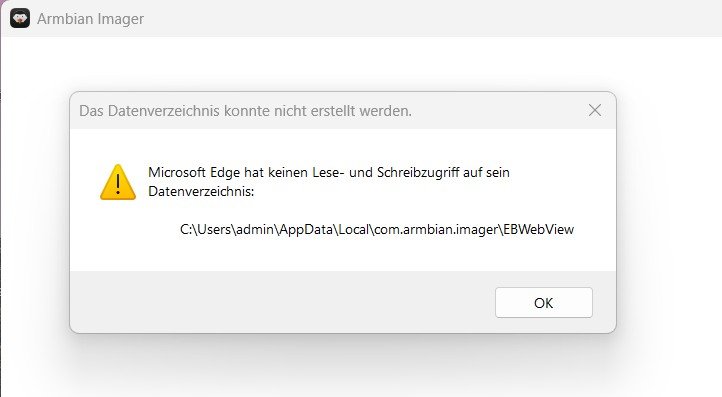
-
 With the help of AI, dts writing (kernel 5.10) has been achieved. It's basically error-free. Only applicable to shutuo v8 version Results: Wired network is normal Wireless network is normal USB interface is normal rk3288-shutuo-v8.dtb rk3288-shutuo-v8.dts
 -
I see there's an overlay for the R4S called rk3399-dwc3-0-host, but it already seems to be in host mode by default. I can't figure out how to set it to peripheral mode so I can have some usb-gadget love. Anyone figured out a fix?
-
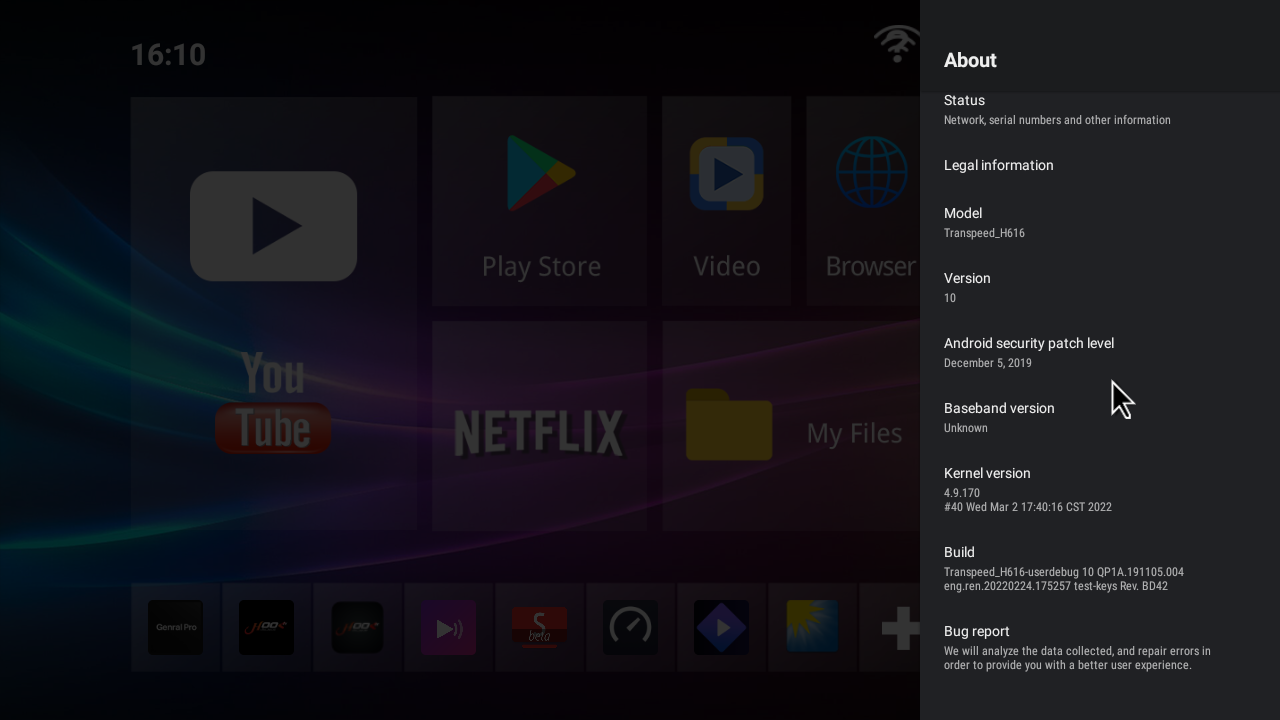
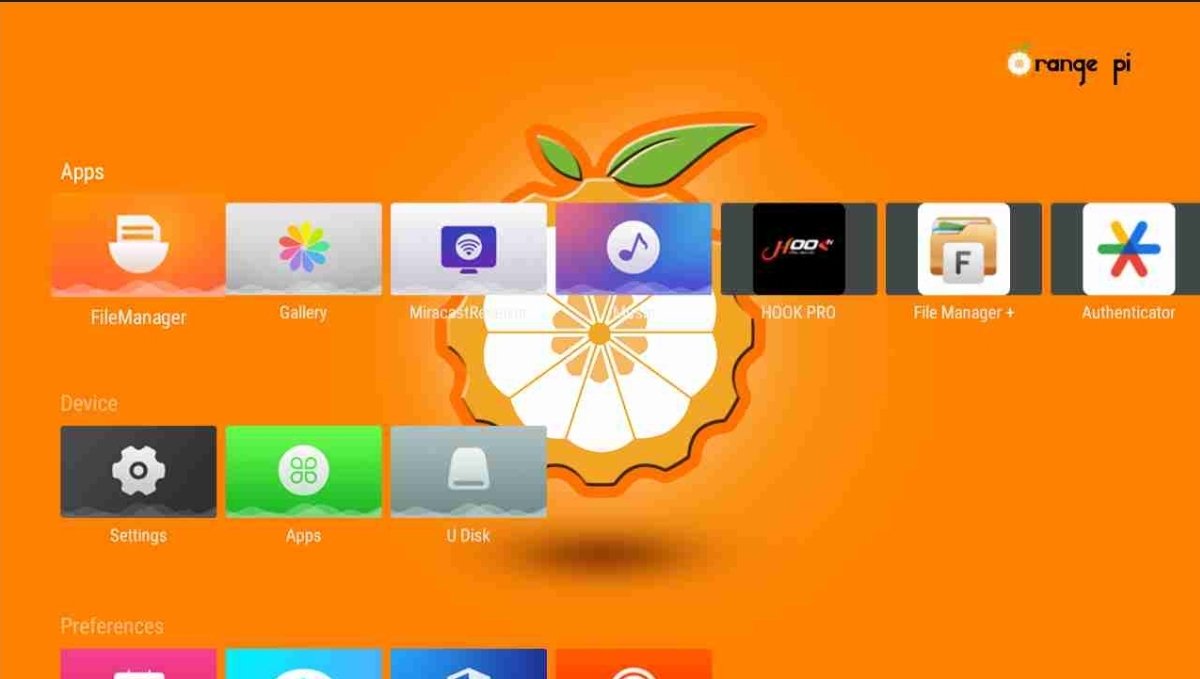
Good morning I have big problem I have tv box Transpeed-H616_ I update with orange pi But i can't back to old firmware
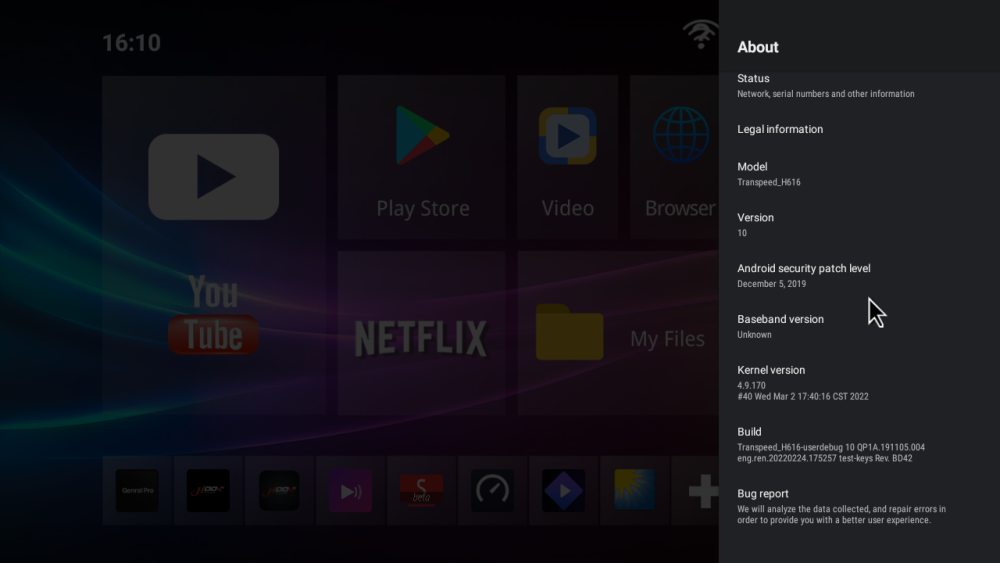
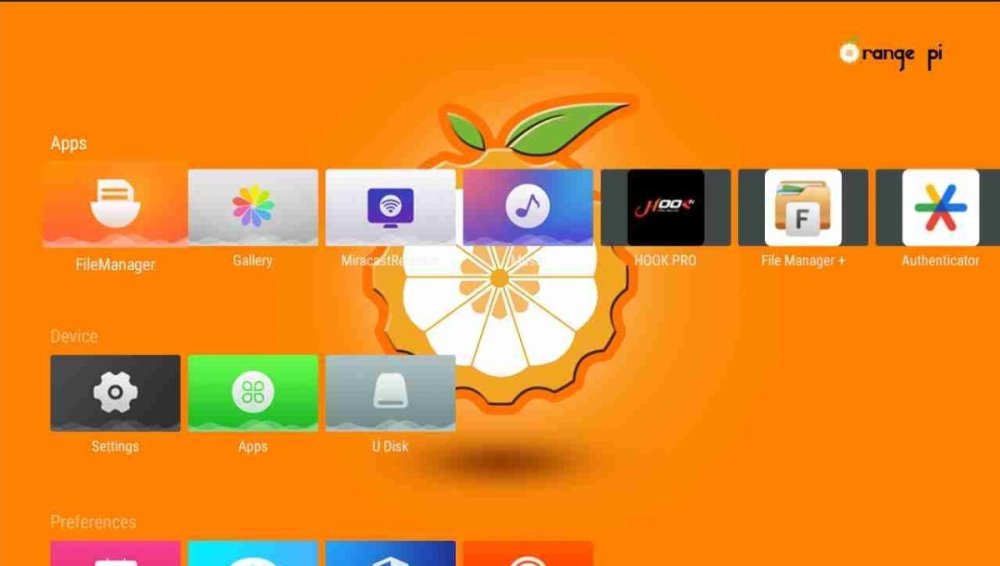
- Yesterday
-
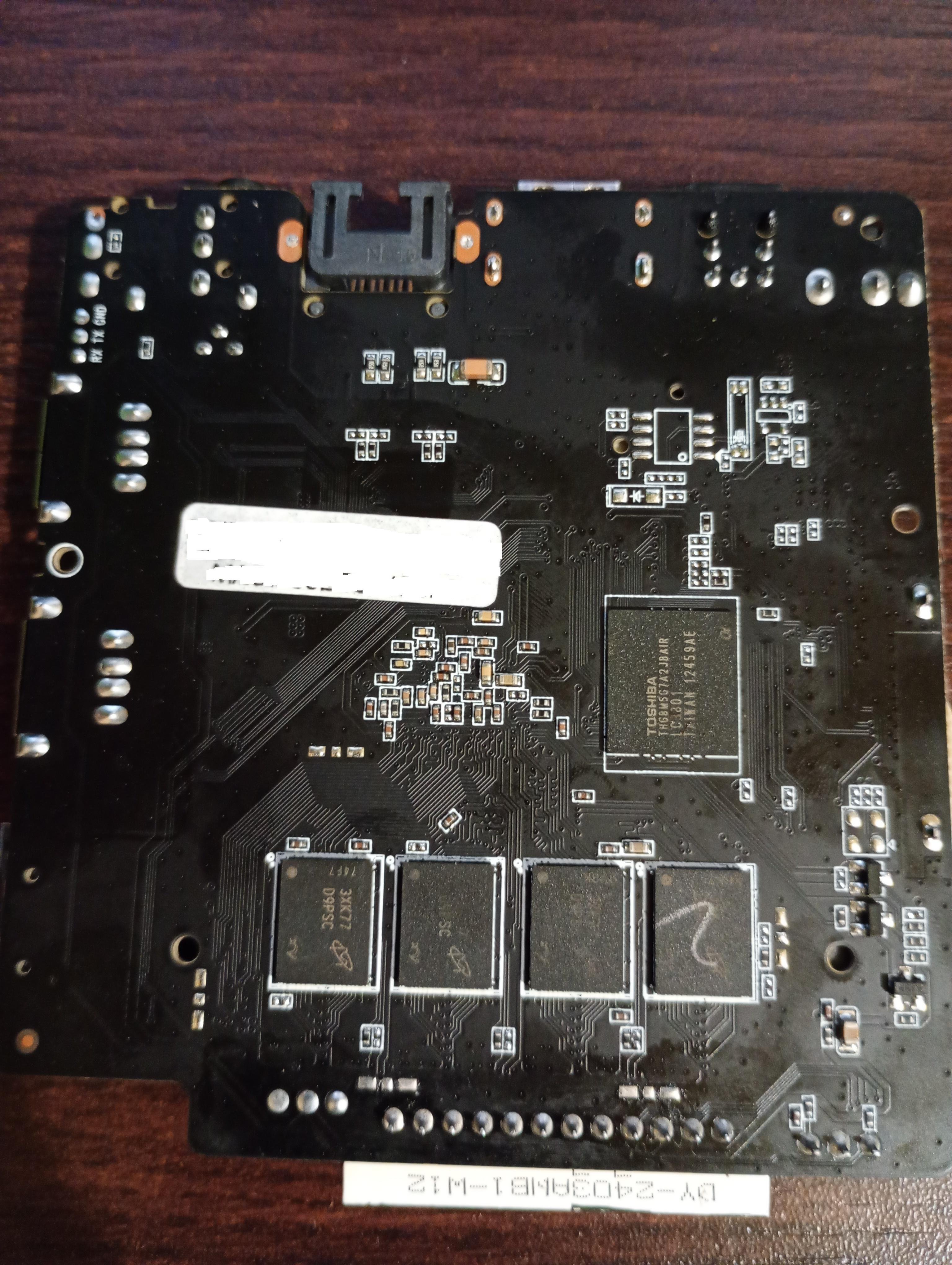
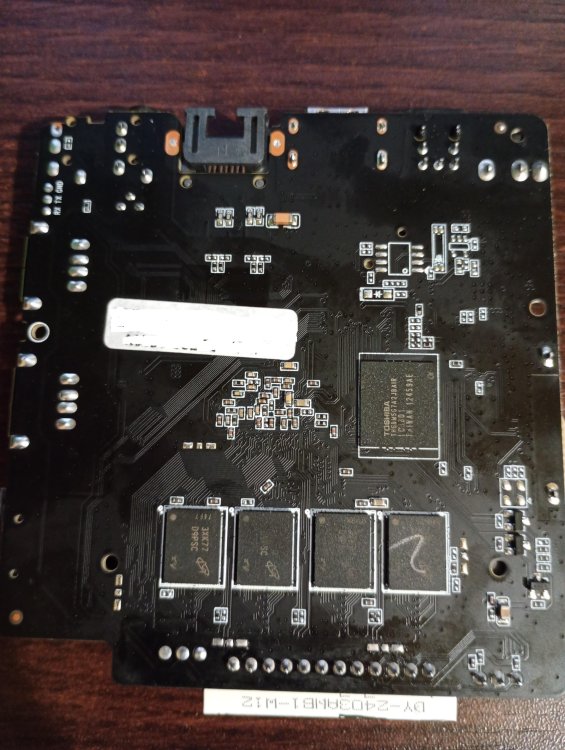
Hello! I had motherboard BA839_141 V2.0 21021 with this type hardware on the photos. Allwinner H313, 8x D9PSC, Toshiba THGBM5G7A2JBAIR And i want use it only with non graphical linux, can someone help me, because i don't see anywhere images for this one, and the other ones only give me black screen. Device won't start with microSD card.
-
 The problem was in the dtb which comes with the Armbian image, added the fix, now it is working as expected. Attaching the fixed dtb file, just replace it with this one and enjoy! Rename the attached file to k3-am67a-beagley-ai.dtb and copy it to your /boot/dtb/ti/ path and reboot. k3-am67a-beagley-ai.dtb_armbian_fixed
 -
 Thanks, gabriel_altoe for your advice. I'm abble to boot from the image you pointed. I have the same board. I success boot with minimal image too from this link: https://github.com/sicXnull/armbian-build/releases/download/v24.8.0-trunk.425/Armbian-unofficial_26.02.0-trunk_X96q-v1-3_bookworm_current_6.12.64_minimal.img.xz
 -
OK, so that went reasonably fast and produced the 4 kernel debs. The linux-libc-dev-edge-rockchip64 didn't install due to conflict with the (current/stable) linux-libc-dev package - I think this is expected - but the rest of the kernel packages have been succesfully installed and the dkms error seems resolved.
-
 Hello everyone, I'm trying to locate a specific older Armbian build for an RK3318 TV box and hoping someone in the community might have it archived. I'm looking for: Version: Armbian 22.05.1 (or similar from that era) Kernel: Legacy 4.4.213 Base: Debian Buster Desktop: XFCE (or even a CLI version is fine) The original download link from users.armbian.com/balbes150/ is now a 404. I understand this is a very old "Community Maintained" build and that RK3318 support has moved to newer kernels . I'm specifically seeking this kernel version for a project. If anyone has this image file or a similar legacy build (kernel 4.4.x) for the RK3318 stashed away, could you please share it or point me to an alternative source? Any help would be greatly appreciated! Hardware: (e.g., H96 Max RK3318 - please specify your exact box model) Thank you
 - Last week
-
Have you tried all of the gxm dtb files? Per the instructions (https://forum.armbian.com/topic/33676-installation-instructions-for-tv-boxes-with-amlogic-cpus)
-

Boot errors on Orange Pi 3 LTS with Armbian 26.2.1 Minimal / IoT
Werner replied to yc yb's topic in Allwinner sunxi
Depends on the image you are using. The image for 3 LTS should work for the 3 LTS. The image for the 3 (without lts) will not. -
Without uart hard to tell.
-
 In the world of TV boxes "identical looking" means nothing, as manufacturers build each batch with the lowest cost components available at the time. There are many cases where identical looking boxes even contain different cpus ( ie amlogic vs rockchip). My recommendation would be first to verify the markings on the boards (there is usually some sort of board identifying text on the board)to really see if they are the same under the hood.
 -
I had similar issues with the original camera. But after days of testing even with the official radxa image I think I found the possible problem. There is a batch of boards with a wrong csi connector, the pins are not correct. I found it here: https://github.com/radxa-build/radxa-zero3/issues/15 I send a mail to my supplier and they will send me a fixed cable, I can give an update if it's fixed.
-
Wifi works normaly only trought NetworkManager.
-
I just tested the latest Armbian distros, Armbian 26.2.0-trunk.493 XFCE and Armbian 26.2.0-trunk.493 Minimal / IOT, and none worked. Then I tried Radxa system images, rock-4se_bookworm_kde_r4.output_512.img.xz did not work. So I got confused because my Rock 4SE v 1.53 SBC worked a long time ago. Found backup of old boot image, which I used with the NVMe drive, because it could not boot on its own. And do you know what? Finally, I saw a picture on the screen with boot log information, which made me happy because it proved my SBC had not died. Then I started looking at some old system images for this board and found one which is booting, it is rock-4se_debian_bullseye_kde_b38.img.
-
Did anyone ever get anything to work on a x96q v4.1? If so, what was it and where can i get it?
-
I will try!! @Lamerjack
-
I`ll already done it. Switched to original Btt image. Understand what that board is didn`t love any sd-card. I`ll stopts on AP32GMCSH10UB-RA card. If card didn't made friends with the board it not boot,reboot`s,power off, halt`s.... IO pins i didnt use.... I`ll swithed to ch340 as uart, because it`s understand 3.3 and 5v levels. The board only 3.3 CAN i use on RP2040+can chip, what cost only 5$(in total), not 15$ for btt can. in a end of can bus i`ll use EBB42 so it`s have all i need.... It`s about I2C bus. Thats my story If u need help, free to ask. I`ll will help if i coud
-
OrangePi AIpro (8T) : any Armbian .img for this single-board computer ?
Werner replied to Unix-Linux's topic in New boards
Well since you asked in this sub-forum, feel free to start: