Active threads
Showing topics posted in for the last 365 days.
- Past hour
-
@jock Hi, I have updated the build source for the leds overlay files (leds 6 and 7) for both the the rockchip64 H50 tvbox and the T9 tvbox, for kernels 6.12 (old non scrolling driver) and 6.18 (new scrolling driver) the version for 6.18 is also fine for 6.19. Have a look at my fork in https://github.com/gpaesano/build. Some modifications are just refinements other are functional. I have built all the images and variants on a ubuntu linux and are running well. I am not familiar with pull requests and do not want to be impolite, so If you think there is some added value please support it. All the best @GmP
-
If anyone is still interested, I have a Helios 64 that I assembled, looked at, but never got around to using for more than a couple hours. Works fine, does not yet have the 2.5GB fix but I have the instructions for same. No idea what to ask for it but it certainly isn't doing me any good sitting on my shelf. Have the manual, SATA drive bay adapters for 2.5" drives and the like. Make me an offer and pay shipping from Oregon. Let's talk!
-

T9 TvBox Sunwell - Pcb Label T9-RK3328-8x4-V1.8
GmP replied to GmP's topic in TV Boxes running Armbian
https://github.com/armbian/community/releases/download/26.2.0-trunk.385/Armbian_community_26.2.0-trunk.385_Rk3318-box_trixie_current_6.18.8_minimal.img.xz this is the latest console build compatible with T9. You will need to configure a little bit the environment after booting to enable all the features via ssh and wired lan. If the device is still on android the best is to follow the tutorial from @jock in - Today
-
@rafman pmic is axp1530 via device info HW app
-
I am not sure what have you implemented to make armbian supports rk3288. And it make me unsure if "apt update && apt upgrade" if safe. Are there system packages I shouldn't upgrade (maybe kernel or hardware-specific tools...)?
-
Me neither have any clue about. Surely the problem lays in the closed source proprietary binary Trust OS. It does or expects something and then locks the system with that typical string [2accGZ3... which is probably known only to rockchip engineers. Unfortunately I don't have any board here that exhibit the same behaviour, so the issue is hard to study. To avoid issues with updates, you may want to put the u-boot package on hold using apt-mark hold, so in case of updates, the bootloader won't get updated and you'll be fine.
-

Regular changes in file /etc/armbian-leds.conf on ODroid-N2
iav replied to iav's topic in Software, Applications, Userspace
Thank you. I couldn't even think of such a thing. Lord, why is it necessary to preserve the state of indicators that are needed precisely to show the state of something? -
@Nick A No problem. Thanks for your Armbian build as well! I am also looking forward to mainline. Currently I still didn't find open source Mesa driver for Allwinner BSP, GLES is only available as pre-compiled binary for Debian (haven't tested it but it's in the Radxa images). There already are mainline Mesa/Linux IMG GPU supports so I hope things can be ported to mainline soon. Please let me know if anyone finds the source code for Mesa BSP.
-
The second time I built it, the image deb worked and the bcmdhd dkms loaded. > dkms status bcmdhd-spacemit-sdio/101.10.591.84.37-4, 6.18.9-edge-spacemit, riscv64: installed
-
 All things are possible. The question is who's interested in doing (or funding) the work, and if technical data is available to do it. The build system is at https://github.com/armbian/build. If you know how to build a kernel, device tree, and bootloader, you can define how to do those steps there.
 - Yesterday
-
 Bookworm. But my point was the version 35.1 is what got installed when I ran the scripts in the first post. If the script installed 37 for you because you're on Ubuntu then I probably am on the wrong track. Yes I believe it does this. I was just pointing out that drm_prime works for me but I guess that could just be due to different hardware on the device. I'm not using an Orange Pi.
 -
@Brow Mosh AI is wrong. Mainline supports - Your PMIC - Your DRAM timing - Your HDMI (Patches have been around for years but not accepted in mainline yet. I included it in my builds.) - Your regulators Supported in mainline but might need some dts changes. - Your weird SD wiring - Your eMMC layout ( Could be a gpio# issue) If you are booting into the kernel then I believe your SD is somewhat working. Maybe you need few tweaks to your dts or your DRAM settings are off. A failing or cheap SD card could also be your issue. Kernel boots Reaches userspace Shows login banner Without a DTS I can’t help you much. Also, can you post some boot logs. FEL over USB is your last option. It is possible. But I don't think your AI model will help much. I noticed with some AI models they will encourage you to quit when they can't find the correct information. The owner of the AI model wants you to pay for their deep learning version.
-
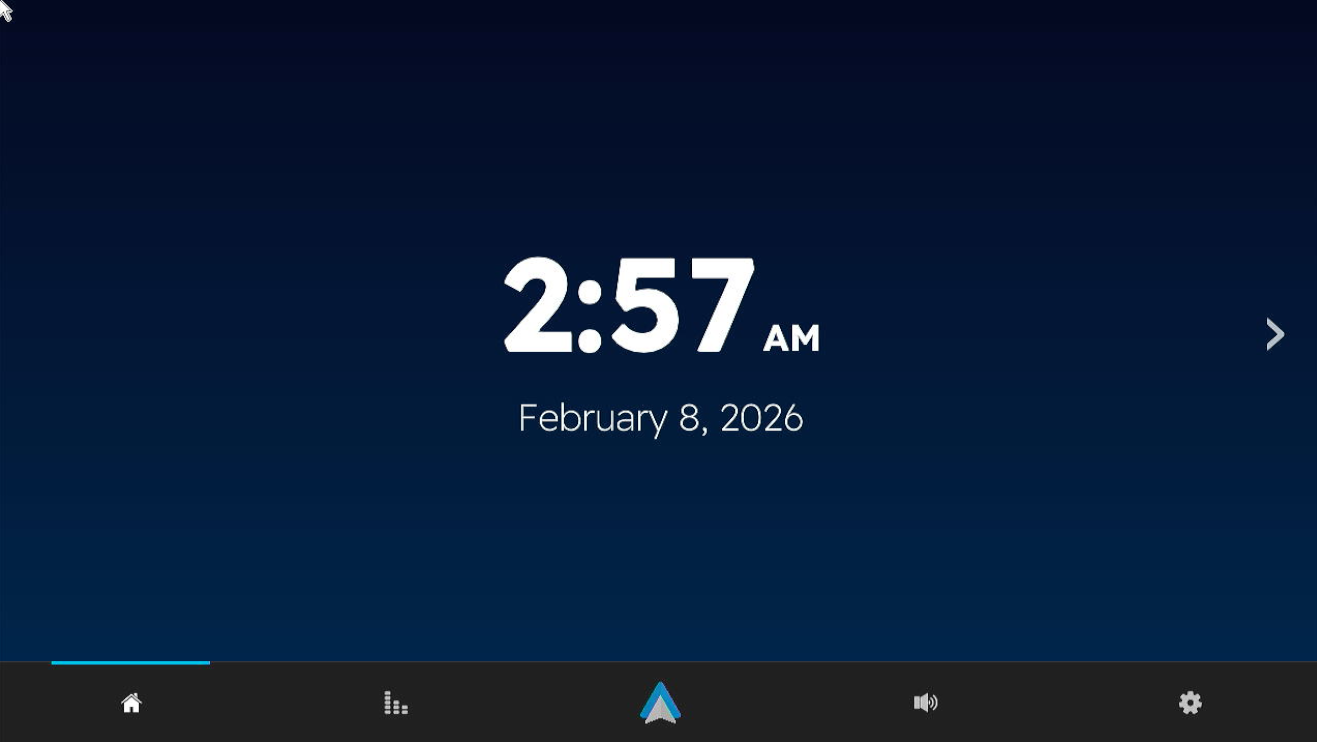
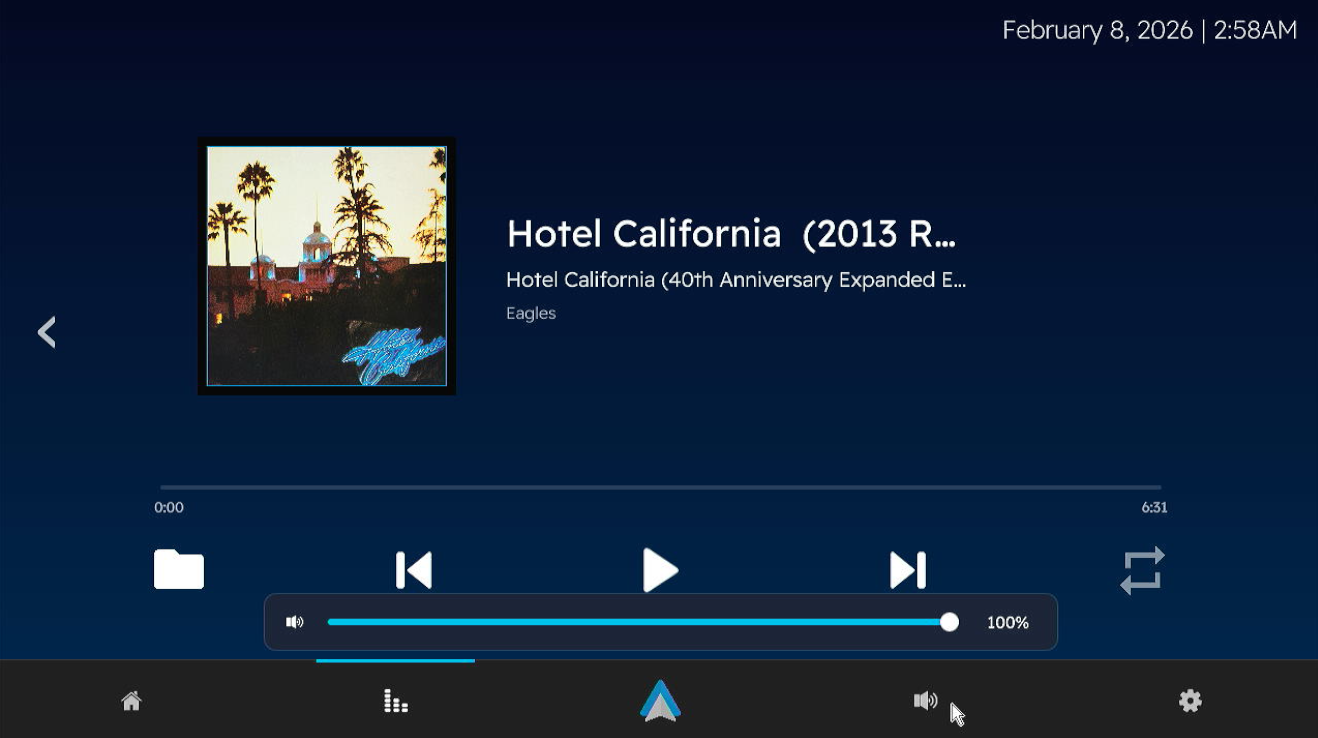
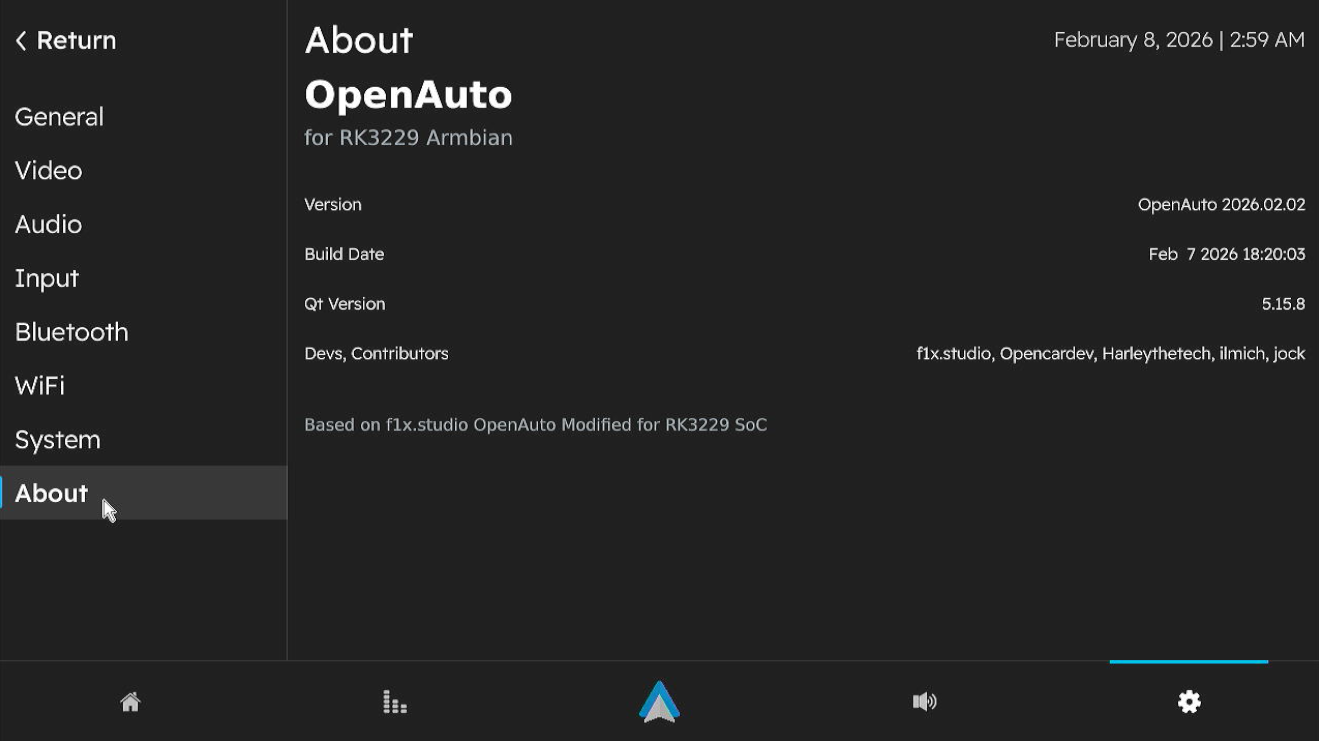
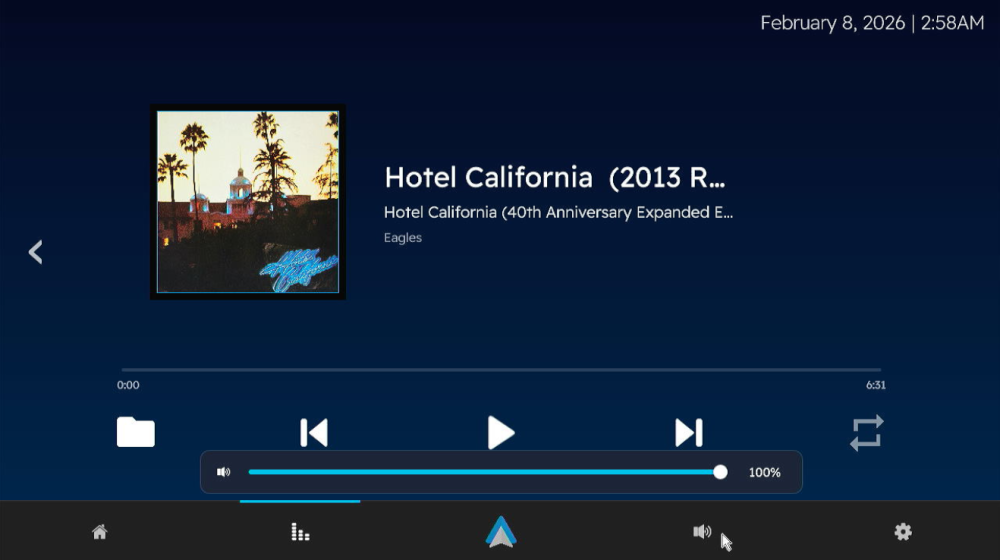
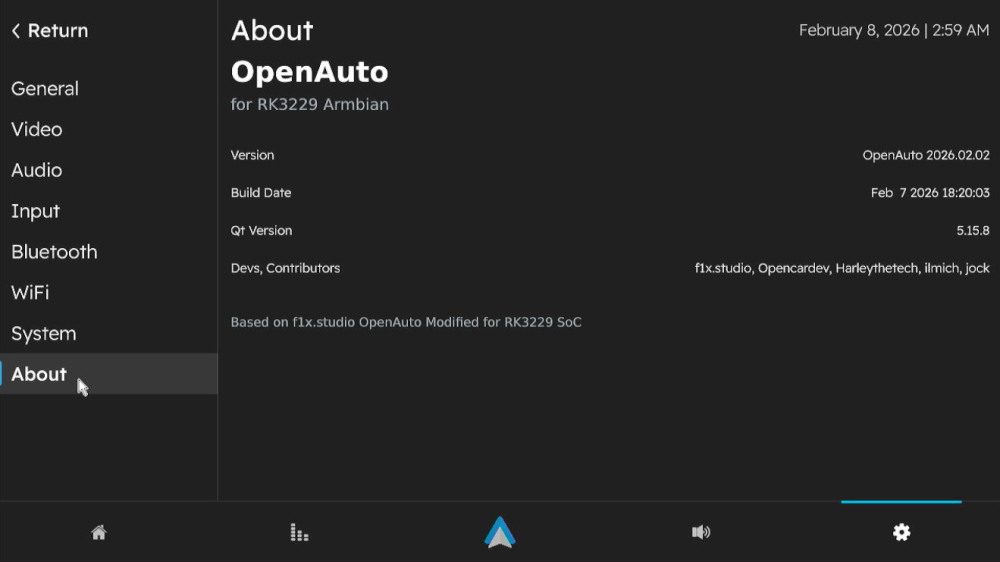
 Version 3.1.0 Has been released! I won't be going into details like last time, this build also includes the fixes for "known issues" from version 3 Alpha build. Bugs Found? Open a ticket in https://github.com/Harleythetech/openauto-rk3229-armbian/issues Download: Github: OpenAuto RK322x - oark322x-3.1.0-beta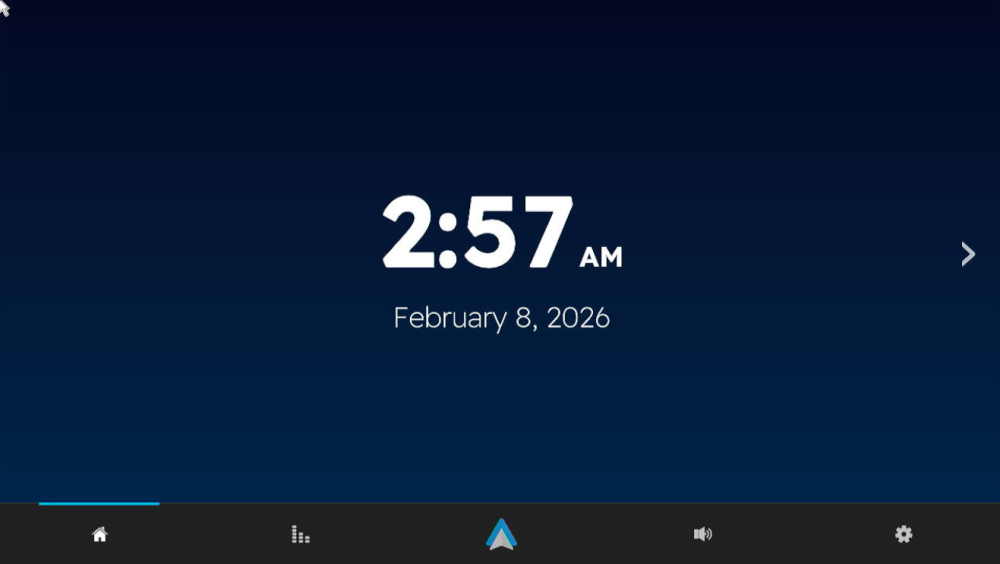
-
@marcosdsdba Can you take a picture or just tell us the Wi-Fi chip you have on your board?
-

Super console cube X3 seems can't boot.
gnutux landia replied to gnutux landia's topic in Amlogic CPU Boxes
I buy a different USB uart Usbuart Maybe I can do what you suggest. I need to wait to the item arrives at my home. When It arrives I post here to the device read uart method. -
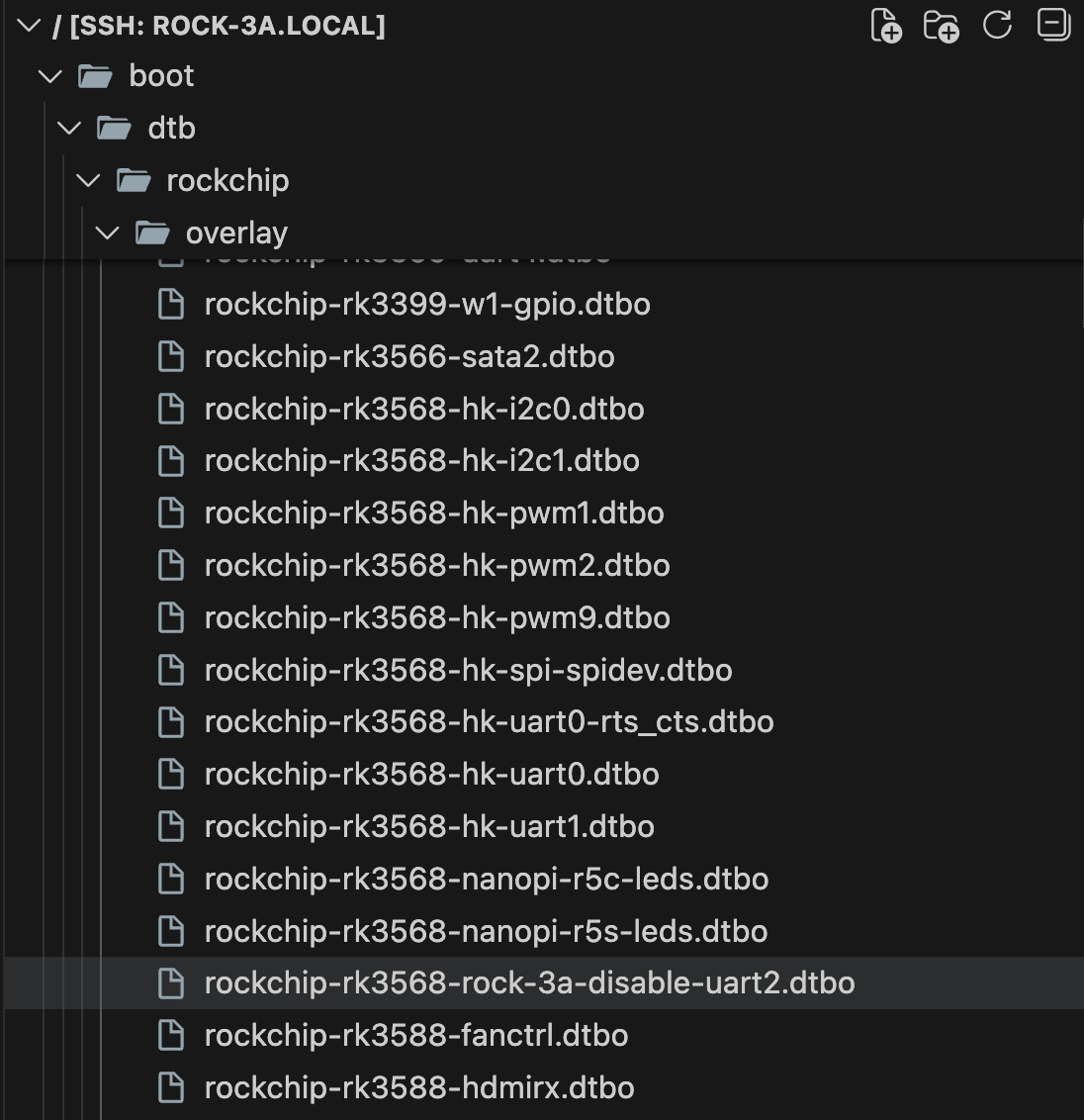
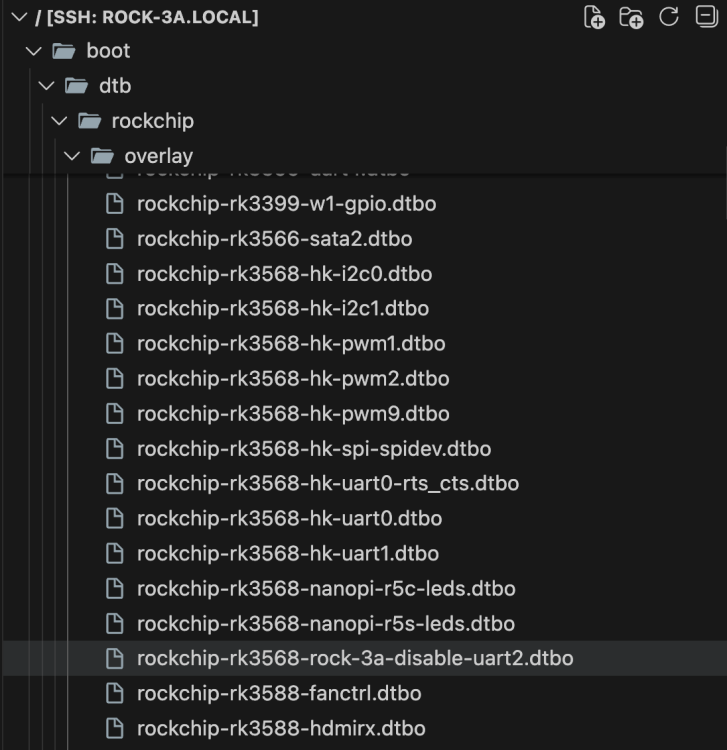
I am trying to setup Raxda Display 8 HD with Radxa ROCK 3A. On official Radxa OS, I used Rsetup tool to setup overlay for `Radxa Display 8 HD' using official guide. How can I do same on Dedicated applications images with Armbian Linux v6.12 ( Home Assistant ) ? I have read Device Tree overlays guide on armbian docs but I can't find overlay for lcd display in files:
-
Thank you! That worked like a charm
-

CSC Armbian for RK3318/RK3328 TV box boards
SuzSinclair replied to jock's topic in Rockchip CPU Boxes
Thanks for the feedback , i have finally downloaded this version and burn into sd card , put in sd card then reconnect power, the system normal boot i cant see armbian screen, the blue light is on, and nothing on screen or dark screen can someone point me please what is happening.
-
I now found a workaround, basically adding the following to the top of /boot/boot.cmd setenv usbstoragequirks "0x2537:0x1066:u,0x2537:0x1068:u" and running mkimage -C none -A arm -T script -d /boot/boot.cmd /boot/boot.scr (as shown at the bottom of /boot/boot.cmd However this is not sustainable, and it would still be preferable if the inclusion of armbianEnv.txt could be fixed, ESPECIALLY considering that the download page https://www.armbian.com/odroid-n2/ gives the following (useless due to this issue) advise: On modern kernels adding “video=HDMI-A-1:1920x1080M@60D” to boot /boot/armbianEnv.txt (extraargs=) should force HDMI to 1080p instead of the 4K native resolution.
-
Probably because nobody had use for those until today. Feel free to send a PR adding whats missing.
-
 https://www.armbian.com/download/ https://github.com/armbian/os/releases https://github.com/armbian/community/releases
 -
Thanks @Sanjay, are you running Trixie? I was trying new driver (r8152) the other days as well, I tried your approach on a fresh install and still having the same issue (I can write to an OMV share with around 220MB, but reading back crashes the 2.5 interface); as far as I read some additional network & power management settings are needed, just didn’t find the right combination so far. Out of curiosity I dusted off the old SD card that still had my initial setup on buster, booted from it and on the same tests I get around 180MB write and 220MB read without any crash. Will spend some more time on it and if not I’ll just leave it as is, I can use the 1g network with no issue, the nas will not be running 24x7 anyway, it’s just for some backups every now and then. Just that my OCD wants the 2.5 interface to be there as well.
- Last week
-
How you can help test upcoming Armbian 26.02 images?
tparys replied to Igor's topic in Advanced users - Development
Update on NanoPi M4v2 ... I pulled the most recent Armbian build, and manually ran the build for the M4v2, and it fails on kernel patch "general-gpio-driver-no-sleep". See pastebin at https://paste.armbian.com/puvorasuco for failed build. Checking upstream at https://git.kernel.org/pub/scm/linux/kernel/git/stable/linux.git, it looks like branch 6.18.y already has the subject patch, and was pushed today. Since both the rockchip and rockchip64 families use mainline kernel, I just submitted a PR that kills that patch for both. See https://github.com/armbian/build/pull/9368. -
 some things are happening at the bleeding edge https://lore.kernel.org/u-boot/?q=a733 pay attention to u-boot, the most important thing are dram controller, pmic, mmc/sd etc then of course kernel as well https://lore.kernel.org/linux-sunxi/?q=a733
 -
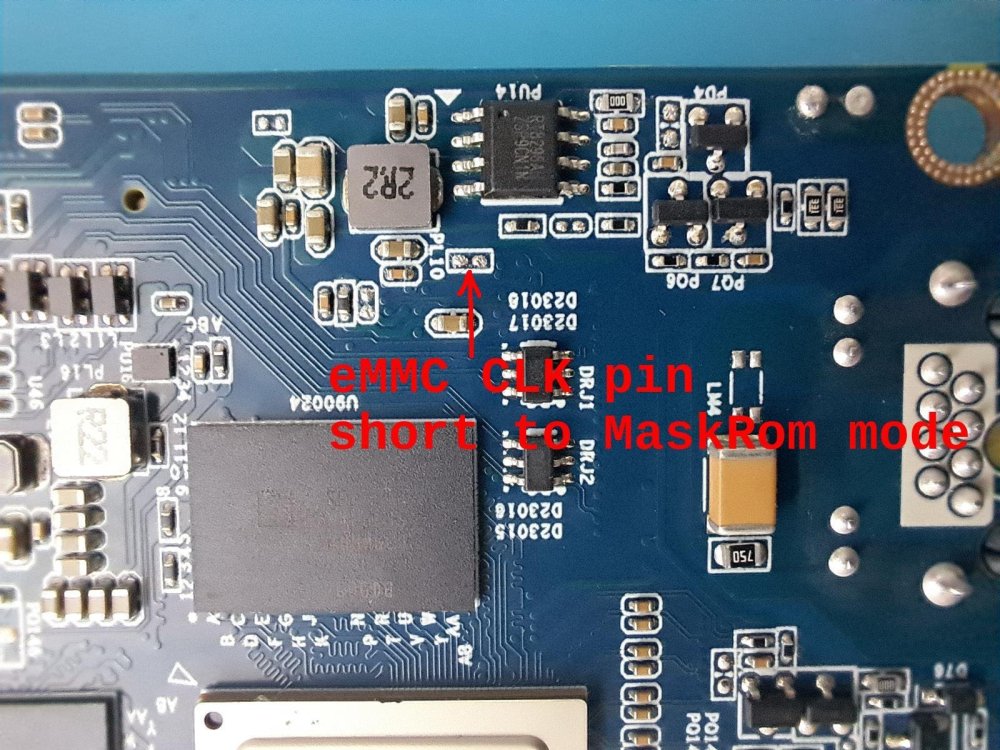
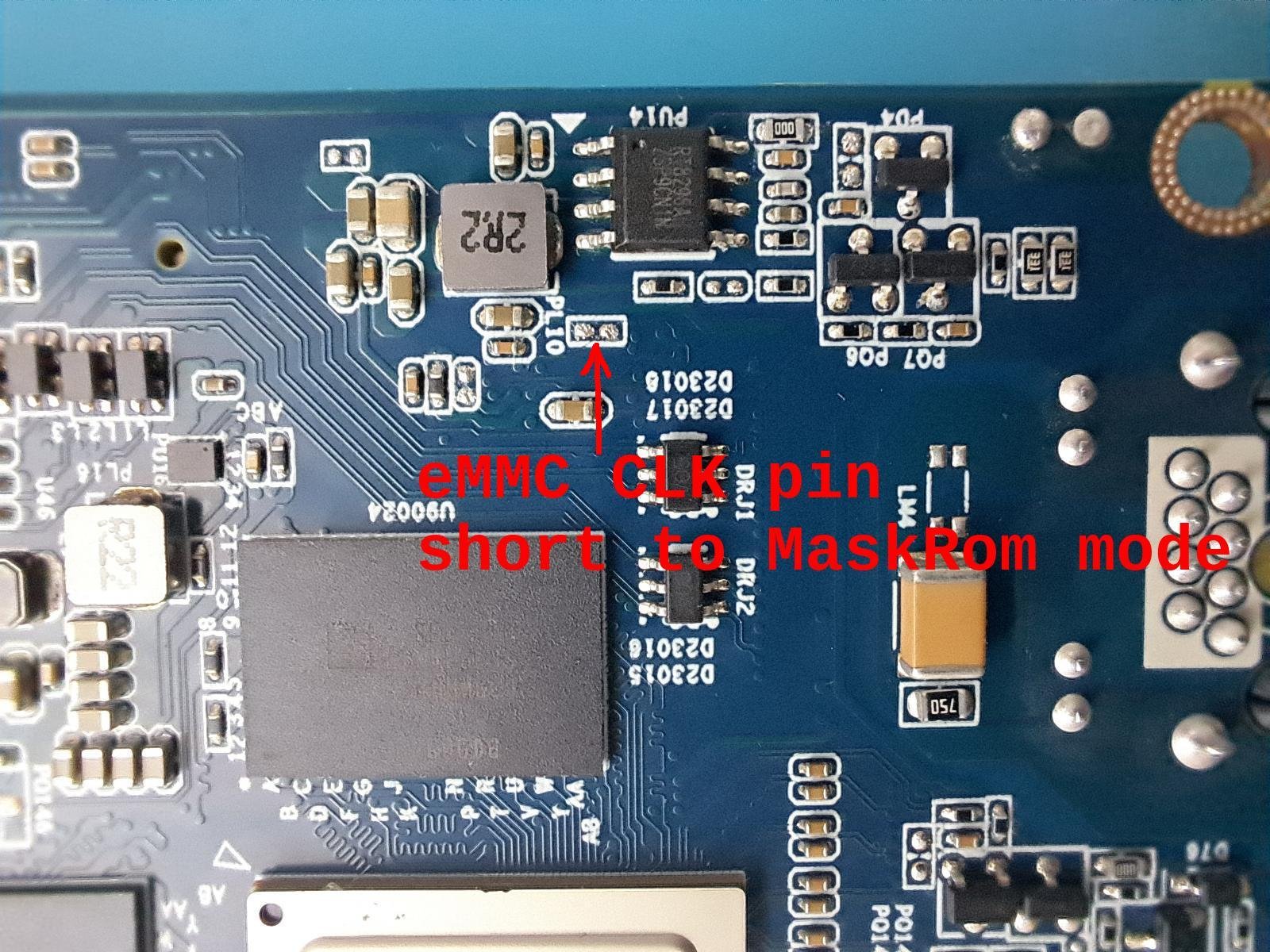
Take some time but I was able to identify the CLK pin. Shorting the marked pins (CLK and GND in this case) was able to switch MaskRom mode. Note: in early boot stages the eMMC CLK only working in legacy mode (24Mhz).