All Activity
- Past hour
-
bringing up a BIG 3d printer from square one on a bpi--m5 with a fairly new image. The pager requires 10 or more mouse clicks, starting with the _ . . . . . at the upper left corner of what I think is the default xfce4 screen. All the eye candy and mouse clicks to actually switch workspaces are very distracting when one is trying to configure klipper. Can all this be reduced to a single click on the dot representing that workspace in the micro-pager? The eye candy is impressive to visiting frogs, until its a PITA when actually doing work. We buy these things in 6 pack qty's to do work, and give you a small monthly support, but impressing the frogs is maybe .0000002% of the time spent as I don't invite the frogs in to see my printer farm very often.
- Today
-
@schwar3kat Thanks!
-
I will take a look, but I have no experience with SPI on this board. I may have to try some copy pasta.
-

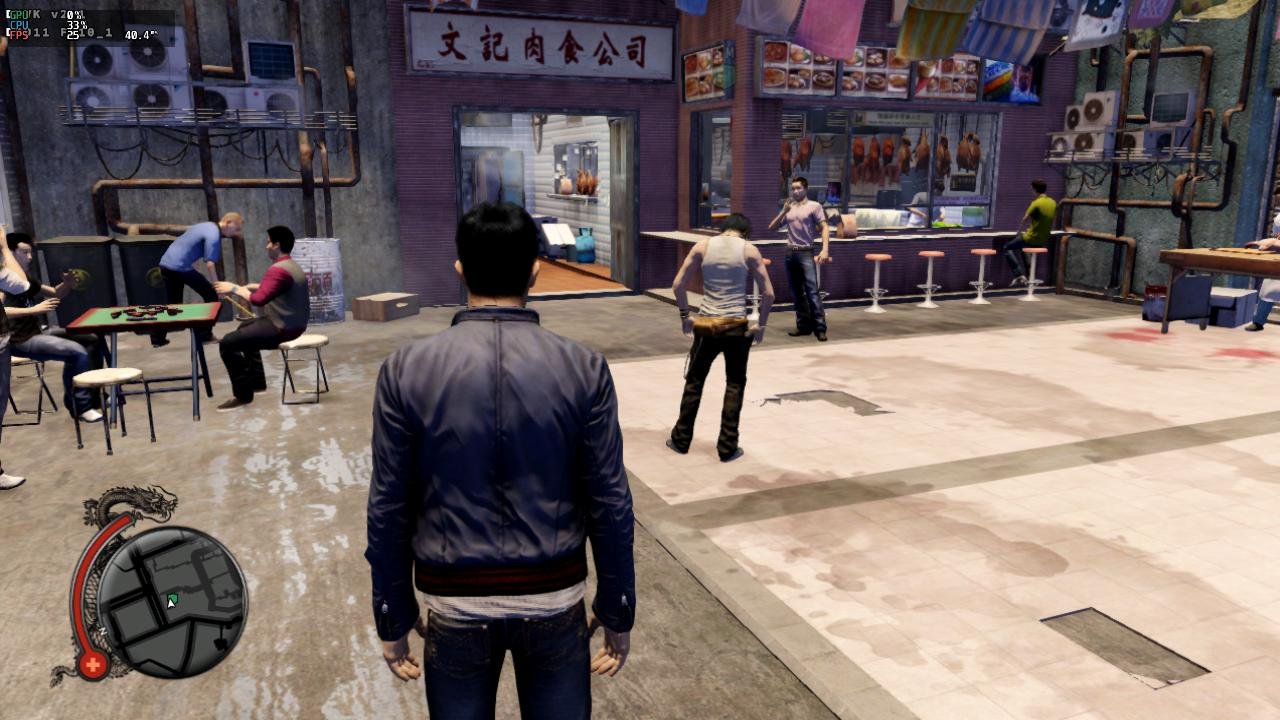
Gaming experience with Orange Pi 5 (RK3588) on Armbian
KhanhDTP replied to KhanhDTP's topic in Orange Pi 5
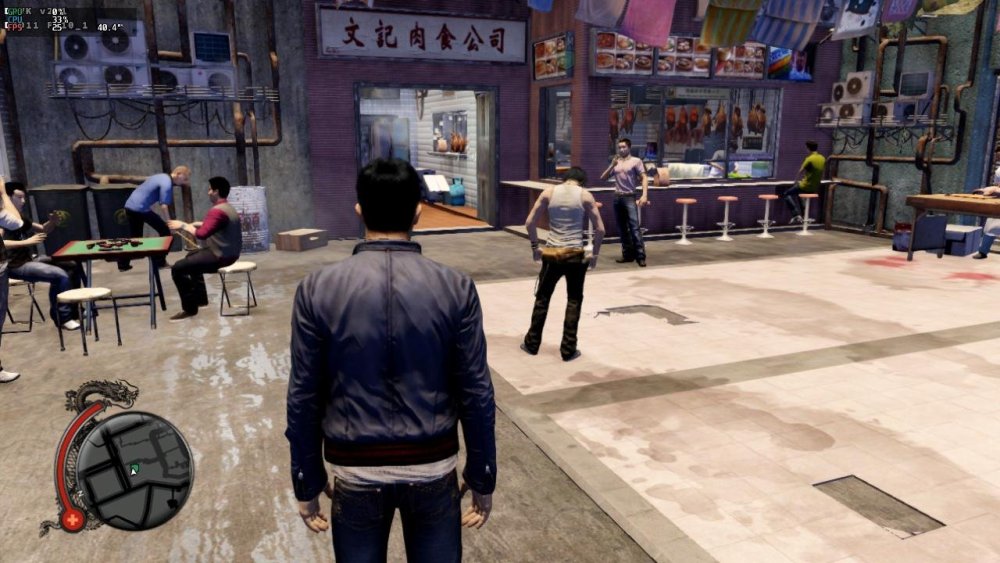
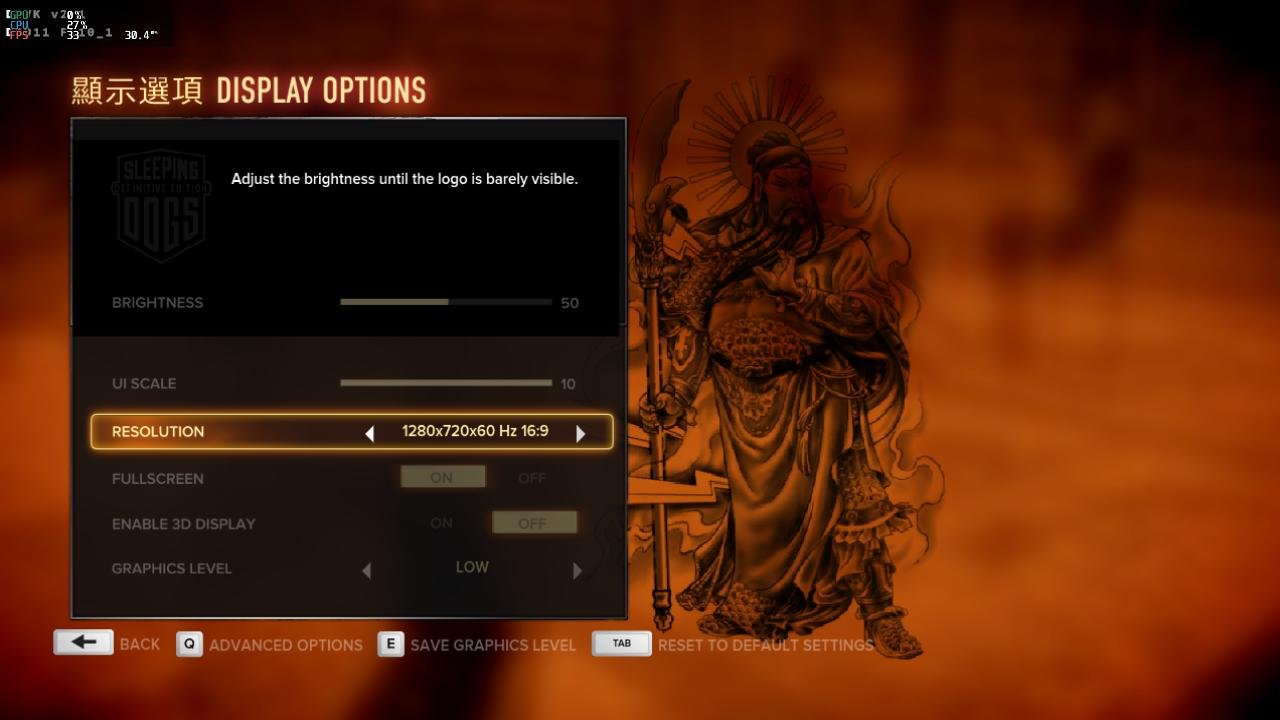
Armbian 25.11.2 Noble XFCE (BSD Kernel: 6.1.115) + PanVk - mesa 26.0 (https://launchpad.net/~ernstp/+archive/ubuntu/mesaaco) + box64 3.9 (https://ryanfortner.github.io/box64-debs/) + wine-10.14-staging-tkg-ntsync-amd64-wow64 (https://github.com/Kron4ek/Wine-Builds/releases/tag/10.14) + Dxvk 2.1 (stripped) ~24fps@720p Sleeping Dogs - Definitive Edition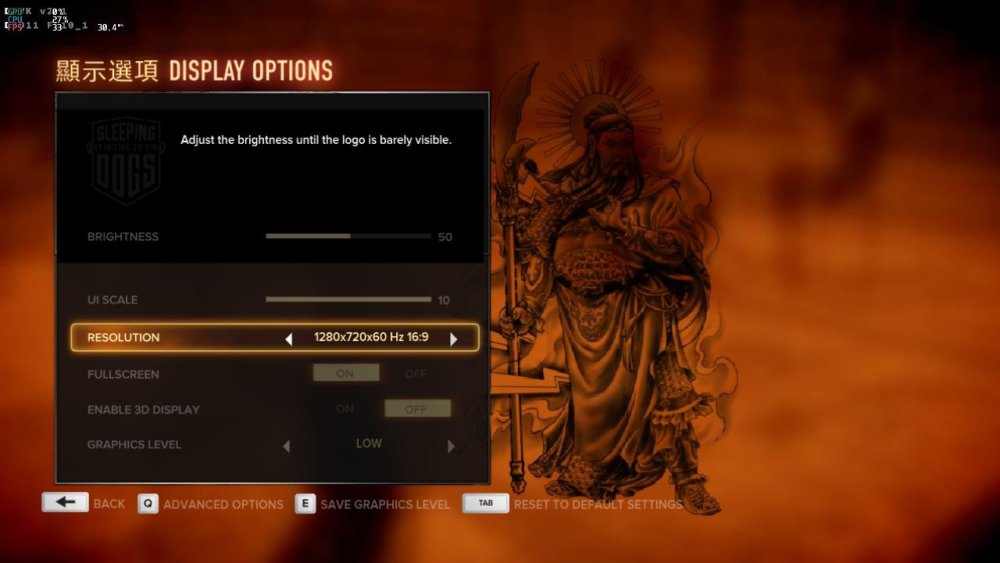
-
@Werner Thank you for the reply. Unfortunately, I have little knowledge about building. However, I did find the code for rock-5c(rock-5c.conf), it's extremely shorter than the rock-5b. It has only 27 lines. Of course there are no function post_config_uboot_target__extra_configs_for_rock5c_mainline_environment_in_spi() It means rock-5c.conf has not finished yet. Can you guys take a look?
-

NanoPi NEO LEDs not working with Linux 5.15.25-sunxi (Armbian 22.02.1)
niw replied to Jake7's topic in Allwinner sunxi
I see the next specific inline comments in the Armbian patches for NenoPi Neo at https://github.com/armbian/build/blob/69e8482426c7da4482dae06edb838dfe8bfd9920/patch/kernel/archive/sunxi-6.12/patches.armbian/arm-dts-h3-nanopi-neo-Add-regulator-leds-mmc2.patch. + /* Warning: sunxi-5.18: + * The leds node is present in the sun8i-h3-nanopi.dtsi file + * You will have to fix this situation yourself + */ + leds { + compatible = "gpio-leds"; + Looks like Linux Kernel source itself has its own `/led/led-0` and `/led/led-1` now in https://github.com/torvalds/linux/blob/master/arch/arm/boot/dts/allwinner/sun8i-h3-nanopi.dtsi and it seems preventing patched `/led/pwr` and `/led/status` work. Now I added following Device Tree Overlay and both PWR and STAT leds works again as expected. /dts-v1/; /plugin/; / { compatible = "allwinner,sun8i-h3"; fragment@0 { target-path = "/leds/led-0"; __overlay__ { status = "disabled"; }; }; fragment@1 { target-path = "/leds/led-1"; __overlay__ { status = "disabled"; }; }; }; Create this file as like `fix-leds.dts` then run `sudo armbian-add-overlay fix-leds.dts` by following https://docs.armbian.com/User-Guide_Armbian_overlays/ then reboot the device now PWR LED on and STAT LED blinks. - Yesterday
-
@Nick A Nice, thanks a lot for the information. I 'll cherry pick the commit in your link and build a new image. I'll let you know if i'm sucessfull or not.
-
My guess is that there is some code missing in the board config to make it available. Similar to this: function post_config_uboot_target__extra_configs_for_rock5b_mainline_environment_in_spi() { display_alert "$BOARD" "u-boot configs for ${BOOTBRANCH} u-boot config BRANCH=${BRANCH}" "info" run_host_command_logged scripts/config --set-val CONFIG_ENV_IS_NOWHERE "n" run_host_command_logged scripts/config --set-val CONFIG_ENV_IS_IN_SPI_FLASH "y" run_host_command_logged scripts/config --set-val CONFIG_ENV_SECT_SIZE_AUTO "y" run_host_command_logged scripts/config --set-val CONFIG_ENV_OVERWRITE "y" run_host_command_logged scripts/config --set-val CONFIG_ENV_SIZE "0x20000" run_host_command_logged scripts/config --set-val CONFIG_ENV_OFFSET "0xc00000" } @schwar3kat any chance to have a look?
-
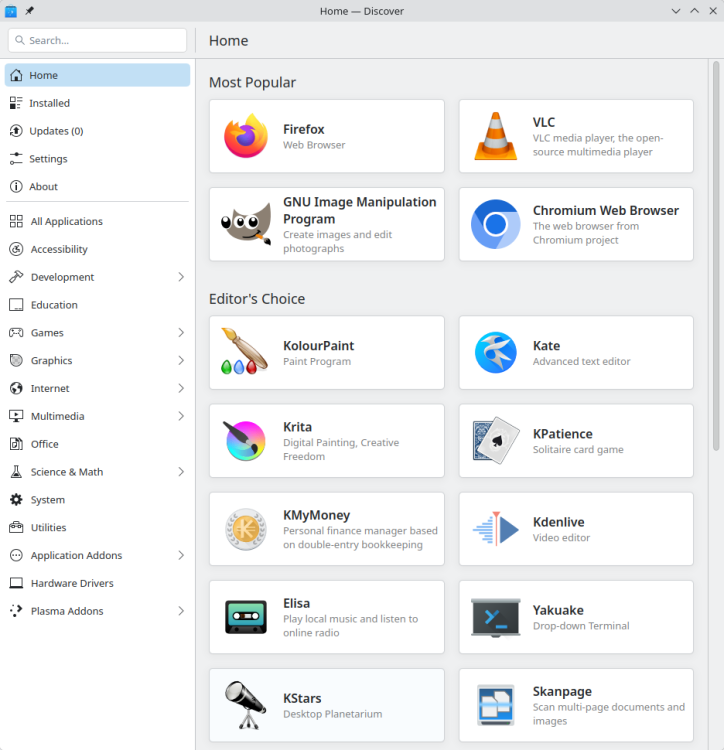
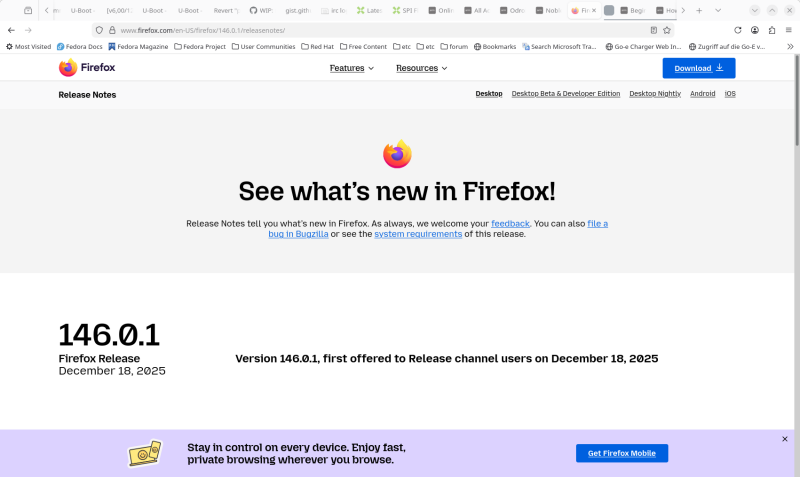
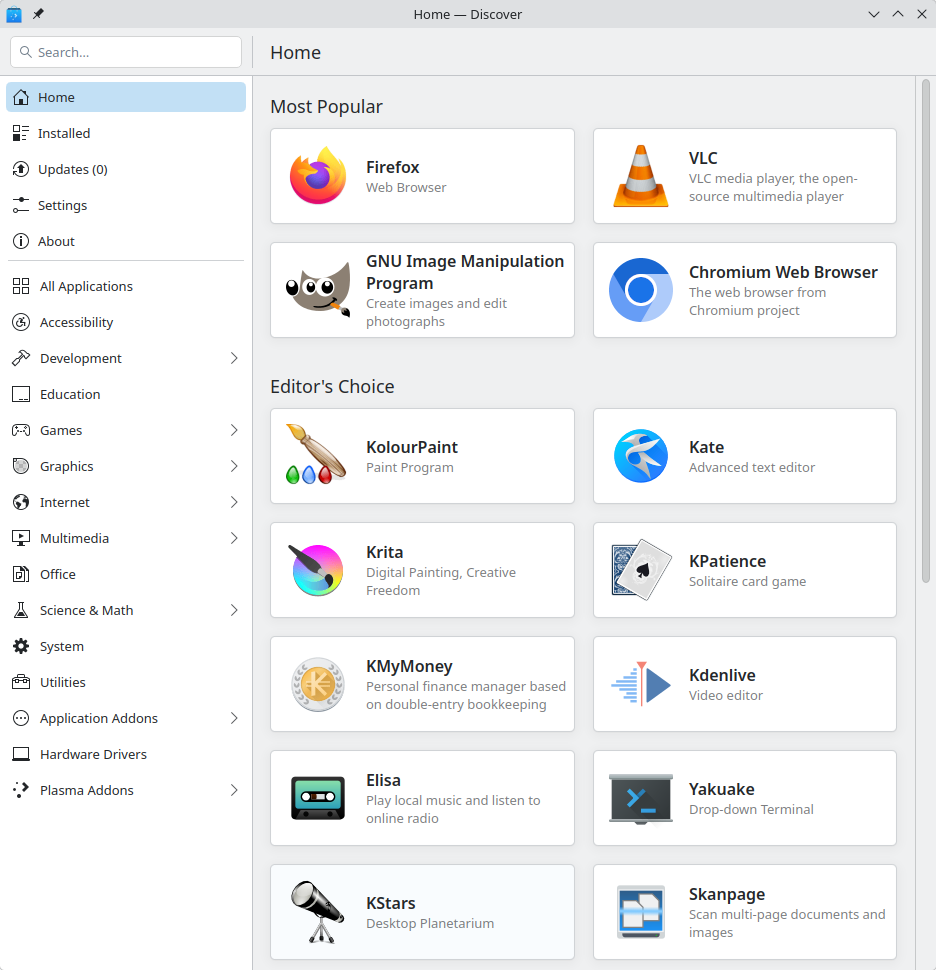
 Well, I can't complain about the up-to-dateness of my natively installed browser. Damn, everything is out of date again- It's urgently time for the latest updates for my distribution to become available.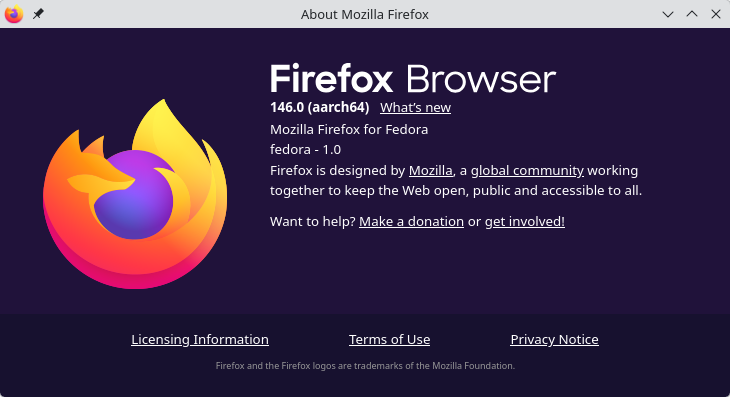
-
 This post is not a criticism but I suppose that noobs with experience with linux since 2006 like myself might get caught out by: * Desktops are very simple and minimal but containing standard features such as Chromium, Firefox browser, Office tools etc. This Ubuntu based "noble" distro DOES NOT have any browser installed as part of the image. Since I rarely use snaps, as they are controversial, I did not understand at first that "synaptic" will not install Firefox or Chromium. In fact you have to use the CLI terminal to manually install Firefox or Chromium with the "snap" program. May I suggest that the webpage description be amended to: "* Desktops are very simple and minimal but containing standard features such as, Office tools etc. Chromium and/or Firefox browsers must be manually installed with snap and are not part of the image" or something to that effect. I am now trying to see if I can painlessly find/use a non snap solution to have Firefox-esr or Chromium. Loading of Firefox via snap is slow but does stay updated, but this can cause other problems. Thanks for your help and happy holidays!
 -
Thanks. Found a post from @igor basically stating the same. I'll continue to work on the RV2 here for that reason.
-
This became messy way too fast. I went down a rabbit hole that was the wrong one! The key issue here is that the current "noble" is Ubuntu based and thus is not Debian per say, especially with regards to "snaps". So whoever reads this thread from the O/P I would say the solution is to hope that at some point an Armbian "trixie" distro with desktop will be released, until then use the "bookworm" release if you are allergic to "snaps".
-
the pin holes are connected to the ht1628 Front Display driver. You can connect here individual keys or a key matrix.However, the ht1628 driver for this has not yet been implemented in Armbian.
-

Unisoc UWE5621DS on RK3566 device? calling Orange Pi experts
CY Liu replied to dieselnutjob's topic in Off-topic
Could you pls share howto? I'm working on S9053La, cannot find solution so far, thanks! -
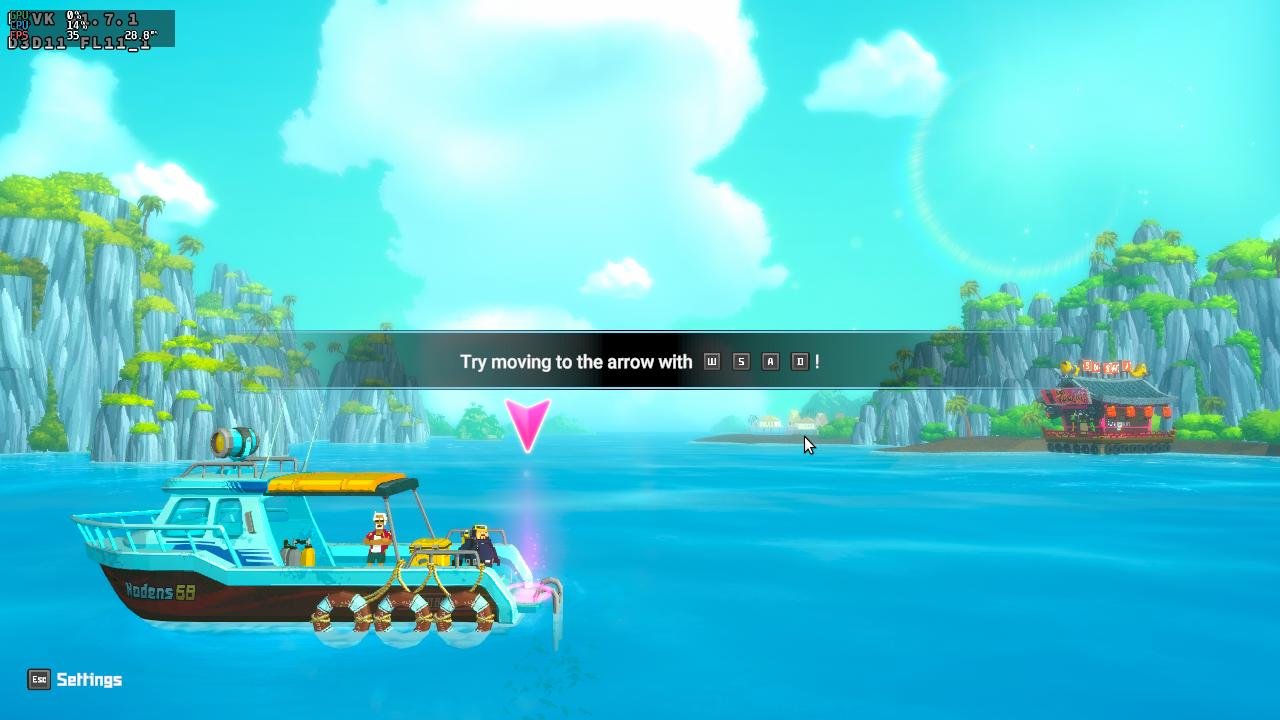
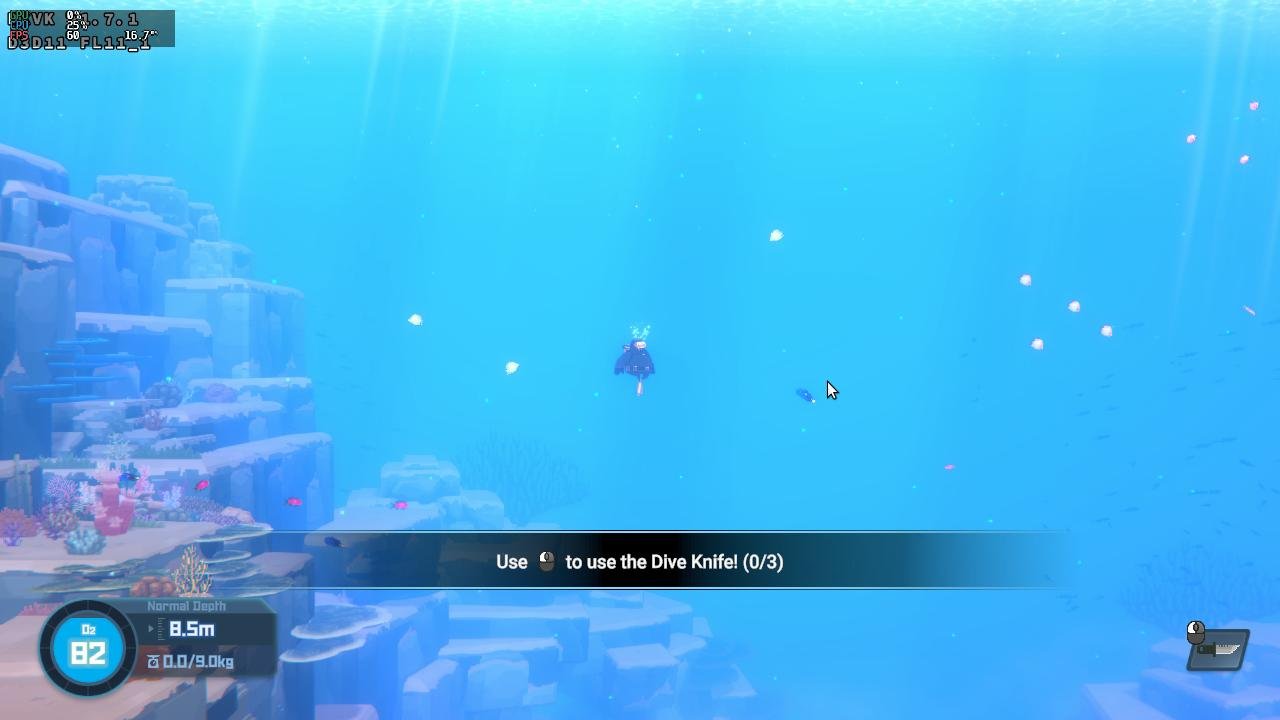
Gaming experience with Orange Pi 5 (RK3588) on Armbian
KhanhDTP replied to KhanhDTP's topic in Orange Pi 5
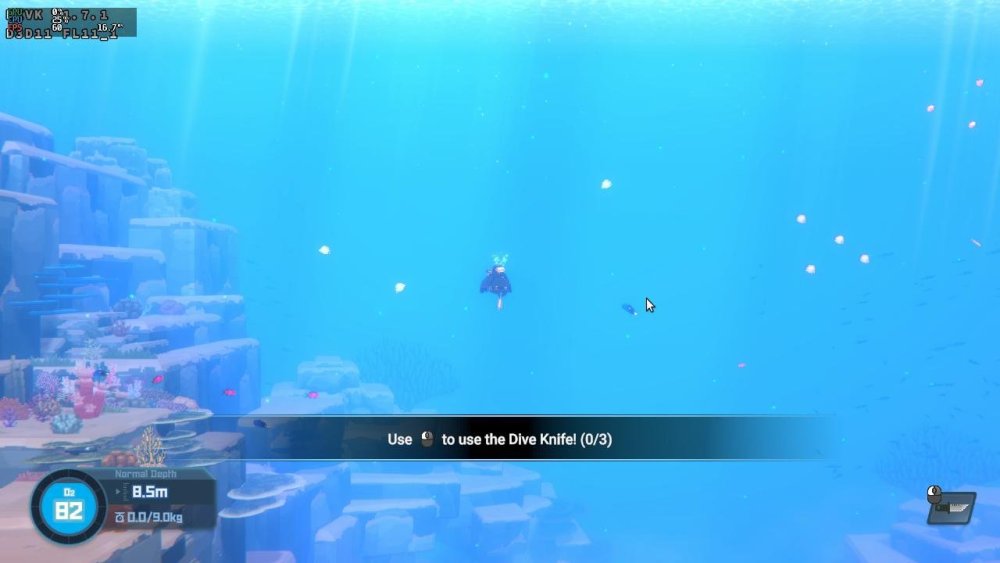
Armbian 25.11.2 Noble XFCE (BSD Kernel: 6.1.115) + PanVk - mesa 26.0 (https://launchpad.net/~ernstp/+archive/ubuntu/mesaaco) + FEX-Emu 2510 + hangover-10.18 (https://github.com/AndreRH/hangover/releases/tag/hangover-10.18) + Dxvk 1.7.1 (stripped) ~60fps@1080p Dave The Diver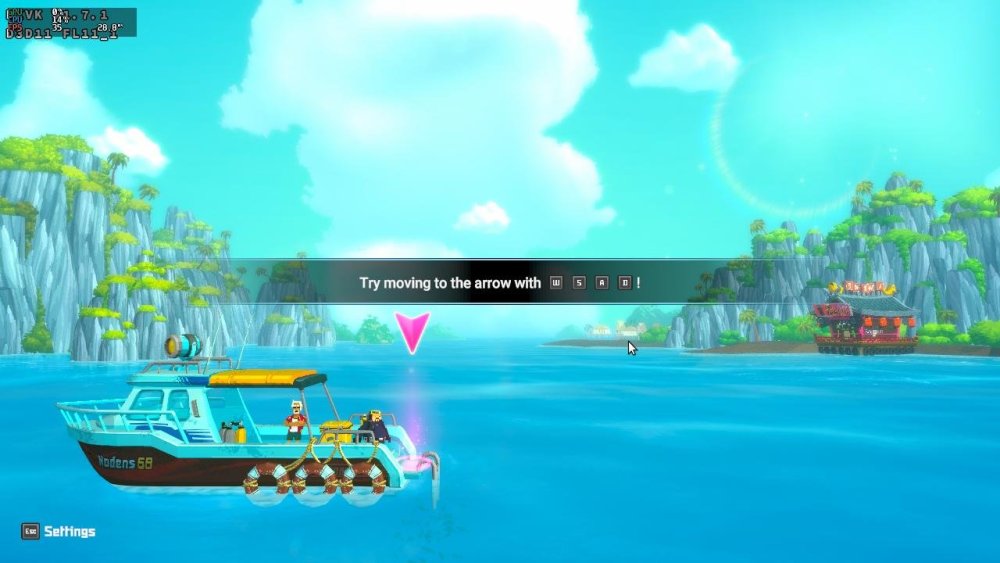
-
Gaming experience with Orange Pi 5 (RK3588) on Armbian
KhanhDTP replied to KhanhDTP's topic in Orange Pi 5
Armbian 25.11.2 Noble XFCE (BSD Kernel: 6.1.115) + PanVk - mesa 26.0 (https://launchpad.net/~ernstp/+archive/ubuntu/mesaaco) + box64 3.9 (https://ryanfortner.github.io/box64-debs/) + wine-10.14-staging-tkg-ntsync-amd64-wow64 (https://github.com/Kron4ek/Wine-Builds/releases/tag/10.14) + Dxvk 2.1 (stripped) ~60fps@1080p MiSide Full.thumb.jpg.2deed333e3dd59ab89b32050f885375a.jpg)
.thumb.jpg.394f46a825ca3cf0d620485ea5e1358c.jpg)
-
I'll try building the image again today with a new git clone, without changing anything except the userpatchers configuration. If I don't add the module this way, it won't be enabled in the text menu. I'll report back on my progress later.I created an image without changing the boardconfig. I used the default configuration for userpatches, which is used for compilation. I added one line, CONFIG_DRM_PANEL_MIPI_DBI=m, and the image built successfully. Afterwards, I booted and checked the kernel module with the command modinfo panel-mipi-dbi; the module is enabled. I also checked the configuration in /boot/config(umane); the module is enabled there too. I added DTS with the command sudo armbian-add-overlay , and also added the binary from the Pancake repo. After rebooting, the result didn't change at all; the screen was white. The output of dmesg | grep spi shows the same as in the previous post. I'm not sure about the pinout. Could you send me your pinout? What awg wires are you using? I use a combination of 28awg for VCC, DC, and GND, and 32awg for the rest.
-
Board : radxa rock 5c lite with NVMe HAT and SPI Flash Module. OS : Armbian 25.11.2 stable 6.1.115-vendor-rk35xx (Debian trixie) Overlays : rock-5a-spi-nor-flash SPI Flash is on /dev/mtdblock0 Boot from SD : OK Boot from SD system on NVMe : OK ---- I want to boot from Flash, so I tried `Install/Update the bootloader on MTD Flash` menu on `armbian-config'. Then I got this message. No SPI image found. I also updated SPI with `rsetup` from Radxa OS, but it does not work(boot from NVMe failed) either. What do I have to do?
-
@Pop AlexI haven't spent a lot of time on GPU acceleration but I know there's a member here who has worked on it. He's using Radxa's GPU drivers. https://github.com/radxa-pkg/aw-drivers-dkms/ https://github.com/chainsx/build/commit/a0527bd977bbe55b13c1f46ec46d0aab4369c798 fengRadxa Engineer "Allwinner has feedback that the browser hardware decoding support is still under development. You can first use GStreamer to play video files encoded in H264, H265, VP9, or AVS formats as a test." https://forum.radxa.com/t/hardware-decoding-for-video-not-enabled-on-a7a/29836/9 There's a new Tina V1.4.8 SDK. In the directory "debian/packages/arm64/chromium" you will find "chromium-browser-gst_120.0.6099.224-5_arm64.deb". Not sure if this is an updated verison of chromium? https://mega.nz/file/sqRG1RaC#TpVwOuZSOoRaSfLDLF60Y0qHAVaViFTMPuZKFQw6m8c.
-
Just tested a build i made locally from your branch, on the A7Z build, build with the latest Debian + XFCE Nice job @Nick A. Seems to work fine, but it's lacking GPU acceleration, in both Chrome and VLC, same as the official builds. Do you have any info on that? Is there any work going on the Armbian team for supporting the Imagination GPU? I know Imagination has pretty shitty software support.
-
@kvvvp Build from branch v20251014 (kernel 6.17.2)
-
how to apply a patche for t527? i have updated Armbian now and ready to build a test image to share to everybody
-
Because they forked an old version of our framework and replaced "armbian" with "orangepi".
-
 https://fi.mirror.armbian.de/oldarchive/ If its not there, its gone.
 - Last week
-
Hi, sudo systemctl stop media-nano-Z.mount it really works, but if you forget to do it manually, then when you try to reboot or turn off the single-board computer, it will freeze, because it tries to unmount the disk itself, apparently using umount. Okay, I did all this after upgrading to Armbian 26.2.0-trunk.86 trixie armv7l, and when I tried to unmount the drive the old way with umount, I found that everything worked. It looks like the problem is already fixed.






.jpg.96f525846a40a723c58de9fa6995f13e.jpg)
.jpg.11b295f87856802085baa1e58ca73fa5.jpg)