robertoj
-
Posts
612 -
Joined
-
Last visited
Content Type
Forums
Store
Crowdfunding
Applications
Events
Raffles
Community Map
Everything posted by robertoj
-
Whats the difference between 2 and 8? I am having similar doubts with an spi ili9341, but I don't knwo how that DTS line works
-
I could run lightdm with apt install xinit xterm xauth x11-apps xserver-xorg lightdm xserver-xorg-input-evdev xserver-xorg-video-fbdev /usr/share/X11/xorg.conf.d/99-fbdev.conf: Section "Device" Identifier "myfb" Driver "fbdev" Option "fbdev" "/dev/fb0" EndSection However, the cursor is moving at 90-degrees from my finger movement. Also, it is very unstable... it crashes, leaving a white screen. The white screen remains after reboot, and I can only make it work again by removing and connecting the 5V power. Can someone share how they installed a window manager with ili9341? is 24MHz too fast? Would native cs1 help anything?
-
problem solved: IRQ i/o needed the reverse polarity in pendown-gpio. armbianEnv.txt and DTS here: (it is working with sudo evtest, so I dont know if it needs calibration... and I wonder if I need to reverse the polarity in the interrupts line too)
-
I had some success by changing the touch chip pins from: CS1=PC7 PA18 (I avoided the "native Spi0 CS1 PC7" and used PA18) IRQ=PA19 PA7 (maybe this was unnecessary) New DTS: With inspiration from https://github.com/jonathan-gatard/ili9486-xpt2046/tree/main for the IOs and the analog parameters Now sudo evtest prints an event each time I press on the LCD screen If an LCD suffers a disconnection and reconnection, is it possible to reset, re-initialize and continue working the LCD? Or would it always need a Linux reboot?
-
When doing sudo evtest, I get random events. It may be related to https://forum.armbian.com/topic/15271-spi0-cs1-held-low-when-ads7846-is-loaded/
-
Hello I assume that the tft lcd is working 100%, displaying text and graphics. can you share what you get from the tests in my post here? also, what are your wiring connections? https://forum.armbian.com/topic/27457-connecting-banana-pi-m2-zero-with-ili9341-display-over-spi-on-latest-armbian-image/?do=findComment&comment=201947 Edit: your DTS seems to be missing a lot of connection definitions. Look at your DTS to the DTS that was posted last in my thread topic, and compare their structures.
-
I went with your corrected DTS ... so far it looks great (Did NOT use the spi-add-cs1.dtbo, as advised) I went out running to work, and I will continue tests when I go back home Day 2 of testing: evtest shows a random stream of events, then stops... then lcd touches dont get reactions. I will check my wiring and order a new LCD, because mine has a cracked glass Is there any way to tell that the SPI, IRQ, CS inputs/outputs to the XPT2046 (ADS 7846) is working correctly, and blame everything on a bad resistive panel?
-
I tried all weekend to add the touch function of the LCD's XPT2046 With this DTS: It gets compiled, but the bootloader rejects it: Applying user provided DT overlay ili9341-touch-sp0.dtbo failed on fdt_overlay_apply(): FDT_ERR_NOT_FOUND Error applying DT overlays, restoring original DT (i included the spi-add-cs1.dtbo as suggested in https://ryjelsum.me/homelab/xpt2046-ili9341-opi-zero/ )
-
How to modify orange pi pc plus wifi intensity
robertoj replied to Char11e's topic in Allwinner sunxi
Use a high db USB WiFi dongle, with separate 5V supply if possibel -
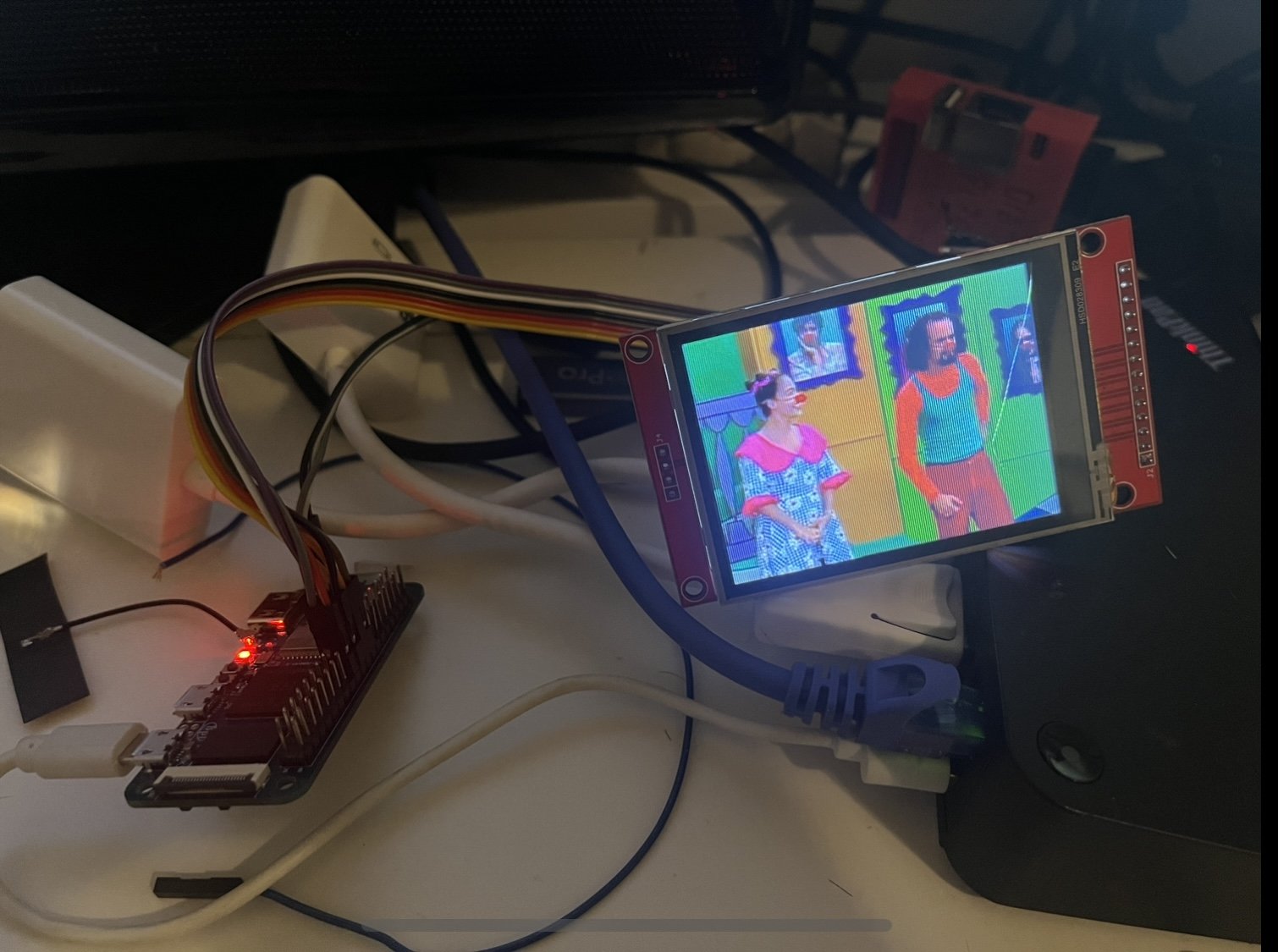
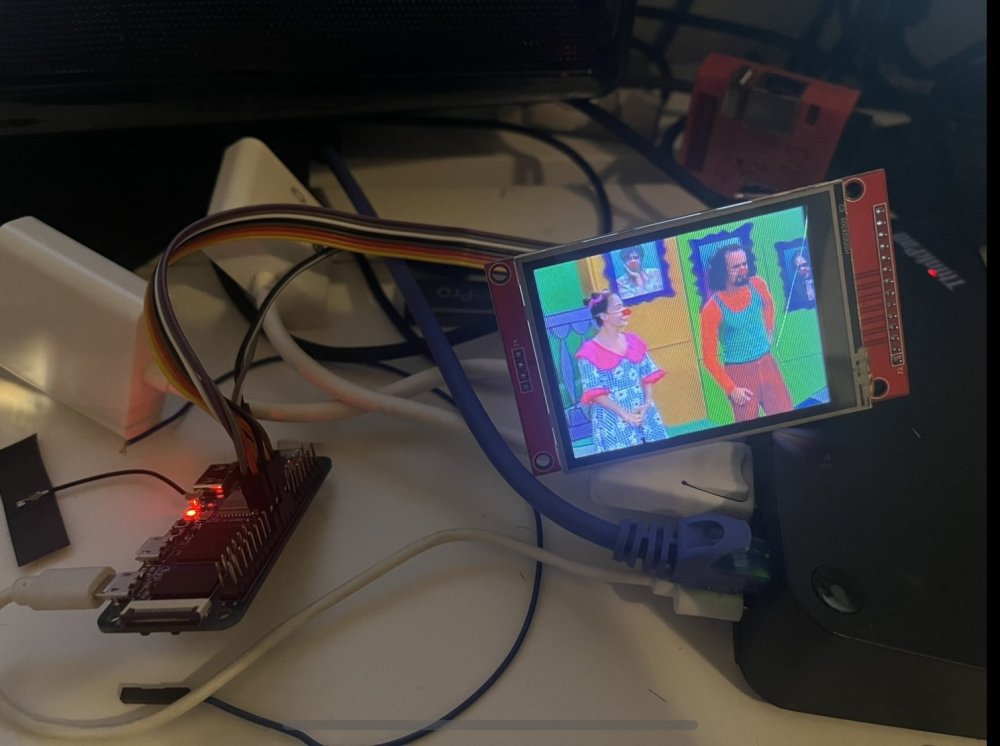
When I changed the DTS lines from: compatible = "ilitek,ili9341"; reset-gpios = <&pio 2 4 1>; /* C4,GPIO 24 */ rotate = 270 to compatible = "adafruit,yx240qv29", "ilitek,ili9341"; reset-gpios = <&pio 2 4 0>; /* C4,GPIO 24 */ rotation = 90 Reminder: this DTS is for the banana pi m2 zero, showing the whole DTS in the post above. It is working in LInux 6.6.44, Debian Bookworm Minimal The LCD started working with the new ili9341 driver. My last mistake was not changing the reset pin high/low polarity There is no "video tearing" when playing a 240p video, as it did with fb_ili9341. And the CPU load is 25% of one core, same as with the old driver. mplayer -vo fbdev2:/dev/fb0 videofile.mp4 or mpv --vo=drm --drm-connector=1.SPI-1 videofile.m4v <-causes 25% cpu load in 4 cores Has anybody progressed in making the touch feature work?
-
Why is the row gpio-234 (RESET) not showing up in kernel 5.18.88, but it shows up in kernel 6.6.16?, and then it disappears again with your next experiment with updated libgpiod?
-
OrangePi Zero LTS ili9341 TFT LCD (and later OrangePi Zero 3)
robertoj replied to robertoj's topic in Allwinner sunxi
So, I temporarily quit the effort to make ili9341.ko work, and continue with fb_ili9341.ko (Note: try changing the reset HIGH/LOW polarity, as advised in https://forums.raspberrypi.com/viewtopic.php?t=358240&start=25 ) To make this work with the orangepi zero 3, the DTS needed would be changed in the pinout, and the compatible line: Now I need to try this at home -
Hola Patricio! Another guy re-installed Armbian with Linux 6.1 and g_serial was working... maybe g_ether will work too https://forum.armbian.com/topic/44870-nanopi-duo2-microusb-serial-stop-working-on-24110/?do=findComment&comment=201229 Another thing to try: Make sure that CONFIG_USB_ETHERNET=m is enabled (without #) in the /boot/linux.config file... if not, you need to learn how to make your own Armbian image, and enable this feature https://linuxlink.timesys.com/docs/wiki/engineering/HOWTO_Use_USB_Gadget_Ethernet Information about g_serial and g_ether together: https://forums.raspberrypi.com/viewtopic.php?t=238280
-
There the option of “overlay file system”. It makes your file system “forget” anything that is changed since the snapshot, upon each poweroff look for it in armbian-config
-
Thank you I just got a banana pi m2 zero and I am trying to get the ili9341 working with the drm driver. What is the latest Linux it is known to work? please share DST and pin connections I got my ili9341 LCD working in Linux 5.13.12, with this DTS... and I still can't use the drm-enabled driver Notice that I needed to swap height=320 and width=240, or else I get garbled display. It is working fine with 40 MHz.. The connections are the same as show in the post from June 2, 2023
-
NanoPi DUO2 microUSB serial stop working on 24.11.0
robertoj replied to Slawek's topic in Allwinner sunxi
I use USB-serial adapters. In my experience they have worked better than the Arm CPU UARTS. The debug UART is the most trusty serial port for maintenance. -
NanoPi DUO2 microUSB serial stop working on 24.11.0
robertoj replied to Slawek's topic in Allwinner sunxi
Looks like UDC is a part of the g_serial that fails to load. Not an easy problem for me. Just revert to working OS, and reinstall your applications Similar problems: https://support.xilinx.com/s/question/0D52E00006iHmGwSAK/usb-udccore-couldnt-find-an-available-udc-added-gmassstorage-to-list-of-pendi?language=en_US https://stackoverflow.com/questions/65012555/how-to-enable-usb-gadget-mode-from-menuconfig https://github.com/gokrazy/kernel/issues/418 I hope i didnt lose this functionality in my orange pi zero -
I can see my SBC's DTS with armbian-config > System > DTC ... is this what you meant? Then ctrl-O to save it in my home folder. It is almost identical to https://git.kernel.org/pub/scm/linux/kernel/git/stable/linux.git/tree/arch/arm/boot/dts/allwinner/sunxi-h3-h5.dtsi?h=v6.6.47
-
NanoPi DUO2 microUSB serial stop working on 24.11.0
robertoj replied to Slawek's topic in Allwinner sunxi
I cant see the problem XD In this latest-working setup, run "armbianmonitor -u" to get a snapshot of the boot execution, and copy the resulting link here. Also, show the result of "dmesg | grep g_serial" (the ko driver that enables the USB-serial-device function in the CPU. Try again with the Armbian_community_24.11.0-trunk.66_Nanopiduo2_noble_current_6.6.44.img.xz. Verify that the USB-serial-device function is working. Don't update, and run the 2 tests as above: armbianmonitor and dmesg|grep g_serial -
I have a feeling that there's some difference between ili9341.ko (adafruit) and fb_ili9341.ko, in the way they handle GPIOs and SPI pins. fb_ili9341.ko handles the TFT perfectly in Linux 6.6.x (but it is desirable to use the DRM enabled ili9341.ko)
-
What is the latest linux that is known to work with ili9341.ko? Does it get you h264 acceleration? Is it possible to get touch events with a second chip select?
-
NanoPi DUO2 microUSB serial stop working on 24.11.0
robertoj replied to Slawek's topic in Allwinner sunxi
If still not working, install the newest OS image in a different microSD card, verify that you have the USB-serial function. Then check the differences in armbianEnv.txt, and the result of "lsmod", against your old microSD. If you succeed or not, post your results here, because that's how we build up the knowledge base. -
NanoPi DUO2 microUSB serial stop working on 24.11.0
robertoj replied to Slawek's topic in Allwinner sunxi
Make sure that /boot/armbianEnv.txt is the same from the time it was working, to what it is today (the line “overlays=“) -
OrangePi Zero LTS ili9341 TFT LCD (and later OrangePi Zero 3)
robertoj replied to robertoj's topic in Allwinner sunxi
I tried this DTS, to try to declare, reserve, or pin mux the chip select (I don't know what the added block does) The TFT screen did not work (100% white), but at least I see more pins used in pinctrl (PA2, PA18) -
Orange pi zero 3, x11vnc will run but won’t start automatically
robertoj replied to the skid's topic in Allwinner sunxi
Check that the environment lines, plus the execstart from the service file, do what you want from “root”, since the service does not specify a user or specify your user, and try it with your user see what shows up with “journalctl -u x11vnc” (log) Here's another x11vnc server istructions: https://wiki.archlinux.org/title/X11vnc https://jasonschaefer.com/setup-x11vnc-server-with-systemd-auto-start-up/comment-page-1/