All Activity
- Past hour
-
My guess is that there is some code missing in the board config to make it available. Similar to this: function post_config_uboot_target__extra_configs_for_rock5b_mainline_environment_in_spi() { display_alert "$BOARD" "u-boot configs for ${BOOTBRANCH} u-boot config BRANCH=${BRANCH}" "info" run_host_command_logged scripts/config --set-val CONFIG_ENV_IS_NOWHERE "n" run_host_command_logged scripts/config --set-val CONFIG_ENV_IS_IN_SPI_FLASH "y" run_host_command_logged scripts/config --set-val CONFIG_ENV_SECT_SIZE_AUTO "y" run_host_command_logged scripts/config --set-val CONFIG_ENV_OVERWRITE "y" run_host_command_logged scripts/config --set-val CONFIG_ENV_SIZE "0x20000" run_host_command_logged scripts/config --set-val CONFIG_ENV_OFFSET "0xc00000" } @schwar3kat any chance to have a look?
- Today
-
 Well, I can't complain about the up-to-dateness of my natively installed browser. Damn, everything is out of date again- It's urgently time for the latest updates for my distribution to become available.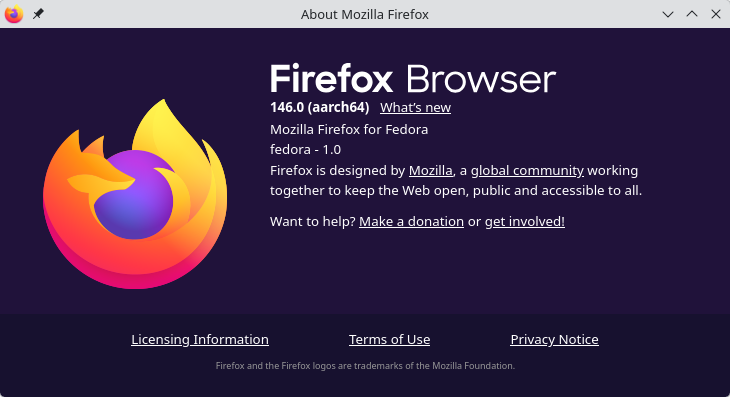
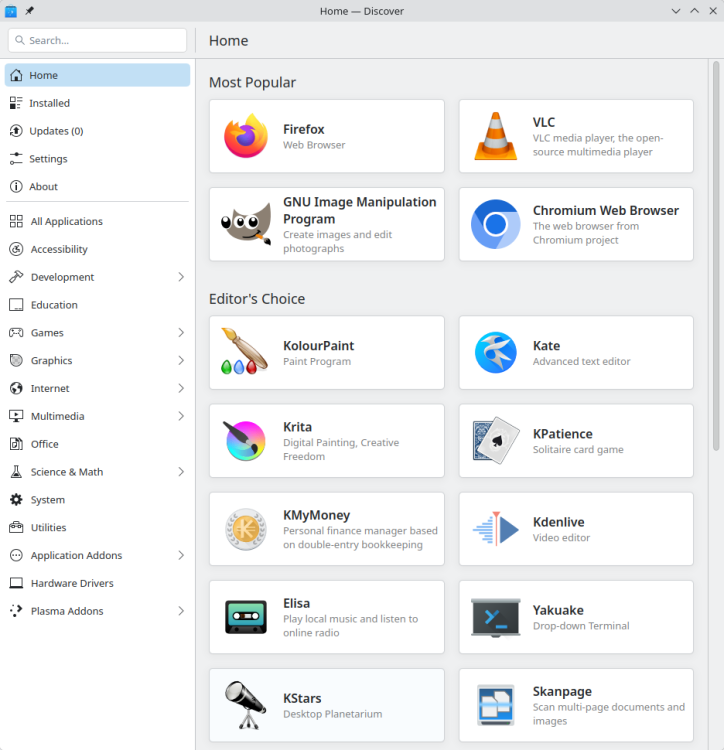
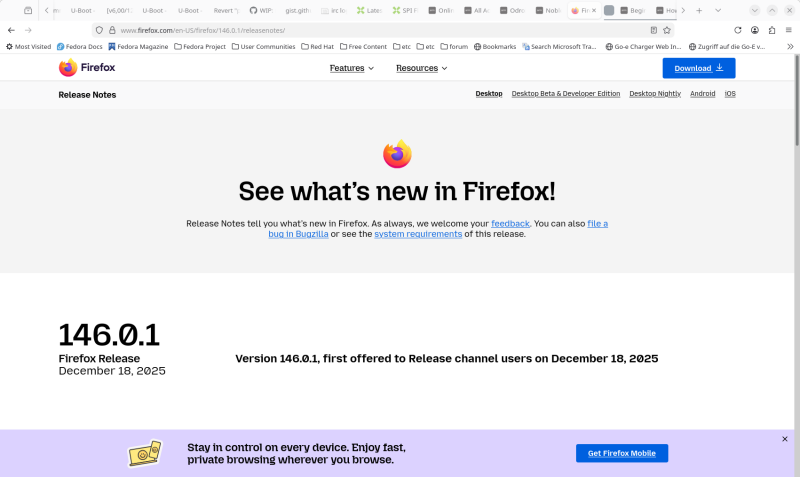
-
 This post is not a criticism but I suppose that noobs with experience with linux since 2006 like myself might get caught out by: * Desktops are very simple and minimal but containing standard features such as Chromium, Firefox browser, Office tools etc. This Ubuntu based "noble" distro DOES NOT have any browser installed as part of the image. Since I rarely use snaps, as they are controversial, I did not understand at first that "synaptic" will not install Firefox or Chromium. In fact you have to use the CLI terminal to manually install Firefox or Chromium with the "snap" program. May I suggest that the webpage description be amended to: "* Desktops are very simple and minimal but containing standard features such as, Office tools etc. Chromium and/or Firefox browsers must be manually installed with snap and are not part of the image" or something to that effect. I am now trying to see if I can painlessly find/use a non snap solution to have Firefox-esr or Chromium. Loading of Firefox via snap is slow but does stay updated, but this can cause other problems. Thanks for your help and happy holidays!
 -
Thanks. Found a post from @igor basically stating the same. I'll continue to work on the RV2 here for that reason.
-
This became messy way too fast. I went down a rabbit hole that was the wrong one! The key issue here is that the current "noble" is Ubuntu based and thus is not Debian per say, especially with regards to "snaps". So whoever reads this thread from the O/P I would say the solution is to hope that at some point an Armbian "trixie" distro with desktop will be released, until then use the "bookworm" release if you are allergic to "snaps".
-
the pin holes are connected to the ht1628 Front Display driver. You can connect here individual keys or a key matrix.However, the ht1628 driver for this has not yet been implemented in Armbian.
-

Unisoc UWE5621DS on RK3566 device? calling Orange Pi experts
CY Liu replied to dieselnutjob's topic in Off-topic
Could you pls share howto? I'm working on S9053La, cannot find solution so far, thanks! -

Gaming experience with Orange Pi 5 (RK3588) on Armbian
KhanhDTP replied to KhanhDTP's topic in Orange Pi 5
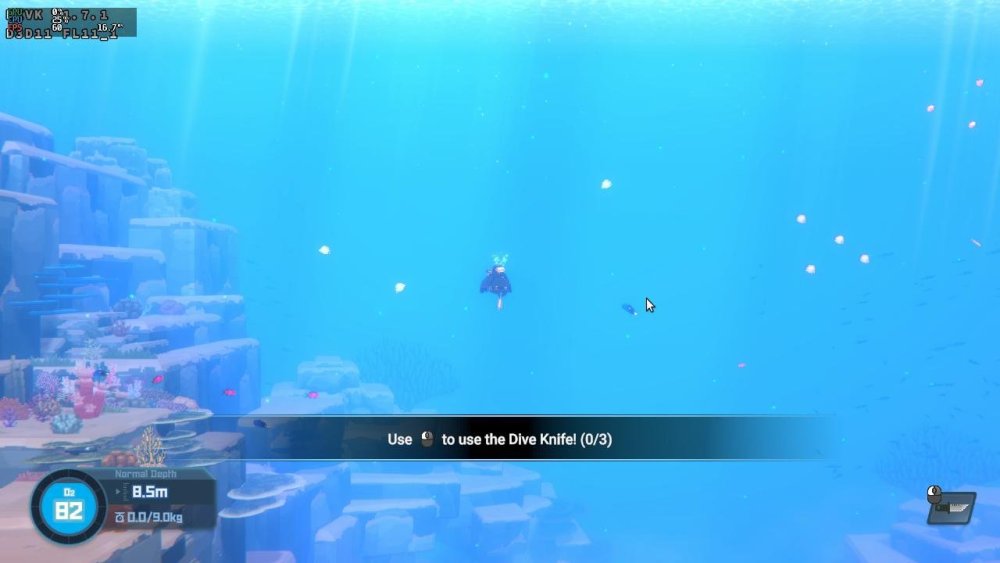
Armbian 25.11.2 Noble XFCE (BSD Kernel: 6.1.115) + PanVk - mesa 26.0 (https://launchpad.net/~ernstp/+archive/ubuntu/mesaaco) + FEX-Emu 2510 + hangover-10.18 (https://github.com/AndreRH/hangover/releases/tag/hangover-10.18) + Dxvk 1.7.1 (stripped) ~60fps@1080p Dave The Diver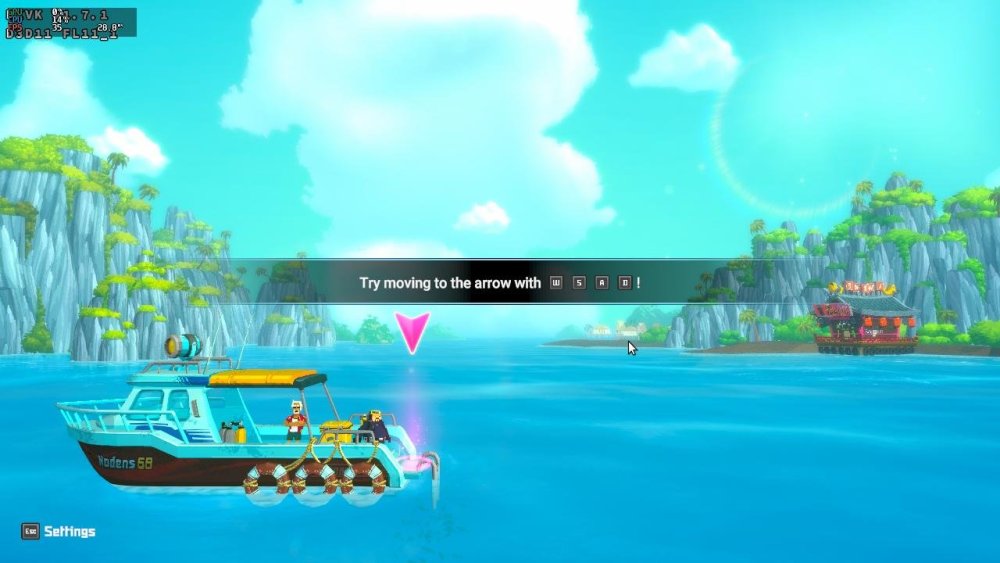
-
Gaming experience with Orange Pi 5 (RK3588) on Armbian
KhanhDTP replied to KhanhDTP's topic in Orange Pi 5
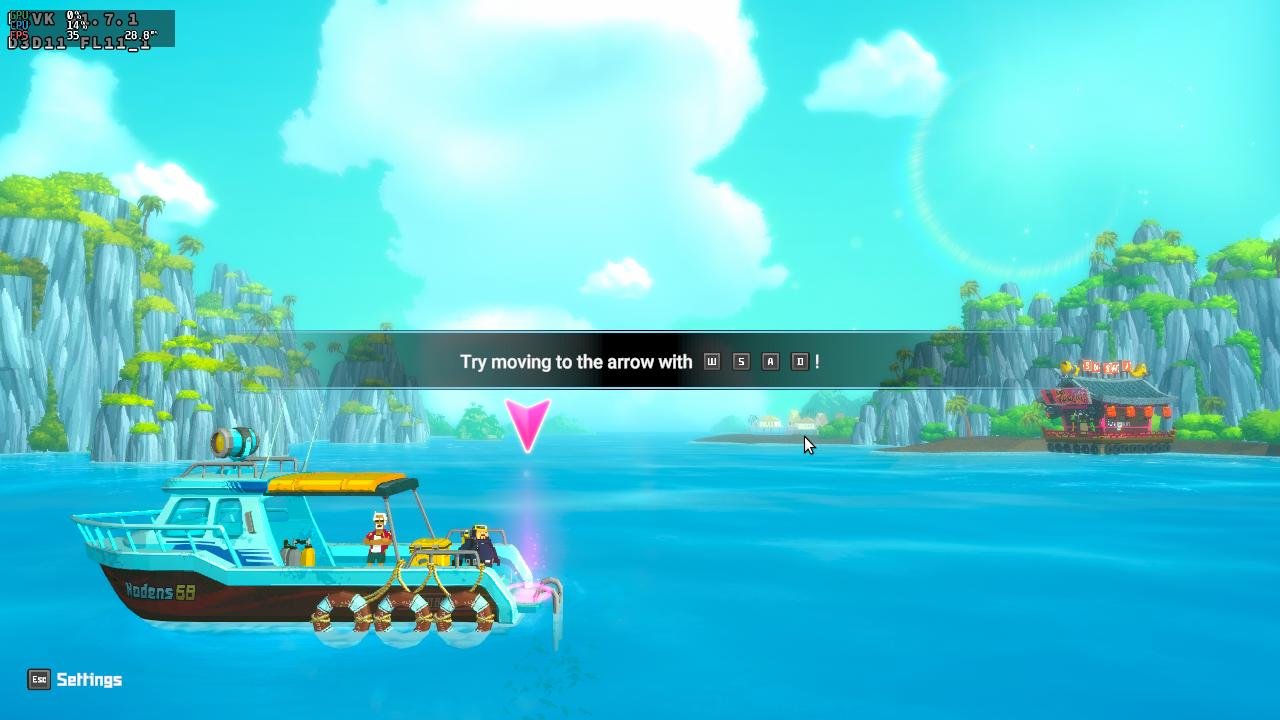
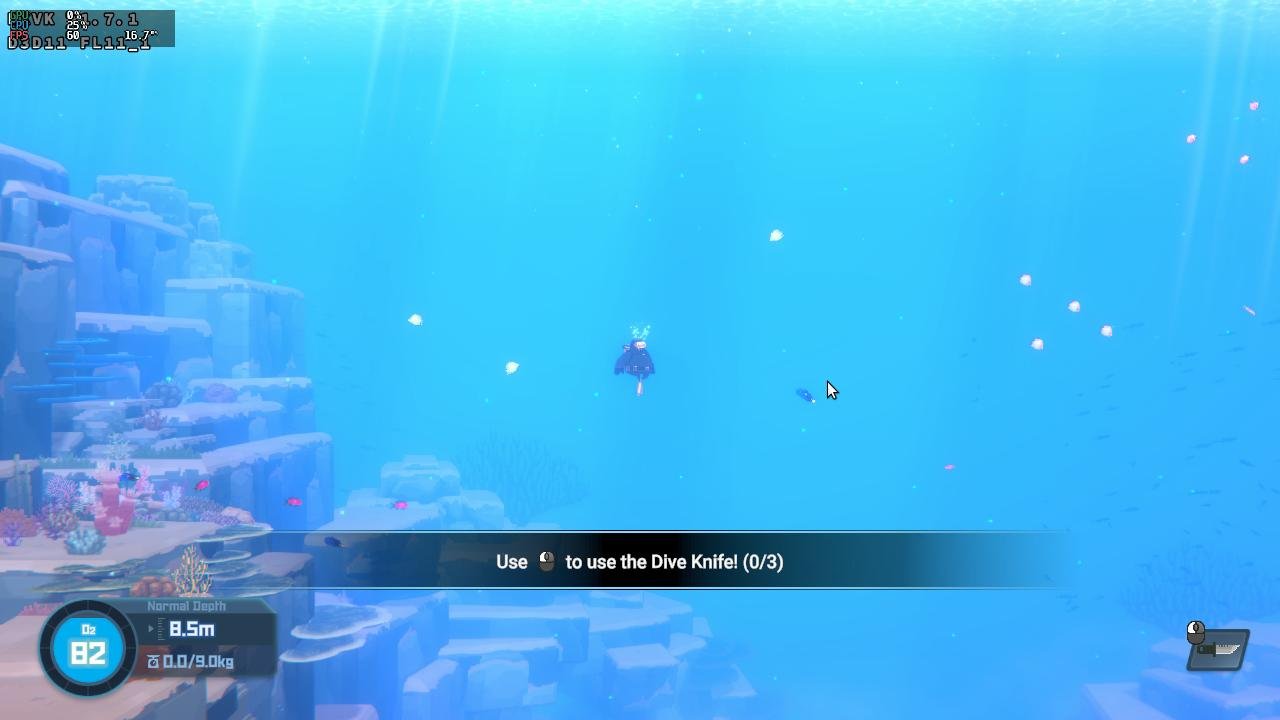
Armbian 25.11.2 Noble XFCE (BSD Kernel: 6.1.115) + PanVk - mesa 26.0 (https://launchpad.net/~ernstp/+archive/ubuntu/mesaaco) + box64 3.9 (https://ryanfortner.github.io/box64-debs/) + wine-10.14-staging-tkg-ntsync-amd64-wow64 (https://github.com/Kron4ek/Wine-Builds/releases/tag/10.14) + Dxvk 2.1 (stripped) ~60fps@1080p MiSide Full.thumb.jpg.2deed333e3dd59ab89b32050f885375a.jpg)
.thumb.jpg.394f46a825ca3cf0d620485ea5e1358c.jpg)
-
I'll try building the image again today with a new git clone, without changing anything except the userpatchers configuration. If I don't add the module this way, it won't be enabled in the text menu. I'll report back on my progress later.I created an image without changing the boardconfig. I used the default configuration for userpatches, which is used for compilation. I added one line, CONFIG_DRM_PANEL_MIPI_DBI=m, and the image built successfully. Afterwards, I booted and checked the kernel module with the command modinfo panel-mipi-dbi; the module is enabled. I also checked the configuration in /boot/config(umane); the module is enabled there too. I added DTS with the command sudo armbian-add-overlay , and also added the binary from the Pancake repo. After rebooting, the result didn't change at all; the screen was white. The output of dmesg | grep spi shows the same as in the previous post.
-
Board : radxa rock 5c lite with NVMe HAT and SPI Flash Module. OS : Armbian 25.11.2 stable 6.1.115-vendor-rk35xx (Debian trixie) Overlays : rock-5a-spi-nor-flash SPI Flash is on /dev/mtdblock0 Boot from SD : OK Boot from SD system on NVMe : OK ---- I want to boot from Flash, so I tried `Install/Update the bootloader on MTD Flash` menu on `armbian-config'. Then I got this message. No SPI image found. I also updated SPI with `rsetup` from Radxa OS, but it does not work(boot from NVMe failed) either. What do I have to do?
-
@Pop AlexI haven't spent a lot of time on GPU acceleration but I know there's another member here who has worked on it. The script installs the latest official Radxa's GPU drivers. https://github.com/radxa-pkg/aw-drivers-dkms/ https://github.com/chainsx/build/blob/a0527bd977bbe55b13c1f46ec46d0aab4369c798/extensions/radxa-bxm-img-gpu.sh fengRadxa Engineer "Allwinner has feedback that the browser hardware decoding support is still under development. You can first use GStreamer to play video files encoded in H264, H265, VP9, or AVS formats as a test." https://forum.radxa.com/t/hardware-decoding-for-video-not-enabled-on-a7a/29836/9 There's a new TinaSDK V1.4.8. In the directory debian/packages/arm64/chromium you can find "chromium-browser-gst_120.0.6099.224-5_arm64.deb". Not sure if this is an updated verison of chromium? https://mega.nz/file/sqRG1RaC#TpVwOuZSOoRaSfLDLF60Y0qHAVaViFTMPuZKFQw6m8c.
-
Just tested a build i made locally from your branch, on the A7Z build, build with the latest Debian + XFCE Nice job @Nick A. Seems to work fine, but it's lacking GPU acceleration, in both Chrome and VLC, same as the official builds. Do you have any info on that? Is there any work going on the Armbian team for supporting the Imagination GPU? I know Imagination has pretty shitty software support.
-
@kvvvp Build from branch v20251014 (kernel 6.17.2)
-
how to apply a patche for t527? i have updated Armbian now and ready to build a test image to share to everybody
-
Because they forked an old version of our framework and replaced "armbian" with "orangepi".
-
 https://fi.mirror.armbian.de/oldarchive/ If its not there, its gone.
 - Yesterday
-
Hi, sudo systemctl stop media-nano-Z.mount it really works, but if you forget to do it manually, then when you try to reboot or turn off the single-board computer, it will freeze, because it tries to unmount the disk itself, apparently using umount. Okay, I did all this after upgrading to Armbian 26.2.0-trunk.86 trixie armv7l, and when I tried to unmount the drive the old way with umount, I found that everything worked. It looks like the problem is already fixed.
-
 Hello, I am looking for a specific legacy image for the Orange Pi Zero 2W: Armbian 23.02.2 Bullseye with Kernel 5.10.160. The reason I need this specific version is to use the device as a USB UVC (Webcam) gadget via ConfigFS. On the newer 6.6/6.12 mainline kernels, I am facing a "Permission Denied" error when trying to write to hHeight, even as root. After researching, it seems this is a known kernel-level restriction in newer versions, and the legacy 5.10 kernel is the most stable for UVC gadget functionality. I’ve checked the current archive mirrors but could only find the 6.6.x versions. Could anyone provide an official archive or a reliable mirror link for the following image? Filename: Armbian_23.02.2_Orangepizero2w_bullseye_legacy_5.10.160.img.xz Thank you for your help.
 -
Grmbl. As it turns out after some reversing and building uboot for the RV2, there seems to be a toolchain by xunlong with much similarities to armbian-build on https://github.com/orangepi-xunlong/orangepi-build.git There is an Ubuntu image for the RV2 one can download from gdrive and install to SD. This image has a package linux-u-boot-orangepirv2-current.deb installed. With very much the same postinst script than the similar package from Armbian / Banana Pi F3. Hence the RV2 package obviously was build from their build tree, family file is external/config/sources/families/ky.conf which looks familiar. Also their project has some non-documentation, meaning there is a "build.sh" and a very small README.md. I'm unsure if I should continue this...
-

H2/H3: "old problem" Link (eth0) is Up/Down syndrom
eselarm replied to guidol's topic in Allwinner sunxi
This is based on mines, running Armbian Trixie: - NM can work without dhclient, it has it DHCP internally as well. So maybe look at that instead of AI with old info and certainly no clue about a specific SBC - modern kernel it is end0 - systemd-networkd is also an option - you also might use ifupdown still, also not needed, NM can do internally as well -

Rupa X88 Pro 13 - RK3528 board with images
Joao Cordeiro replied to fedes_gl's topic in Rockchip CPU Boxes
Mine does not have any pinholes near the lcd display. Send a pic, or/and trace their paths into some chip and see what that chip does by its id -

H2/H3: "old problem" Link (eth0) is Up/Down syndrom
Albert Jin replied to guidol's topic in Allwinner sunxi
Here is my findings and solution. Hope this also solves your problem. When the network hangs, I can see that IPv4 address is lost using "ip a" on the console. I then check "journalctl -b -e" for logging and obviously it's a consequence of dhcp4 failure. Dec 19 22:54:10 pbsbc01h3 dhclient[4720]: DHCPREQUEST for 192.168.2.190 on eth0 to 192.168.2.55 port 67 (xid=0xb07e1eb) Dec 19 22:54:10 pbsbc01h3 dhclient[4720]: DHCPACK of 192.168.2.190 from 192.168.2.55 (xid=0xebe1070b) Dec 19 22:54:10 pbsbc01h3 NetworkManager[5189]: <error> [1766156050.2239] dhcp4 (eth0): error -111 dispatching events Dec 19 22:54:10 pbsbc01h3 NetworkManager[5189]: <info> [1766156050.2243] dhcp4 (eth0): state changed bound -> fail Dec 19 22:54:10 pbsbc01h3 NetworkManager[5189]: <info> [1766156050.2248] device (eth0): DHCPv4: trying to acquire a new lease within 90 seconds Dec 19 22:54:10 pbsbc01h3 dhclient[4720]: bound to 192.168.2.190 -- renewal in 288 seconds. With the help from ChatGPT, I modify "/etc/dhcp/dhclient.conf" with the following and the problem is gone. timeout 5; retry 60; reboot 10; -
I am not sure if this will lead to problems. The SBC is a Radxa ROCK3A. It might be EVB was used for development and never changed. Maybe won't matter as later on kernel rock-3a dtb is loaded. But could be a reason for issues I saw (year ago) with mainline u-boot, therefor I use Radxa's one / legacy.
-
Maybe. If it is better you'll have to see. Install package 'linux-u-boot-rockpi-4c-edge' and with dpkg -L linux-u-boot-rockpi-4c-edge you can see where the u-boot binary is located, then: strings <u-boot binary> | grep armbian


.jpg.96f525846a40a723c58de9fa6995f13e.jpg)
.jpg.11b295f87856802085baa1e58ca73fa5.jpg)