All Activity
- Past hour
-

Efforts to develop firmware for H96 MAX V56 RK3566 4G/32G
usual user replied to Hqnicolas's topic in Rockchip CPU Boxes
The first iteration of mainline kernel driver support has just been posted. So a kernel build with this patch set applied should give a playground for initial experiments. - Today
-
moved to off-topic since 3rd party os. and nobody will care about a wall of text written by ai
- Yesterday
-
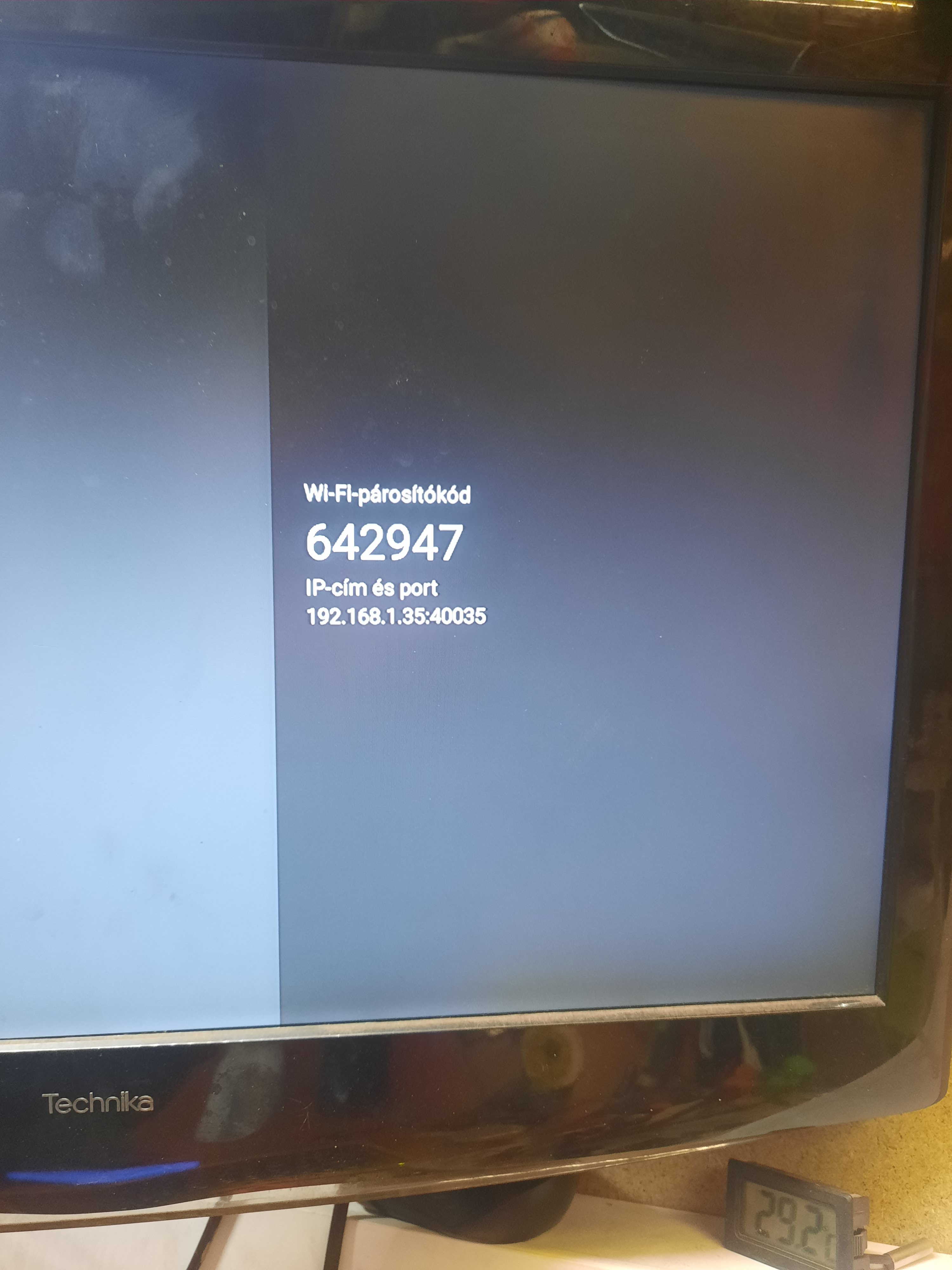
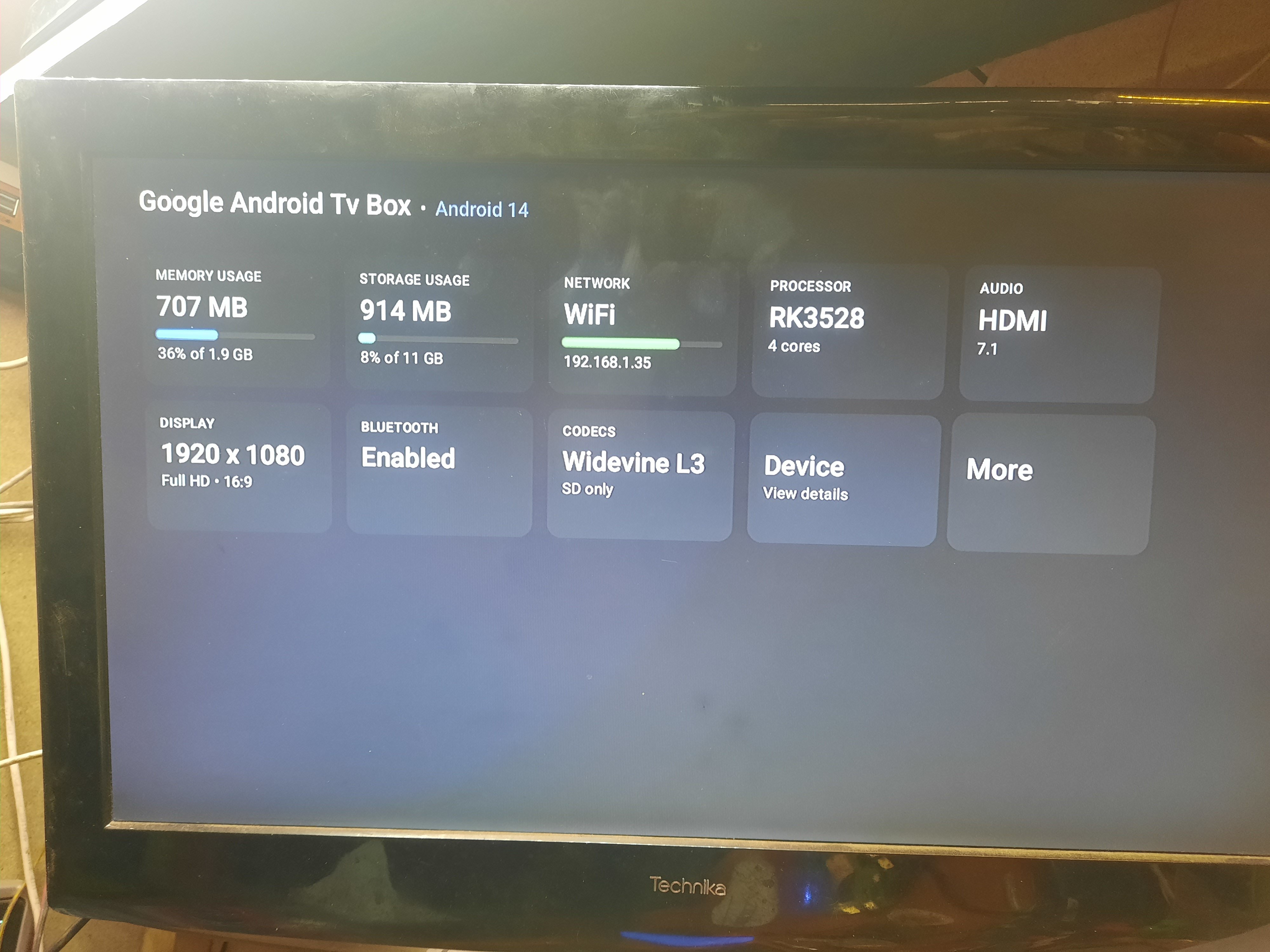
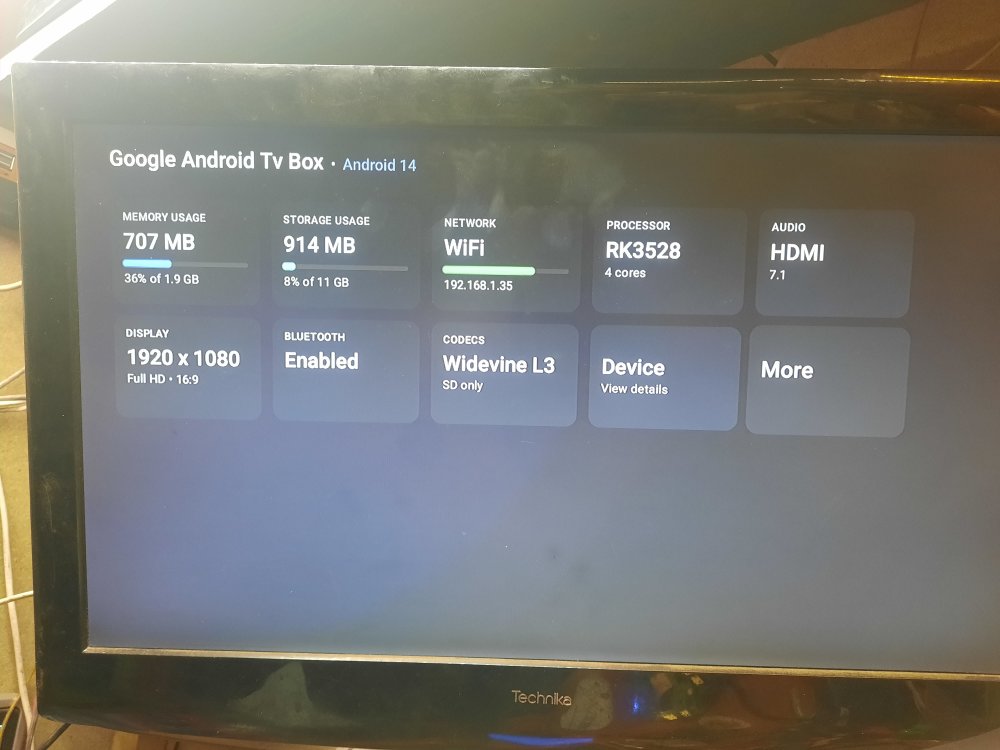
 Hi, I need help with flashing my tv box or installing it on linux. I would also be happy if you could run an armbian or similar minimal system. I would like to run a website on it at home. I already did it for an old venz v10 for a friend and installed armbian on it and he really liked it, but my couldn't install it with a memory card, the on new box 1. System Information Google Android Tv Box - Android 14 Android Version: 14 (Upside Down Cake) API Level: 34 Android Security Patch Level: 2025-01-01 Rooted Device: No Android ID: 5c4aa62950194797 Build ID: rk3528_box_32-userdebug 14 UTT2.241219.001 eng.hxws.20260124.163421 release-keys Codename: REL Fingerprint: google/blueline/blueline:14/UTT2.241219.001/eng.hxws.20260124.163421:userdebug/release-keys ID: UTT2.241219.001 Incremental: eng.hxws.20260124.163421 Java Runtime Version: Android Runtime 0.9 Java Virtual Machine Version: ART 2.1.0 Java Virtual Machine Heap Size: 128 MB Kernel Architecture: armv7l Kernel Version: 6.1.118 (hxws@PowerEdge-R720-8) (Android 10087095, +pgo, +bolt, +lto, -mlgo, based on clang 17.0.2 of r487747c (https://android.googlesource.com/toolchain/llvm-project d9f89f4d16663d5012e5c09495f3b30ece3d2362), LLD 17.0.2) #124 SMP PREEMPT Wed Jan 21 10:25:12 CST 2026 Tags: release-keys Type: userdebug Google Play Services Version: < None > Huawei Mobile Services Version: OpenSSL 1.1.1 (compatible; BoringSSL) OpenSSL Version: 1.2.13 ZLib Version: 1.2.13 2. Hardware and Processor (CPU/Device) Device Type: TV Manufacturer: Google Model: android_tv_box Brand: google Motherboard: RK3528 Device: blueline Hardware: rk30board Platform: rk3528 Product: blueline Processor: RK3528, 4 cores SoC Model: RockChip RK3528 Core Architecture: 4x ARM Cortex-A53 @ 2016 MHz Instruction Set: 64-bit ARMv8-A (32-bit mode) CPU Version: r0p4 CPU Cores: 4 CPU Clock Range: 408 - 2016 MHz CPU Utilization: 5% Scaler Controller: Interactive Supported ABIs: armeabi-v7a, armeabi Supported 32-bit ABIs: armeabi-v7a, armeabi AES/ASIMD/NEON/PMULL/SHA1/SHA2: Supported 3. Memory and Storage (RAM/Storage) Installed RAM: 2 GB Total Memory: 1920 MB Available Memory: 1221 MB Memory Used: 707 MB (36% of 1.9 GB) Total Internal Storage: 11.00 GB Free Internal storage: 10.11 GB Storage usage: 914 MB (8% of 11 GB) 4. Display and GPU (Display) Display: 1920 x 1080 (Full HD, 16:9) Screen resolution: 1920 x 1080 xdpi / ydpi: 320 / 320 dpi GPU manufacturer: ARM GPU renderer: Mali-450 MP Refresh rate: 60 Hz Default orientation: Landscape OpenGL ES version: 2.0 GPU version: OpenGL ES 2.0 OpenGL ES extensions: (List: GL_EXT_debug_marker, GL_OES_texture_npot, GL_OES_vertex_array_object, GL_OES_compressed_ETC1_RGB8_texture, GL_EXT_compressed_ETC1_RGB8_sub_texture, GL_OES_standard_derivatives, GL_OES_EGL_image, GL_OES_depth24, GL_ARM_rgba8, GL_ARM_mali_shader_binary, GL_OES_depth_texture, GL_OES_packed_depth_stencil, GL_EXT_texture_format_BGRA8888, GL_OES_vertex_half_float, GL_EXT_blend_minmax, GL_OES_EGL_image_external, GL_OES_EGL_sync, GL_OES_rgb8_rgba8, GL_EXT_discards_framebuffer, GL_OES_get_program_binary, GL_ARM_mali_program_binary, GL_EXT_shader_texture_lod) 5. Network and Connections (Network/Bluetooth/USB) Network: WiFi Telephony: None Wi-Fi Status: Enabled SSID: BSSID: 02:00:00:00:00:00 Hidden SSID: No IPv4 Address: 192.168.1.35 IPv6 Address: fe80::5ef3:83b1:27d0:574a Signal Strength: -46 dBm (Excellent) Link Speed: 54 Mbps Frequency: 2427 MHz Gateway: 192.168.1.254 Netmask: 255.255.255.0 DNS1: 192.168.1.254 DHCP Lease Time: 24 hours 5 GHz Band: Supported Wi-Fi Aware: Not Supported Wi-Fi Direct: Supported Bluetooth: Enabled Bluetooth Version: 4+ USB Device - Linux 6.1.118 ehci_hcd EHCI Host Controller: (Serial Number: ff100000.usb, ID: 1D6B-0002, Class: 09/00, Speed: 480 Mbps) USB Device - Linux 6.1.118 xhci_hcd xHCI Host Controller: (Serial Number: xhci-hcd.4.auto, ID: 1D6B-0002, Class: 09/00, Speed: 480 Mbps) USB Device - YICHIP Wireless Device 6. Other Data Audio: HDMI 7.1 Codecs: Widevine L3 (SD only) Wireless Debugging: Enabled IP Address and Port: 192.168.1.35:40729 Wi-Fi pairing code: 642947 IP address and port (for pairing): 192.168.1.35:40035 Device features: (List: android.hardware.audio.output, android.hardware.bluetooth, android.hardware.bluetooth_le, android.hardware.camera, android.hardware.camera.any, android.hardware.camera.external, android.hardware.camera.front, android.hardware.cetherandroid.hdware.mi android.hardware.keystore.app_attest_key, android.hardware.location, android.hardware.location.network)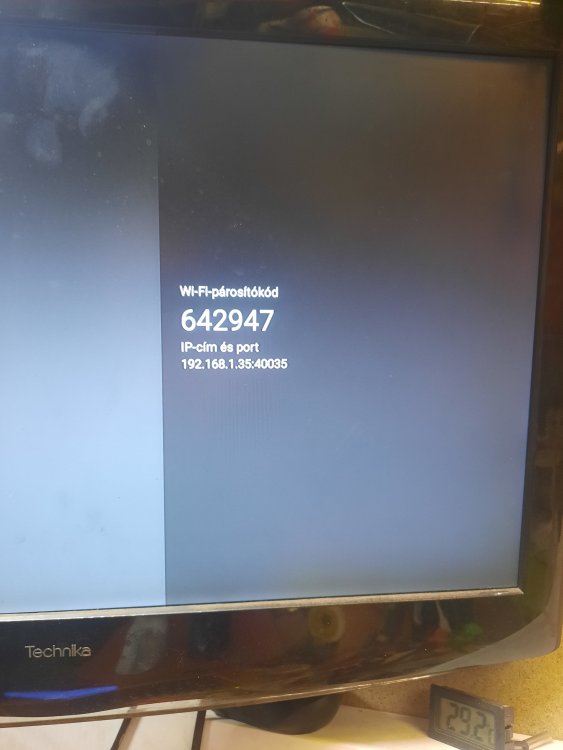
-

Efforts to develop firmware for H96 MAX V56 RK3566 4G/32G
Hqnicolas replied to Hqnicolas's topic in Rockchip CPU Boxes
for NPU if you can't run it on armbian using the rockchip vendor kernel, you can use the Joshua: https://github.com/hqnicolas/ubuntu-rockchip-joshua/tree/h96-max-v56-board-add -
 Hi, I would like to report an issue I encountered while testing the new NanoPi M5 UFS boot support in Armbian 26.5.1. Board: NanoPi M5 Boot media for installation: SD card Target storage: onboard UFS BOOT switch after installation: UFS/SD Tested images: * `Armbian_26.5.1_Nanopi-m5_trixie_vendor_6.1.115_minimal.img.xz` * `Armbian_26.5.1_Nanopi-m5_trixie_current_6.18.33_minimal.img.xz` My current NVMe setup uses a custom layout: * `ext4` `/boot` * `btrfs` `/` I had to use this layout because, in my previous NVMe tests, installing the system directly to NVMe with btrfs using `armbian-install` did not boot when `/boot` was also located on btrfs. With a separate ext4 `/boot` partition and a btrfs root filesystem, the NVMe setup works correctly. When testing the new UFS installation path, I noticed that the UFS option in `armbian-install` seems to only install the whole system to `/dev/sda1` on the UFS General LUN. Unlike the NVMe installation path, I could not find a way to select an existing target partition or use a manually prepared partition layout. I tried the following UFS layout manually: * `/dev/sda1` as `ext4` for `/boot` * `/dev/sda2` as `btrfs` for `/` However, after splitting the UFS General LUN this way, the system did not boot at all. I also tested the default UFS installation path without manually changing the partition layout. I booted from SD card, ran `armbian-install`, selected the UFS install option, and selected btrfs as the filesystem. With both tested images listed above, the installation process completed, but after removing the SD card and booting from UFS with the BOOT switch set to UFS/SD, the system did not boot. So the behavior I observed is: * UFS installation creates and uses only `/dev/sda1` as the system partition. * UFS installation with btrfs selected completes, but the installed system does not boot afterward. * A manual layout with separate `ext4 /boot` and `btrfs /` on UFS also does not boot. * The UFS install path does not seem to provide the same manual partition selection behavior as the NVMe install path. My questions are: 1. Is btrfs on UFS expected to be bootable at this stage? 2. Or should ext4 currently be considered the only supported/recommended filesystem for UFS boot on NanoPi M5?
 -
Thank you @Revellion I just did ``` sudo apt-mark unhold armbian-firmware sudo rm -rf /lib/firmware/qcom/sm8550/ayn/ sudo apt update && sudo apt upgrade ``` and it worked fine
-
 I just ran into the same issue on a FriendlyARM RK3588. Wanted to swap it out with FriendlyWRT to turn it into a router, but now only Armbian SD cards boot. Even after a vendor supported 'factory reset' process via USB. While it may not be intended to be a lock down and just due to poor testing/planning/silo effect, this is really uncool and should either be fixed or a better way to back out than having to manually pull pieces out and DD them over..
 -
Working with Claude.AI I have Joshua's kernel updated and cherry picked to have latest security fix. I have it on my Orange Pi 5b, on the Emmc. running 24/7, burn test, 4k video for screen saver. widevine in Vivaldi and chromium/Visual Studio Flicker fix. I am waiting on new Antennas to arrive for Bluetooth check. Currently hosted on Private Github, working towards public consumption. I'll let the AI tell the story. defcom5
-
Welcome to the latest Armbian Newsletter: your source for the latest developments, community highlights, and behind-the-scenes updates from the world of open-source ARM and RISC-V computing. Armbian v26.5.1 delivers another strong round of improvements across the project, focusing on expanded hardware support, desktop and userland refinements, build framework modernization, and infrastructure enhancements. This release introduces new board images and platform updates, improves Ubuntu 26.04 "Resolute" integration, refines Bianbu desktop support, adds firmware and driver updates including AX210 wireless support, and continues ongoing work to strengthen the build system, CI pipelines, and developer tooling. Numerous kernel, bootloader, and device tree updates further improve stability, compatibility, and performance across a wide range of ARM and x86 platforms, reinforcing Armbian's commitment to providing a reliable and flexible Linux distribution for single-board computers, embedded devices, and edge computing deployments. SPONSORED Join us in making open source better! Every donation helps Armbian improve security, performance, and reliability — so everyone can enjoy a solid foundation for their devices. Release Armbian Quarterly digest · armbian/buildThis quarter’s work centers on three priorities: kernel modernization across SoC families, a redesigned desktop subsystem driven by armbian-config, and substantial expansion of board and platform c…GitHubarmbianNative UFS boot lands on the NanoPi M5Armbian’s next release boots the FriendlyElec NanoPi M5 end-to-end from UFS on a mainline U-Boot, with no proprietary recovery image in the loop. It is the first RK3576 board in the catalogue to reach this state, and the integration pattern paves the way for the others. UFS, the storage classArmbian blogDaniele BriguglioWe rewrote how Armbian installs desktops. Here’s what changedA friendlier, faster, snap-free desktop install in armbian-config If you’ve installed a desktop environment with armbian-config over the last few months, you may have noticed things feel different: there’s a tier you can pick, the browser actually works on every arch, uninstall doesn’t take half your system with it, andArmbian blogIgor PecovnikView the full article
-
Welcome to the latest Armbian Newsletter: your source for the latest developments, community highlights, and behind-the-scenes updates from the world of open-source ARM and RISC-V computing. Armbian v26.5.1 delivers another strong round of improvements across the project, focusing on expanded hardware support, desktop and userland refinements, build framework modernization, and infrastructure enhancements. This release introduces new board images and platform updates, improves Ubuntu 26.04 "Resolute" integration, refines Bianbu desktop support, adds firmware and driver updates including AX210 wireless support, and continues ongoing work to strengthen the build system, CI pipelines, and developer tooling. Numerous kernel, bootloader, and device tree updates further improve stability, compatibility, and performance across a wide range of ARM and x86 platforms, reinforcing Armbian's commitment to providing a reliable and flexible Linux distribution for single-board computers, embedded devices, and edge computing deployments. SPONSORED Join us in making open source better! Every donation helps Armbian improve security, performance, and reliability — so everyone can enjoy a solid foundation for their devices. Release Armbian Quarterly digest · armbian/buildThis quarter’s work centers on three priorities: kernel modernization across SoC families, a redesigned desktop subsystem driven by armbian-config, and substantial expansion of board and platform c…GitHubarmbianNative UFS boot lands on the NanoPi M5Armbian’s next release boots the FriendlyElec NanoPi M5 end-to-end from UFS on a mainline U-Boot, with no proprietary recovery image in the loop. It is the first RK3576 board in the catalogue to reach this state, and the integration pattern paves the way for the others. UFS, the storage classArmbian blogDaniele BriguglioWe rewrote how Armbian installs desktops. Here’s what changedA friendlier, faster, snap-free desktop install in armbian-config If you’ve installed a desktop environment with armbian-config over the last few months, you may have noticed things feel different: there’s a tier you can pick, the browser actually works on every arch, uninstall doesn’t take half your system with it, andArmbian blogIgor PecovnikView the full article
-
Finally this board works. But it doesn't boot from eMMC onboard when flashing it. I used both dd on the Armbian image (Trixie), or the armbian-config and official download and flash image into eMMC. The error is: U-Boot SPL 2024.10_armbian-2024.10-Sf919-P0490-Hc6a9-V4f26-Bd0d2-R448a (May 11 2026 - 06:14:06 +0000) DRAM: 4096 MiB Trying to boot from MMC2 MMC Device 1 not found spl: could not find mmc device 1. error: -19 SPL: failed to boot from all boot devices ### ERROR ### Please RESET the board ### It seems into the SPL bin file there's no eMMC activation code.
-
@Marvin-03 You're probably right—it may be worth checking the FPC connection. A timeout usually only occurs when the PCIe/NVMe board is not being detected. I'm currently using an early MCUZone NVMe 2230 HAT. I recently ordered a new Waveshare AIO HAT as well, so once it arrives I'll be able to do some additional testing.
-

Help needed S905 SOC Bricked No sdcard slot
allamkarthikgni replied to Information Tech's topic in Amlogic CPU Boxes
its not 905 its 805x android 7 i am working on same board contact me i can help -
@alexc What pcie hat do you use? I use one from Yahboom made for the RPI 5, but my nvme wont show up and since logs show "sunxi:pcie-rc-6000000.pcie:[ERR]: Speed change timeout" it seems like the hat doesnt work. On the Cubie A5E I only get this timeout if the SSD isnt plugged in.
-
My ROCK5B was ordered as a 'blue one' on Aliexpress a year ago; I got a 'green one' and as with included case the price was > 150 euro, it got stuck at customs for quite some time. It was with blank/empty SPI flash and endless boot-loop. That was already known by me, so I had fixed 12V soldered to a male USB-C connector. Same story for ROCK3A, although that one booted most of the time but then while running al sorts of strange errors and or crashes. So I think you have to assume USB-C PD negotiation is not working with the Armbian images you tested. Only the U-Boot starting at sector 64 does matter, rest (Linux) is don't care. If a stable U-Boot or UEFIv1.1 form SPI-flash or SD-card, you have already a very extensive commandline interface or text menu's in the EDK2. But lock up might simply happen because the PSU does not do 65W, instead max 15 W (only up to 3A) and the 5V might drop way too low, just very short dip that is not measurable without good oscilloscope or so. The Radxa image might have a bootloader variant that does do USB-C PD, although I haven't seen proof anywhere that it correctly handles and does operate the FUSB302, but that might simply be because my ROCK3A and ROCK5B came out of the box with empty SPI and for ROCK5B I have ignored Radxa images anyway after the big troubles with ROCK3A, so do not really know what happens with those. So I have no other advice then use fixed higher voltage, formally it is >= 9V according to Radxa wiki/docs AFAIR, but I remember the powertree design actually better than those quick facts and my conclusion was : forget about 5V, use 12V and it was easy decision for me as I use 12V UPS and 3.5inch HDD that also needs 12V anyway.
-

Gaming experience with Orange Pi 5 (RK3588) on Armbian
KhanhDTP replied to KhanhDTP's topic in Orange Pi 5
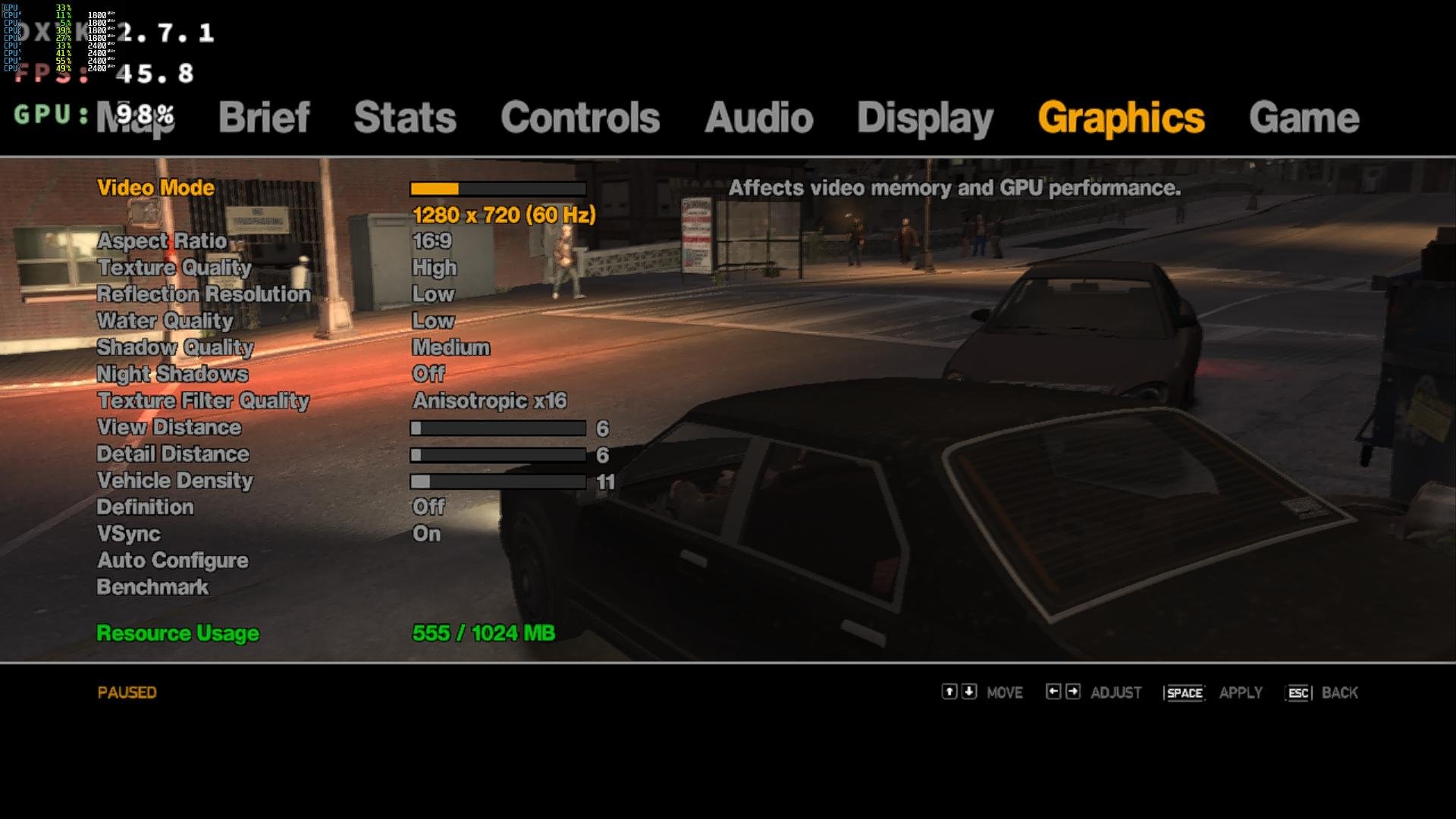
Armbian 26.2.1 Noble XFCE (BSP Kernel: 6.1.115) + PanVk - 26.2.0~git2605212123.7b286abe336 (https://launchpad.net/~ernstp/+archive/ubuntu/mesaaco) + Box64 arm64 v0.4.3 42ae8b818 (https://ryanfortner.github.io/box64-debs/) + wine-proton-11.0-beta1-amd64-wow64 (https://github.com/Kron4ek/Wine-Builds/releases/download/proton-11.0-beta1/wine-proton-11.0-beta1-amd64-wow64.tar.xz) + DXVK-stripped v2.7.1 ~40fps@720p Grand Theft Auto IV - The Complete Edition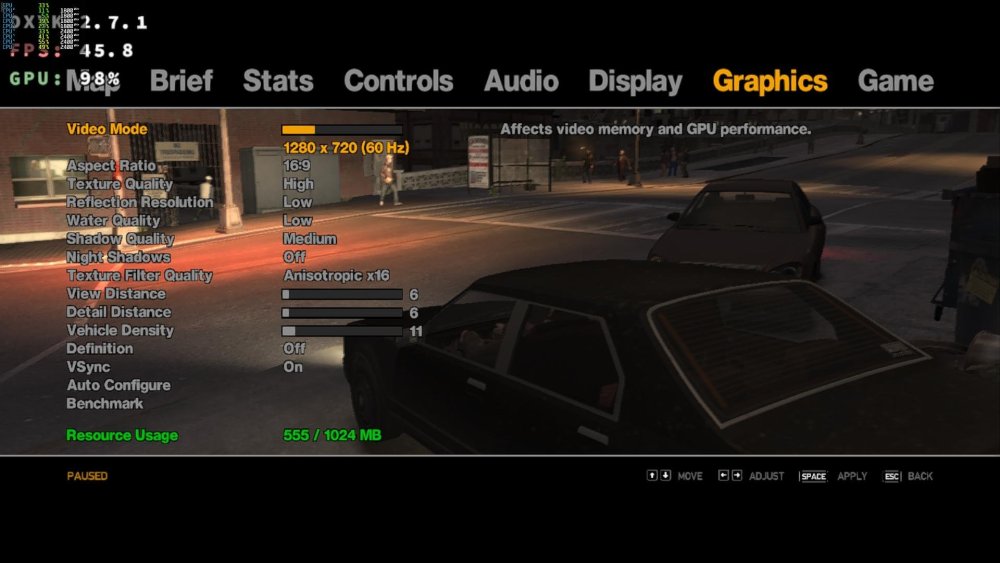
-
Gaming experience with Orange Pi 5 (RK3588) on Armbian
KhanhDTP replied to KhanhDTP's topic in Orange Pi 5
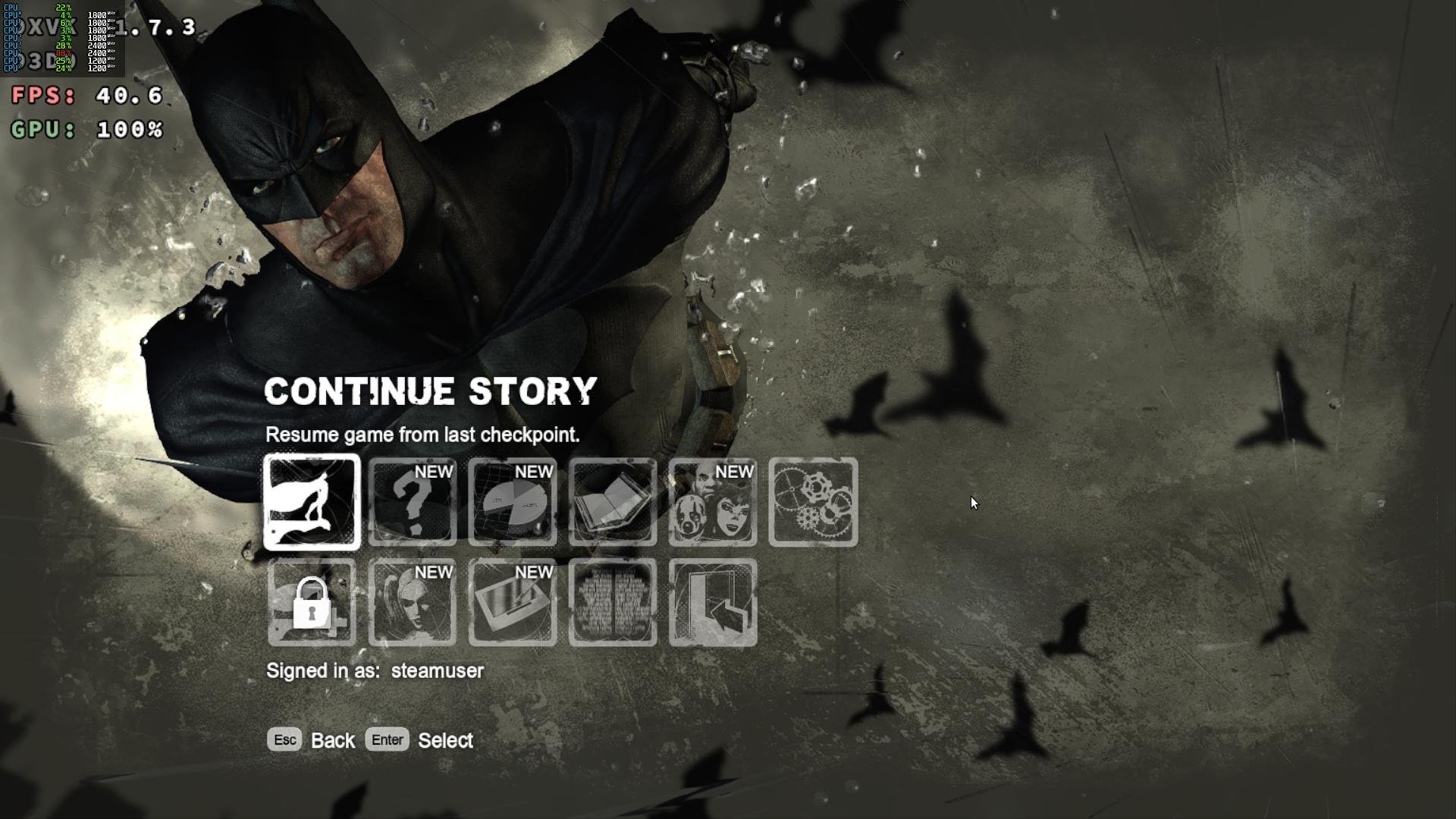
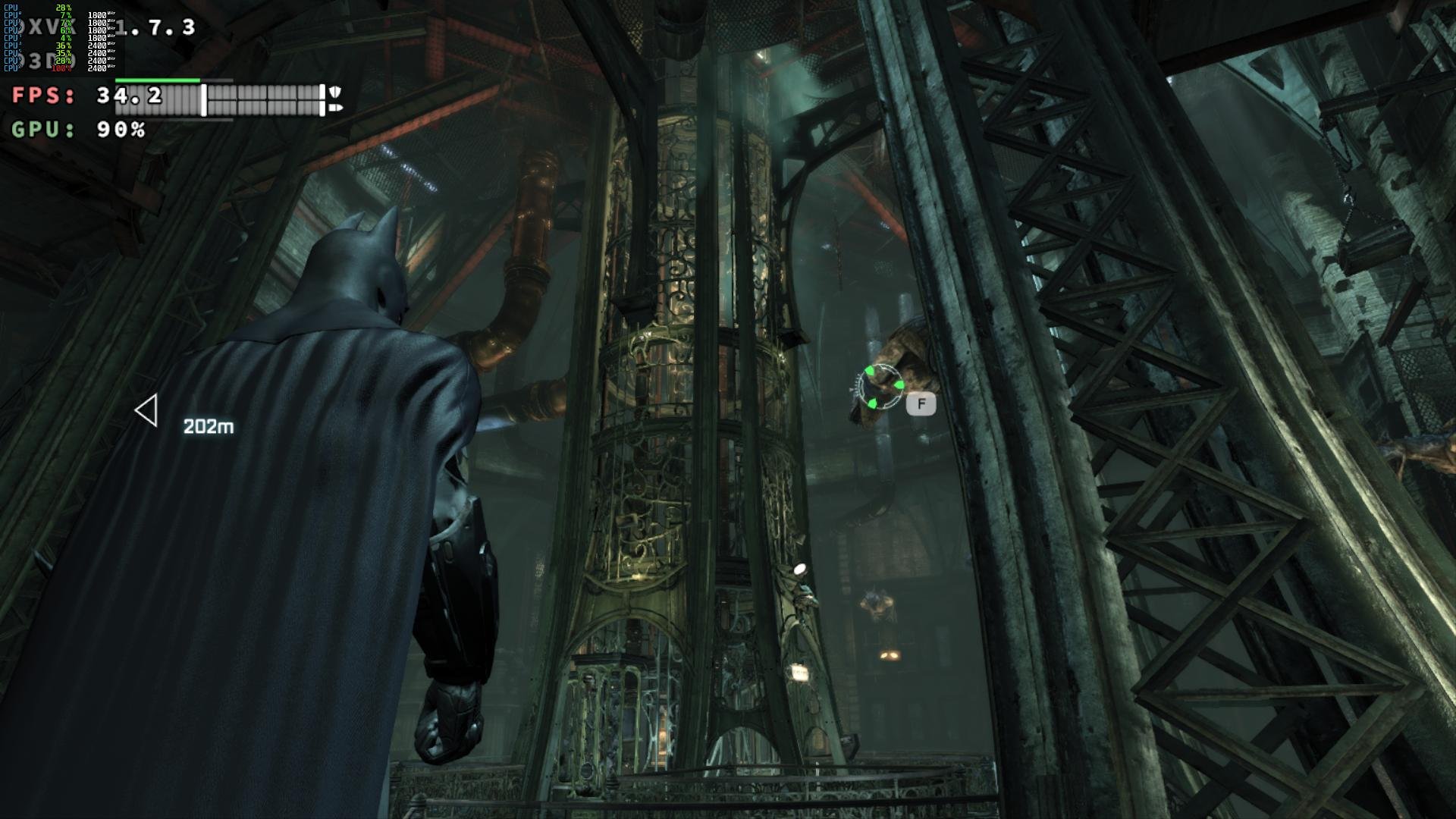
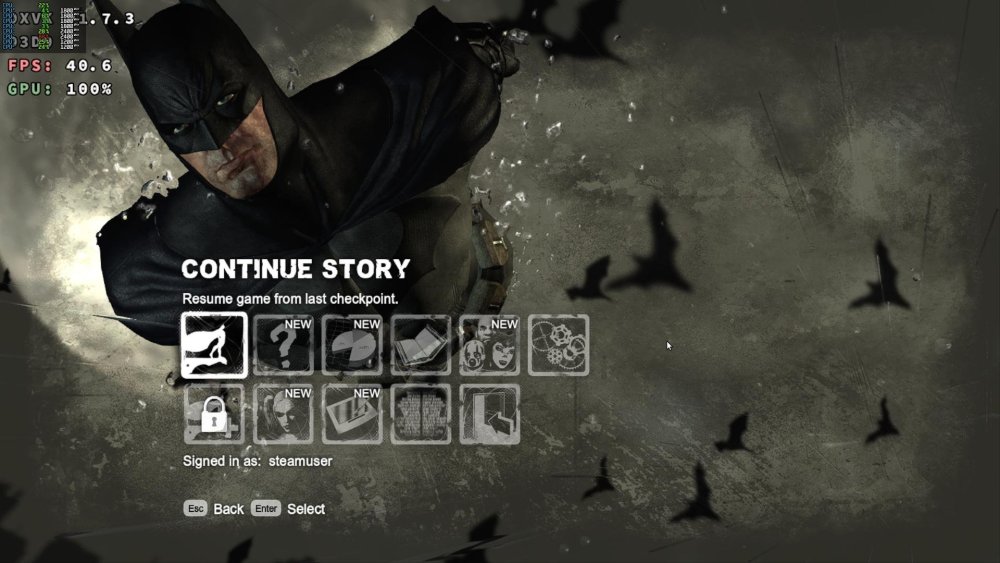
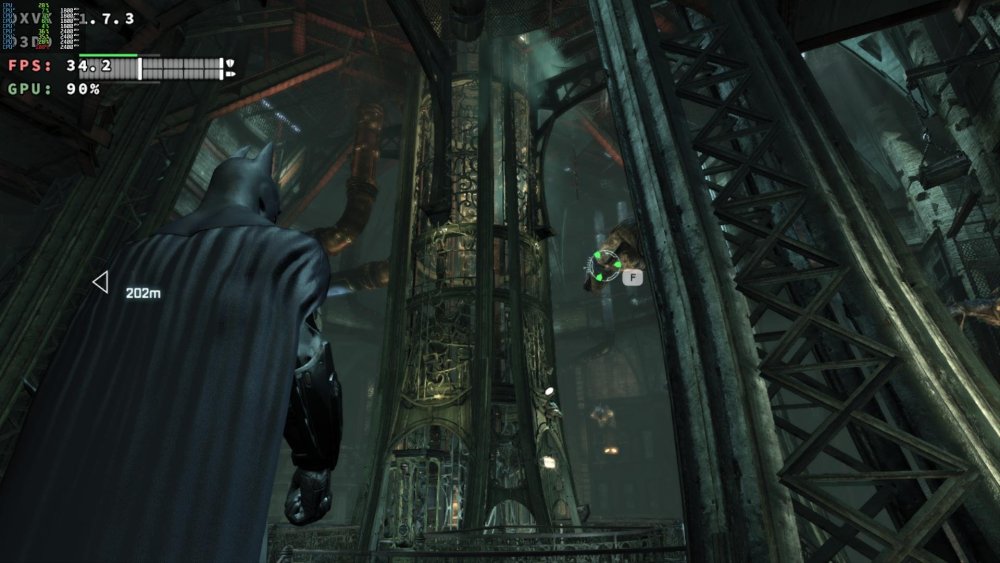
Armbian 26.2.1 Noble XFCE (BSP Kernel: 6.1.115) + PanVk - 26.2.0~git2605212123.7b286abe336 (https://launchpad.net/~ernstp/+archive/ubuntu/mesaaco) + Box64 arm64 v0.4.3 42ae8b818 (https://ryanfortner.github.io/box64-debs/) + wine-proton-11.0-beta1-amd64-wow64 (https://github.com/Kron4ek/Wine-Builds/releases/download/proton-11.0-beta1/wine-proton-11.0-beta1-amd64-wow64.tar.xz) + DXVK-stripped v1.7.3 30~60fps@1536x864 Batman: Arkham City GOTY Edition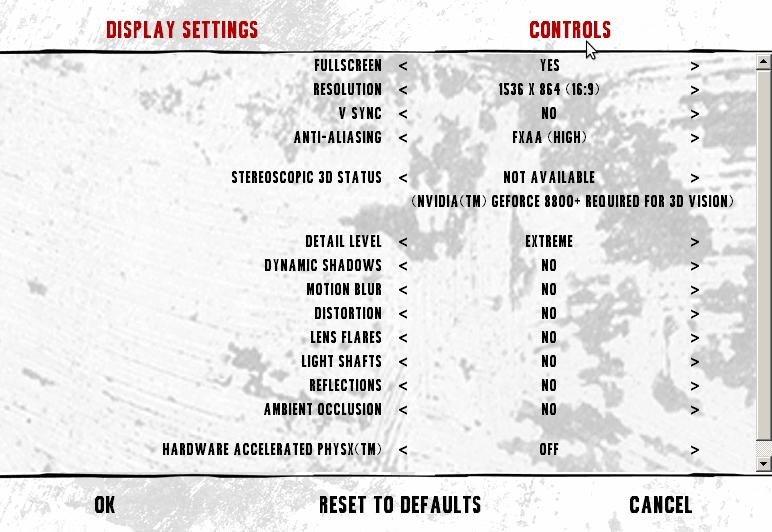

-
Yes, the next step should be u-boot normally. @meco any clue?
-
Gaming experience with Orange Pi 5 (RK3588) on Armbian
KhanhDTP replied to KhanhDTP's topic in Orange Pi 5
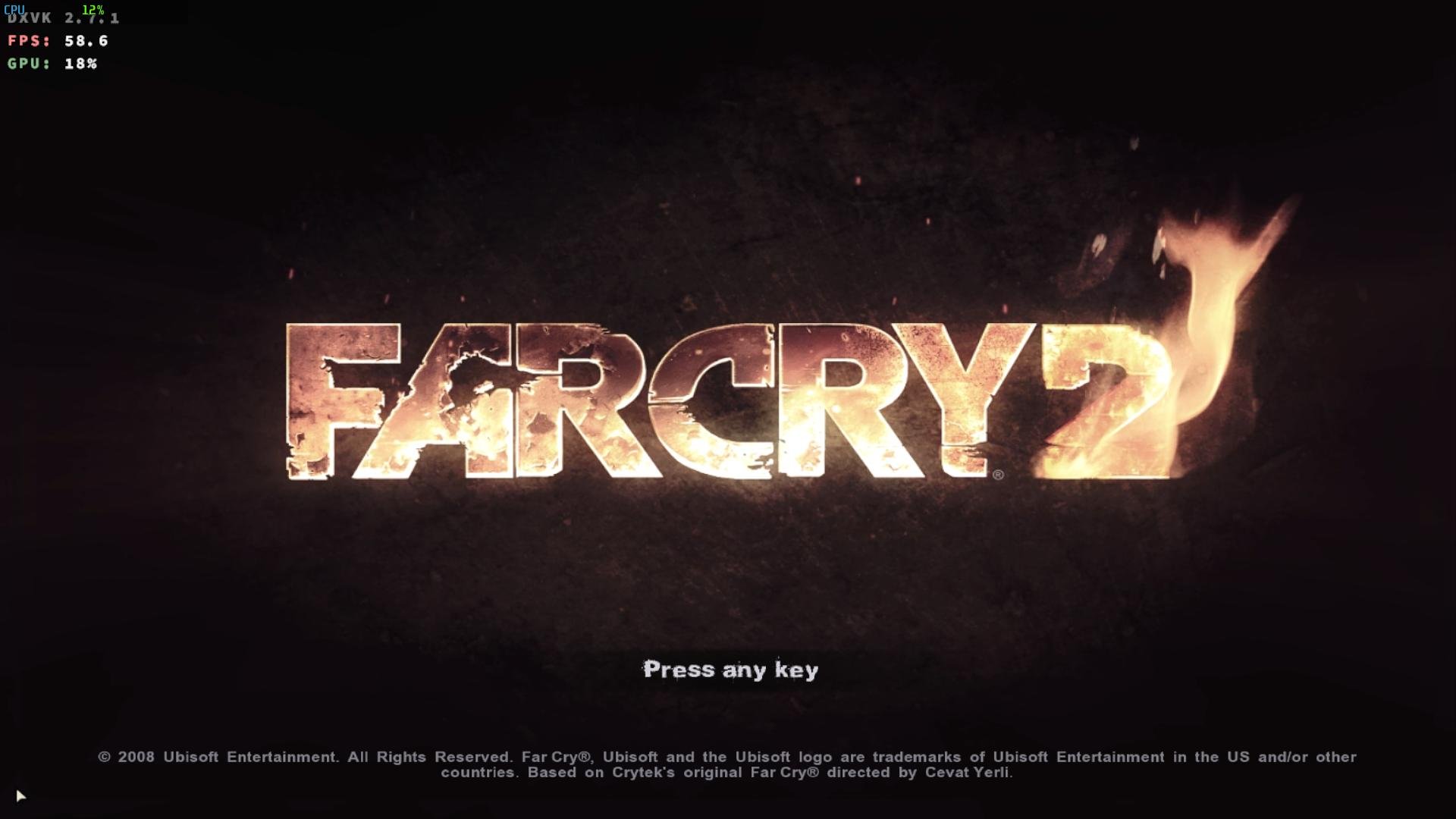
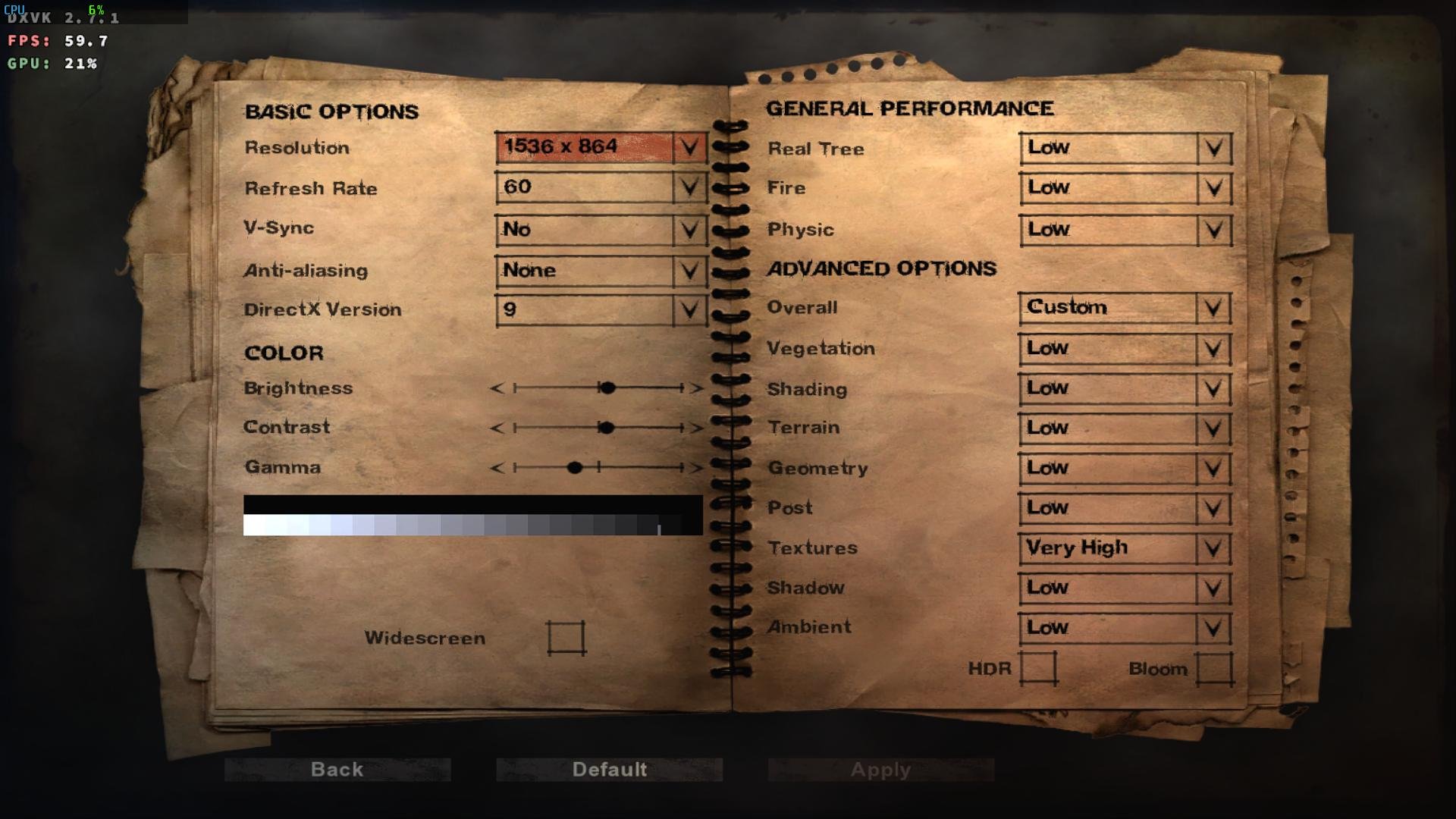
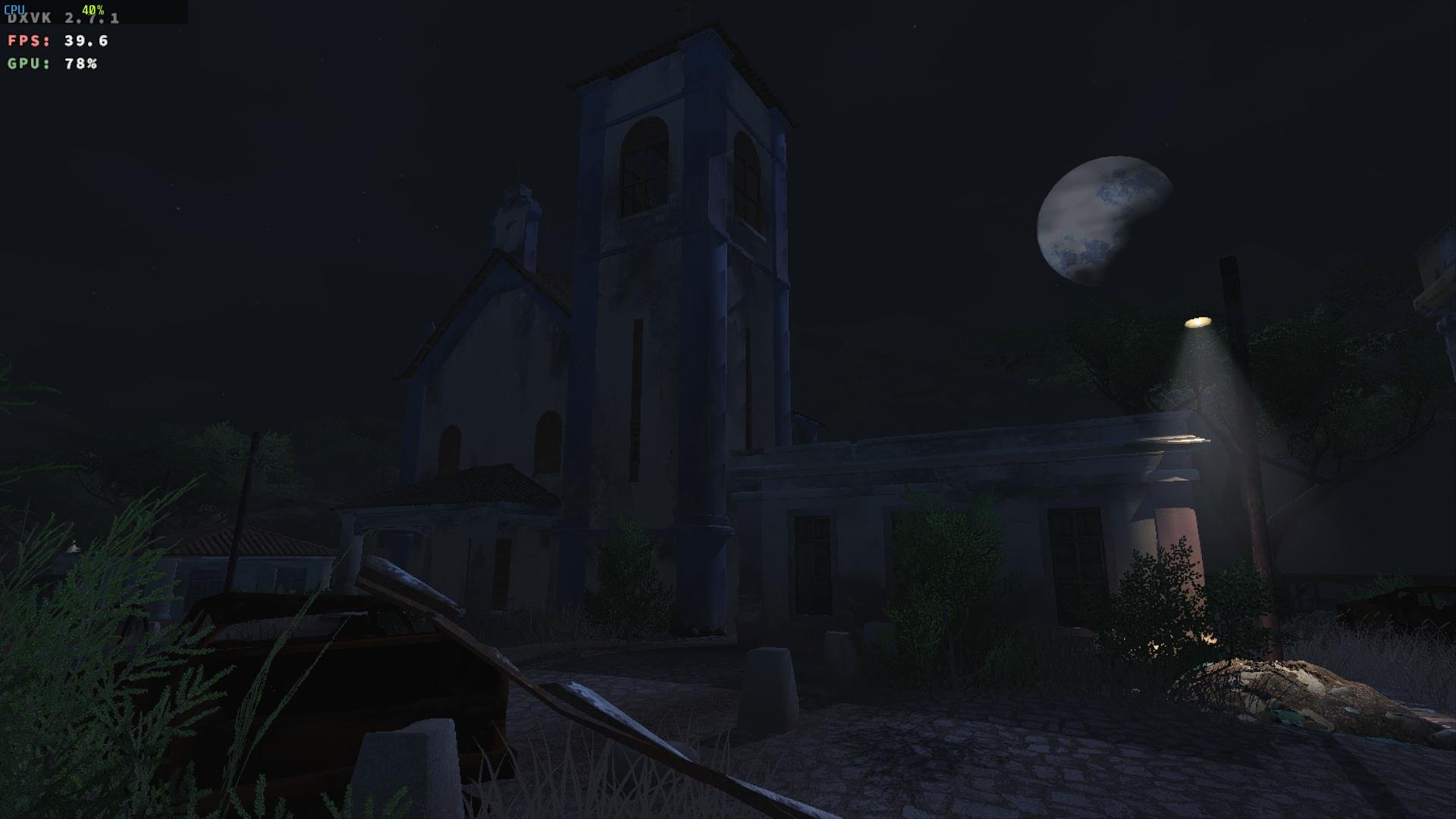
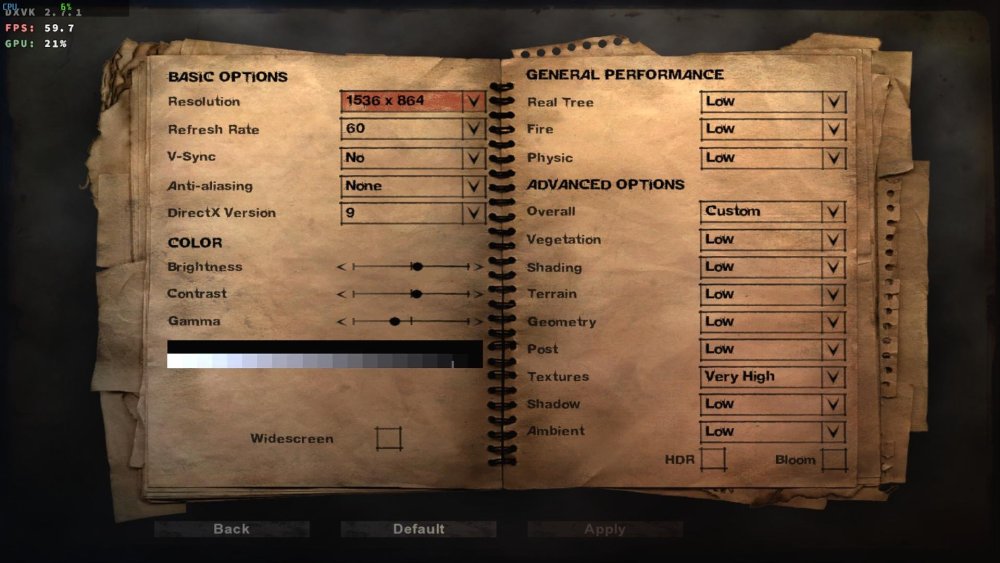
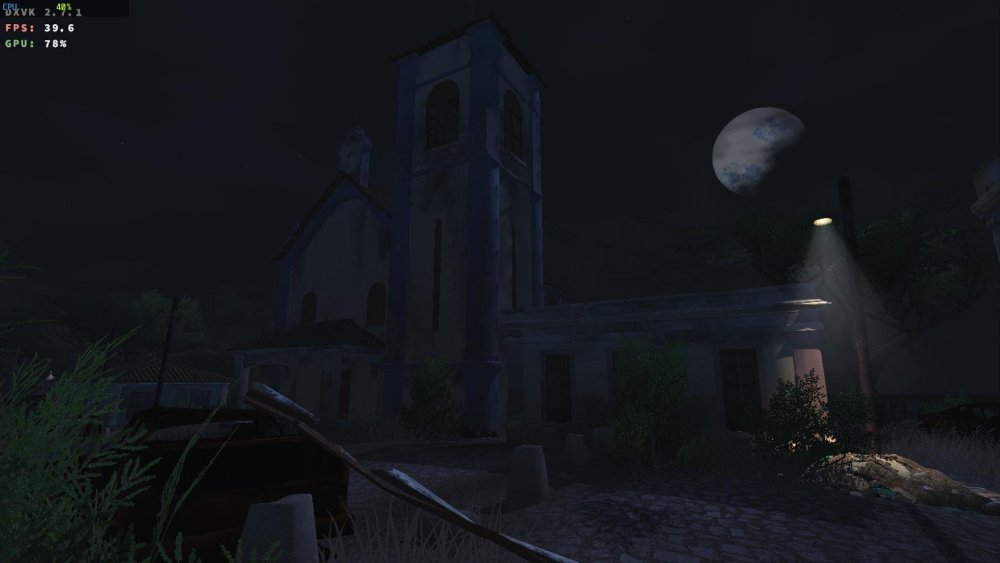
Armbian 26.2.1 Noble XFCE (BSP Kernel: 6.1.115) + PanVk - 26.2.0~git2605212123.7b286abe336 (https://launchpad.net/~ernstp/+archive/ubuntu/mesaaco) + Box64 arm64 v0.4.3 42ae8b818 (https://ryanfortner.github.io/box64-debs/) + wine-proton-11.0-beta1-amd64-wow64 (https://github.com/Kron4ek/Wine-Builds/releases/download/proton-11.0-beta1/wine-proton-11.0-beta1-amd64-wow64.tar.xz) + DXVK-stripped v2.7.1 40~60fps@1536x864 Far Cry 2 GamerProfile.xml
-
Gaming experience with Orange Pi 5 (RK3588) on Armbian
KhanhDTP replied to KhanhDTP's topic in Orange Pi 5
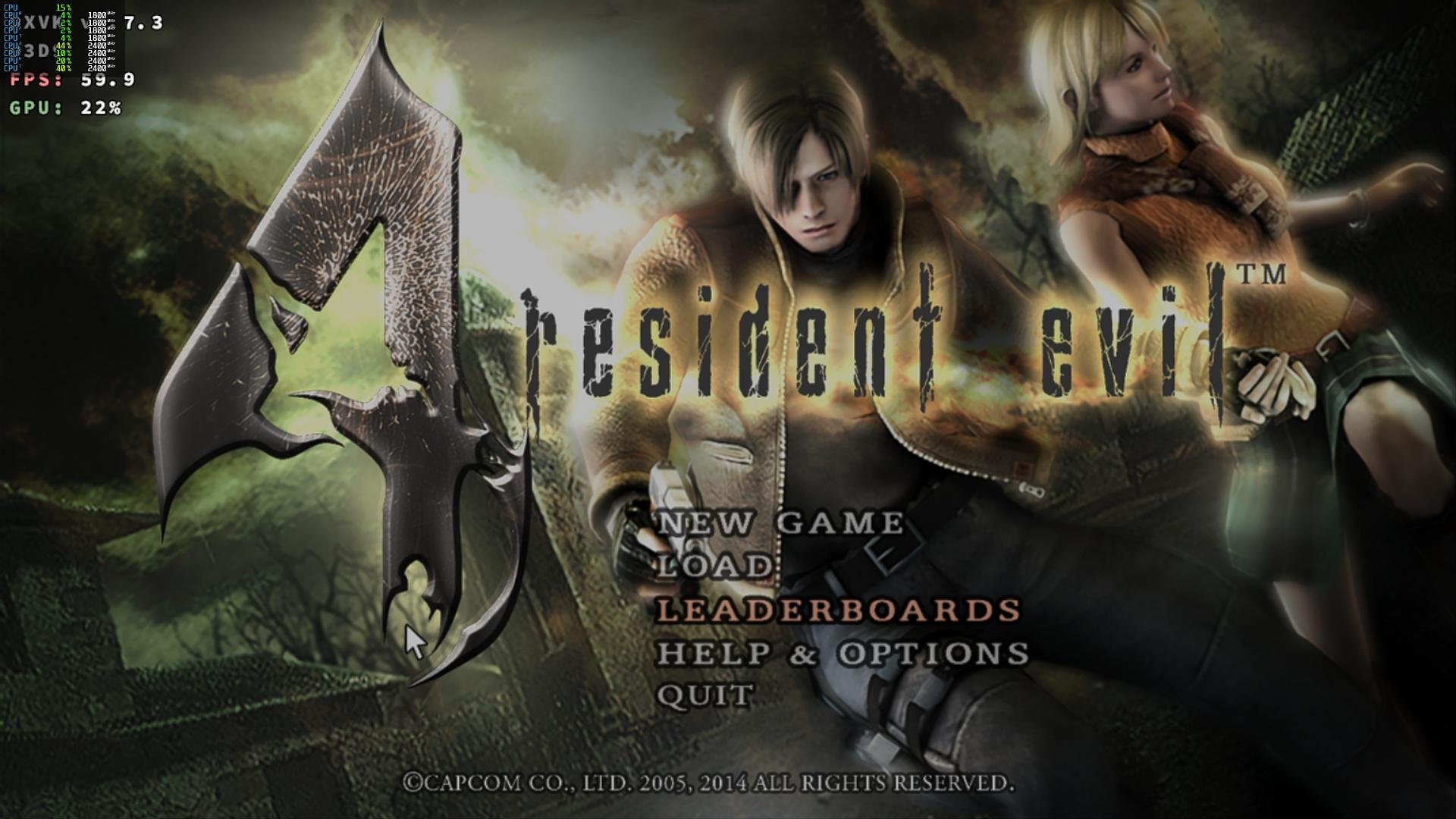
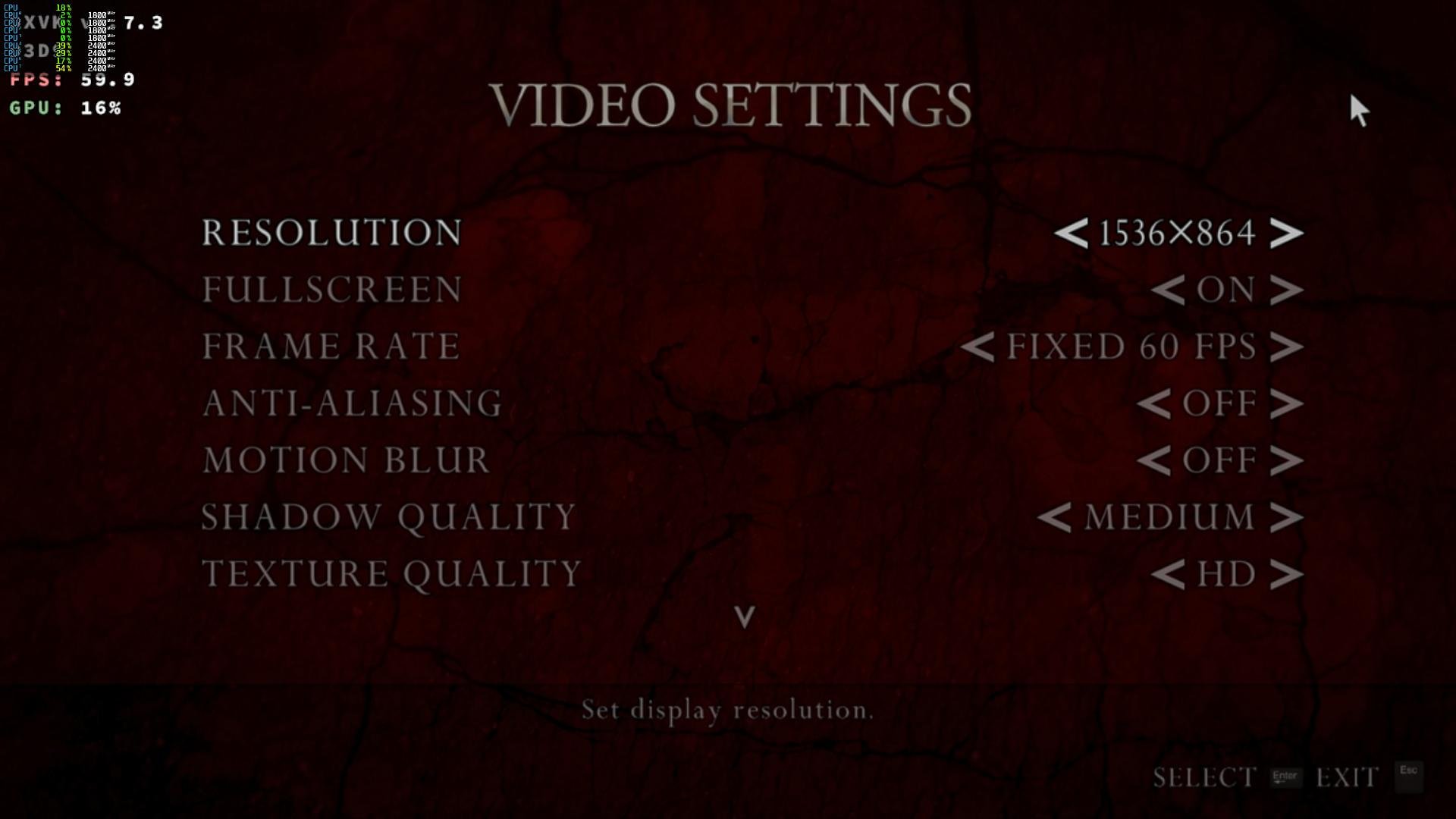
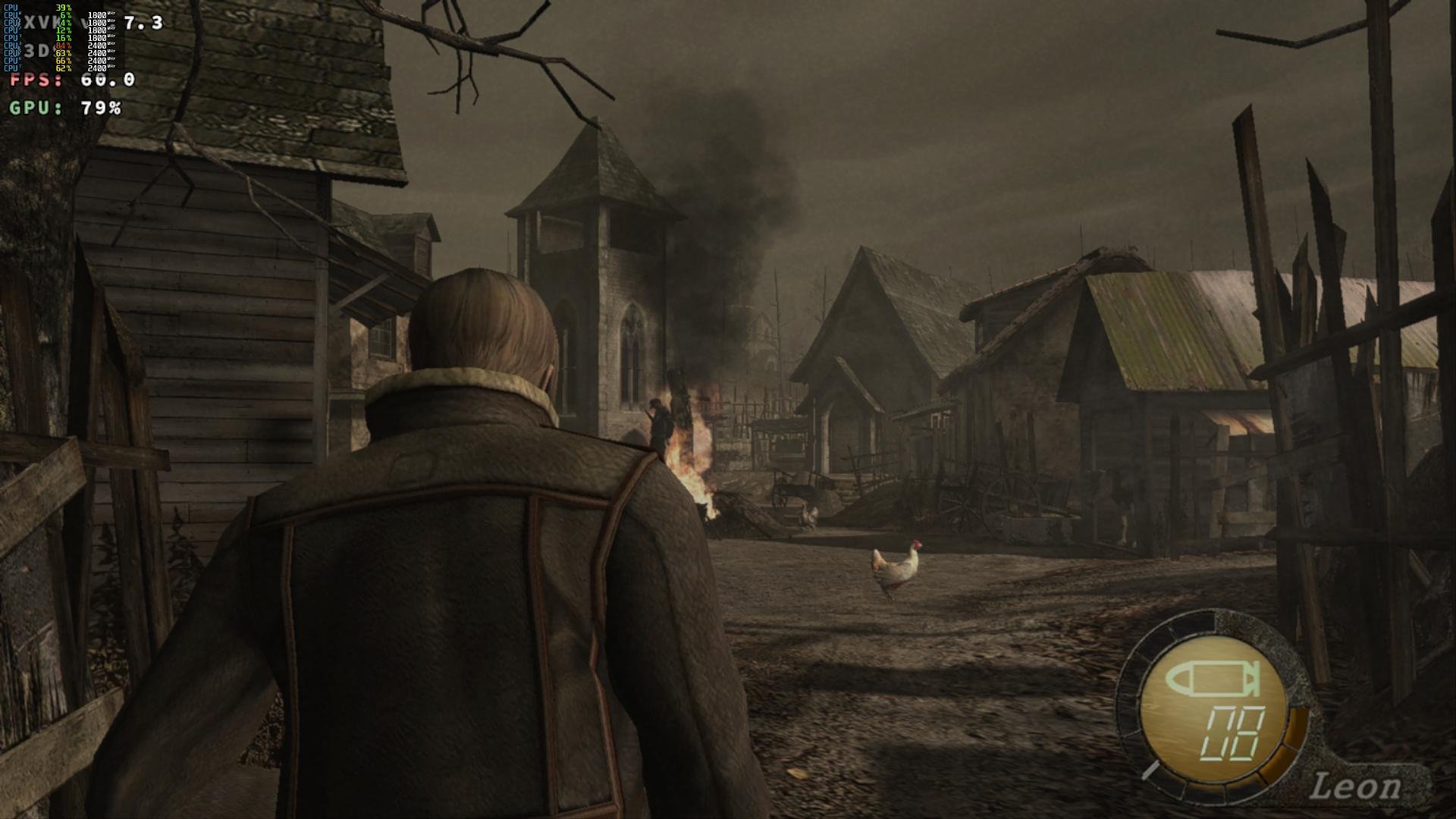
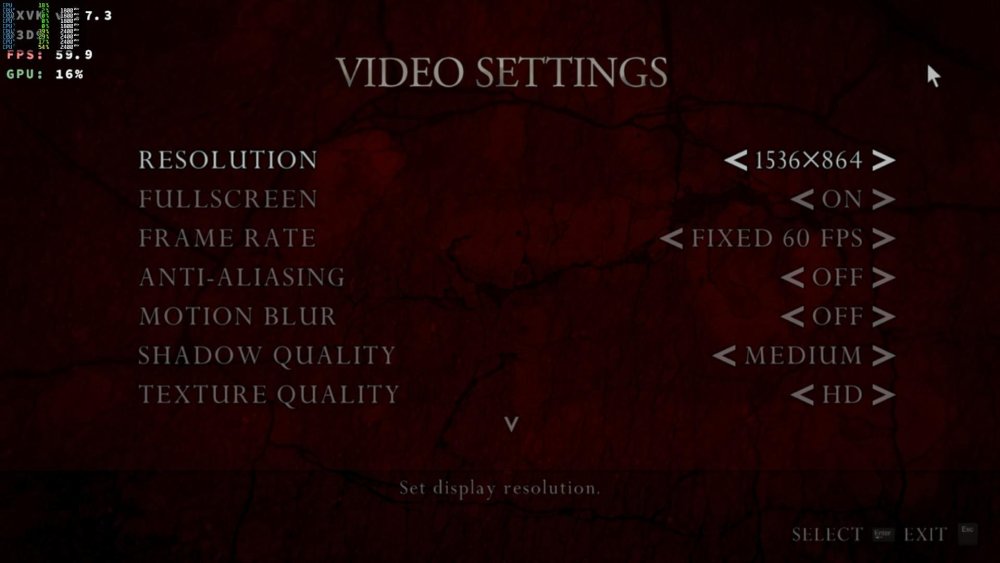
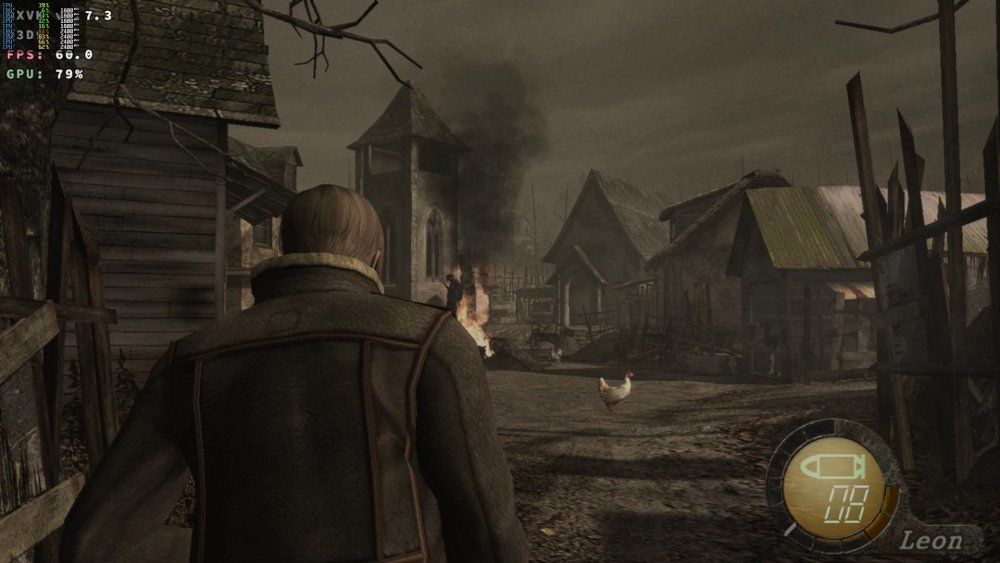
Armbian 26.2.1 Noble XFCE (BSP Kernel: 6.1.115) + PanVk - 26.2.0~git2605212123.7b286abe336 (https://launchpad.net/~ernstp/+archive/ubuntu/mesaaco) + Box64 arm64 v0.4.3 42ae8b818 (https://ryanfortner.github.io/box64-debs/) + wine-proton-11.0-beta1-amd64-wow64 (https://github.com/Kron4ek/Wine-Builds/releases/download/proton-11.0-beta1/wine-proton-11.0-beta1-amd64-wow64.tar.xz) + DXVK-stripped v1.7.3 40~60fps@1536x864 Resident Evil 4 Ultimate HD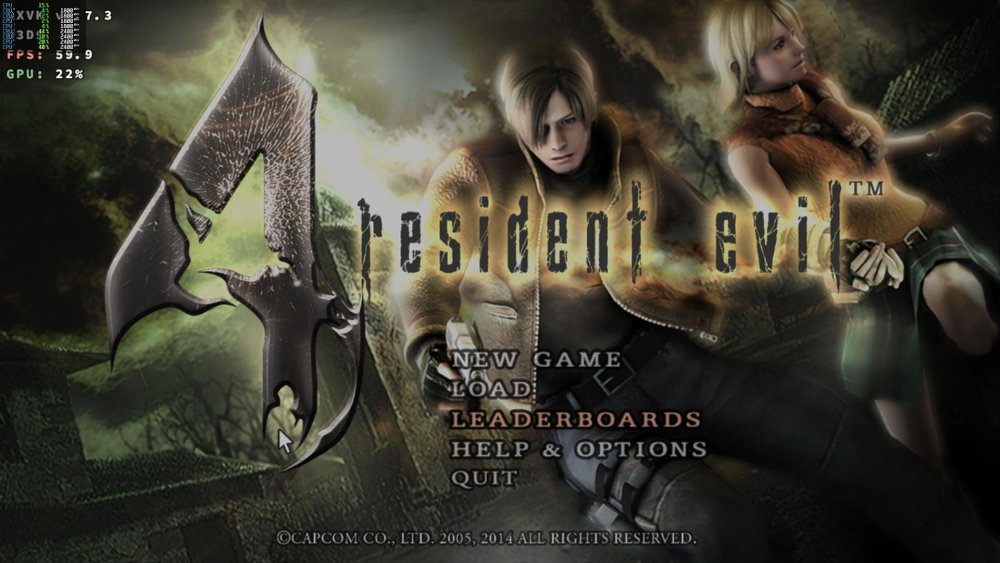
-
@sr4armbian Try X98H.
- Last week
-
 Hi, I can't find an image for my TV box and I was wondering if anyone has one that I could use on the device. Thanks for your help
 -
So I cloned the repo, did a git revert on the commit you mentioned then ran `./compile.sh BOARD=rock-5b RELEASE=noble BUILD_DESKTOP=yes BUILD_MINIMAL=no DESKTOP_ENVIRONMENT=gnome DESKTOP_ENVIRONMENT_CONFIG_NAME=config_base KERNEL_CONFIGURE=no`, flashed the image in the output folder and I'm getting but I'm still getting the same output ``` INFO: Preloader serial: 2 NOTICE: BL31: v2.3():v2.3-868-g040d2de11:derrick.huang, fwver: v1.48 NOTICE: BL31: Built : 15:02:44, Dec 19 2024 INFO: spec: 0x1 INFO: code: 0x88 INFO: ext 32k is not valid INFO: ddr: stride-en 4CH INFO: GICv3 without legacy support detected. INFO: ARM GICv3 driver initialized in EL3 INFO: valid_cpu_msk=0xff bcore0_rst = 0x0, bcore1_rst = 0x0 INFO: l3 cache partition cfg-0 INFO: system boots from cpu-hwid-0 INFO: disable memory repair INFO: idle_st=0x21fff, pd_st=0x11fff9, repair_st=0xfff70001 INFO: dfs DDR fsp_params[0].freq_mhz= 2112MHz INFO: dfs DDR fsp_params[1].freq_mhz= 528MHz INFO: dfs DDR fsp_params[2].freq_mhz= 1068MHz INFO: dfs DDR fsp_params[3].freq_mhz= 1560MHz INFO: BL31: Initialising Exception Handling Framework INFO: BL31: Initializing runtime services WARNING: No OPTEE provided by BL2 boot loader, Booting device without OPTEE initialization. SMC`s destined for OPTEE will return SMC_UNK ERROR: Error initializing runtime service opteed_fast INFO: BL31: Preparing for EL3 exit to normal world INFO: Entry point address = 0x200000 INFO: SPSR = 0x3c9 ``` I wonder if we are getting to the next step (U-boot, right?) and just not getting any logs
-
Ok I will try that. The `Armbian_26.2.1_Rock-5b_noble_vendor_6.1.115_gnome_desktop.img` image is from February so this commit shouldn't be there but I will try without this commit anyway. I also try the Ubuntu rolling release from May 24 that should include this commit but the behavior is the same
-
Hm. Pure guess: https://github.com/armbian/build/commit/1bac6d977217039cae7193a1d6c19ae5b50c2c5f Try to build and boot an image with this reverted