Active threads
Showing topics posted in for the last 365 days.
- Today
-
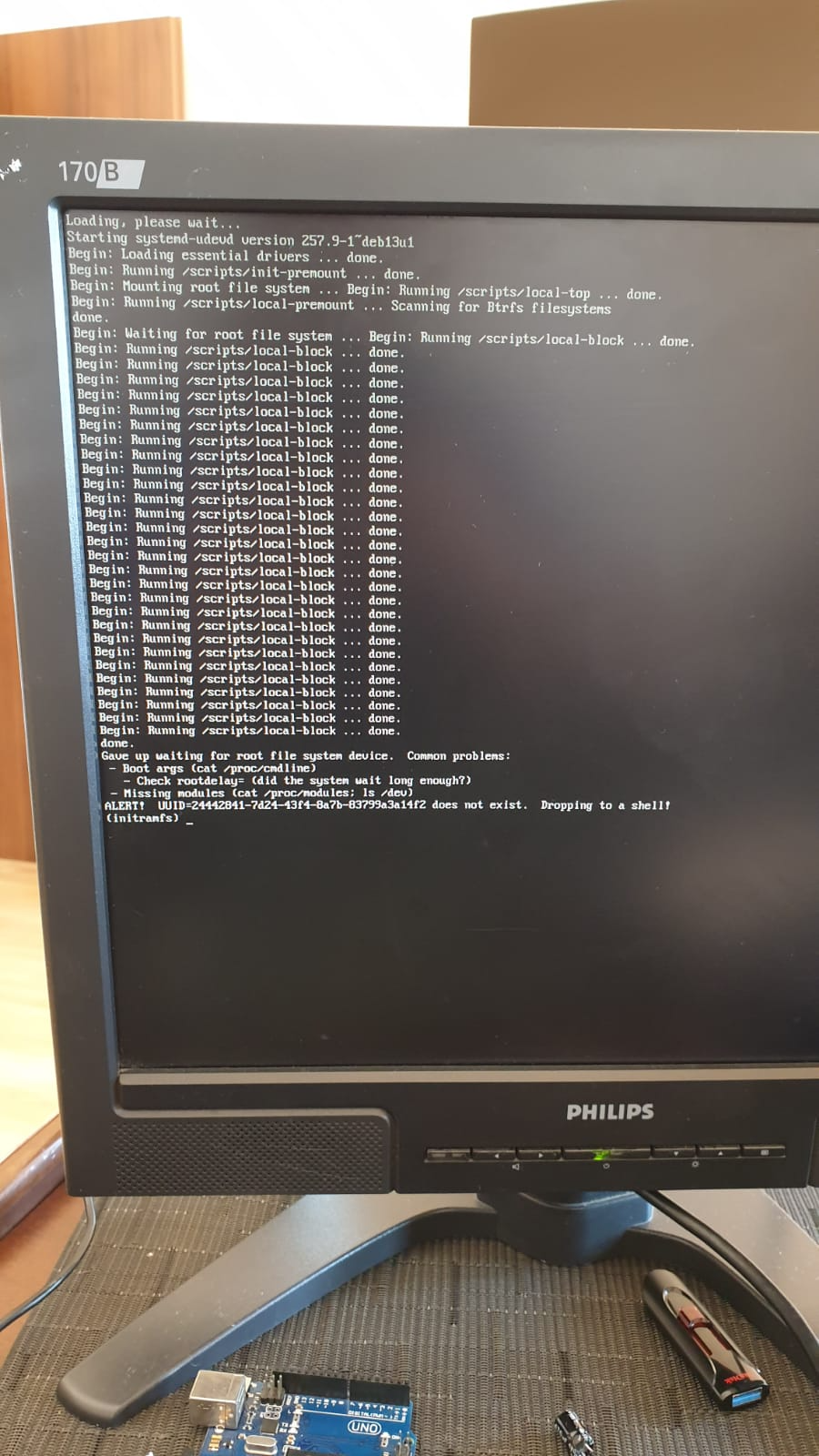
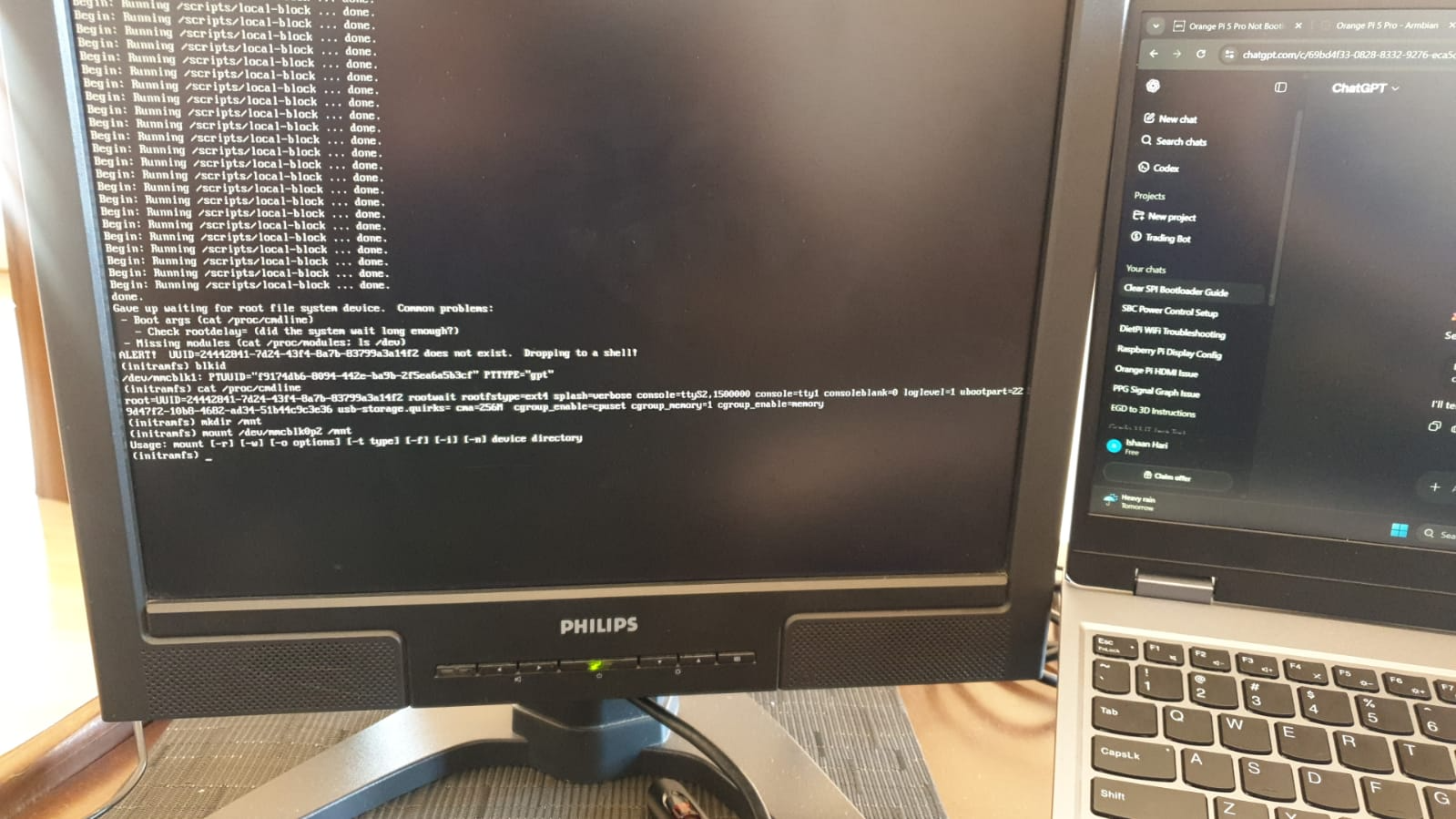
hi, I installed in usb the last version and boot. something wrong happen here, only left these two upgrades, I tried again with backup-img and falied to boot again

-
Hello @lewa_j, there already is a CONFIG_POWERVR_ROGUE=y in the 6.18 kernel. This was required for Wayland and subsequently for Spacemit-GPU-Binary-Support (see https://github.com/armbian/build/pull/9515). What exactly will work additionally with this option (I am not a GPU expert)? Hello @1111Windows, doing "apt-get upgrade" on my GPU demo image this will downgrade the kernel from 6.18.18 to 6.6.99. Probably b/c recently the 6.6.99 was changed "current->legacy" and the 6.18 changed "edge->current". Also, OpiRV2 is not a really / full official Armbian image right now. So we probably need to wait until build pipelines catch up. I'll place a "apt-mark hold linux-image*" on my todo for those images. @maxsub The R2S does not have a NOR flash (or "MTD") that it boots from in the first place? That little project of yours does not look like an Armbian fork ready to be merged in. I may need some time to dig in and understand how it works. Have you considered changing the u-boot enviroment (...that can be save with "env save")?
-
[ 5.092655] CPU1: failed to come online [ 5.092666] CPU1: failed in unknown state : 0x0 [ 10.217311] CPU2: failed to come online [ 10.217324] CPU2: failed in unknown state : 0x0 [ 15.341948] CPU3: failed to come online [ 15.341961] CPU3: failed in unknown state : 0x0 Yes we're aware of this, since it affects all H5 and H6 devices. We have a few ideas about what could be the cause like added logging (yes, sounds odd but..oh well) or certain ATF version. https://github.com/armbian/build/issues/9555
-
 moved to off-topic since not directly related to armbian.
 -
Ok after trying a speeker switcher, switching from cinnimon to the kde version, finnally I tried flashing with the offical armbian flasher, and I tried a bunch of old online solutions that looked similar. Still my headphone doesn't work. I think it is due to armbian thinking the built in sound card is the headphones. But on a positive note the weird unmounting of armbian when my chromebook sleeps or when the lid is closed does not occur on armbian kde. So far kde is more stable than cinnimon.
- Yesterday
-
@José Manuel Márquez Luque try these images https://github.com/NickAlilovic/build/releases/tag/20250306
-
@Bob-the-great try these images https://github.com/NickAlilovic/build/releases/tag/20250306
-

Helios64 - Armbian Trixie with linux 6.18 (incl. opp-microvolt patch)
BipBip1981 replied to ebin-dev's topic in Rockchip
Thank a lot ! -

Industrial android board - RK3288 (possible EVB)
tparys replied to Mauricio Scotton's topic in Rockchip
At a glance, unless you see your board at https://armbian.com/download, chances are that no one else has gotten that board working. Might be better to post under "Other Families" for unsupported board stuff. @Werner may move later ... Might be crashing. Might be redirecting kernel to a different UART. May be worth checking earlycon and console settings in kernel args? You can try to pass break=premount or similar arguments to pause boot and allow you to poke around and see what's going on? -
HI, It looks like you have an RK3518 chip from your photo, and not the 3528? Or was that a typo? In any case I also bought a box from AliExpress. It looks similar to mine with the 3518 chip. If there is a way to extract the ROM Image from my box I can maybe upload it for you somewhere?
-
You may want to check out this thread. There's someone else doing the same with an Orange Pi 5. Might be worth comparing notes with @KhanhDTP
-
nanopi-r4s, enp1s0 ethernet device not found after reboot
Werner replied to Junkman's topic in NanoPi R4S
seems like openwrt already figured this and the fix is actually upstream: https://github.com/torvalds/linux/commit/c3fe7071e196e25789ecf90dbc9e8491a98884d7 (also see https://github.com/immortalwrt/immortalwrt/commit/7ef19bb9cd59f5018fc96b01a5465ed84038cfe8) This may tell that one or more Armbian patches make things worse , no clue though which one if any. - Last week
-
 Hi @Werner, I bought an UART USB device and followed your video here https://www.youtube.com/watch?v=UpVMO7gbnYM to read boot logs. I'm not a huge expert but looks like there is a problem finding /boot when two nvme are connected. Please find attached the following logs: uart-bootcorrectnvme.log -> one nvme plugged (the one with os installed in slot 1) - works! uart-bootdualnvme.log -> two nvme plugged (the one with os installed in slot 1) - fails! uart-bootmicrosd.log -> two nvme plugged + microsd plugged - works! Tests have been executed with official 30W Radxa Power adapter ( same result with POE+ 25W hat) Please, let me know if there is anything else I can provide. Thanks uart-bootcorrectnvme.log uart-bootdualnvme.log uart-bootmicrosd.log
 -
Enable ethernet port on expansion board for OrangePi zero 2w
Werner replied to Golecom's topic in Allwinner sunxi
moved -
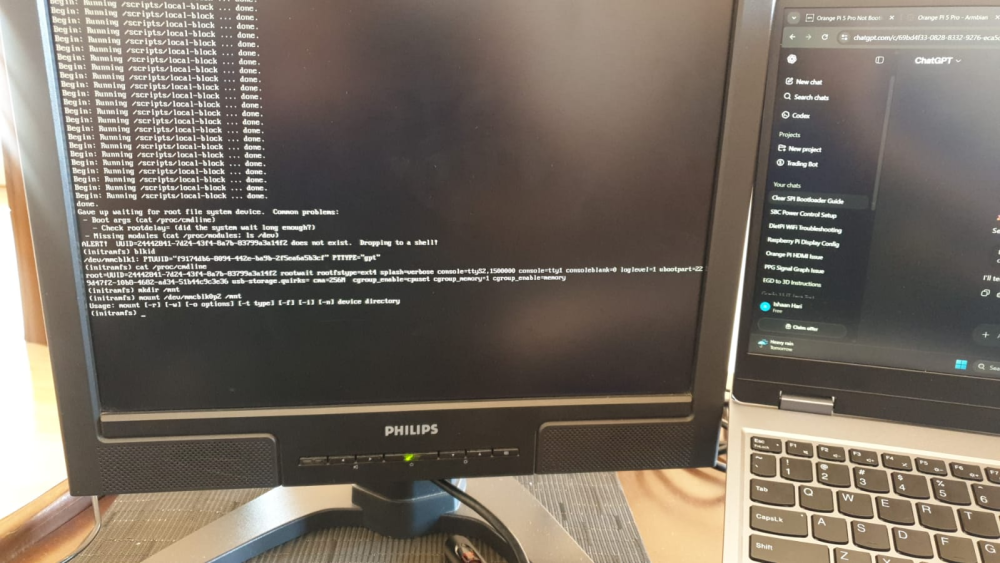
@Werner I have tried your command but no success. Here is what a clean boot of Armbian shows. I also ran some commands with the outputs below.
-
https://docs.armbian.com/Process_Contribute/#adding-a-new-board
-
 I ran into what appears to be the same issue (see my log). I have added the suggested qemu-user-static package, which forced removal of another qemu- family package I had previously installed to work around problems with binfmt. Not only did it compile correctly, it also ran so much faster, as you can see in the number of log lines for this build! Thank you for the assistance and getting me on the right track with the right package selection! Best Regards, Lobosito
 -
@tin harden A7A mainline is still a WIP.
-
 @Thur_Wander For debugging purposes, UART is highly recommended. Use balena Etcher to write the compiled image to your SD card.
 -
Hi, I am here in 2026 with the Amrbian 26.2.1, I've tried the proposed fix from @c0rnelius but it's not working on my OS version. If anyone has any updated solution that'd be amazing. Thank you
-
I will try downgrading u-boot next once I find the older package somewhere. Kernel does not seem to be the cause given that it has been working fine with both my own build 6.6.122 and 6.6.128 before and rolling back not helping. New device is something I had on my mind for a while. But given the RAM and SSD prices these days, I do not really want to overspend. Not to mention that the SBC landscape has not been that great lately when it comes to compact NAS offerings. HC4 is five years old at this point. Many even recommend N100 but this is a whole different size category.
-

Armbian for H313 X96-Q LPDDR3 TV-Box
lavieautrement replied to sicxnull's topic in Allwinner CPU Boxes
hello ,my box is mortal t1 2g8rom and motherboard show mortal t2 v2.0 it's broken and i wanna make linux boot what's the most version to be able for my box -
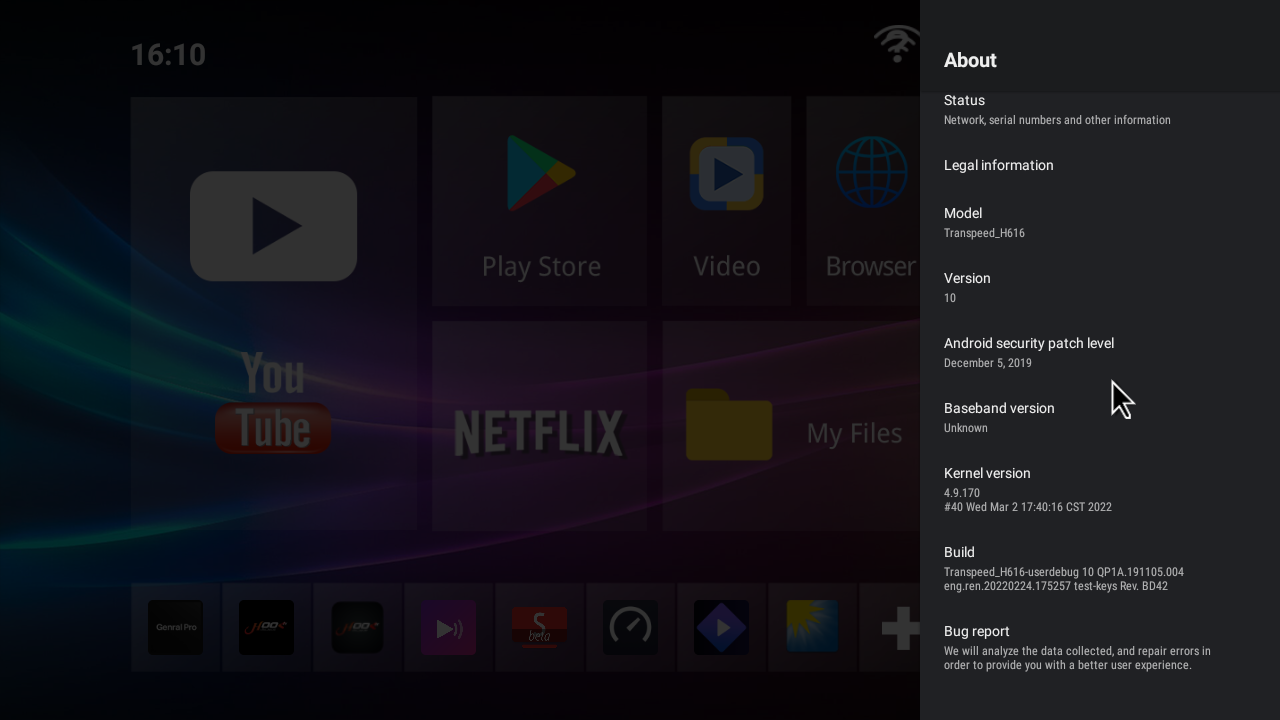
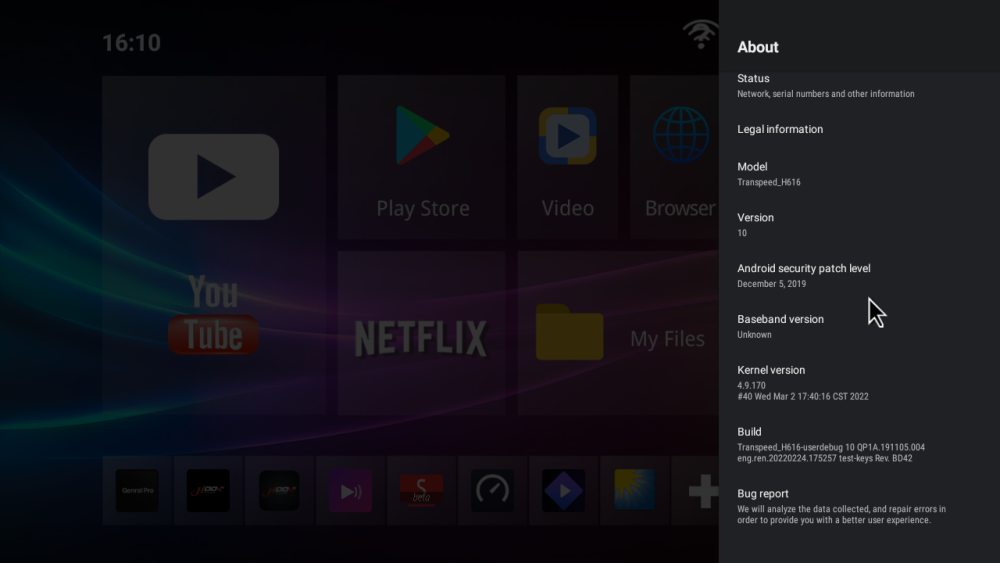
Good morning I have big problem I have tv box Transpeed-H616_ I update with orange pi But i can't back to old firmware

-
Hi Armbian_25.5.1_Rpi4b_bookworm_current_6.12.28 broken after last upgrade. I run apt upgrade which installed kernel 6.18.10. It breaks ZFS. Provided ZFS version, 2.3.2, supports kernels up to 6.14. Don't forget a snapshot before "apt upgrade" 🙂 Regards, Chris
-
what board did you replace it with?