Active threads
Showing topics posted in for the last 365 days.
- Past hour
-
Hello @Malay! No need to raise your voice. Anyhow - thanks for the feedback. The missing HDMI audio has a deeper reason: the communication with the Realtime-CPUs does not work. Background: HDMI audio needs a special DMA: adma, that in turn is supported by the rCPUs (the extra Cores running the real-time-OS from esos.elf) and that does not communicate correctly via rpmsg currently. Not sure why and also not sure if this is true with the other RiscV/Spacemit boards. The 2280 M.2 slot works, I am pretty sure. If you need a running Armbian *with* HDMI audio, grab the orangepi-rv2-ky branch from my repo. It's older and I use it to compare working vs. non-working currently. Also, there's a reason this has no pull request to Armbian/main: it's work-in-progress. LG // Sven-Ola
- Today
-
 Thanks a lot, I´m thinking about buying a board purely for your image, would you advise me to wait for the nanopi r3s release? I have an old rpi 3 collecting dust, do you think I may use that as well? thanks
 -
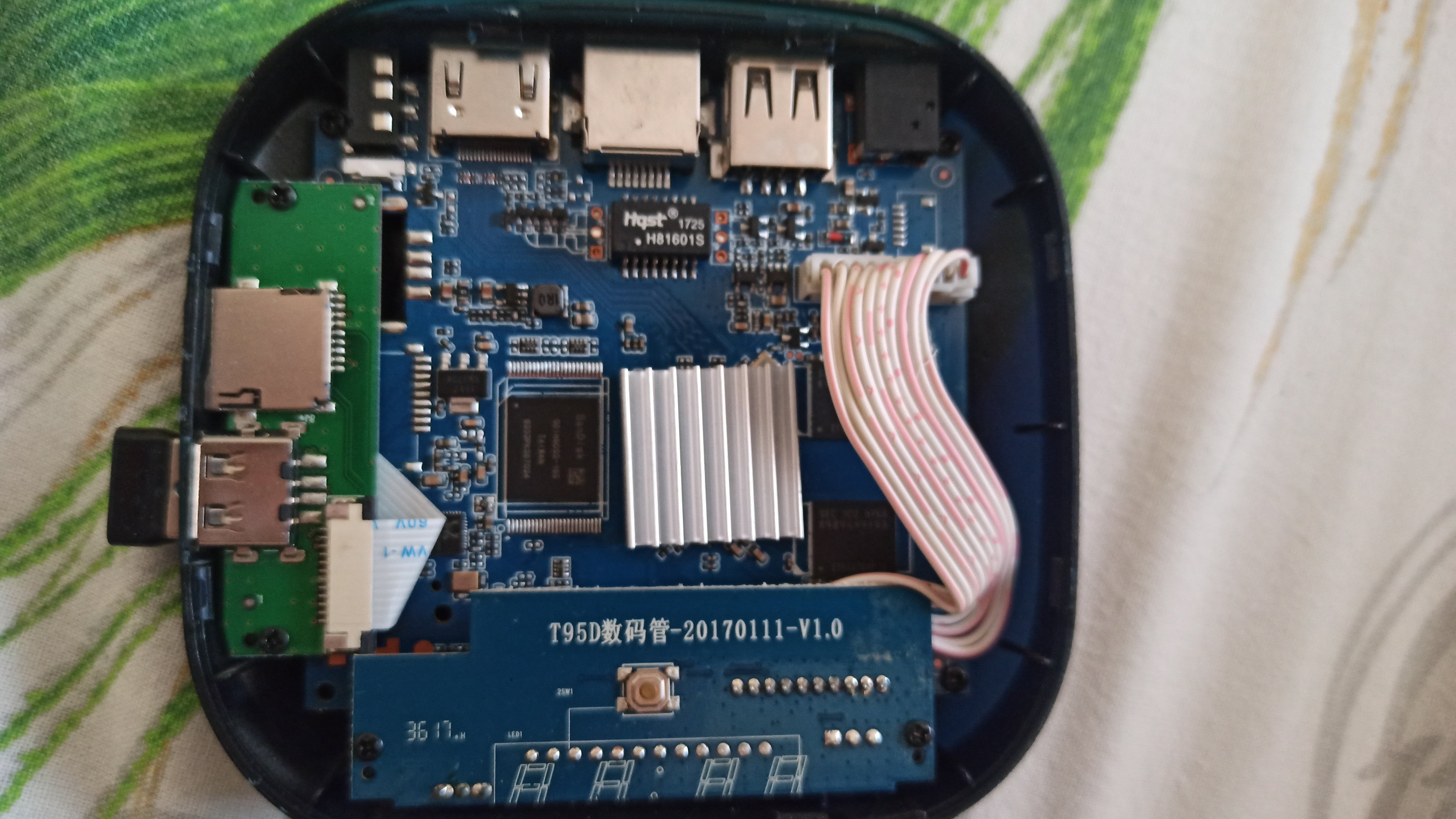
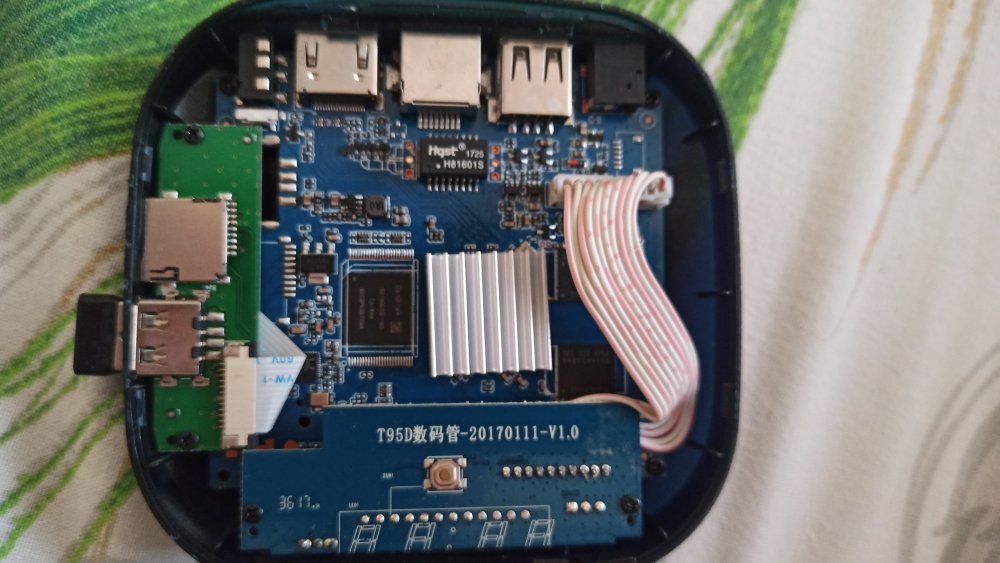
Hi, still stuck on my Iconbit XDS16 (T95D数码管-201701111-V1.0 blue board). Multitool menu loads, but mmcblk2 has no partitions at all (only mmcblk0p2). lsblk -f output: NAME FSTYPE LABEL UUID FSAVAIL FSUSE% MOUNTPOINT mmcblk0 |-mmcblk0p1 `-mmcblk0p2 0 100% / mmcblk2 mmcblk2boot0 mmcblk2boot1 mmcblk2rpmb Is there a specific DTB for this board that makes eMMC visible in Multitool? Thanks!
-
 I wonder how to sponsor or funding to this board?
 -
LMAO! So... What exactly is your question? Did you try "the mouse & keyboard" and they did not work? I would say you will get basic functionality on almost any usb mouse or keyboard on linux. wifi on the other hand can be a hit or miss. A quick search on "USB Logitech Unifier Nano dongle" gave me this: https://forums.linuxmint.com/viewtopic.php?t=373365 so it seems you might want to use solaar to configure the stuff. As for the Inovato Quadra4K, it looks like it is an allwinner H6 processor so I suspect it should work using armbian....
-
@Bones558 I think the LED is always on by default and doesn't blink. You can try kernel 5.15, I'm using Armbian-unofficial_25.11.0-trunk_Radxa-cubie-a7z_jammy_legacy_5.15.147.img Since I don't have any TTL modules or display adapters, I directly followed the instructions at https://docs.armbian.com/User-Guide_Autoconfig/ to set up the wireless network. After powering it on and waiting for a while, I could directly access SSH. Hope this helps.
-
 https://docs.armbian.com/Developer-Guide_Build-Switches/ Check for ARTIFACT_IGNORE_CACHE diy packages are locally cached. automated packages from the CI are stored online in ghcr. not only this, also the status of build framework internals (like stuff in https://github.com/armbian/build/tree/main/lib/functions) since they also can alter a package. "development" should be sufficient.
 -
Build from branch v20250306. error! [ Failed to fetch SHA1 of 'https://git.kernel.org/pub/scm/linux/kernel/git/stable/linux.git' 'tag' 'v6.12.11' - make sure it's correct ] How to remove the error?
-
Does anyone here may have recommendations of standard sdcard or flashdrive that supports for installation on amlogic s905x devices? eg: sdcard only sdhc types or it will work with sdxc or any kind of limitations capacities for certain SBC ? . thank you in advance for your most kind replies. best regards
- Yesterday
-

Help wanted to test a new OpenVFD alternative
s100sic replied to Jean-Francois Lessard's topic in Amlogic meson
Hi Lessard can you please check this error (X88 PRO-B-RK3318-D4-V1.6)? root@GREEN:~/tm16xx-display# make module make EXTRA_CFLAGS="-DCONFIG_TM16XX -DCONFIG_TM16XX_KEYPAD -DCONFIG_TM16XX_I2C -DCONFIG_TM16XX_SPI -include /root/tm16xx-display/drivers/auxdisplay/tm16xx_compat.h -I/root/tm16xx-display/include/" -C /lib/modules/6.18.6-current-rockchip64/build M=/root/tm16xx-display/drivers/auxdisplay CONFIG_TM16XX=m CONFIG_TM16XX_KEYPAD=y CONFIG_TM16XX_I2C=m CONFIG_TM16XX_SPI=m CONFIG_LINEDISP=m modules make[1]: Entering directory '/usr/src/linux-headers-6.18.6-current-rockchip64' make[2]: Entering directory '/root/tm16xx-display/drivers/auxdisplay' CC [M] line-display.o CC [M] tm16xx_core.o CC [M] tm16xx_keypad.o tm16xx_keypad.c:81:6: error: redefinition of ‘tm16xx_set_key’ 81 | void tm16xx_set_key(const struct tm16xx_display *display, const int row, | ^~~~~~~~~~~~~~ In file included from tm16xx_keypad.c:18: tm16xx.h:189:20: note: previous definition of ‘tm16xx_set_key’ with type ‘void(const struct tm16xx_display *, const int, const int, const bool)’ {aka ‘void(const struct tm16xx_display *, const int, const int, const _Bool)’} 189 | static inline void tm16xx_set_key(const struct tm16xx_display *display, | ^~~~~~~~~~~~~~ tm16xx_keypad.c:135:5: error: redefinition of ‘tm16xx_keypad_probe’ 135 | int tm16xx_keypad_probe(struct tm16xx_display *display) | ^~~~~~~~~~~~~~~~~~~ tm16xx.h:184:19: note: previous definition of ‘tm16xx_keypad_probe’ with type ‘int(struct tm16xx_display *)’ 184 | static inline int tm16xx_keypad_probe(struct tm16xx_display *display) | ^~~~~~~~~~~~~~~~~~~ make[4]: *** [/usr/src/linux-headers-6.18.6-current-rockchip64/scripts/Makefile.build:290: tm16xx_keypad.o] Error 1 make[3]: *** [/usr/src/linux-headers-6.18.6-current-rockchip64/Makefile:2010: .] Error 2 make[2]: *** [/usr/src/linux-headers-6.18.6-current-rockchip64/Makefile:248: __sub-make] Error 2 make[2]: Leaving directory '/root/tm16xx-display/drivers/auxdisplay' make[1]: *** [Makefile:248: __sub-make] Error 2 make[1]: Leaving directory '/usr/src/linux-headers-6.18.6-current-rockchip64' make: *** [Makefile:50: module] Error 2 Thank you -
Yes. Please wait. I was busy with other personal projects, so I haven't been doing armbian stuff for a few weeks.
-

Driving the ili9488 LCD (4.0 inch cheap chinese clone)
robertoj replied to robertoj's topic in Allwinner sunxi
I don't know what you could improve right now... But I know that LCD only receives data. My LCD works the same, with its MISO pin connected or disconnected. -
According to your serial log, the name of the dtb file is "rk-kernel.dtb". You should find that file somewhere below /boot/dtb/ . You can simply copy that from your running system (e.g. using "scp"). But if you want to extract it from an image, you can use e.g. "kpartx -av YOURIMAGE.img" to create loop devices ("/dev/mapper/loop*") for each contained partition, which you can then mount as usual. Too sad that ctrl+c does not seem to work. Did you try having "ctrl+c" already pressed before powering up the board - and keeping it pressed, while it boots? There's also a chance that the board will accidentally boot from the usb-drive, if it contains the same image as the emmc (i.e. the partition UUIDs need to be identical). It happened to me in about 1 out of 3-5 attempts. Described here.
-

Efforts to develop firmware for H96 MAX V56 RK3566 8G/64G
王类 replied to Hqnicolas's topic in Rockchip CPU Boxes
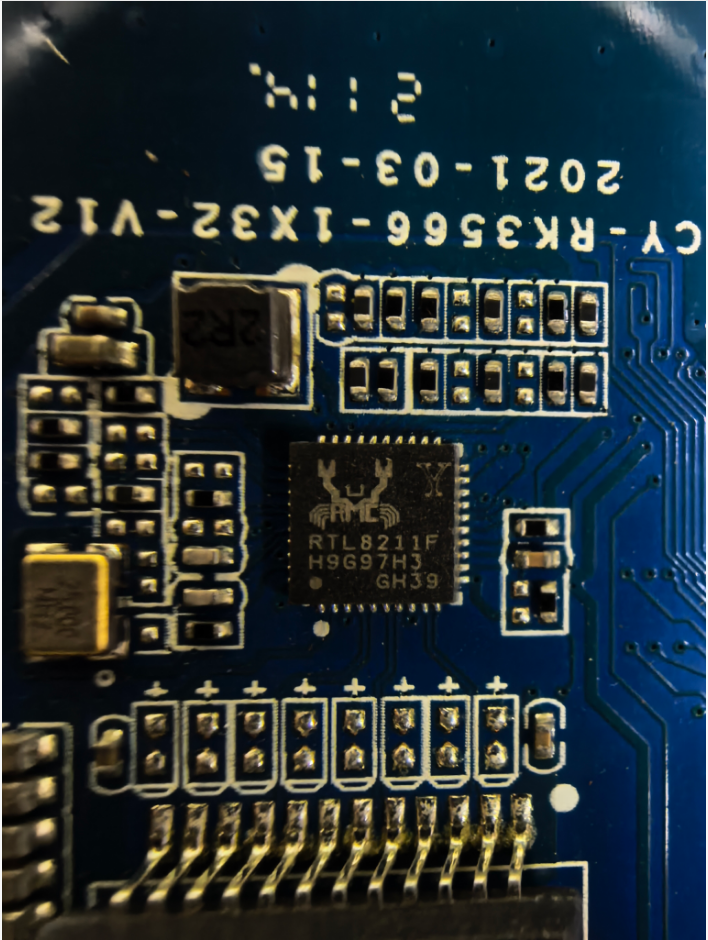
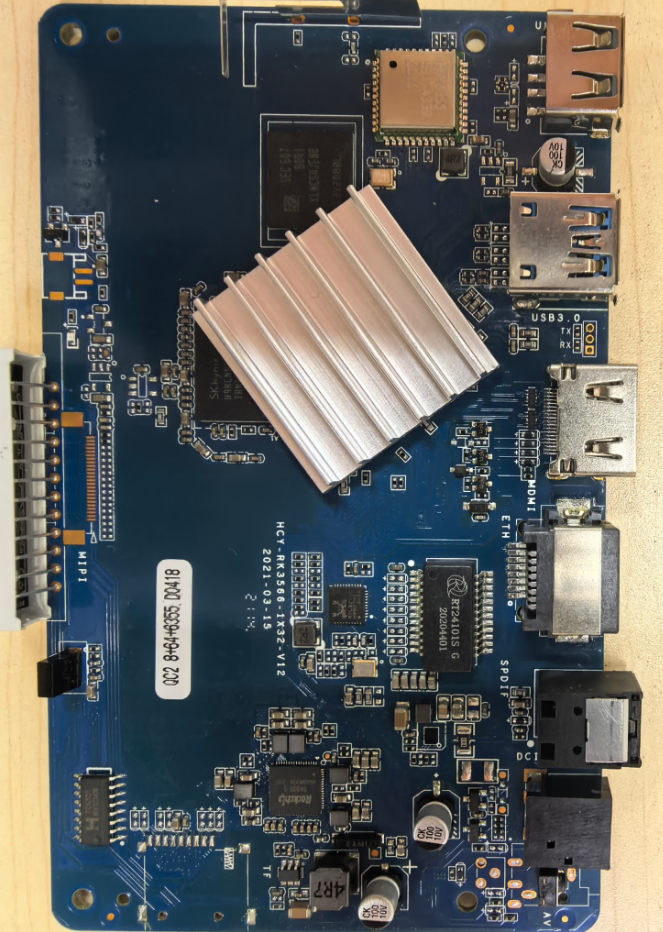
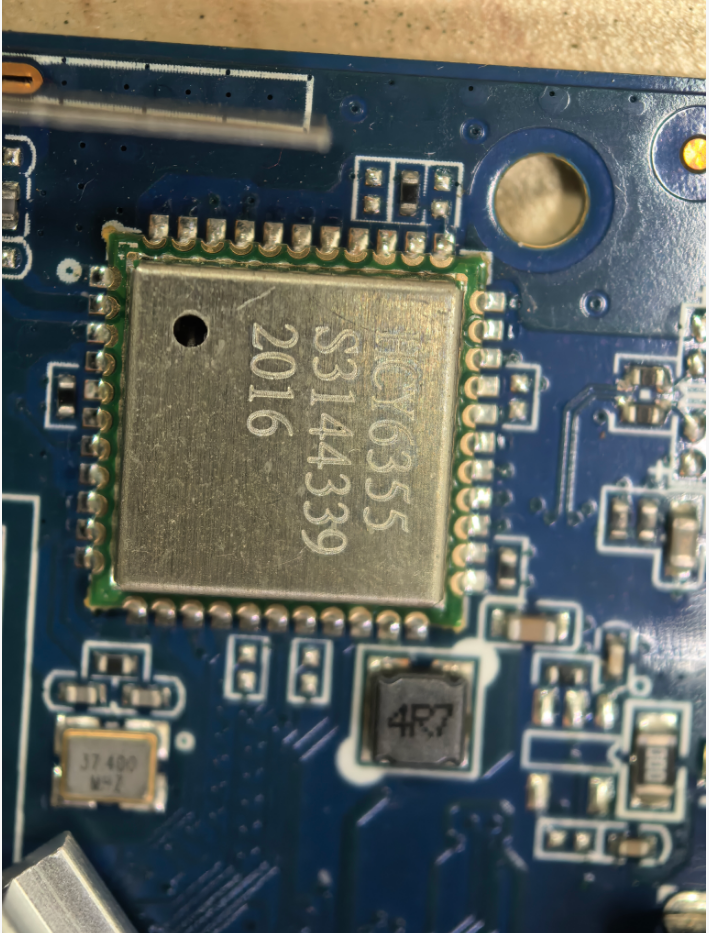
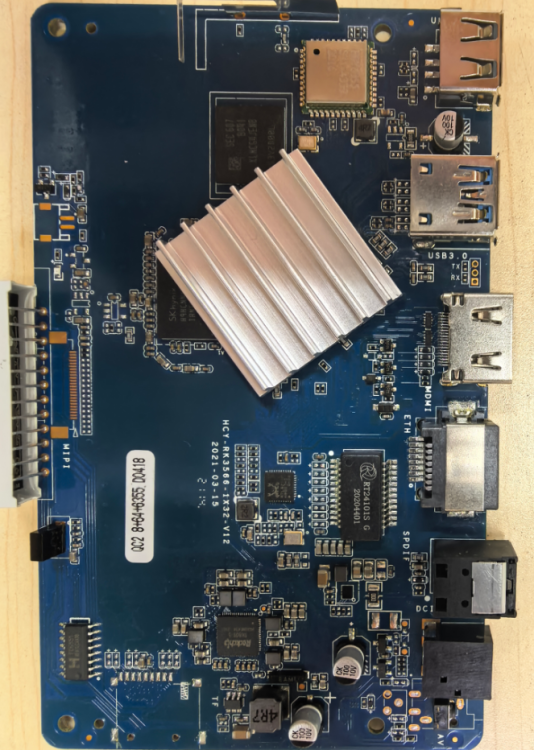
I bricked my original H96MAX TV box while tinkering with it, so I bought a new one. The new unit works fine with both wireless and wired networks on Android, but after flashing the firmware Armbian_26.2.0-trunk.302_H96-tvbox-3566_forky_current_6.18.6_minimal.img, the wired network stops working and only the wireless network is functional. Please help me fix this issue, thank you!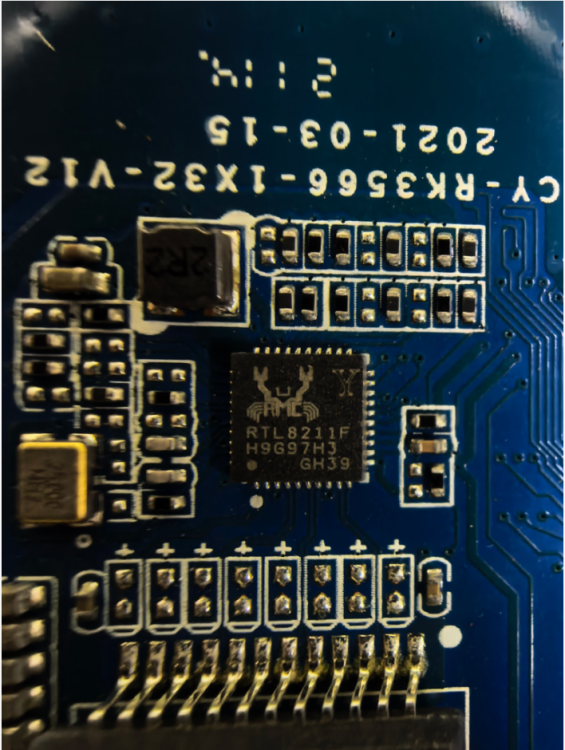
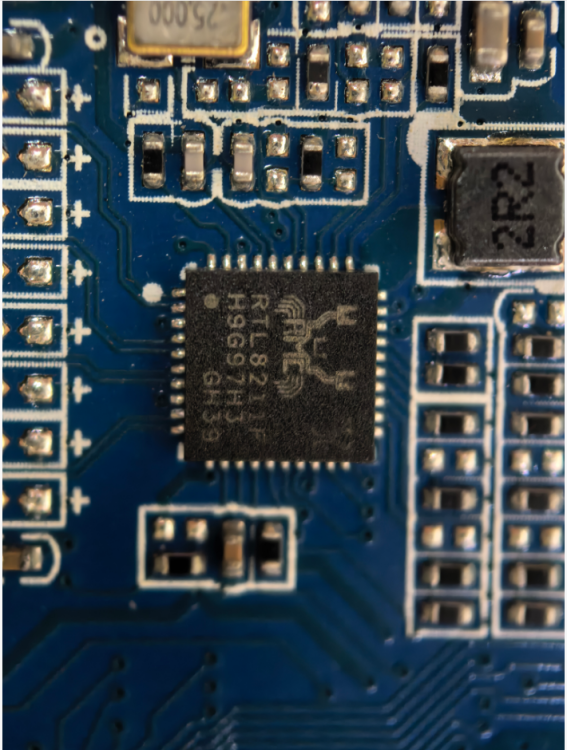
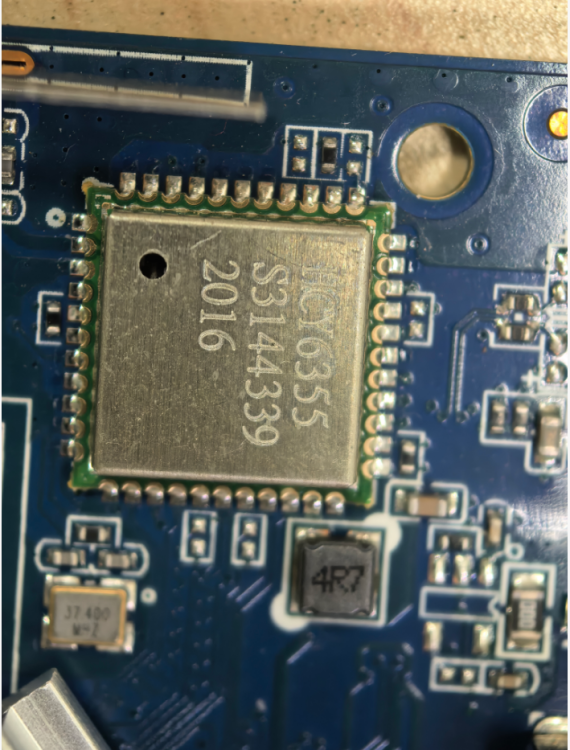
-
Try this. It worked on radxa-e54c with Cinnamon. rm -rf ~/.local/share/cinnamon && sudo reboot
-
Mhhh..... Image for OrangePi 3b works out of the box (and it's also possible to install to the eMMC), but it doesn't seem to support some features (i.e. there are no devices like "/dev/video*", "/dev/rknpu", etc.). Otherwise the images for BananaPI CM4 doesn't seem even to boot on OrangePI CM4: comparing both images, those are indeed different (i.e. "initrd.img", "vmlinuz", etc. are under "/boot" folder rather than in "/"). Dies anyone knows a simple way to burn BananaPI CM4 images (or another image) to OrangePI CM4 (to SD Card or better to eMMC)? Regards,
- Last week
-

Installing Armbian in emmc on MXQ Pro 4k S905W
SteeMan replied to m4teush's topic in Amlogic CPU Boxes
If you mean the built-in script as described in the instructions linked to from the download page (https://www.armbian.com/amlogic-s9xx-tv-box) Then yes that should do everything you need. -

Install on amlogic tv box without working emmc
hexdump replied to Игорь Шаповалов's topic in Amlogic CPU Boxes
@SteeMan - there is no pressure to do it quickly or at all ... if you should look at it and have questions, just ask me here (i'm reading here regularly, but sometimes with a few days delay) or create an issue in my github repo. i'm always happy to see that you are keeping the amlogic boxes stuff alive pretty well in armbian. -
OrangePi Zero LTS ili9341 TFT LCD (and later OrangePi Zero 3)
robertoj replied to robertoj's topic in Allwinner sunxi
Yes. Probably this week. -
You can switch to beta to get faster updates, though they're untested autobuilds, so if something breaks, you have to unbrick yourself.
-
The Evolution of SBCs: From Hobby Boards to Edge ComputingOver the past two decades, single-board computers (SBCs) have transformed from experimental maker tools into the backbone of modern embedded and edge systems. What started as a handful of affordable hobby boards has grown into a diverse ecosystem powering automation, AI, and connected infrastructure around the world. From Prototypes to PossibilityEarly SBCs were humble experiments — small circuit boards combining processor, memory, and I/O on one platform. For years they lived quietly inside industrial machines and educational kits. The real turning point came in the early 2010s with boards like the Raspberry Pi, BeagleBone, and Cubieboard, which brought Linux to the maker community at a scale and price that anyone could access. These boards opened the floodgates for innovation. Suddenly, home labs, classrooms, and startups could prototype full Linux systems for the cost of a dinner. The appeal wasn’t just price — it was openness, GPIO access, and a thriving community that treated hardware as something to explore, not just consume. The Rise of a Global EcosystemAs demand grew, more vendors entered the field: Orange Pi, FriendlyElec, Radxa, and dozens of others expanded on the idea, each offering faster SoCs, more memory, and better I/O. Modern SBCs can now host NVMe storage, multiple displays, gigabit networking, and dedicated NPUs for AI workloads — features once reserved for full desktops or servers. They power digital signage, smart gateways, home servers, and even small AI clusters. Developers began caring not just about hardware specs, but also kernel stability, upstream drivers, and long-term support — exactly where Armbian excels. What’s NextLooking ahead, the direction is clear: AI acceleration everywhere – NPUs and neural engines are becoming standard on SBCs.Unified software stacks – Containers, orchestration tools, and reproducible builds are reaching the edge.Energy-aware computing – Solar and battery-powered deployments highlight the need for lean, resilient systems.Armbian’s role in this landscape is to provide the stable software foundation that ties it all together — open, optimized, and reliable across dozens of architectures. In SummarySBCs have grown up. They are no longer just learning tools or proof-of-concept boards — they are the quiet engines running modern infrastructure at the edge. Armbian sits at the heart of that transformation, helping these devices boot faster, run cleaner, and stay useful long after their first flash. The evolution of the SBC mirrors the story of open computing itself: innovation born from community effort, refined through shared knowledge, and extended by software that stays light enough to go anywhere. View the full article
-
 @quaSimba: Fantastic work! Will put a link at the top of the tutorial for visibility.
 -
Armbian recently merged and will be releasing (and backporting) a patched devicetree file for the Odroid C4 and HC4 that eliminates the second power-cycle "glitch" during boot. Hopefully this will fix at least one issue people have been reporting, where some HDDs (or other devices) do not react well to rapid power double-tap during boot. https://github.com/armbian/build/blob/main/patch/kernel/archive/meson64-6.19/board-odroid-sm1-regulators-boot-on.patch It will also be released (and likely backported) upstream in next Linux kernel release and/or fixes. Also, something else people have been reporting is the HC4 struggling to spin up two large HDDs at the same time. If you have an HDD with a "Power Up In Standby" (PUIS) setting, such as the Seagate IronWolf, then you can configure all non-system (non-boot) drives in this manner, and then mount and access them sequentially after the system has booted. Depending on how much power the HDDs use in regular operation, this might work to get both spun up and running. Theoretically, you could also access just one drive at a time and then place it back in standby before using the other drive. YMMV.
-
Hi, I could try to help, my board is exactly the same as yours. Can you provide me a source with instructions of how to do that?
-
Hello, I am facing an issue with my Youyeetoo YY3568 board. After that, I attempted to flash my own Yocto (Radxa manifest–based) wic image for the YY3568 using RKDevTool on Windows, but the flashing did not complete successfully. Since then, the board is always detected in Maskrom mode and never switches back to Loader mode. What I have tried so far: 1- Flashed prebuilt Ubuntu image (YY3568_Ubuntu_EDP.img) from the official link: https://drive.google.com/drive/folders/1D90vztL9fRfWV7laV9mdcnZ5kNpxx_tl → Board still shows Maskrom mode after flashing. 2- Flashed SDK-based image and loader built using the official documentation: https://wiki.youyeetoo.com/en/YY3568/ubuntu → Board remains in Maskrom mode. I have tried flashing from both Windows (RKDevTool) and Linux (rkdeveloptool), but the board is consistently detected in Maskrom mode. Question: How can I recover the board from Maskrom mode and bring it back into Loader mode, so that I can flash images and make the board operational again? Any guidance would be appreciated. Thank you.