Active threads
Showing topics posted in for the last 365 days.
- Past hour
-
Still waiting in January 2026. LOL What happened @ROOD I was just given an H96 PRO+ (like your photos, but with v2.1 of motherboard). I want to put it to work doing something... so I am ready to install armbian, with whatever your final instructions are. -Thanks!
- Today
-
 Dear SteeMan, thank you for your answer. I checked Android info, and it shows 8 GB / 128 GB, Android 15, so the advertisement was not real. I investigate it forther.
 -
 @quaSimba: Thanks for your remarks and the link to the guide on Github. Hopefully I'll one day have a RPi to work with so I can support it in my script and tutorial. @fxkl47BF: The completion packages were removed because they can be horribly laggy on low-powered SoCs and I find them annoying in general. They can be easily reinstalled if desired.
 -
I have a question about booting from sd card. While with empty emmc (erase with rkdeveloptool), the board falls back to maskrom mode even the sd card (with working os) is inserted. It can boot armbian into sd card if I flash miniloader and u-boot in to emmc. I wonder how can we get it to boot fully from sd card.
-
 Thanks @robertoj I had a quick look at your link. It talks about introducing patches into the Ambien build (which I already do in terms of c code, module source code and the linux .config file). HOWEVER, when I attempt to create a patch from my cpio binary file and use that as the initial ramdisc during the build, it fails (I did it a couple of weeks ago & I can't remember exactly what the problem was). Nevertheless, if you think I can create a patch from the cpio file, please give me detailed instructions and I'll try it again--- maybe I did something wrong?
 -
Unfortunately i do not have this board to compile/test on
- Yesterday
-
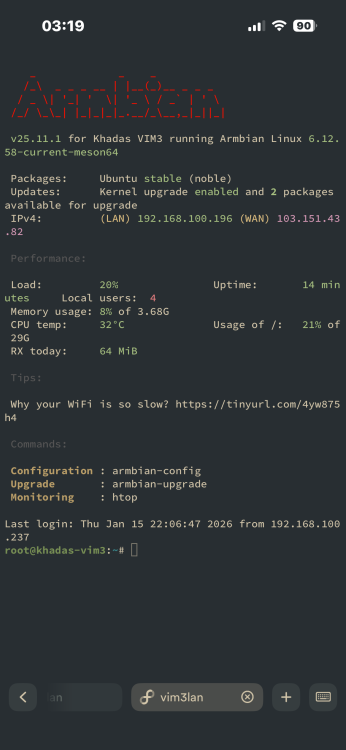
by the way i can ssh into armbian while it’s stuck on a black screen so i can provide any logs you want
-
Appreciate the quick replies! Turns out im just an idiot, and completely forgot to freeze the kernel. have a great evening!
-

Very strange behavior: complete freeze after boot
Werner replied to Frans Rampen's topic in Rockchip
moved -
I operate an Odroid HC4, that has 4 x A55@1.8 and the board discussed here has 8 x X60@1.?. A fast sysbench says: single thread on OpiRv2 is slower (792 vs 1034) , multithreaded is faster (6342 vs 4151). Compiling a current kernel on RV2 needs 3 hours, nothing one would do do regularly. If you really need speed buy a Radxa Rock 5 (see platinum support devices on this site). Edit1: NPU -> Opi Wiki, USB and SPI yes, for MIPI DSI/CSI you need to test yourself. Edit2: Just remembered that I have a H618 (Opiz3). Single=708, Multi=2828 with the same Trixie sysbench. HTH + LG // Sven-Ola
-
ok
-
You use a Desktop/Xfce installation, and it is for a low-power ARM64 computer. So I would not be surprised if in modern Xfce, the Power Management default to suspends after 30 minutes or so. Last time I used Xfce was when Debian Buster, also then in then I remember in the GUI there should be some system setting where you can configure power settings. So there you can make sure that it never enters suspend state. I do not know how to configure that from command line, but that should also be possible, maybe search internet. You can also look into the journal and see what happened, maybe something is wrong. 7 Watts is way too high for suspend state at least, but maybe things connected on USB still draw power and is it only the CPU that is halted. Other option is not to use a Desktop image/installation, but a CLI for server/IoT variant. Those images should have suspend disabled.
-
 This might help you: https://github.com/nyecov/roobi-config-anyOS It details how install basically any OS via Roobi
 -
Just confirmed. Running bookworm on the same RockPi-S, it "just works". Any suggestions on what happened in Trixie and if there's a fix?
- Last week
-

Driving the ili9488 LCD (4.0 inch cheap chinese clone)
robertoj replied to robertoj's topic in Allwinner sunxi
I missed the fact that you have an orange pi zero 2w... I think there's a success experience with that orange pi in this thread or in this Allwinner section. Please share if you have success -
That's the version I'm running as well, and I have no issues either. I think replacing the device tree (.dtb) at this point only helps with the onboard flash speed?
-
Ethernet should be working (after rebooting), but wifi doesnt work out of the box.
-
I currently have a X96 Air S905X3 4GB/64GB box that has 1Gbit ethernet and a USB 3.0 port that works well with Armbian. This was bought 5 years ago for only 35 USD. I would like to find another box for Armbian that also has 1000M/1Gbit ethernet + USB 3.0. The same or similar boxes are selling for 50-60USD at the moment which is a lot for an old box. Are there any other boxes with 1Gbit ethernet at a low price that work with Armbian? Not bothered about other features, wifi quality, performance otherwise - just Gbit ethernet and USB 3. Open to all processors - Amlogic, Allwinner, Rockchip etc
-
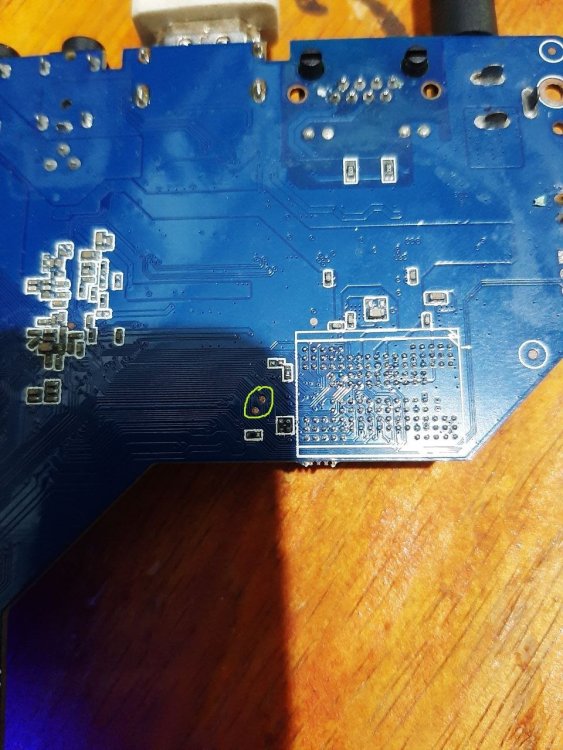
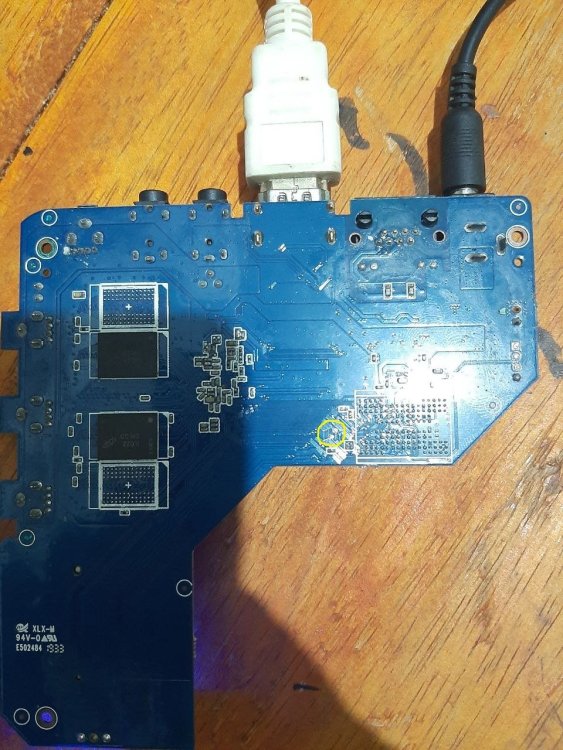
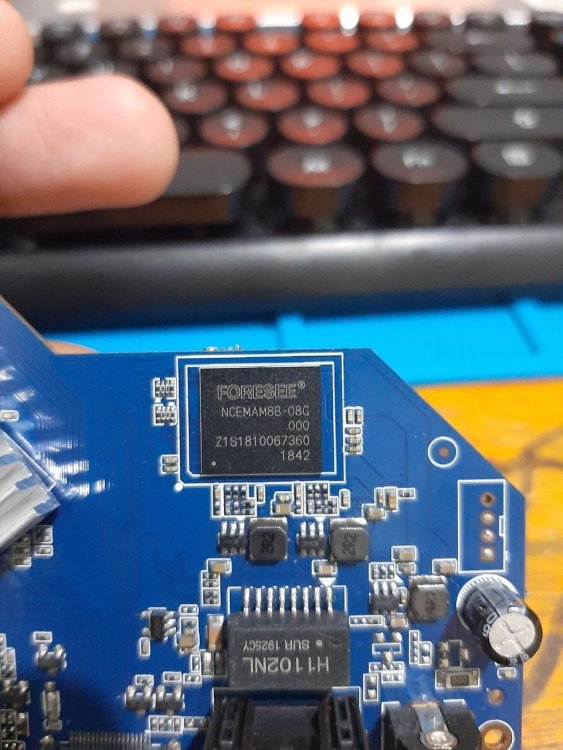
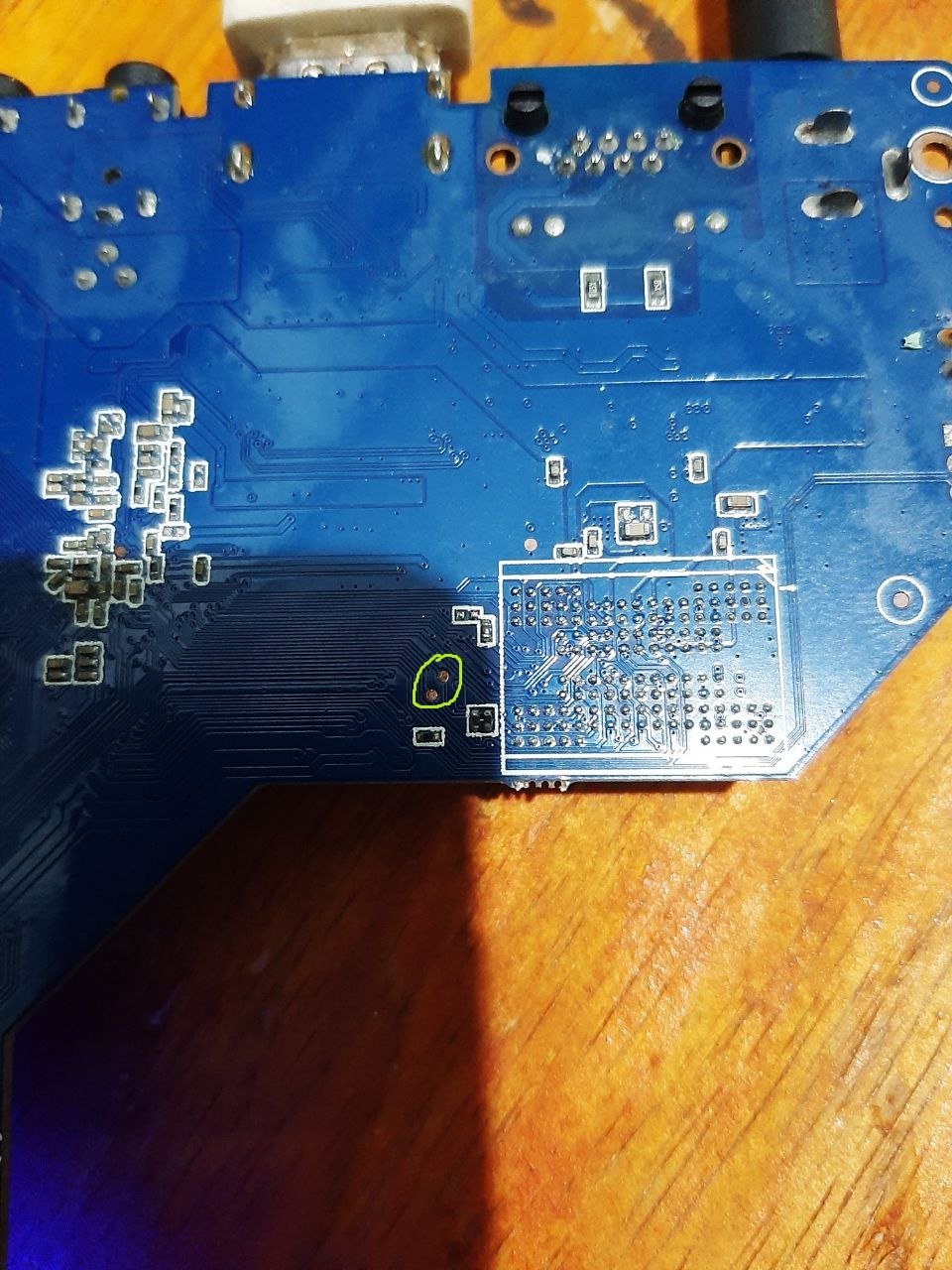
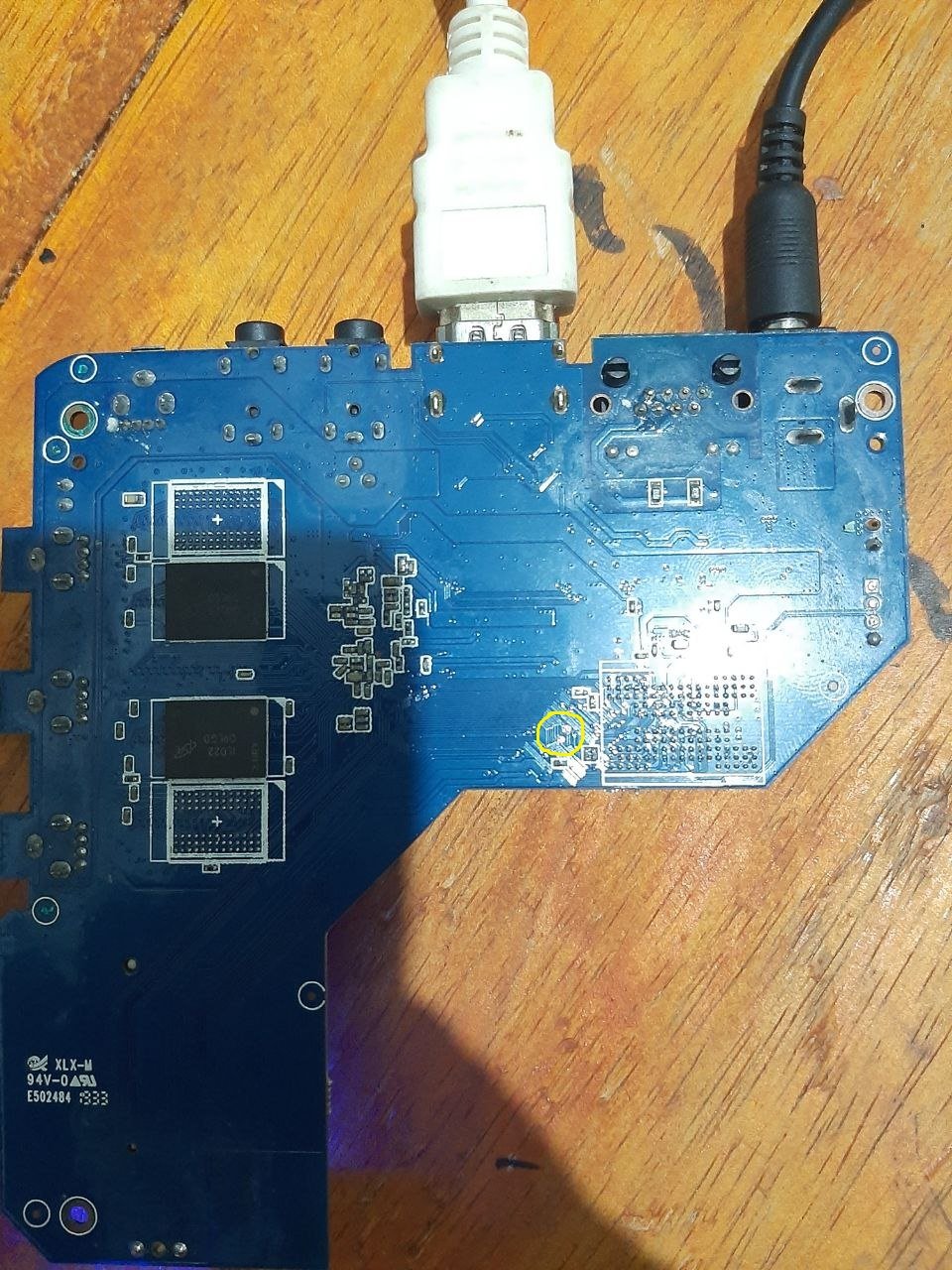
mxq pro 4k maybe "shortpin" Hope it is useful
.thumb.jpg.566e994fddc34a4e80c5a23d3375f36f.jpg)
-
Maybe are you experiencing the same issue ? https://forum.armbian.com/topic/56946-h3-reboot-issue/
-
Today I needed to reboot one of the Orange Pi which is at a remote location.... It did not come back to life.... Maybe some update removed the extraargs=reboot=warm parameter ....
-

Install on amlogic tv box without working emmc
SteeMan replied to Игорь Шаповалов's topic in Amlogic CPU Boxes
No standard way to do what you want. The Armbian images from this site depend on the original android bootloader on the emmc to boot. Since you don't have working emmd these images wont boot. Theoritically if you found a working boot loader for your box and it was put on the SD card, then you would have more options. -
Hi Armbian community, I'm trying to install Armbian on my Worldchip K16 tablet and would appreciate guidance on compatibility and installation steps. Device Specifications: · Model: Worldchip K16 · SoC: Allwinner sun50iw10p1 (likely A64/H5 variant) · CPU: Quad-core Cortex-A53 (ARMv8 64-bit) · Current OS: Android 11 · Architecture: aarch64 (ARMv8l) · GPU: Mali-400MP2 (typical for this SoC) · RAM: Unknown (estimated 2-4GB based on similar devices) · Storage: Unknown (likely 32-64GB eMMC)
-
Hi all. I reproduced the same behaviour on my custom uboot built with enabled debugging. The problem is not solved, but I got more detailed information. It turns out spl freezes at loading main uboot loader. Here is part from logs: Jumping to U-Boot... SPL malloc() used 0x198 bytes (0 KB) image entry point: 0x4a000000 More detailed logs can be found here
-
So if this works for you and you apparently know how to change bootloader, I can not really say or conclude more in addition to what is already said. I do not use images nor Imager and also do not own the ITX, I only tried to see if this issues is maybe something RK3588 generic.













.jpg.44b2897ad04e4cc12493ec40c16ec3e0.jpg)