All Activity
- Past hour
-
 Hello, I am currently working on a project involving local LLM inference on Rockchip SoCs using the rknn-llm framework. I have two specific questions regarding Armbian support for the NPU: 1. NanoPi M5 (RK3576): FriendlyElec recently released the NanoPi M5 based on the RK3576. If I use the Armbian image for this board, will I be able to run LLM models using the NPU? I am considering purchasing this board for LLM testing and would like to know if the driver support is already there. 2. NanoPC-T6 (RK3588): I have a NanoPC-T6 running Armbian, but I cannot find the /dev/rknpu device node. I have tested this with both 6.1.115-vendor-rk35xx and 6.12.58-current-rockchip64 kernels, but the NPU device is not appearing. Is there a specific overlay or a manual configuration step needed to enable NPU support on these kernels? tried adding tags npu and nanopi m5, but there was no such option. I am happy to provide any additional information, logs (such as `armbianmonitor -u`), or command outputs if needed to help diagnose the issue. Thank you in advance for your help and guidance! Best regards, A.H.
 -
Even 6.1 kernel has voltage set at 1.3. I'm going to do a kernel patch and set it the same way as 5.x kernel was set.
- Today
-
Hello SteeMan I can startarmbian-config but i cannot find where to change the display and install a desktop It als displays the current is plucky is not supported or not listed Thanks
-
I'd recommend you ssh into the box, then you can configure to your needs.
-
Progress I installed a command line image Armbian_community_26.2.0-trunk.130_Aml-s9xx-box_noble_current_6.12.63.img.xz This image let me boot to a promt asking me to set a root pw make a user and pw Then it gives me a Prompt can use raspbian-config to make a wifi connection But i have a overscan the prompt so i must type the first letters blind I also miss the first letters of the answer I cannot run xrandr to correct this problem xrandr reports cant open display after the command xrandr --listmonitors Also how can i install and run a desktop on this system Thanks in advance for a anser
-
 Developing solutions and sharing by sending PR and/or using customize image script might be the way address those.
 -
Have you also looked at the clocks? I have several NanoPi-NEO's (since around 2021 I think), H3 SoC, never had any overheating issues. I actually did some measurements recently and surprisingly low power, I had expected more. Clock stays at 480 mostly. I see the Duo2 is H3, Duo I don't see on FriendlyElec's site. But quite different HW/board. Only thing I could think of maybe is that I removed ( apt purge --autoremove) cpufrequtils after in-place upgrade from Bookworm to Trixie. Have not looked at it any further, it just is not in my vanilla Debian Bookworm -> Trixie, so just blind purge I thought. Still all fine, also with 6.18 kernel: # uname -a Linux raspi2 6.18.2-edge-sunxi #1 SMP Thu Dec 18 13:03:43 UTC 2025 armv7l GNU/Linux # cat /sys/class/regulator/regulator.?/microvolts 3000000 3300000 5000000 1100000 # cat /sys/class/thermal/thermal_zone0/temp 27116
-
 I suppose this is a genuine problem if someone like me ships the hardware with user not competent to handle uart but would like to switch from default wifi config e.g. Wifi Name: Abc Password: Pqr with dynamic ip. To static IP 192.168.1.123 with destination wifi router with wifi name: Def and password: Xyz. In this case I would like to provide simple SOP to start hotspot on the phone and access putty on phone to switch to new wifi.
 -

Dec 25th image for Cubie a5e is not a bootable image
Luca Gerber replied to Meestor_X's topic in Allwinner sunxi
Thank you very much for that! -
Hi, I'm new to this forum but I've been researching this topic for quite some time. I have a Mecool KM1 Deluxe with 4GB of RAM and 64GB of storage, and an Amlogic S905X3 chip. I wanted to install Armbian to use it as a Linux device, but I've tried several versions and it hasn't worked. Someone mentioned on this forum that installing CoreELEC would prevent Armbian from booting. I installed emuelec and it worked perfectly, but I haven't been able to run Armbian. Could this be the reason? Thanks.
-
thank you for adding information about big.LITTLE seems that will be the next issue when we need to work virtualization on A7A/A7Z but for now, we seems facing the problem during the boot process CPU in the wrong exception levels(model) so the virtualization is not support in any situation(my guess) also Nick thought it's about u-boot issue and used the official binary image so we might need to wait for official update or we need to work by ourself
-

Helios64 - Unable to transfer install from eMMC to SDCard
eselarm replied to unfnknblvbl's topic in Rockchip
May boot from new / known-to-work Armbian on SD-card and use command: sudo lsblk and/or sudo lsblk -f to see what is what. mmcblk numbers have swapped sometime in the past years, so indeed even if you know enough about Linux, mixing numbers might be a disater because you would overwrite the runnig installation. That might also be a reason why tooling might refuse or not list as there is a risk of having it wrong. But you should clean-up the 100% full filesystem. It will take time figuring out what should be deleted, but so does going to the toilet as well. It has to be done, cannot assume there is endless space. -
Radxa staff actually does not answer the original question w.r.t. Allwinner A733 HW virtualization, it is just that kernel config has it. But I see from releases 'bullseye', that does not look good at all. In theory, that means 5.10 kernel, and oldoldstable libvirtd/KVM/QEMU etc. As this SoC is bigLITTLE, (Cortex-A76 Cortex-A55), starting a qemu-system-aarch64 process will pick some of those cores randomly, assuming you have more than 1 vCore (smp option > 1) . Kernel older than 6.8 or so does not support moving between an A76 and an A55. That is the same for Rockchips (RK3588). It took me quite a while before I discovered that this is known behavior. So on for example on vendor rk35xx 6.1.115, I pin vCPUs, can be done in virt-manager GUI xml config or cmdline via taskset. As easy test, use -smp 1, then it should work. mainline kernel CPU numbers are such that simplest/lowest CPU's get lowest number. That might be the other way around on 6.1 or older downstream/vendor/BSP kernels. On an RK3588, a 2-core VM with 2x A76 and 512MiB is done by: taskset --cpu-list 6-7 qemu-system-aarch64 -M virt -cpu host -enable-kvm -m 512 -smp 2 \ -bios u-boot.bin \ -drive if=none,file=armbian.img,format=raw,id=hd0 \ -device virtio-blk-device,drive=hd0 \ -netdev bridge,id=hn1 -device virtio-net,netdev=hn1 \ -nographic Same should work on A733
-
@Linlunson same, I want to run pxvirt on it but now I can only play some container with docker without virtualization funny thing even old raspberry pi can use kvm feature but this "new" allwinner chip can't this out-of-the-box support this besic feature I think I was also deceived by radxa's staff in some way https://forum.radxa.com/t/a7a-harware-virtualization/29745 anyway I also test on Nick's image, but mean the offical image from radxa https://github.com/radxa-build/radxa-a733/releases and it also not work(still stuck on EL1) so I think maybe Nick is do everything he can do issue might on bootloader I asked about the cpu exception levels on discord channel sometime radxa's staff will answer in there too or maybe someone knows about this we just needs standby...
-
Hi all, I am unable to login to OMV on my Helios64. A bit of sleuthing indicates that this is because the / fs is at 100% capacity. At first, I figured I'll just transfer the system install from the 8GB SD Card I started with to the 16GB internal eMMC. Turns out past unfnknblvbl already did that, and now I need to go the other way. The documentation on the old Kobol site isn't entirely accurate about how to do this. My SDCard is /dev/mmcblk1 and even though it's formatted ext4, it simply doesn't show in armbian-config. In fact, the only device that shows in the Install menu is /dev/md127, which is the RAID array itself. I'd rather not be booting from that for obvious reasons. Assuming that I'm a bit of a Linux noob (I know just enough to be dangerous), is anyone able to tell me what am I doing wrong? Thanks! 😃
-
Thank you Wolfypotal for the update, The recent days I was also test the official image, Nick A's 0.4, but no good luck for the kvm, which actrally the big reason I purchase this cute small soc. I even upgrade the broad to have 8GB ram and 256 UFS, to use the kvm qemu...
-
I've been using my Helios64 nonstop since i got it in 2020 (and the Helios 4 since 2018). It's been great the whole time; does exactly what I want it to do, and now I've made it my sole Plex server to save power. My only problem is that the internal eMMC is now 100% full (thanks to Plex), and I can't work out how to move the install back to the SDCard (Linux noob...), which is my I'm here. I'm sad these guys had to shut down. This could have been a magnificent project
-
Hello, Here is a config file that works with linux-6.6.119 config-6.6.119 And a tarball here : https://drive.google.com/file/d/14EHPMT01-geYNflC2lqXNue4ZH25z-lA/view?usp=drive_link with a fresh built kernel. Two small patches are needed : one to activate the wifi/bluetooth card (in dtb file), another to add a delay in mwifiex_sdio.c What works : wifi, eth0 and eth1 cards I can't activate the bluetooth card with btmrvl_sdio (need to be investigate) If someone else can test this (@rolli_44 , @umiddelb ? ). Next : propose a patch to integrate this board in armbian ?
-
log says: No space left on device So you need to look at that, remove unneeded stuff etc. Also check the output of df Maybe something else is wrong
-
OrangePi in general is bad support, as also is stated on the image download page. For just driving a relay, so a pin change between high and low, you first need to select which pin from the GPIO header you want to use. You can see what are probably generic GPIO by default from picture here: http://www.orangepi.org/html/hardWare/computerAndMicrocontrollers/details/Orange-Pi-Zero-2W.html In the latest image, I see there is no real support for OrangePi02W, only H5 and A64, not the actual H618 (it seems to use H616, so also that might lead to issues). You can look in file maybe, if you want other then defaults: /boot/dtb/allwinner/overlay/README.sun50i-H5-overlays I have older 32-bit Allwinner things, H3 for example. Analog and SPDIF audio works great there, that is why I bought those mainly. Also GPIO6 I use for driving a switch (via extra resistors and some MOSFET/TRIAC). I did some C-code and got working temp sensor and switch, see lgio code https://abyz.me.uk/lg/download.html But currently for years already in bash script: init: test -f /sys/class/gpio/gpio6/value && echo 6 > /sys/class/gpio/unexport echo 6 > /sys/class/gpio/export echo out > /sys/class/gpio/gpio6/direction chown root:gpio /sys/class/gpio/gpio6/value chmod g+w /sys/class/gpio/gpio6/value on: gpioset gpiochip0 6=1 off: gpioset gpiochip0 6=0 This still works since Armbian Buster, now kernel 6.12. Not tested yet with 6.18
-

Gaming experience with Orange Pi 5 (RK3588) on Armbian
KhanhDTP replied to KhanhDTP's topic in Orange Pi 5
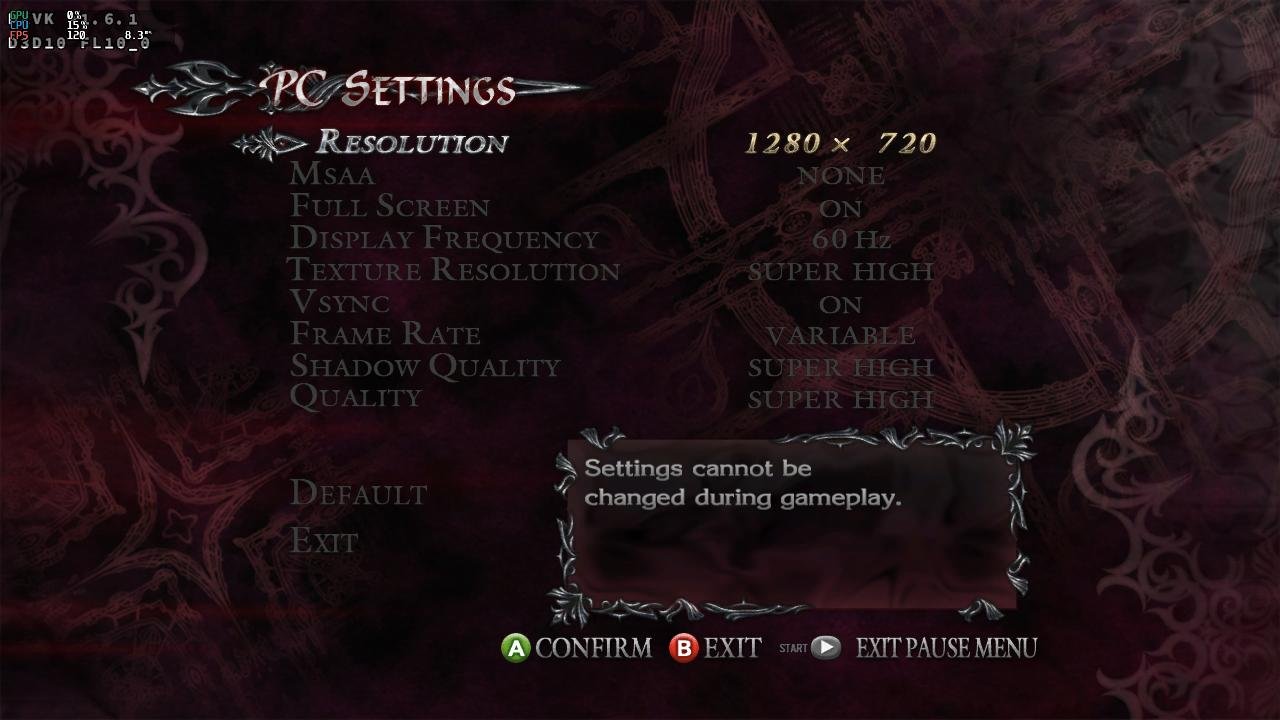
Armbian 25.11.2 Noble XFCE (BSP Kernel: 6.1.115) + PanVk - mesa 26.0 (https://launchpad.net/~ernstp/+archive/ubuntu/mesaaco) + box64 3.9 (https://ryanfortner.github.io/box64-debs/) + wine-10.14-staging-tkg-ntsync-amd64-wow64 (https://github.com/Kron4ek/Wine-Builds/releases/tag/10.14) + DXVK-stripped v1.6.1 ~60fps@720p Noted: . The DX9 version of the game is black-screen. . The DX10 version works. However, it will crash immediately after the tutorial stage because the PanVk driver still lacks the "Geometry Shaders" feature. Devil May Cry 4 (DX10)
.thumb.jpg.75c9f9801cdbef31832de7bf2c33e903.jpg)
-
I've also been dealing with KVM issues these past couple of days and try to ask AI too it said Nick is build the right kernel, like the command you check but the problem seems is cpu can enter to EL2 mode(which has virtualization support) and that's the problem on bootloader so we need to wait Allwinner and radxa to fix together and also since Nick quoted the offical response on "A7A: Harware Virtualization" so I check the offical image too and have the same issue, the system also don't supported virtualization too I think this also confirms to some extent for EL2 mode switch support btw Nick also discussing this issue with others in the Discord channel seems to have yielded no results because I know very little about ARM SBC I'm unable to participate in this discussion(can only watch and test) but I think maybe this issue should be reported to official so they will know only hardware supported it but the bootloader stuck(if AI's conclusions right)
-
Gaming experience with Orange Pi 5 (RK3588) on Armbian
KhanhDTP replied to KhanhDTP's topic in Orange Pi 5
Ah, yes, mb. I will edit the messages. -

Gaming experience with Orange Pi 5 (RK3588) on Armbian
Werner replied to KhanhDTP's topic in Orange Pi 5
Are you sure you don't mean BSP which stands for Board Support Package?? -
Gaming experience with Orange Pi 5 (RK3588) on Armbian
KhanhDTP replied to KhanhDTP's topic in Orange Pi 5
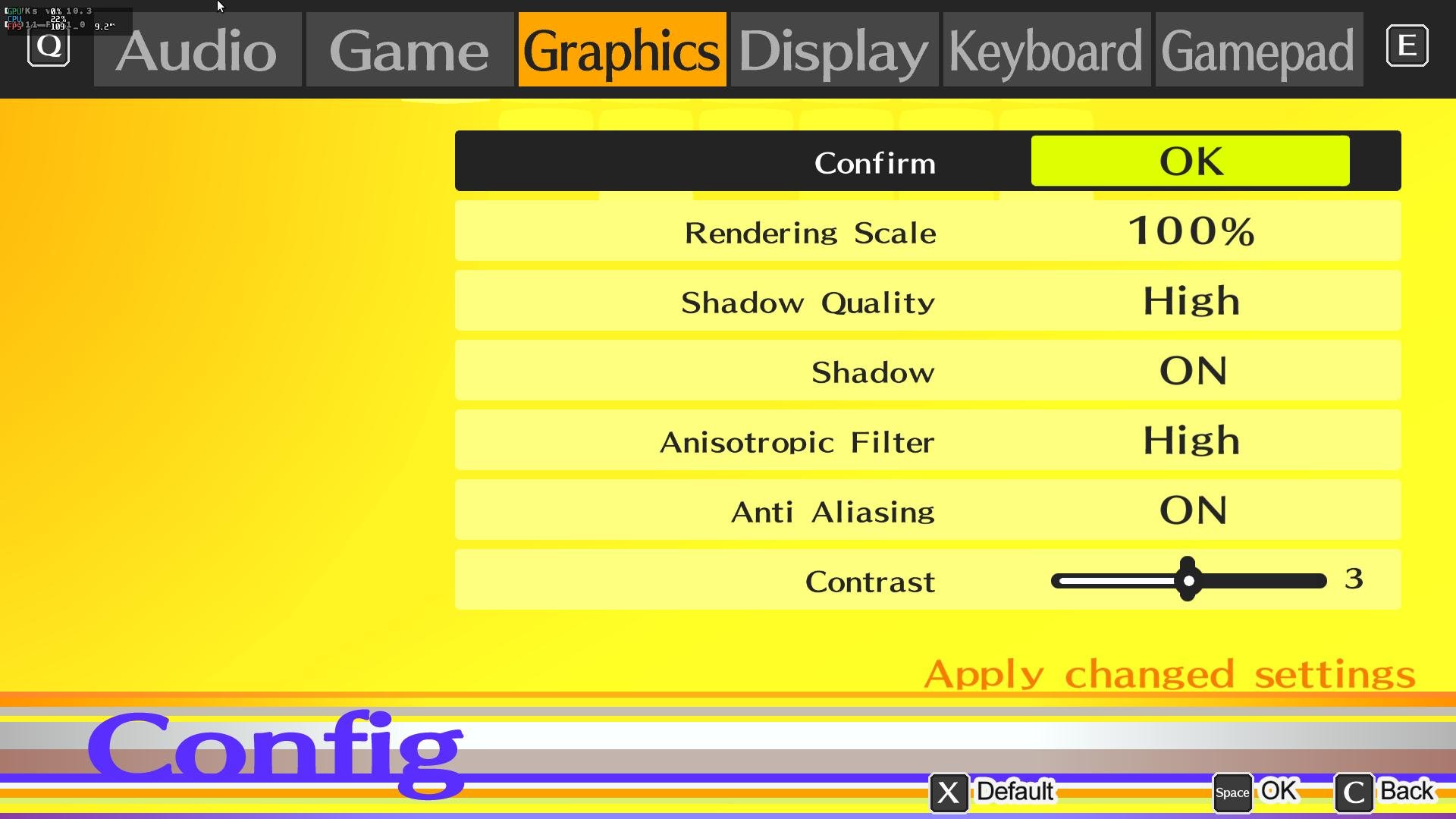
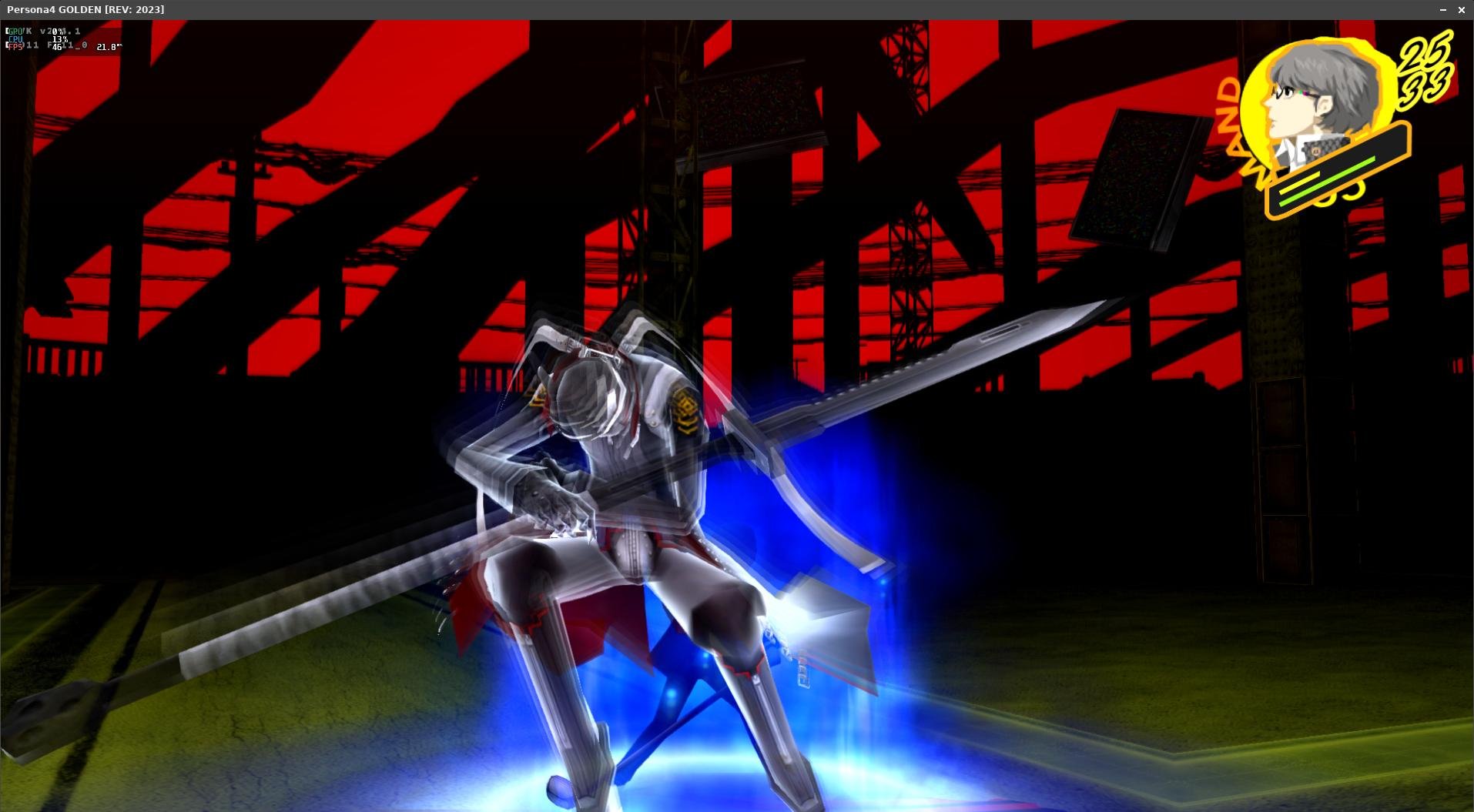
Armbian 25.11.2 Noble XFCE (BSP Kernel: 6.1.115) + PanVk - mesa 26.0 (https://launchpad.net/~ernstp/+archive/ubuntu/mesaaco) + box64 3.9 (https://ryanfortner.github.io/box64-debs/) + wine-10.14-staging-tkg-ntsync-amd64-wow64 (https://github.com/Kron4ek/Wine-Builds/releases/tag/10.14) + DXVK-stripped v1.10.3 40~60fps@1080p Persona 4 Golden









.jpg.84b178a57f339c90edbc0703f3da6aaa.jpg)