Active threads
Showing topics posted in for the last 365 days.
- Today
-

Gaming experience with Orange Pi 5 (RK3588) on Armbian
KhanhDTP replied to KhanhDTP's topic in Orange Pi 5
@NicoD How was your setup? I can't get the game up and running. The x86/FarmingSimulatorGame2017.exe won't detect the GPU and quit. The x64/FarmingSimulatorGame2017.exe boots but will crash immediately after the splash screen with this error -
I own the same box. Do you unbrick your box in the meanwhile?
-
Are those ok? https://fi.mirror.armbian.de/incoming/igorpecovnik/radxa-e25/archive/ One current, one vendor.
-
The related PR states this was tested. @Efe Çetin can you confirm this still works as expected?
-
I've been trying to get the LCD working on my box. I've used Nicks image - Armbian-unofficial_25.05.0-trunk_X98h_bookworm_edge_6.12.11_xfce_desktop I've followed instructions for OpenVFD and tm16xx on these forums but both result in an Exec Format Error when I try to install the compiled module. From what I have read this is a version mismatch between the kernal and what the module was built with but when I compare uname -r with the vermagic of the module they match. I initially installed the linux headers from Nick's Github: linux-headers-edge-sunxi64_25.05.0-trunk_arm64_6.12.11. After I got the format error I tried installing headers from Armbian-config but get the same result. Make wouldn't work at all initially until I did a symlink between the relevant folders in usr/src and lib/modules. Maybe that stuffed something up?
-
@marcosdsdba I would compile this on the box. Install kernel headers. Post the errors you are getting. https://github.com/NickAlilovic/build/releases/download/20250306/linux-headers-edge-sunxi64_25.05.0-trunk_arm64__6.12.11-S62b2-Da873-P8a5c-C1abcH02eb-HK01ba-Vc222-B9bbb-R448a.deb
- Yesterday
-

how to enable wifi (SV6256P) in H616 DDR3 Tv box
marcosdsdba replied to Jain Ziad's topic in Allwinner CPU Boxes
@Jain Ziad Try this: https://forum.armbian.com/topic/57960-sv6256p-wifi-now-working-on-linux-6x-armbian-tested/ -
@brunorro What a read! That's cool stuff - hopefully those guys'n'gals visit the next station on their journey soon: from TH1520, via JH7110, then (hopefully) X1. At least that mailbox communication sounds similar with the SpacemiT SoC: power management via extra rCPU is also a thing here. Thank you for the link // Sven-Ola
-
I'm trying to enable UART6, UART7, and UART10 via overlays on a sige5 board. UART6 AND UART7 are working fine but I'm not seeing UART10 in the /dev directory. Could someone help me debug this?
-
@gabriel_altoe Try this: https://brandolamarck.substack.com/p/como-extrair-e-decompilar-a-device. I'll take some time to try and follow the tips. I'll post any updates here.
- Last week
-

SV6256P WiFi Now Working on Linux 6.x (Armbian Tested)
Kevin su replied to Kevin su's topic in Allwinner CPU Boxes
While reviewing the system logs, I noticed several ftrace warnings appearing in dmesg. After investigating the root cause, I have applied the necessary configuration updates to eliminate these logs. The driver is now running cleanly without any ftrace-related noise. -
 Hi, did you resolve this? I'm having trouble with the same thing and this seems to be the only forum where this is mentioned. It seems to be a watchdog issue?
 -

How you can help test upcoming Armbian 26.02 images?
Torte replied to Igor's topic in Advanced users - Development
Board: MKS-Klipad50 Images: * Armbian_26.2.1_Mksklipad50_noble_current_6.18.8_minimal.img.xz * Armbian_26.2.1_Mksklipad50_trixie_current_6.18.8_minimal.img.xz Passed tests: * gpg and sha checksum files * boot from emmc, leds, display, touch, usb, internal wifi * initial setup, uboot-console, full klipper/klipperscreen install, reboot Result: All expected images do exist, verify and work properly. -
Any news or predictions on when HDMI and VAAPI will work? I want to use the board as a Jellyfin server!
-
I managed to burn the eFuse. Now I can load the uart0hello.sunxi file signed with toc0 and even get the "Hello H3..." output. But I can't sign the system image or even just the SPL; when I boot from them, the console is silent. Does anyone have any thoughts or know what to do?
-
Great! It's working now, sorry, I made it too complex previously.
-
Collabora continues to be a key contributor to the Linux kernel, with 125 patches from 21 developers! Highlights include Arm Mali GPU improvements, expanded MediaTek and Rockchip SoC support, Rust integration progress, and new Rockchip video capture functionality. View the full article
-

Efforts to develop firmware for H96 MAX M9 RK3576 TV Box 8G/128G
a.ni replied to Hqnicolas's topic in Rockchip CPU Boxes
I've made some improvements of .dts for H96 MAX M9S, tested on Linux version 6.19.0-edge-rockchip64 (build@armbian) What's new: GPU working USB 3.0 mode working Currently working: both USB ports, incl. USB 3.0 mode GPU (using Panfrost driver) HDMI (audio+video) Ethernet port Wifi (using aic8800 DKMS drivers provided by https://github.com/radxa-pkg/aic8800/releases) Leds Not working: NPU Bluetooth S/PDIF rk3576-evb1-v10-main-h96-v5.dts dmesg-19.0.txt -

-
armbian-config submenu STO001
-
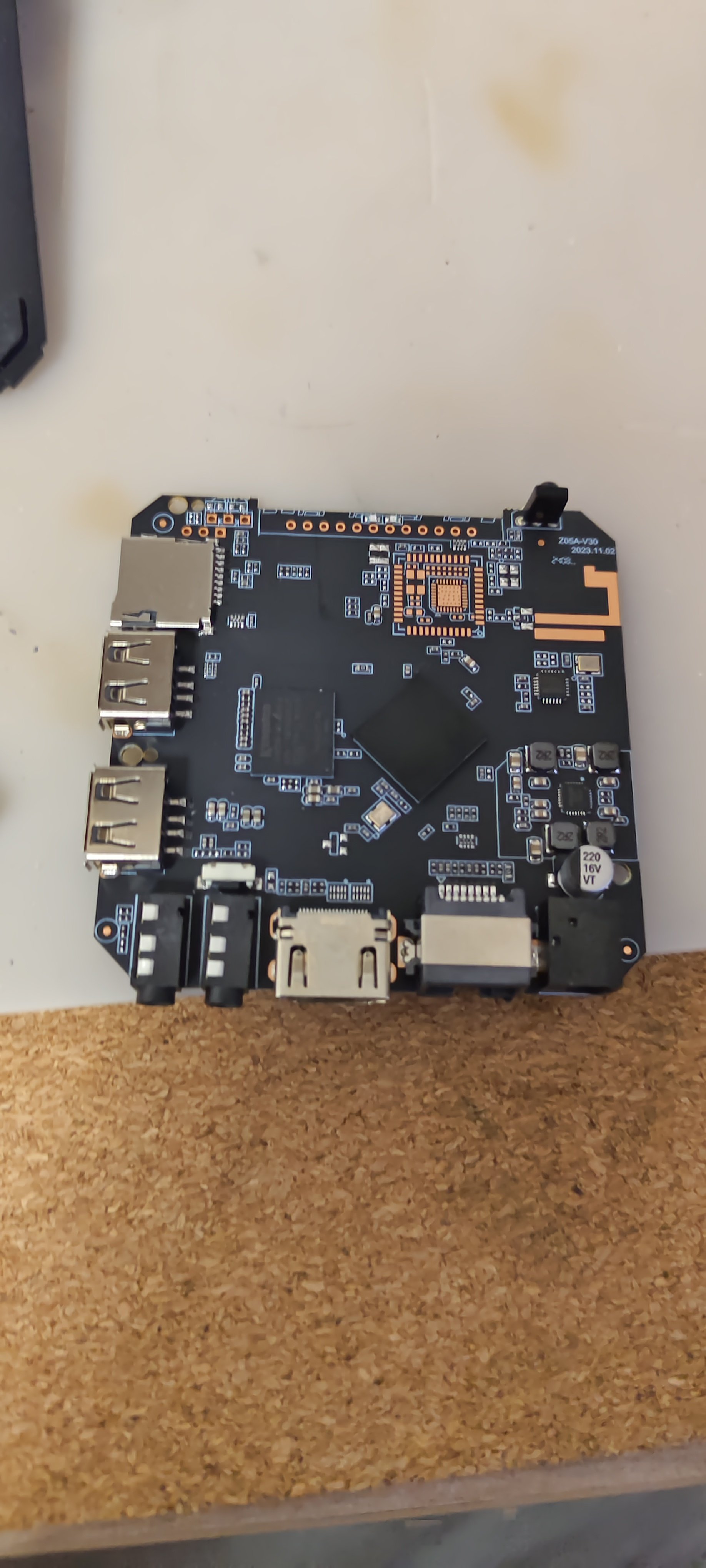
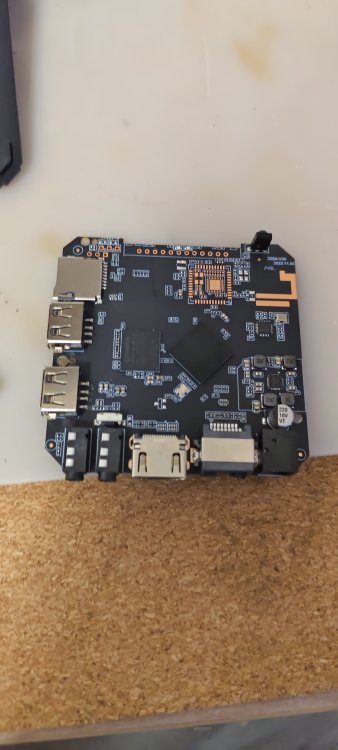
Hello friends, in general, a friend gave me an x96q TV set-top box, I want to install armbian on it and then install klipper and use it on my 3d printer, I'm not good at this, maybe someone can help
-
Yeah, don't do that.. At least read "<application> --help" before doing sensitive stuff like that if you are unfamiliar. If that happened to you, and that is the reason you typed that.. For future reference: If you have a root account, you can change to root user with "su root" and enter passwd. You are then root and can add your user back to the groups needed. Or you can use the debian "child safe" way, "adduser <user> <group>" (only works on already existing users and groups) instead of usermod to begin with. But best is you learn usermod, since that will let you utilize that knowledge on pretty much any unix system.
-
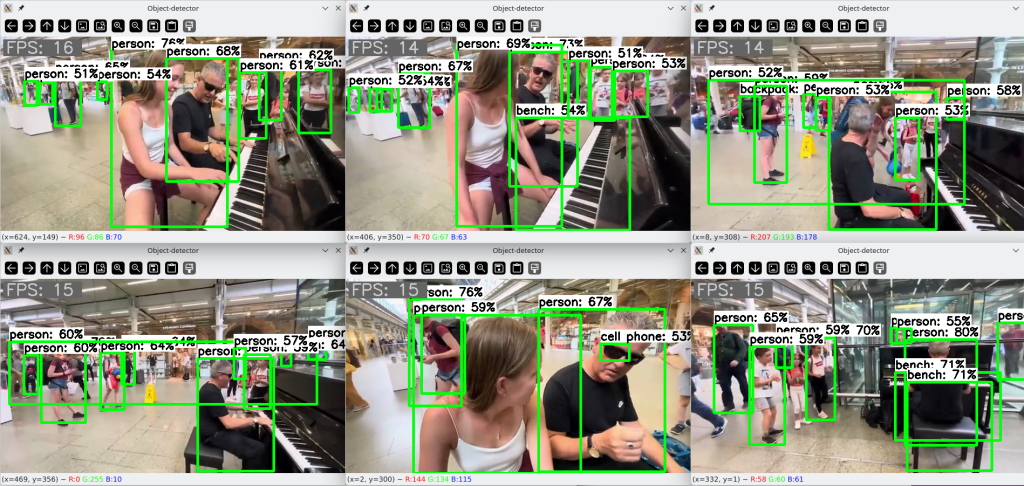
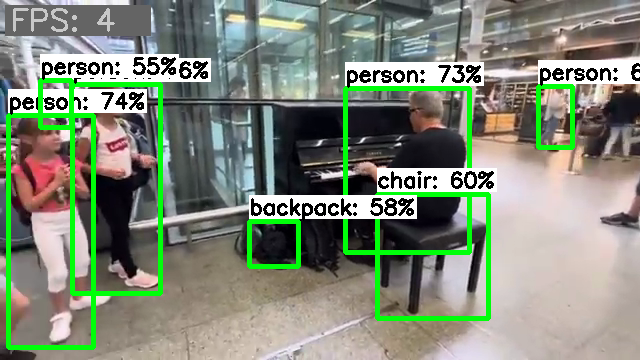
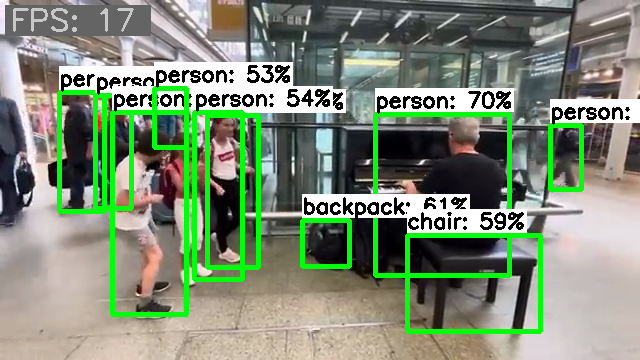
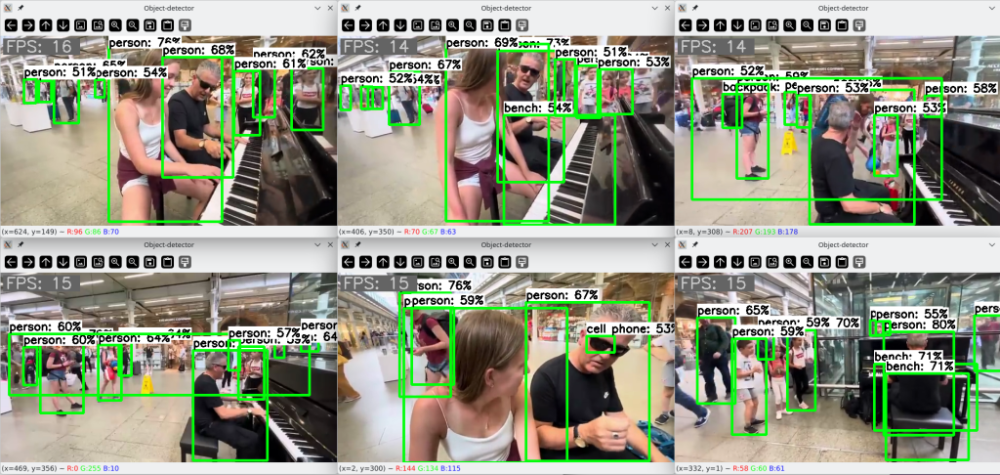
Lately, I've been playing around a bit with computer vision detection. I managed to patch together a PoC script with which I conducted some tests. The results are quite promising. The frame rate is just based on the round trip time of my test script, so it only roughly reflects the inference time. The throughput includes all additional overhead but is sufficiently informative for a relative comparison. Inference on a single CPU core delivers an image throughput of about 4 images: Inference on a single NPU core delivers an image throughput of about 17 images: Inference on eight CPU cores delivers an image throughput of about 21 images. But all eight cores run over 80% during this, and after a short time the fan kicks in. The headroom is also quite limited, for e.g., to perform other tasks concurrently. Running several similar inference tasks concurrently immediately results in a proportional drop in frame rate per task. When six similar inference tasks are executed simultaneously with NPU delegates, they are distributed across the three available NPU cores, and the SoC utilization is moderate enough that the fan doesn't even turn on. The throughput does not degrade and the CPU cores remain available for other tasks as well: For my tests, I used a random video clip. For the inference, I used a model pre-trained with the COCO dataset. With its 4.1MB memory size and its 80 object classes, it delivers surprisingly good results. Using the NPU hardware not only reduces the load on the CPU cores but also provides additional acceleration of processing. But the best part is that only current mainline code is required for use. No dependencies on proprietary implementations or outdated software stacks. It just works out-of-the-box, you just need to know how to use it.
-

Cubitruck have the false Time and i can't change this
Coolzero1982 replied to Coolzero1982's topic in Allwinner sunxi
This morning, the difference is not as big as yesterday, but it is still there. Why isn't it synchronized via NTP? sudo date -s “2026-02-10 04:13:00” Tue, Feb 10, 04:13:00 CET 2026 root@cubietruck ~ > date Tue, Feb 10, 06:11:41 CET 2026 -
 I installed Filebrowser via armbian-config but it didn't work. The container was restarting and there was: Using database: /database/filebrowser.db Error: open /database/filebrowser.db: permission denied in the .log file. The developers of Filebrowser explained they introduced some breaking changes and documented the changes that have to be made to avoid that error: - User: File Browser no longer runs as root, but as user with PID 1000 and GID 1000. You can still change this by using Docker's --user flag [https://www.docker.com/blog/understanding-the-docker-user-instruction/]. - Volumes: the volumes with the database and configuration are now aligned with the s6-overlay images. Instead of mounting the files themselves, which leads to frequent issues, you now mount the surrounding directory. Unfortunately, these are breaking changes and will require updates on your side. Assuming you have a database.db, a .filebrowser.json and the data in /data, do the following: 1. Change the path of database in .filebrowser.json to /database/filebrowser.db 2. Rename database.db to filebrowser.db 3. Rename .filebrowser.json to settings.json 4. Put them in the same directory locally, let's say /app/filebrowser/ 5. Change the permissions of both directories: sudo chown -R 1000:1000 /app/filebrowser /data 6. Mount with the flags -v /app/filebrowser:/database -v /app/filebrowser:/config - you can also choose to put them in separate directories, but it is not needed. If you are still getting errors, please make sure that the paths/volumes you are mounting have read-write permission for user 1000:1000. For more up to date information regarding how you should use the Docker image, check filebrowser.org/installation.html#docker [https://filebrowser.org/installation.html#docker] But how exactly to apply those changes after the container already has been created and started via armbian-config?