Active threads
Showing topics posted in for the last 365 days.
- Past hour
-
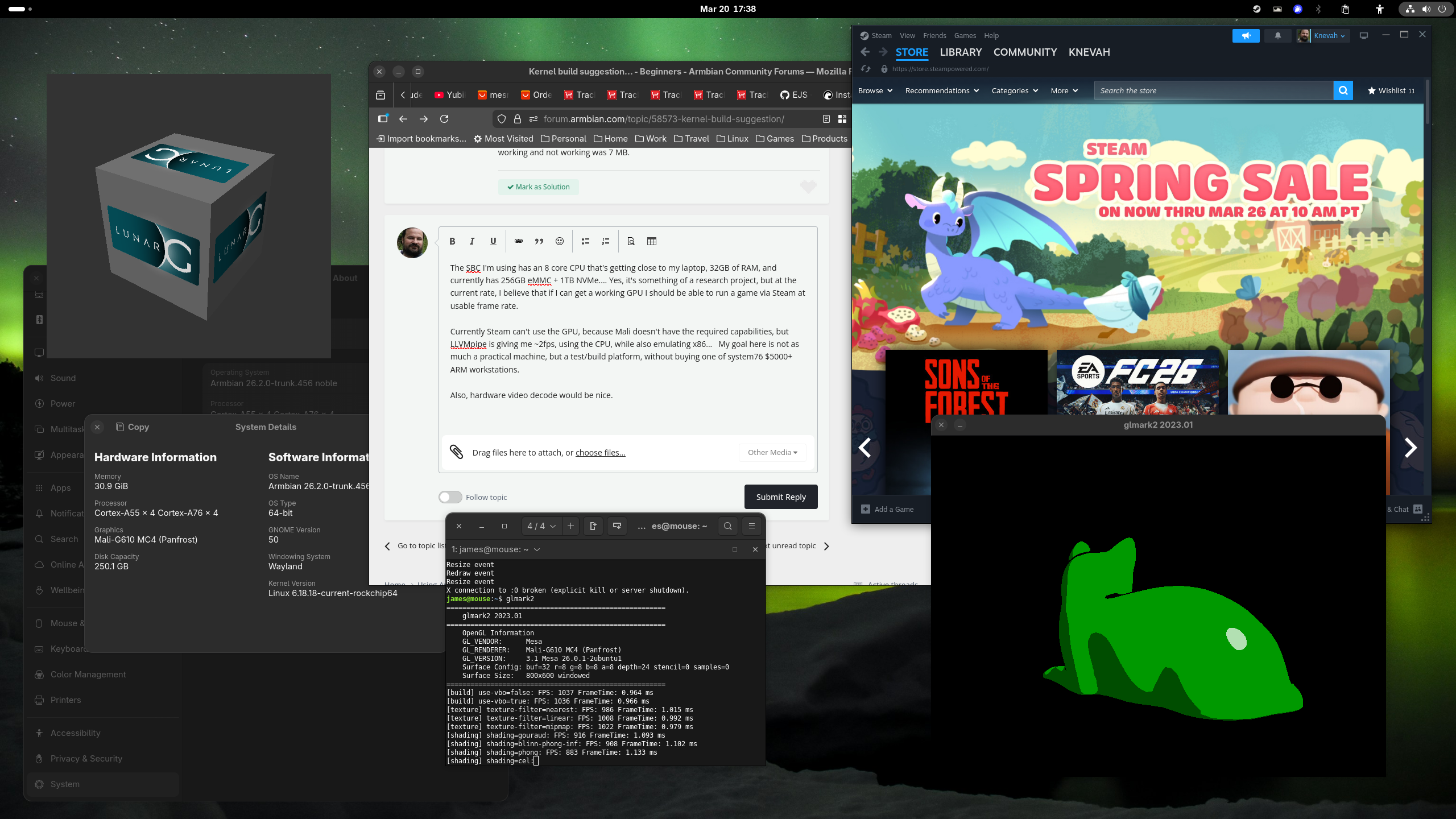
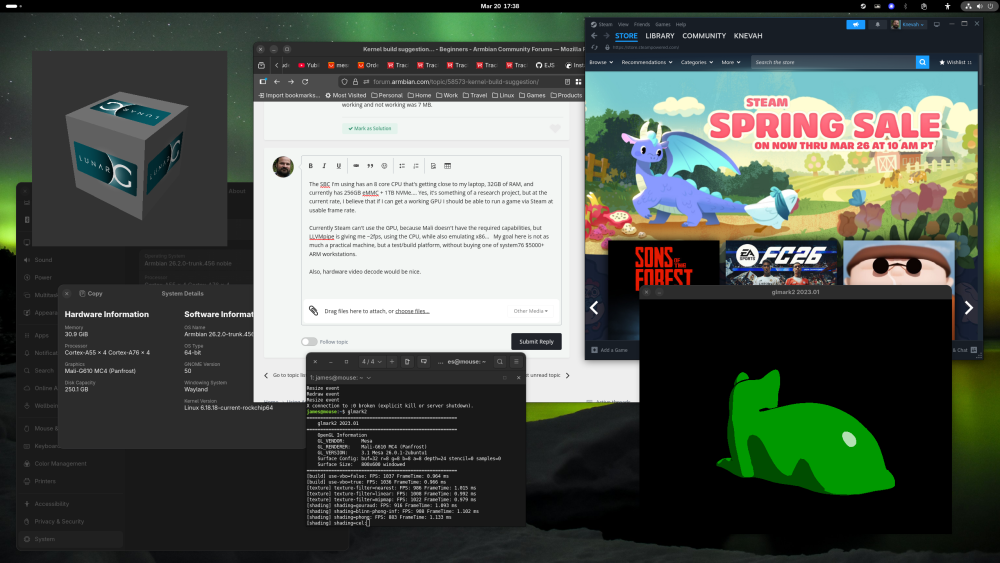
The SBC I'm using has an 8 core CPU that's getting close to my laptop, 32GB of RAM, and currently has 256GB eMMC + 1TB NVMe.... Yes, it's something of a research project, but at the current rate, I believe that if I can get a working GPU I should be able to run a game via Steam at usable frame rate. Currently Steam can't use the GPU, because Mali doesn't have the required capabilities, but LLVMpipe is giving me ~2fps, using the CPU, while also emulating x86... My goal here is not as much a practical machine, but a test/build platform, without buying one of system76 $5000+ ARM workstations. Also, hardware video decode would be nice. It is not weak by any means tho, see attached!
- Today
-
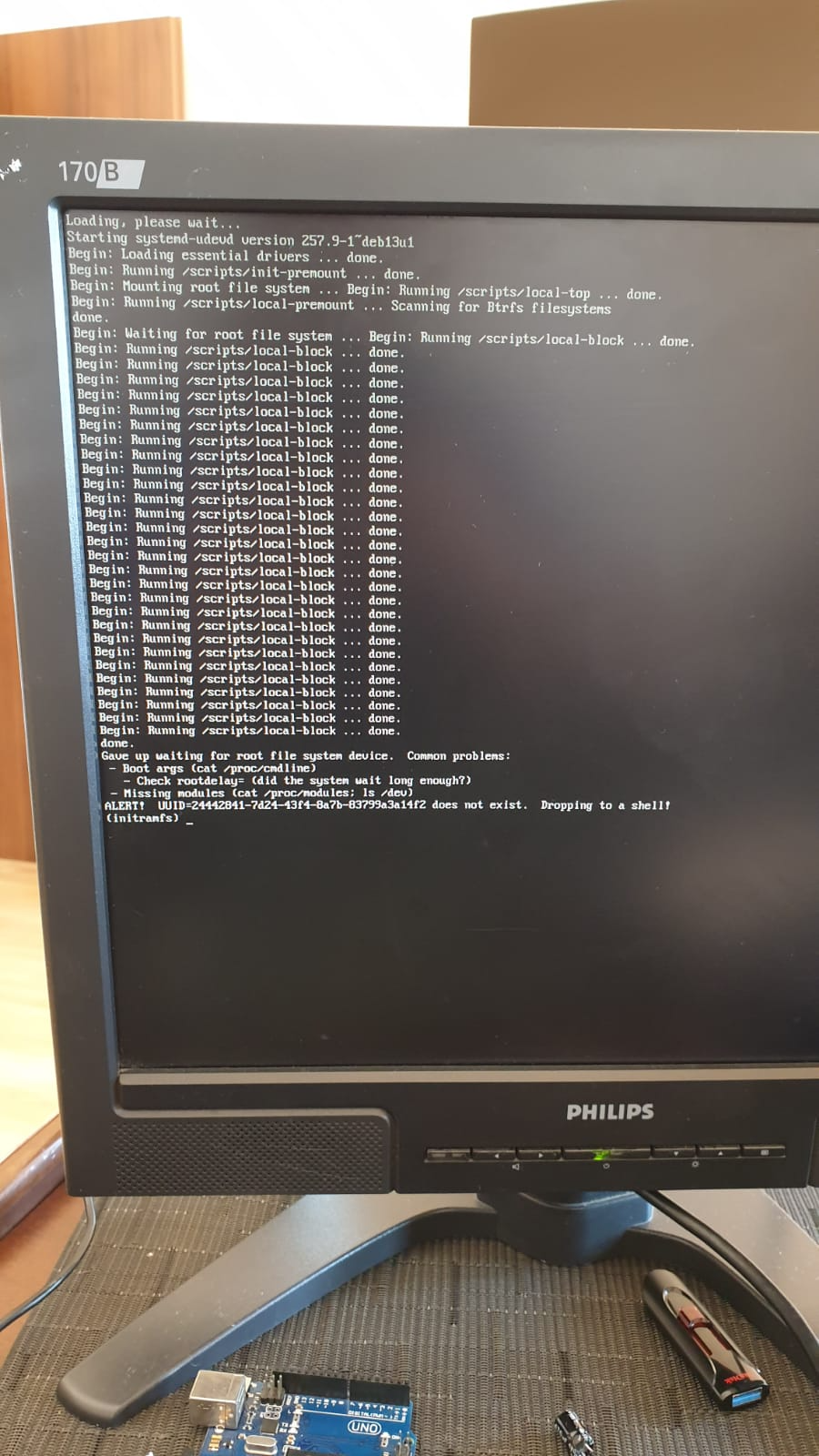
 Hi @Werner, I bought an UART USB device and followed your video here https://www.youtube.com/watch?v=UpVMO7gbnYM to read boot logs. I'm not a huge expert but looks like there is a problem finding /boot when two nvme are connected. Please find attached the following logs: uart-bootcorrectnvme.log -> one nvme plugged (the one with os installed in slot 1) - works! uart-bootdualnvme.log -> two nvme plugged (the one with os installed in slot 1) - fails! uart-bootmicrosd.log -> two nvme plugged + microsd plugged - works! Tests have been executed with official 30W Radxa Power adapter ( same result with POE+ 25W hat) Please, let me know if there is anything else I can provide. Thanks uart-bootcorrectnvme.log uart-bootdualnvme.log uart-bootmicrosd.log
 -

Enable ethernet port on expansion board for OrangePi zero 2w
Werner replied to Golecom's topic in Allwinner sunxi
moved -
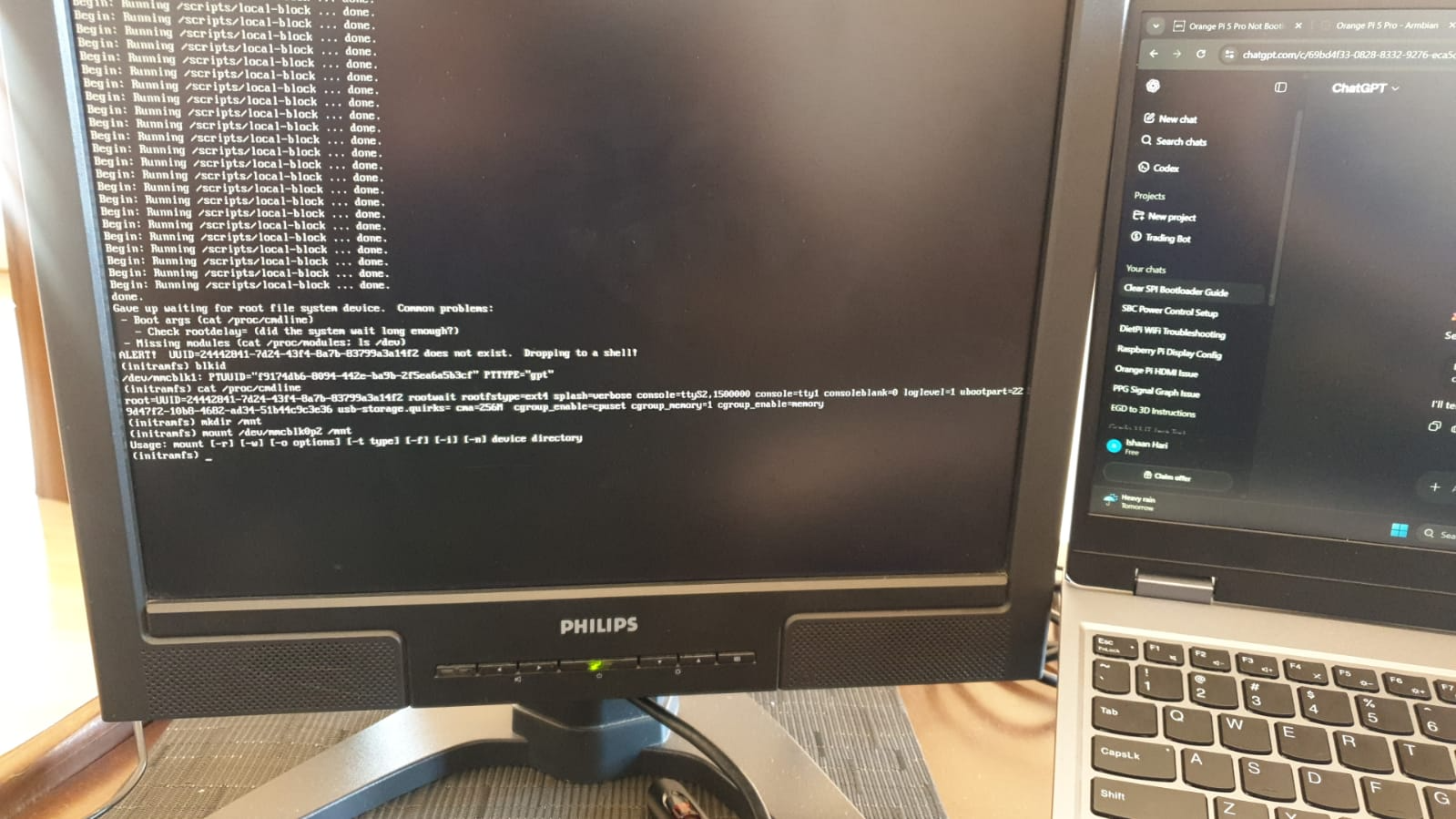
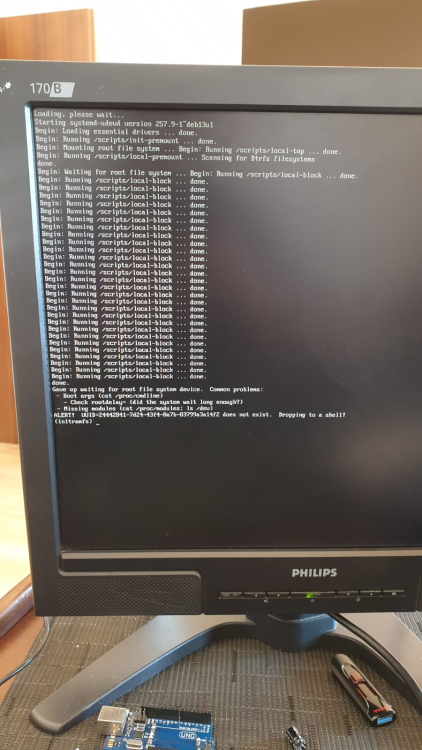
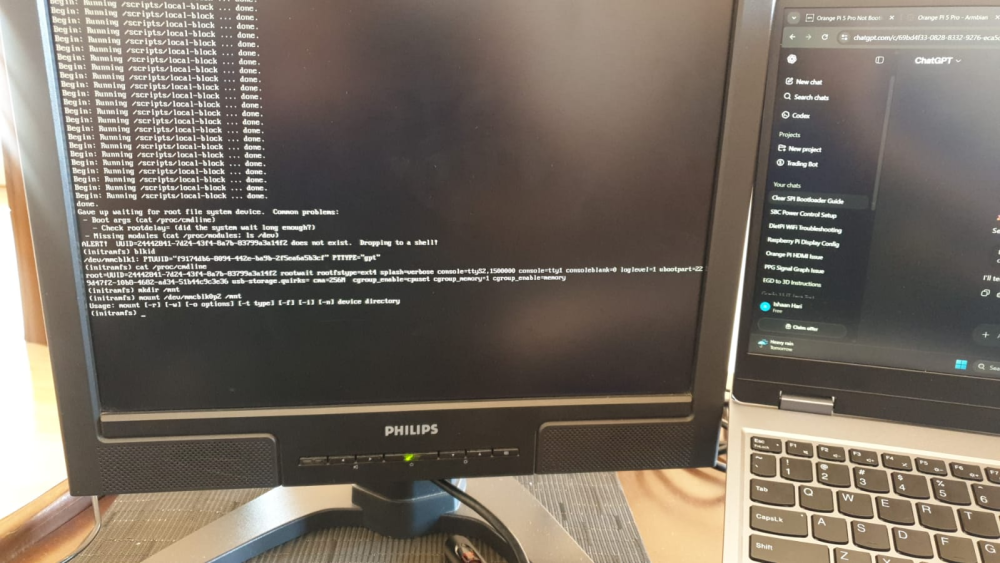
@Werner I have tried your command but no success. Here is what a clean boot of Armbian shows. I also ran some commands with the outputs below.
-
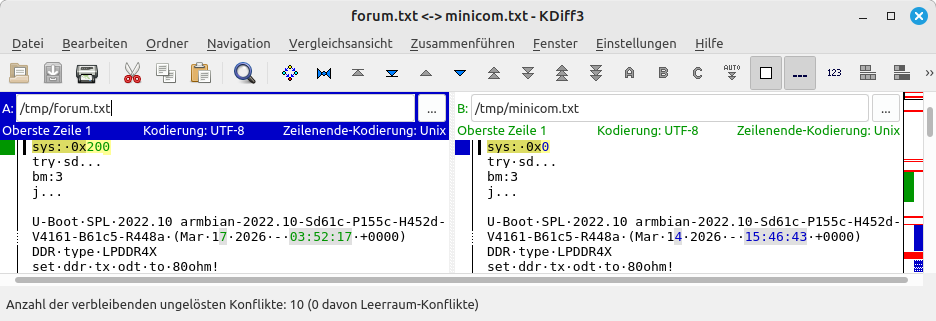
Hello @1111Windows, you are booting an unknown u-boot from NVME that does not find any meaningful data stored on the NVME. You may need to re-insert the SD card or swap to a working SD card or so. I attach the (timestamp stripped for better diff) version from you (forum.txt) and the expected UART output on my RV2 (minicom.txt). The latter I have captured after re-downloading and SD-flashing the mentioned trixie-gnome img which has a root file system with UUID=8f6e5f9c-3108-4e4d-8fbd-10a8295d396e. HTH // Sven-Ola forum.txt minicom.txt
-
https://docs.armbian.com/Process_Contribute/#adding-a-new-board
-
Heres what I am seeing on my screen https://drive.google.com/file/d/1SSNnvOy-BjxAzklcAoApjS2zz1HnMn-v/view?usp=sharing Heres me messing with the headphon jack https://drive.google.com/file/d/1Z2Guva-FWYv2mu3VCPujXPoc7r_iqpB6/view?usp=sharing
-
 I ran into what appears to be the same issue (see my log). I have added the suggested qemu-user-static package, which forced removal of another qemu- family package I had previously installed to work around problems with binfmt. Not only did it compile correctly, it also ran so much faster, as you can see in the number of log lines for this build! Thank you for the assistance and getting me on the right track with the right package selection! Best Regards, Lobosito
 -
@tin harden A7A mainline is still a WIP.
-
 @Thur_Wander For debugging purposes, UART is highly recommended. Use balena Etcher to write the compiled image to your SD card.
 - Yesterday
-
Hi, I am here in 2026 with the Amrbian 26.2.1, I've tried the proposed fix from @c0rnelius but it's not working on my OS version. If anyone has any updated solution that'd be amazing. Thank you
-
 The most current download images for Helios64 are now all provided with linux 6.18.xx. I downloaded a minimal image and checked the dtb: it would not appear to contain the opp-microvolt patch that made Helios64 finally stable. So for the ones who have stability issues again on Helios64, I attached the patched dtb compiled for linux 6.18.xx using the exact same opp-microvolt values as in the previous dtb versions I compiled for linux 6.6 and 6.12. The current linux deb files can be downloaded from beta.armbian.com, the linux 6.18.18 deb files I used can be downloaded from here (to be installed with 'dpkg -i linux*'). In order to install the dtb, simply unzip it, copy it into the proper location, update initramfs and reboot: # install the dtb with the opp-microvolt patch: unzip rk3399-kobol-helios64.dtb-6.18.18-opp.zip cp rk3399-kobol-helios64.dtb-6.18.18-opp /boot/dtb/rockchip/rk3399-kobol-helios64.dtb update-initramfs -u reboot rk3399-kobol-helios64.dtb-6.18.18-opp.zip
 -
nanopi-r4s, enp1s0 ethernet device not found after reboot
Werner replied to Junkman's topic in NanoPi R4S
Another attempt, again check https://testing.armbian.de/r4s/?C=M&O=D for most recent debs. This time adding an artificial bus scan delay into the r4s dts. Another poke in the dark but perhaps... -
I will try downgrading u-boot next once I find the older package somewhere. Kernel does not seem to be the cause given that it has been working fine with both my own build 6.6.122 and 6.6.128 before and rolling back not helping. New device is something I had on my mind for a while. But given the RAM and SSD prices these days, I do not really want to overspend. Not to mention that the SBC landscape has not been that great lately when it comes to compact NAS offerings. HC4 is five years old at this point. Many even recommend N100 but this is a whole different size category.
-

Armbian for H313 X96-Q LPDDR3 TV-Box
lavieautrement replied to sicxnull's topic in Allwinner CPU Boxes
hello ,my box is mortal t1 2g8rom and motherboard show mortal t2 v2.0 it's broken and i wanna make linux boot what's the most version to be able for my box - Last week
-
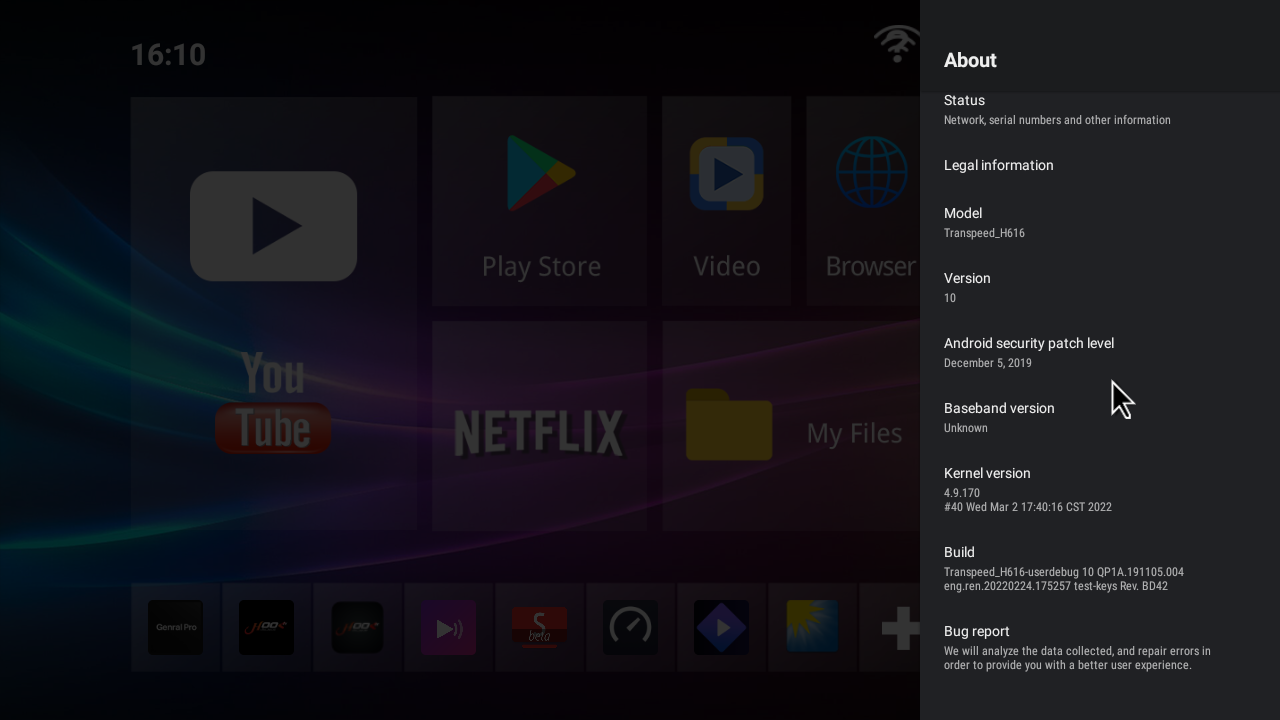
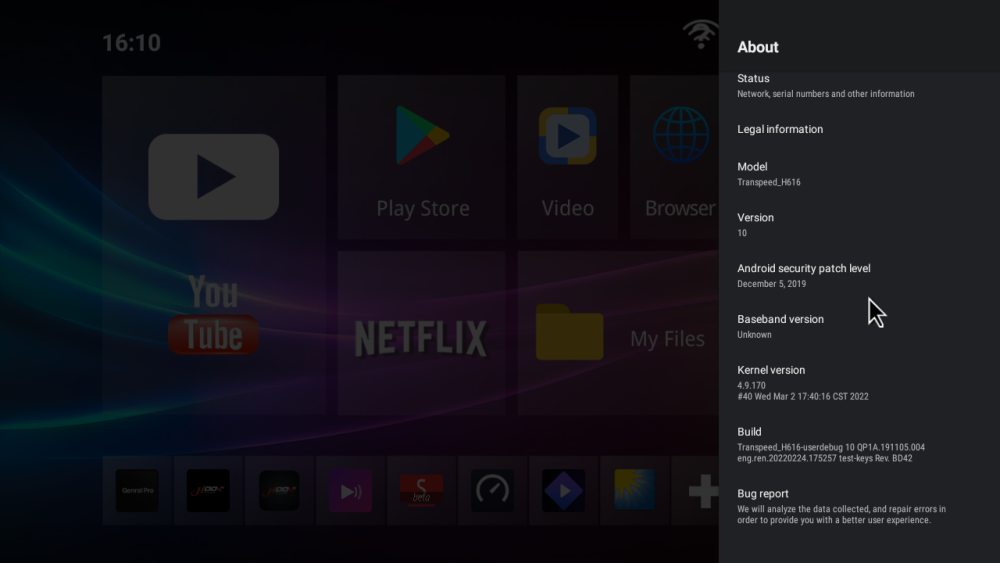
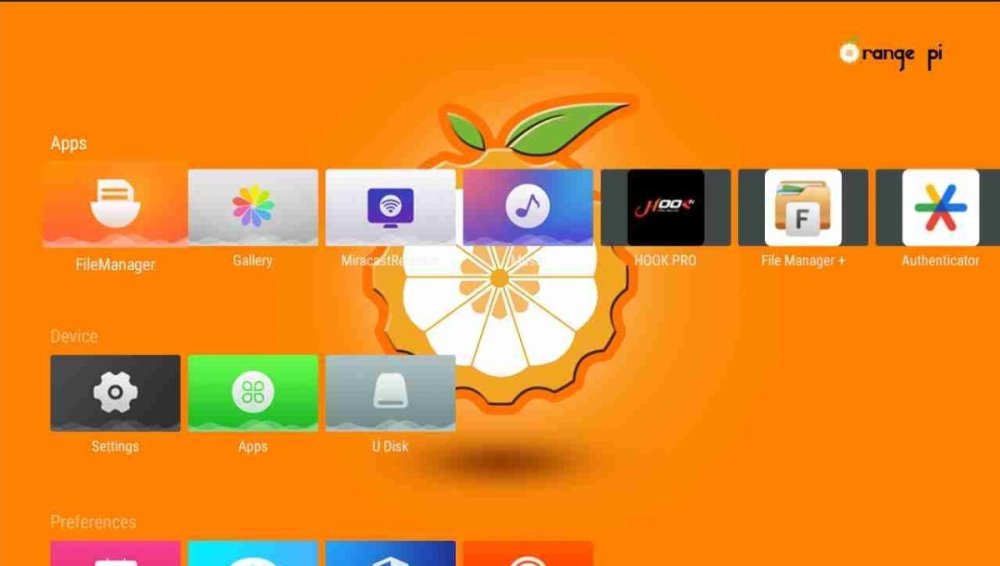
Good morning I have big problem I have tv box Transpeed-H616_ I update with orange pi But i can't back to old firmware
-
Hi Armbian_25.5.1_Rpi4b_bookworm_current_6.12.28 broken after last upgrade. I run apt upgrade which installed kernel 6.18.10. It breaks ZFS. Provided ZFS version, 2.3.2, supports kernels up to 6.14. Don't forget a snapshot before "apt upgrade" 🙂 Regards, Chris
-
what board did you replace it with?
-
I have a T9 2017 rk3328 box running Ubuntu xcfe many hours for downloading. There are not problems but xcfe displays lunchs himself many times and i have to close 20 or more instances of this application when checking the progress. Box is not crashed by this funny clonning. is it possible to avoid this? p.d. la test trunk
-
Hi there! I've got 2 of these industrial android boards (s2809-mb-v1.8c) and I've been trying to get armbian running on the. For a while but so far no success. These 2 boards were sold as being tinker boards but I believe that they are EVBs instead. Here are some photos: https://ibb.co/4wTm20s9 https://ibb.co/Z6PfvZCr https://ibb.co/HTFWLKTS I have also managed to find a link to the Chinese seller: https://m.globalsources.com/product/quad-core-board_1195354789f.htm Debug method: UART2 (because they don't have HDMI only LVDS and EDP ports) PMIC: RK808 So far trying to run them on the latest armbian 26 and 25 gets stuck at Starting Kernel. Ive managed to find a version 20 for the miqi board that loads kernel and boots into armbian bullseye but stops before login using a single core only and only 512mb of ram, anything beyond that just never starts the kernel using tinker and tinker-s DTBs. I have also managed to get a full dump of a current android image that is running correctly on one of the board and extracted: loader, kernel, dtb from the partitions. Extracting the images was painful cause none of the rk (linux rkdeveloptool, rkdev and rkandroidtool) methods worked.. only through uboot so that was painful to get 16mb parts from some of the images and join them all. Has anyone ever encountered any of these boards? Maybe anyone has an idea on how to get them up and running? Thanks for your help and sorry if this post is under the incorrect forum.
-
 My ROCK3A has a jumper option to disable SPI clock, so whole SPI will be bypassed and only SD-card works then. I power with fixed 12V (USB-C pigtail). I do not know now what version the board/PCB is. AFAIR from Radxa docs other versions have no such jumper. Maybe you already tried/know all this. Maybe wipe the SPI via rkdevelop. W.r.t. Rockchip SBC's (various brands) I am a bit confused what boot-device prefence/priority is. From schematics I saw it depends on a resistor value, but many boards in the world and endless resistor values possible.
 -
@guy cal Igor just fixed that: https://github.com/armbian/configng/pull/765
-
 Hi all, For whom who are looking for the image to be installed on this box: I have the same mxq box with H3 SoC and I flashed the Tritium H3 (libre) armbian image successfully and playing with it for year. Wifi not working, not sure about Bluetooth because I don't use them at all. Currently it works as my cups printer server for my brother usb printer.
 -
This device is not yet fully compatible with the mainline Linux kernel. Realtek USB 2.5GbE adapters, in particular, are known to have issues when used over USB 3 on these devices. The vendor-provided kernel reportedly offers better tuning for these adapters, though it is still not entirely flawless.
-
As amazingfate (the Armbian dev for this device) clearly stated on the forum: cellular and camera are not working, only display, touch, wifi, and bluetooth are functional—so it won't replace your phone OS for calls and texts