
Active threads
Showing topics posted in for the last 365 days.
- Past hour
-
I got surprised by "GPU: Mesa llvmpipe" ... but then I searched, and it means CPU rendering. But still very nice!
-
What @Werner means by this comment is that you need to update your code to current github code base. You can't use old code to build. The dependencies that get pulled in during the build process change over time. So you always need to be on current (or near current) github source for armbian build to reliably build images.
-
 While it didn't give an solution, 👆 this is a good answer. It matches my concept of what armbian-build does, as I learned it 3 years ago (from reading the documentation and experimentation)
 - Today
-
 Yes, absolutely works with the front USB. I do not know the regular price, that depends on the spec you choose (how much RAM, is eMMC included). I got the similar price for that board including shipping, but do note that it was shipped from China to Taiwan. Hmm, that's true for Hiby R3II, checking from the manual, it actually says:
 -

Edit ArmbianEnv.txt when machine is unable to boot?
Myriade replied to Myriade's topic in Rockchip CPU Boxes
Found the other partition! Quite surprised that it didn't show up in KDE, but that's on me for blindly trusting a GUI. Thank you -
Hello Dear, After flashing *Armsom-cm5-rpi-cm4-io_*, there is one critical problem. onboard USB hub always connects and disconnects 2 times when booting. dmesg outputs: [ 6.190239] hub 1-1:1.0: USB hub found … [ 7.868081] rk-pcie 2a200000.pcie: PCIe Link Fail, LTSSM is 0x3, hw_retries=0 [ 7.868642] usb 1-1: USB disconnect, device number 2 … [ 9.326443] hub 1-1:1.0: USB hub found … [ 11.213062] rk-pcie 2a200000.pcie: PCIe Link Fail, LTSSM is 0x3, hw_retries=1 [ 11.213297] usb 1-1: USB disconnect, device number 4 I have tried with many variations, but the onboard hub is always disconnected. server/desktop community release/ self build several tags from 25.5 to 26.2 CONFIG_USB_ONBOARD_HUB O/X rpi cm4 io board/ Ochin board However, Armsom's official image has no problem with the onboard usb hub. CM4-nano-B has no onboard hub, and has no problem with external hub. So, it seems to be a SW problem. In addition (for information), I tried custom-build without pcie because hub disconnection happens near pcie. Kernel menuconfig disables Rockchip PCIe host cont/ Rockchip DesignWare PCIe cont/ Broadcom Wireless Device Drv. Device Drivers ---> [*] PCI support ---> PCI controller drivers ---> < > Rockchip PCIe host controller DesignWare PCI Core Support ---> < > Rockchip DesignWare PCIe controller ... [*] Network device support ---> [*] Wireless LAN ---> <*> Rockchip Wireless LAN support ---> [ ] Broadcom Wireless Device Driver Support ---> Then, both pcie and onboard-usb-hub disappear in dmesg even though any usb option is not changed. Please review this problem. Thanks.
-
Still waiting in January 2026. LOL What happened @ROOD I was just given an H96 PRO+ (like your photos, but with v2.1 of motherboard). I want to put it to work doing something... so I am ready to install armbian, with whatever your final instructions are. -Thanks!
-
 Dear SteeMan, thank you for your answer. I checked Android info, and it shows 8 GB / 128 GB, Android 15, so the advertisement was not real. I investigate it forther.
 -
 @quaSimba: Thanks for your remarks and the link to the guide on Github. Hopefully I'll one day have a RPi to work with so I can support it in my script and tutorial. @fxkl47BF: The completion packages were removed because they can be horribly laggy on low-powered SoCs and I find them annoying in general. They can be easily reinstalled if desired.
 -
I have a question about booting from sd card. While with empty emmc (erase with rkdeveloptool), the board falls back to maskrom mode even the sd card (with working os) is inserted. It can boot armbian into sd card if I flash miniloader and u-boot in to emmc. I wonder how can we get it to boot fully from sd card.
-
Unfortunately i do not have this board to compile/test on
- Yesterday
-
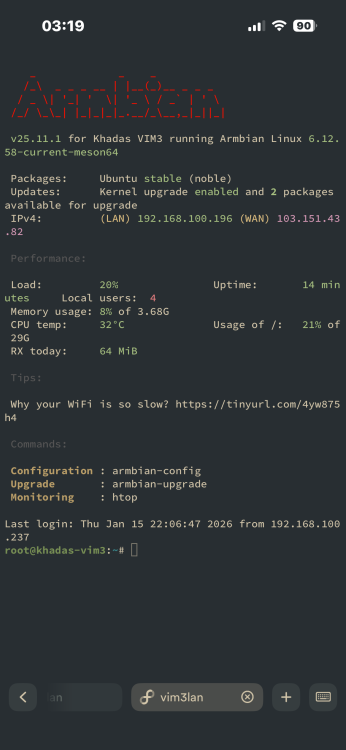
by the way i can ssh into armbian while it’s stuck on a black screen so i can provide any logs you want
-
Appreciate the quick replies! Turns out im just an idiot, and completely forgot to freeze the kernel. have a great evening!
-

Very strange behavior: complete freeze after boot
Werner replied to Frans Rampen's topic in Rockchip
moved -
ok
-
You use a Desktop/Xfce installation, and it is for a low-power ARM64 computer. So I would not be surprised if in modern Xfce, the Power Management default to suspends after 30 minutes or so. Last time I used Xfce was when Debian Buster, also then in then I remember in the GUI there should be some system setting where you can configure power settings. So there you can make sure that it never enters suspend state. I do not know how to configure that from command line, but that should also be possible, maybe search internet. You can also look into the journal and see what happened, maybe something is wrong. 7 Watts is way too high for suspend state at least, but maybe things connected on USB still draw power and is it only the CPU that is halted. Other option is not to use a Desktop image/installation, but a CLI for server/IoT variant. Those images should have suspend disabled.
-
 This might help you: https://github.com/nyecov/roobi-config-anyOS It details how install basically any OS via Roobi
 -
Just confirmed. Running bookworm on the same RockPi-S, it "just works". Any suggestions on what happened in Trixie and if there's a fix?
- Last week
-
Driving the ili9488 LCD (4.0 inch cheap chinese clone)
robertoj replied to robertoj's topic in Allwinner sunxi
I missed the fact that you have an orange pi zero 2w... I think there's a success experience with that orange pi in this thread or in this Allwinner section. Please share if you have success -
That's the version I'm running as well, and I have no issues either. I think replacing the device tree (.dtb) at this point only helps with the onboard flash speed?
-
Ethernet should be working (after rebooting), but wifi doesnt work out of the box.
-
I currently have a X96 Air S905X3 4GB/64GB box that has 1Gbit ethernet and a USB 3.0 port that works well with Armbian. This was bought 5 years ago for only 35 USD. I would like to find another box for Armbian that also has 1000M/1Gbit ethernet + USB 3.0. The same or similar boxes are selling for 50-60USD at the moment which is a lot for an old box. Are there any other boxes with 1Gbit ethernet at a low price that work with Armbian? Not bothered about other features, wifi quality, performance otherwise - just Gbit ethernet and USB 3. Open to all processors - Amlogic, Allwinner, Rockchip etc
-
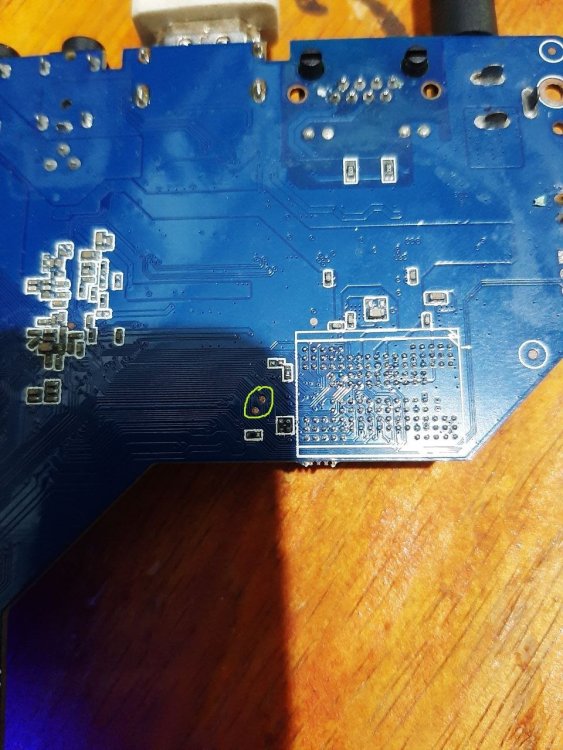
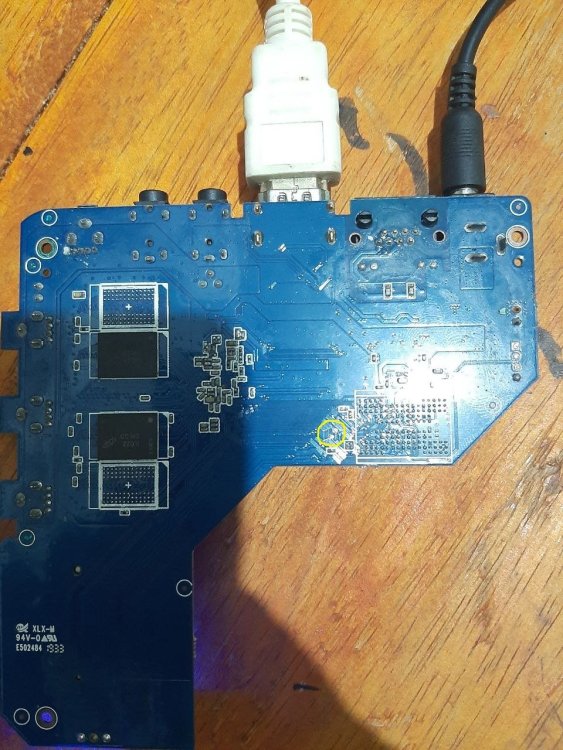
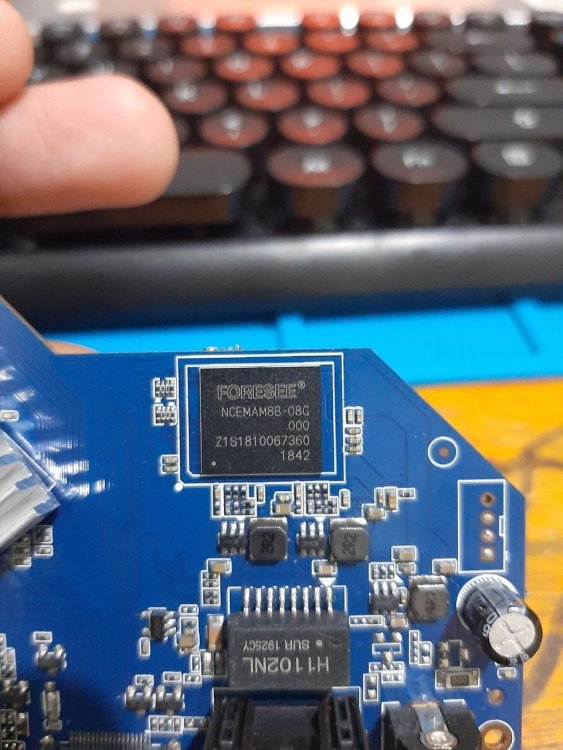
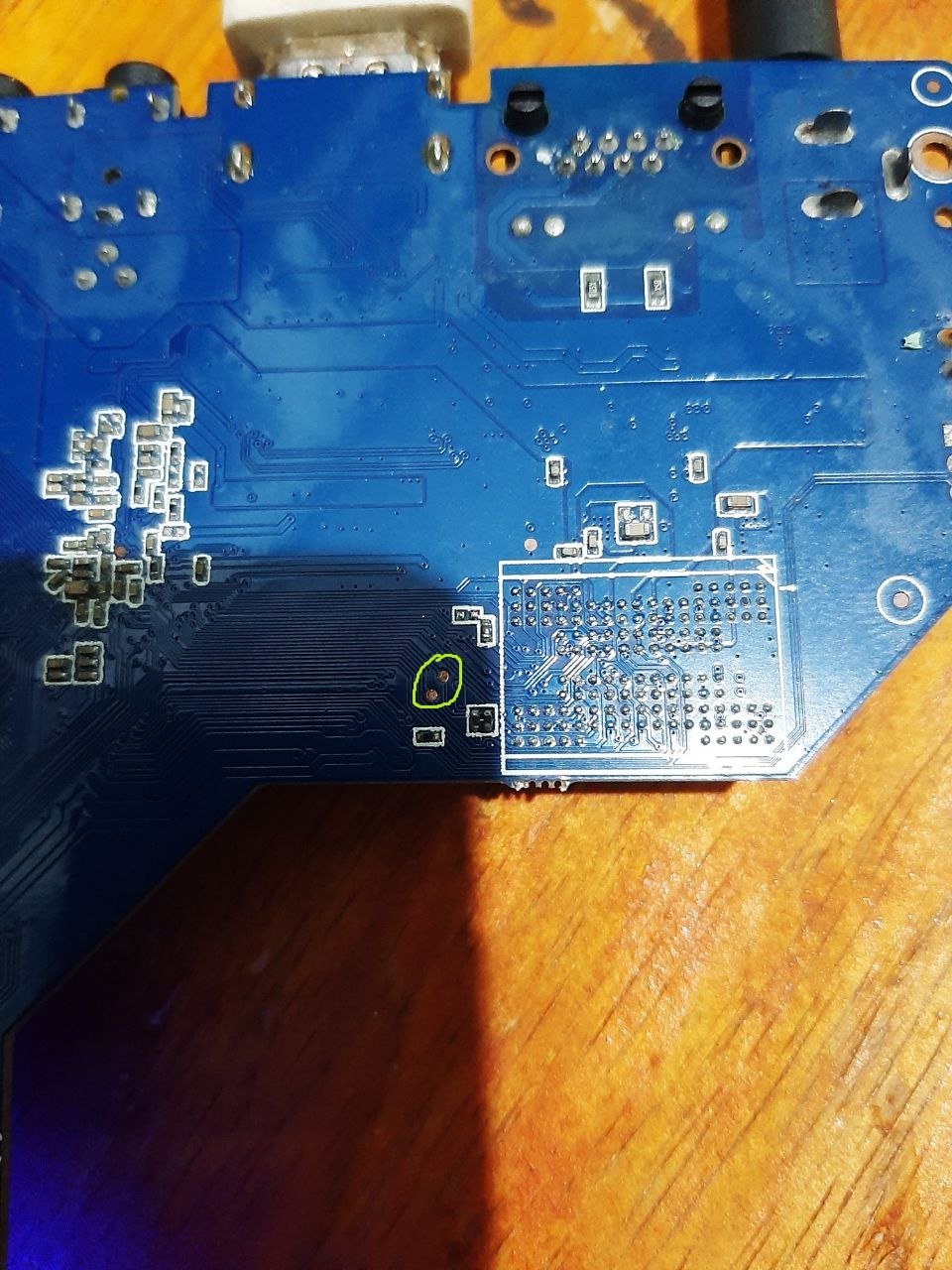
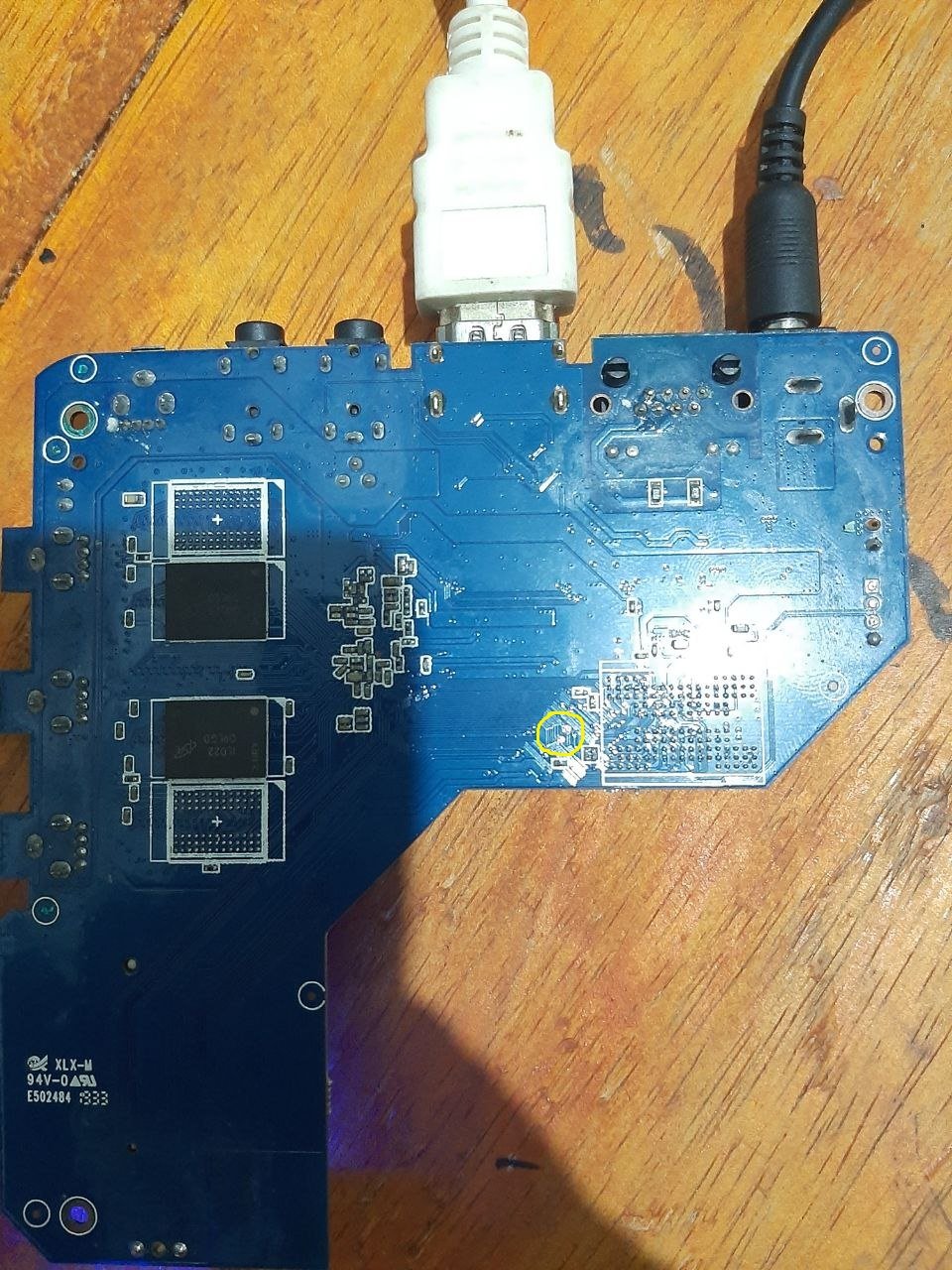
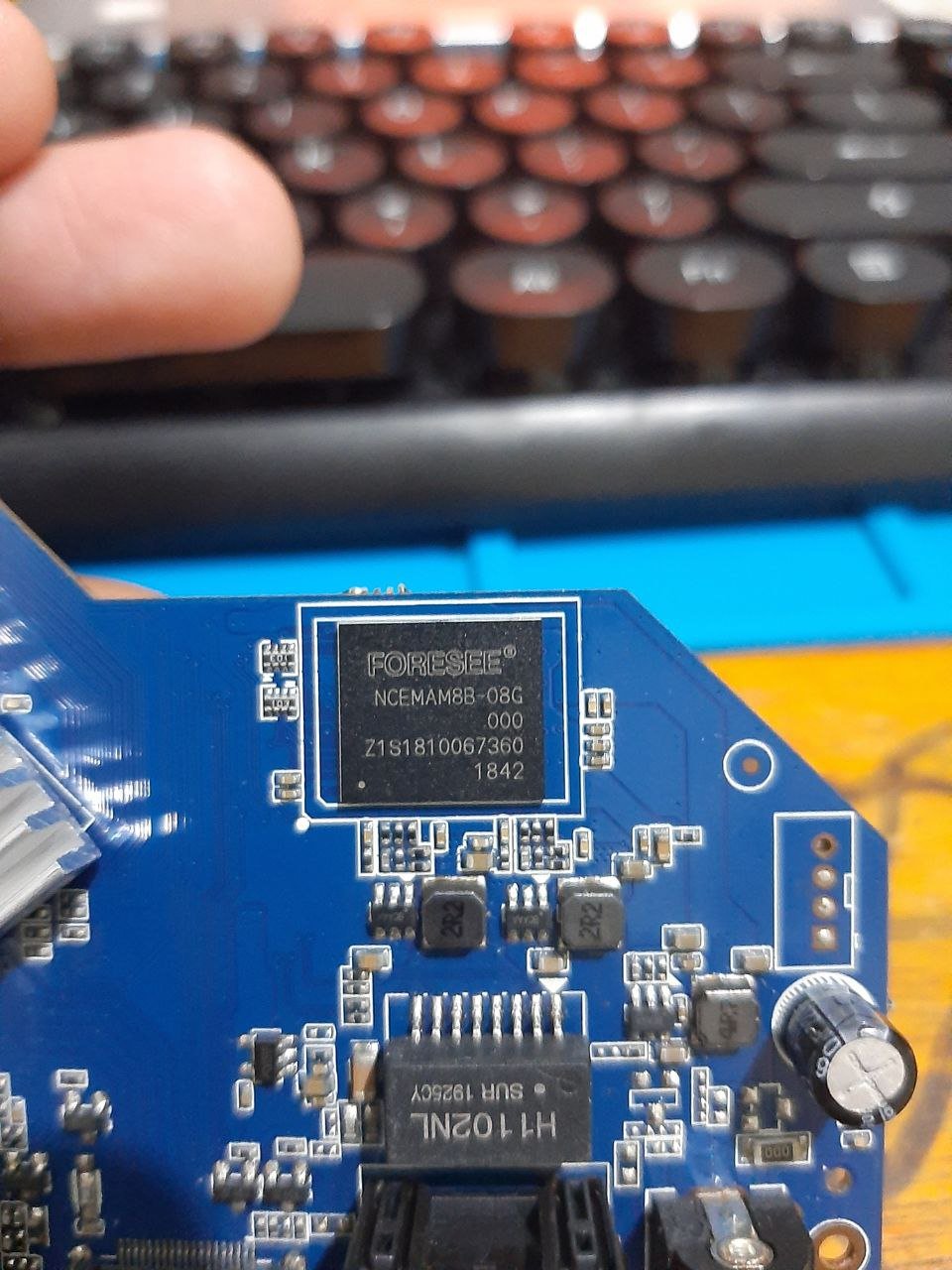
mxq pro 4k maybe "shortpin" Hope it is useful
.thumb.jpg.566e994fddc34a4e80c5a23d3375f36f.jpg)
-
Maybe are you experiencing the same issue ? https://forum.armbian.com/topic/56946-h3-reboot-issue/
-
Today I needed to reboot one of the Orange Pi which is at a remote location.... It did not come back to life.... Maybe some update removed the extraargs=reboot=warm parameter ....














.jpg.44b2897ad04e4cc12493ec40c16ec3e0.jpg)
