Active threads
Showing topics posted in for the last 365 days.
- Past hour
-
@PH Ph bootloader -> /dev/block/mmcblk0p1 Maybe this is the boot.bin we are looking for? Try extracting it with Android_boot_image_editor.
- Today
-
Thank you ill go look
-

Efforts to develop firmware for H96 MAX V56 RK3566 4G/32G
WINEDS replied to Hqnicolas's topic in Rockchip CPU Boxes
See my recent posts in the 64gb thread. You'll need to build an image with MAE0621A-02C support. The same thread will also give you dinner hints for to make the WiFi work with aic8800. -
Thank you all guys. I tried another way, and finally successfuly boot from NVMe. For others whoever might have this situation, I leave a note here. Get the official Radxa OS for rock (5c|5c lite). Get the vendor Armbian for rock (5c|5c lite). Make a sd card with Radxa image. Plug sd card into PC(not Rock 5c), and copy Armbian img file(ex. Armbian_25.11.1_Rock-5c_trixie_vendor_6.1.115_minimal.img) to the sd card(to /home/radxa or wherever). Boot Rock 5C(lite) with the sd card. Login to Radxa OS, run rsetup and set overlay with SPI boot loader. Reboot. run rsetup again, and update the SPI Bootloader. There are 2 bootloader options, rock 5c and rock 5c SPI bootloader, and I chose SPI bootloader. Then, dd Armbian Image to NVMe device. There's a Instructions. (dd if=Armbian_xxx.img of=/dev/nvme0n1 bs=1M status=progress) Power off, remove SD card and Power On! You can boot from NVMe!
- Yesterday
-
yeah, this is quite helpful, although the best solution is to wait at least until 6.19. But now I can see that the board was not abandoned, which I was a bit worried about. It seems to be a nice entry-level option and compatibility of both boards with rpi5 HATs due to the exposed PCIe is a great feature. I found the A53 cores quite speedy on Rock 2F and also not to produce much heat. That's why I might have been a bit impatient (I want to be able to use the pcie with mainline fixes).
-
Hey! Got it up and running - I have an Armbian SD card image based on the source trees found on https://github.com/orangepi-xunlong. Since I am a newbie to Armbian, please accept my apologies for beginner errors. Here's what I currently got on my UART: root@orangepirv2:~# uname -a Linux orangepirv2 6.6.63-current-ky #1 SMP PREEMPT Tue Mar 18 02:29:27 UTC 2025 riscv64 GNU/Linux root@orangepirv2:~# cat /etc/os-release PRETTY_NAME="Armbian-unofficial 26.02.0-trunk trixie" NAME="Debian GNU/Linux" VERSION_ID="13" VERSION="13 (trixie)" VERSION_CODENAME=trixie DEBIAN_VERSION_FULL=13.2 ID=debian HOME_URL="https://www.armbian.com/" SUPPORT_URL="https://forum.armbian.com" BUG_REPORT_URL="https://www.armbian.com/bugs" ARMBIAN_PRETTY_NAME="Armbian-unofficial 26.02.0-trunk trixie" This is not ready for prime time now. Needs a bit cleanup b/c I pulled in binaries and private project stuff not meant for armbian-build. Currently resides in this fork https://github.com/sven-ola/armbian-build/tree/orangepi-rv2. If you want to give it a try: it's compile.sh opirv2 after checkout. I've also managed to boot from the top 2230 M.2 SSD but this is also handmade (I'm pretty sure there is a script in here that copies the SD card boot blobs to SPI flash, will try before doing the MR). Best // Sven-Ola
-
 Hi, Board: Radxa ROCK 5T SoC: RK3588 Armbian image: Armbian 25.11.2 for Rock 5T Kernel: 6.1.115-vendor-rk35xx Userspace: Debian stable (trixie) U-Boot package: linux-u-boot-rock-5t-vendor 25.11.2 (arm64) u-boot-tools: 2025.01-3 Boot device: NVMe (/dev/nvme0n1), Armbian 25.11.2 for Rock 5T https://paste.armbian.com/opokufetux Summary On ROCK 5T, a normal reboot performs a clean shutdown (all services stopped, filesystems unmounted) but the board does not restart. After reaching Reached target reboot.target - System Reboot., the system hangs for some time and then repeatedly prints an interrupt/IRQ table (GICv3/ITS) on the console. A hardware power cycle is required to recover. Reboot is therefore unreliable / effectively broken. Poweroff hangs in the same way as reboot (clean shutdown, then IRQ table on screen, board does not actually power down). Configuration details Relevant /boot/armbianEnv.txt (current state): verbosity=1 bootlogo=false console=both extraargs=cma=256M reboot=warm sysrq_always_enabled=1 overlay_prefix=rockchip-rk3588 fdtfile=rockchip/rk3588-rock-5t.dtb rootdev=UUID=fbf76c4c-167a-49b2-81a4-e1b0220e8cac rootfstype=ext4 overlays= usbstoragequirks=0x2537:0x1066:u,0x2537:0x1068:u /proc/cmdline confirms the kernel parameters are applied: root=UUID=fbf76c4c-167a-49b2-81a4-e1b0220e8cac rootwait rootfstype=ext4 splash=verbose console=ttyS2,1500000 console=tty1 consoleblank=0 loglevel=1 ubootpart= usb-storage.quirks=0x2537:0x1066:u,0x2537:0x1068:u cma=256M reboot=warm sysrq_always_enabled=1 cgroup_enable=cpuset cgroup_memory=1 cgroup_enable=memory androidboot.fwver=ddr-v1.18-9fa84341ce,bl31-v1.48,uboot-rmbian-201-09/01/2025 Observed behavior Run sudo reboot. Systemd performs an orderly shutdown: services are stopped, all filesystems (including NVMe root) are unmounted or remounted ro, shutdown target is reached: Reached target reboot.target - System Reboot Instead of resetting and returning to U‑Boot, the board hangs. After some time, the HDMI console repeatedly prints a tall table of interrupts (GICv3/ITS entries, many zeros, some counters for PCIe/NVMe, USB, etc.), and never actually reboots. Only cutting power recovers the board. The system otherwise runs stably under load; NVMe, PCIe, network, and filesystem are all healthy. Workaround As a workaround, the reboot target was overridden to trigger a SysRq hard reset after a brief delay, so that services can shut down cleanly first: /etc/systemd/system/systemd-reboot.service.d/override.conf: [Service] ExecStart= ExecStart=/bin/sh -c 'sleep 5; echo 1 > /proc/sys/kernel/sysrq; echo b > /proc/sysrq-trigger' TimeoutStartSec=0 With this override in place: sudo reboot now: does a normal orderly shutdown, waits ~5 seconds at the end, then does SysRq + b to force a full reset, the board reliably returns to U‑Boot and boots again. This confirms that: clean shutdown works, a forced hardware reset works, but the normal reboot path used by the vendor RK3588 stack on ROCK 5T leaves the SoC in a bad state (seen as GIC/interrupt dump on screen) instead of performing a full reset. What I think is wrong It looks like the firmware/bootloader + vendor kernel combination on ROCK 5T does not properly implement the reboot sequence (PSCIs / PMIC / reset controller), so after Linux hands control over, the hardware stays in some half‑reset state and keeps generating spurious interrupts instead of resetting GIC/PCIe/etc. completely. The fact that SysRq + b from a fully running system does give a clean hardware reset suggests there is a working reset path, but the normal reboot path used by systemd / kernel is not using it correctly. Could you: Confirm whether this is a known issue for: Rock 5T specifically, or the 6.1.115-vendor-rk35xx kernel / current U‑Boot/BL31 bundle for rk3588 on Armbian? Advise whether there is: a newer U‑Boot / ATF / device‑tree combination that fixes reboot on Rock 5T, or a recommended kernel parameter / DT change (e.g. different PSCI reset mode, watchdog reset, etc.) to get a reliable soft reboot without the hard SysRq fallback? If needed, provide debug instructions (extra bootargs, specific logs around PSCI/reset) so the issue can be characterized better. I can provide: full dmesg from a normal boot, photos or serial logs of the IRQ table that appears after reboot hangs (GICv3/ITS dump on HDMI), U‑Boot version / environment if required. Thanks in advance for looking into this.
 -
In fact, image boot very well with minimal change. (dtb change and something about virtual console) It' s after 🥲
-
They are not empty. You need to go one level deeper: https://armbian.nardol.ovh/dl/tinkerboard/archive/ BTW, try https://github.com/armbian/imager It will be much easier.
-
Well, I finally used some disk drives to move the btrfs data live, repartition with GPT using a vFAT and btrfs partition with 16MB offset of u-boot before the first partition, so with this boots automatically, and I guess more mainline. Thanks @eselarm for your comments, I'll these variables later.
-
This is NOT a support request, more of a brag. Needing a backup system, I was enamored of the low power requirements to run the bpi-m5. But they have no sata ports to drive bigger SSD's. But I bought a 5 stack of 4Tb TMSC built SSD drives at $200/copy, figuring on using a USB3.2 hub and startech's usb3.2 to sata adaptors, a big drive cage and a 50 watt 5 volt psu. More than 3 drives plugged in was too much current for the hub, itgot hot & shut down, so I bought another hub & glued it to the otherside of the drive cage. Problem solved. Printed the shelves to hold the drives and a BPI-m5. I configured the 5 SSD's into a software raid6 of 11TB. A friend that is really good at shell scripts knocked up an rsync based thing that could go thru the user trees of all my machines, currently itself, this box, and all my cnc stuff in the garage, several 3d printers, a total of 8 machines, soon to be 9, making a backup of /home/gene or /home/cnc since cnc is first user on the pi running my big but old Sheldon lathe. This draws around 15 watts idling, up to 19 watts running, and does it all in 28 or 29 minutes. So that is something else these pi clones can do, and do very well. I've run it 7 or 8 times in two weeks, adding another 3d printer to the $systems list each time. Its used 4% of the 11TB so far. Using rsync the only expansion in storage is the backup copy of any file thats been changed since the last run. I love doing odd stuff like this just to see if it can be done. And it has succeeded beyond my expectations. That rpi4b running that lathe was another such "project". Started with an rpi3b which wasn't quite fast enough but its been running for over a decade, almost a decade since I switched it to a rpi4b. There, when the lathe is off, linuxcnc controls that too, the pi and monitor show as a 23 watt load. Whats not to like?
-
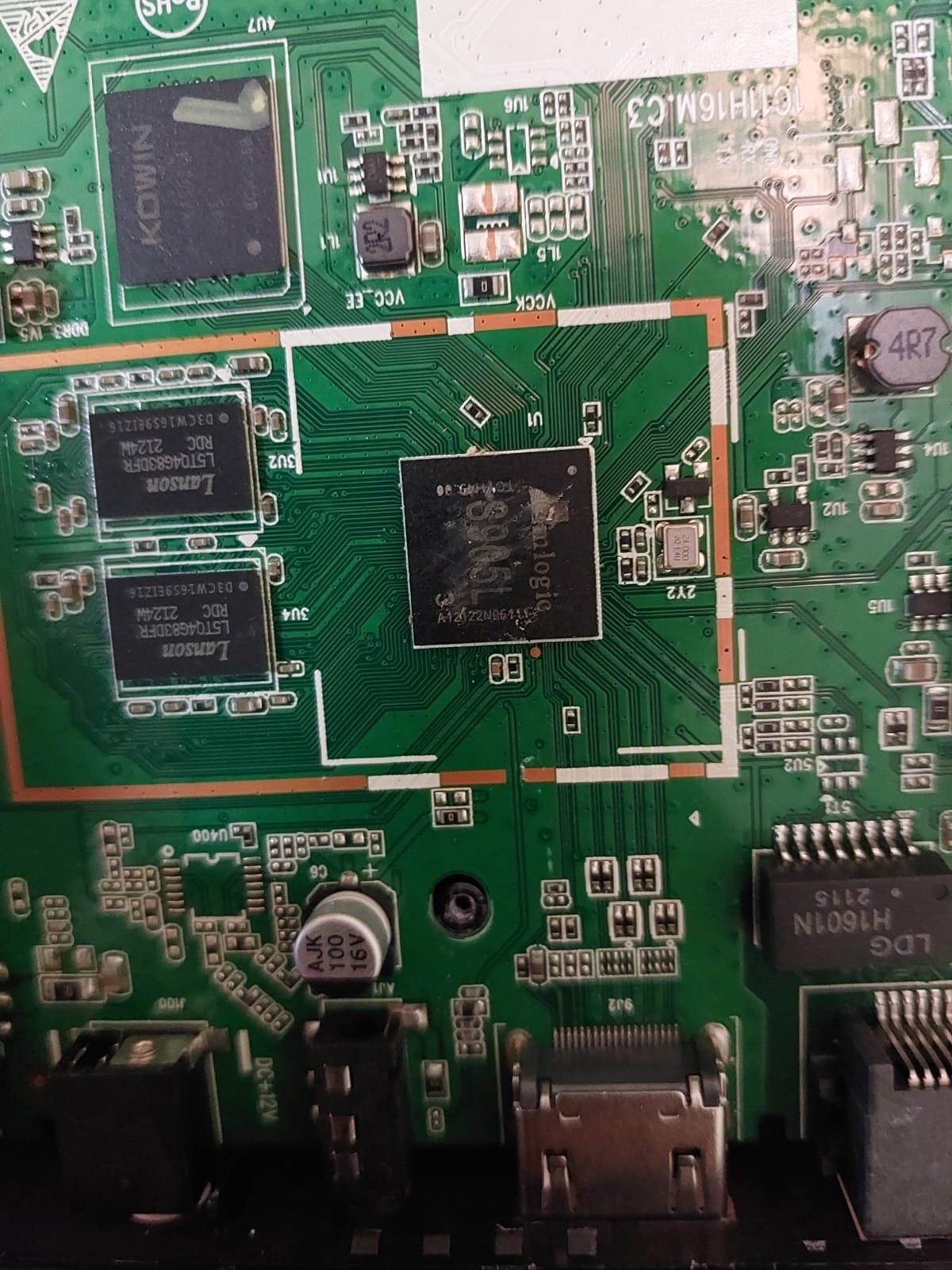
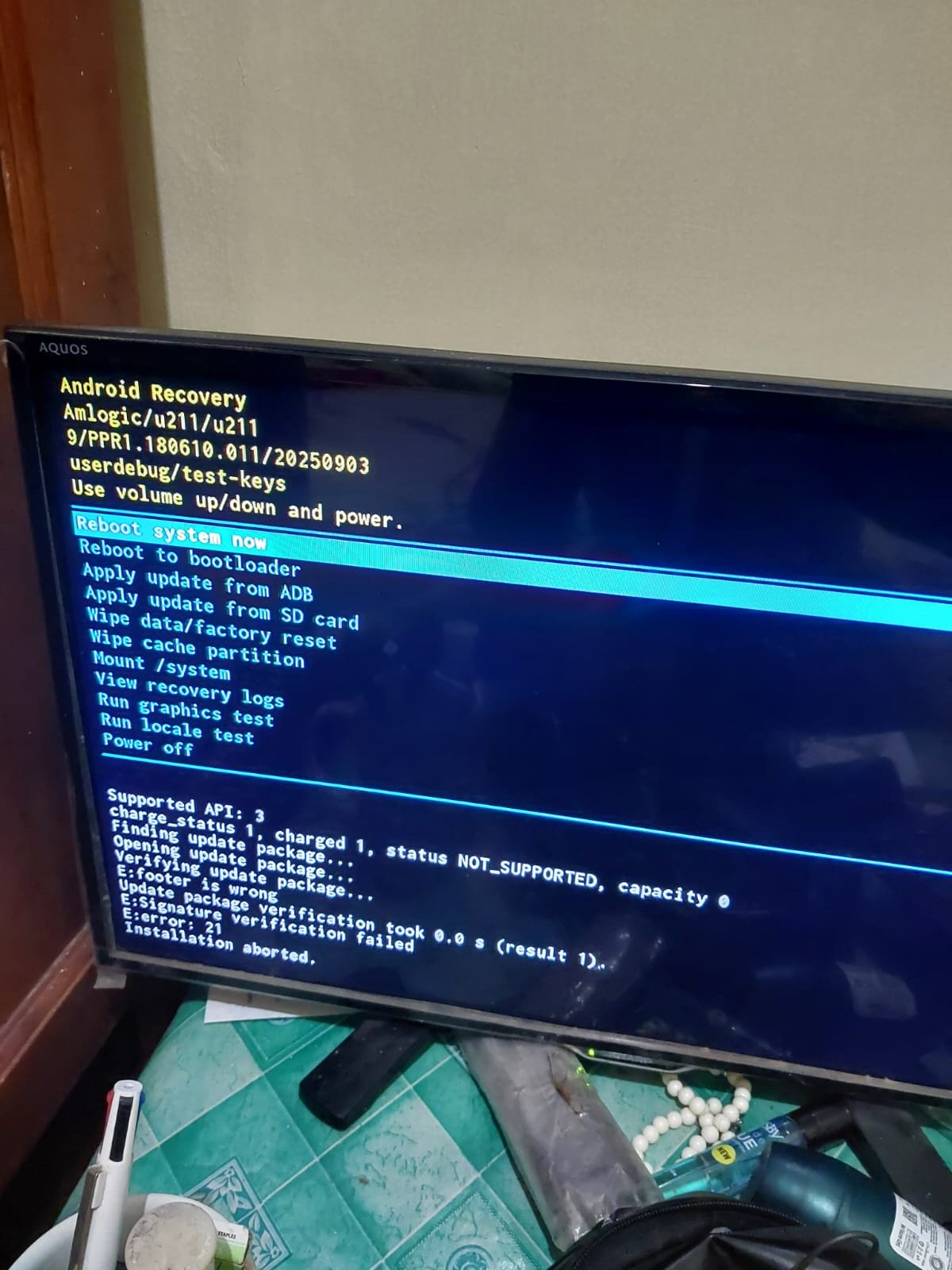
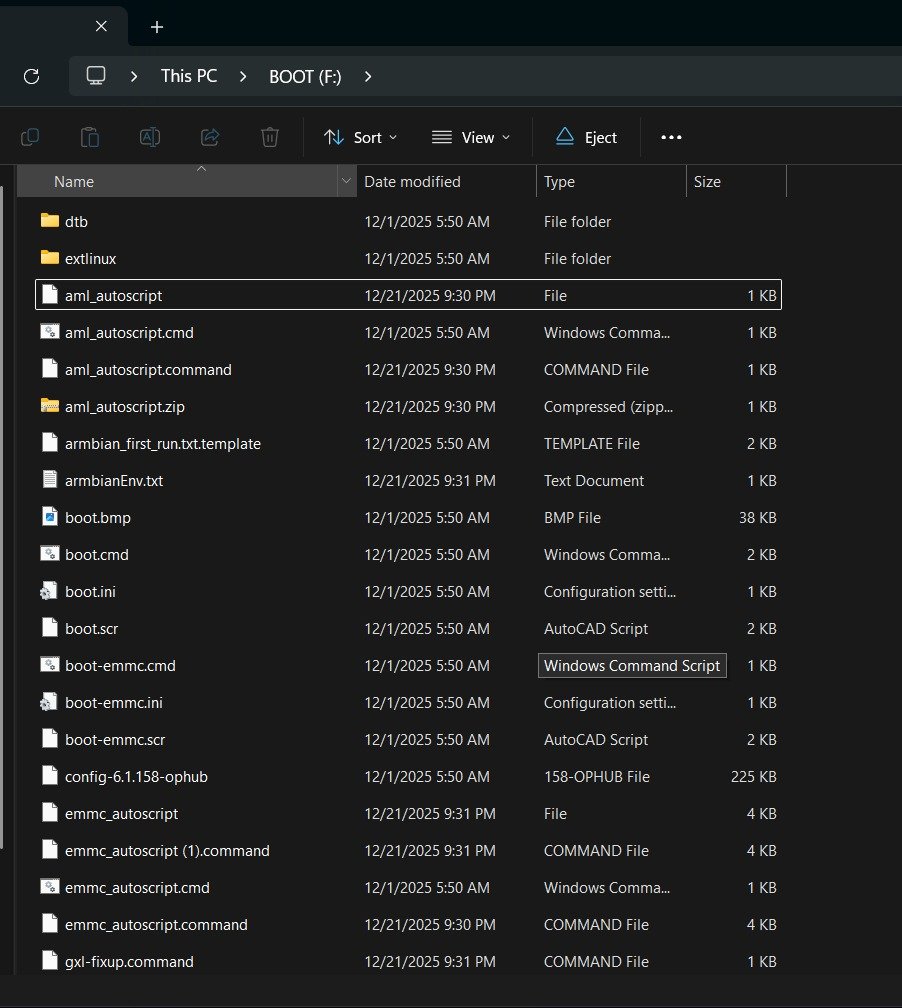
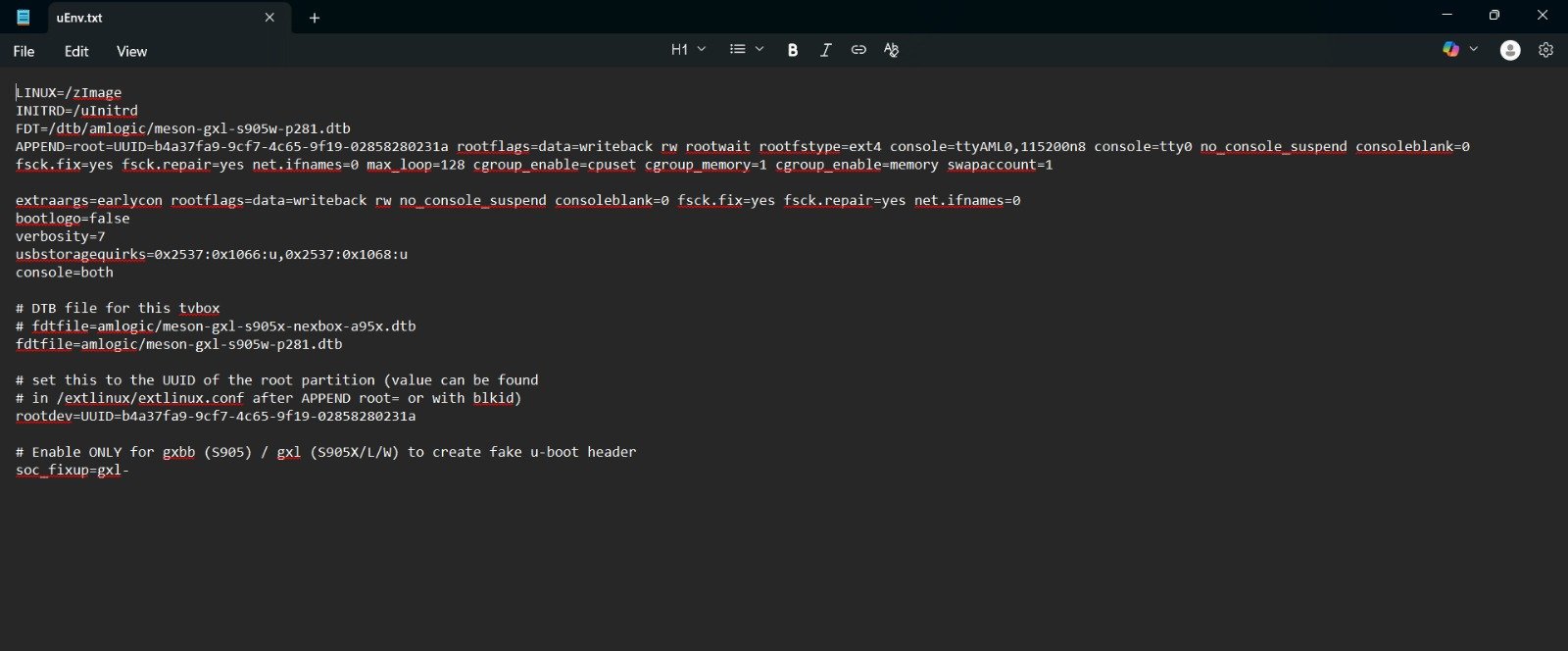
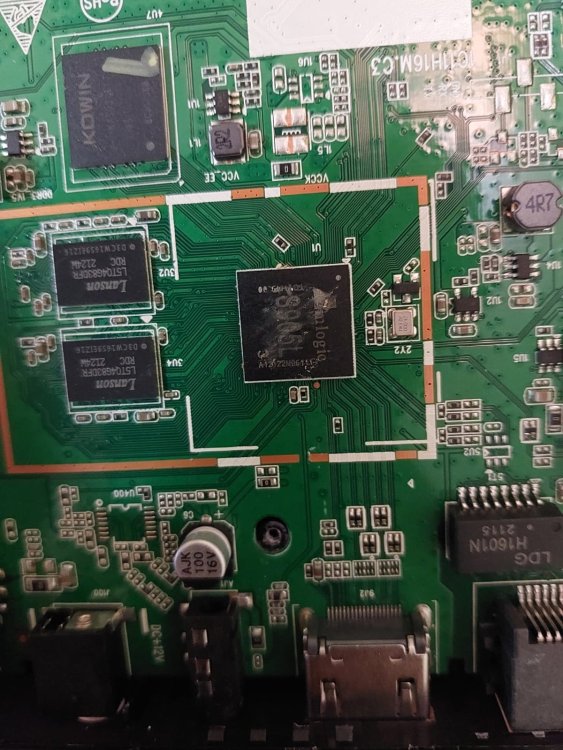
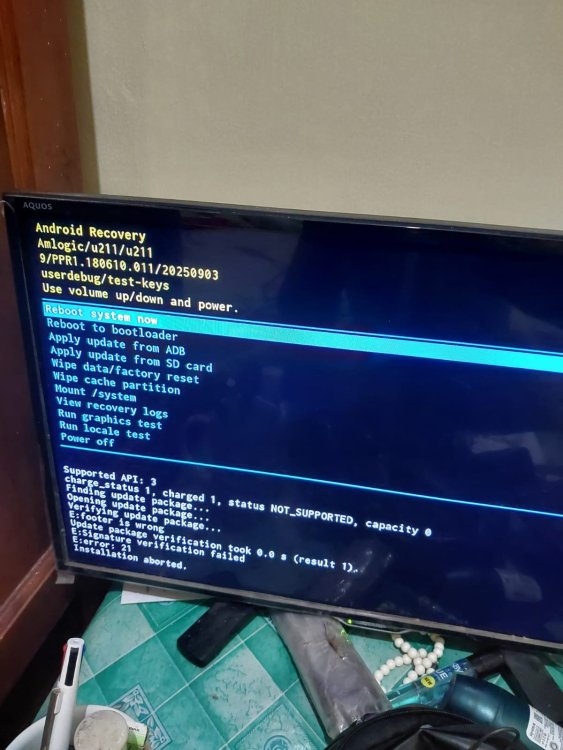
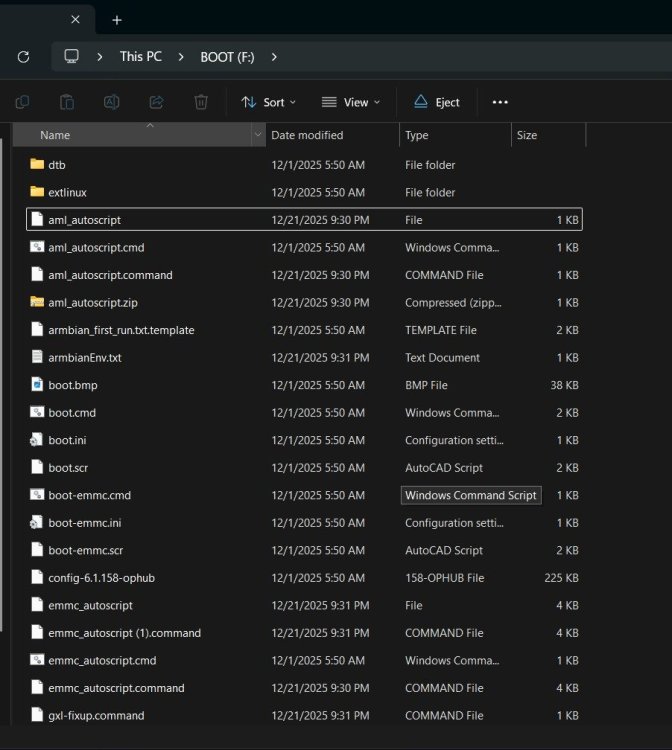
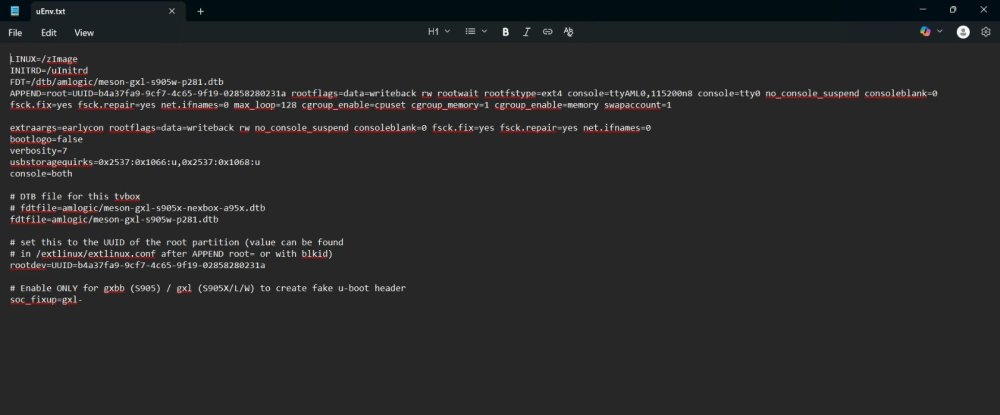
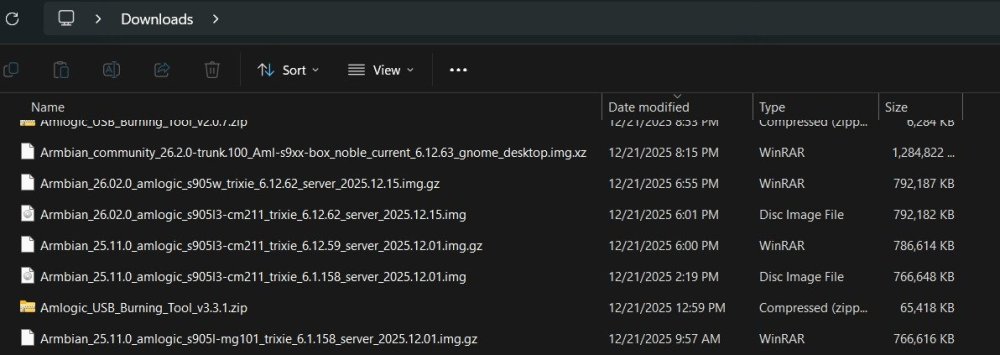
I had an error when installing armbian on my M96H androidtv S950L3. Anyone any idea to resolve this?
-
The holes are visible in the 4. Image of fedes_gl's first message. The holes are right to the display. The pins are connected to the AIP1628. This images are from the first layout version. I now have a second Board with V1.4 marked in the Layout. The holes are no longer present in this version. It has also has a different Wi-Fi chip, therefore Wi-Fi doesn't work in my current Armbian release with this v 1.4. box.
-
Hello! I've built my own sbc using the Allwinner H3 chip, and I'm looking to get a custom armbian image running on it. I've already successfully compiled an image by adding a new config to u-boot and armbian-build, and a device tree to the linux kernel. Now I'm looking to get the WiFi working, but I can't seem to find where I can change its pin definitions. I'm using the AP6212: the SDIO pins are connected to SDC1 (aka mmc1) like every other board, but the WL_REG_ON (aka WL-PMU-EN) and WL_HOST_WAKE (aka WL-WAKE-AP) pins are connected to GPIO pins different from all other boards, so I'll need to change their pin assignments in the kernel manually. But I can't find where are these pins defined! Do I need to change it via u-boot, the kernel, a module or some config file? Any pointers would be appreciated! Thanks in advance
-
bringing up a BIG 3d printer from square one on a bpi--m5 with a fairly new image. The pager requires 10 or more mouse clicks, starting with the _ . . . . . at the upper left corner of what I think is the default xfce4 screen. All the eye candy and mouse clicks to actually switch workspaces are very distracting when one is trying to configure klipper. Can all this be reduced to a single click on the dot representing that workspace in the micro-pager? The eye candy is impressive to visiting frogs, until its a PITA when actually doing work. We buy these things in 6 pack qty's to do work, and give you a small monthly support, but impressing the frogs is maybe .0000002% of the time spent as I don't invite the frogs in to see my printer farm very often.
-

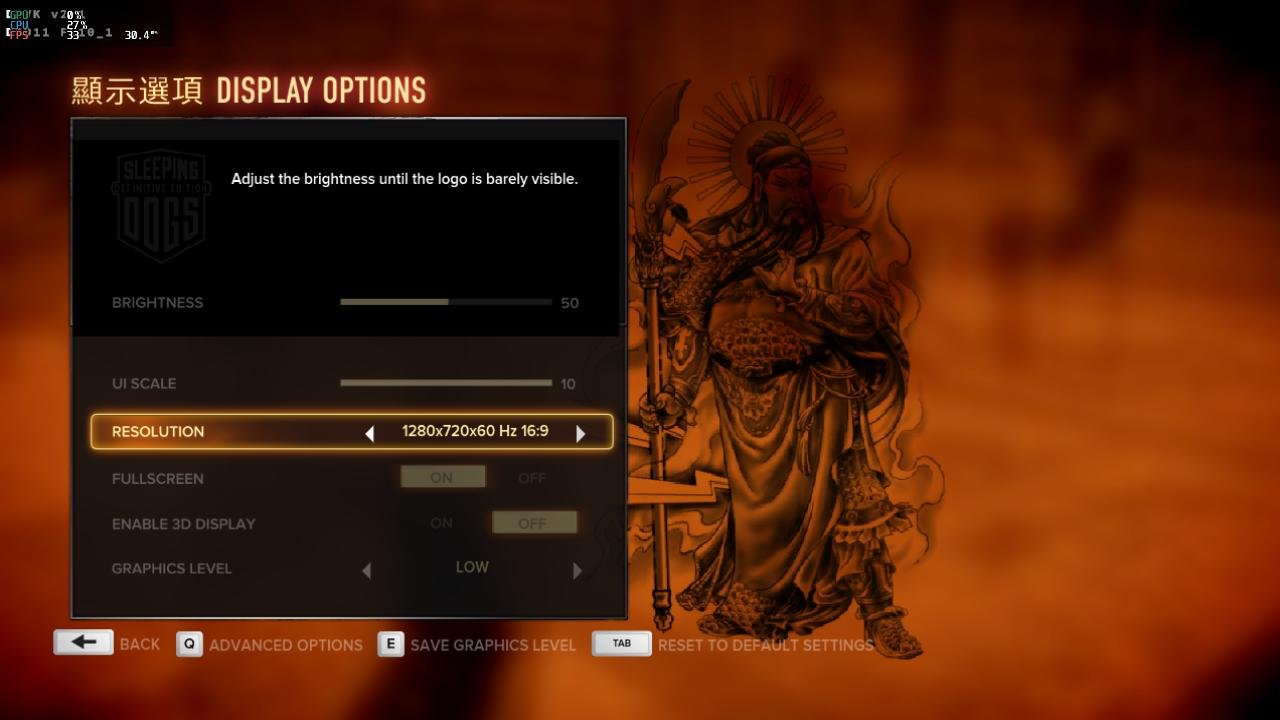
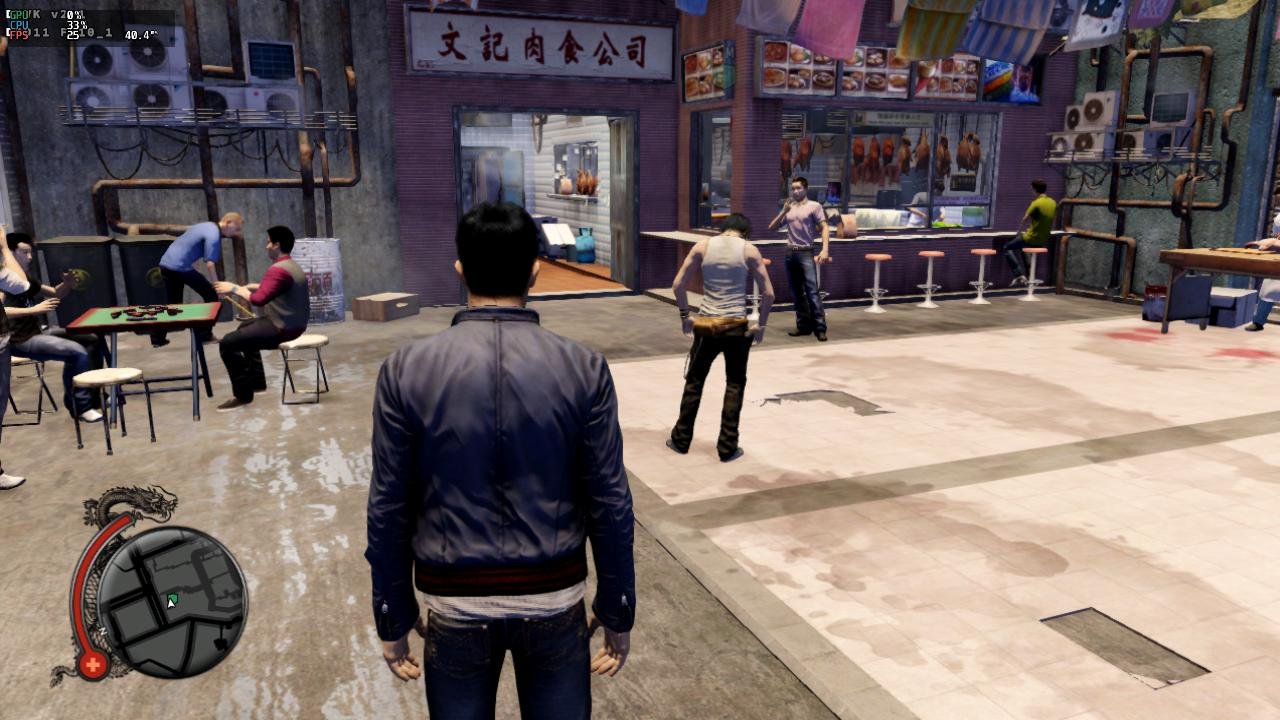
Gaming experience with Orange Pi 5 (RK3588) on Armbian
KhanhDTP replied to KhanhDTP's topic in Orange Pi 5
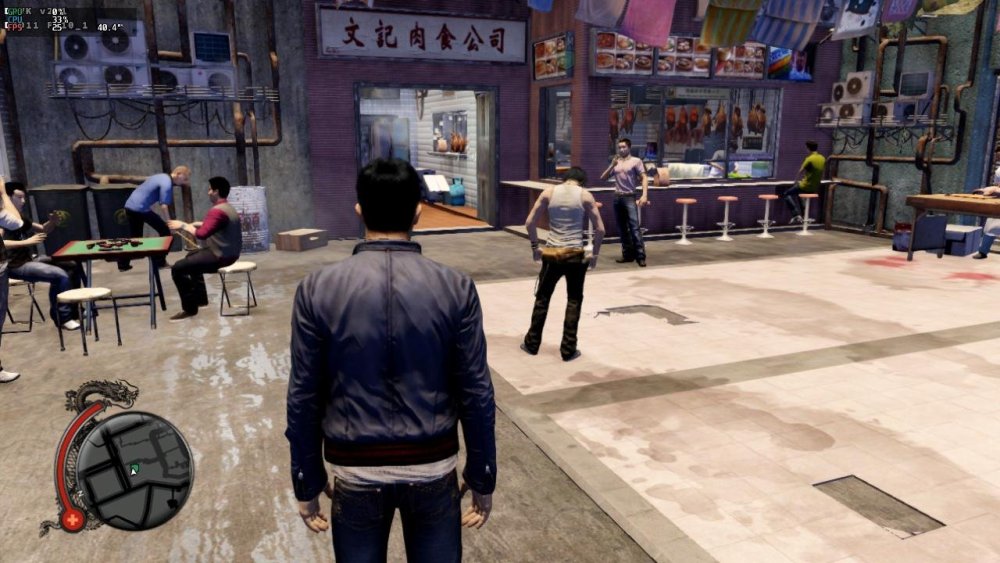
Armbian 25.11.2 Noble XFCE (BSD Kernel: 6.1.115) + PanVk - mesa 26.0 (https://launchpad.net/~ernstp/+archive/ubuntu/mesaaco) + box64 3.9 (https://ryanfortner.github.io/box64-debs/) + wine-10.14-staging-tkg-ntsync-amd64-wow64 (https://github.com/Kron4ek/Wine-Builds/releases/tag/10.14) + Dxvk 2.1 (stripped) ~24fps@720p Sleeping Dogs - Definitive Edition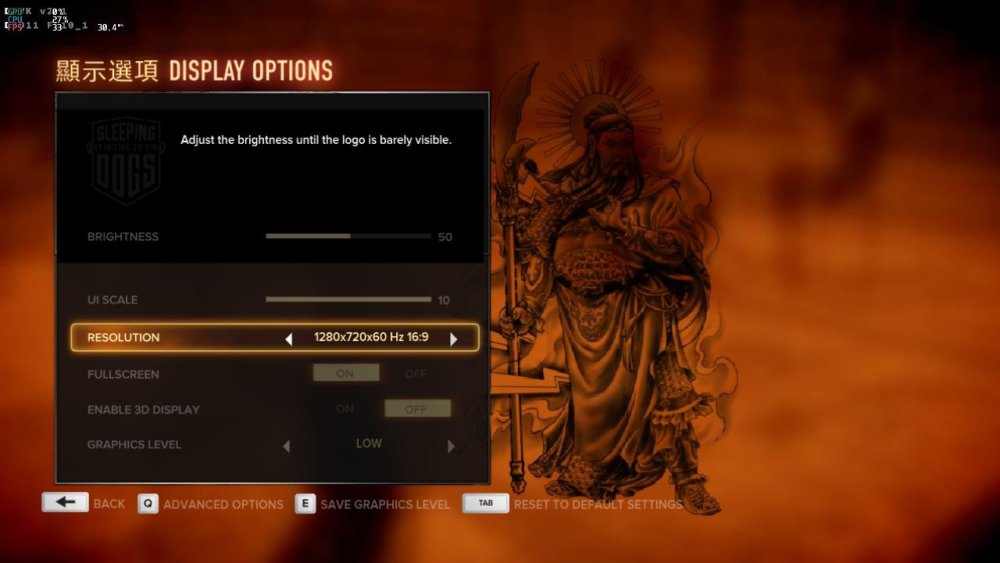
-

NanoPi NEO LEDs not working with Linux 5.15.25-sunxi (Armbian 22.02.1)
niw replied to Jake7's topic in Allwinner sunxi
I see the next specific inline comments in the Armbian patches for NenoPi Neo at https://github.com/armbian/build/blob/69e8482426c7da4482dae06edb838dfe8bfd9920/patch/kernel/archive/sunxi-6.12/patches.armbian/arm-dts-h3-nanopi-neo-Add-regulator-leds-mmc2.patch. + /* Warning: sunxi-5.18: + * The leds node is present in the sun8i-h3-nanopi.dtsi file + * You will have to fix this situation yourself + */ + leds { + compatible = "gpio-leds"; + Looks like Linux Kernel source itself has its own `/led/led-0` and `/led/led-1` now in https://github.com/torvalds/linux/blob/master/arch/arm/boot/dts/allwinner/sun8i-h3-nanopi.dtsi and it seems preventing patched `/led/pwr` and `/led/status` work. Now I added following Device Tree Overlay and both PWR and STAT leds works again as expected. /dts-v1/; /plugin/; / { compatible = "allwinner,sun8i-h3"; fragment@0 { target-path = "/leds/led-0"; __overlay__ { status = "disabled"; }; }; fragment@1 { target-path = "/leds/led-1"; __overlay__ { status = "disabled"; }; }; }; Create this file as like `fix-leds.dts` then run `sudo armbian-add-overlay fix-leds.dts` by following https://docs.armbian.com/User-Guide_Armbian_overlays/ then reboot the device now PWR LED on and STAT LED blinks. - Last week
-
@Nick A Nice, thanks a lot for the information. I 'll cherry pick the commit in your link and build a new image. I'll let you know if i'm sucessfull or not.
-
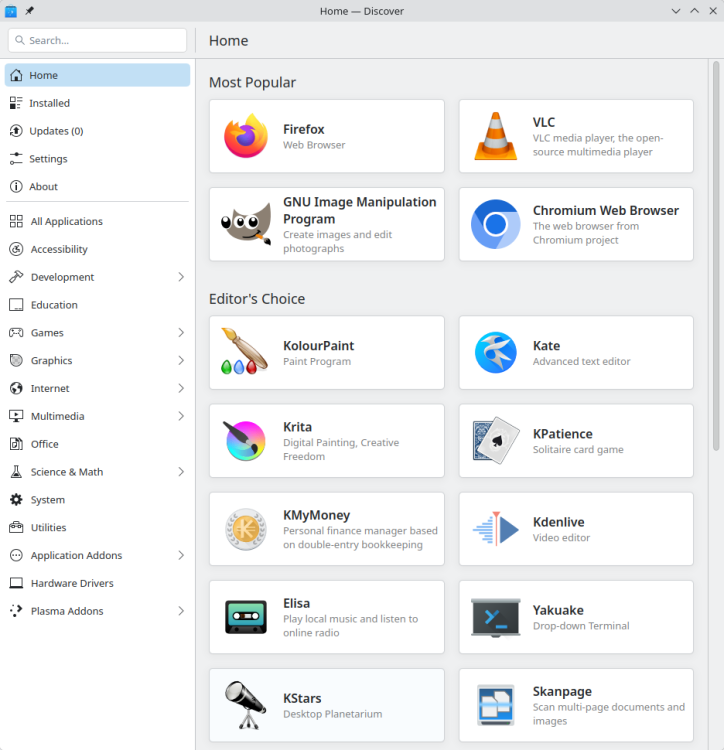
 Well, I can't complain about the up-to-dateness of my natively installed browser. Damn, everything is out of date again- It's urgently time for the latest updates for my distribution to become available.

-
Thanks. Found a post from @igor basically stating the same. I'll continue to work on the RV2 here for that reason.
-
 This became messy way too fast. I went down a rabbit hole that was the wrong one! The key issue here is that the current "noble" is Ubuntu based and thus is not Debian per say, especially with regards to "snaps". So whoever reads this thread from the O/P I would say the solution is to hope that at some point an Armbian "trixie" distro with desktop will be released, until then use the "bookworm" release if you are allergic to "snaps".
 -

Unisoc UWE5621DS on RK3566 device? calling Orange Pi experts
CY Liu replied to dieselnutjob's topic in Off-topic
Could you pls share howto? I'm working on S9053La, cannot find solution so far, thanks! -
I'll try building the image again today with a new git clone, without changing anything except the userpatchers configuration. If I don't add the module this way, it won't be enabled in the text menu. I'll report back on my progress later.I created an image without changing the boardconfig. I used the default configuration for userpatches, which is used for compilation. I added one line, CONFIG_DRM_PANEL_MIPI_DBI=m, and the image built successfully. Afterwards, I booted and checked the kernel module with the command modinfo panel-mipi-dbi; the module is enabled. I also checked the configuration in /boot/config(umane); the module is enabled there too. I added DTS with the command sudo armbian-add-overlay , and also added the binary from the Pancake repo. After rebooting, the result didn't change at all; the screen was white. The output of dmesg | grep spi shows the same as in the previous post. I'm not sure about the pinout. Could you send me your pinout? What awg wires are you using? I use a combination of 28awg for VCC, DC, and GND, and 32awg for the rest.
-
@kvvvp Build from branch v20251014 (kernel 6.17.2)
-
how to apply a patche for t527? i have updated Armbian now and ready to build a test image to share to everybody